
UPDF - AI-Powered PDF Editor
Superace Software Technology Co., Ltd.
3.7 ★
2K ratings
500,000+
downloads
Free
+ in-app
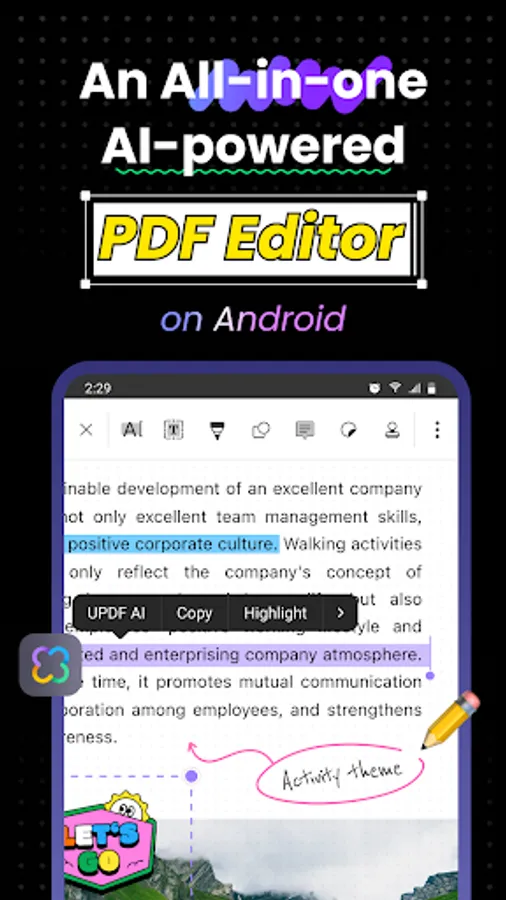
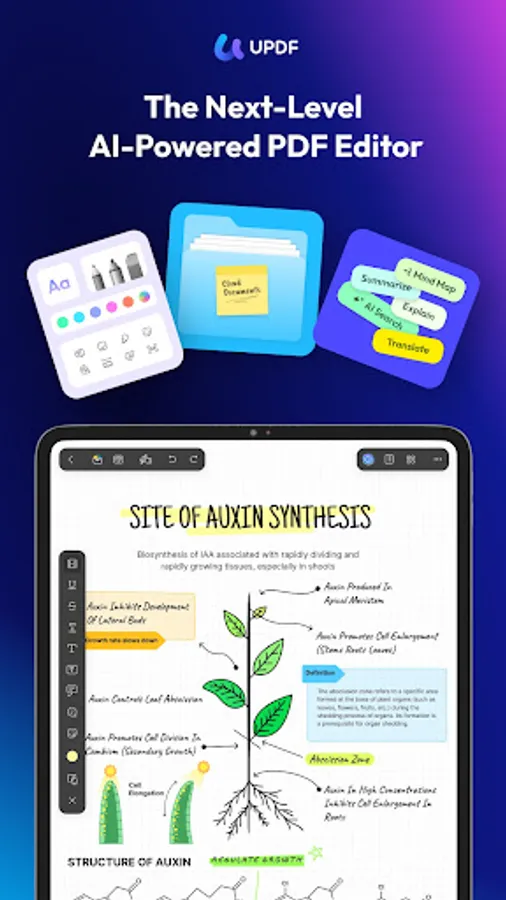
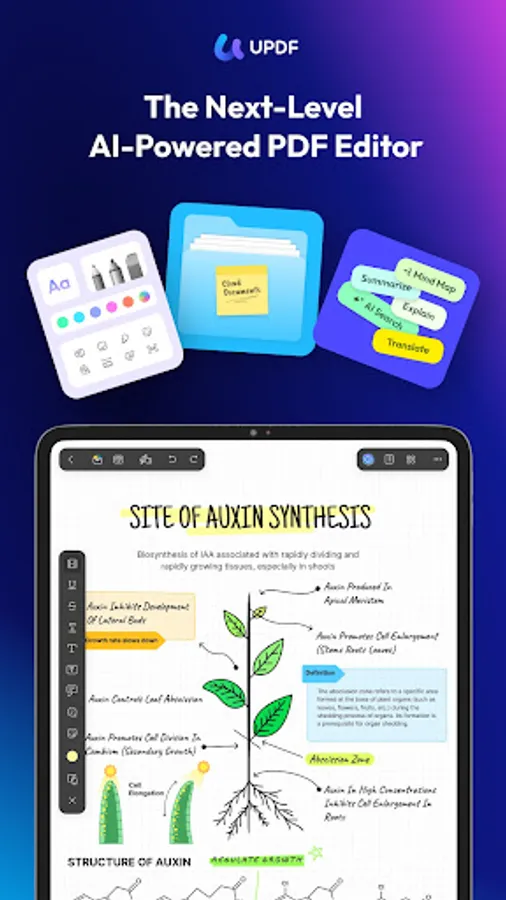
In this PDF editor, you can view, edit, and annotate PDF documents easily. Includes features for summarizing, translating, and chatting with AI, as well as managing and signing PDFs.
AppRecs review analysis
AppRecs rating 3.5. Trustworthiness 88 out of 100. Review manipulation risk 19 out of 100. Based on a review sample analyzed.
★★★☆☆
3.5
AppRecs Rating
Ratings breakdown
5 star
62%
4 star
6%
3 star
4%
2 star
3%
1 star
26%
What to know
✓
Low review manipulation risk
19% review manipulation risk
✓
Credible reviews
88% trustworthiness score from analyzed reviews
⚠
Pricing complaints
Many low ratings mention paywalls or pricing
About UPDF - AI-Powered PDF Editor
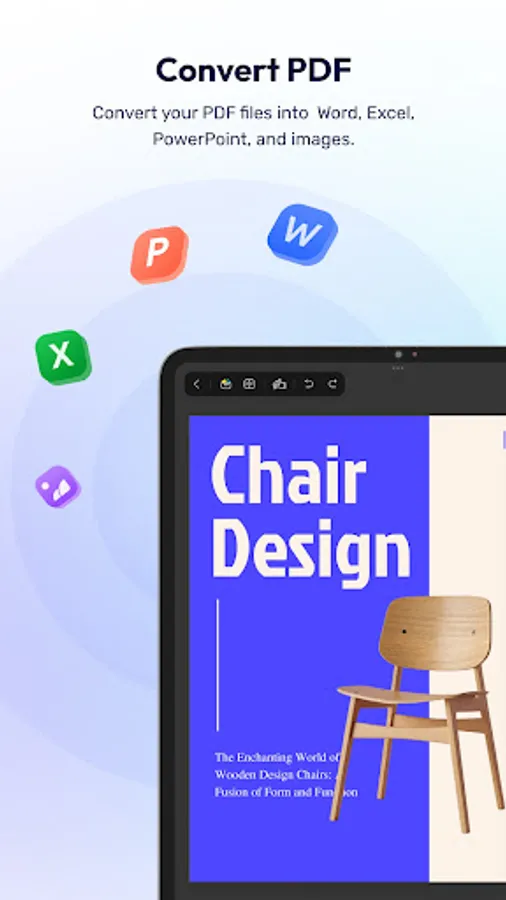
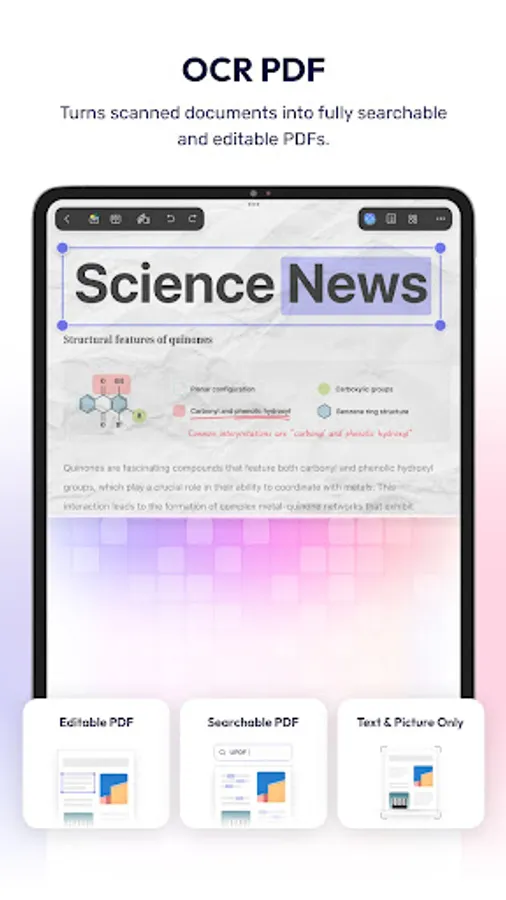
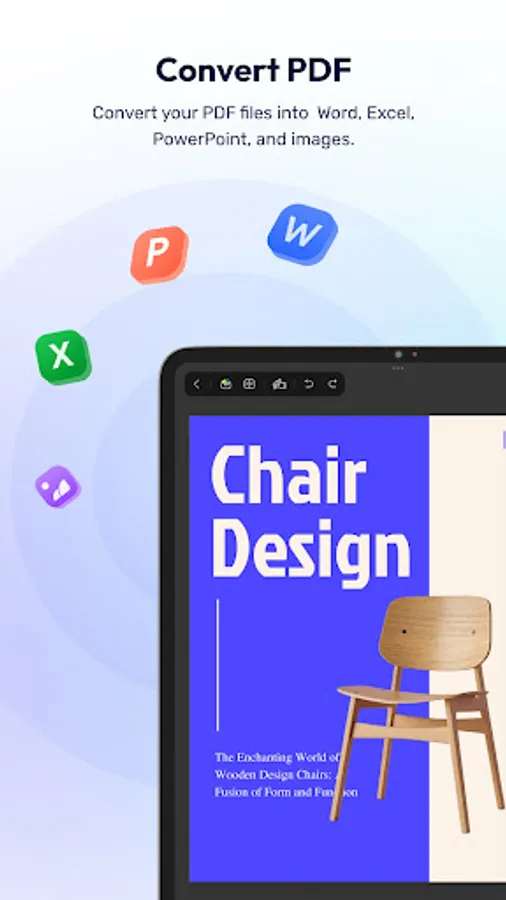
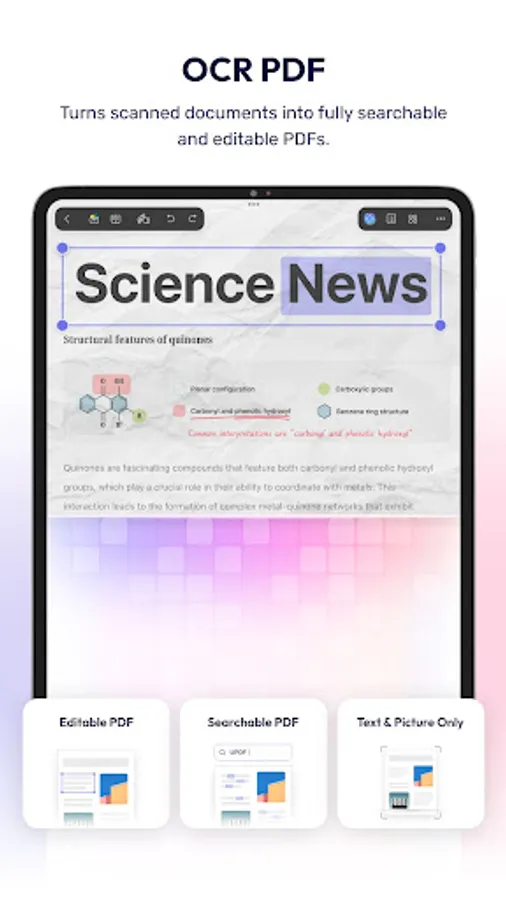
UPDF is an AI-powered PDF editor that streamlines working with PDFs on the go. With UPDF, you can effortlessly view, edit, summarize, translate, explain, annotate, manage, print, and share PDFs, plus chat with AI. In addition to Android, UPDF is also compatible with iOS, Windows, and Mac. Use it on any device as needed.
Key Features:
Read PDF
- Open and view PDF files.
- View the properties of your PDF files.
- Add bookmarks to easily locate specific pages. This feature also supports renaming, reordering, and deleting the added bookmarks.
- Search within lengthy PDFs for specific words or sentences.
- Switch among four page display modes, including single-page view, two-page view, single-page scrolling, and two-page scrolling.
Edit PDFs
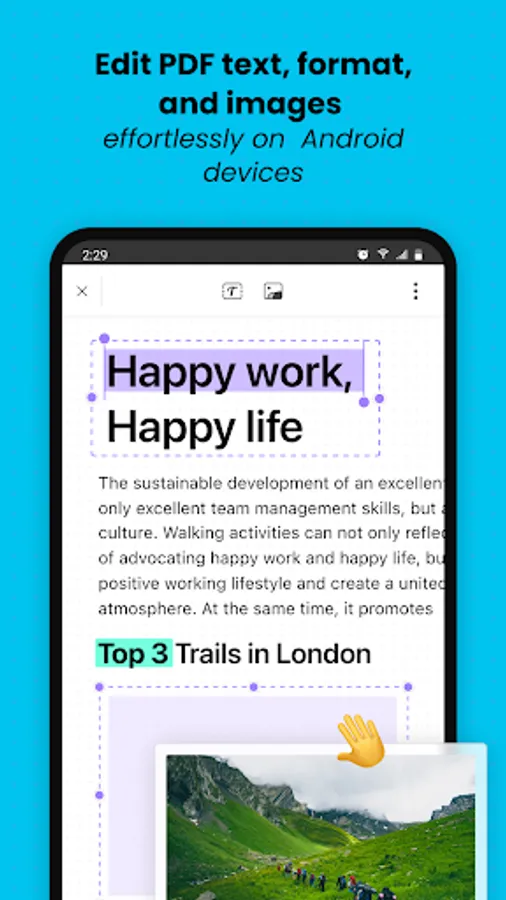
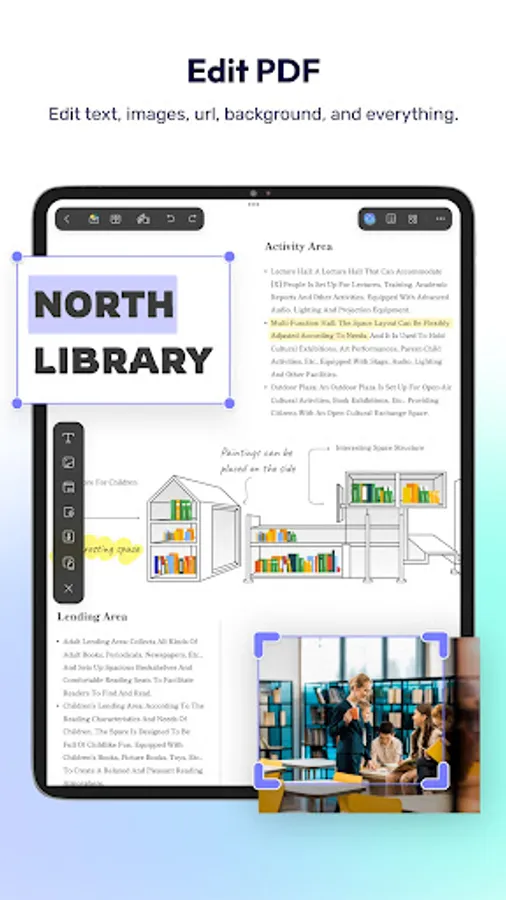
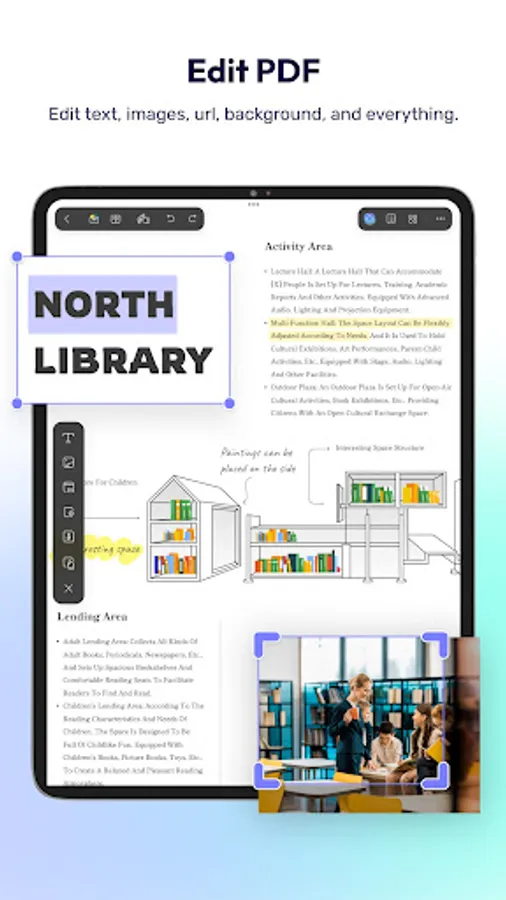
- Add/edit the text, and images in PDFs.
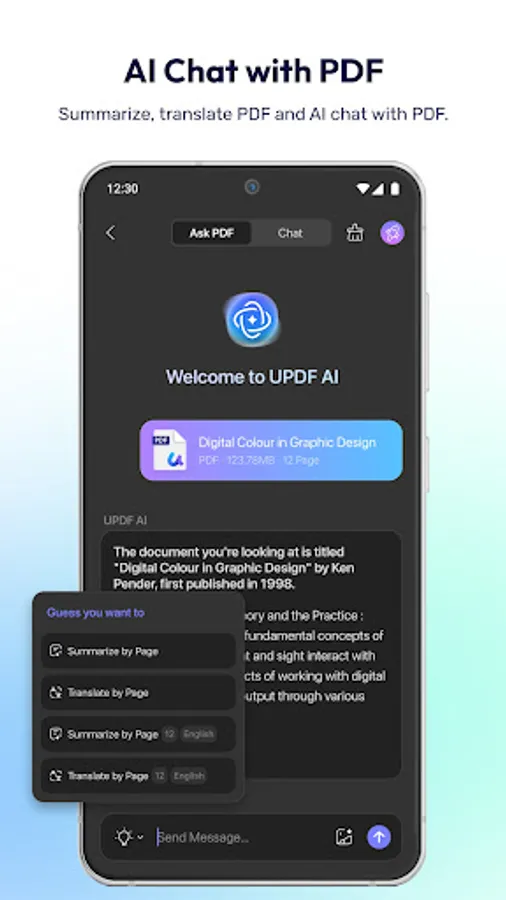
AI Assistant
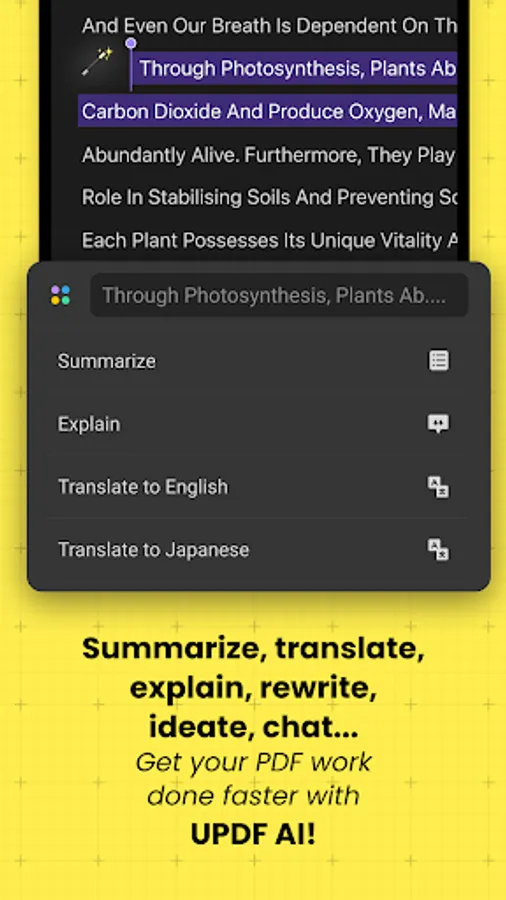
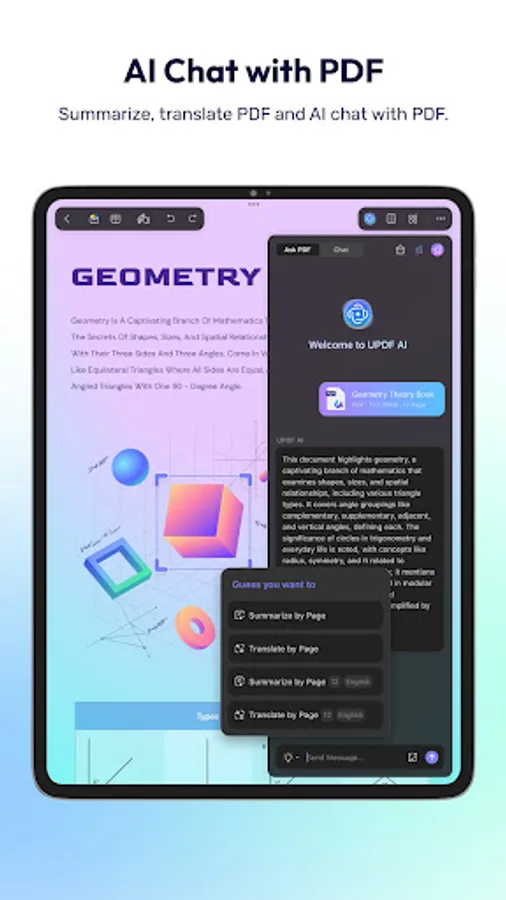
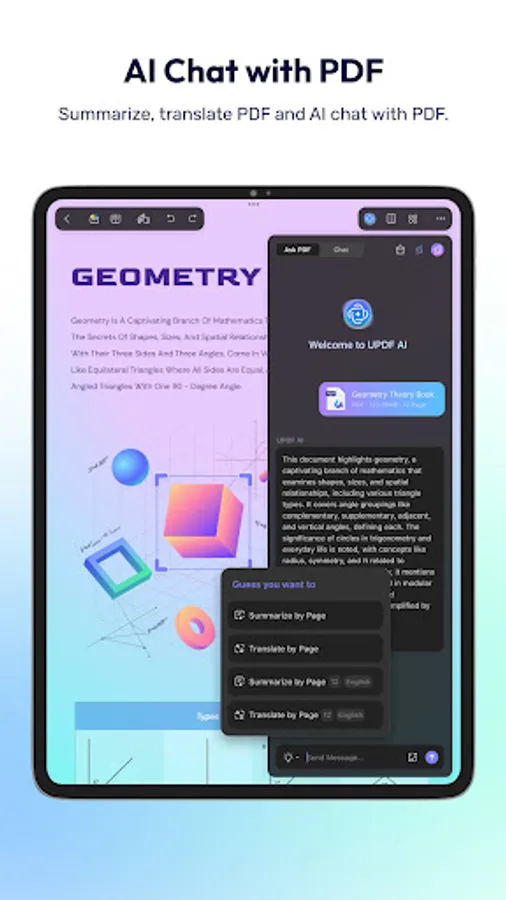
- Summarize, translate, explain, and rephrase lengthy PDFs in just minutes.
- Two methods are available to access the UPDF AI assistant: through chat box or select text to choose.
- Engage in a chat with UPDF AI and ask it any questions you have.
Annotate PDFs
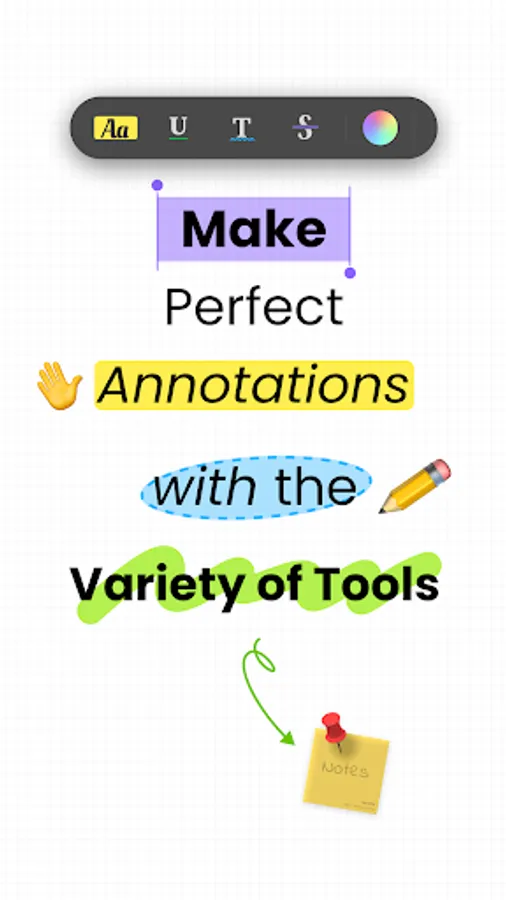
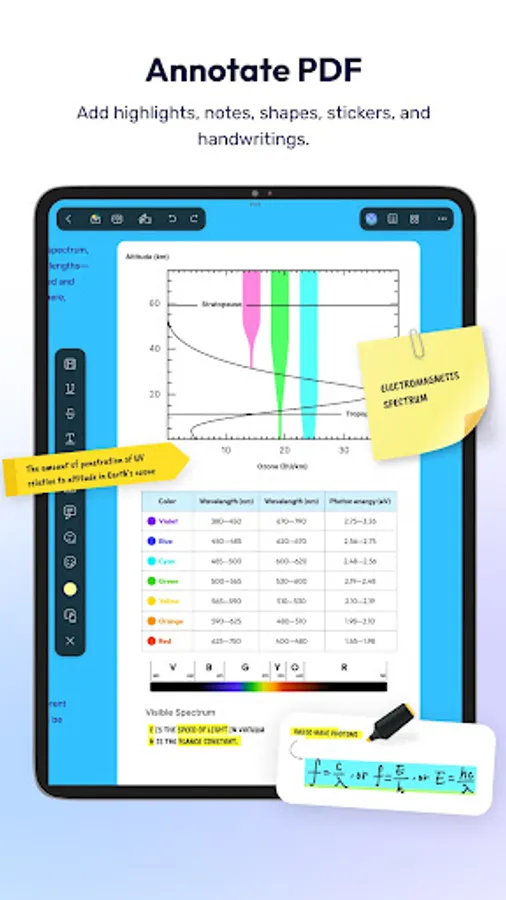
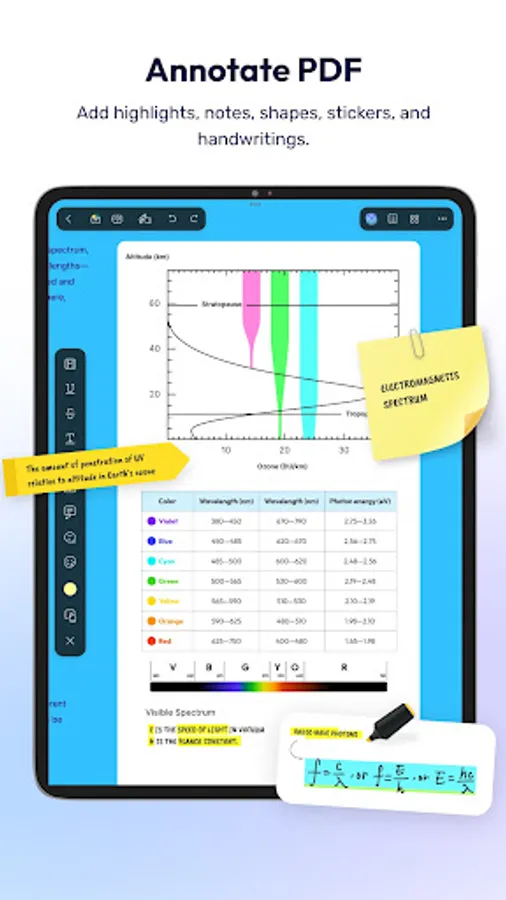
- Annotate PDFs by using markup tools like pencil, highlight, underline, strikethrough, or squiggly line.
- Add comments like text boxes, text comments, callouts, sticky notes, etc.
- Add shapes, stamps and stickers to PDFs.
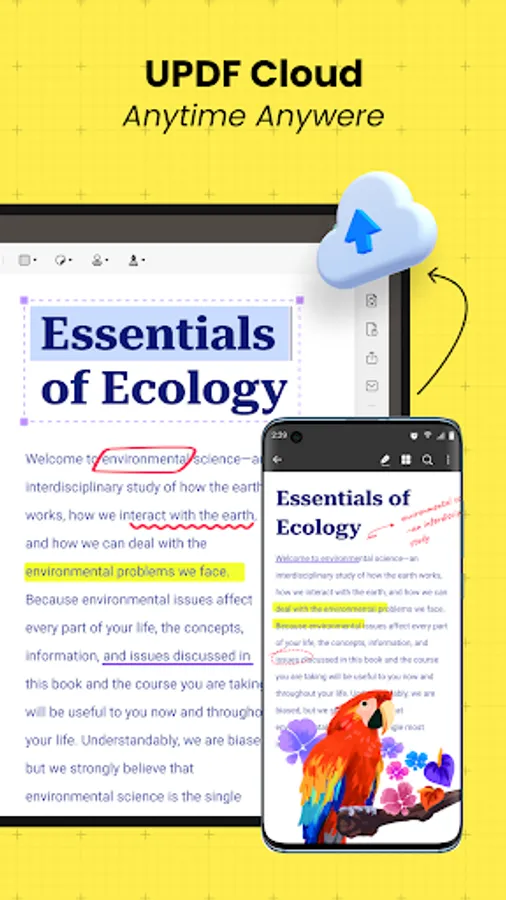
UPDF Cloud
-Seamlessly access your files across different devices and sync your file across Windows, macOS, iOS and Android platforms in real-time.
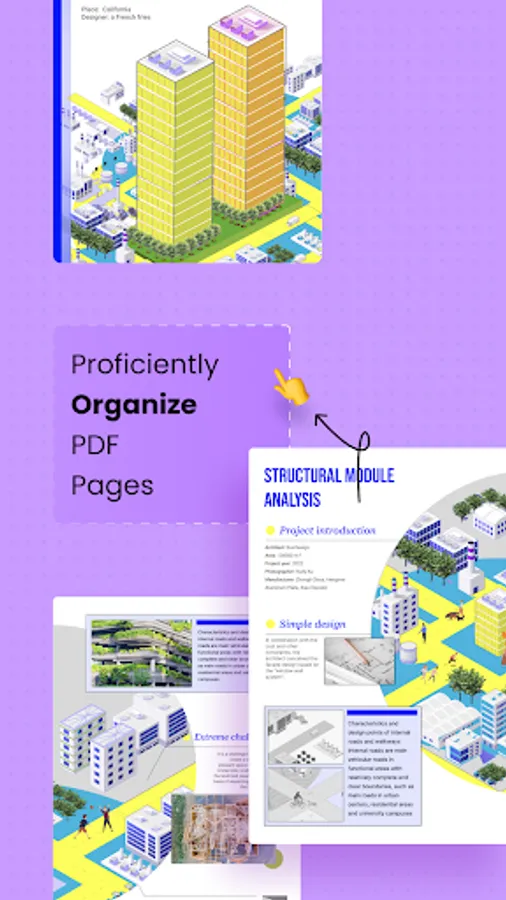
Organize PDF Pages
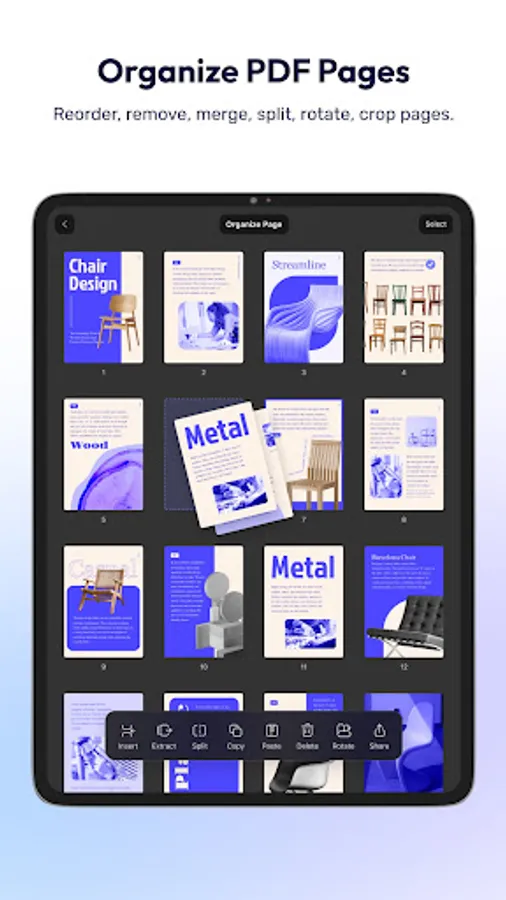
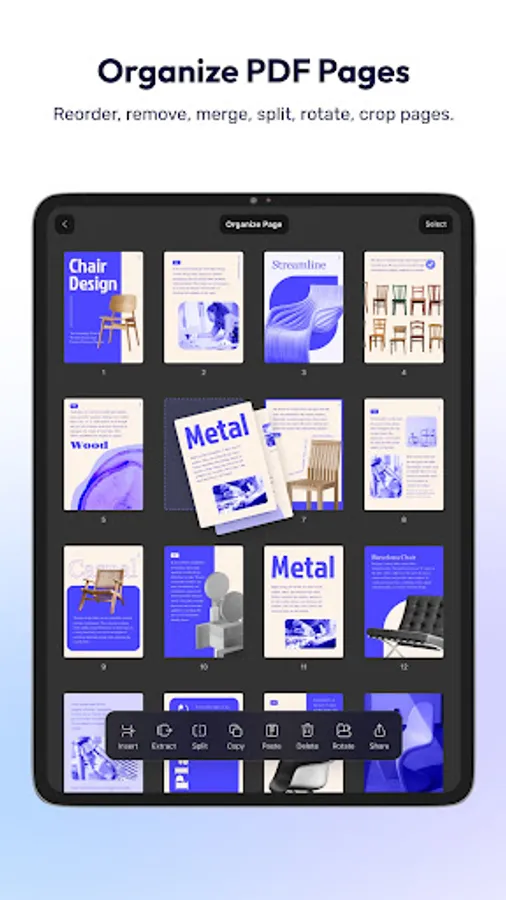
- Rotate, insert, extract, copy & paste, share, and delete the pages in PDFs.
Sign PDF
- Create handwritten signatures.
- Import and add image signatures.
- Save the created signatures to cloud and use accross platforms.
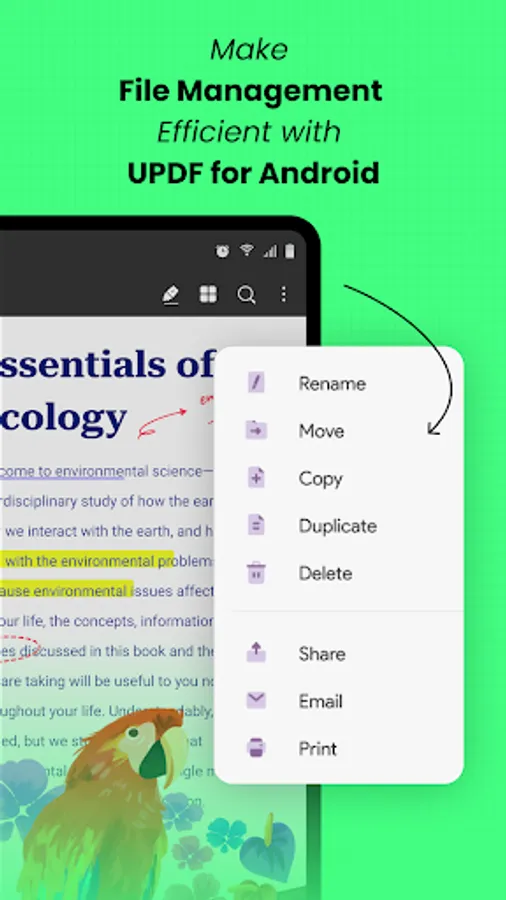
Manage PDF Files
-In-system & in-app PDF document management (print/copy/share/favorite/move/delete/), -Folder management (create/delete/rename/copy/remove)
Split Screen
-It supports opening two files at the same time in split-screen mode.
Compress PDF Files
-It is available to compress multiple PDF files with ease.
Share PDF
-It supports sharing PDF files with others quickly via email or other platforms.
Pro Features of In-App Purchase
- Use UPDF across all platforms including desktops and mobiles. Check features on different platforms:https://updf.com/tech-spec/
- Free Users will get 1 GB of Cloud Storage; Paid users will get 10 GB of Cloud Storage.
Need help? If you have any questions about this app, please email us at support@superace.com.
You can follow us on
Facebook: @superacesoftware
Twitter: @updfeditor
Youtube: @UPDF
Instagram: @updfeditor
If you feel this app is helpful, please rate us on Google Play. Thank you!
Key Features:
Read PDF
- Open and view PDF files.
- View the properties of your PDF files.
- Add bookmarks to easily locate specific pages. This feature also supports renaming, reordering, and deleting the added bookmarks.
- Search within lengthy PDFs for specific words or sentences.
- Switch among four page display modes, including single-page view, two-page view, single-page scrolling, and two-page scrolling.
Edit PDFs
- Add/edit the text, and images in PDFs.
AI Assistant
- Summarize, translate, explain, and rephrase lengthy PDFs in just minutes.
- Two methods are available to access the UPDF AI assistant: through chat box or select text to choose.
- Engage in a chat with UPDF AI and ask it any questions you have.
Annotate PDFs
- Annotate PDFs by using markup tools like pencil, highlight, underline, strikethrough, or squiggly line.
- Add comments like text boxes, text comments, callouts, sticky notes, etc.
- Add shapes, stamps and stickers to PDFs.
UPDF Cloud
-Seamlessly access your files across different devices and sync your file across Windows, macOS, iOS and Android platforms in real-time.
Organize PDF Pages
- Rotate, insert, extract, copy & paste, share, and delete the pages in PDFs.
Sign PDF
- Create handwritten signatures.
- Import and add image signatures.
- Save the created signatures to cloud and use accross platforms.
Manage PDF Files
-In-system & in-app PDF document management (print/copy/share/favorite/move/delete/), -Folder management (create/delete/rename/copy/remove)
Split Screen
-It supports opening two files at the same time in split-screen mode.
Compress PDF Files
-It is available to compress multiple PDF files with ease.
Share PDF
-It supports sharing PDF files with others quickly via email or other platforms.
Pro Features of In-App Purchase
- Use UPDF across all platforms including desktops and mobiles. Check features on different platforms:https://updf.com/tech-spec/
- Free Users will get 1 GB of Cloud Storage; Paid users will get 10 GB of Cloud Storage.
Need help? If you have any questions about this app, please email us at support@superace.com.
You can follow us on
Facebook: @superacesoftware
Twitter: @updfeditor
Youtube: @UPDF
Instagram: @updfeditor
If you feel this app is helpful, please rate us on Google Play. Thank you!
UPDF - AI-Powered PDF Editor Screenshots
Tap to Rate:
Reviews for UPDF - AI-Powered PDF Editor
Neeraj Singh Chouhan
12/30/2025
it's a great app on iOS but no so much here. there is no image insertion
ibrahim
12/26/2025
really it's a great app, I ha be everything in app noore comments