
AppRecs review analysis
AppRecs rating . Trustworthiness 75 out of 100. Review manipulation risk 15 out of 100. Based on a review sample analyzed.
★
AppRecs Rating
Ratings breakdown
5 star
0%
4 star
0%
3 star
0%
2 star
100%
1 star
0%
What to know
✓
Low review manipulation risk
15% review manipulation risk
✓
Credible reviews
75% trustworthiness score from analyzed reviews
⚠
Mixed user feedback
Average 2.0★ rating suggests room for improvement
About Reverse Video
Create Magical Reverse Videos Instantly!
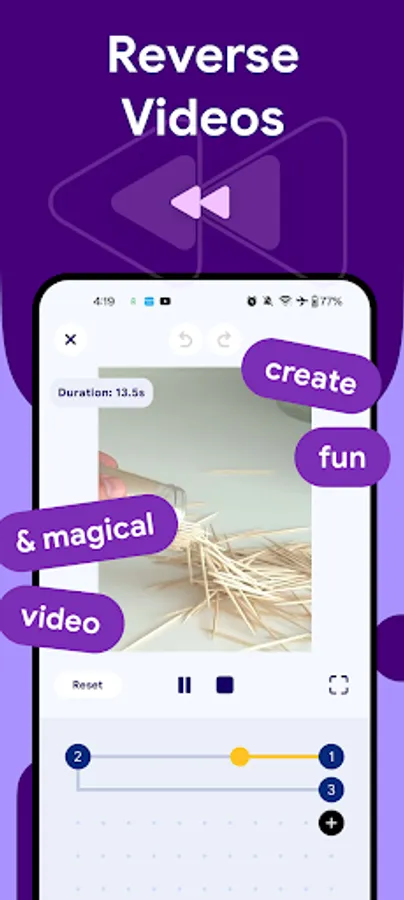
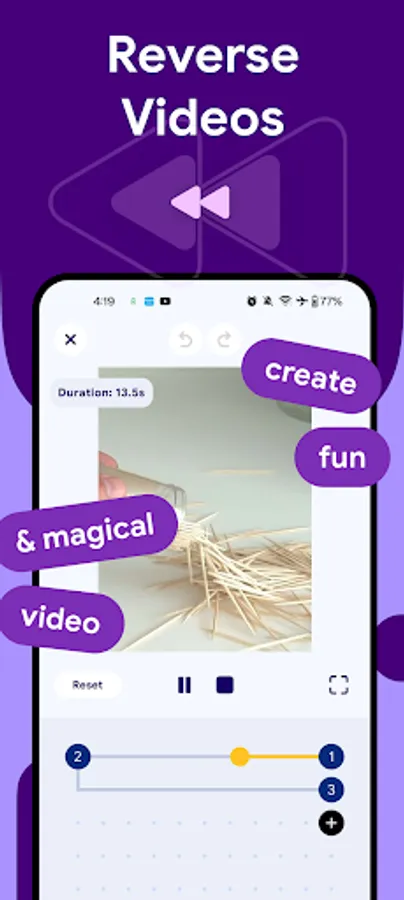
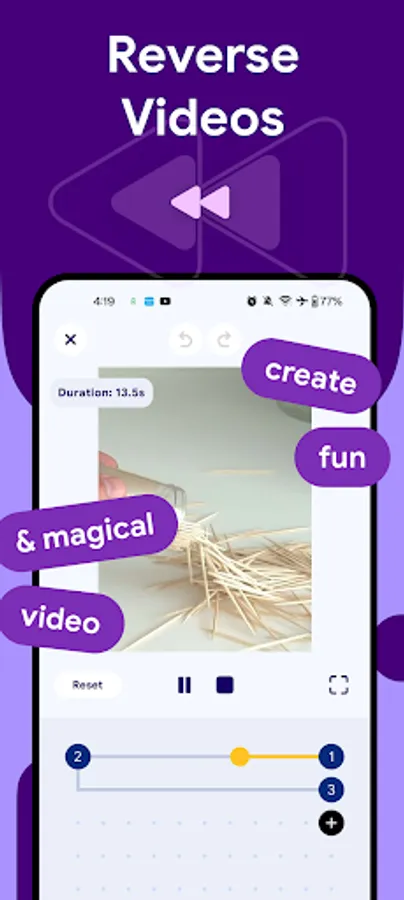
With Reverse Video, you can easily reverse or forward both video and audio to create fun, surprising, and magical effects. Whether you want to make someone appear to jump backward, pour water back into a glass, or speak in reverse — this app makes it effortless and creative.
Designed with a clean, intuitive, and easy-to-use interface, Reverse Video lets you control every detail of your video playback. Mix reverse and forward segments, add sound effects, control speed, and export in high-quality video output ready to share anywhere.
Key Features:
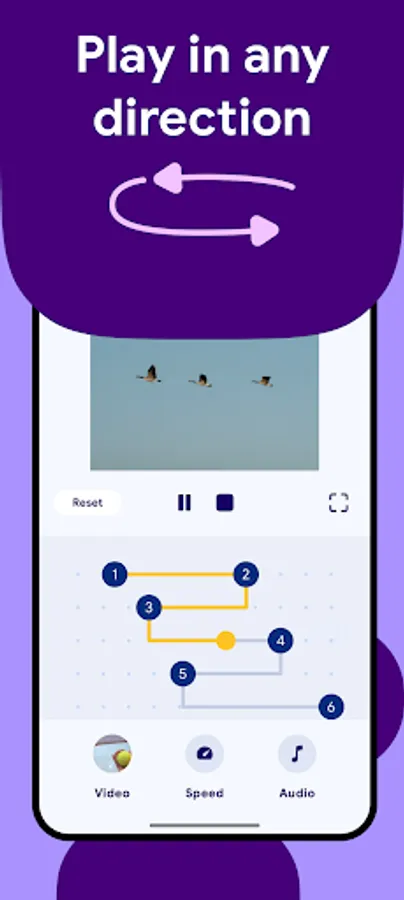
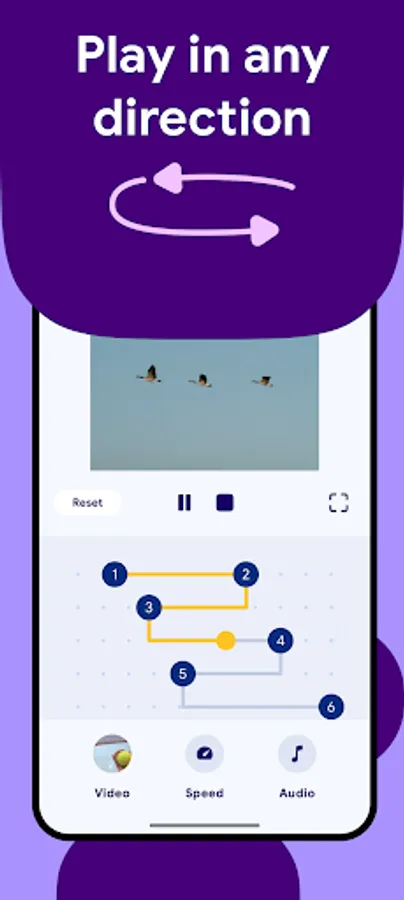
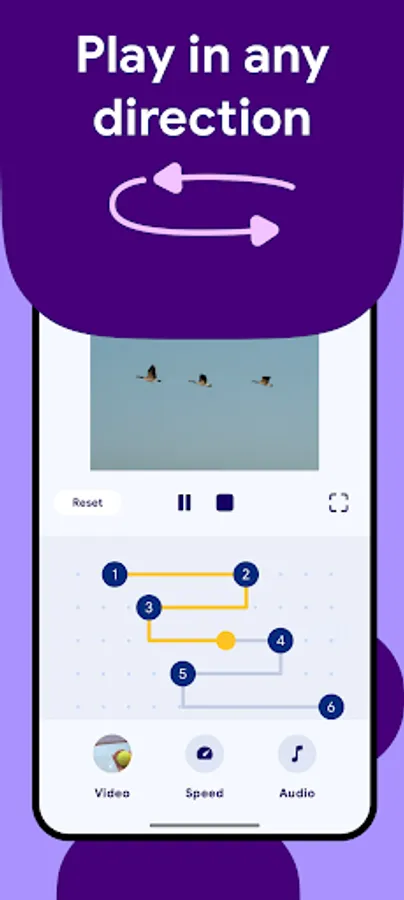
- Reverse or Forward Playback: Instantly switch between directions for any part of your video.
- Drag & Add Playback Points: Place multiple points to decide when the video goes forward or backward.
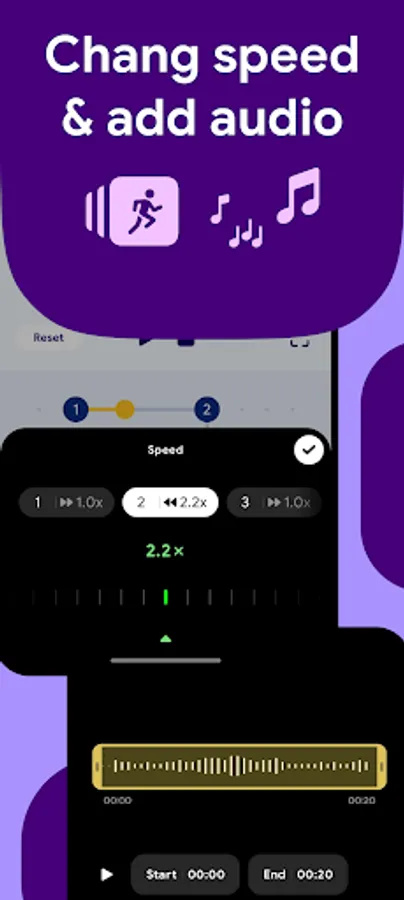
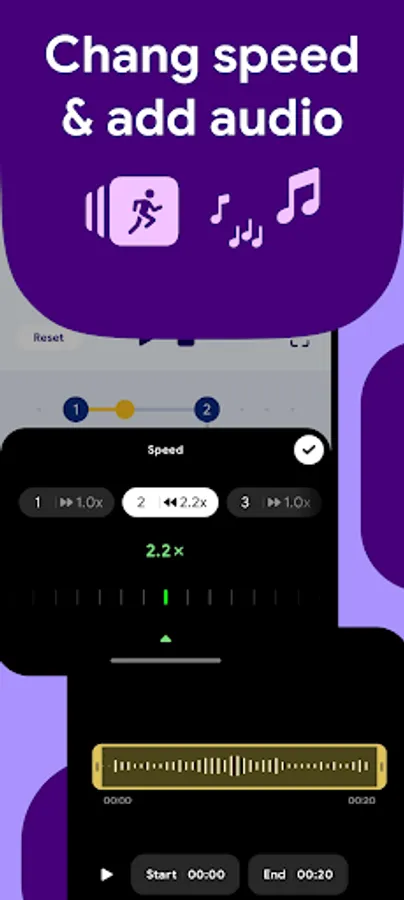
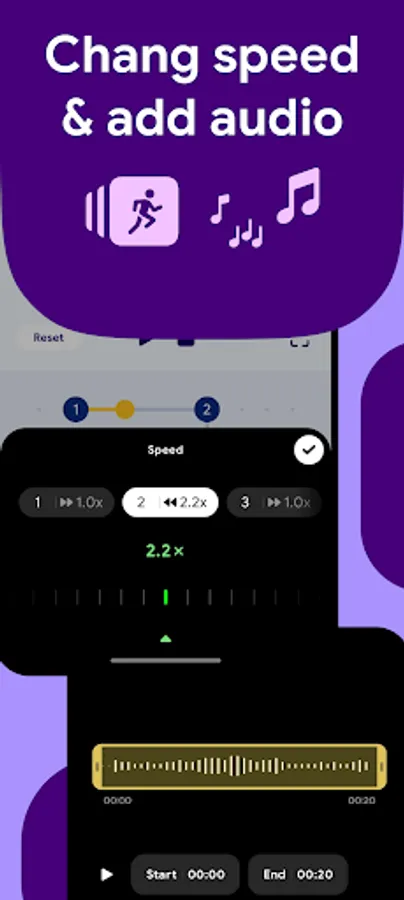
- Custom Sound Control: Set different volume levels or even replace sounds for reverse and forward segments.
- Add Background Music: Enhance your video with your favorite soundtrack or ambient sound.
- Speed Control: Adjust playback speed for each segment to create dramatic slow-motion or fast-rewind effects.
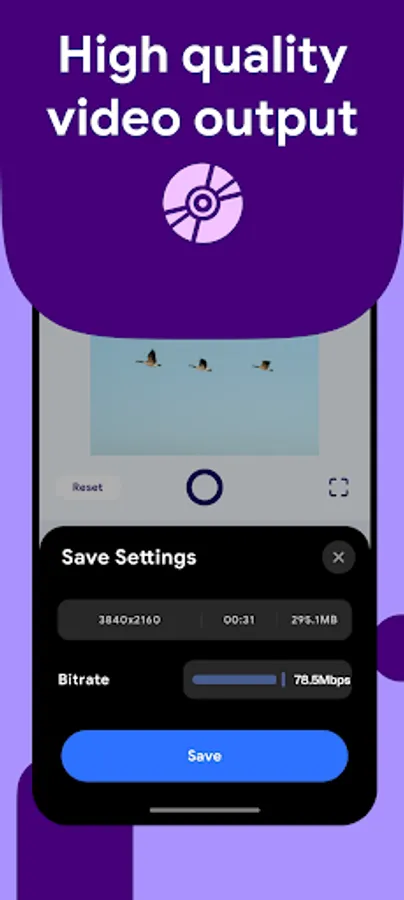
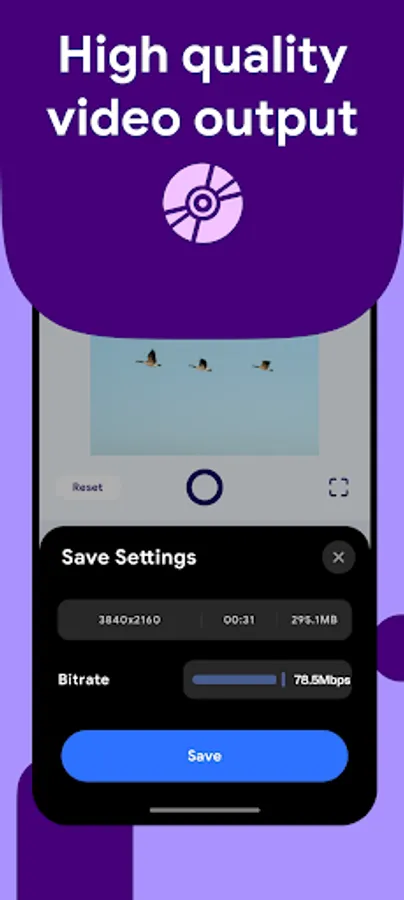
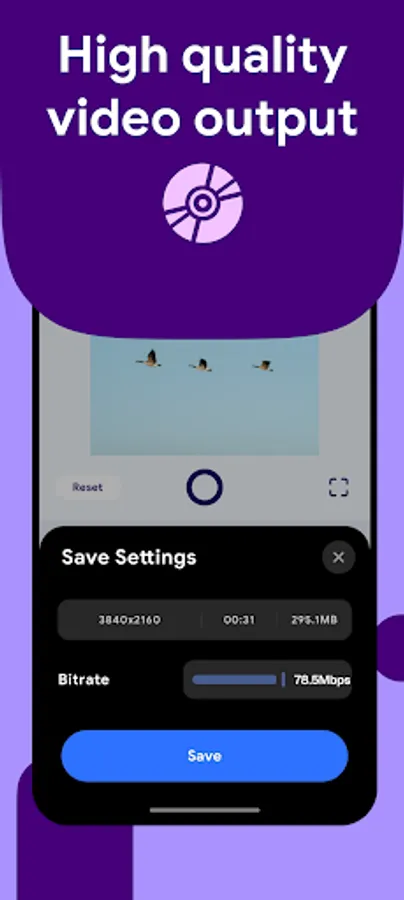
- Quality Export Options: Choose output bitrate for the perfect balance of quality and file size.
- Real-Time Preview: Instantly see how your video looks before exporting.
- Easy Sharing: Export and share directly to social media platforms.
Whether you're making a fun challenge video, an artistic montage, or a cinematic reverse effect, Reverse Video gives you all the tools to make your ideas stand out.
With Reverse Video, you can easily reverse or forward both video and audio to create fun, surprising, and magical effects. Whether you want to make someone appear to jump backward, pour water back into a glass, or speak in reverse — this app makes it effortless and creative.
Designed with a clean, intuitive, and easy-to-use interface, Reverse Video lets you control every detail of your video playback. Mix reverse and forward segments, add sound effects, control speed, and export in high-quality video output ready to share anywhere.
Key Features:
- Reverse or Forward Playback: Instantly switch between directions for any part of your video.
- Drag & Add Playback Points: Place multiple points to decide when the video goes forward or backward.
- Custom Sound Control: Set different volume levels or even replace sounds for reverse and forward segments.
- Add Background Music: Enhance your video with your favorite soundtrack or ambient sound.
- Speed Control: Adjust playback speed for each segment to create dramatic slow-motion or fast-rewind effects.
- Quality Export Options: Choose output bitrate for the perfect balance of quality and file size.
- Real-Time Preview: Instantly see how your video looks before exporting.
- Easy Sharing: Export and share directly to social media platforms.
Whether you're making a fun challenge video, an artistic montage, or a cinematic reverse effect, Reverse Video gives you all the tools to make your ideas stand out.
Reverse Video Screenshots
Tap to Rate:
Reviews for Reverse Video
Andrew
12/28/2025
Way to go overcomplicating an interface that should just be a one tap reverse, and the UI doesn't even provide a working preview play button. Uninstalled in 30 seconds.