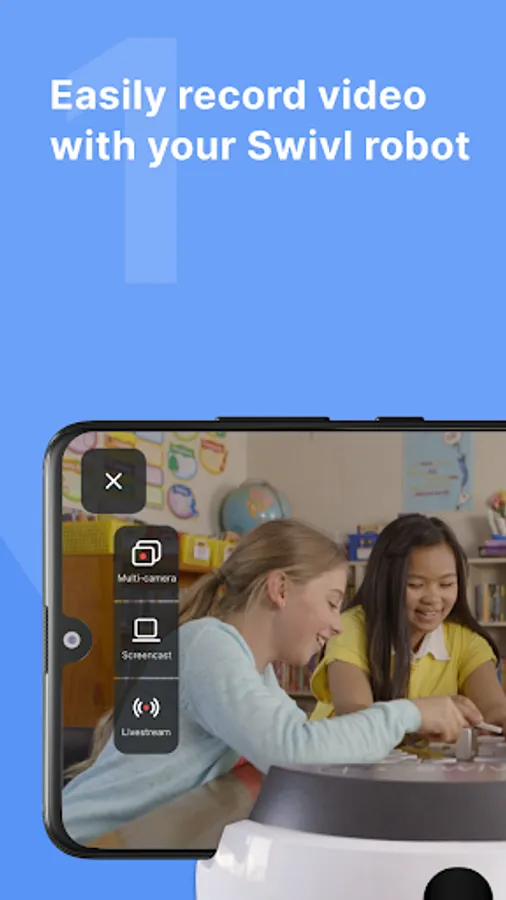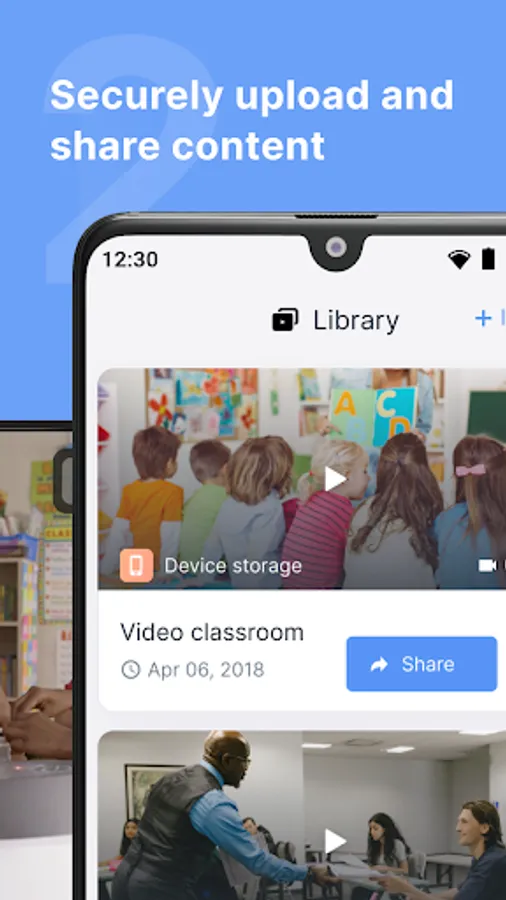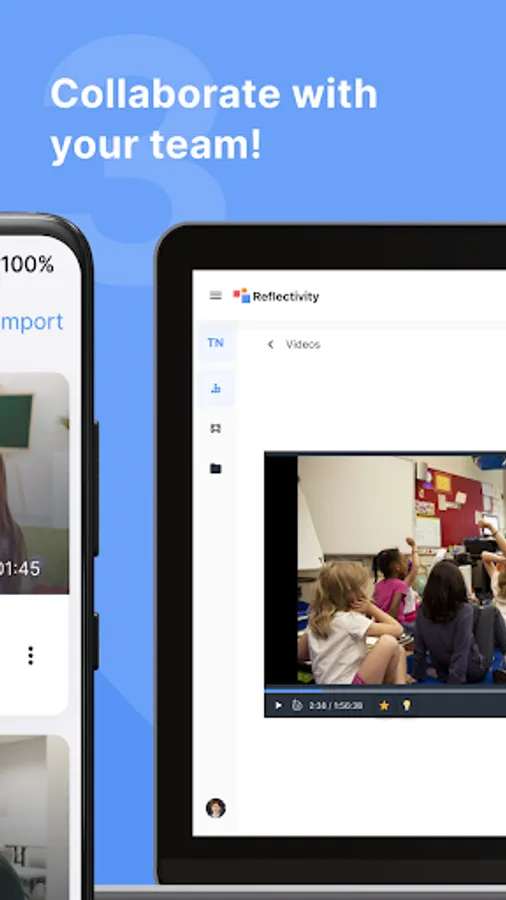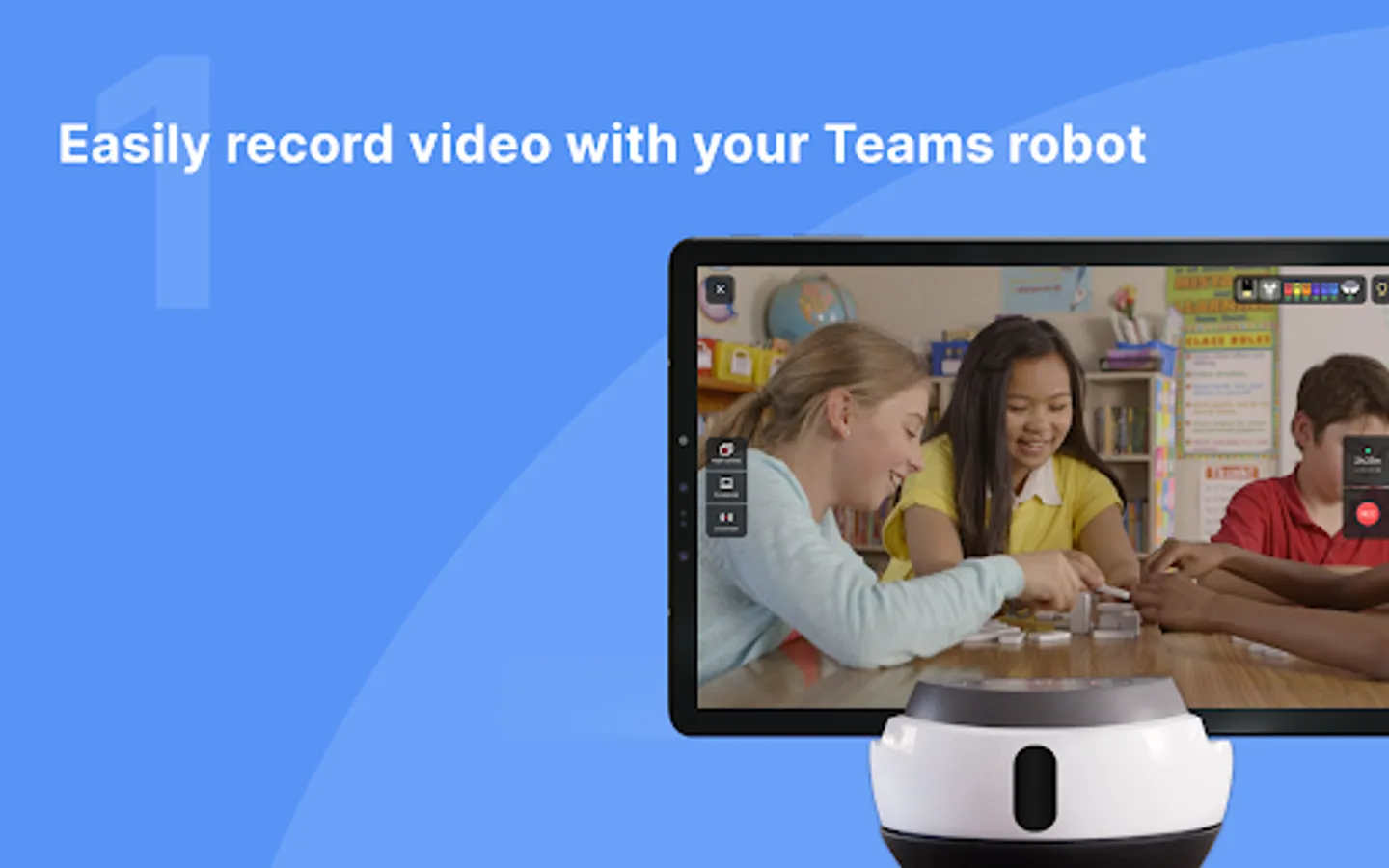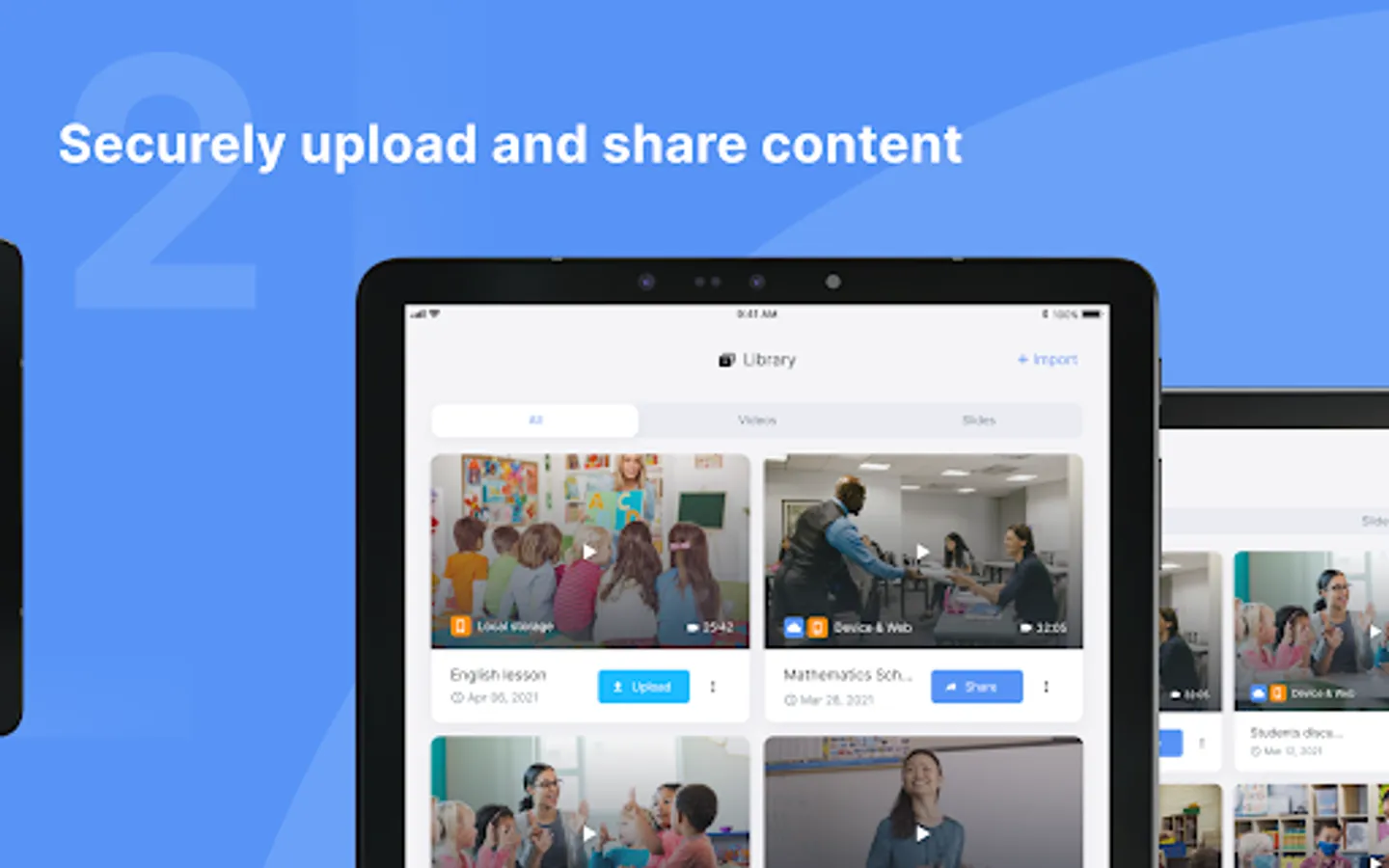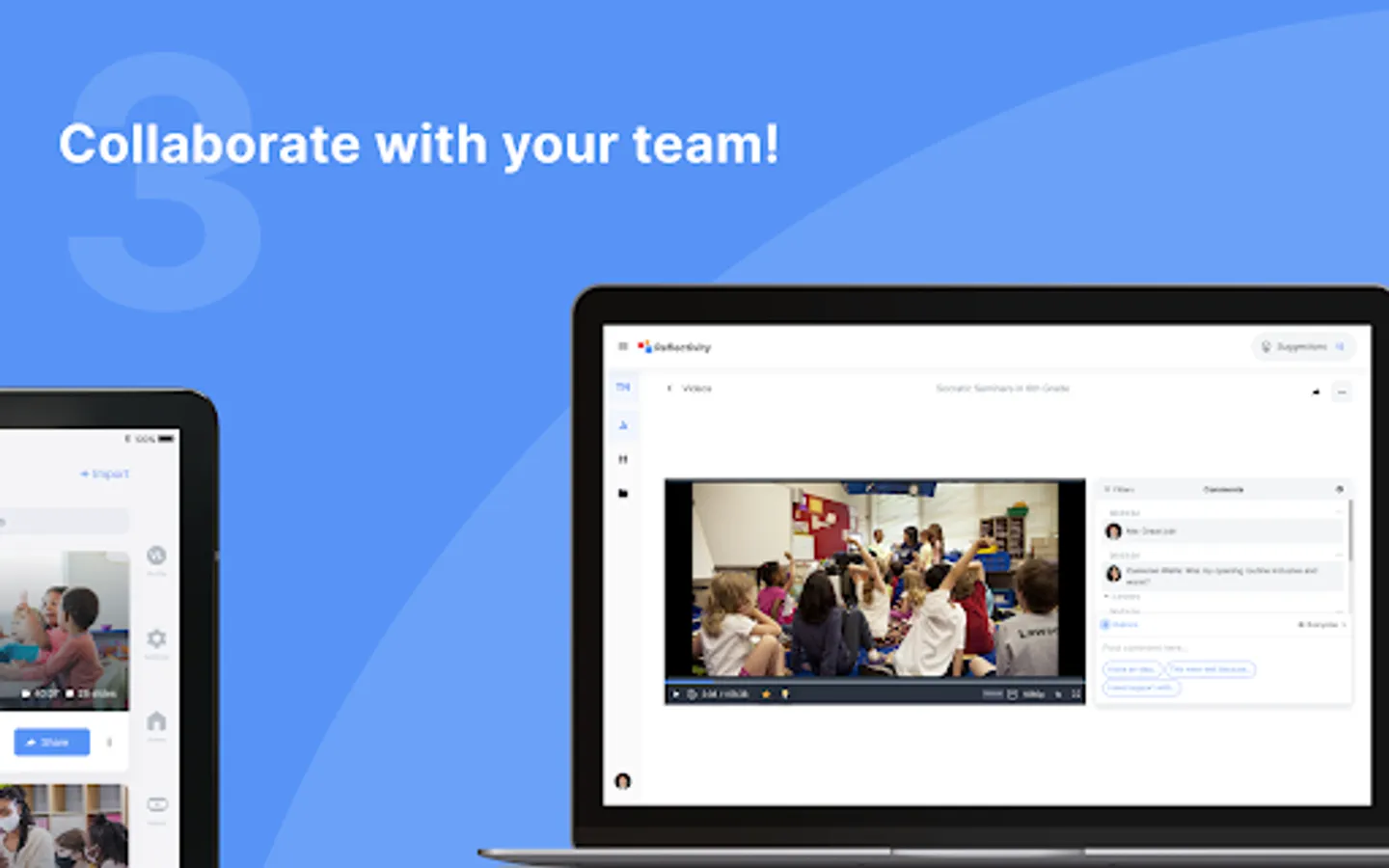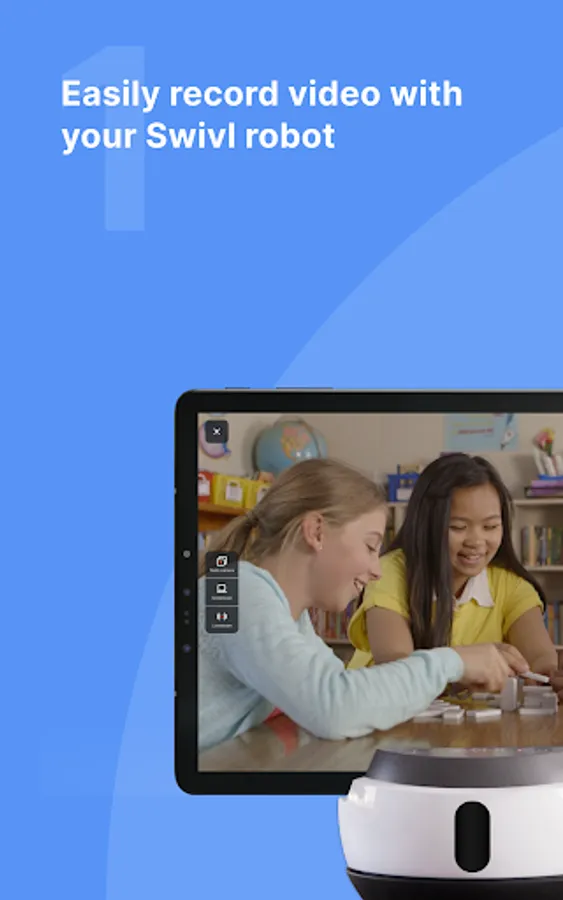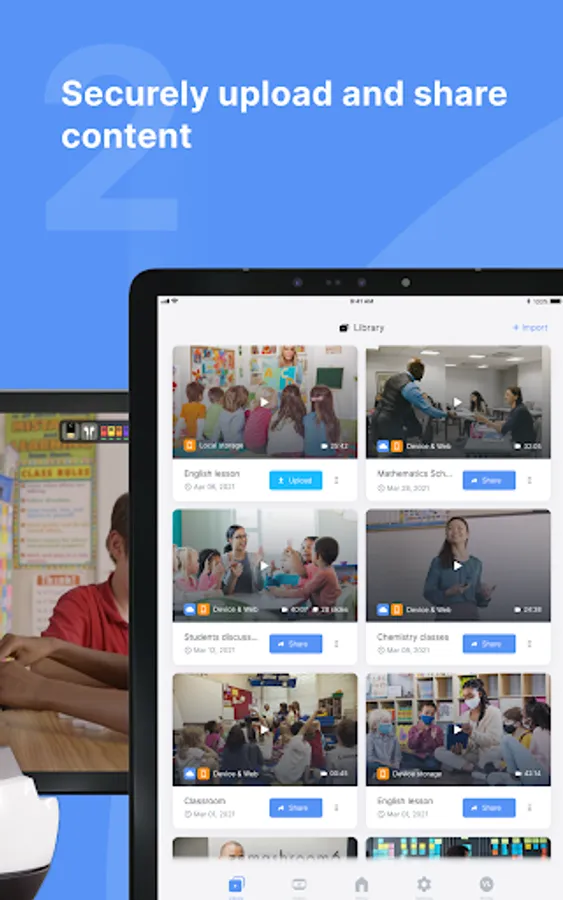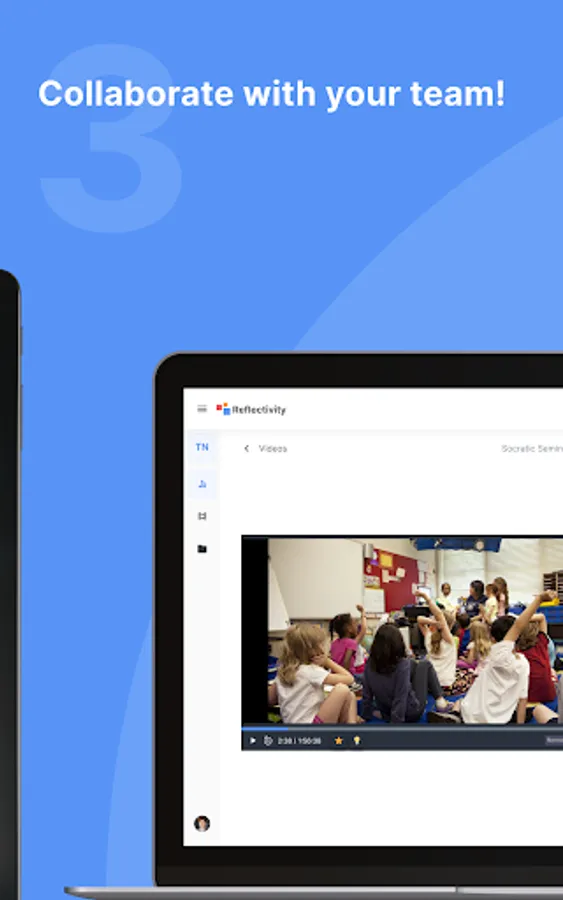
In this app, users can connect to Swivl Robots, record and upload videos, and share content with others. Includes video recording, streaming support, and multi-channel audio connection features.
AppRecs review analysis
AppRecs rating 3.7. Trustworthiness 55 out of 100. Review manipulation risk 34 out of 100. Based on a review sample analyzed.
★★★☆☆
3.7
AppRecs Rating
Ratings breakdown
5 star
60%
4 star
3%
3 star
14%
2 star
9%
1 star
14%
What to know
✓
Good user ratings
63% positive sampled reviews
✓
Authentic reviews
Natural distribution, no red flags
About Swivl Capture
This is the official companion app for your Swivl Robot and mobile version of our video coaching platform.
Getting Started
1. Open this app and connect to your Swivl Robot.
2. Login to your Reflectivity account.
3. Connect all the Markers you have to capture or stream multiple audio channels.
Recording
Record, upload, and share videos with other Swivl Capture users for collaboration.
Streaming
Launch your favorite live streaming app, like Zoom, to stream content to remote students.
Compatibility
-Works alone or with your C Series and CX Robots.
-Connects up to 5 Markers (microphones) for independent audio channels.
Links:
Swivl Capture+: https://play.google.com/store/apps/details?id=com.swivl.plus
Swivl Screencast+: https://www.swivl.com/downloads/
Reflectivity Web: http://cloud.swivl.com/
Help: http://swivl.com/setup
Getting Started
1. Open this app and connect to your Swivl Robot.
2. Login to your Reflectivity account.
3. Connect all the Markers you have to capture or stream multiple audio channels.
Recording
Record, upload, and share videos with other Swivl Capture users for collaboration.
Streaming
Launch your favorite live streaming app, like Zoom, to stream content to remote students.
Compatibility
-Works alone or with your C Series and CX Robots.
-Connects up to 5 Markers (microphones) for independent audio channels.
Links:
Swivl Capture+: https://play.google.com/store/apps/details?id=com.swivl.plus
Swivl Screencast+: https://www.swivl.com/downloads/
Reflectivity Web: http://cloud.swivl.com/
Help: http://swivl.com/setup