
Stream music stored on your DiskStation with this app, or listen offline from local files. Includes playlist creation, sharing options, and remote control for compatible speakers.
AppRecs review analysis
AppRecs rating 2.6. Trustworthiness 83 out of 100. Review manipulation risk 16 out of 100. Based on a review sample analyzed.
★★☆☆☆
2.6
AppRecs Rating
Ratings breakdown
5 star
18%
4 star
9%
3 star
24%
2 star
18%
1 star
31%
What to know
✓
Low review manipulation risk
16% review manipulation risk
⚠
Mixed user feedback
Average 2.6★ rating suggests room for improvement
⚠
High negative review ratio
49% of sampled ratings are 1–2 stars
About DS audio
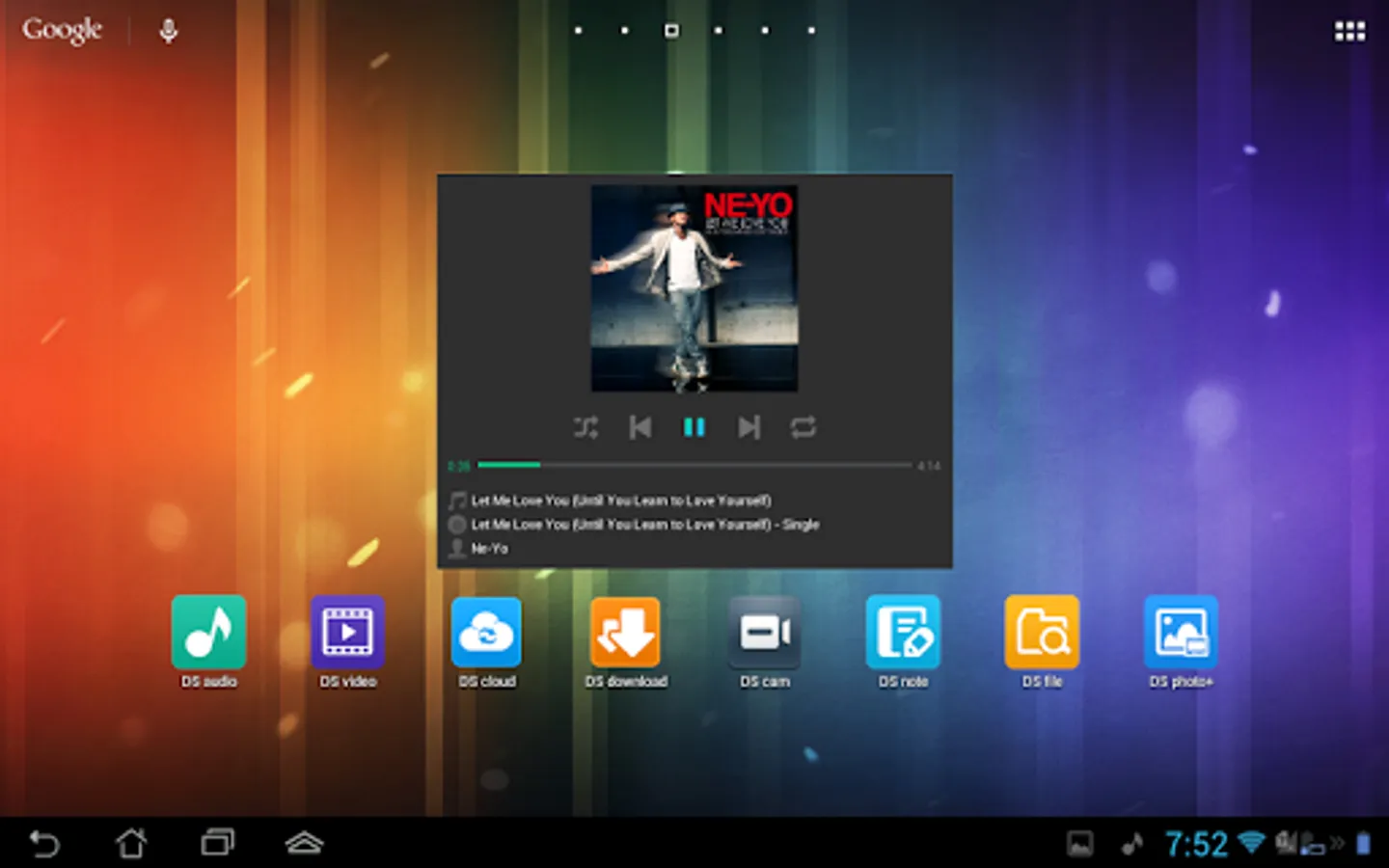
DS audio allows you to stream music stored on your DiskStation with your Android device wherever an Internet connection is available. Better yet, with the offline mode you can listen to songs stored in the device’s local memory for when no network connection is available. You can browse music by albums, artists, folders or genres, create your own playlists or share them with your friends, and even rate your music! And if you have dedicated stereo speakers at home, DS audio can also become a remote control to stream music to them.
Find all detailed features about the app on our website:
www.synology.com > DSM 6.0 > Mobile Apps > Software Specs
https://www.synology.com/dsm/software_spec/mobile#DSaudio
DS audio Screenshots
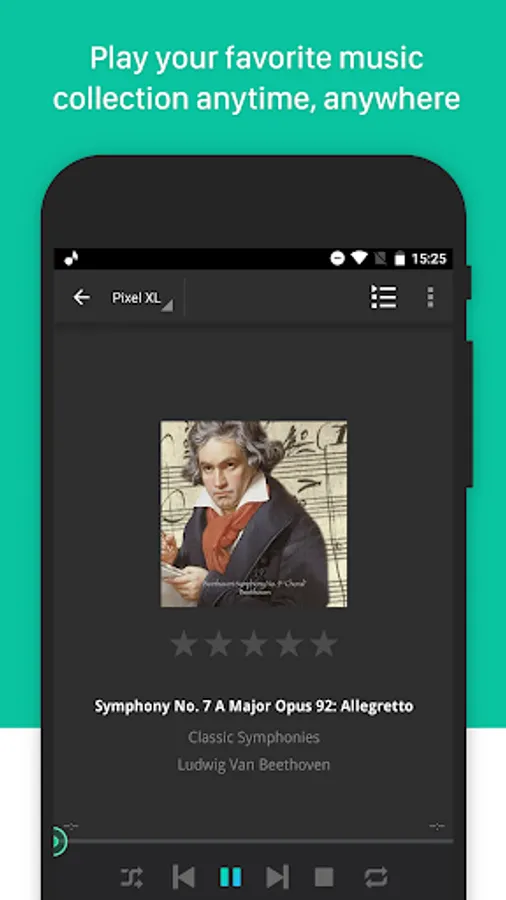
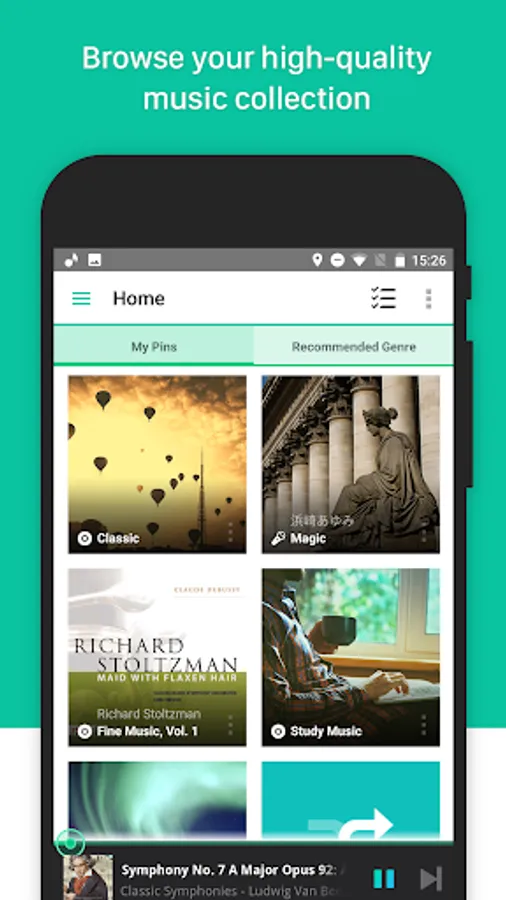
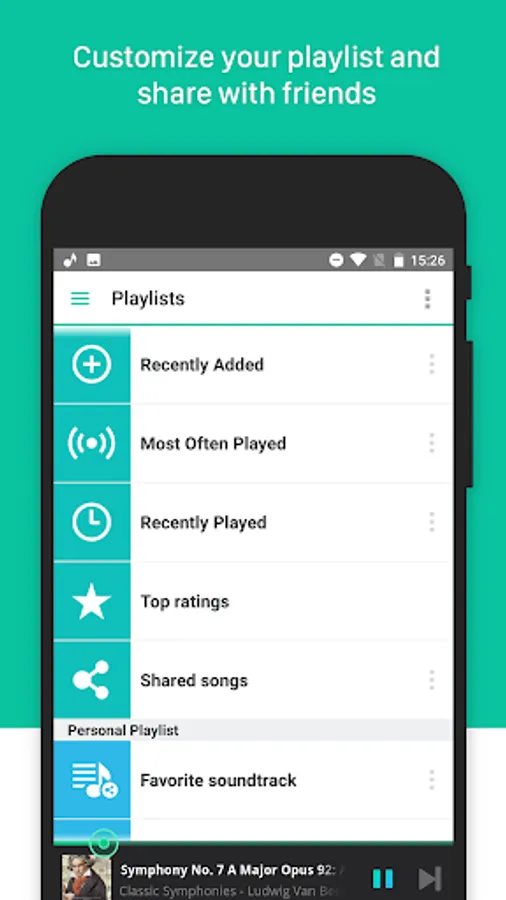
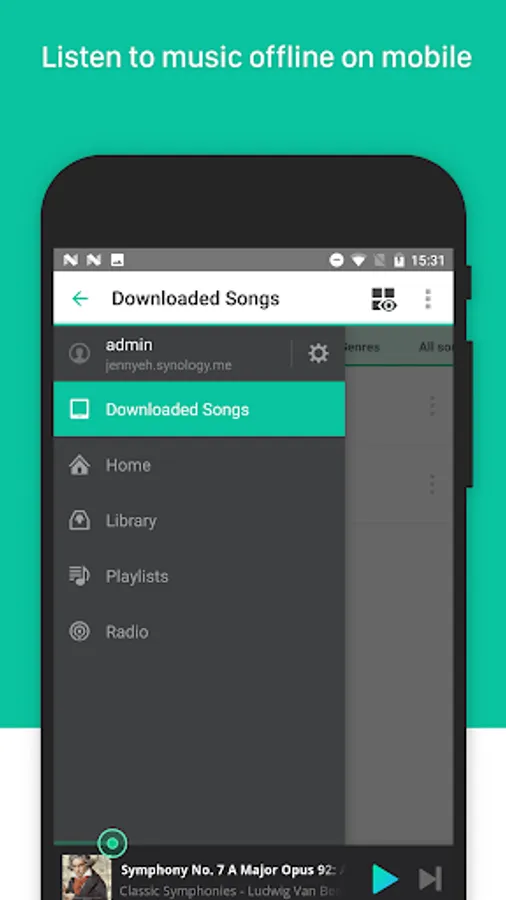
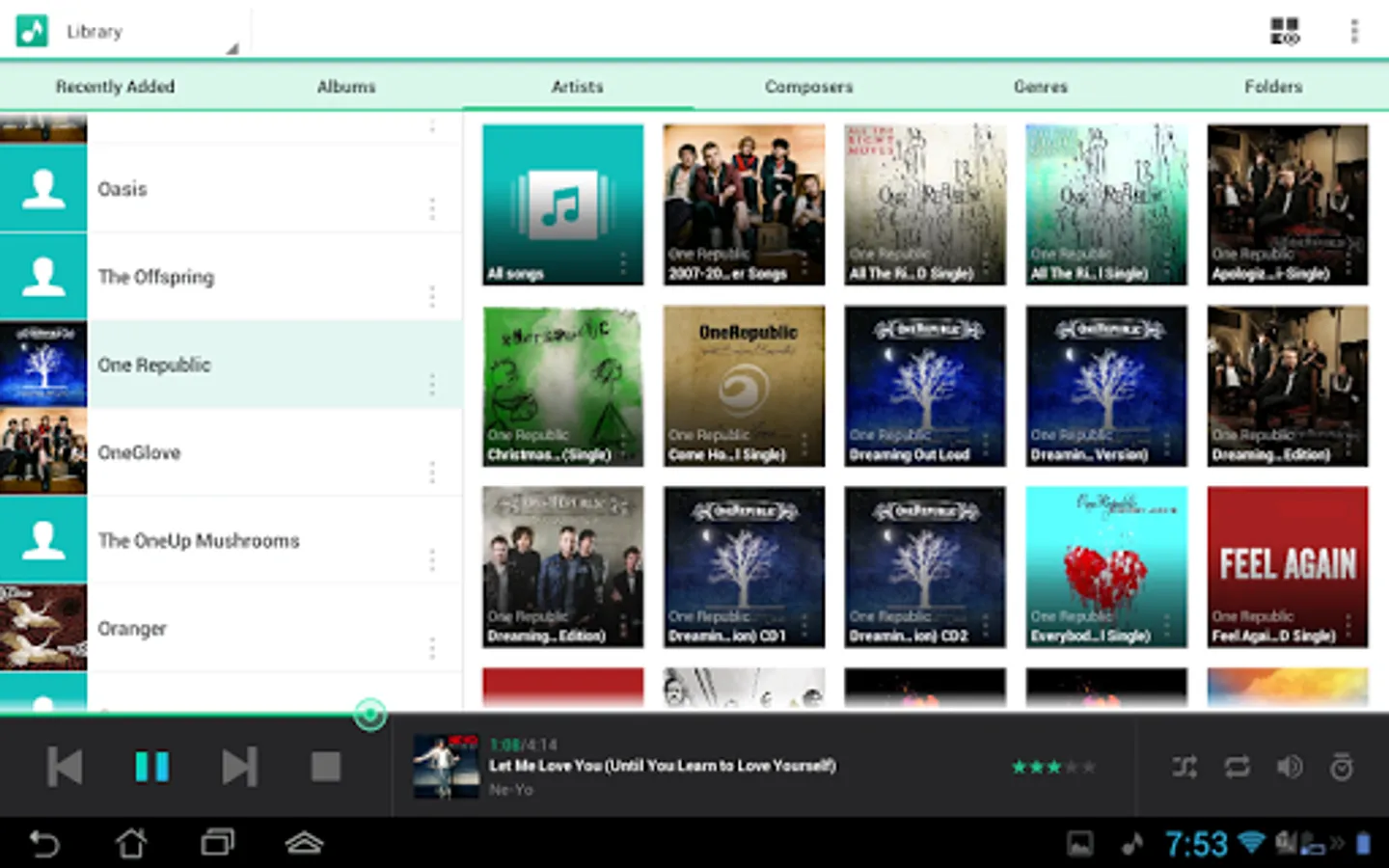
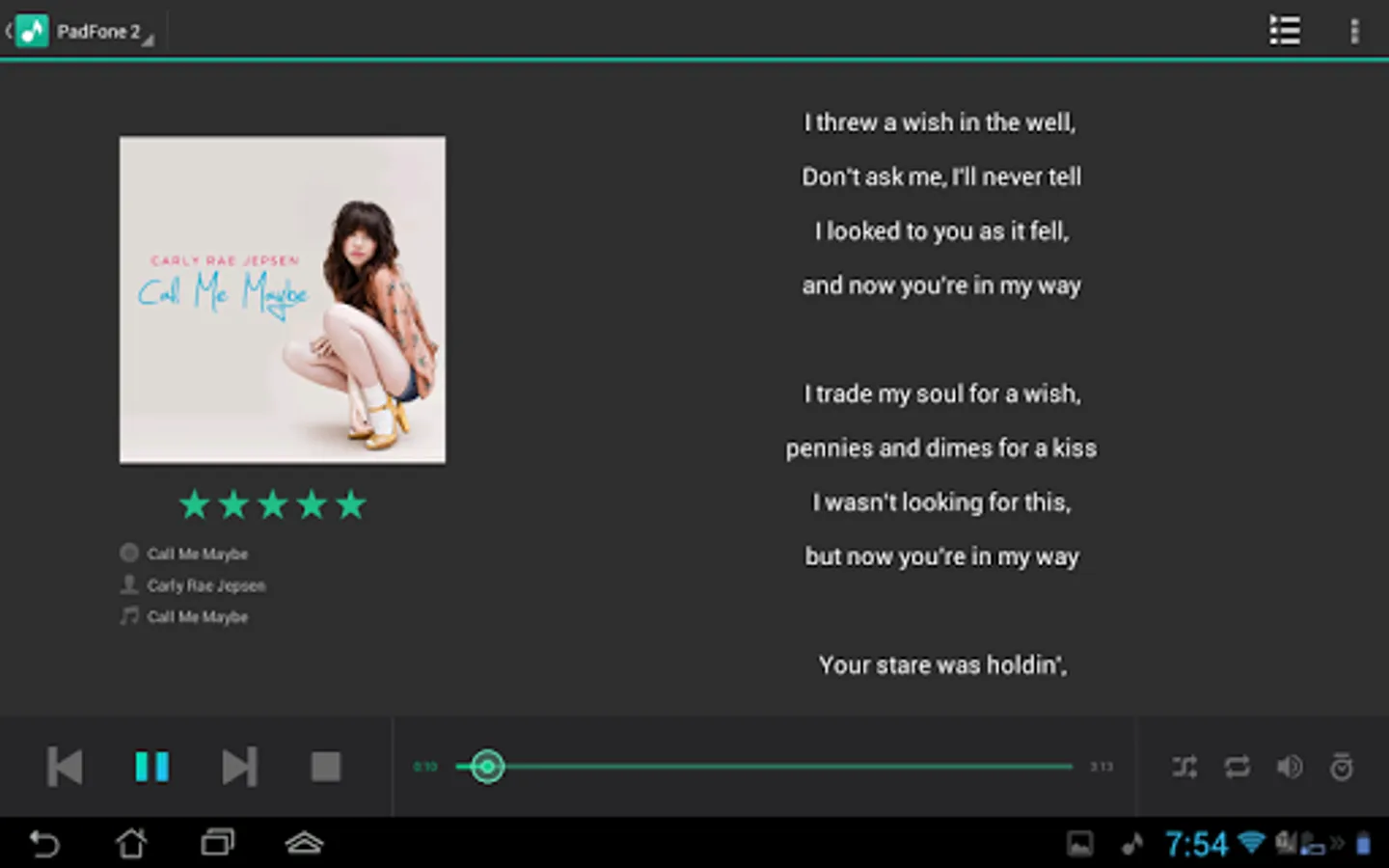
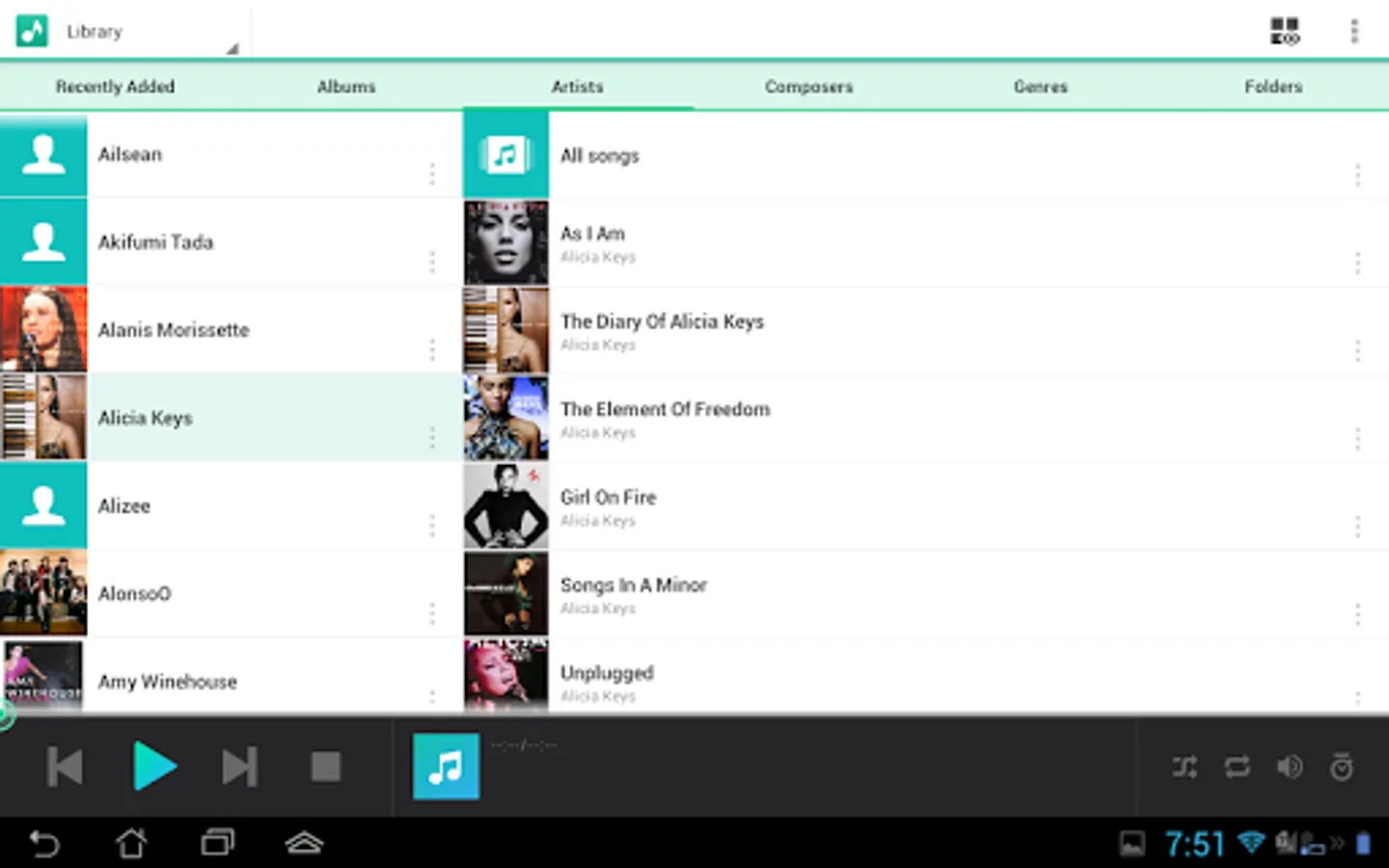
Tap to Rate:
Reviews for DS audio
Y B
12/27/2025
This app is very much in need of an overhaul as it barely gets the job done, and often throws "wait for app to respond" on the latest Android. We need to be able to download an album from search results and not just an album list. Meanwhile the app often fails to download the entire album, and later deleting a downloaded album requires deleting it track by track. Also, it would be helpful to browse by a directory like in DS File.
Marsel Davis
12/12/2025
stuttering playback, frequently starts playing songs but no audible playback which may be linked to songs not yet downloaded. back button triggers prompt if app should be closed which I consider very annoying, should be avoided according to Android design guidelines