App Country Finder & Manager
SYSTWEAK SOFTWARE
3.9 ★
97 ratings
10,000+
downloads
Free
With this app, you can identify the country of origin for installed Android apps and organize them accordingly. Includes app sorting, backup, uninstallation, and easy interface features.
AppRecs review analysis
AppRecs rating 3.9. Trustworthiness 0 out of 100. Review manipulation risk 0 out of 100. Based on a review sample analyzed.
★★★☆☆
3.9
AppRecs Rating
Ratings breakdown
5 star
65%
4 star
9%
3 star
0%
2 star
9%
1 star
18%
What to know
✓
Good user ratings
73% positive sampled reviews
✓
Authentic reviews
Natural distribution, no red flags
About App Country Finder & Manager
Ever found yourself in a situation when you want to know the country of origin of the Android app you are using?
Yes, how do you do that?
Do you visit the app page and look for the information provided in the Developer or Information section? True!
But do you know in some cases app country name shown in this section might not be real? Well, if this worries you here’s a quick and trusted solution called App Country Finder.
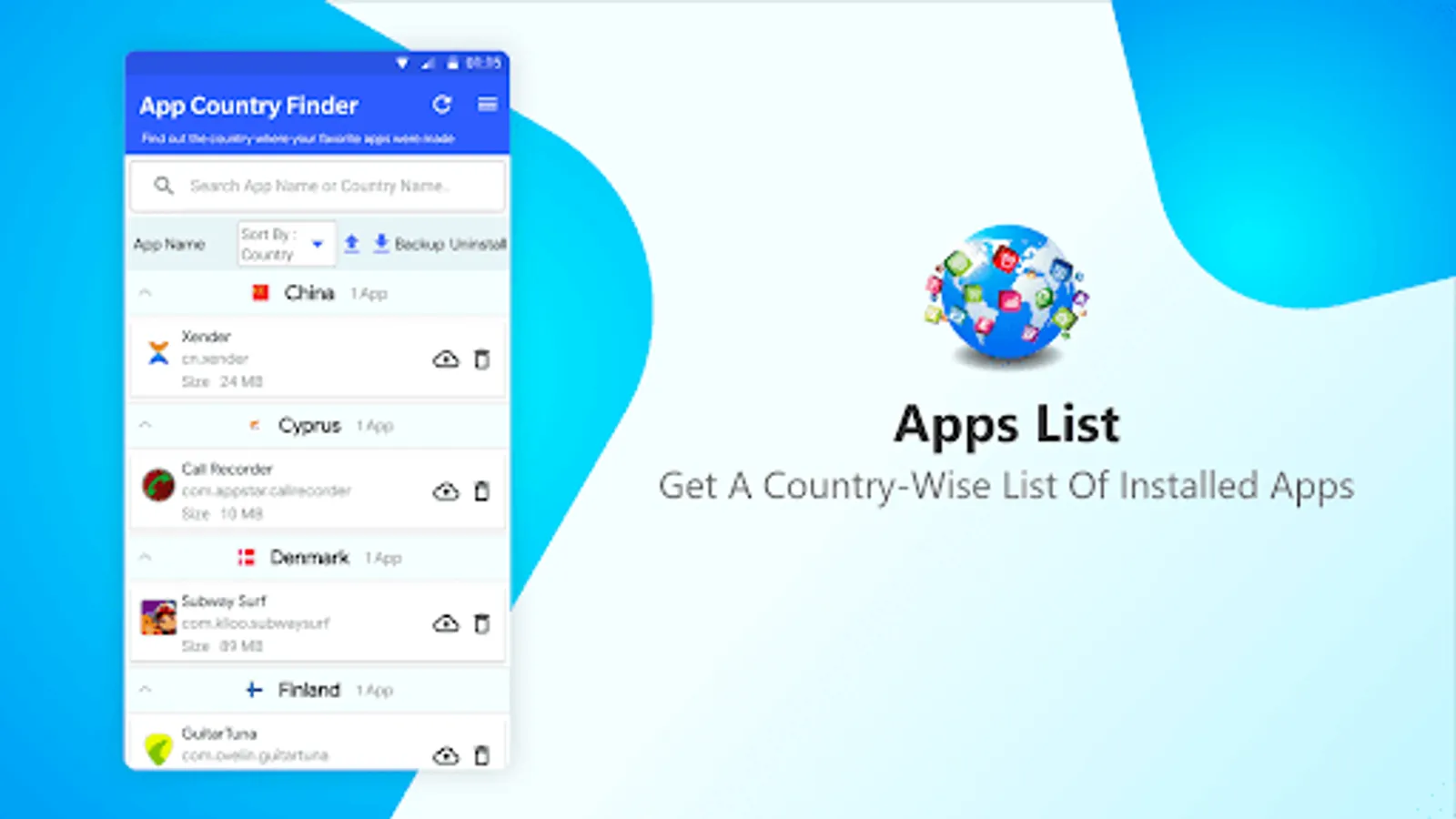
Using this interesting app, without heading to the App developer information centre, you can find the app country name for all the installed apps. App Country Finder as the name infers provides users with country-specific information. This helps users to decide whether they want to use the application coming from a specific location or not.
Features
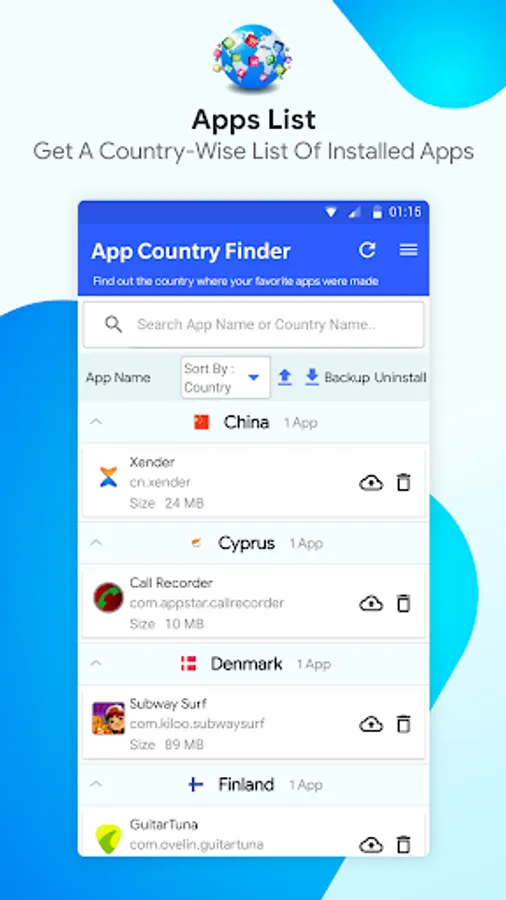
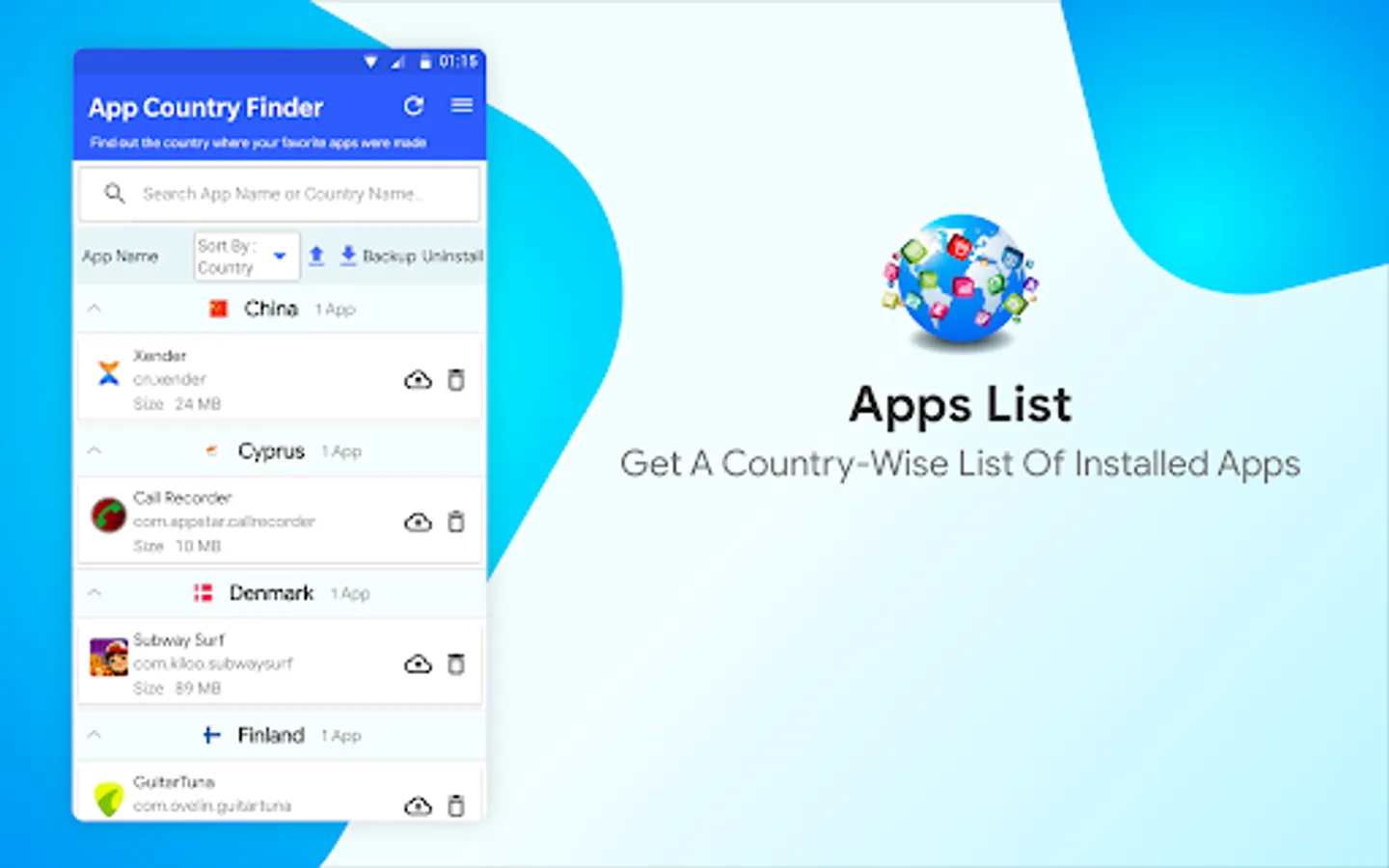
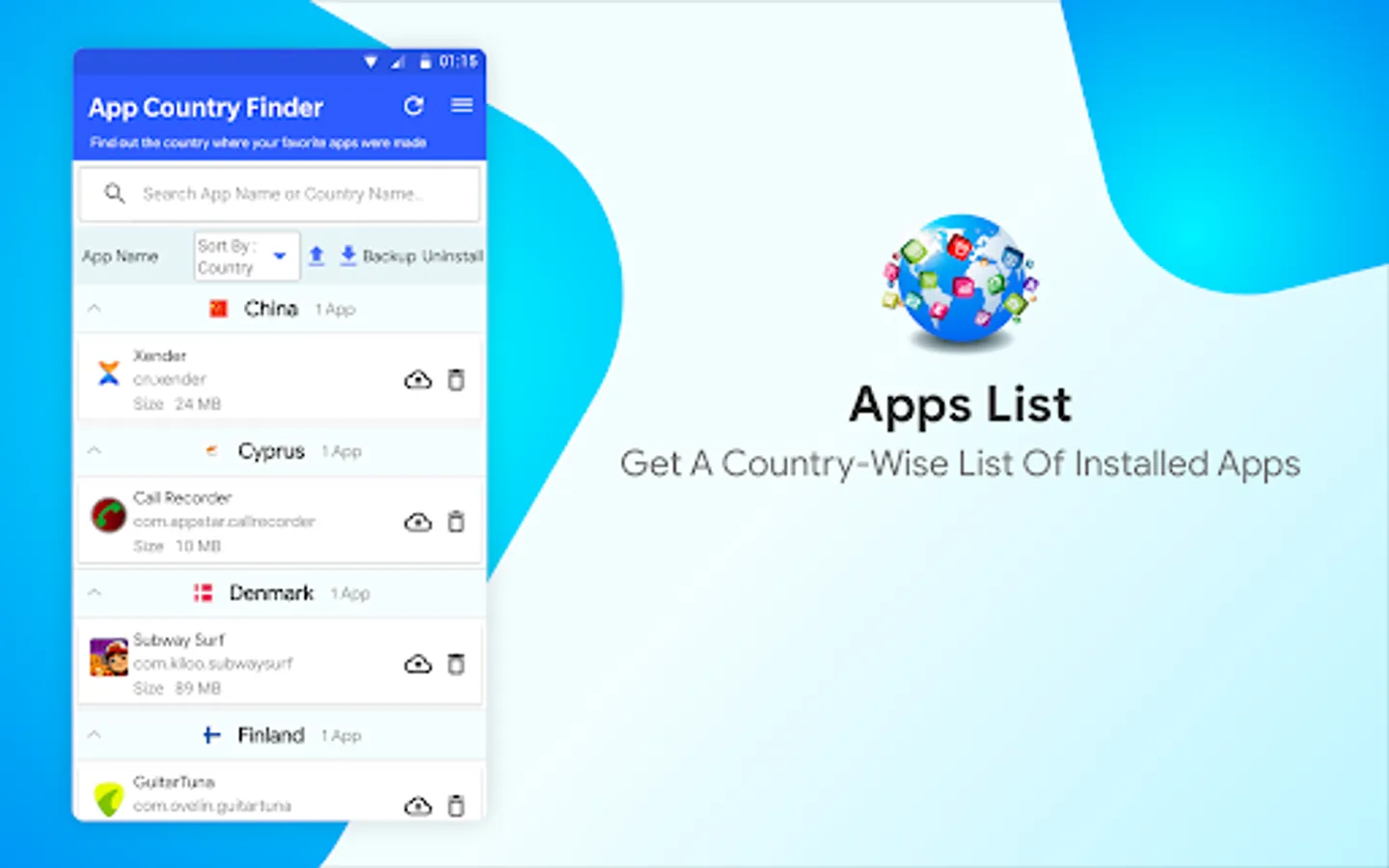
• Sort apps by country in Ascending or Descending order
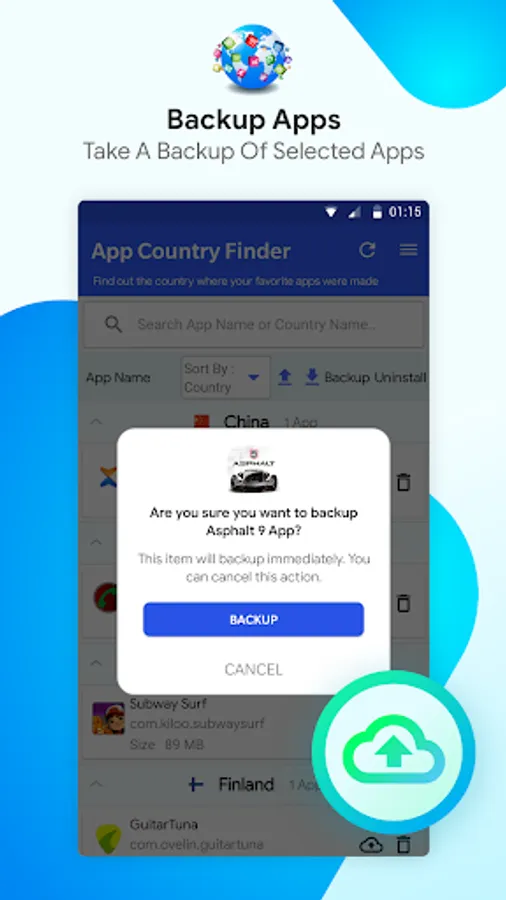
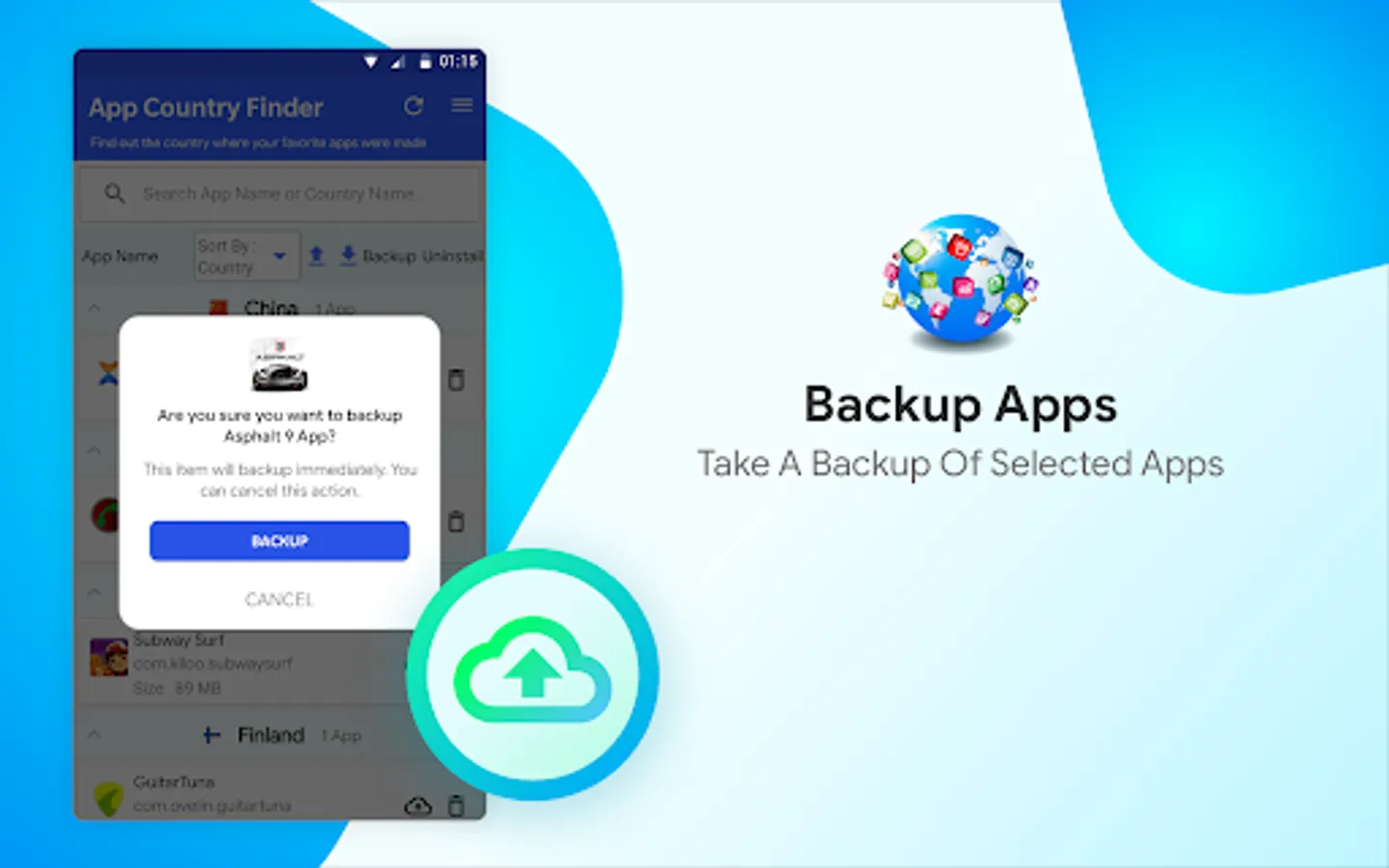
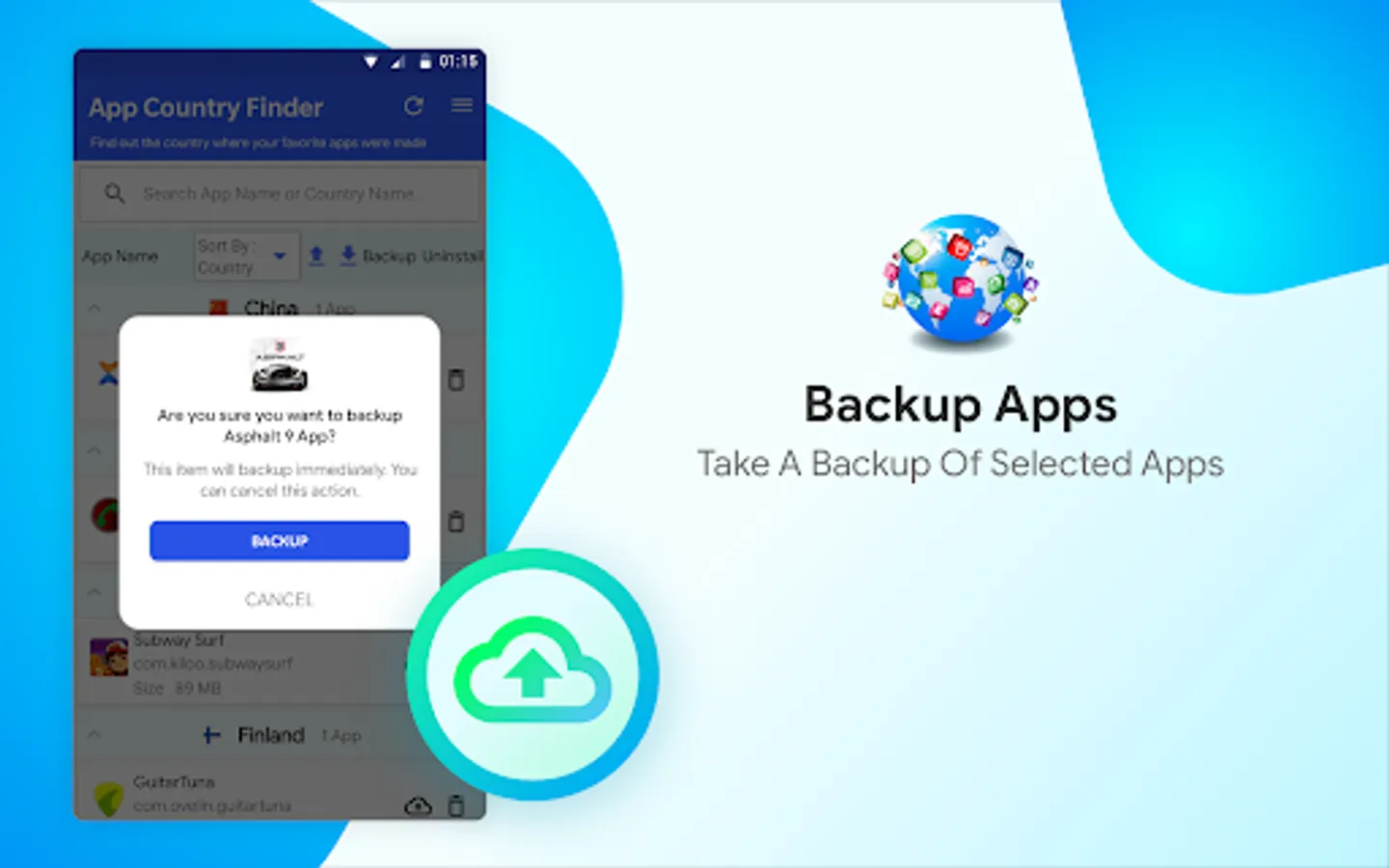
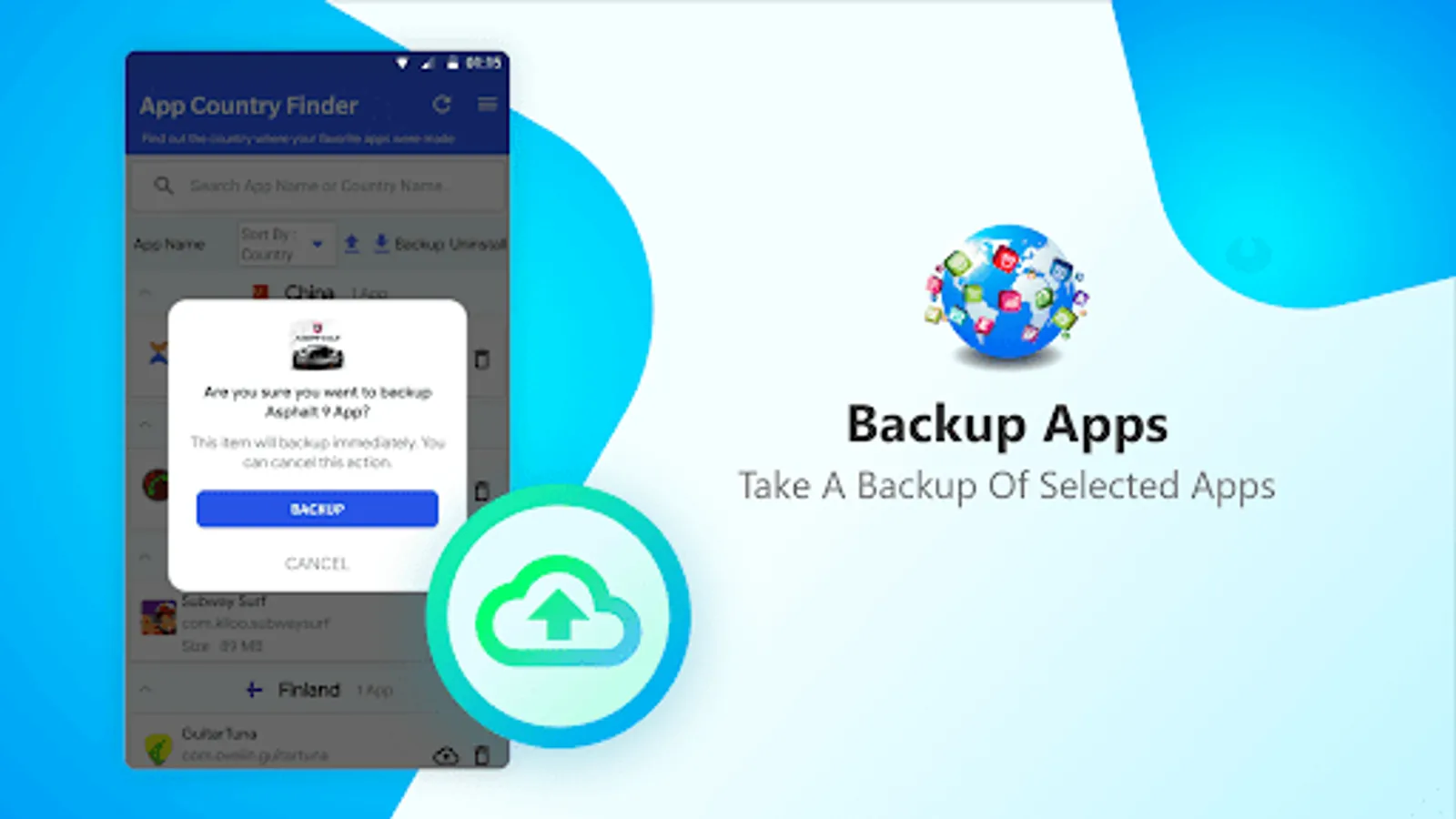
• Backup apps
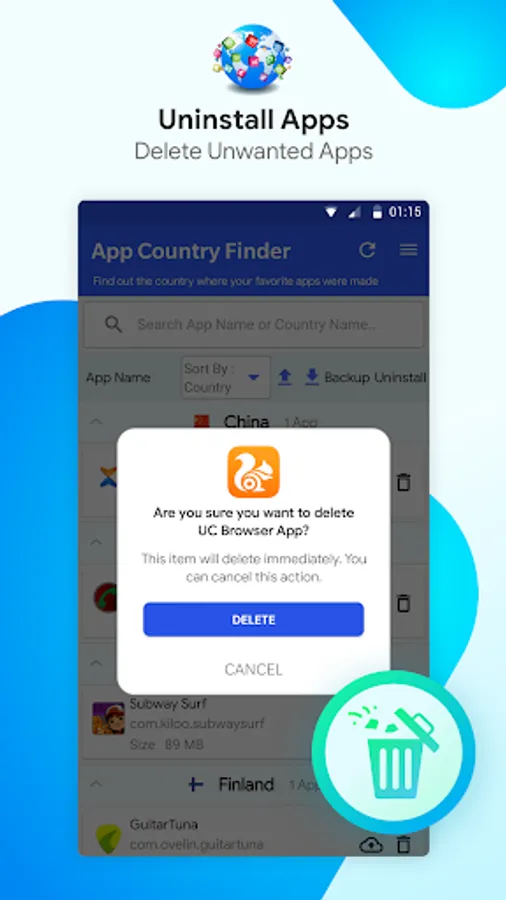
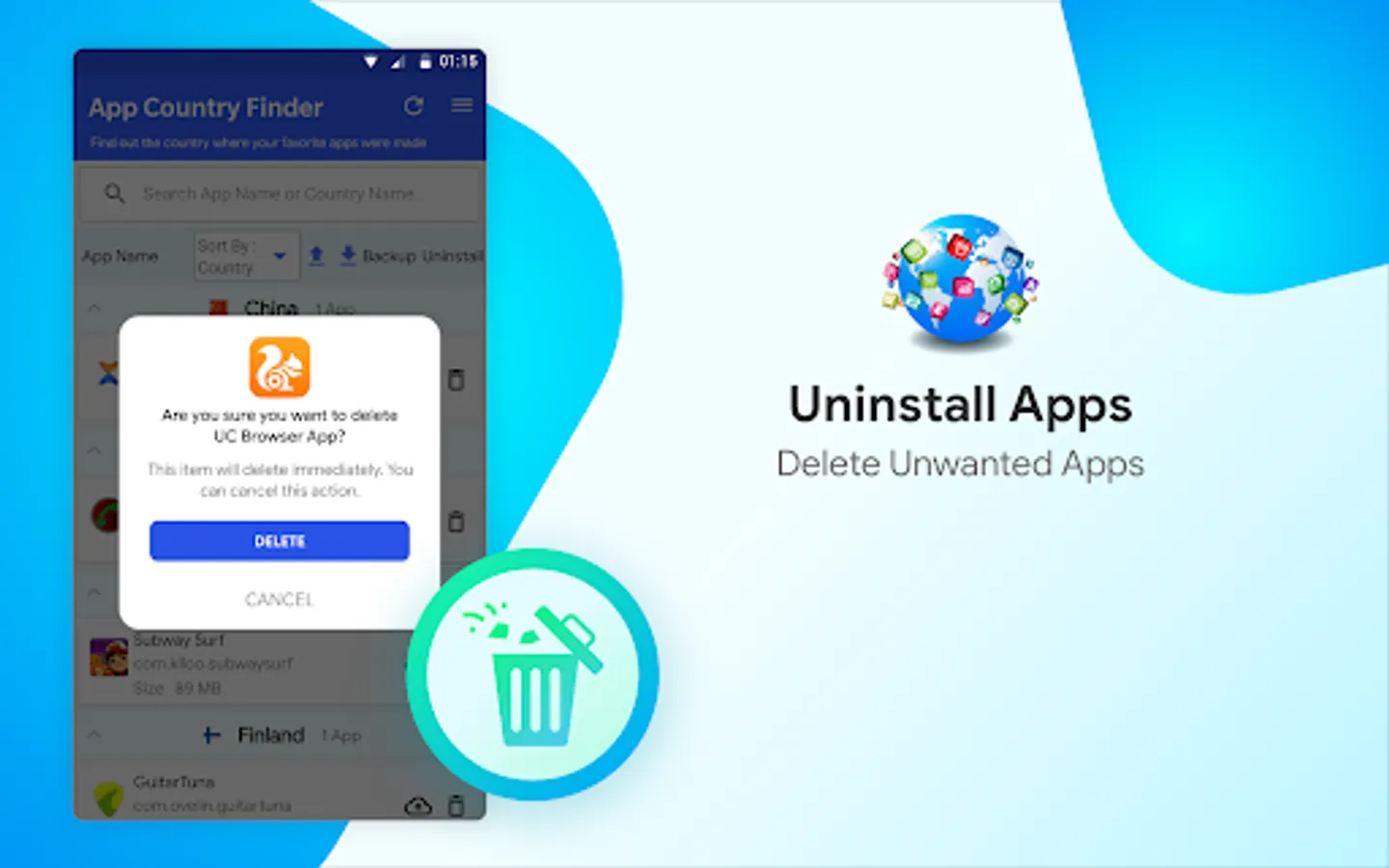
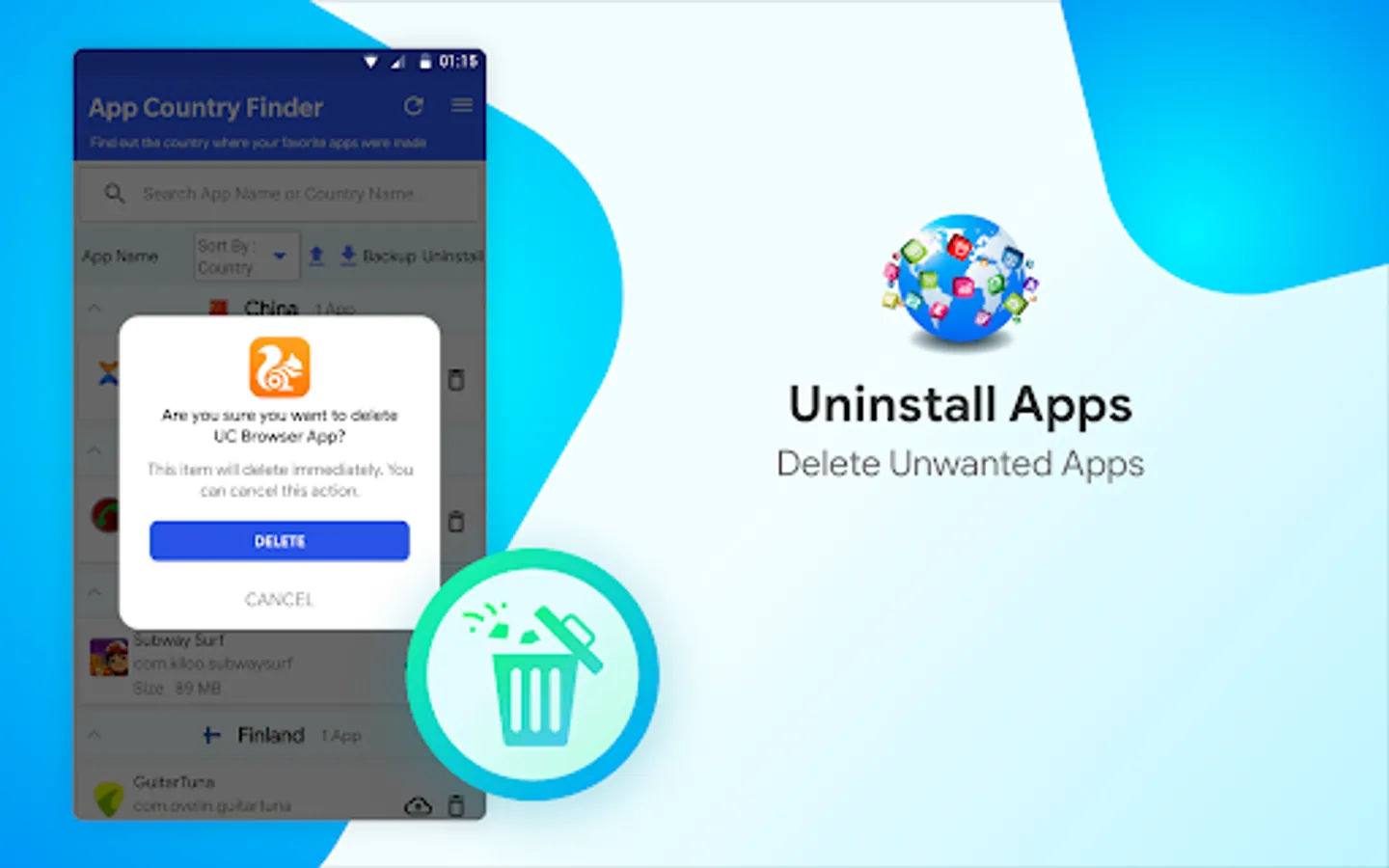
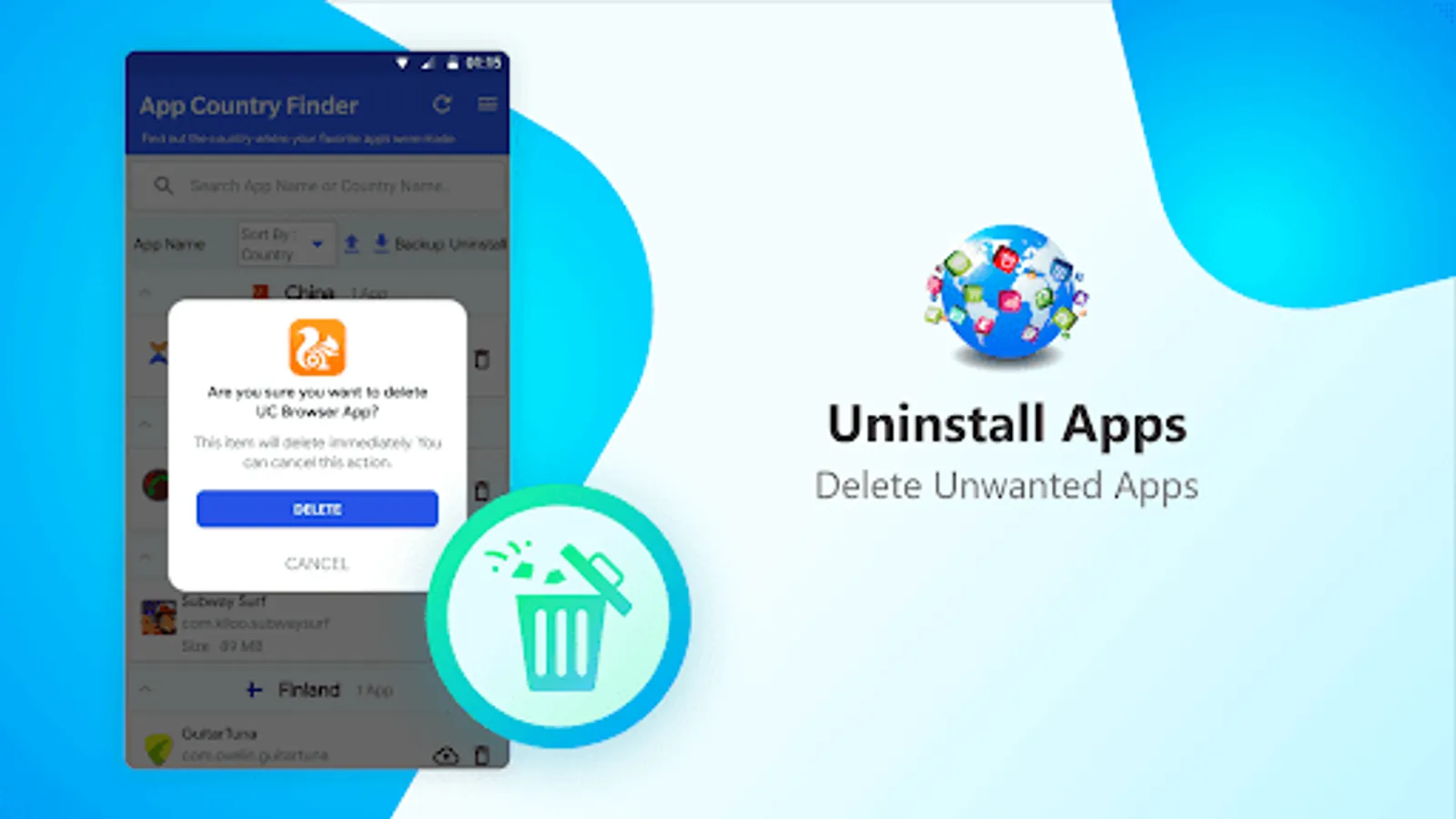
• Uninstall selects apps from within the App Country Finder
• Neat and easy-to-use interface.
• One tap app backup and uninstall feature.
How to use App Country Finder
1. Launch the app from Google Play Store
2. Grant media permission
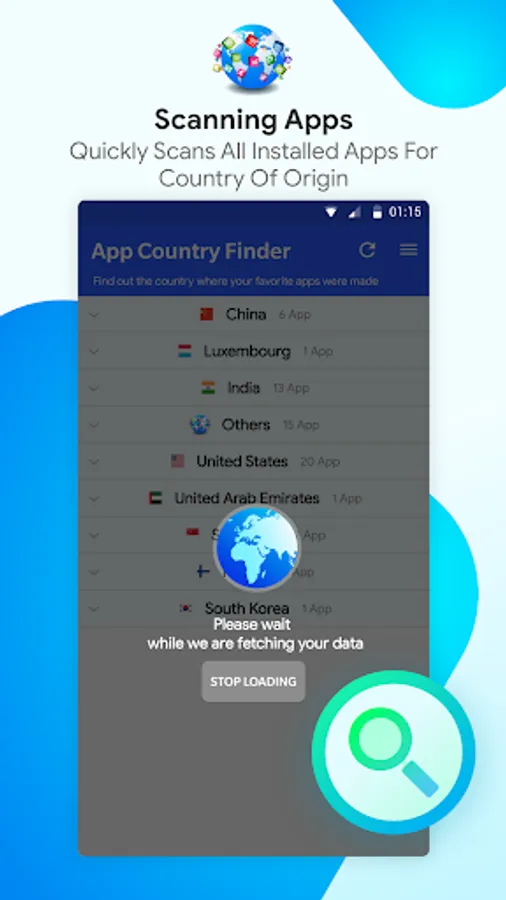
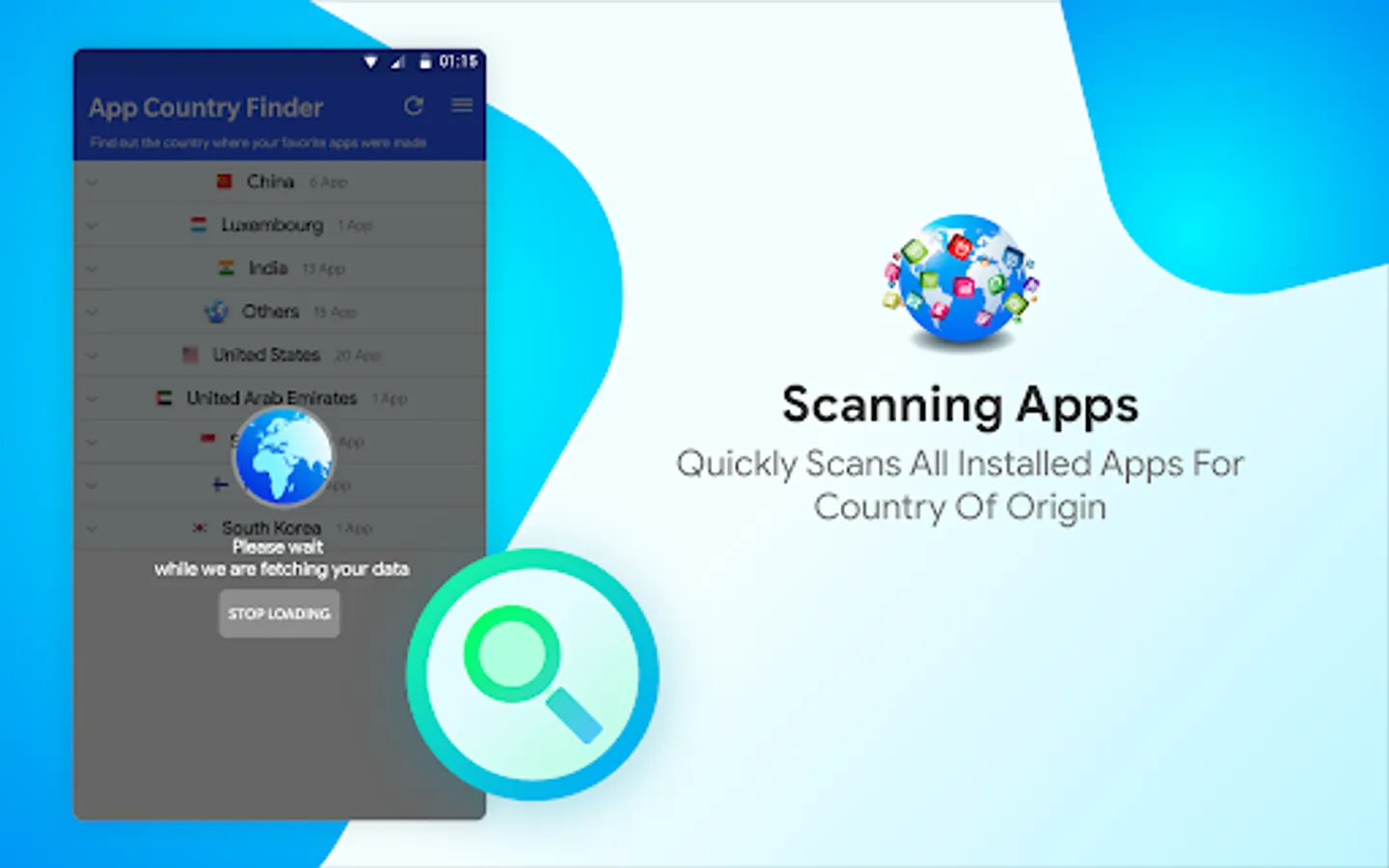
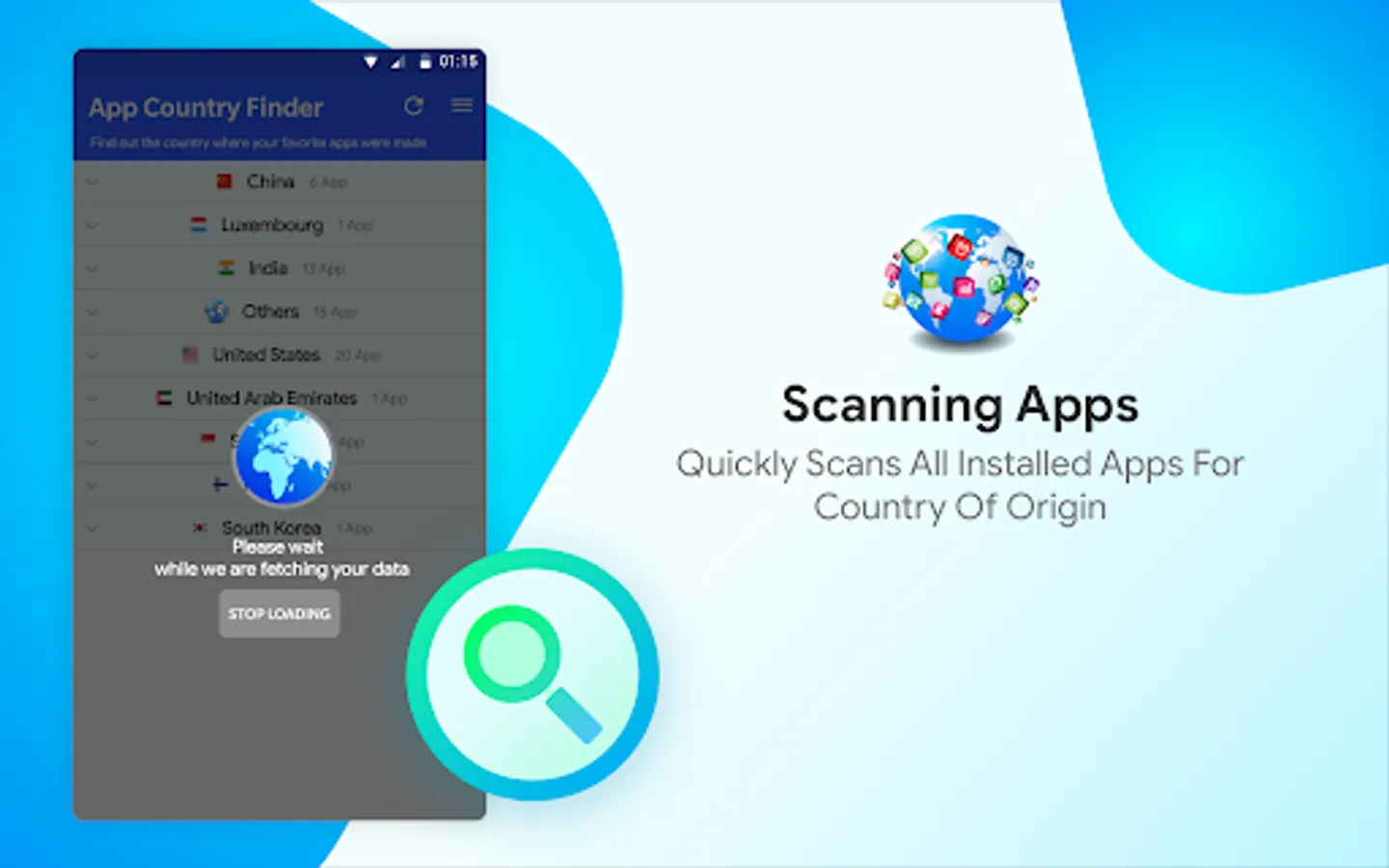
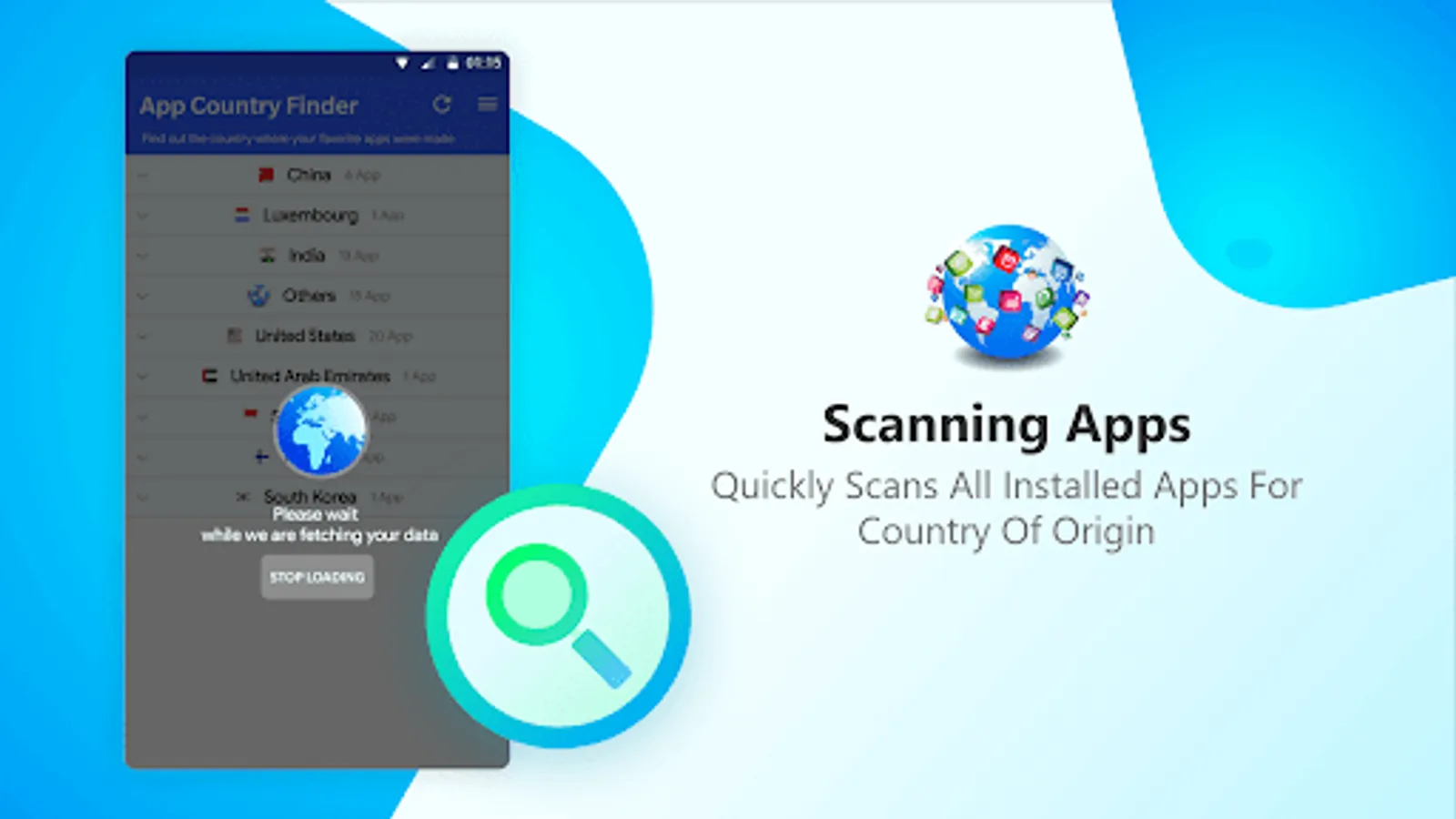
3. Next, tap the refresh icon to get a list of the installed apps.
4. Wait for the process to finish.
5. You will now see a categorized list of apps divided country-wise.
6. From here, you can either take backup of the apps or can directly uninstall the selected apps.
This helps declutter the app list and keep the apps from countries you trust.
In addition to this, using App Country Finder you can recover storage space as the unwanted apps will be uninstalled.
Yes, how do you do that?
Do you visit the app page and look for the information provided in the Developer or Information section? True!
But do you know in some cases app country name shown in this section might not be real? Well, if this worries you here’s a quick and trusted solution called App Country Finder.
Using this interesting app, without heading to the App developer information centre, you can find the app country name for all the installed apps. App Country Finder as the name infers provides users with country-specific information. This helps users to decide whether they want to use the application coming from a specific location or not.
Features
• Sort apps by country in Ascending or Descending order
• Backup apps
• Uninstall selects apps from within the App Country Finder
• Neat and easy-to-use interface.
• One tap app backup and uninstall feature.
How to use App Country Finder
1. Launch the app from Google Play Store
2. Grant media permission
3. Next, tap the refresh icon to get a list of the installed apps.
4. Wait for the process to finish.
5. You will now see a categorized list of apps divided country-wise.
6. From here, you can either take backup of the apps or can directly uninstall the selected apps.
This helps declutter the app list and keep the apps from countries you trust.
In addition to this, using App Country Finder you can recover storage space as the unwanted apps will be uninstalled.
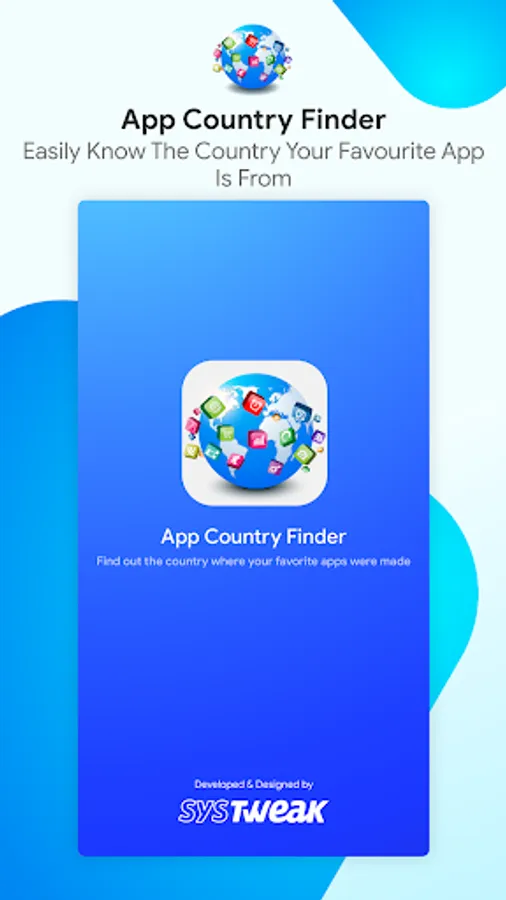
App Country Finder & Manager Screenshots
Tap to Rate: