In this Tamil voice keyboard app, you can speak in Tamil to automatically convert voice into text and share it with contacts or messaging apps. Includes voice recognition, easy voice typing, and customization options.
AppRecs review analysis
AppRecs rating 4.1. Trustworthiness 76 out of 100. Review manipulation risk 37 out of 100. Based on a review sample analyzed.
★★★★☆
4.1
AppRecs Rating
Ratings breakdown
5 star
63%
4 star
13%
3 star
13%
2 star
0%
1 star
13%
What to know
✓
Credible reviews
76% trustworthiness score from analyzed reviews
✓
High user satisfaction
75% of sampled ratings are 4+ stars (4.1★ average)
✓
Authentic reviews
Natural distribution, no red flags
About Tamil Voice Keyboard
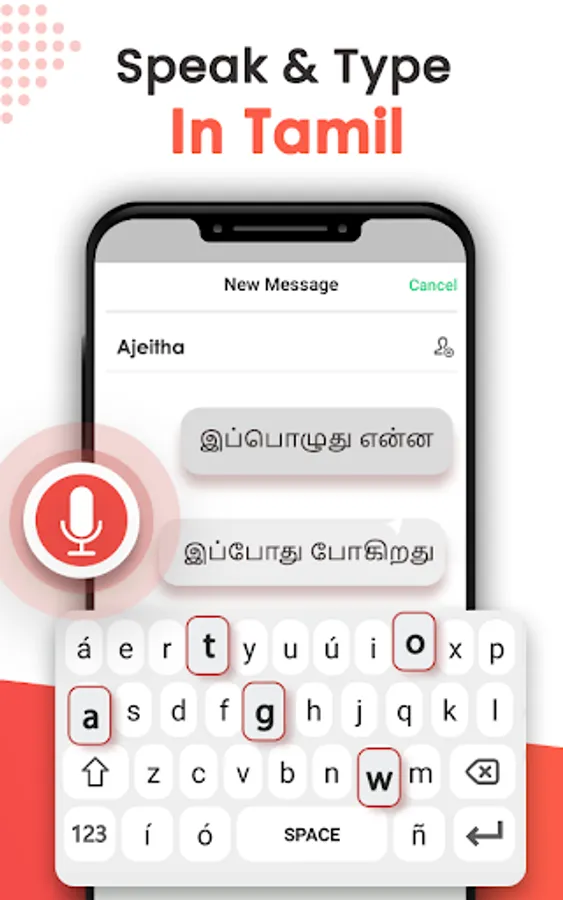
Tamil voice typing is a simple app that allows you to convert your Tamil voice note into text. It is voice to text converter app in which you only have to speak words of your choice and it will convert the voice into text automatically. Now you don’t have to use typing keyboard any more, just speak in Tamil and it will convert it into Tamil font automatically. The text appears after you done speaking and the converted text can be shared with your selected contacts or in any messaging app. The speech to text converter app is the fastest way of sending messages when you cannot type them using typing keyboard. Tamil speech to text app will let you type messages through voice typing. voice to text-Tami keyboard makes mobile typing easy with its voice recognition feature, so you can focus on your text and thoughts rather than on the keyboard.
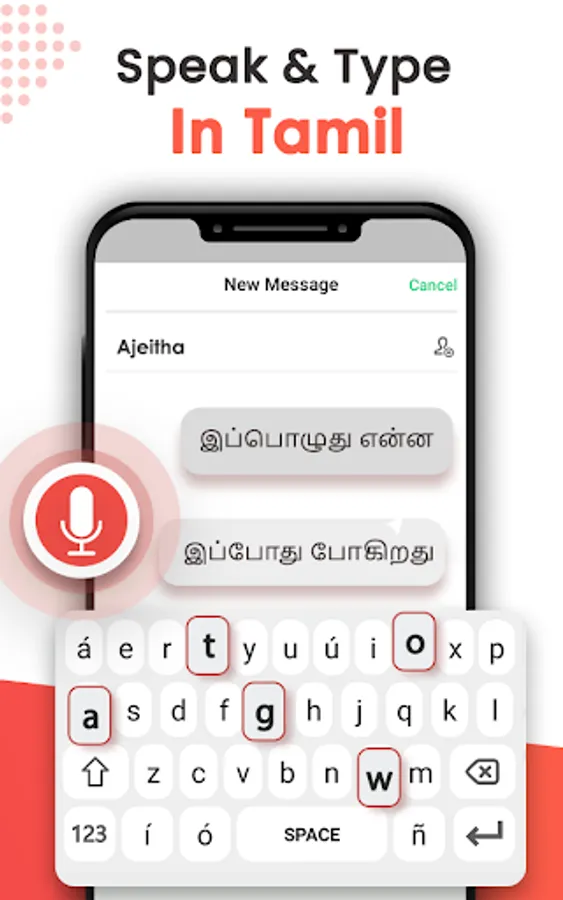
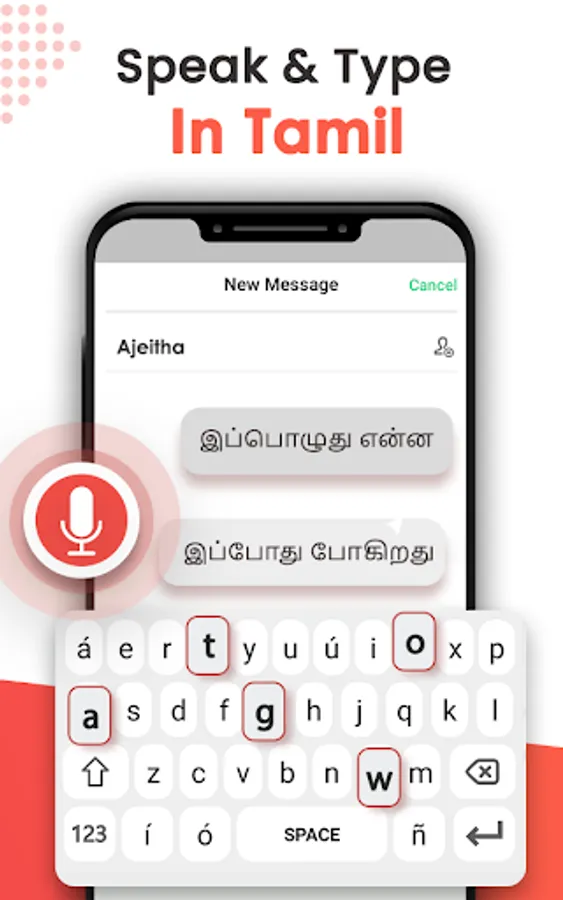
Tamil voice typing supports audio to text conversion feature that makes it easy to convert Tamil voice to text. It is very easy and useful way of sending messages though voice typing. You can copy the converted text and share it with your friends. Tamil speech to text converter translates anything you speak with Tamil font into Tamil text. It is very easy to use keyboard with user friendly interface. On one tap the microphone will start recording your voice and the text will appear after you stop speaking.
Features:
• Fast Voice recognition
• Easy voice Typing
• Simple and User- Friendly Interface.
• Clean and Elegant design
• Saves a lot of time and effort
• Free to use Tamil Voice Keyboard
How to use Tamil Voice typing keyboard:
To use this Tamil speech to text keyboard, Enable Tamil Voice typing keyboard Enable. Open the app, click on enable keyboard button and then select Tamil keyboard as your default keyboard and click on “Done”. Your Tamil Speech to text keyboard is activated now. The text appears after you finish speaking and it will take a minute to convert the text but once it gets the regularity then it will convert the voice instantly. It has easy text sharing option so the converted text could easily be shared in all messaging applications.
Just use this Tamil speech to text converter keyboard to speak in Tamil and get your text automatically typed. Speech to text in Tamil keyboard is very easy and simple but very useful application to use. The audio to text converter app will capture your voice and convert it into text.
Tamil voice typing supports audio to text conversion feature that makes it easy to convert Tamil voice to text. It is very easy and useful way of sending messages though voice typing. You can copy the converted text and share it with your friends. Tamil speech to text converter translates anything you speak with Tamil font into Tamil text. It is very easy to use keyboard with user friendly interface. On one tap the microphone will start recording your voice and the text will appear after you stop speaking.
Features:
• Fast Voice recognition
• Easy voice Typing
• Simple and User- Friendly Interface.
• Clean and Elegant design
• Saves a lot of time and effort
• Free to use Tamil Voice Keyboard
How to use Tamil Voice typing keyboard:
To use this Tamil speech to text keyboard, Enable Tamil Voice typing keyboard Enable. Open the app, click on enable keyboard button and then select Tamil keyboard as your default keyboard and click on “Done”. Your Tamil Speech to text keyboard is activated now. The text appears after you finish speaking and it will take a minute to convert the text but once it gets the regularity then it will convert the voice instantly. It has easy text sharing option so the converted text could easily be shared in all messaging applications.
Just use this Tamil speech to text converter keyboard to speak in Tamil and get your text automatically typed. Speech to text in Tamil keyboard is very easy and simple but very useful application to use. The audio to text converter app will capture your voice and convert it into text.
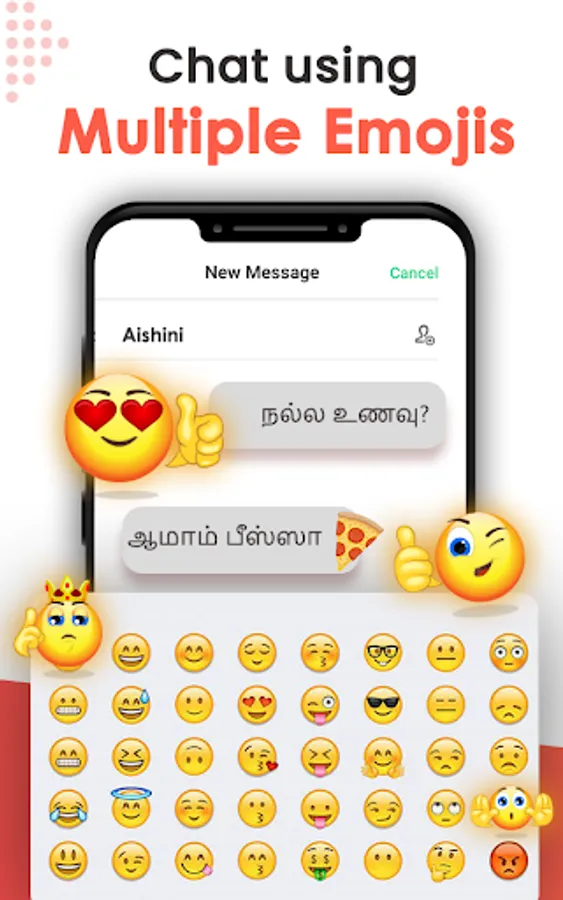
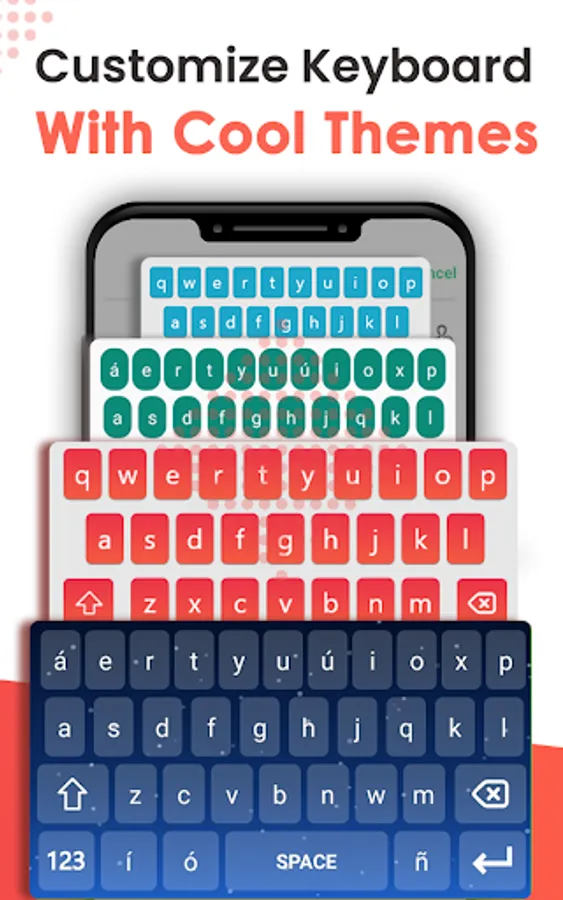
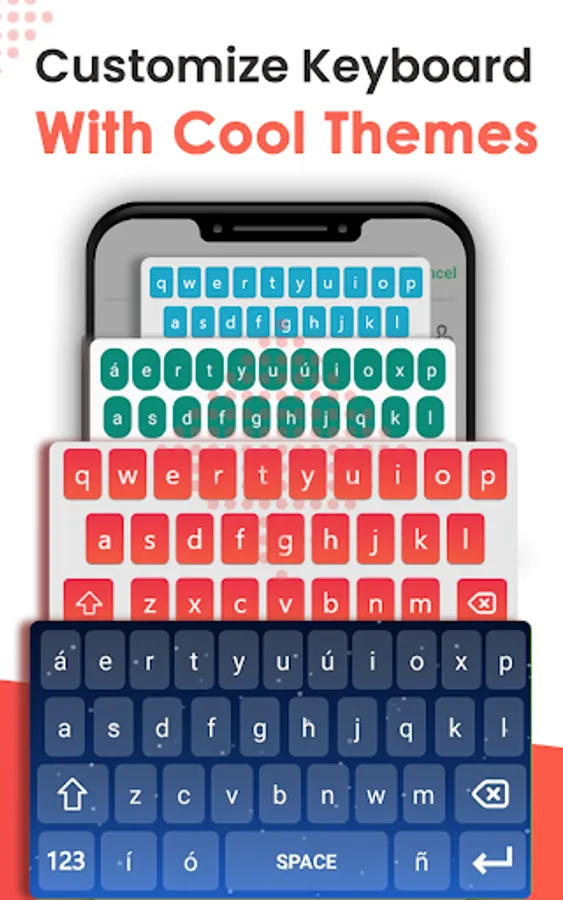
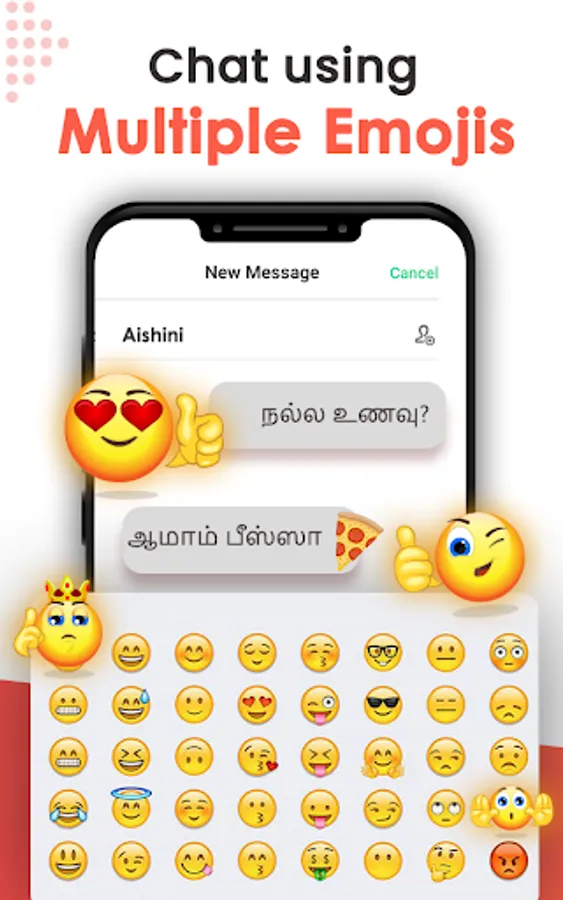
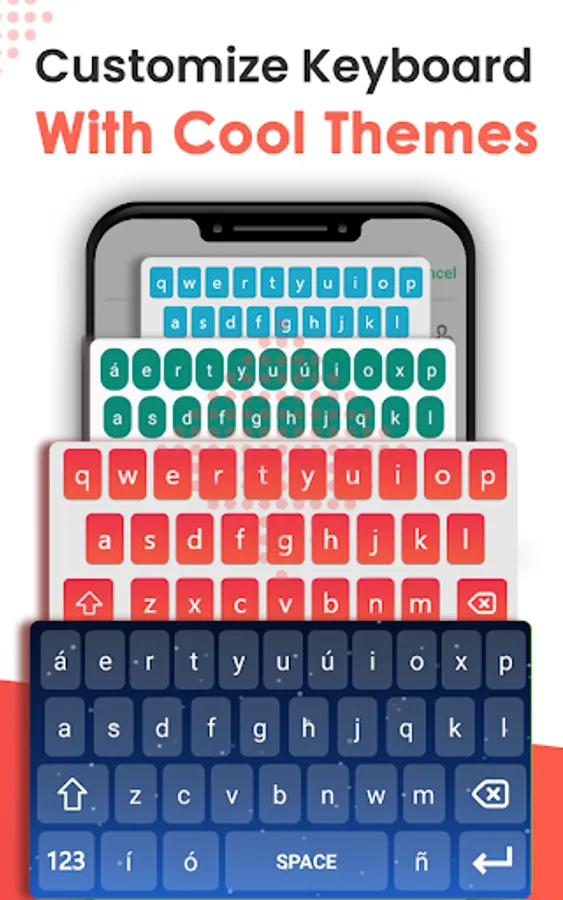
Tamil Voice Keyboard Screenshots



Tap to Rate:
Reviews for Tamil Voice Keyboard
jothilingam ehambaram
6/10/2023
Excellent app for tamil community
S Ravindran
11/3/2022
தம்பி சைமன் என்ன செய்ற