VR MYPC - VR for PC
Tantransha
1.6 ★
224 ratings
10,000+
downloads
Free
+ in-app
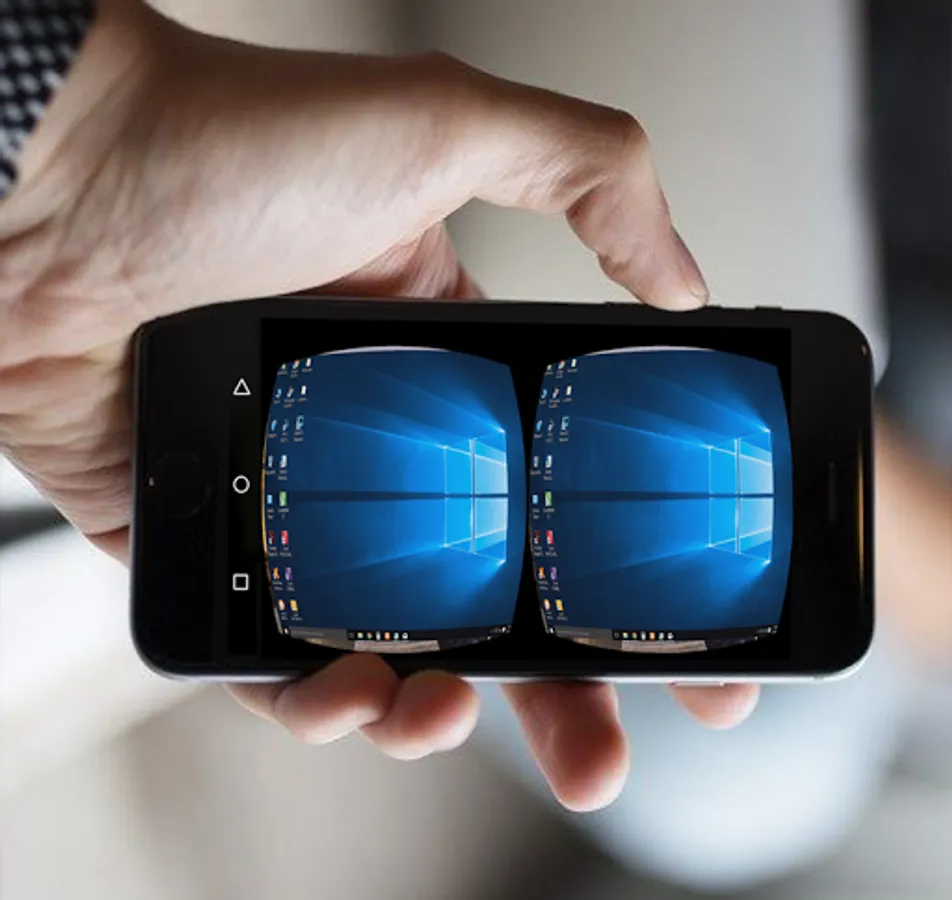
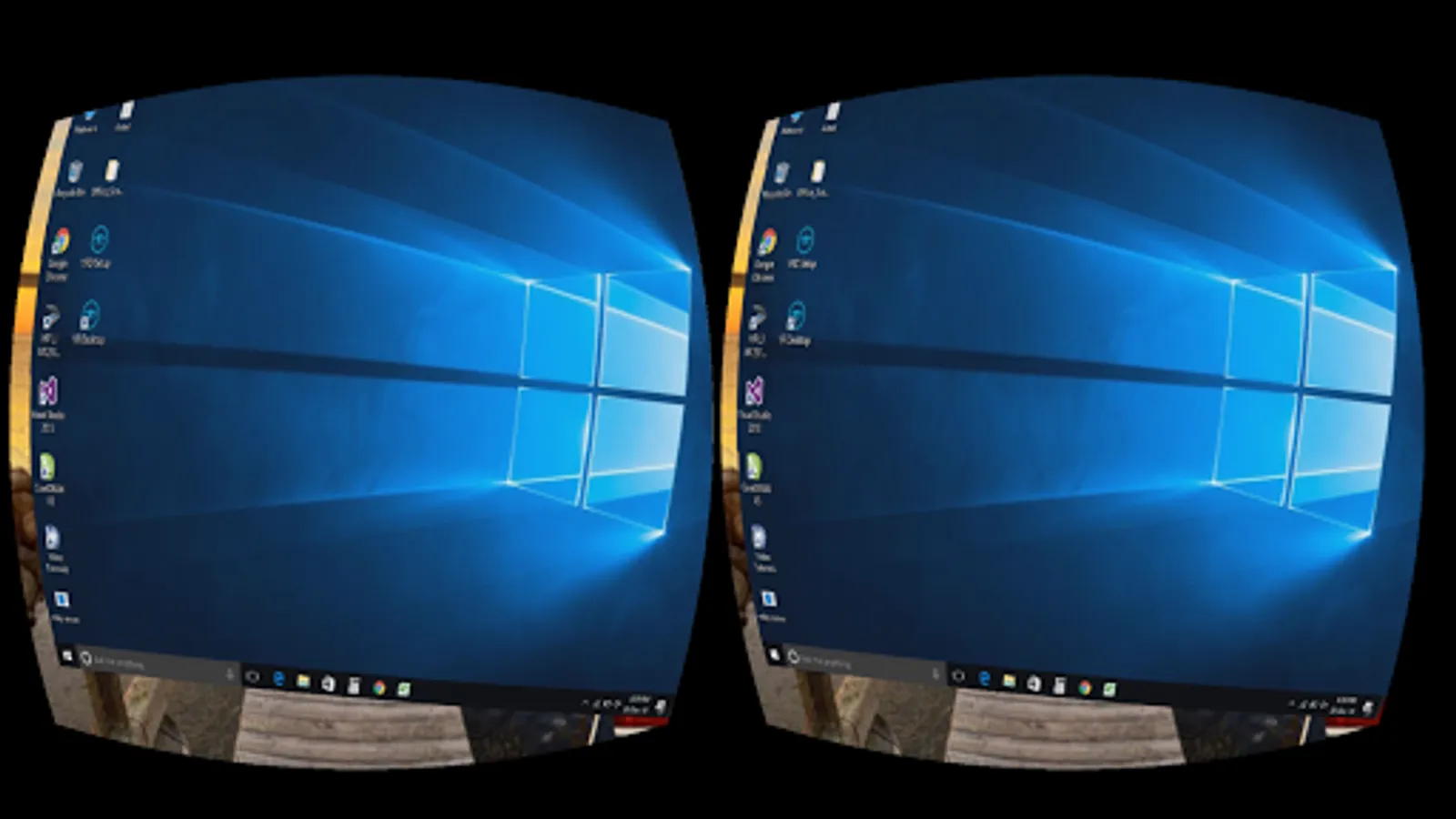
In this virtual desktop app, you can view and control your Windows PC remotely through a VR headset by connecting over Wi-Fi. Includes multiple surroundings and scenes, simple setup, and real-time display.
AppRecs review analysis
AppRecs rating 1.6. Trustworthiness 0 out of 100. Review manipulation risk 0 out of 100. Based on a review sample analyzed.
★☆☆☆☆
1.6
AppRecs Rating
Ratings breakdown
5 star
11%
4 star
4%
3 star
0%
2 star
7%
1 star
78%
What to know
✓
Authentic reviews
No red flags detected
⚠
Mixed user feedback
Average 1.6★ rating suggests room for improvement
⚠
High negative review ratio
86% of sampled ratings are 1–2 stars
About VR MYPC - VR for PC
VR MYPC lets a user enjoy his desktop with virtual reality headsets like google cardboard, PC, oculus rift, HTC vive, GearVR. You can enjoy any Windows PC in virtual reality. All you need PC, wi-fi network, and a VR headset.It provides a virtual desktop with several surroundings and scene.It is the most simple way to enjoy virtual desktop. There are no complex settings and restrictions. It takes few clicks to start experiencing your PC in virtual reality.
Follow below steps:
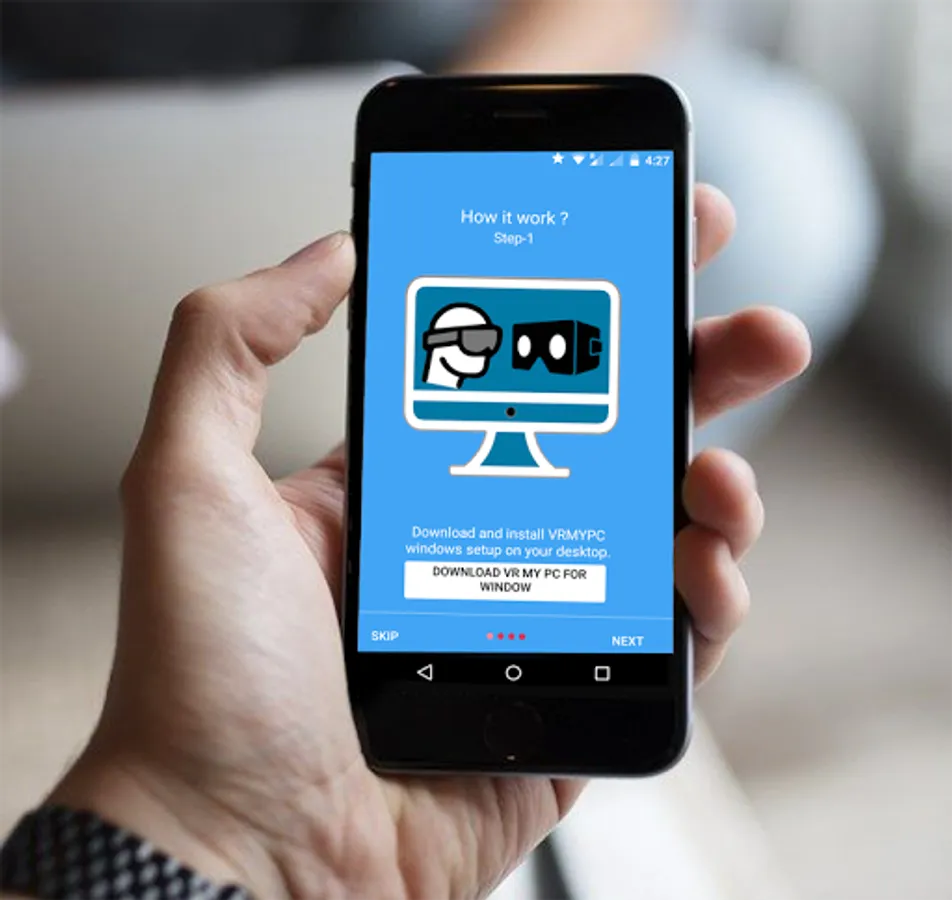
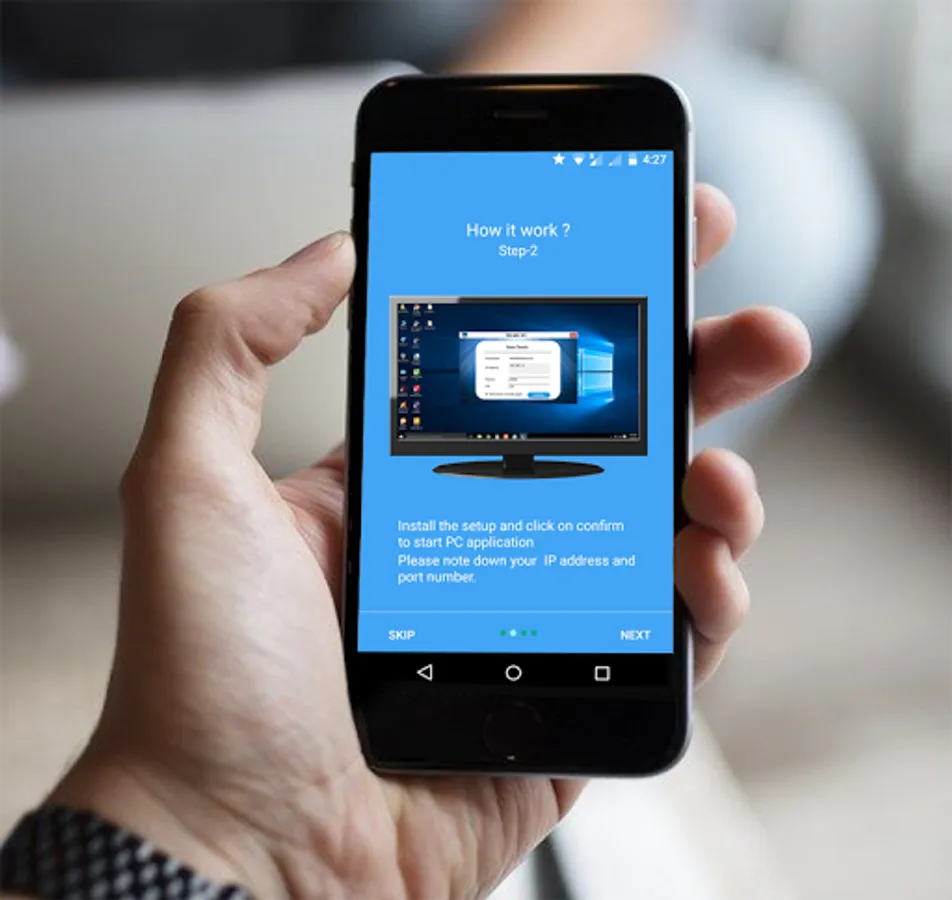
Step-1: Download and Install VR MY PC on you PC from http://vrmypc.tantransha.com/
Step-2: Install VR MY PC on your android smartphone.
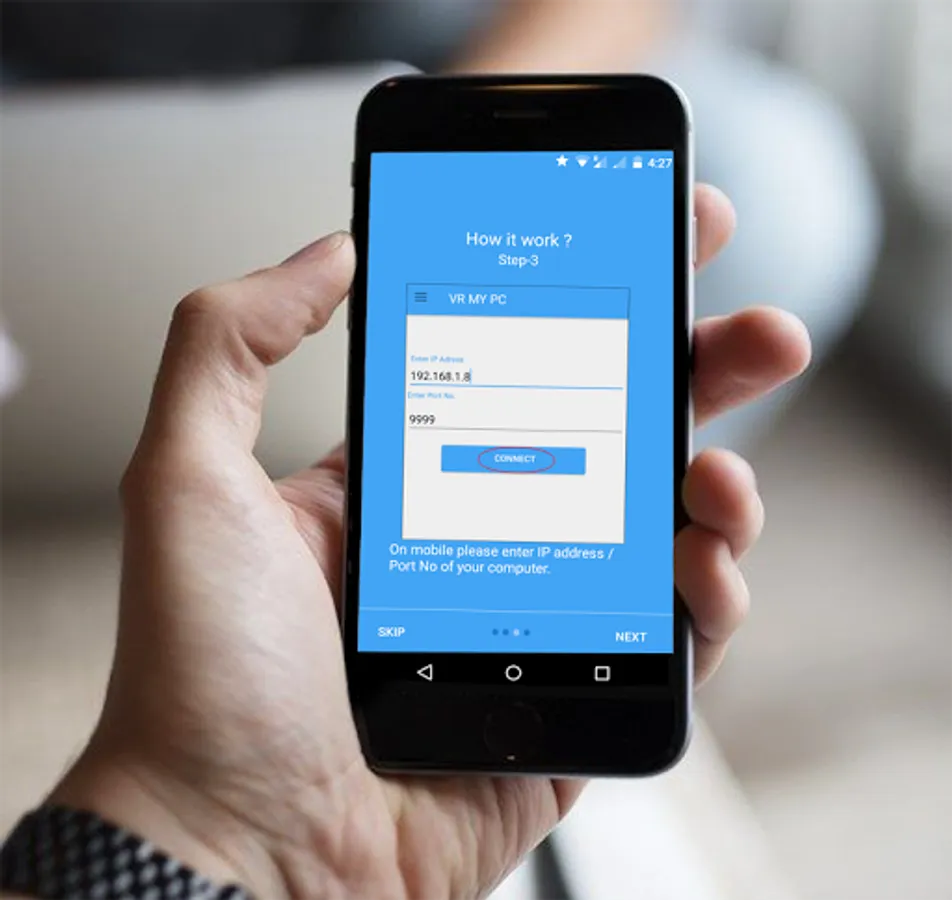
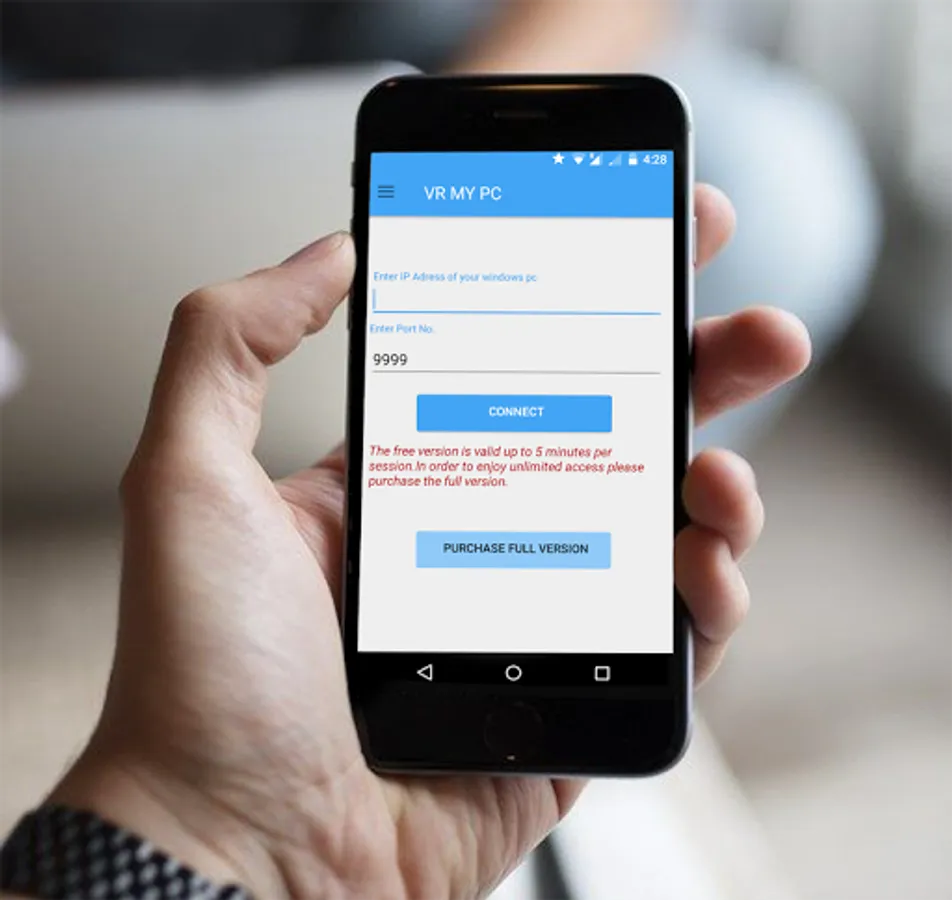
Step-3: Enter the IP and Port No. and connect your PC.
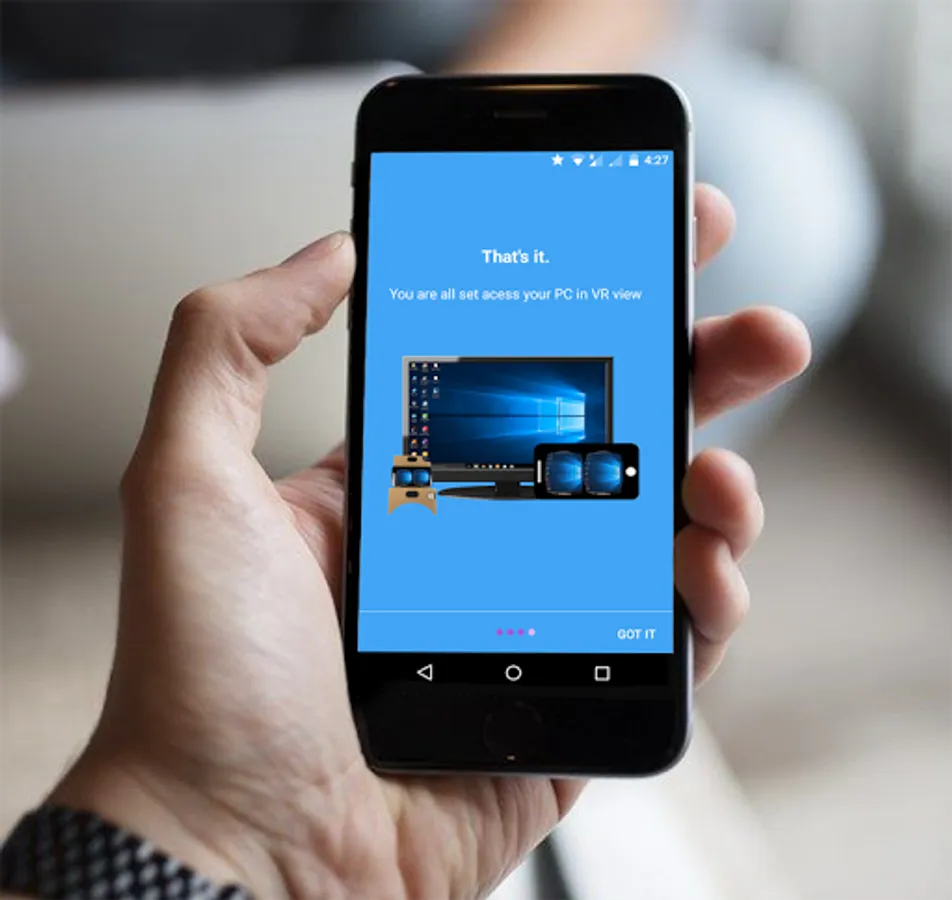
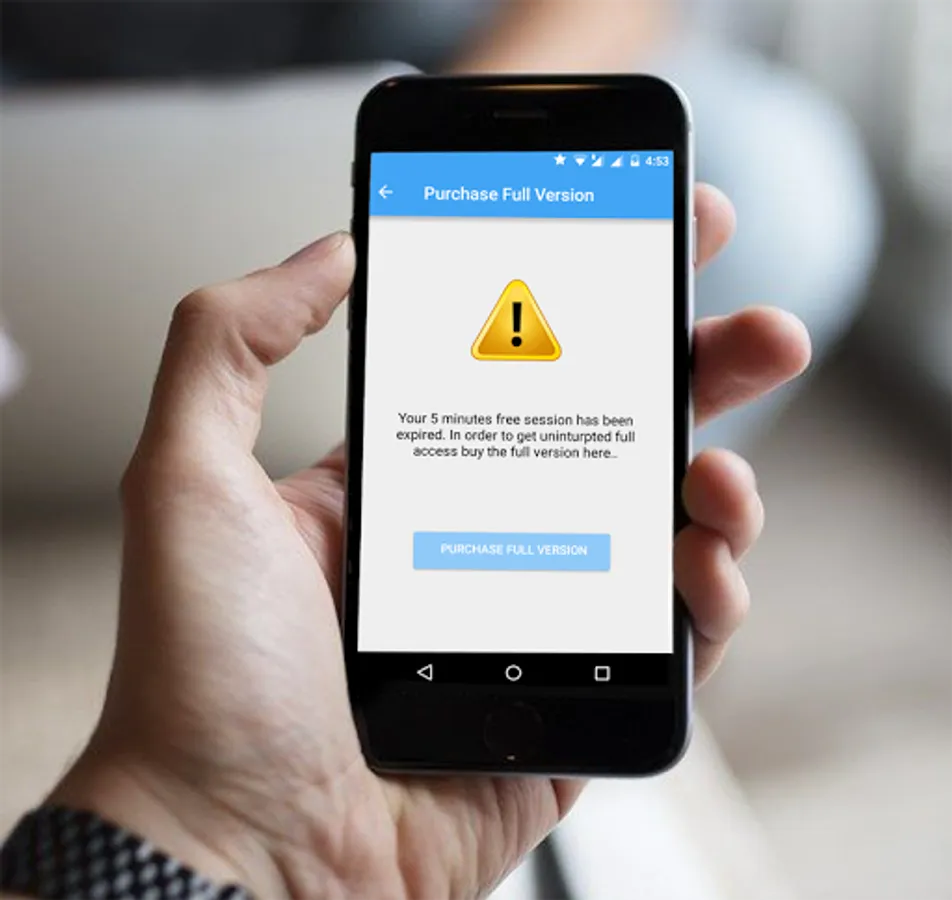
Enjoy VR view of your PC with VR headset ( cardboard, oculus rift, HTC vive, Gear VR ).This app creates a real-time virtual desktop for your VR headsets. To know about how to use it for devices other than Android smartphone please visit our website.Please note that free session is valid up to 5 minutes use ( unlimited free sessions). In order to enjoy uninterrupted access please purchase the full version ( you can purchase it from inside the app ).
This app is a successor to popular VR VNC app( https://play.google.com/store/apps/details?id=tantra.tantransha.cardboardremotedesktop.lite )Please feel free to write us about new feature requests or the bugs.
Follow below steps:
Step-1: Download and Install VR MY PC on you PC from http://vrmypc.tantransha.com/
Step-2: Install VR MY PC on your android smartphone.
Step-3: Enter the IP and Port No. and connect your PC.
Enjoy VR view of your PC with VR headset ( cardboard, oculus rift, HTC vive, Gear VR ).This app creates a real-time virtual desktop for your VR headsets. To know about how to use it for devices other than Android smartphone please visit our website.Please note that free session is valid up to 5 minutes use ( unlimited free sessions). In order to enjoy uninterrupted access please purchase the full version ( you can purchase it from inside the app ).
This app is a successor to popular VR VNC app( https://play.google.com/store/apps/details?id=tantra.tantransha.cardboardremotedesktop.lite )Please feel free to write us about new feature requests or the bugs.
VR MYPC - VR for PC Screenshots
Tap to Rate: