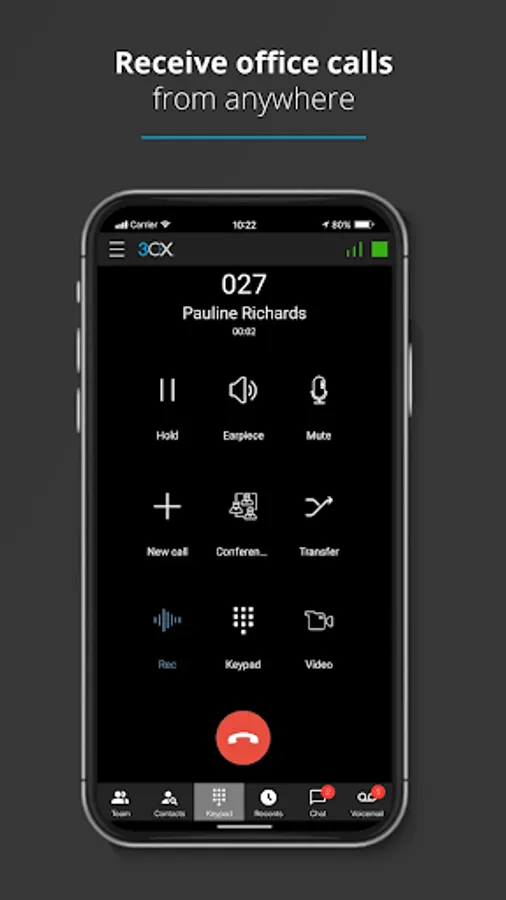
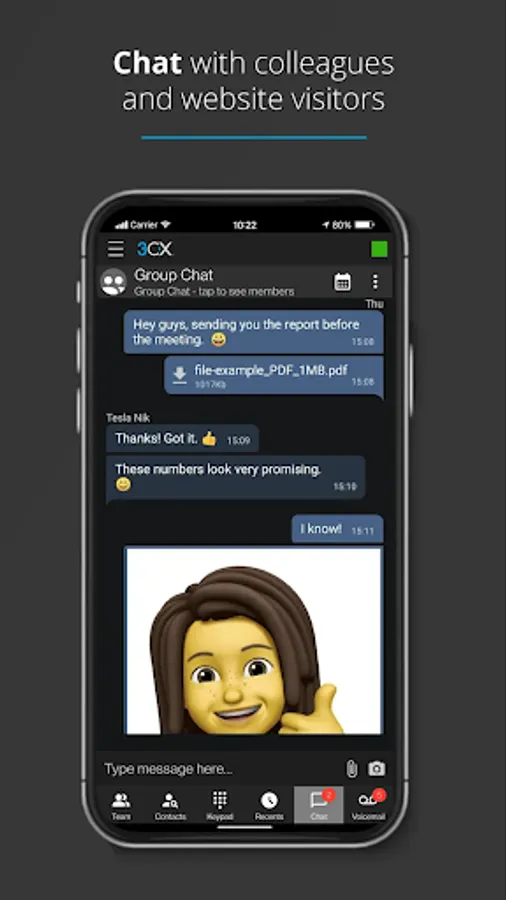
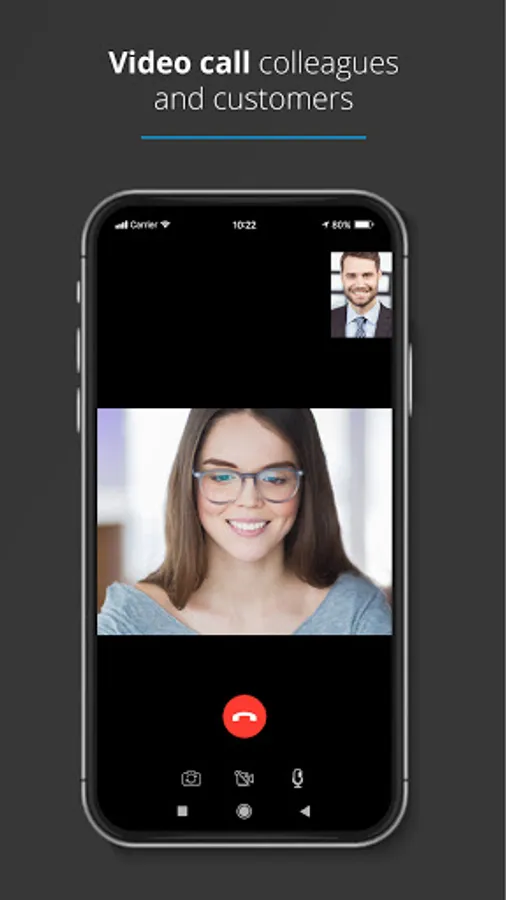
With this communication app, you can make and receive work calls, schedule conferences, video call, and chat from anywhere. Includes call management, video conferencing, and messaging features.
AppRecs review analysis
AppRecs rating 2.5. Trustworthiness 83 out of 100. Review manipulation risk 23 out of 100. Based on a review sample analyzed.
★★☆☆☆
2.5
AppRecs Rating
Ratings breakdown
5 star
30%
4 star
8%
3 star
3%
2 star
11%
1 star
48%
What to know
✓
Low review manipulation risk
23% review manipulation risk
⚠
Mixed user feedback
Average 2.6★ rating suggests room for improvement
⚠
High negative review ratio
59% of sampled ratings are 1–2 stars
About 3CX
With the 3CX App you can make and receive work calls, schedule conferences, video call and chat from anywhere. The 3CX App is truly your one-stop tool for working remotely - easily and efficiently.
Getting Started:
Once the app is downloaded, open it and:
1. Agree to the license agreement.
2. Follow the on screen instructions to configure your app with your extension - you need your 3CX Welcome Email email with your credentials, sent from your Administrator.
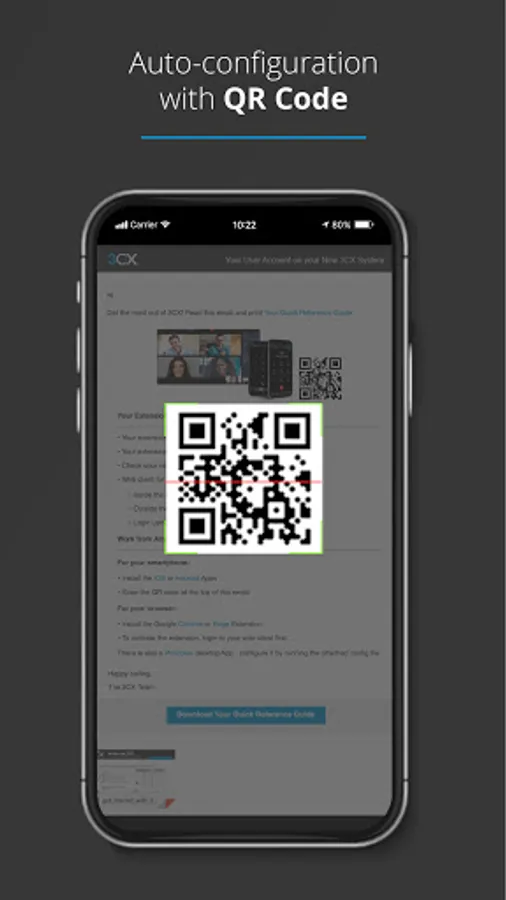
3. Allow camera access to scan the QR code from your 3CX web client - details in your email.
4. Grant all the necessary permissions in the next screens.
5. Make sure to follow the battery optimization instructions for the app to work efficiently.
And that's all! You can now stay connected on-the-go!
Important read: This app is only for use with 3CX v18 and is not a standalone app.
More information: https://www.3cx.com/user-manual/installation-android/
Getting Started:
Once the app is downloaded, open it and:
1. Agree to the license agreement.
2. Follow the on screen instructions to configure your app with your extension - you need your 3CX Welcome Email email with your credentials, sent from your Administrator.
3. Allow camera access to scan the QR code from your 3CX web client - details in your email.
4. Grant all the necessary permissions in the next screens.
5. Make sure to follow the battery optimization instructions for the app to work efficiently.
And that's all! You can now stay connected on-the-go!
Important read: This app is only for use with 3CX v18 and is not a standalone app.
More information: https://www.3cx.com/user-manual/installation-android/
3CX Screenshots
Tap to Rate:
Reviews for 3CX
Maz Sortino
12/30/2025
I can't download it won't install on my phone
Leesa Guerrero
12/22/2025
terrible app, can't use it on my cell phone anymore. it says to reach out to my administrators and they can't figure it out either. very frustrating and not feasable to have to be in front of my computer to get calls.