About AppLock - Lock Apps
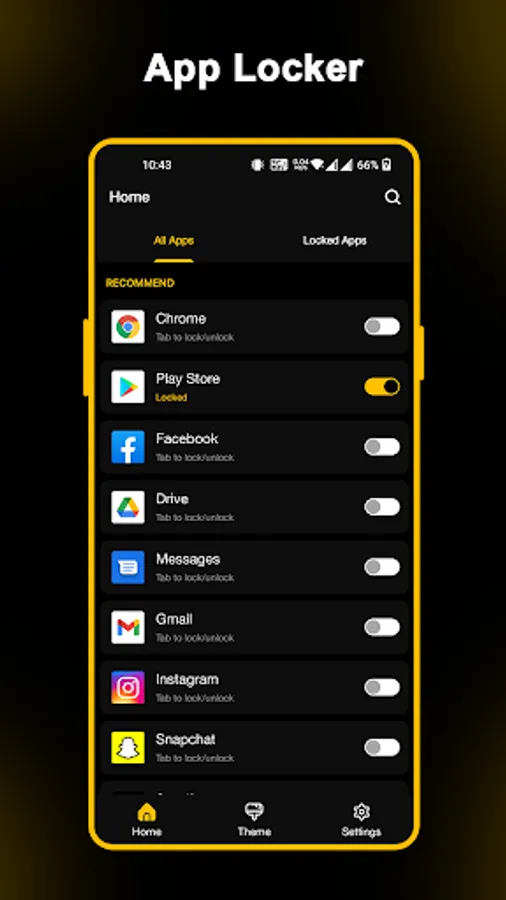
Download App lock and protect your private apps with this applock. Use pattern, pin and fingerprint to protect your apps. Also you can use intruder selfie feature to take selfie of intruders and you can also change your app icon to disguise others.
Key features:
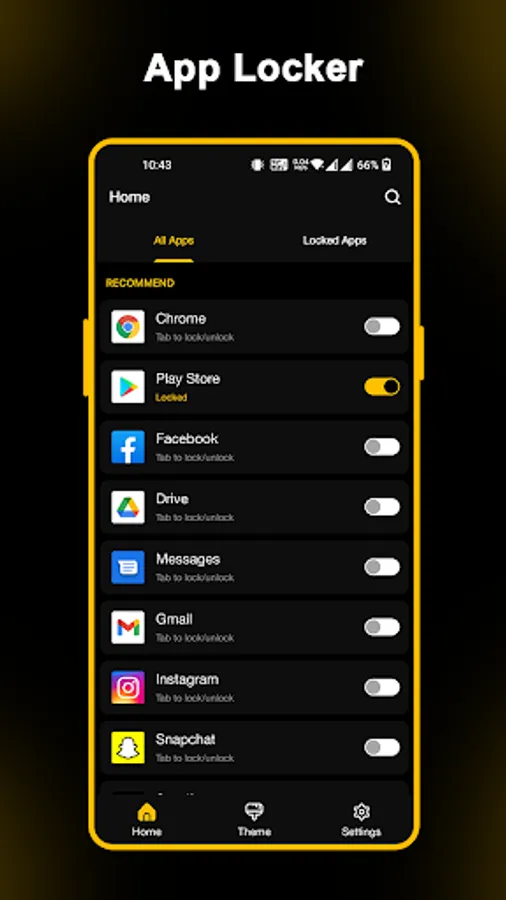
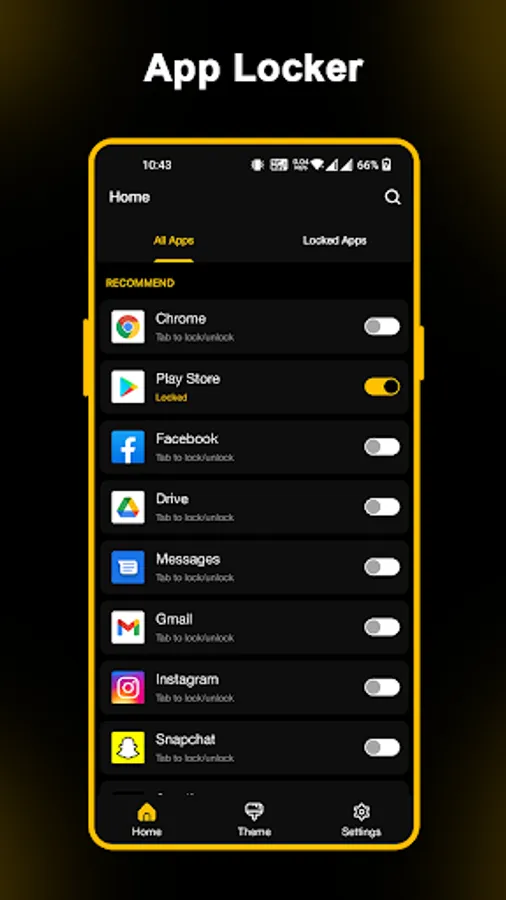
★ Lock your apps
- Facebook, WhatsApp, Messenger, Calls, Gmail, Snapchat, Play Store, etc.
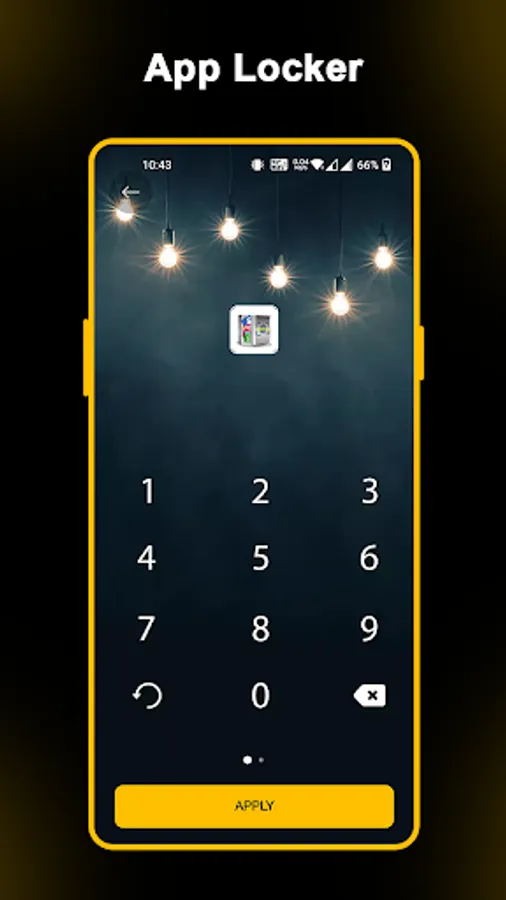
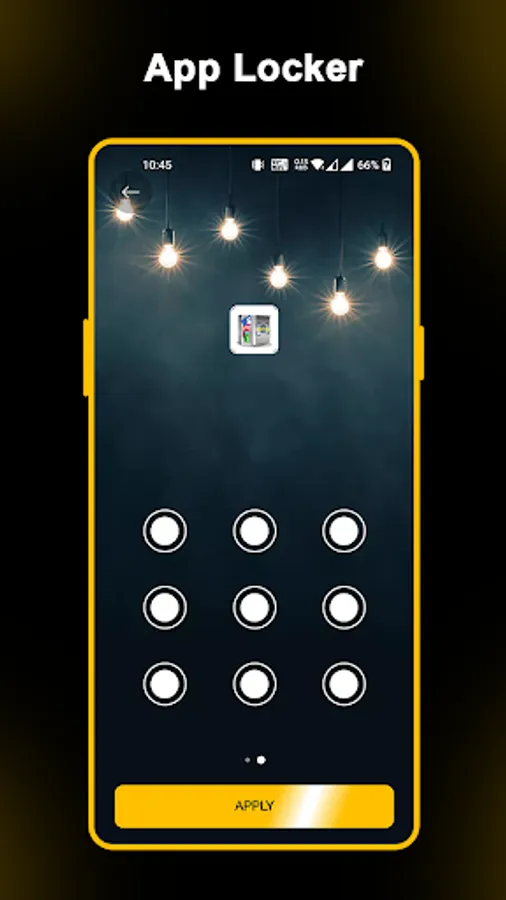
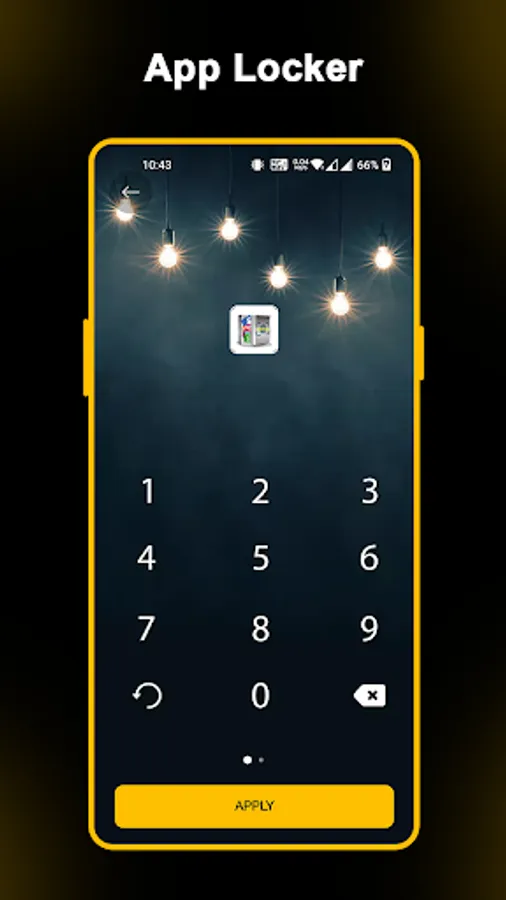
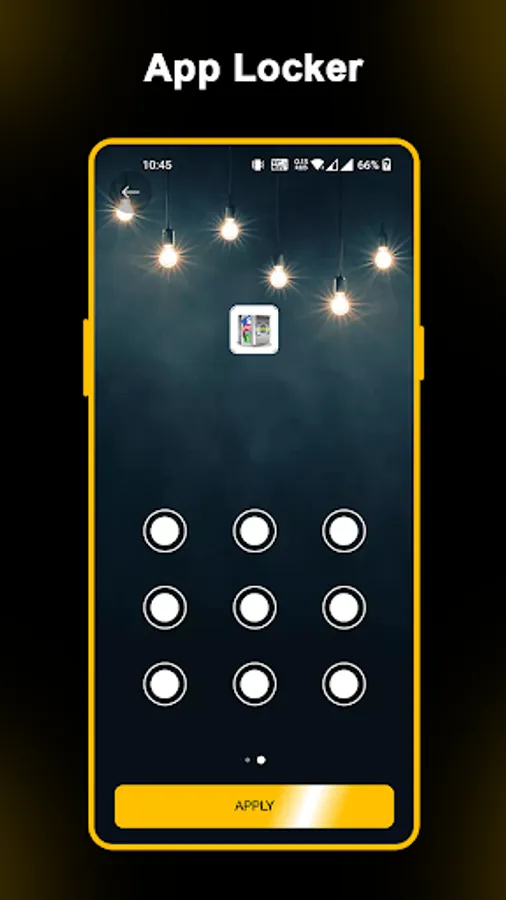
★ Use multiple locks
- you can use pattern, pin and fingerprint lock.
★ Intruder selfie
- whenever incorrect password entered intruders selfie taken from your phone.
★ Disguise icon
- you can changer your app icon.
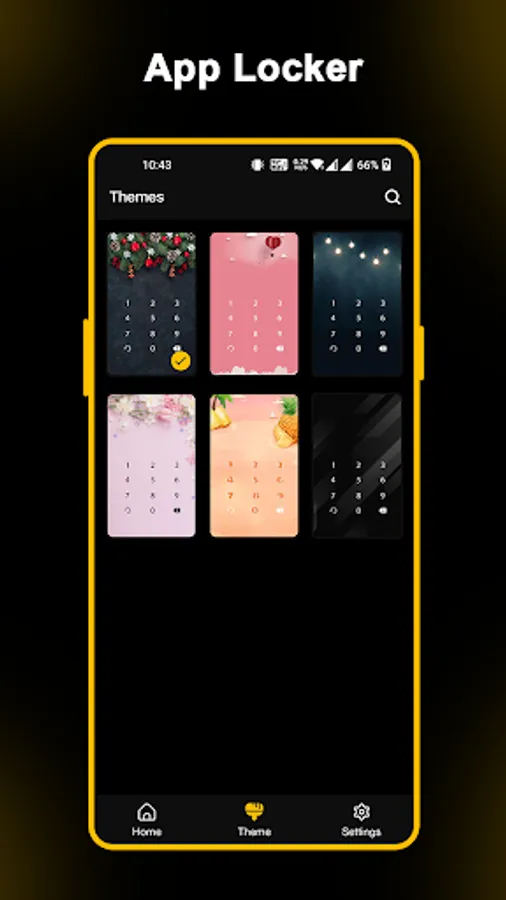
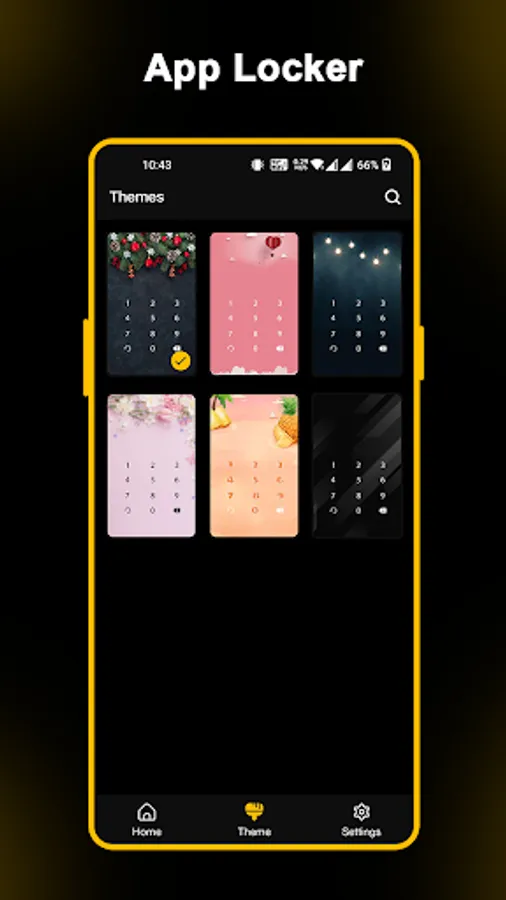
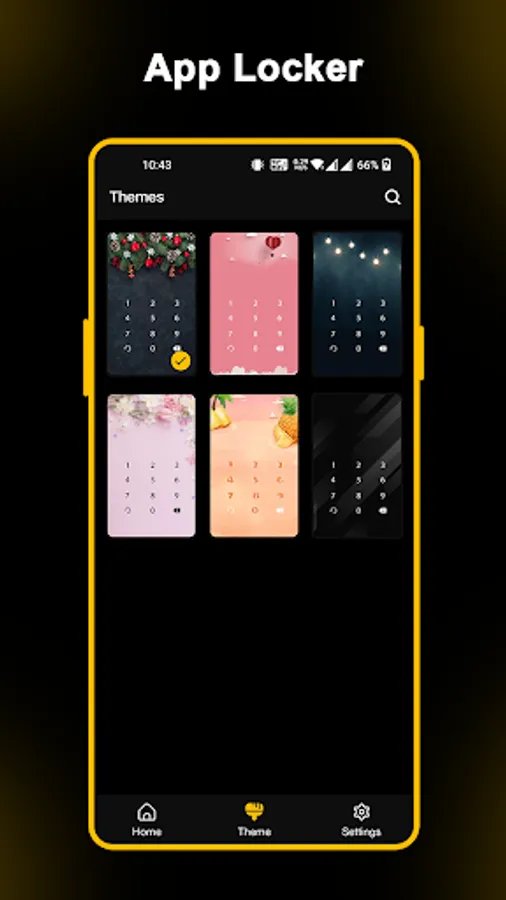
★ Customizable Themes
- you can change your lock screen themes.
★ Random Keyboard
- use "Random Keyboard" feature in AppLock to hide your password from prying eyes.
AppLock requires the following app permissions:
• App Usage - used to retrieve the list of installed apps, available for locking, and manage their lock status.
• Overlay (Run over other apps) - enables the lock screen display. Note! The “Overlay” permission is mandatory for Android 10 smartphones and tablets - otherwise, AppLock won’t work on the device.
• Camera - used to make an intruder selfie.
Key features:
★ Lock your apps
- Facebook, WhatsApp, Messenger, Calls, Gmail, Snapchat, Play Store, etc.
★ Use multiple locks
- you can use pattern, pin and fingerprint lock.
★ Intruder selfie
- whenever incorrect password entered intruders selfie taken from your phone.
★ Disguise icon
- you can changer your app icon.
★ Customizable Themes
- you can change your lock screen themes.
★ Random Keyboard
- use "Random Keyboard" feature in AppLock to hide your password from prying eyes.
AppLock requires the following app permissions:
• App Usage - used to retrieve the list of installed apps, available for locking, and manage their lock status.
• Overlay (Run over other apps) - enables the lock screen display. Note! The “Overlay” permission is mandatory for Android 10 smartphones and tablets - otherwise, AppLock won’t work on the device.
• Camera - used to make an intruder selfie.