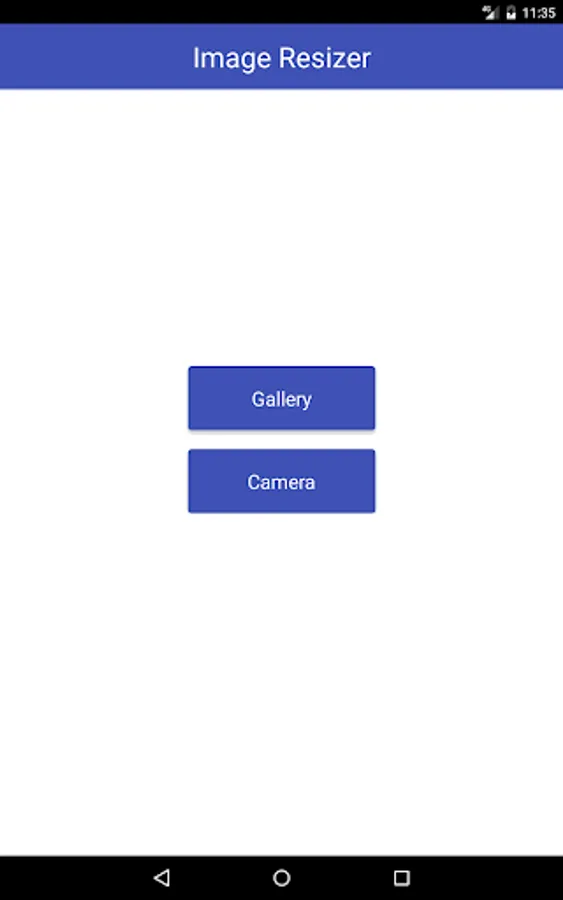
With this image editing tool, you can compress, resize, and crop images to reduce file size and adjust dimensions. Includes options for quality adjustment, aspect ratio preservation, and rotation.
AppRecs review analysis
AppRecs rating 2.1. Trustworthiness 0 out of 100. Review manipulation risk 0 out of 100. Based on a review sample analyzed.
★★☆☆☆
2.1
AppRecs Rating
Ratings breakdown
5 star
19%
4 star
6%
3 star
6%
2 star
0%
1 star
69%
What to know
✓
Authentic reviews
No red flags detected
⚠
Mixed user feedback
Average 2.1★ rating suggests room for improvement
⚠
High negative review ratio
69% of sampled ratings are 1–2 stars
About Image Resizer
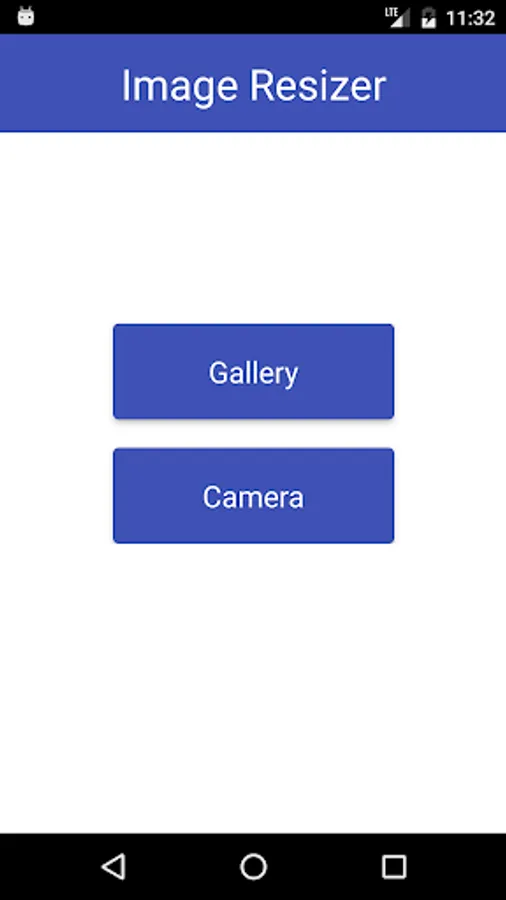
Image Resizer is a small tool to compress images . By using it user can reduce size images and can save more images in storage. Image Resizer contains three option
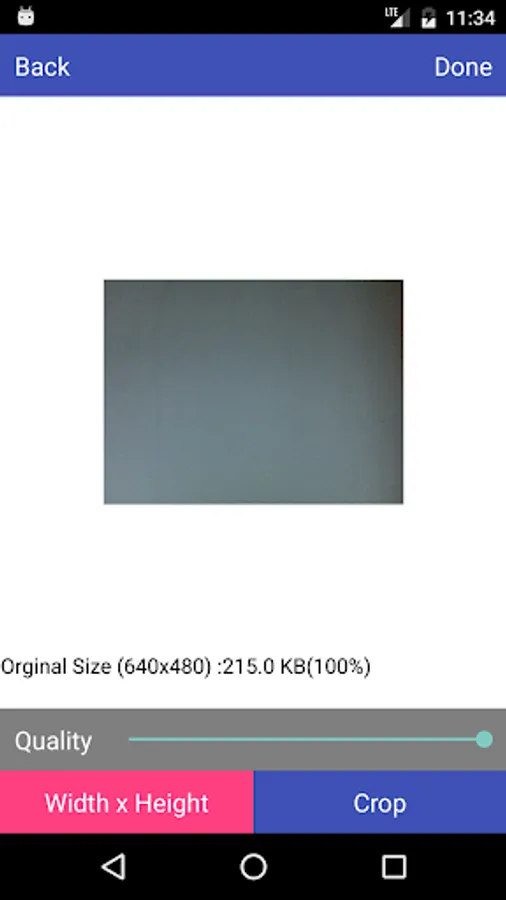
Size compress - In this option , user defines quality of image.Application will compress image according to quality. For good compression user should enter 75% quality.
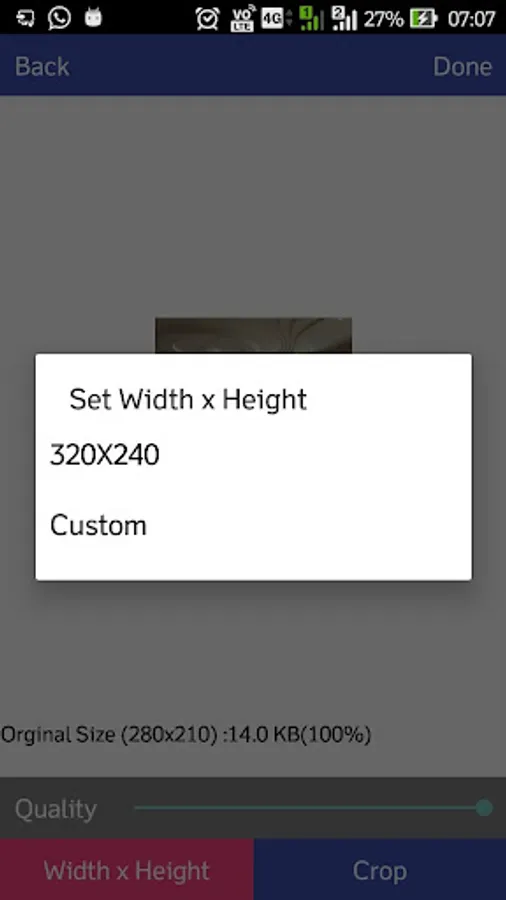
Resize - In this option, user enters height or width of image . Application will resize the height and width according
to the aspect ratio of image.
Crop Image -In this option ,another screen where user can crop image.User can also rotate images
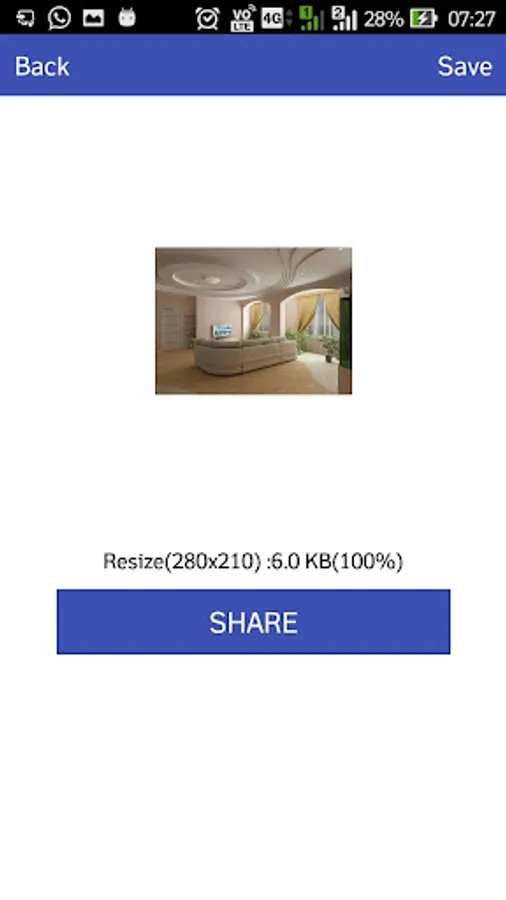
All the resized images will save in sd card of user device in Image Resizer. Resized will not show in gallery*.
Size compress - In this option , user defines quality of image.Application will compress image according to quality. For good compression user should enter 75% quality.
Resize - In this option, user enters height or width of image . Application will resize the height and width according
to the aspect ratio of image.
Crop Image -In this option ,another screen where user can crop image.User can also rotate images
All the resized images will save in sd card of user device in Image Resizer. Resized will not show in gallery*.