
AppRecs review analysis
AppRecs rating . Trustworthiness 79 out of 100. Review manipulation risk 30 out of 100. Based on a review sample analyzed.
★
AppRecs Rating
Ratings breakdown
5 star
67%
4 star
0%
3 star
0%
2 star
0%
1 star
33%
What to know
✓
Low review manipulation risk
30% review manipulation risk
✓
Credible reviews
79% trustworthiness score from analyzed reviews
✓
Good user ratings
67% positive sampled reviews
About Images to PDF
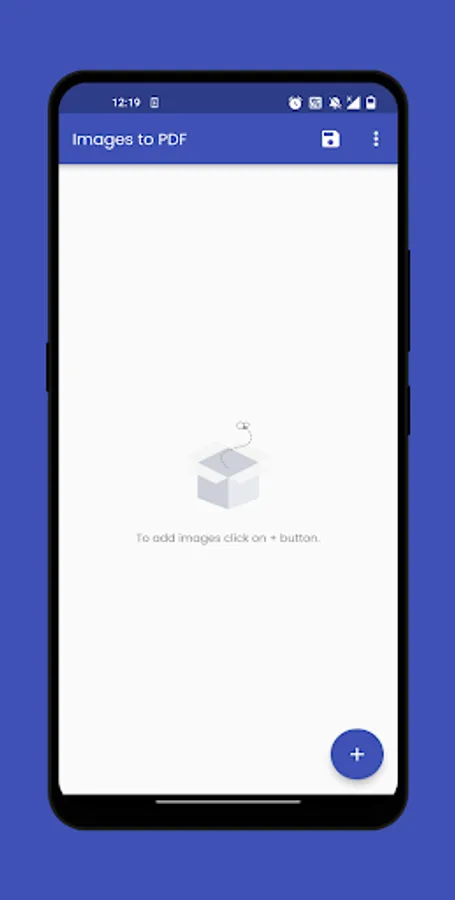
Transform your collection of images into professional PDF documents with Images to PDF! This versatile and user-friendly app empowers you to effortlessly convert your photos, scanned image documents, or any image files into PDFs, all while offering a range of powerful features to enhance your PDF creation experience.
Key Features:
1. Images to PDF Conversion
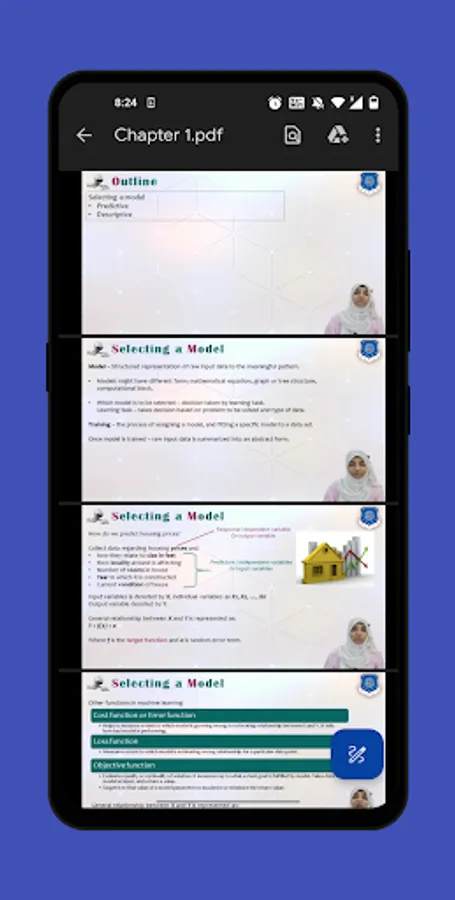
- Convert multiple image files into a single PDF document.
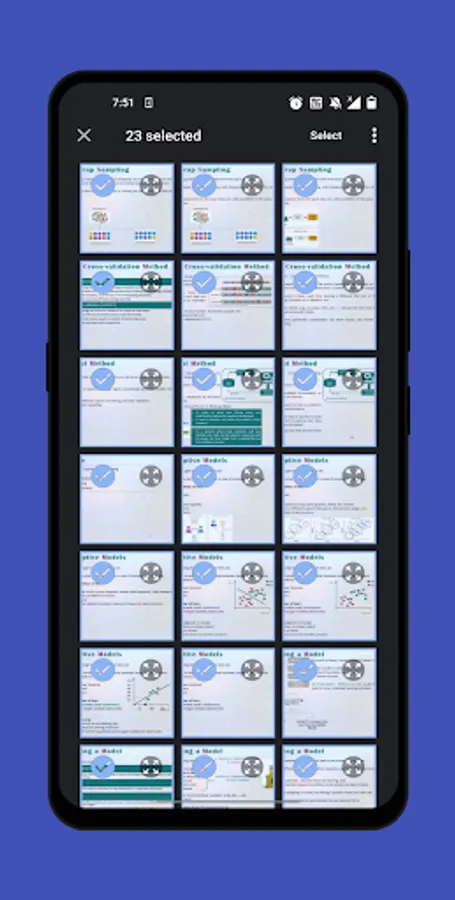
- Seamlessly merge photos, screenshots, or scanned image documents into one PDF file, making it easy to organize and share.
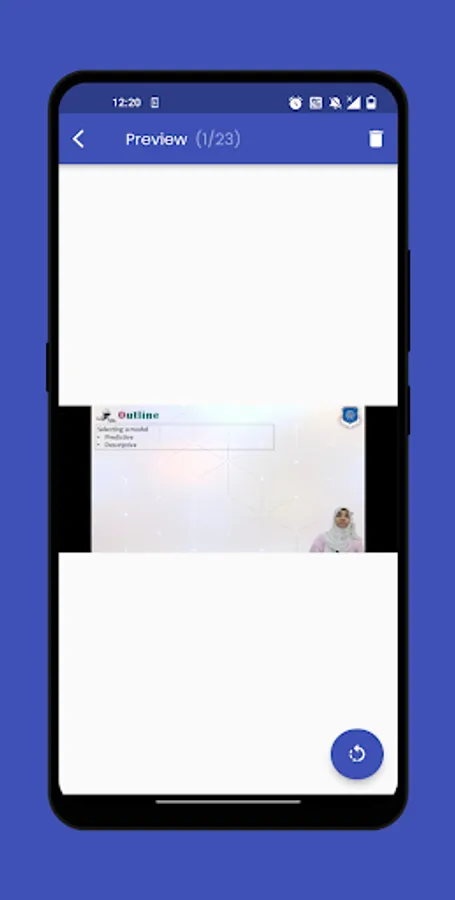
2. Image Rotation
- Correct the orientation of your images with a simple tap. Rotate images to ensure they're perfectly aligned within your PDF.
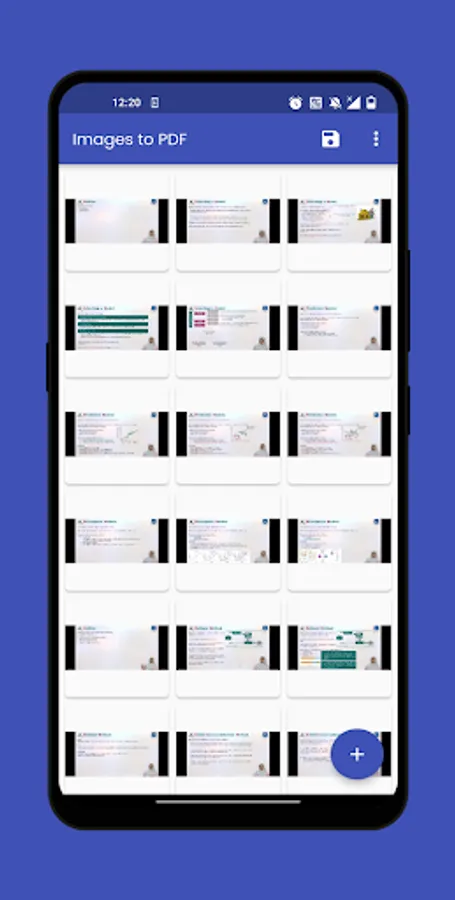
3. Reorderable GridView
- Arrange your images exactly how you want them with our intuitive, drag-and-drop reordering feature.
4. Page Format Options
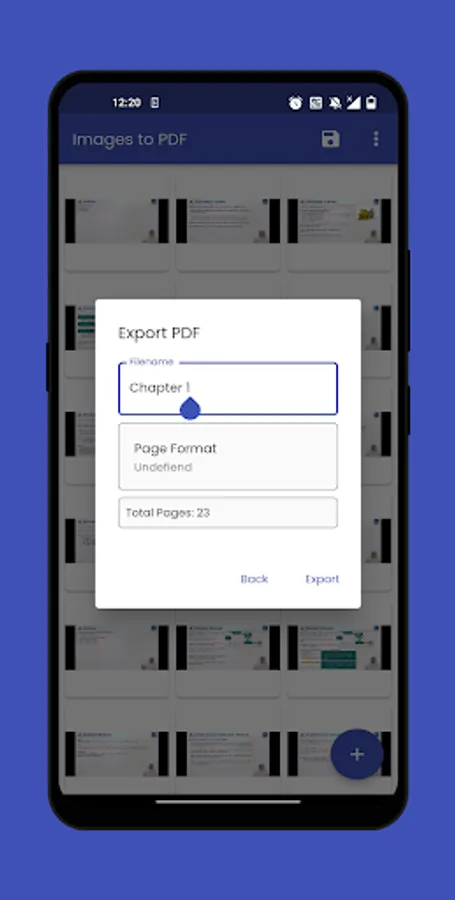
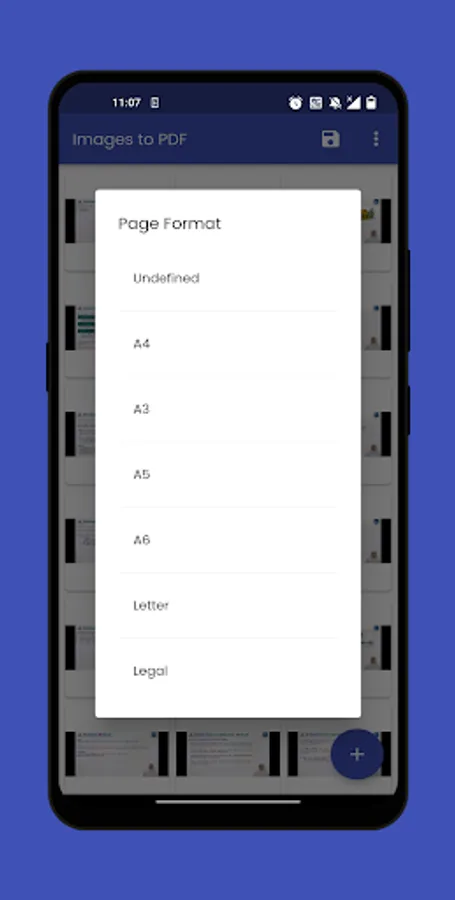
- Choose from various page formats, including A4, A3 and more, ensuring your PDFs are tailored to your specific needs.
- If you're not sure which format to use, select "Undefined" to let the app automatically adjust the page size for you.
5. User-Friendly Interface
- Intuitive and user-friendly design makes it easy for both beginners and experienced users to convert images to PDFs.
Experience the convenience and efficiency of turning your images into professional PDF documents with Images to PDF. Start converting and organizing your images today!
Developed by Anvaysoft
Programmer- Hrishi Suthar
Made with love in India
Key Features:
1. Images to PDF Conversion
- Convert multiple image files into a single PDF document.
- Seamlessly merge photos, screenshots, or scanned image documents into one PDF file, making it easy to organize and share.
2. Image Rotation
- Correct the orientation of your images with a simple tap. Rotate images to ensure they're perfectly aligned within your PDF.
3. Reorderable GridView
- Arrange your images exactly how you want them with our intuitive, drag-and-drop reordering feature.
4. Page Format Options
- Choose from various page formats, including A4, A3 and more, ensuring your PDFs are tailored to your specific needs.
- If you're not sure which format to use, select "Undefined" to let the app automatically adjust the page size for you.
5. User-Friendly Interface
- Intuitive and user-friendly design makes it easy for both beginners and experienced users to convert images to PDFs.
Experience the convenience and efficiency of turning your images into professional PDF documents with Images to PDF. Start converting and organizing your images today!
Developed by Anvaysoft
Programmer- Hrishi Suthar
Made with love in India
Images to PDF Screenshots
Tap to Rate:
Reviews for Images to PDF
Manish Bakhada
7/25/2025
longtime not updated
Ketan Lade
12/19/2023
Great Application Ever Seen