WiFi File Transfer Pro
TECHPRD PTY LTD
4.4 ★
42 ratings
1,000+
downloads
$5.00
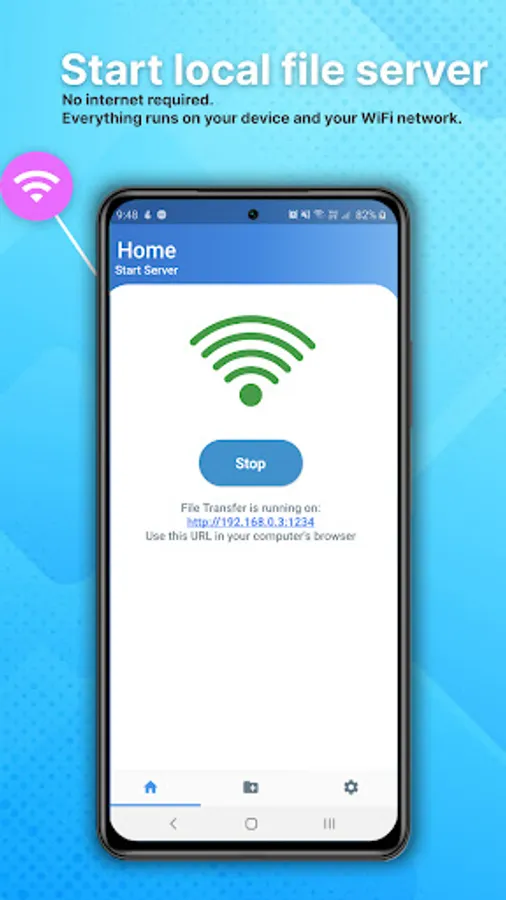
With this WiFi file transfer app, you can access and manage files on your Android device via WiFi, run in the background, and enable secure HTTPS mode. Includes ad-free experience, folder downloads, external storage access, and device discovery features.
AppRecs review analysis
AppRecs rating 4.4. Trustworthiness 75 out of 100. Review manipulation risk 19 out of 100. Based on a review sample analyzed.
★★★★☆
4.4
AppRecs Rating
Ratings breakdown
5 star
80%
4 star
0%
3 star
10%
2 star
10%
1 star
0%
What to know
✓
Low review manipulation risk
19% review manipulation risk
✓
Credible reviews
75% trustworthiness score from analyzed reviews
✓
High user satisfaction
80% of sampled ratings are 4+ stars (4.4★ average)
About WiFi File Transfer Pro
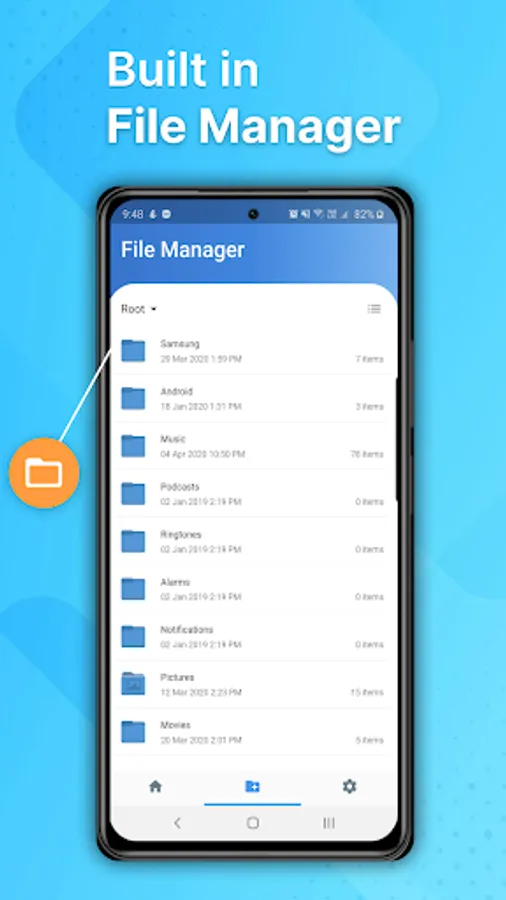
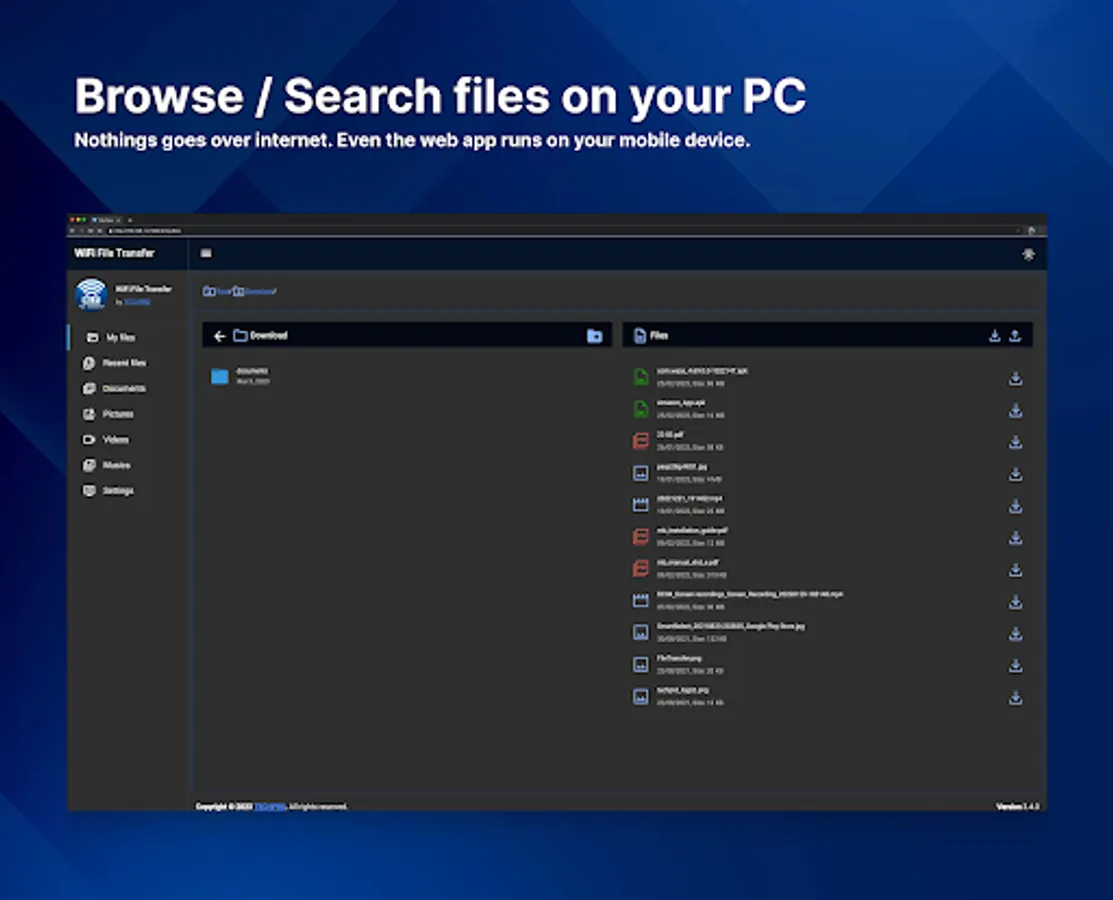
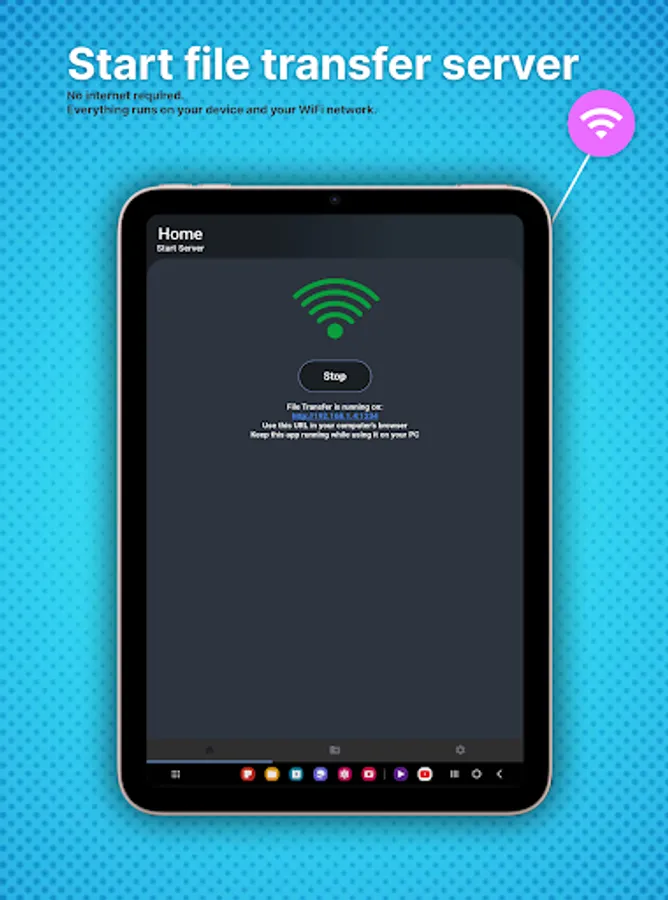
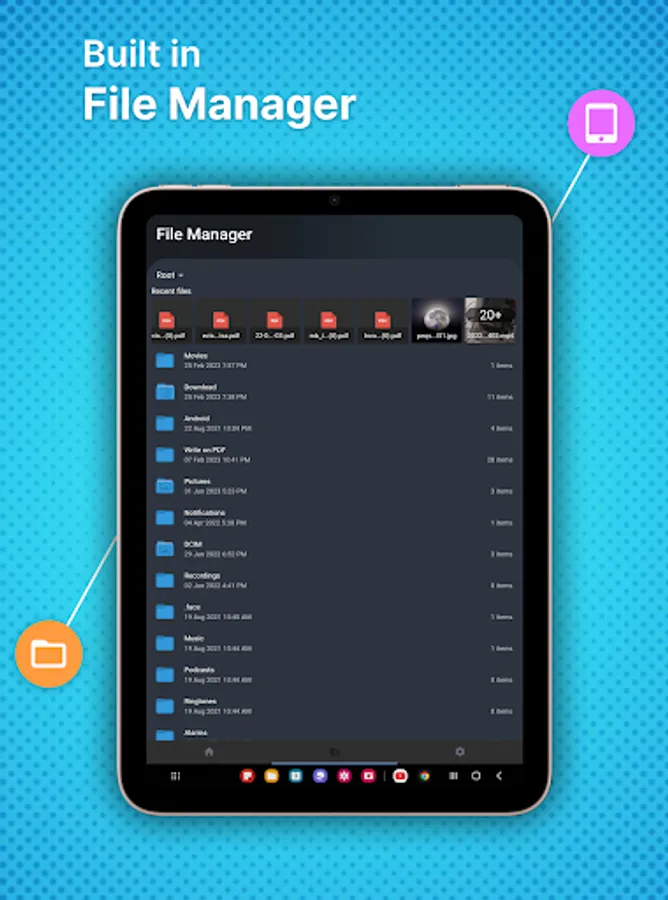
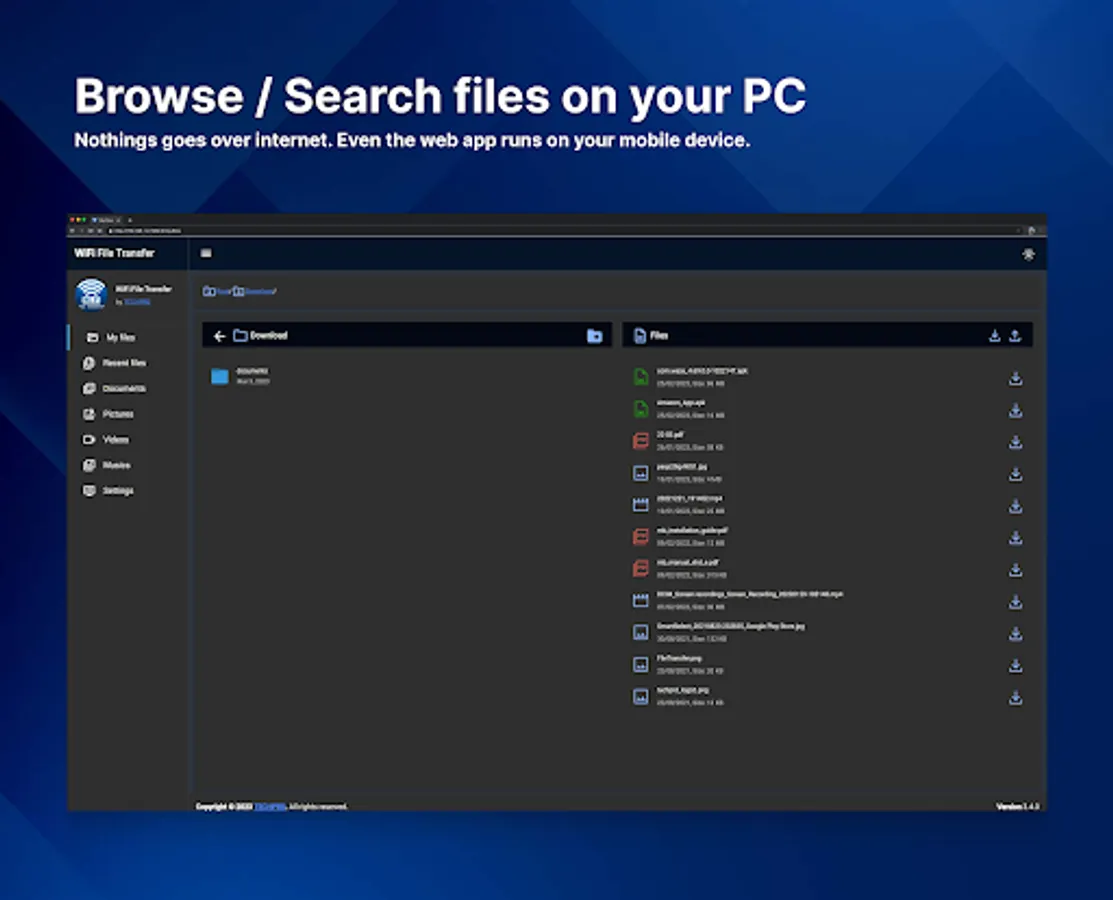
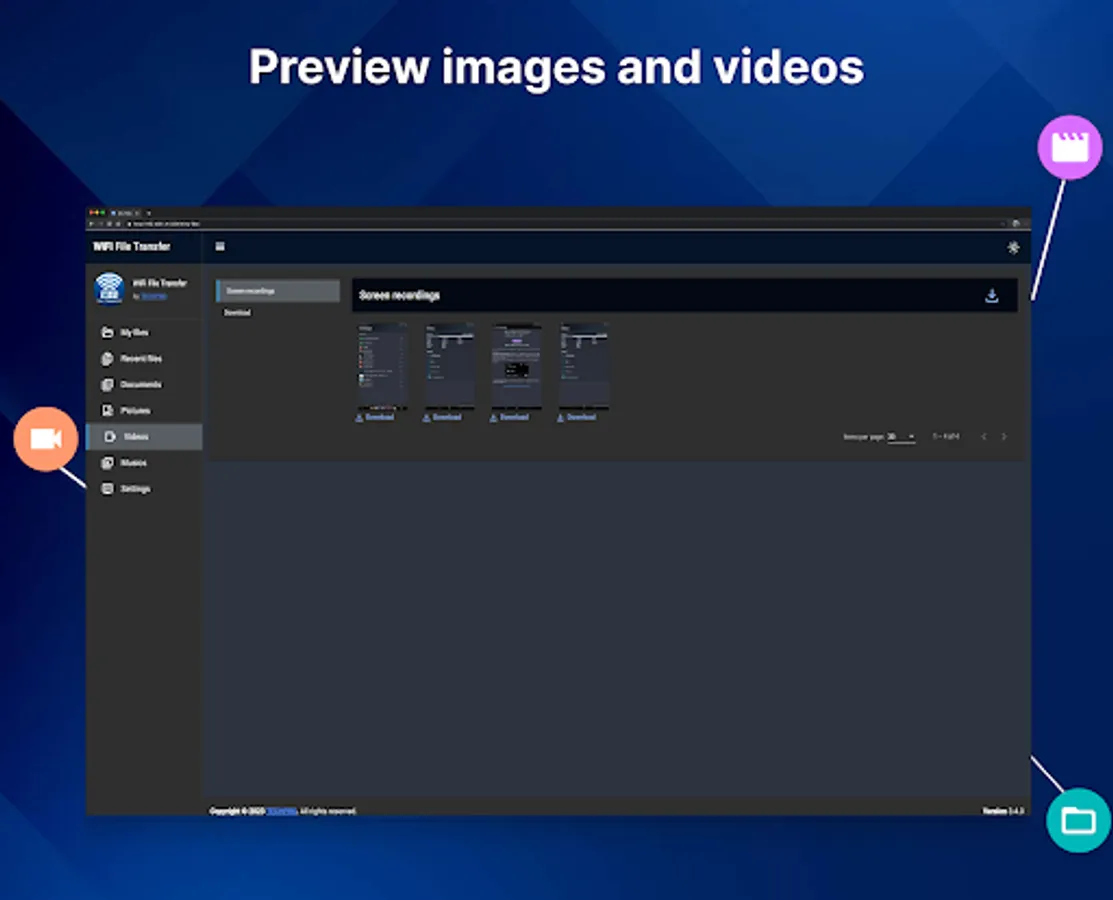
WiFi File Manager is the easiest way to access your files on your Android phone via WiFi on any PC at home. 🏠
Pro version features:
🚫 No ads, ever!
🌙 Runs in the background with the screen off* (requires turning off battery optimization)
🔒 Can run in HTTPs mode for extra security (using self-signed certificate)
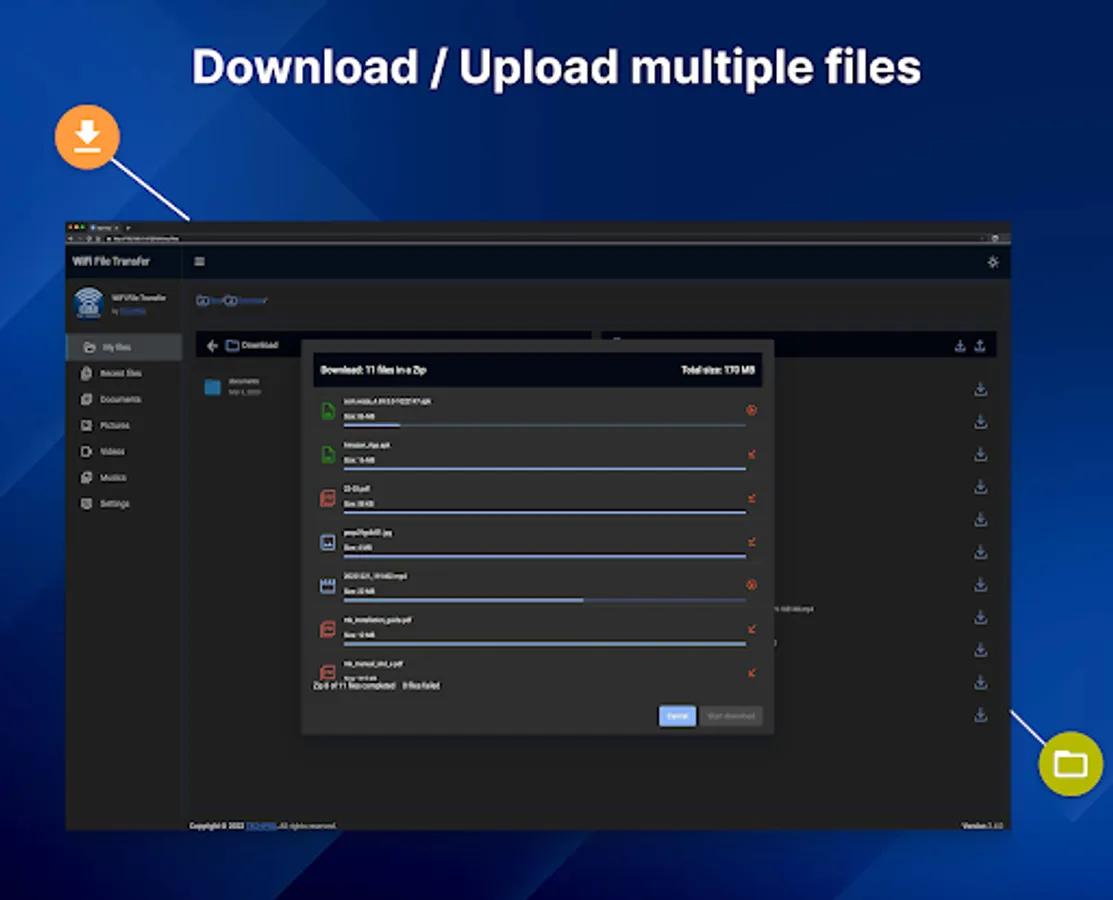
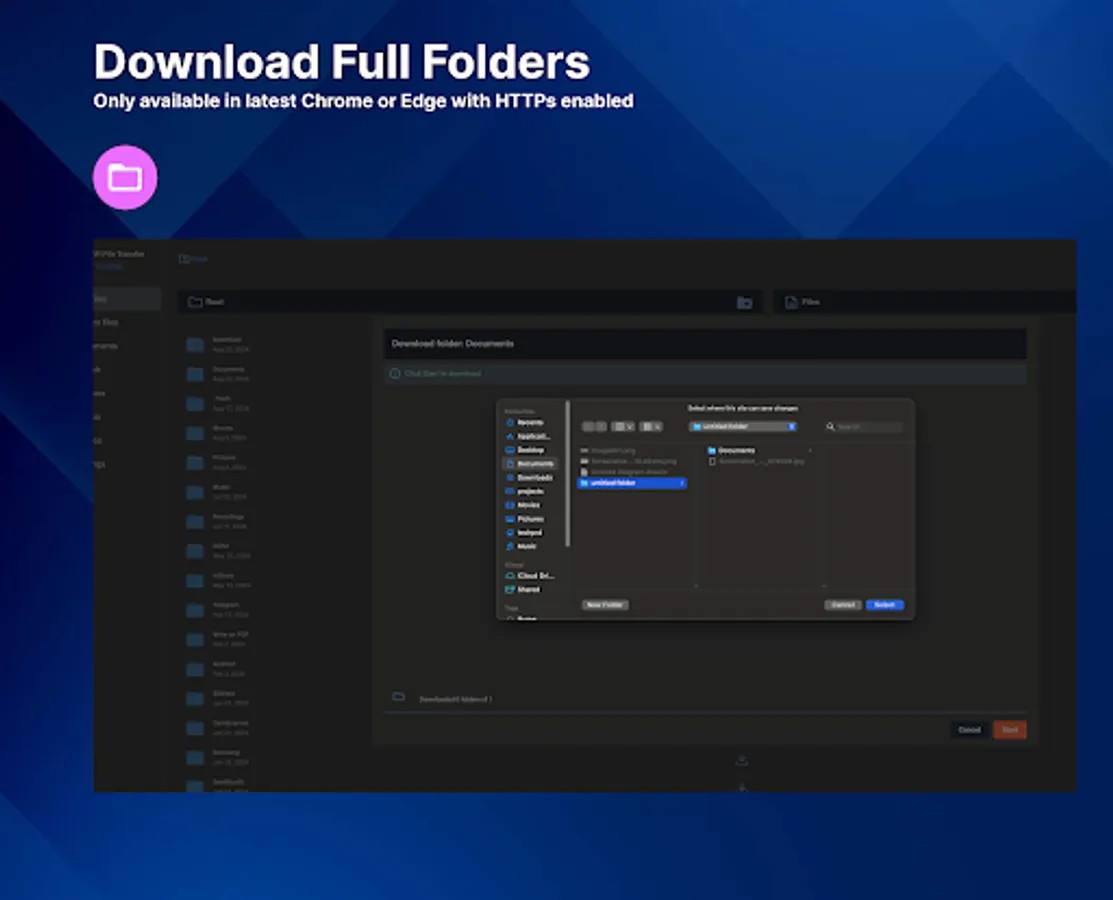
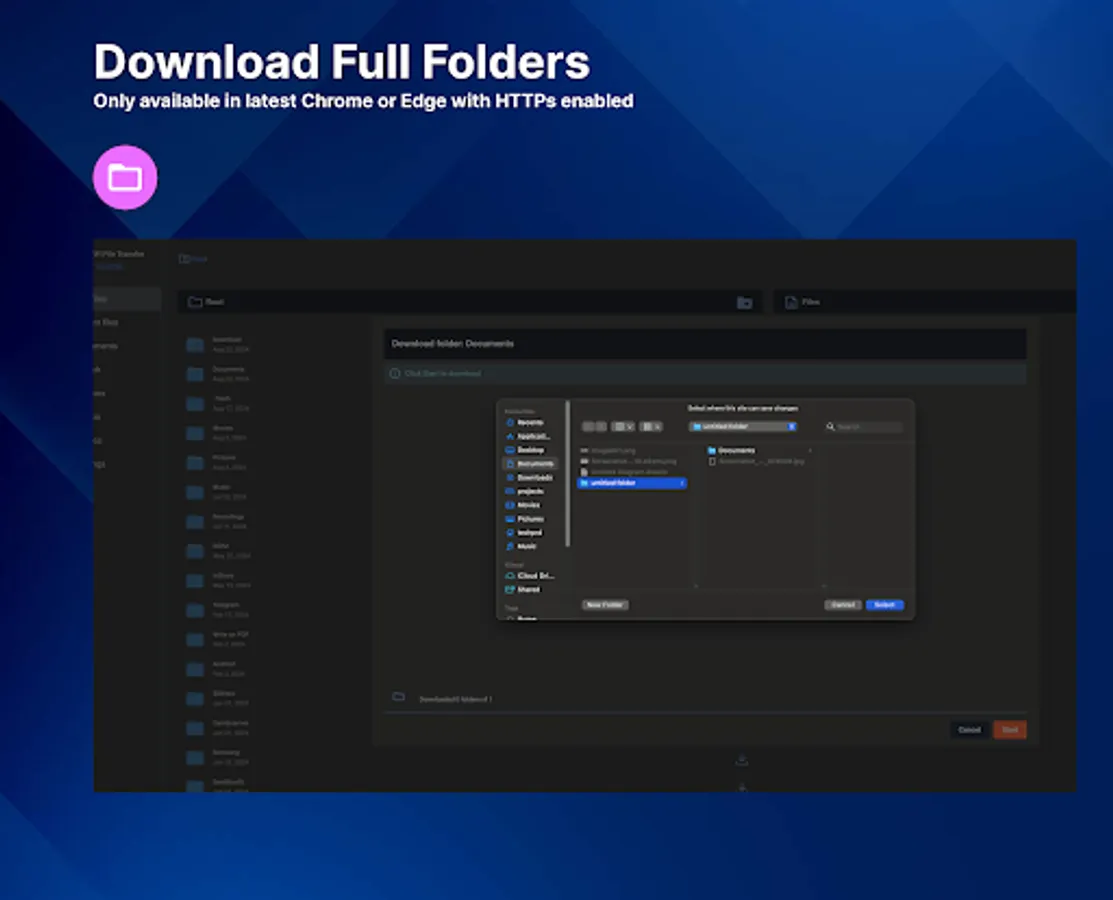
📁 Download full folders* (only available when using the latest Chrome or Edge browsers with HTTPs enabled)
📂 External Storage Access: You can manually mount SD cards and USB drives directly from the app and access them via the web interface.
* this will fix some Android access permissions issues
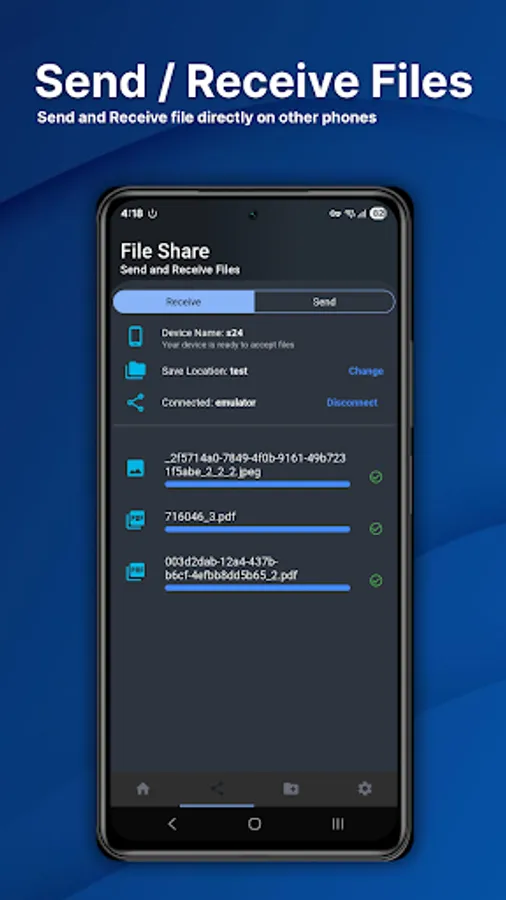
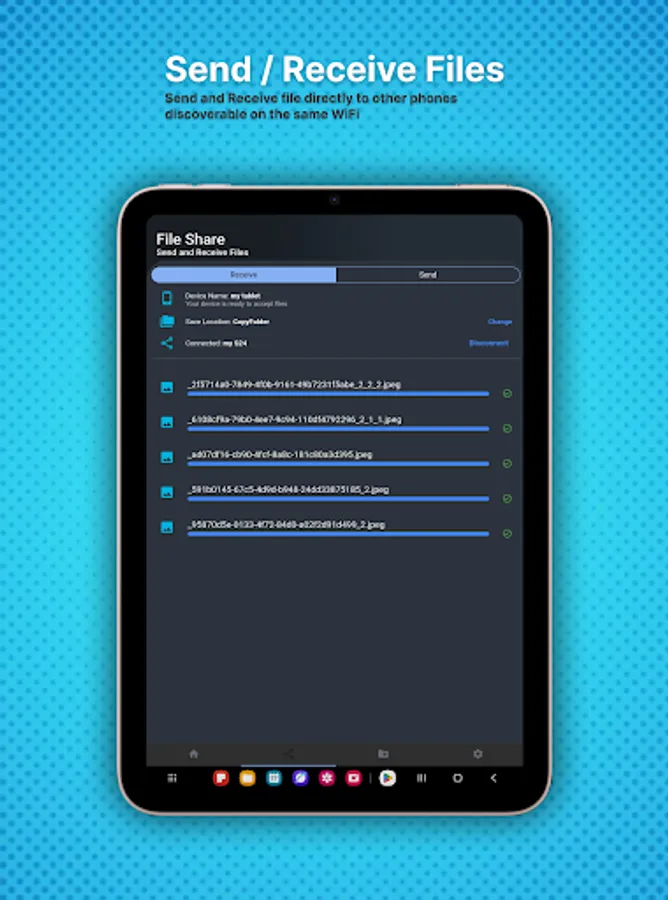
📱You can auto discover and share files directly with other mobile phones on the same WiFi connection
📱 Latest Android Support: Upgraded to the latest Android SDK for improved compatibility, performance, and security.
WiFi File Transfer Pro Screenshots
Tap to Rate:
Reviews for WiFi File Transfer Pro
Denys Yahofarov
12/29/2025
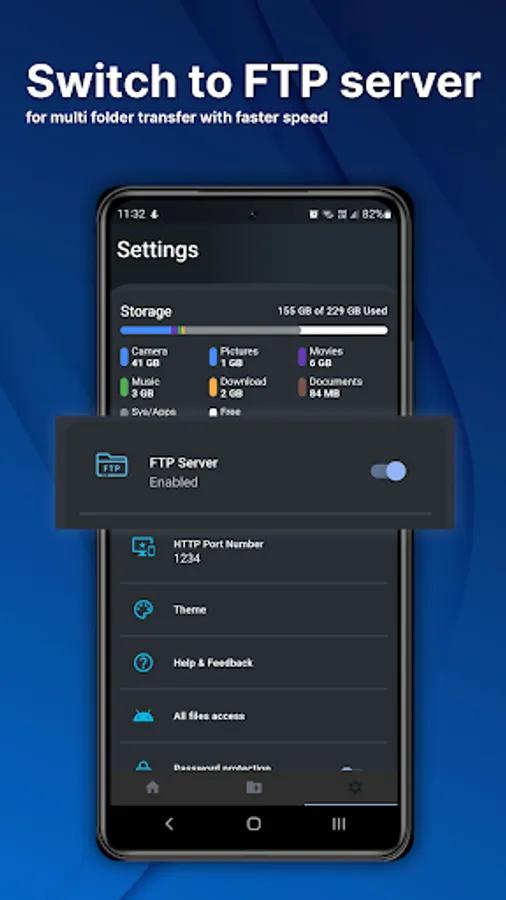
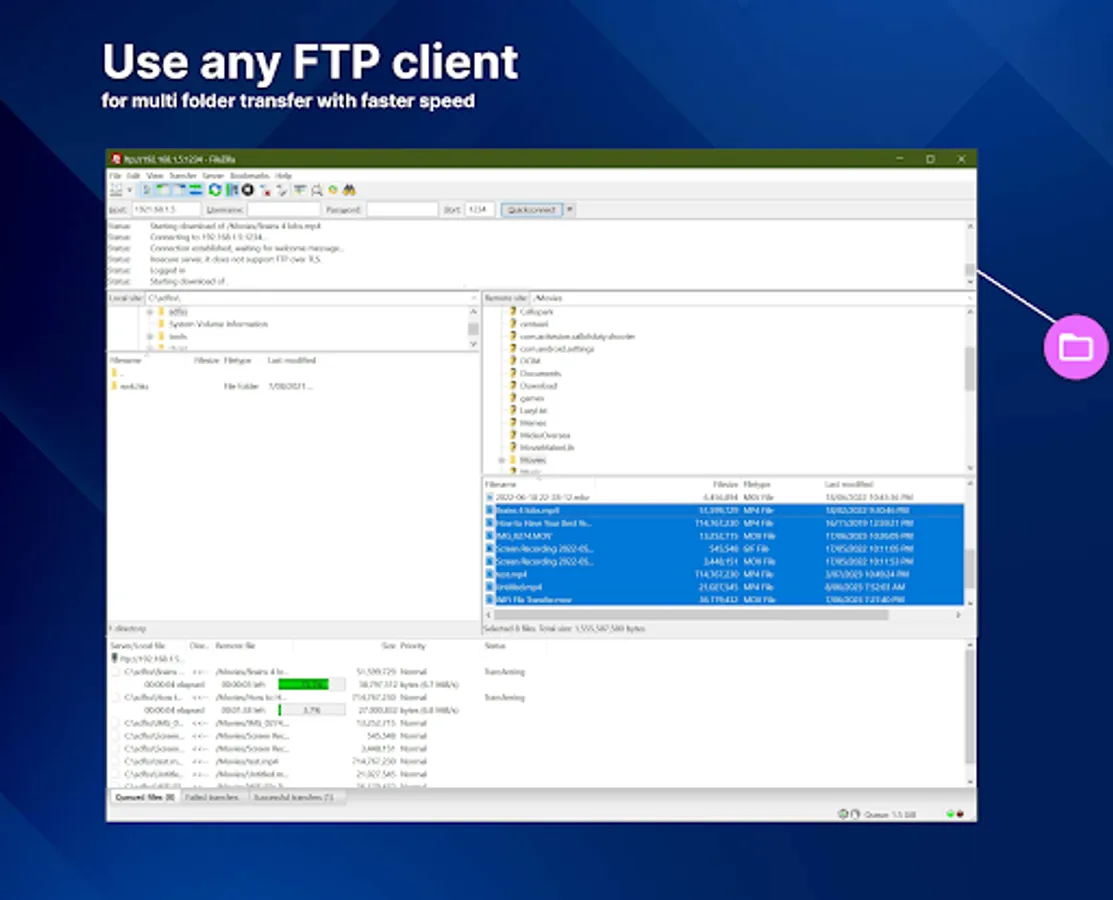
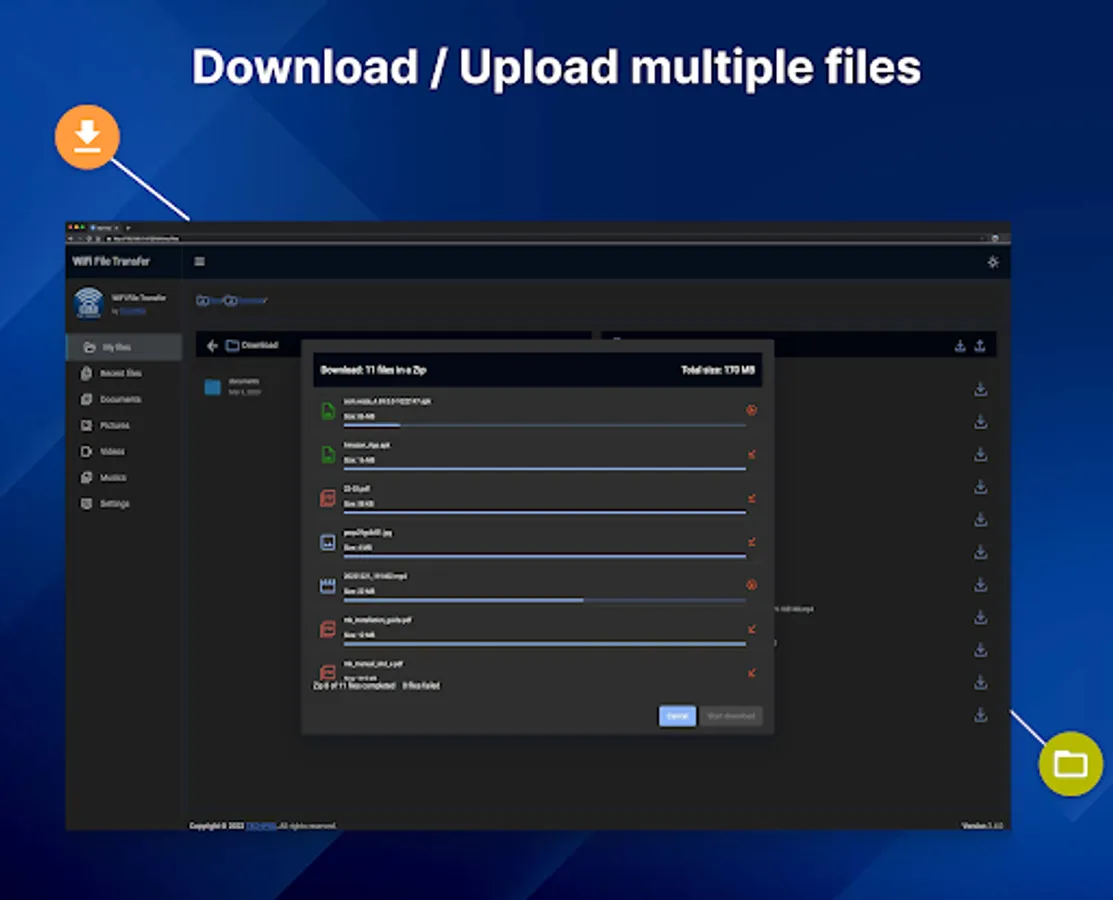
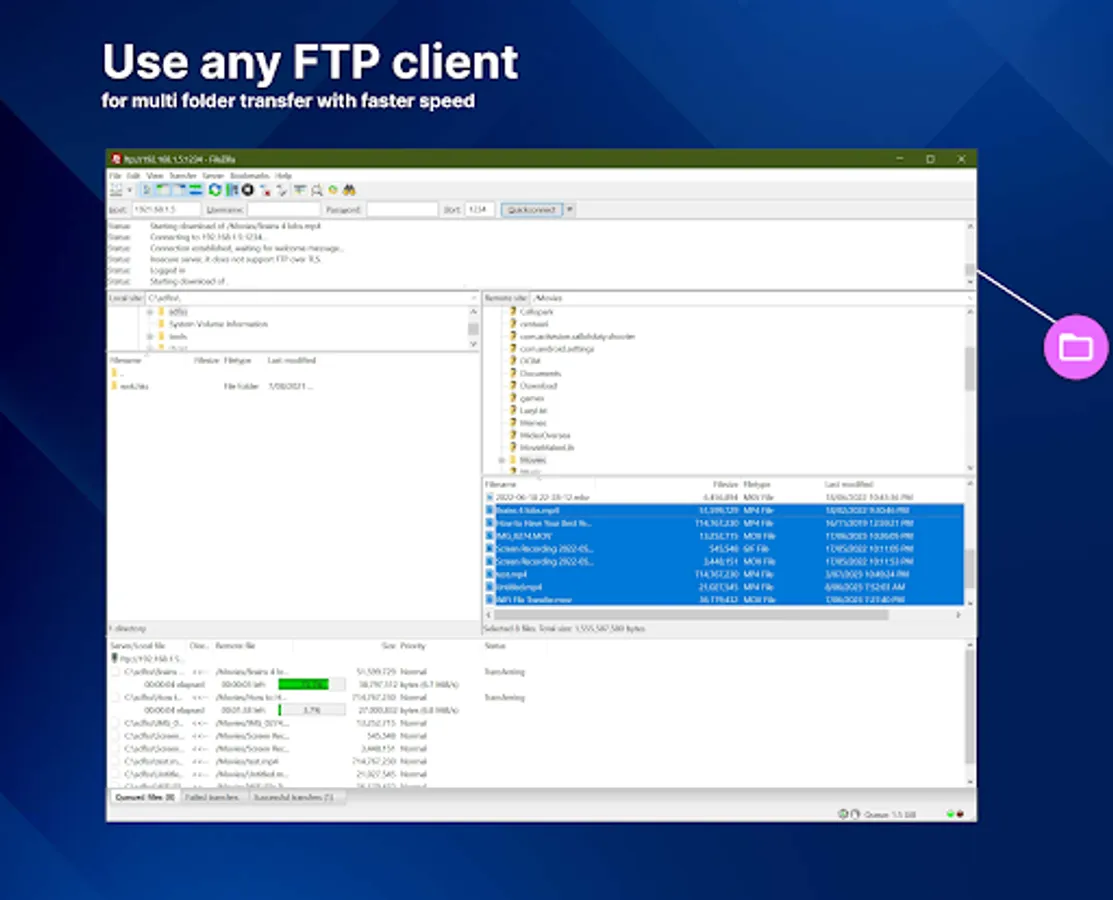
Great app. Way, way better than regular file sharing via a USB cable. The FTP server also helps greatly with batch downloads.
Craig LB
11/9/2025
this app is exactly what you need to transfer from or to your PC. you started and aim your browser did the URL as shown in your phone. you can download one file or many. when I choose all files it gives me the opportunity to compress them into one file before sending. simple easy I have been using this for years on various phones with zero problems. you can check out what else it does but for me this is perfect