3D AR/VR/MR/XR Model Viewer
Tellypresence
3.4 ★
44 ratings
5,000+
downloads
Free
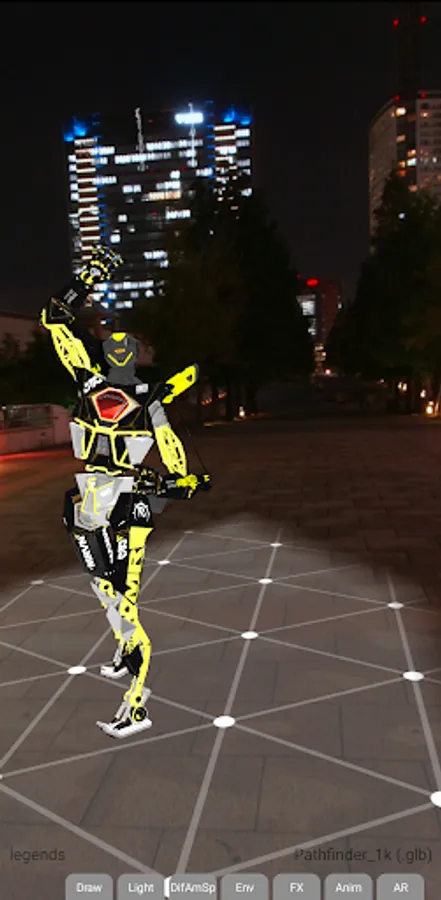
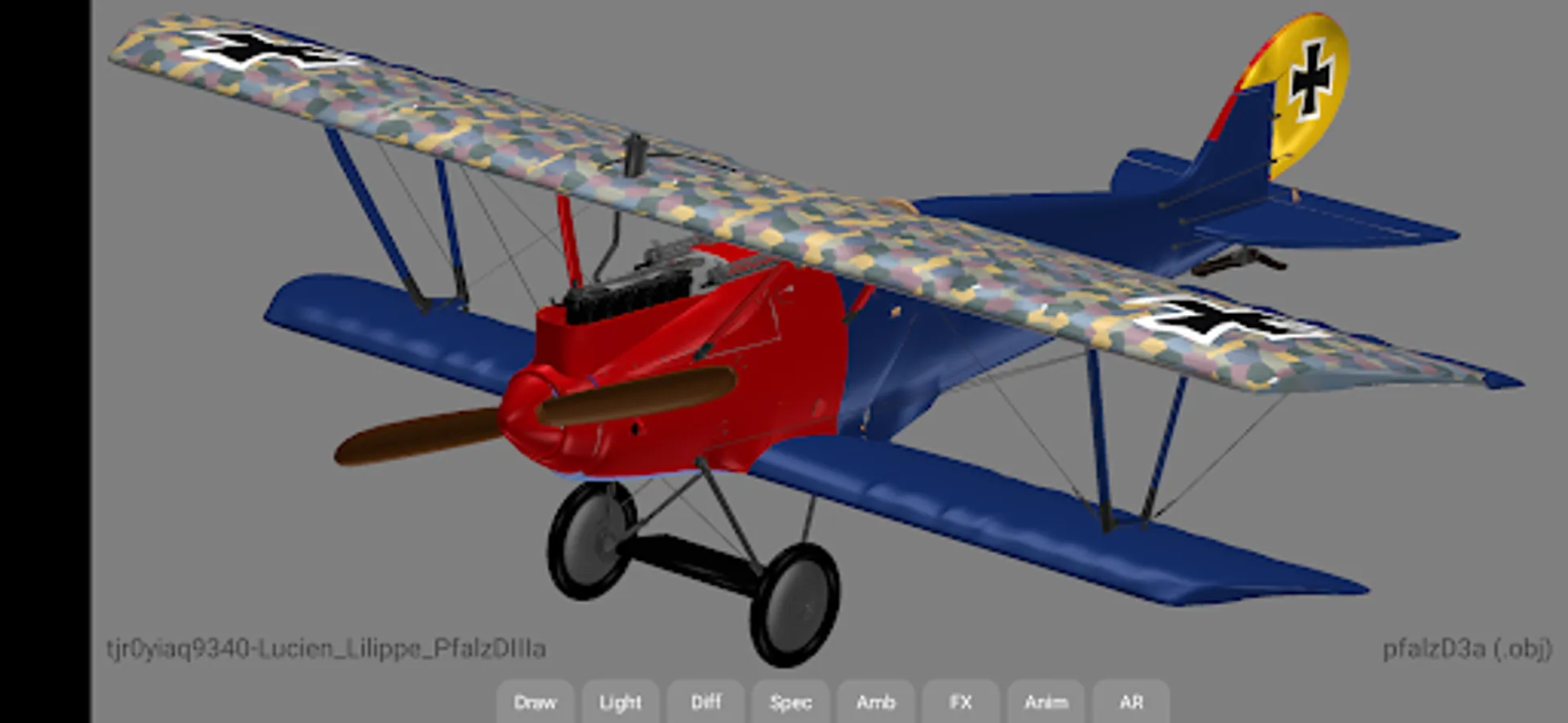
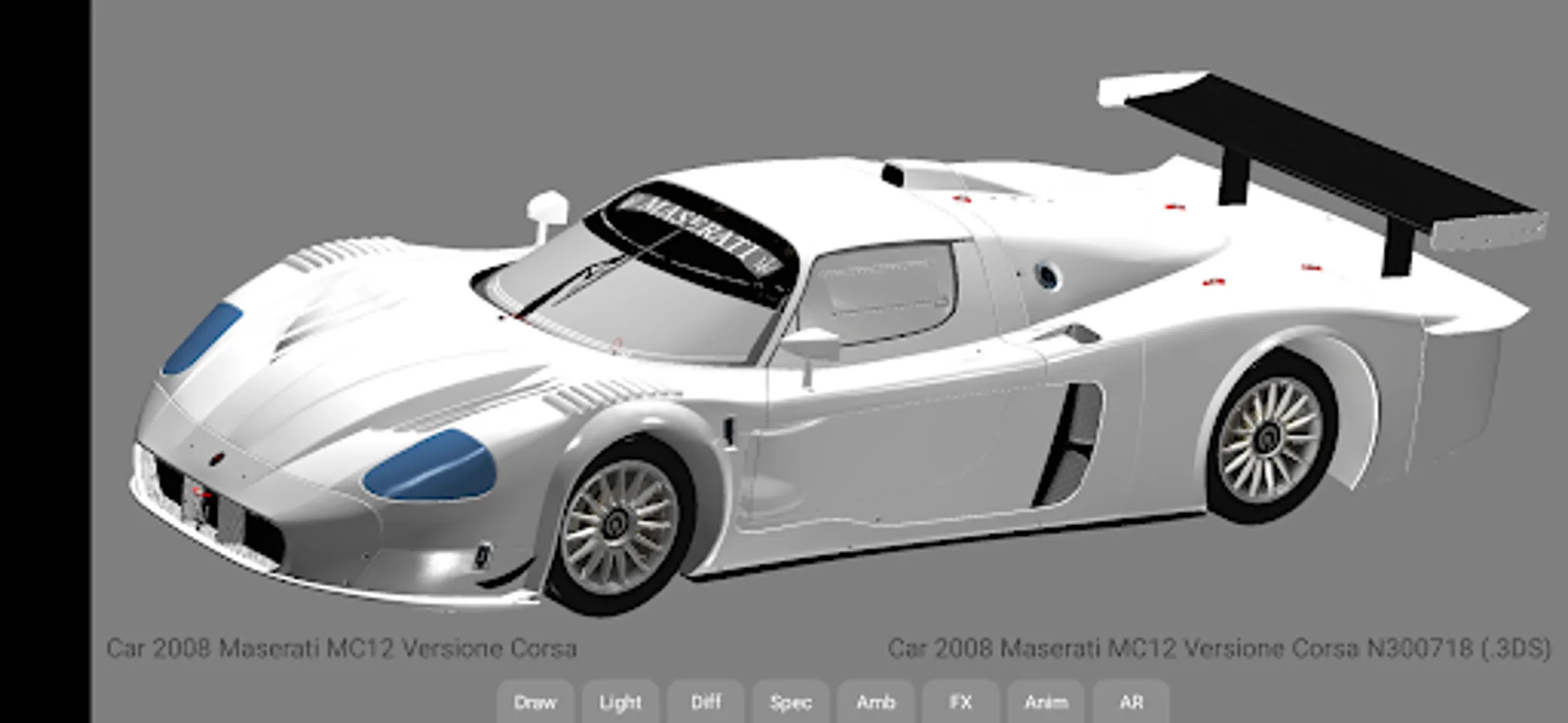
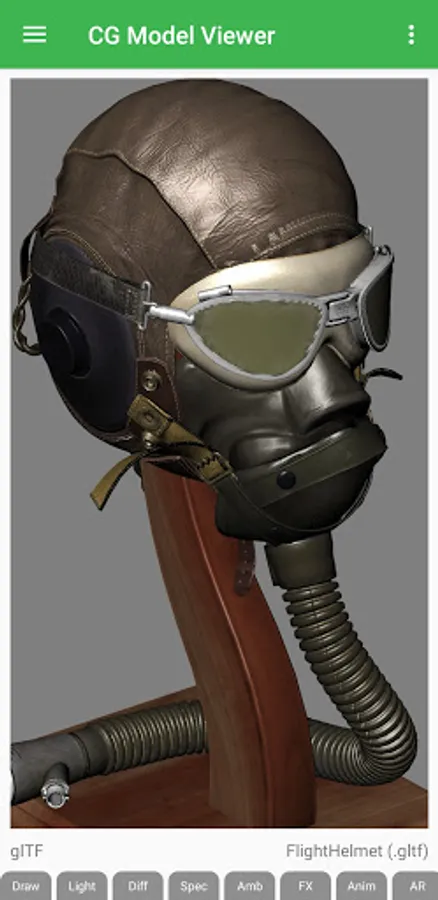
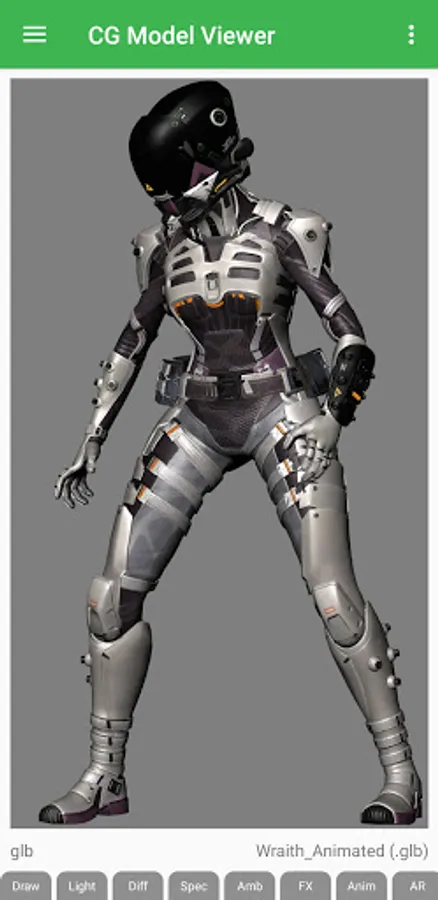
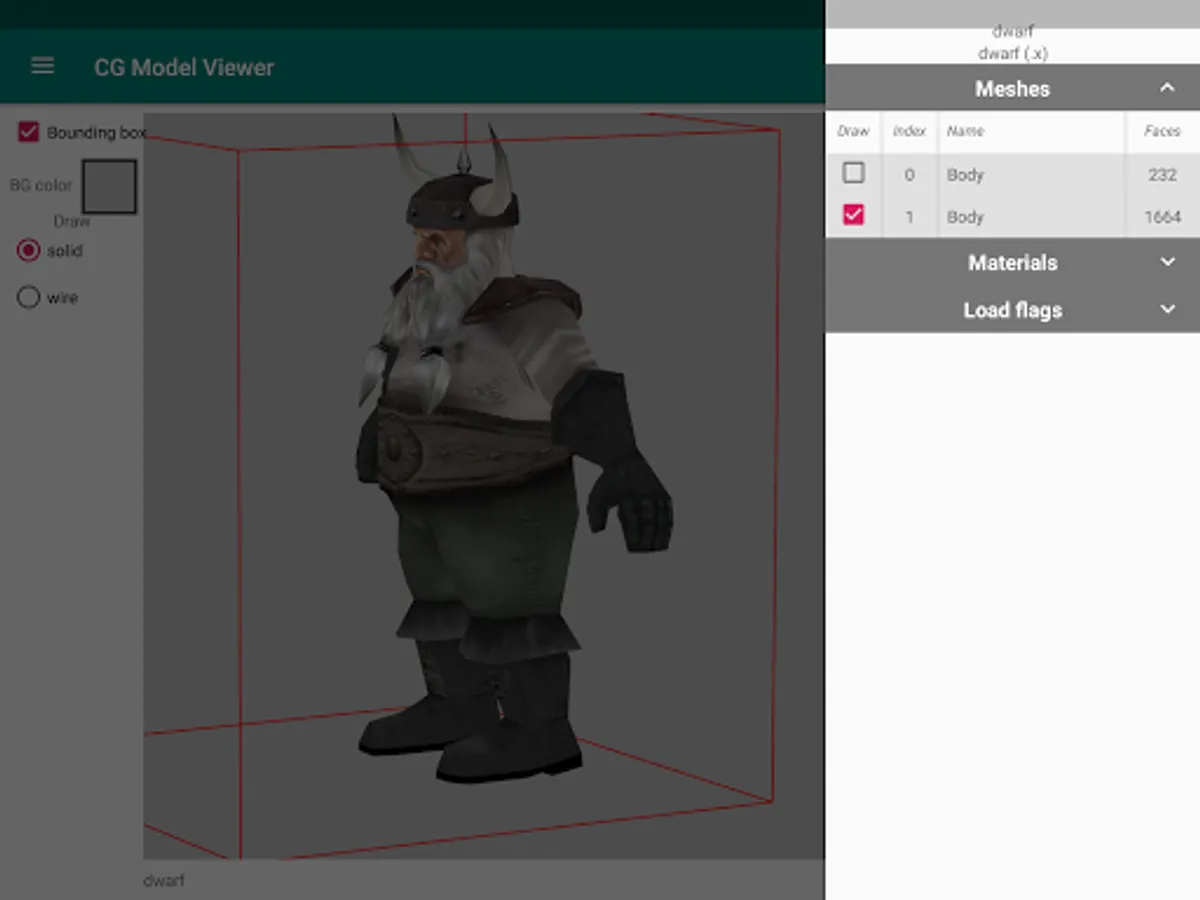
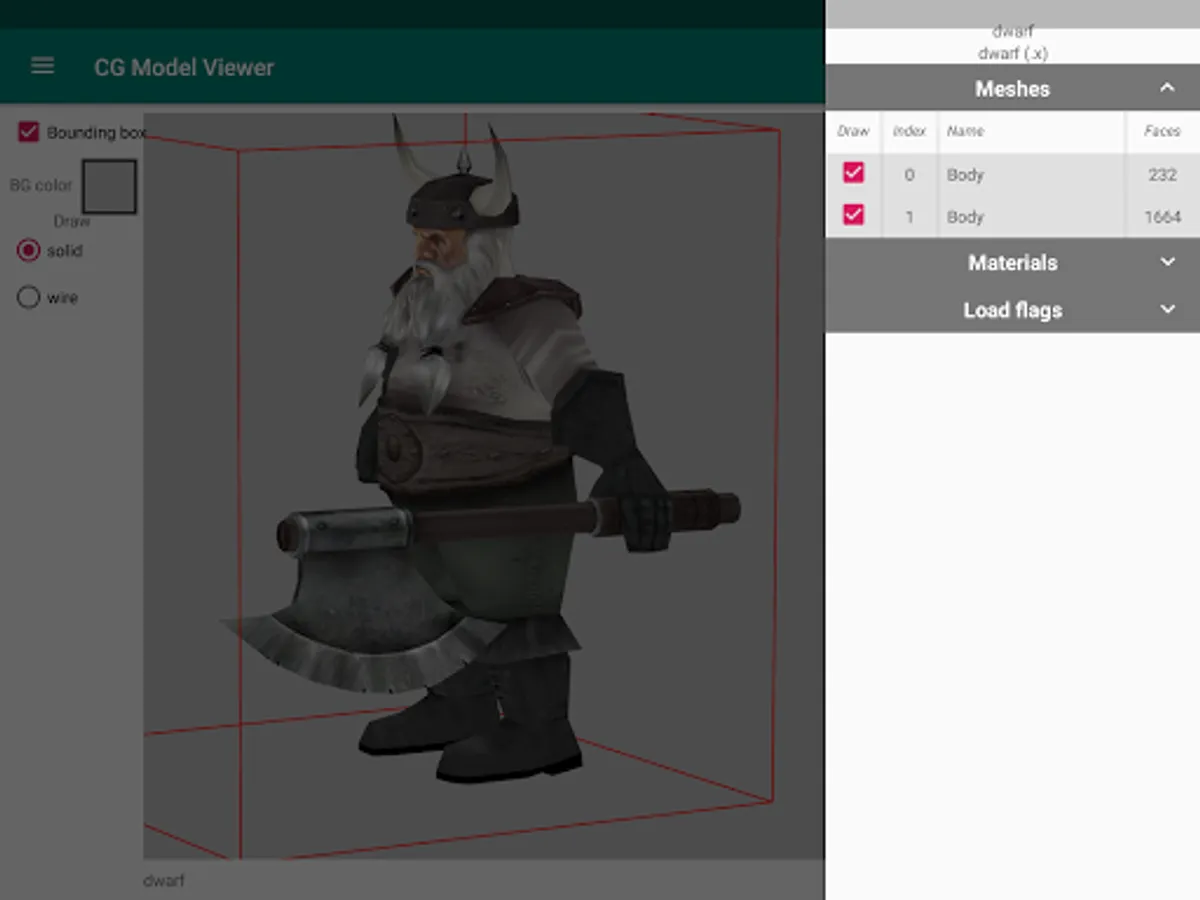
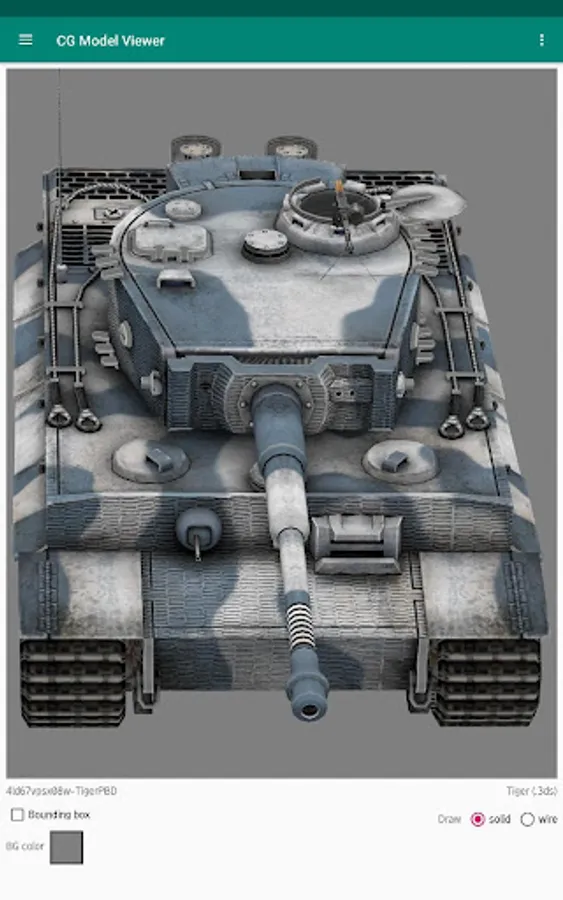
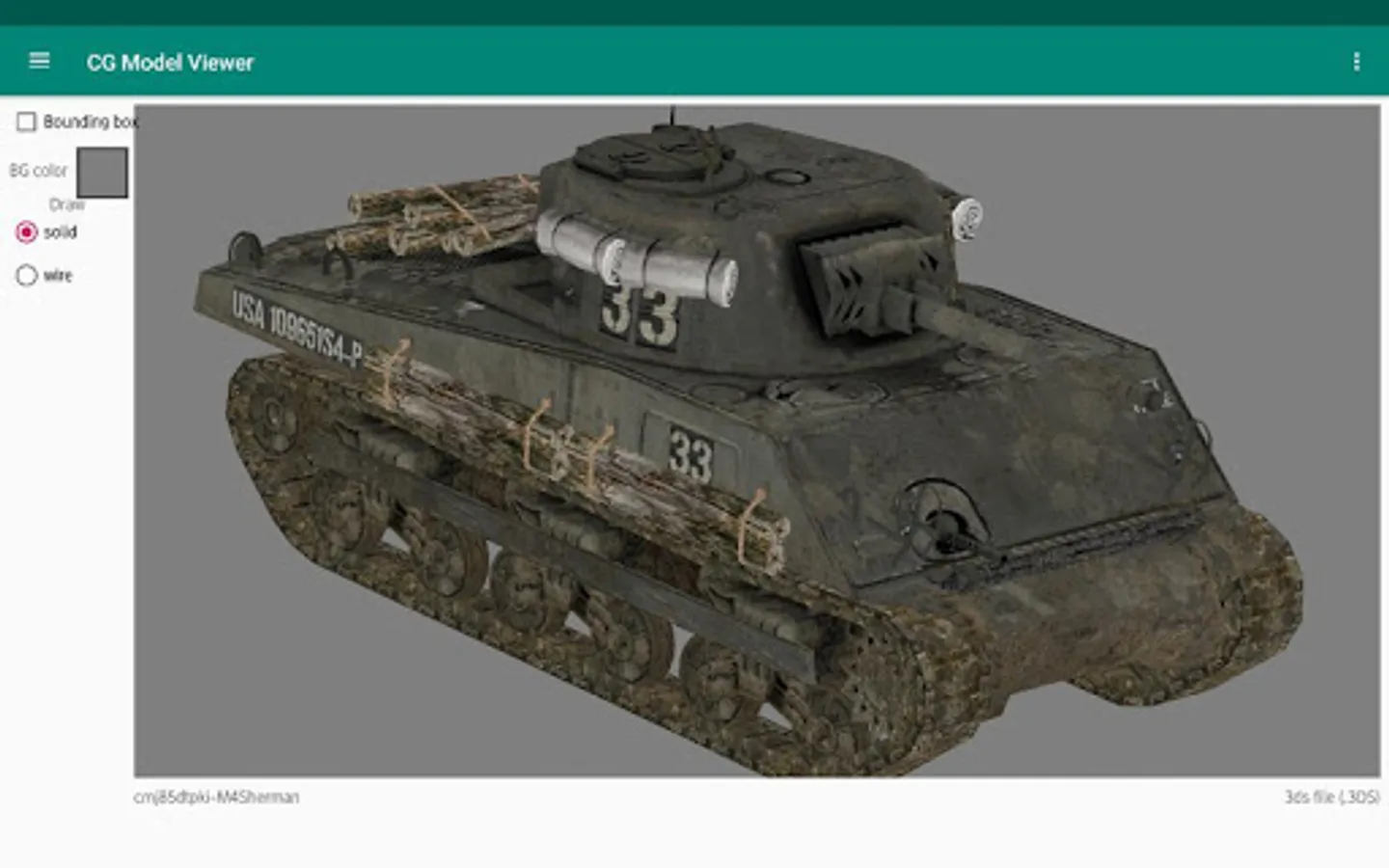
In this 3D AR/VR/MR/XR Model Viewer, you can load textured and animated models, control viewpoints via AR gestures or trackball interactions, and view models in immersive environments. Includes support for animations, normal maps, light maps, and emissive maps.
AppRecs review analysis
AppRecs rating 3.4. Trustworthiness 88 out of 100. Review manipulation risk 11 out of 100. Based on a review sample analyzed.
★★★☆☆
3.4
AppRecs Rating
Ratings breakdown
5 star
40%
4 star
0%
3 star
40%
2 star
0%
1 star
19%
What to know
✓
Low review manipulation risk
11% review manipulation risk
✓
Credible reviews
88% trustworthiness score from analyzed reviews
About 3D AR/VR/MR/XR Model Viewer
View textured, animated 3D models, controlling viewpoint either via AR (Augmented Reality) or "trackball" (using gestures to tumble/zoom). With a "skybox" can enjoy a VR-like experience driven via the (AR) camera tracker, or can enjoy a pure VR experience in "Cardboard" mobile HMD mode, with either gyro sensors or AR tracking controlling the viewpoint.
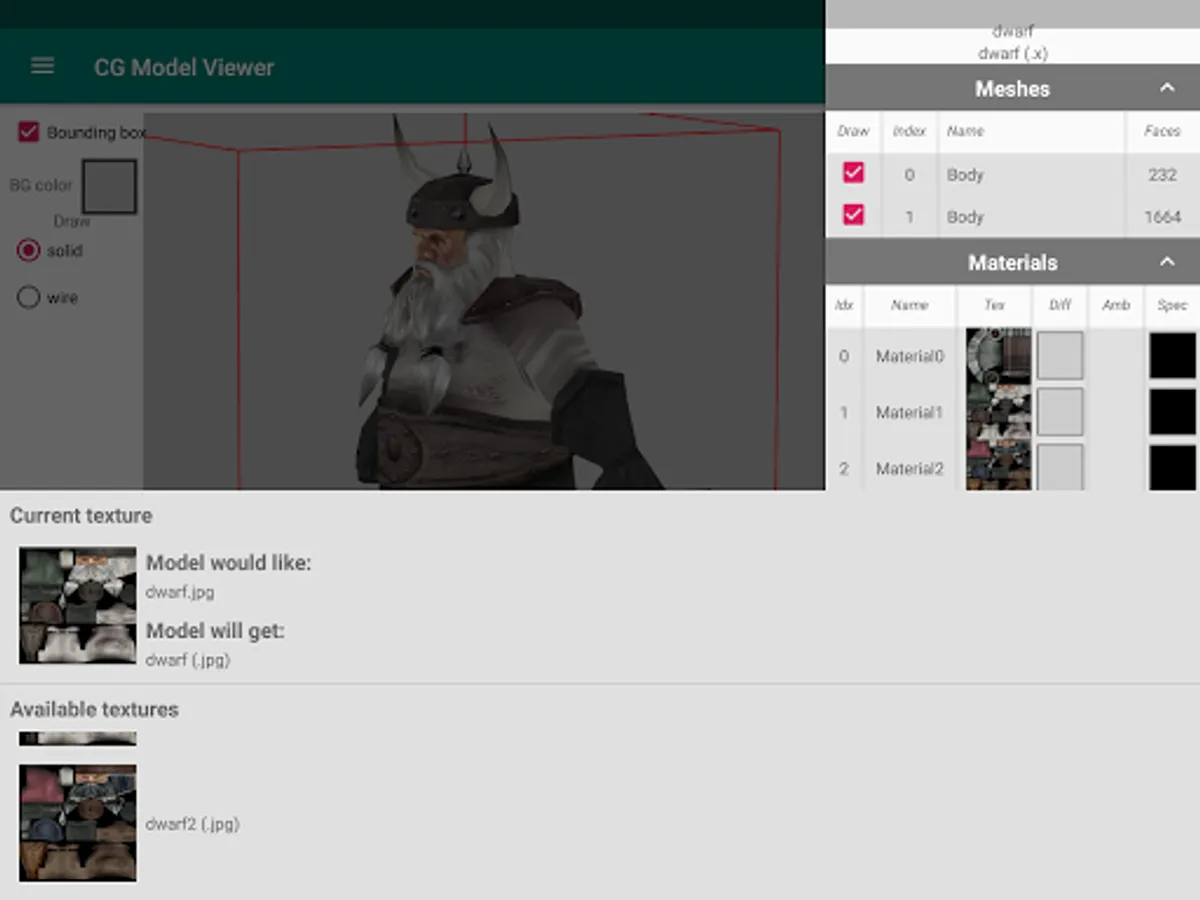
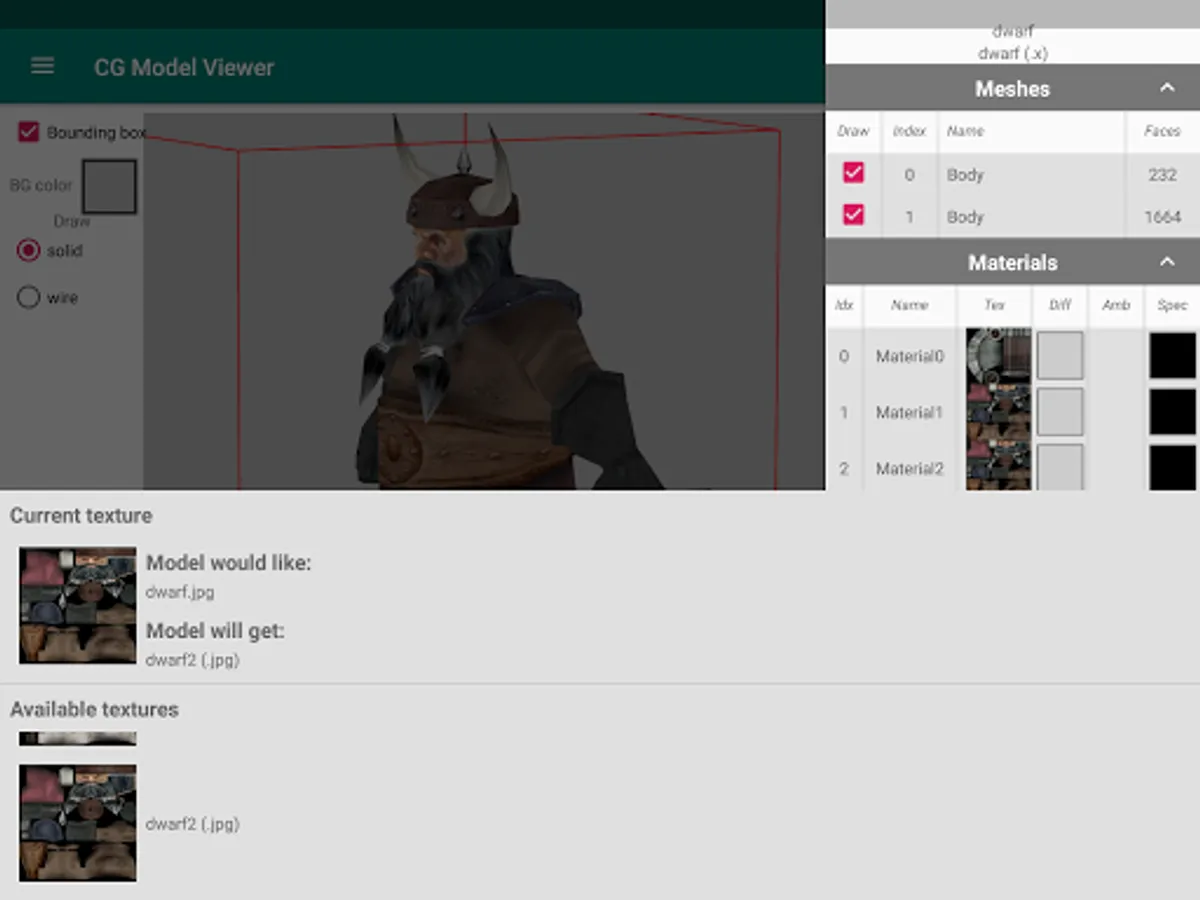
Animations, normal maps, light maps, emissive maps supported.
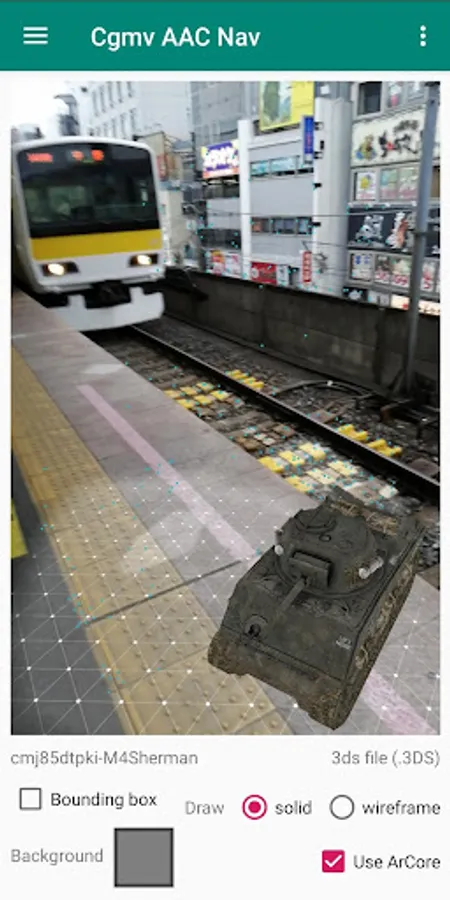
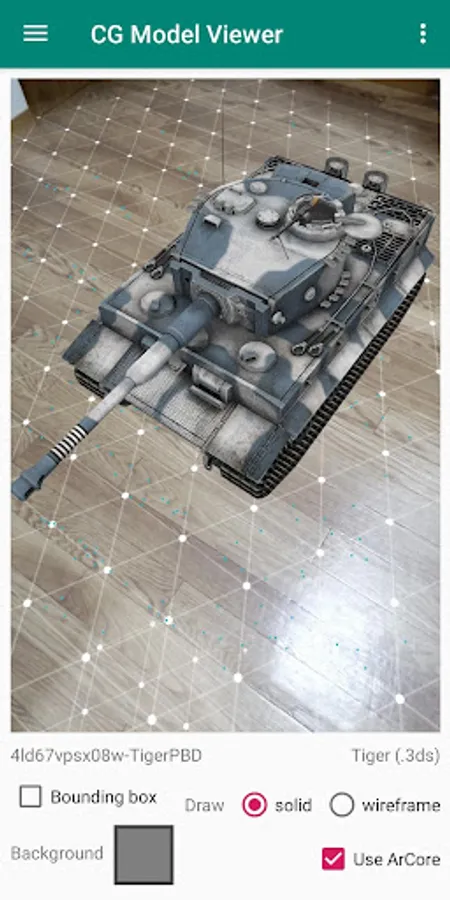
Once thumbnails have finished rendering, on devices supporting ARCore the "use ARCore" checkbox can be ticked to view the model in a real world setting via augmented reality.
If 3D models are archived (e.g. contained in .7z/.rar/.zip), be sure to extract the archive files first!
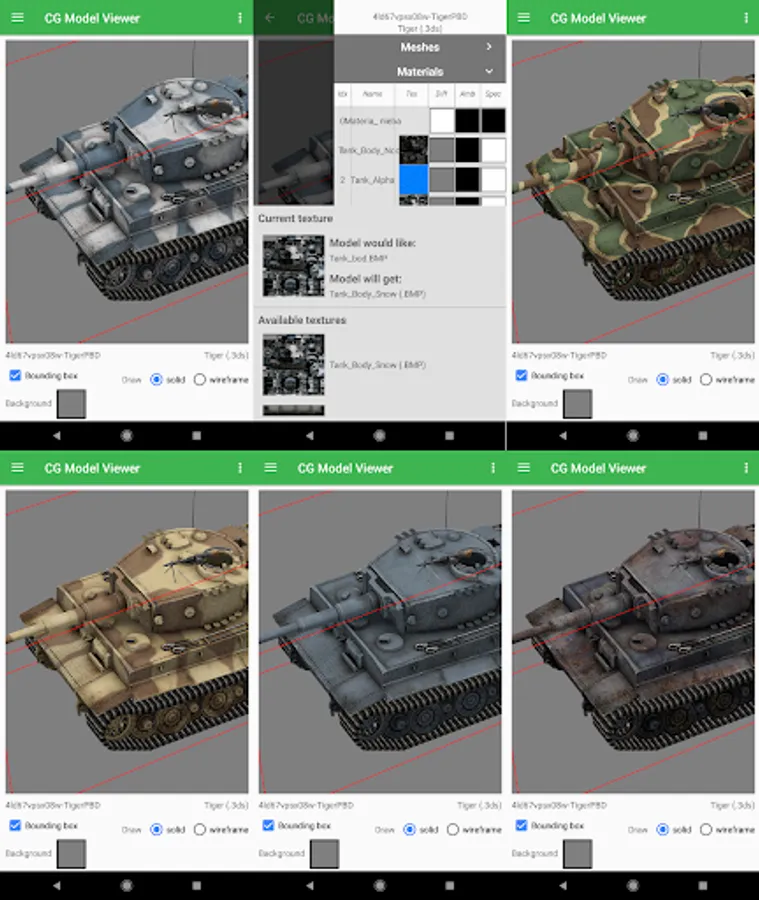
Simply place 3D models and associated files (textures, materials etc) anywhere under "Download" folder. App will scan for supported 3D models and provide list for loading. Models can be "tumbled" using the usual gestures, and may be displayed as wireframe or solid. Right-hand drawer provides controls to flip UVs, transform models and flip winding to correct odd results.
Supported model formats include .3ds, .blend, .dae (collada), .fbx, glTF[2], .lwo, .obj, .x, etc
Supported texture formats include .bmp, .dds, .jpg, .png, .tga, .tif
App comes bundled with a few demo 3D models and skybox cubemaps.
Animations, normal maps, light maps, emissive maps supported.
Once thumbnails have finished rendering, on devices supporting ARCore the "use ARCore" checkbox can be ticked to view the model in a real world setting via augmented reality.
If 3D models are archived (e.g. contained in .7z/.rar/.zip), be sure to extract the archive files first!
Simply place 3D models and associated files (textures, materials etc) anywhere under "Download" folder. App will scan for supported 3D models and provide list for loading. Models can be "tumbled" using the usual gestures, and may be displayed as wireframe or solid. Right-hand drawer provides controls to flip UVs, transform models and flip winding to correct odd results.
Supported model formats include .3ds, .blend, .dae (collada), .fbx, glTF[2], .lwo, .obj, .x, etc
Supported texture formats include .bmp, .dds, .jpg, .png, .tga, .tif
App comes bundled with a few demo 3D models and skybox cubemaps.