Reposthem Repost for Instagram
Terrasus Software LLC
3.5 ★
store rating
100,000+
downloads
Free
AppRecs review analysis
AppRecs rating 1.0. Trustworthiness 0 out of 100. Review manipulation risk 80 out of 100. Based on a review sample analyzed.
★☆☆☆☆
1.0
AppRecs Rating
Ratings breakdown
5 star
63%
4 star
0%
3 star
0%
2 star
0%
1 star
38%
What to know
⚠
Potential review manipulation
Suspicious bimodal distribution - only extreme ratings, no moderate opinions
⚠
High negative review ratio
38% of sampled ratings are 1–2 stars
⚠
High review manipulation risk
High risk of manipulated reviews (80%)
About Reposthem Repost for Instagram
You can see the full size profile photo of instagram for Free.
You can repost, download save video and photos, images.
How to do repost from instagram?
How to do download photos and videos from instagram?
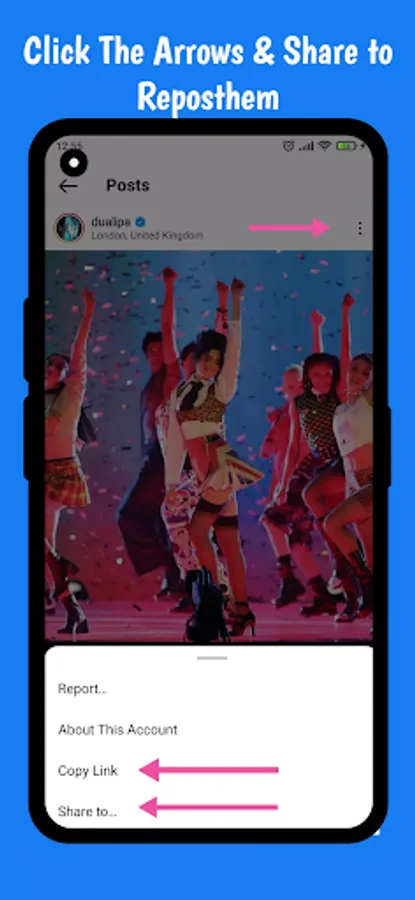
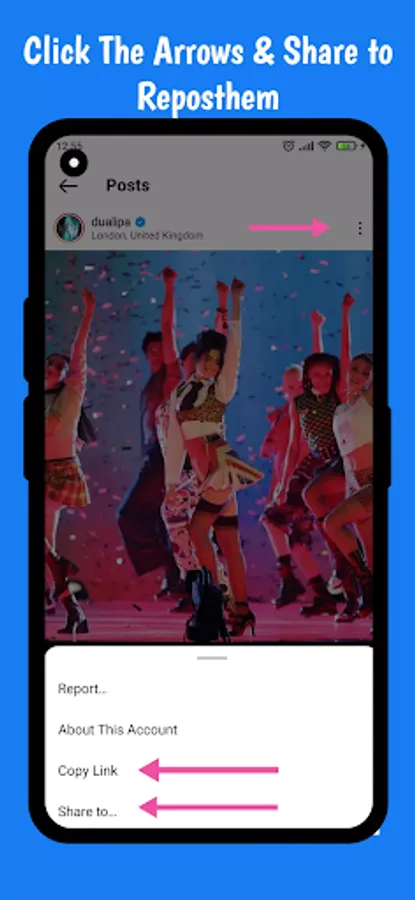
1. First open your inst. application then choose the photo or video that you want to repost or download.
2. You should "copy link" or "share to" of this post. There is a three dot icon on the right top corner of the video or photo on inst.
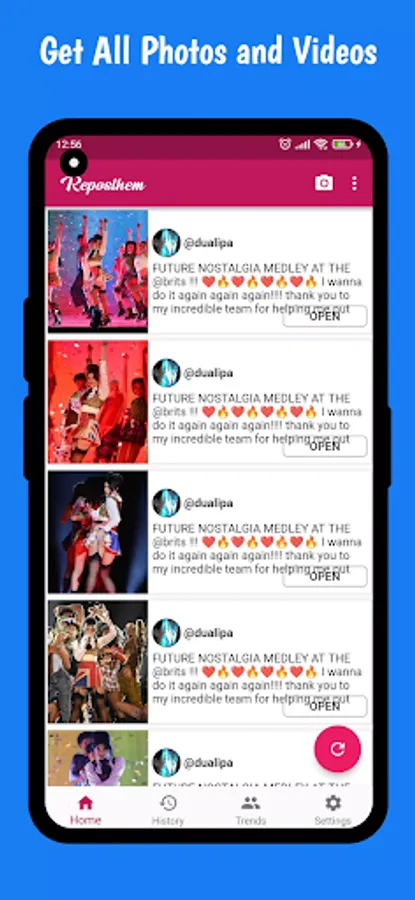
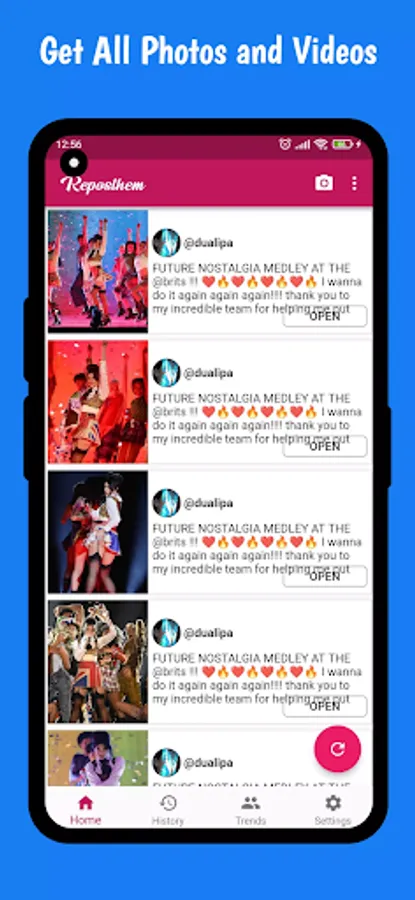
3. Then open this (ProfileZoom & Reposthem) application. and Click Refresh button on the bottom right of the app or choose the app in the share list.
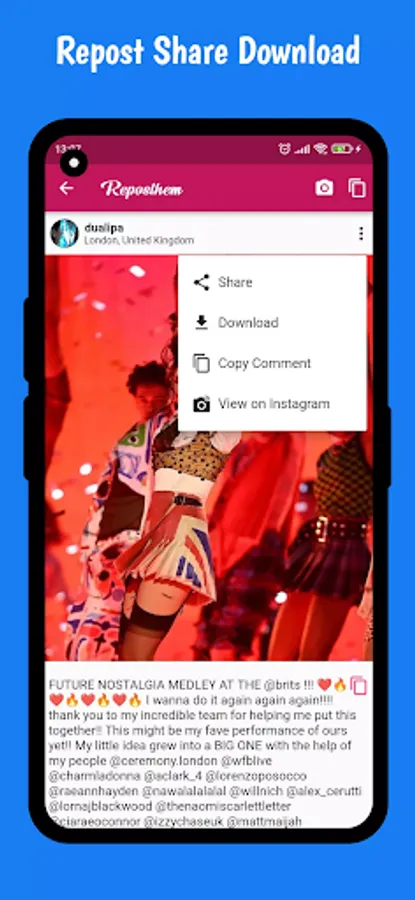
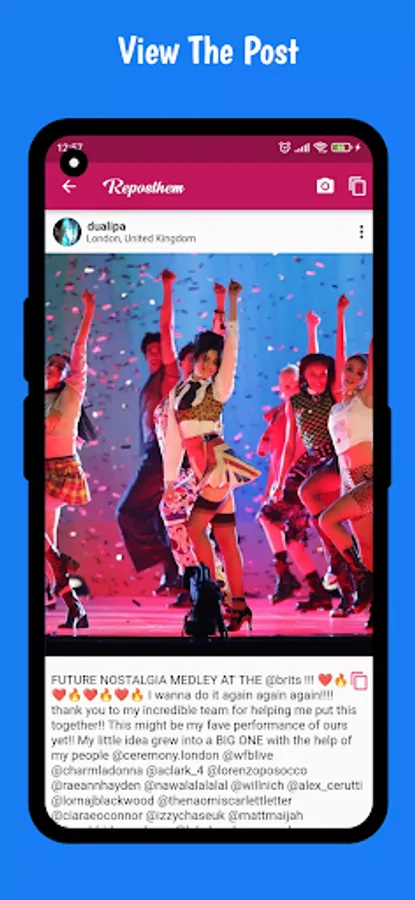
4. You will see the photo or videos. Then tab on it. You will see the related buttons at the bottom.
What you can do?
Repost photos from instagram.
Repost videos from instagram.
Download instagram videos and instagram photos.
You are able to download instagram Stories and Reels.
No watermark
This is the Application for public posts.
You want to see the instagram profile photo full size but you can not do it.
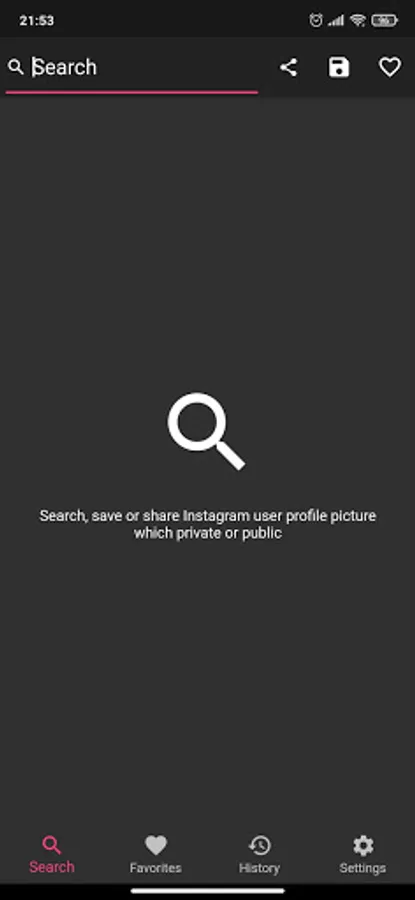
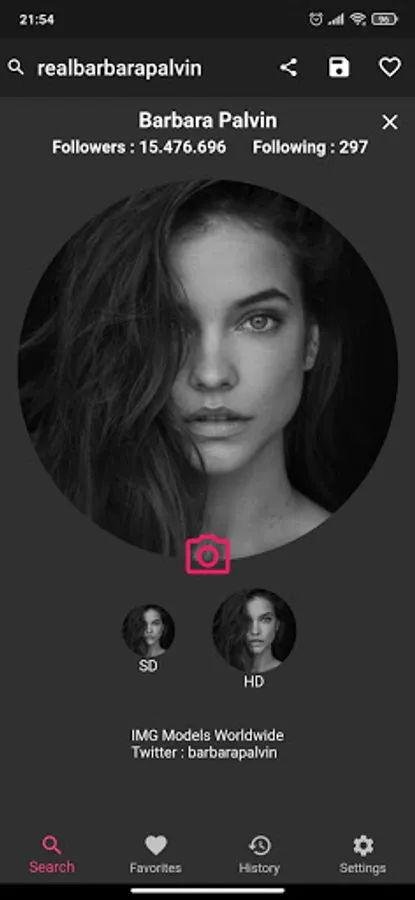
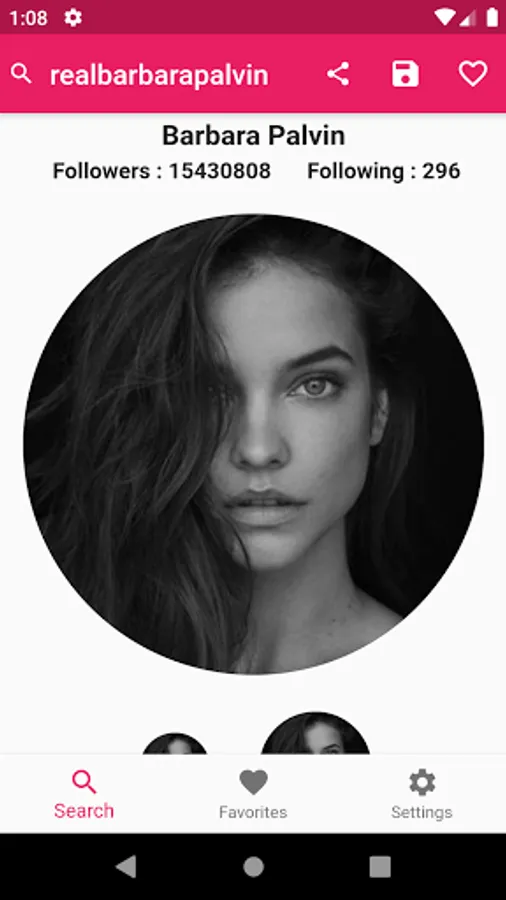
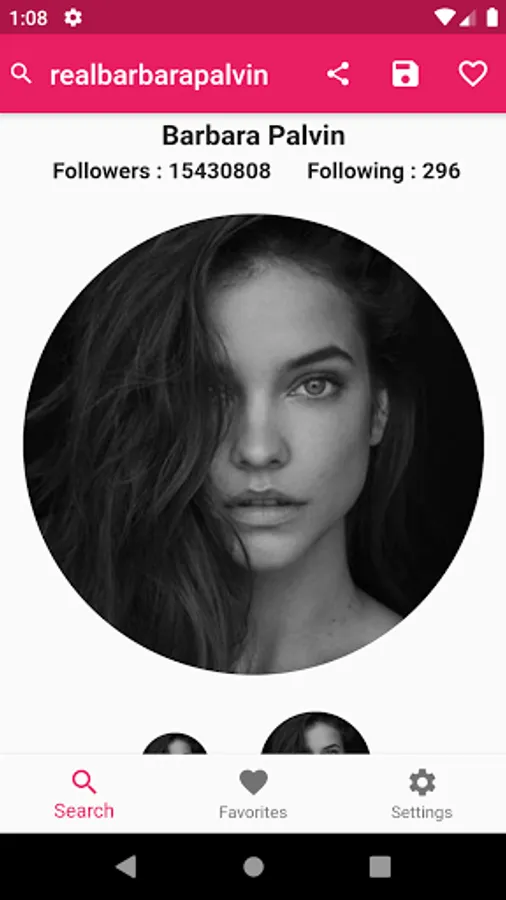
This application helps you to see private or public account full size profile photo. Also you can zoom the profile picture.
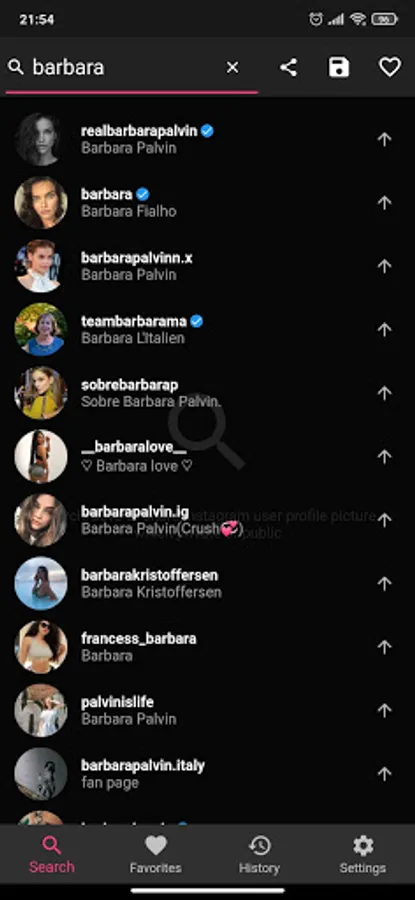
How can i see the full size instagram profile picture?
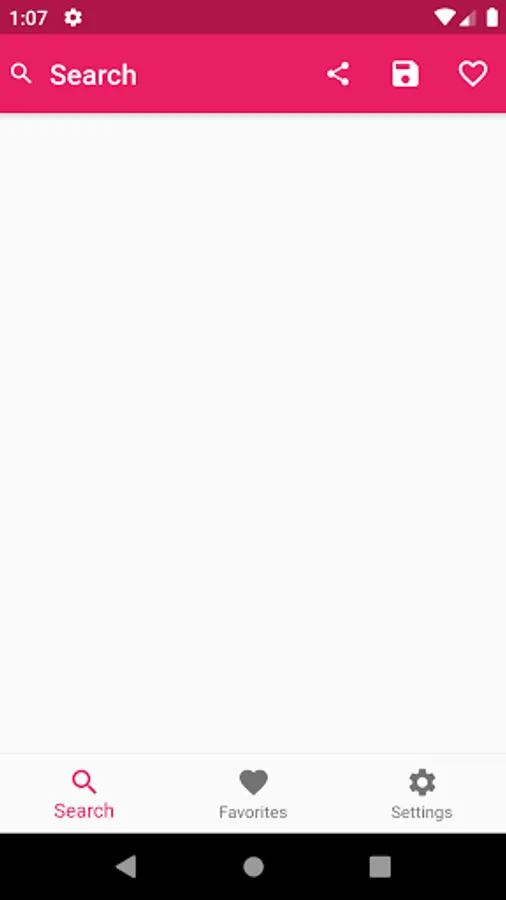
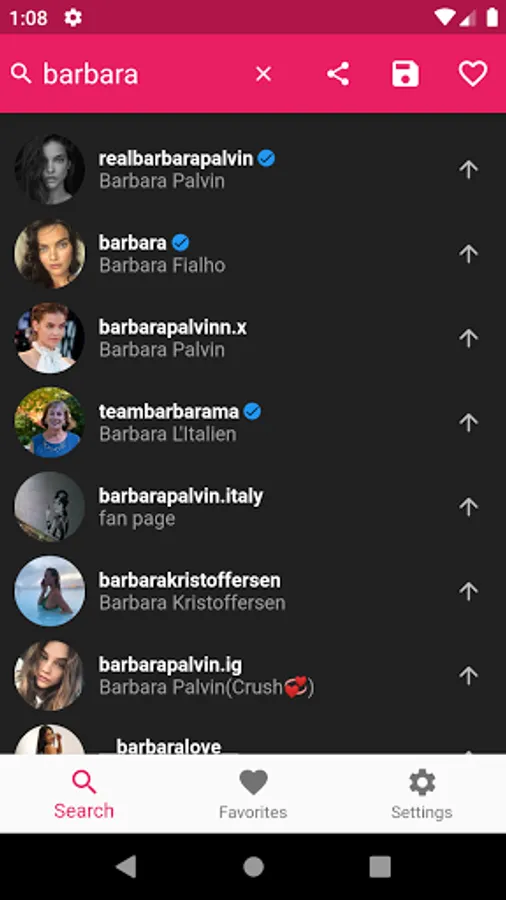
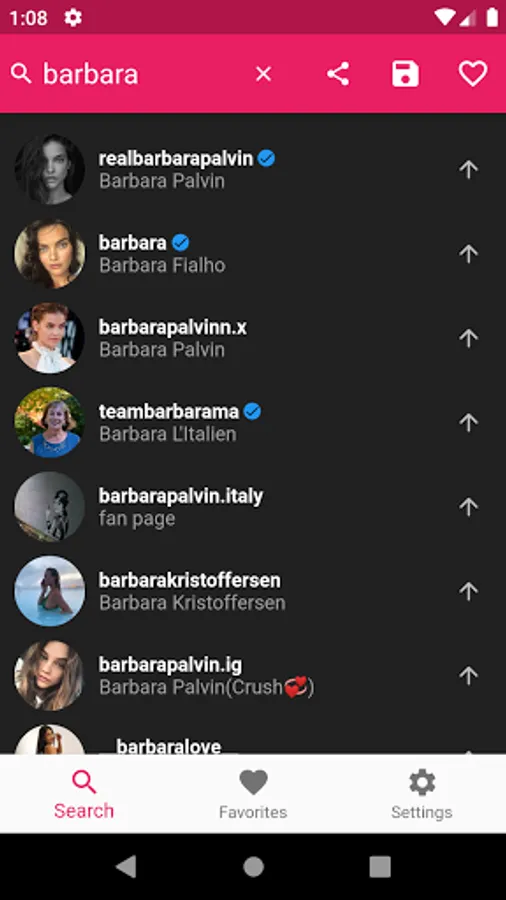
1. Just search by username and find the profile.
2. Thats it.
Note: This application has no affiliation with the Instagram application.
You can repost, download save video and photos, images.
How to do repost from instagram?
How to do download photos and videos from instagram?
1. First open your inst. application then choose the photo or video that you want to repost or download.
2. You should "copy link" or "share to" of this post. There is a three dot icon on the right top corner of the video or photo on inst.
3. Then open this (ProfileZoom & Reposthem) application. and Click Refresh button on the bottom right of the app or choose the app in the share list.
4. You will see the photo or videos. Then tab on it. You will see the related buttons at the bottom.
What you can do?
Repost photos from instagram.
Repost videos from instagram.
Download instagram videos and instagram photos.
You are able to download instagram Stories and Reels.
No watermark
This is the Application for public posts.
You want to see the instagram profile photo full size but you can not do it.
This application helps you to see private or public account full size profile photo. Also you can zoom the profile picture.
How can i see the full size instagram profile picture?
1. Just search by username and find the profile.
2. Thats it.
Note: This application has no affiliation with the Instagram application.