Territory Helper
Two Fifty Six AB
4.9 ★
store rating
50,000+
downloads
Free
AppRecs review analysis
AppRecs rating 3.9. Trustworthiness 70 out of 100. Review manipulation risk 33 out of 100. Based on a review sample analyzed.
★★★☆☆
3.9
AppRecs Rating
Ratings breakdown
5 star
92%
4 star
7%
3 star
1%
2 star
0%
1 star
1%
What to know
✓
High user satisfaction
92% of sampled ratings are 5 stars
⚠
Review quality concerns
37% of sampled 5-star reviews are very short
About Territory Helper
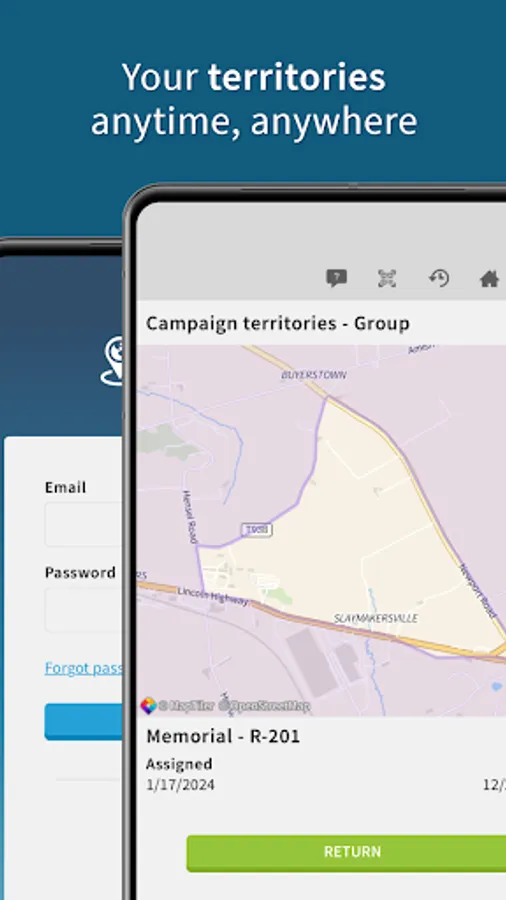
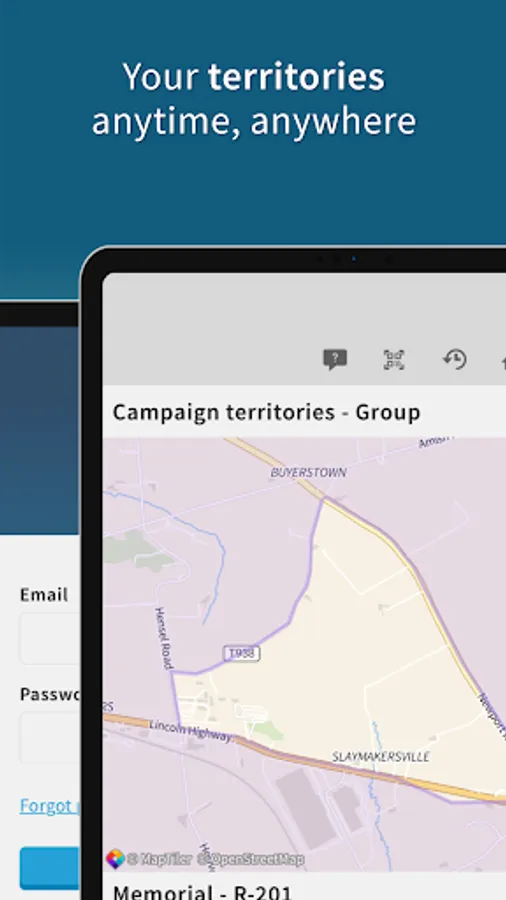
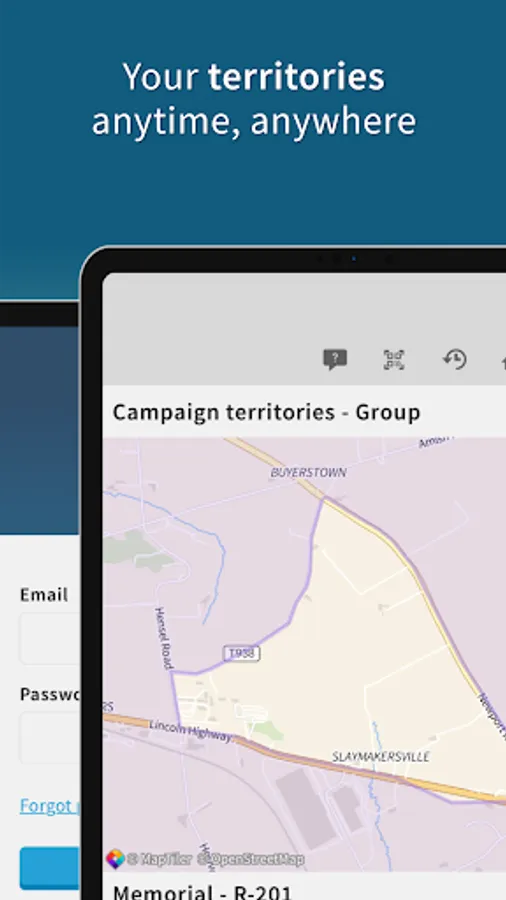
Territory Helper is a companion application to the Territory Helper website. It allows publishers to see their territory assignments, campaign assignments and their field service group assignments.
Territories
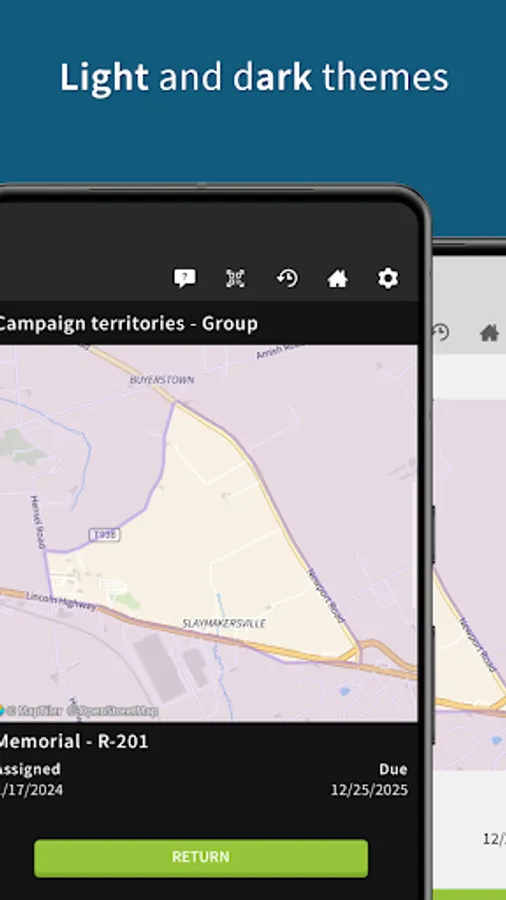
• View all personal and field service group assignments.
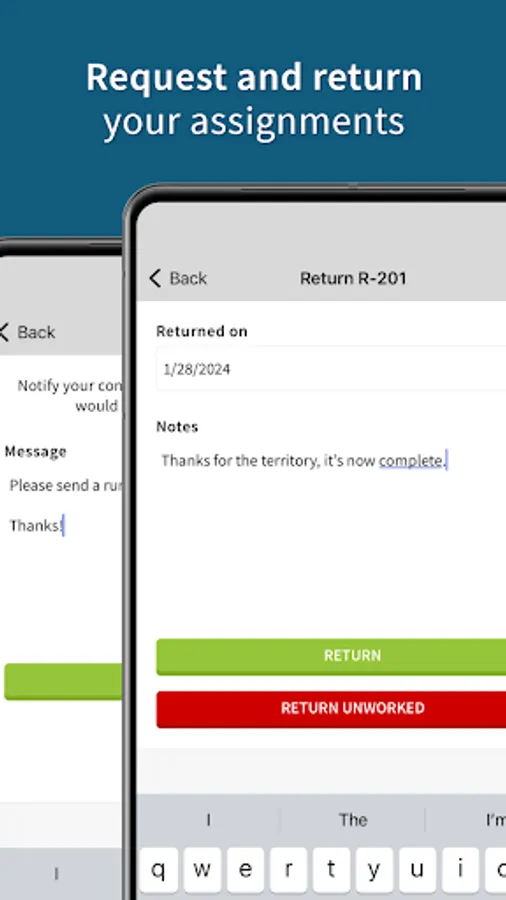
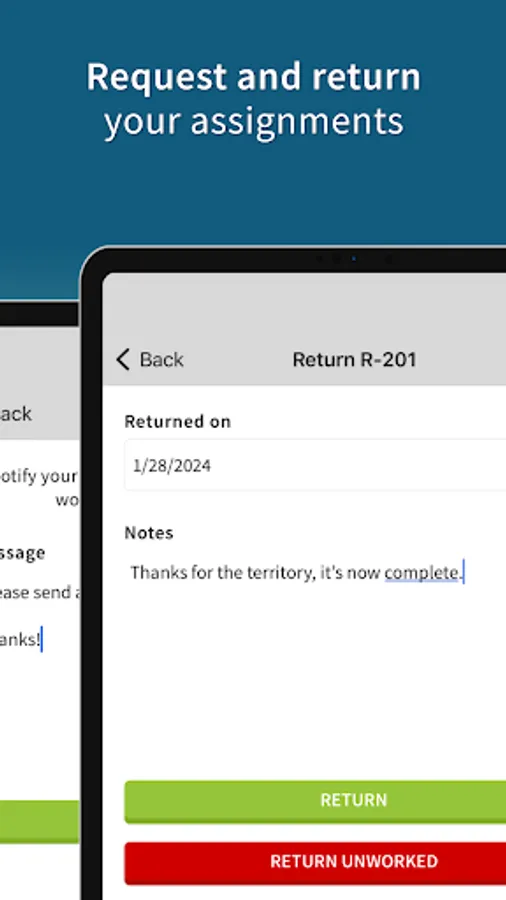
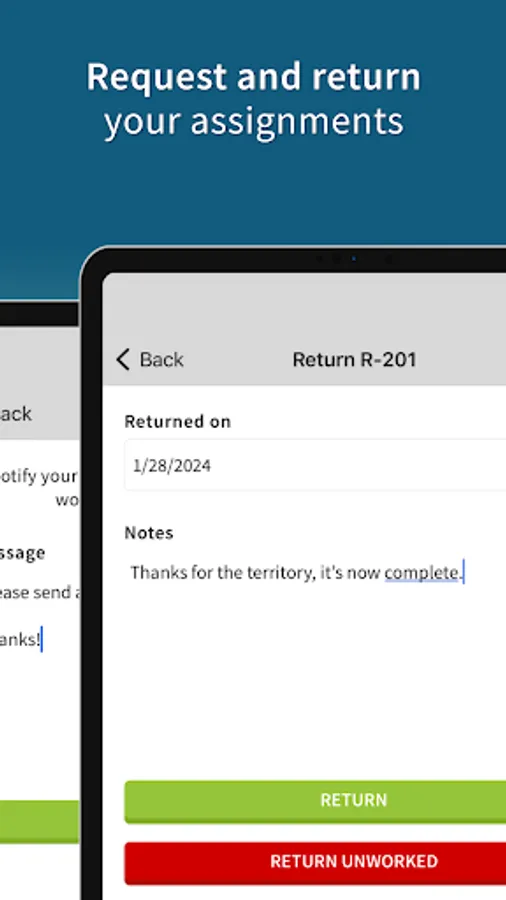
• Return or request territory assignments.
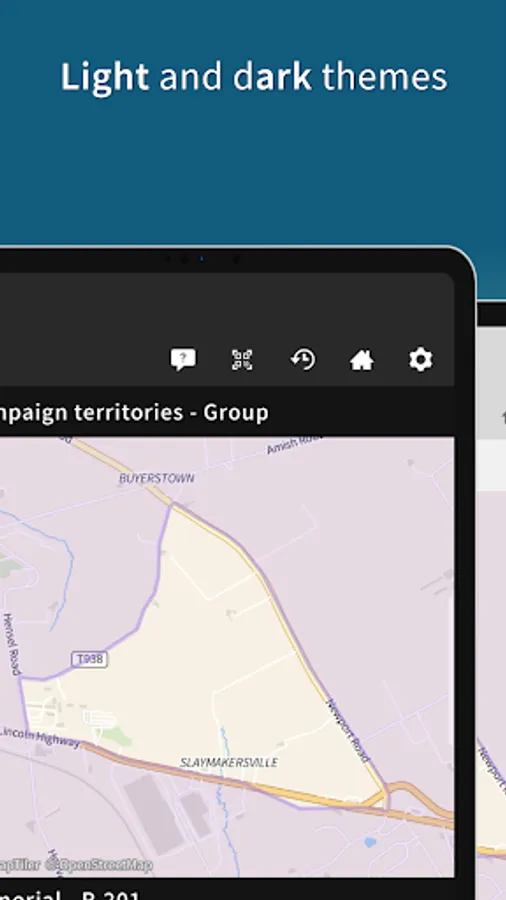
• Scan QR codes of territories for quick access.
• Automatically open territories in the app when viewing them in a browser.
• Access the entire viewing history for an easy way to switch between assignments.
• Share territories quickly and easily.
• Get directions to a territory assignment.
Territory Annotations
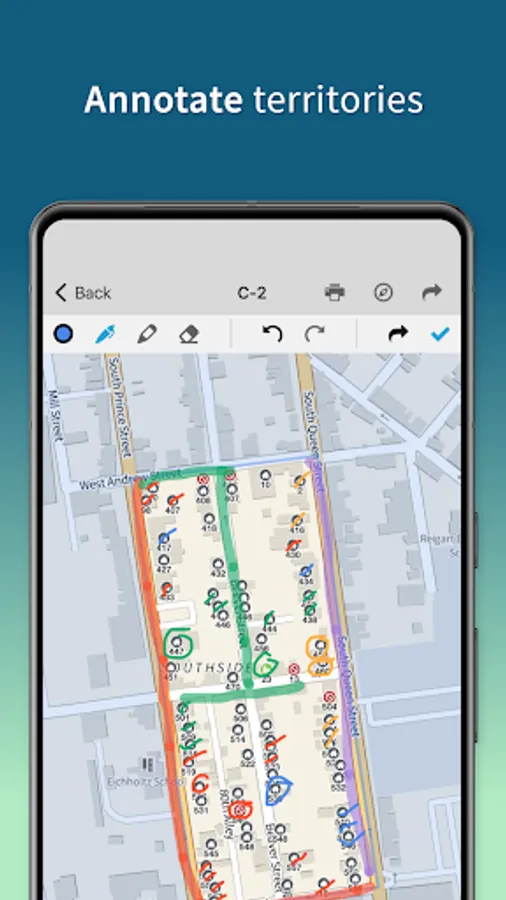
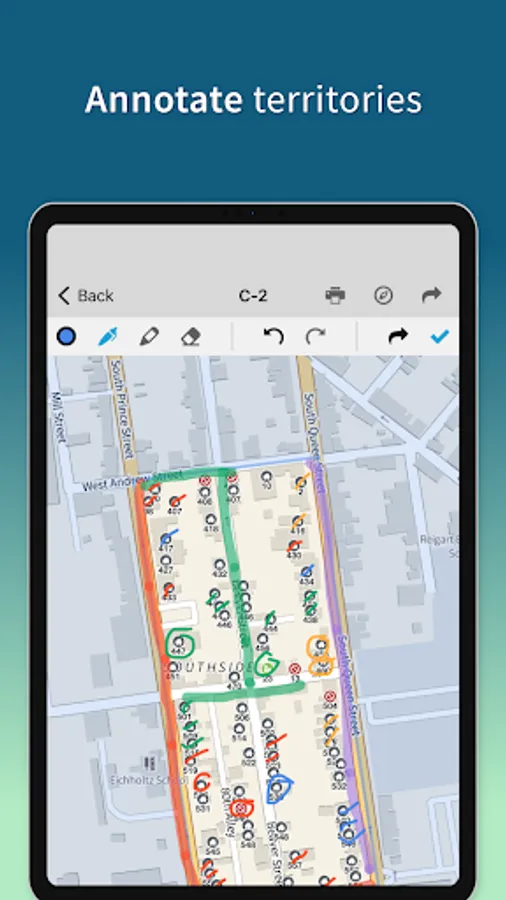
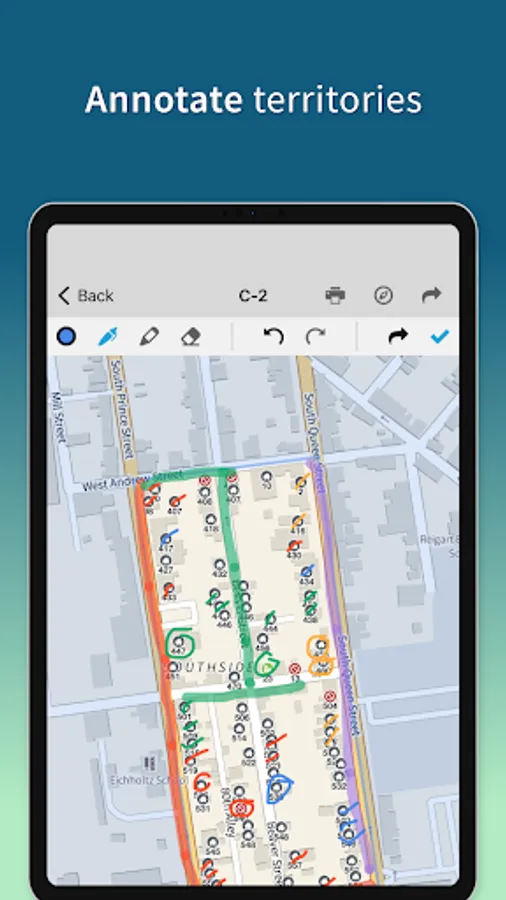
• Draw, highlight and annotate territory images.
• Share annotations quickly and easily.
• Available regardless of internet connectivity.
Locations
• Create and manage locations (depending on congregation settings).
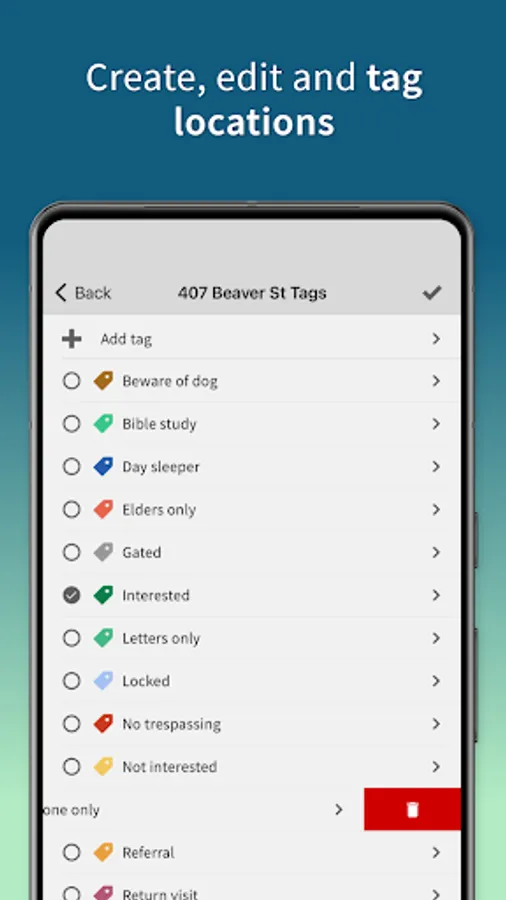
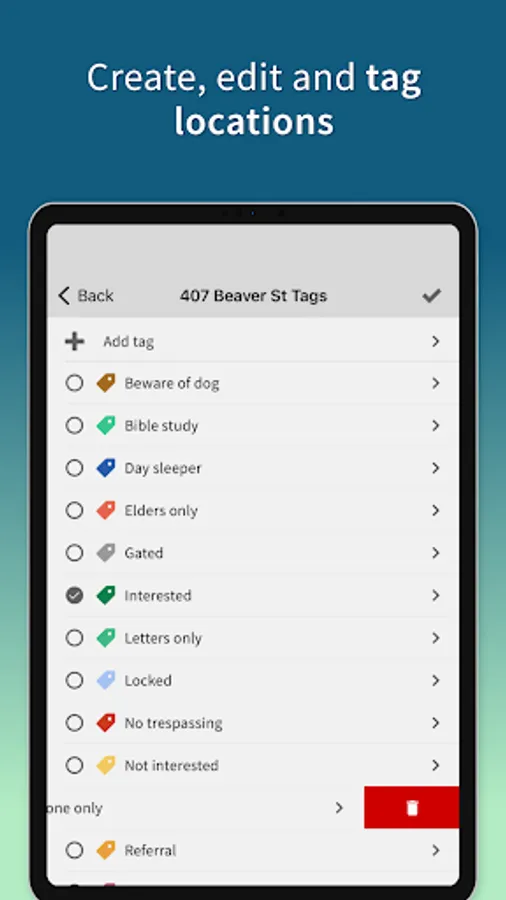
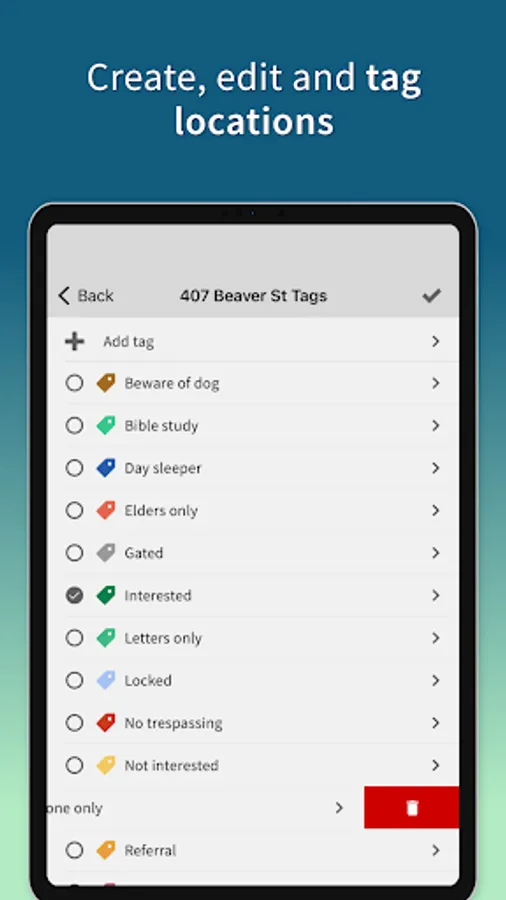
• Add and create custom tags for locations.
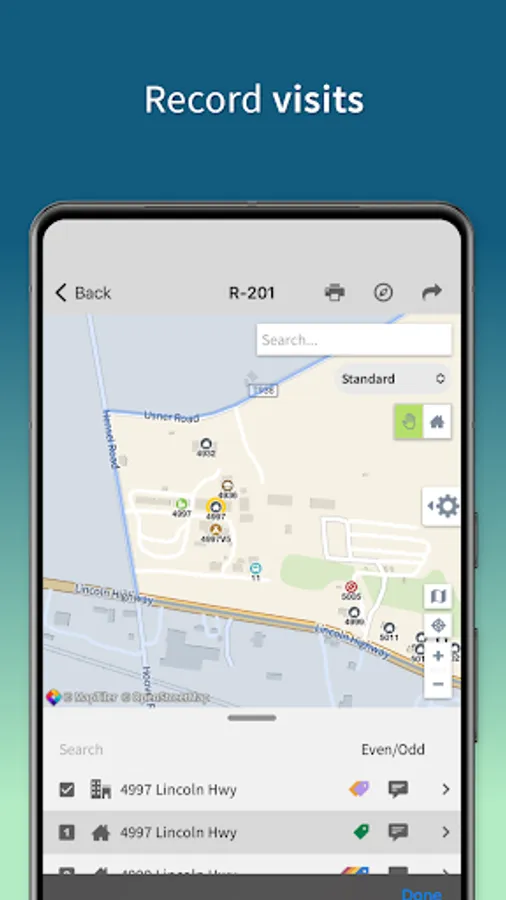
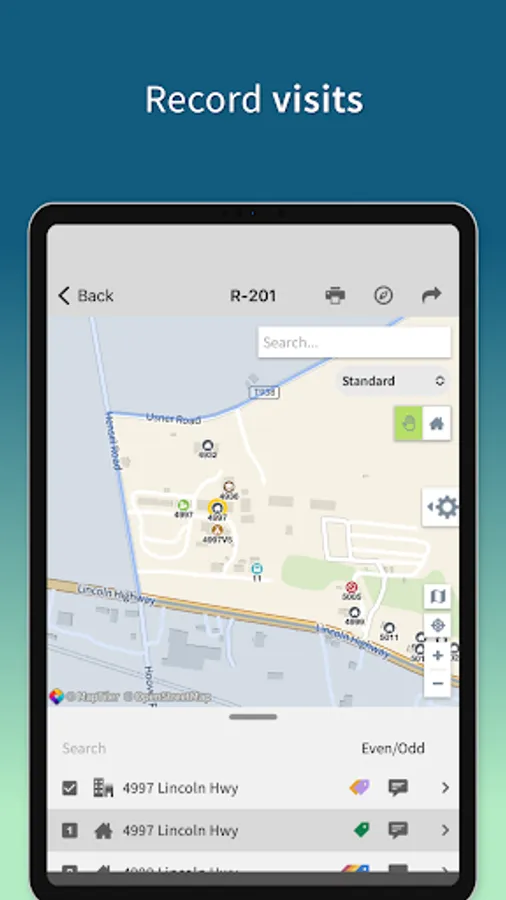
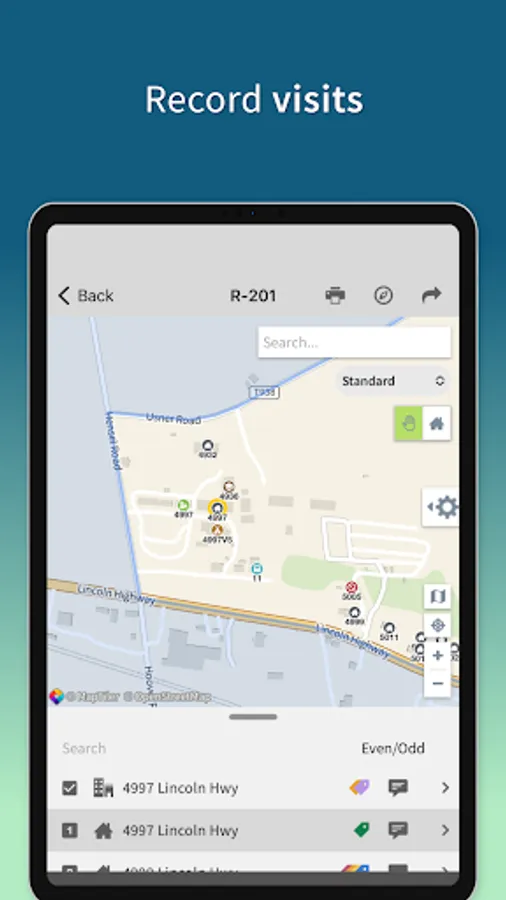
• Record not at homes and visits per territory assignment.
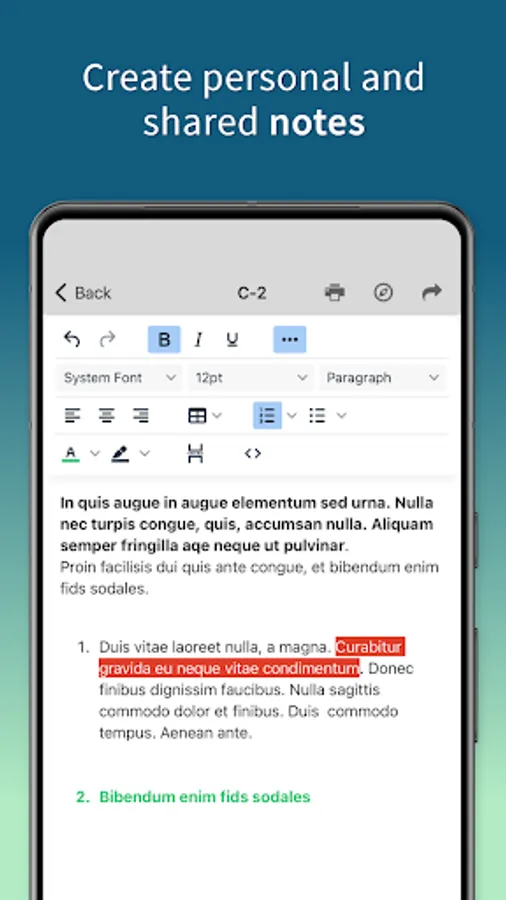
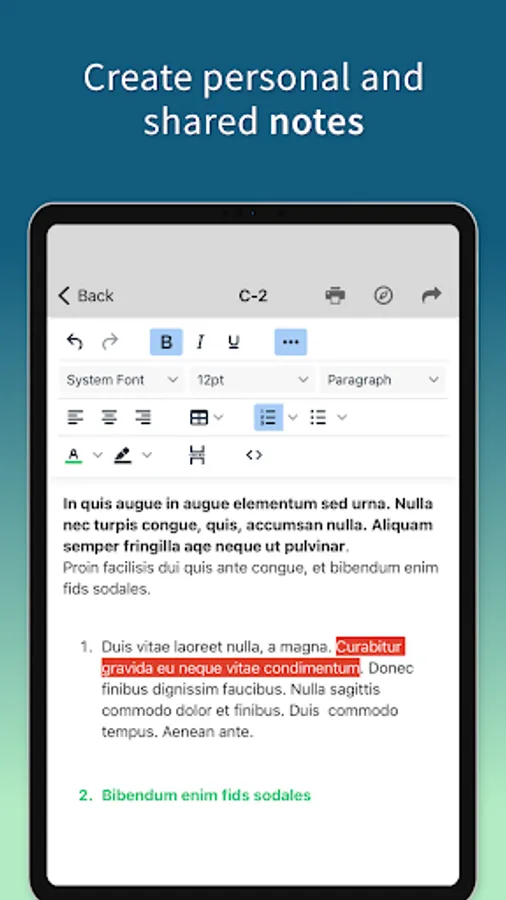
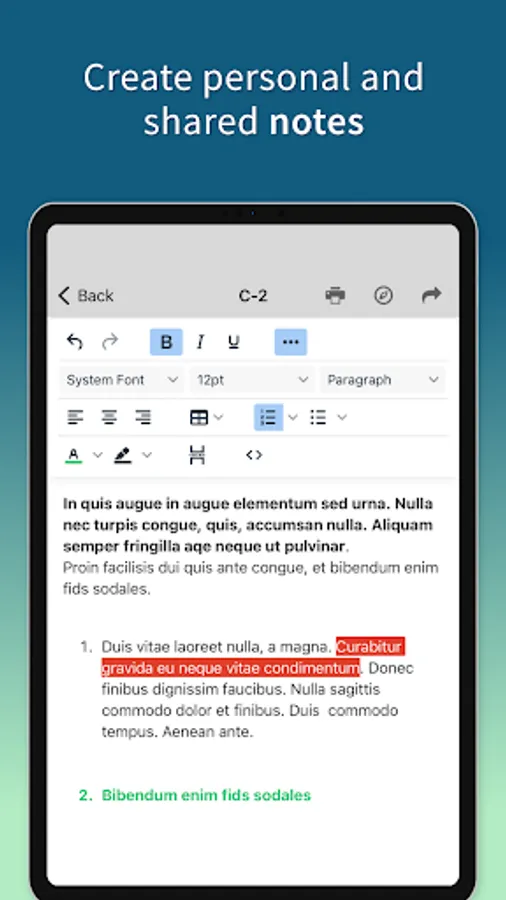
• Write notes and comments for locations.
• Share location details and directions to other publishers.
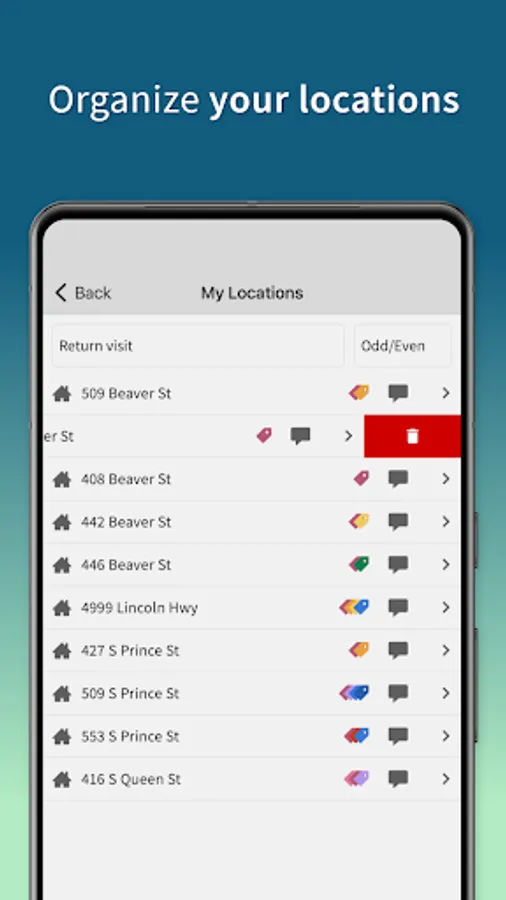
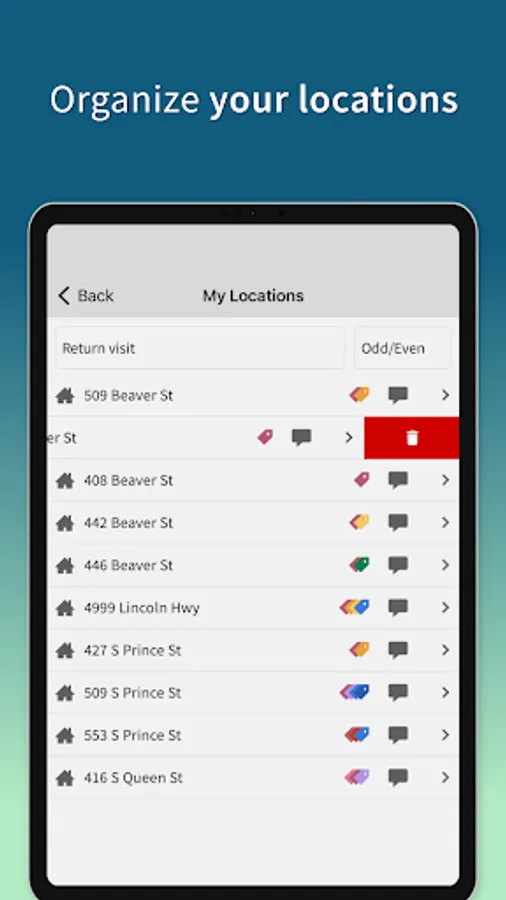
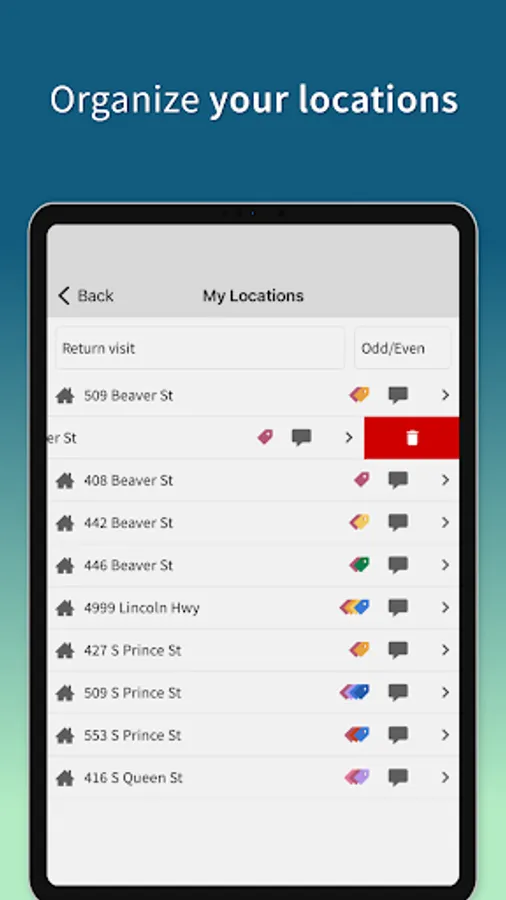
• Easily search and sort locations.
• Manage your own personal list of locations.
Data
• Redundant backups are kept and stored locally.
• Backup and restore functions available.
Localization
• Available in over 20 languages.
• Translations are dynamically updated.
Offline/Poor connections
• Territories and assignment data is cached for access without internet connection.
• A snapshot of the territory is taken so access to a map is always available.
• Functionality is clearly marked and disabled that require an active internet connection.
GDPR Compliance
• Non-compliant features are removed and disabled.
• Non-compliant data is only stored locally.
• Congregation can easily control publisher accounts and their compliance.
Please visit territoryhelper.com/help for support and detailed documentation.
Territories
• View all personal and field service group assignments.
• Return or request territory assignments.
• Scan QR codes of territories for quick access.
• Automatically open territories in the app when viewing them in a browser.
• Access the entire viewing history for an easy way to switch between assignments.
• Share territories quickly and easily.
• Get directions to a territory assignment.
Territory Annotations
• Draw, highlight and annotate territory images.
• Share annotations quickly and easily.
• Available regardless of internet connectivity.
Locations
• Create and manage locations (depending on congregation settings).
• Add and create custom tags for locations.
• Record not at homes and visits per territory assignment.
• Write notes and comments for locations.
• Share location details and directions to other publishers.
• Easily search and sort locations.
• Manage your own personal list of locations.
Data
• Redundant backups are kept and stored locally.
• Backup and restore functions available.
Localization
• Available in over 20 languages.
• Translations are dynamically updated.
Offline/Poor connections
• Territories and assignment data is cached for access without internet connection.
• A snapshot of the territory is taken so access to a map is always available.
• Functionality is clearly marked and disabled that require an active internet connection.
GDPR Compliance
• Non-compliant features are removed and disabled.
• Non-compliant data is only stored locally.
• Congregation can easily control publisher accounts and their compliance.
Please visit territoryhelper.com/help for support and detailed documentation.