Feel: Send & Save Heartbeat
TheTouch X
3.0 ★
store rating
100,000+
downloads
Free
+ in-app
With this app, you can send and receive heartbeat recordings and save them for future access. Includes options to upload heartbeats to HB Ring and manage multiple contacts.
AppRecs review analysis
AppRecs rating 3.0. Trustworthiness 85 out of 100. Review manipulation risk 19 out of 100. Based on a review sample analyzed.
★★☆☆☆
3.0
AppRecs Rating
Ratings breakdown
5 star
41%
4 star
5%
3 star
5%
2 star
8%
1 star
41%
What to know
⚠
Ad complaints
Many low ratings mention excessive ads
⚠
Mixed user feedback
Average 3.0★ rating suggests room for improvement
⚠
High negative review ratio
49% of sampled ratings are 1–2 stars
About Feel: Send & Save Heartbeat
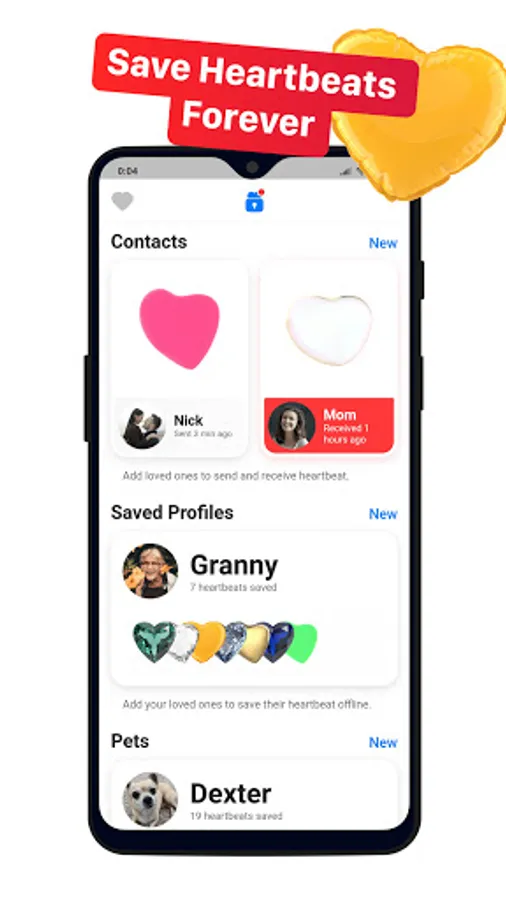
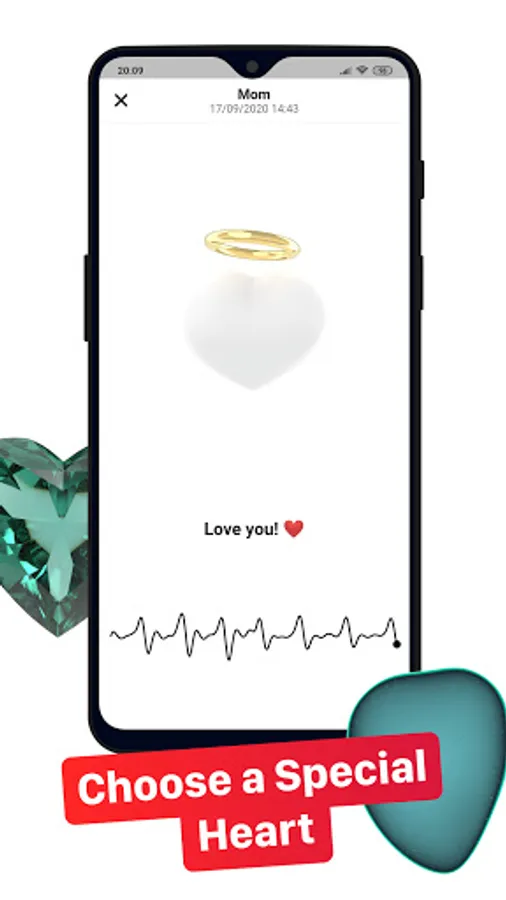
Share a new and special feeling with your loved ones. Send them your heartbeat or save it directly using only your phone.
With Feel app you can:
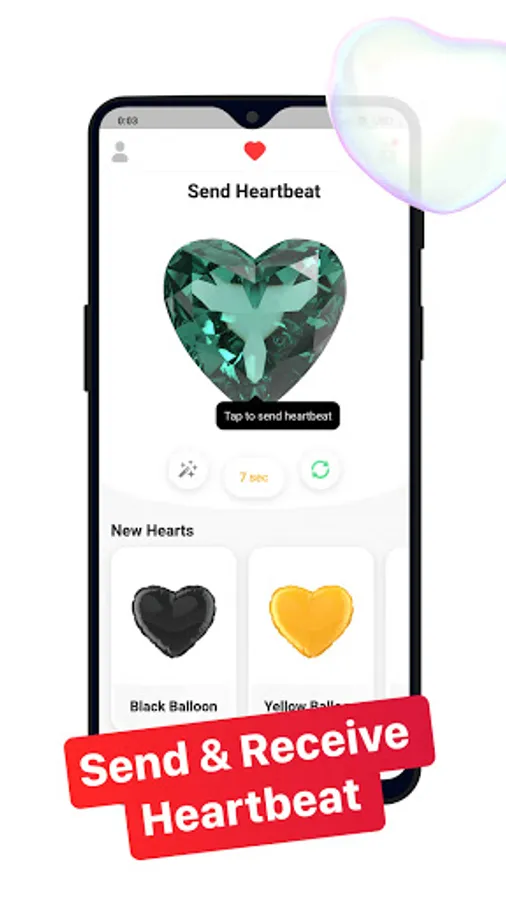
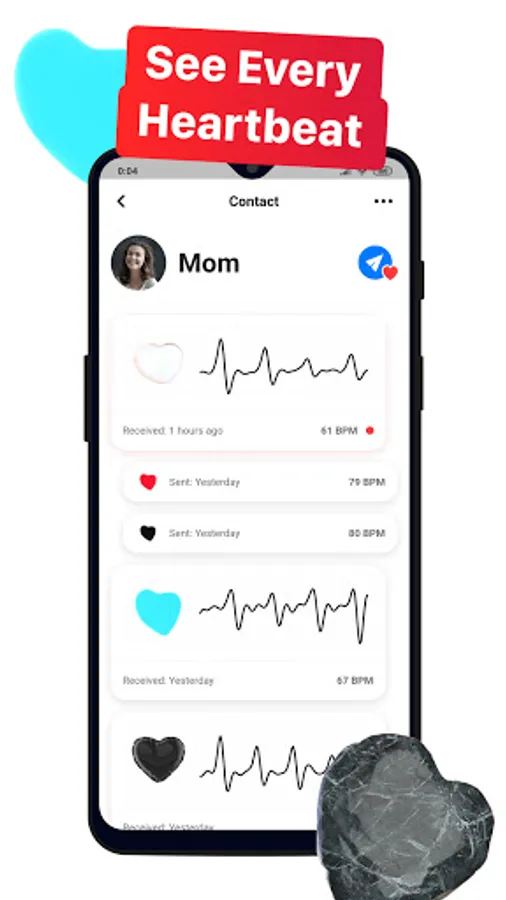
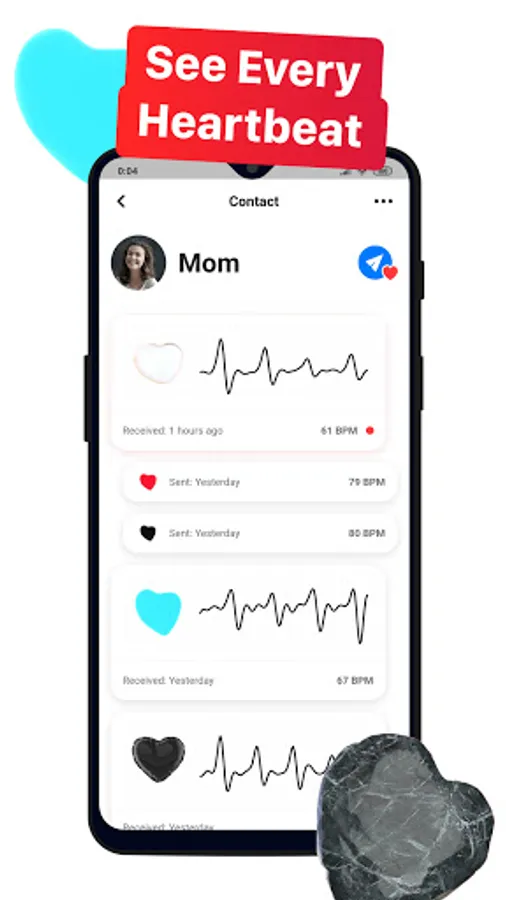
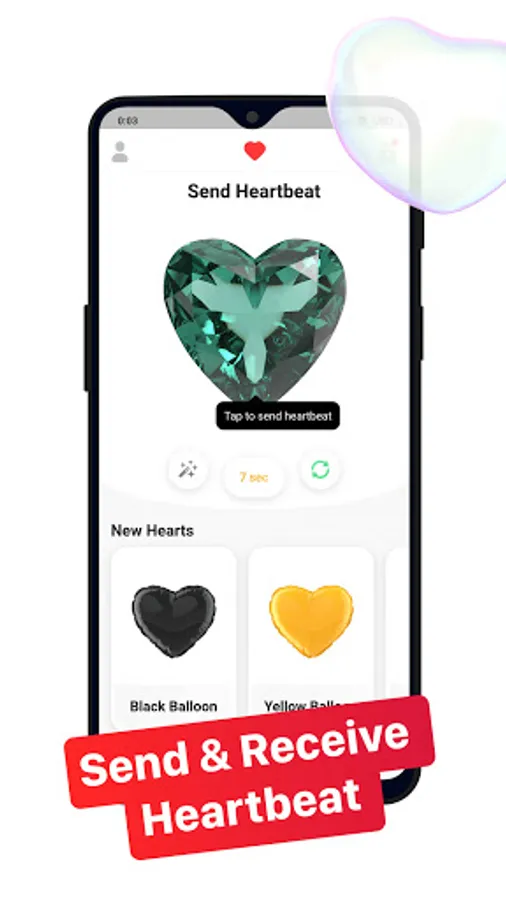
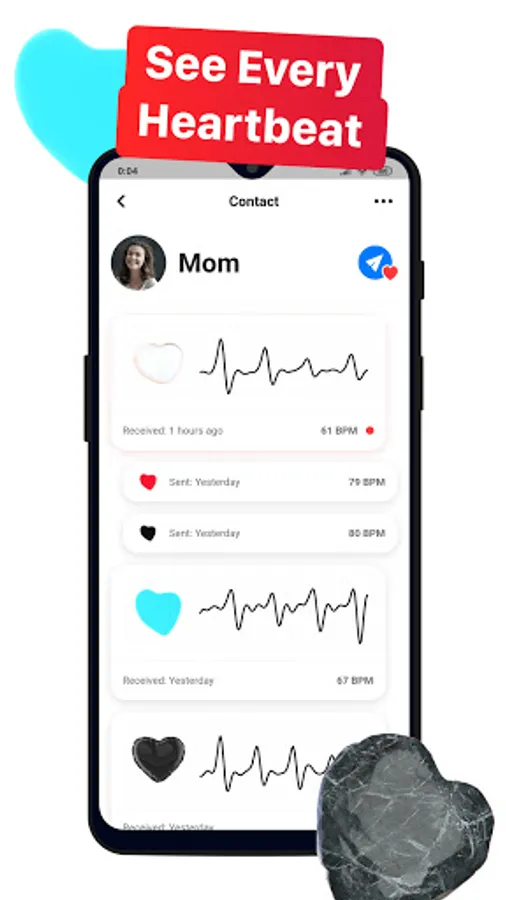
– Send and receive heartbeat with your loved ones
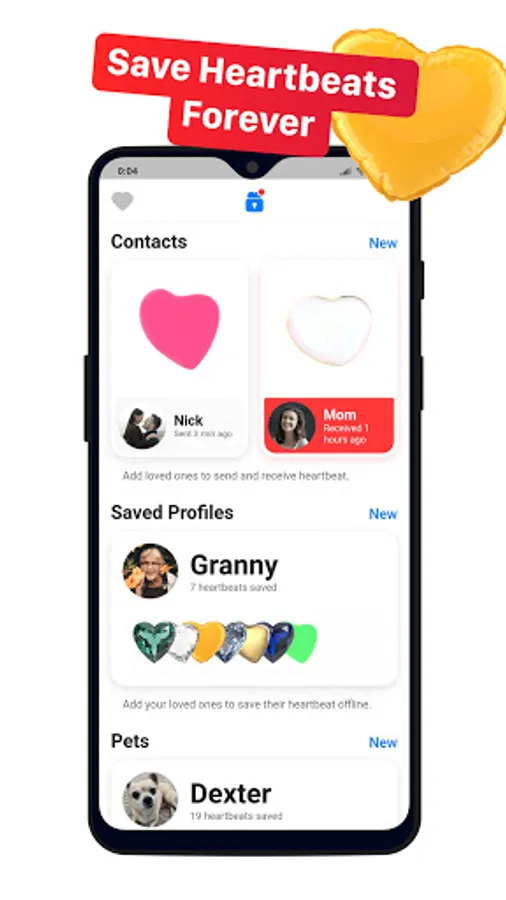
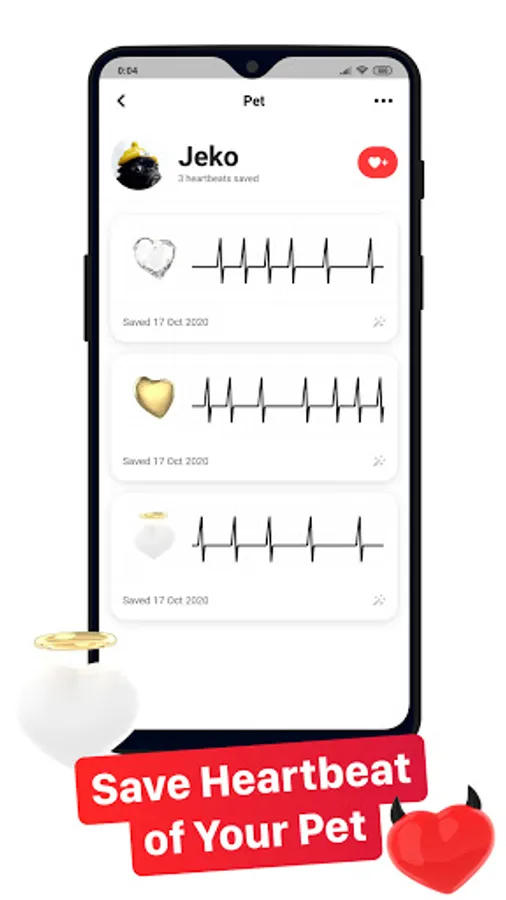
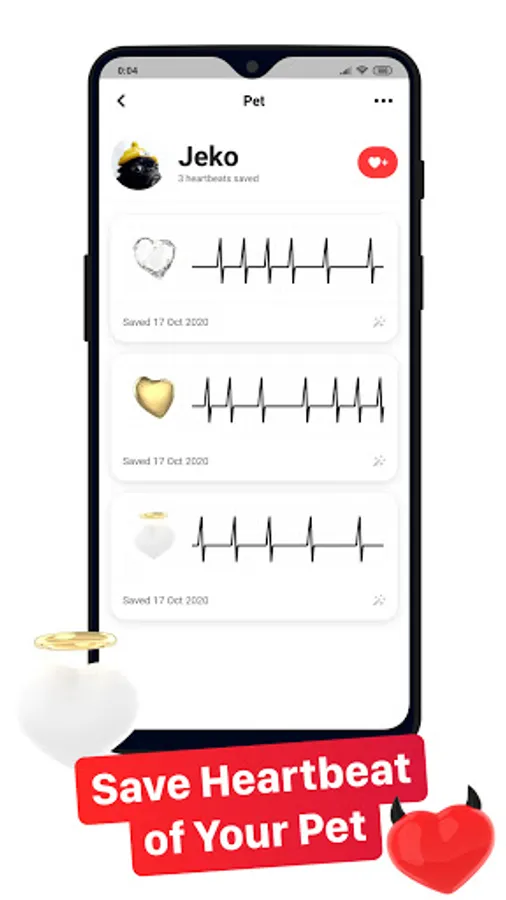
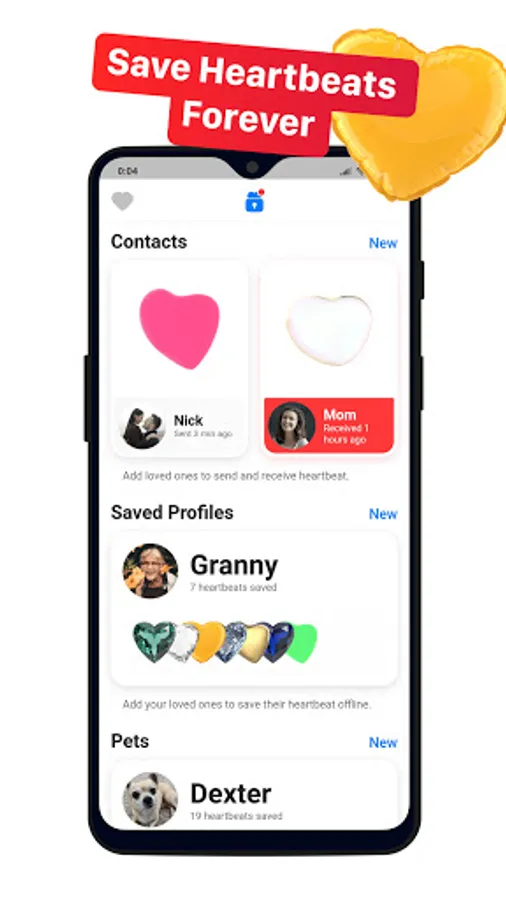
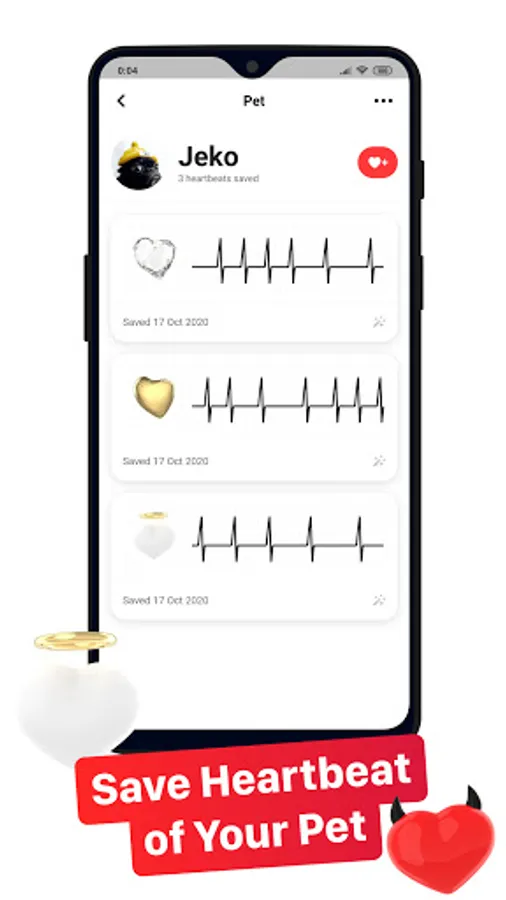
– Save the heartbeat of your loved ones forever
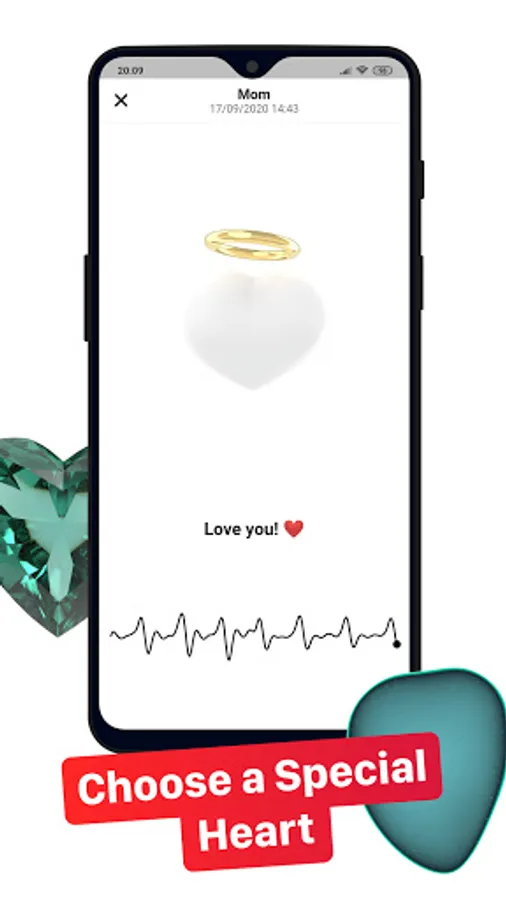
– See and feel the heartbeat of your loved ones, wherever you are
– Upload a heartbeat to HB Ring
To send heartbeat:
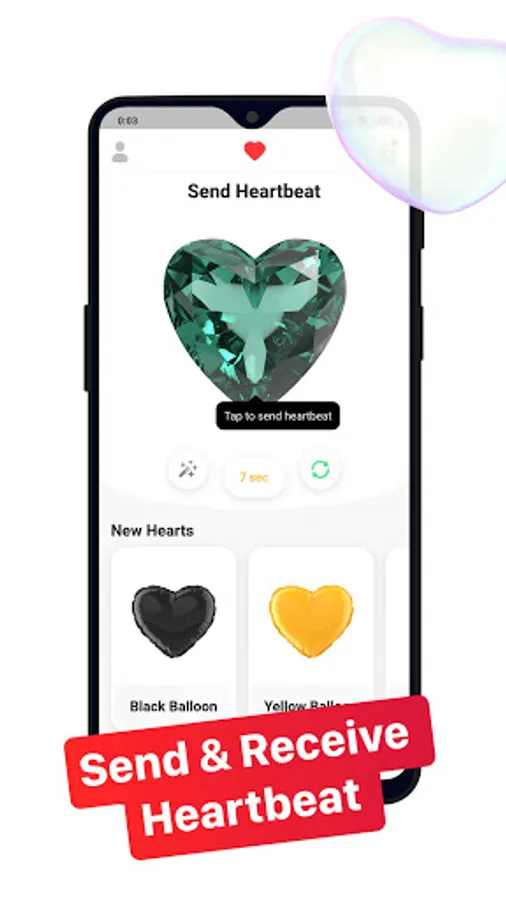
– Swipe down to find the perfect heart
– Tap to send heartbeat
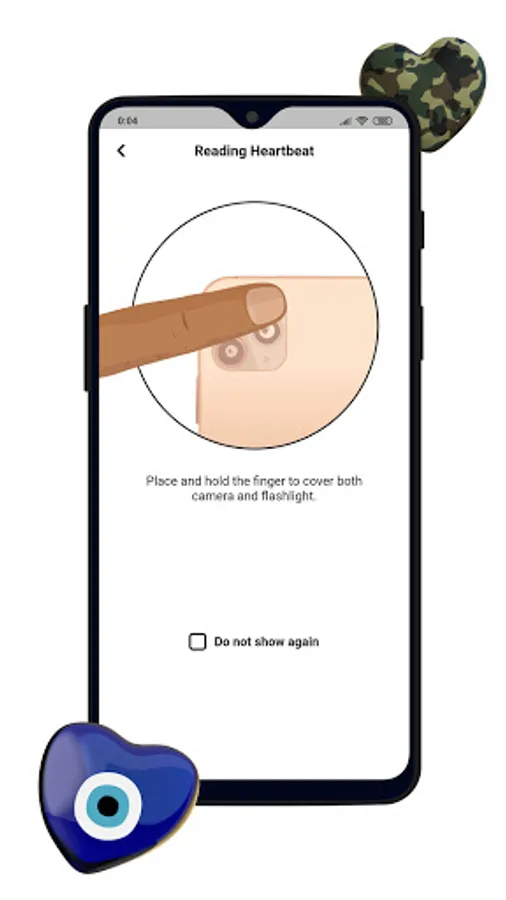
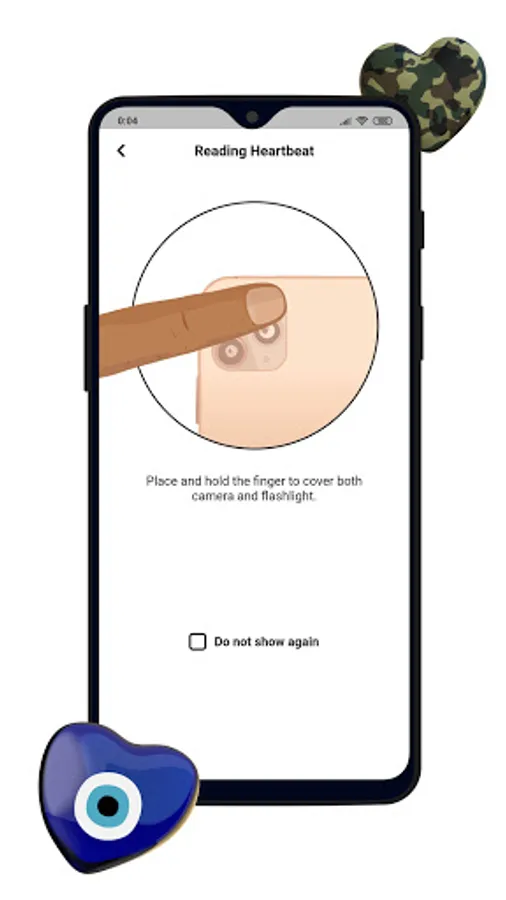
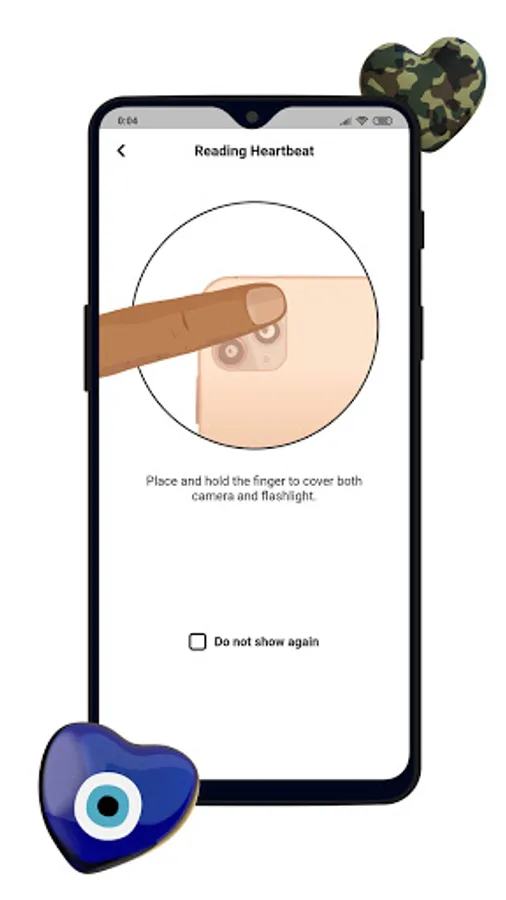
– Put your finger to cover camera and flashlight
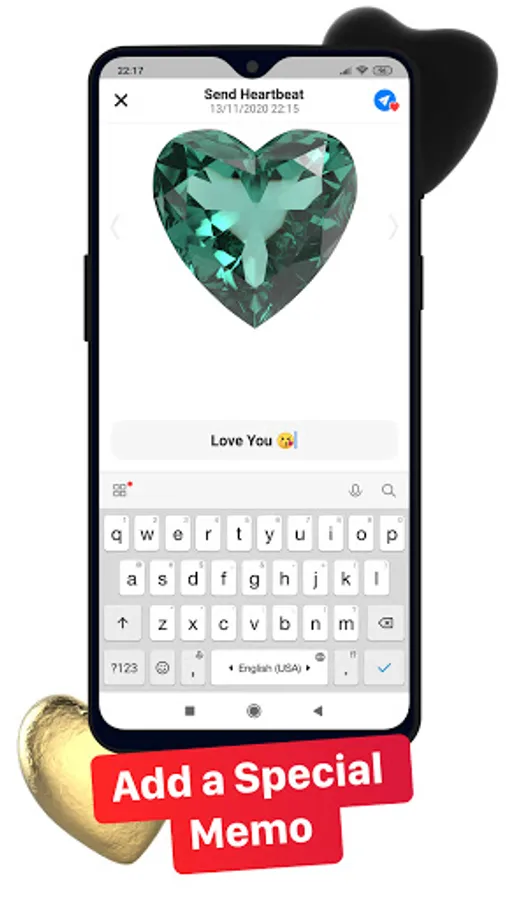
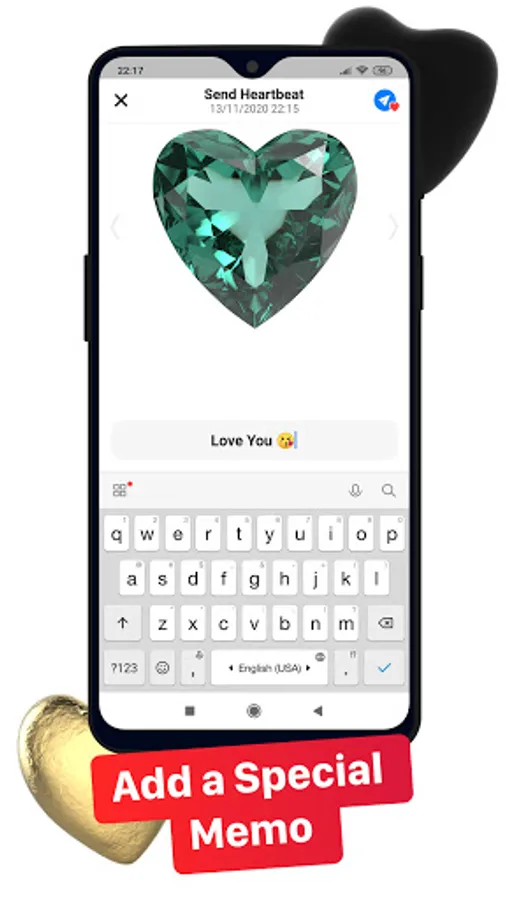
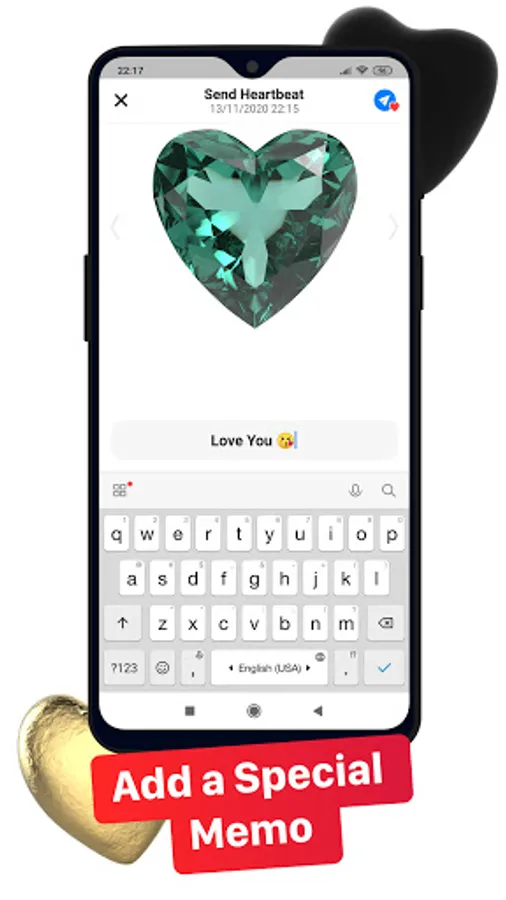
– Add a memo and tap send icon
– Tap on loved one to send the heartbeat
– Done!
To upload a heartbeat to HB Ring:
– Pair with your HB Ring, by inserting and removing the ring into a charger box connected to power, and double tapping the ring 2x times.
– Tap PAIR in the application
– Choose a contact or a saved profile of loved one or pet to upload their heartbeat to HB Ring
– Done!
By upgrading to Premium you can:
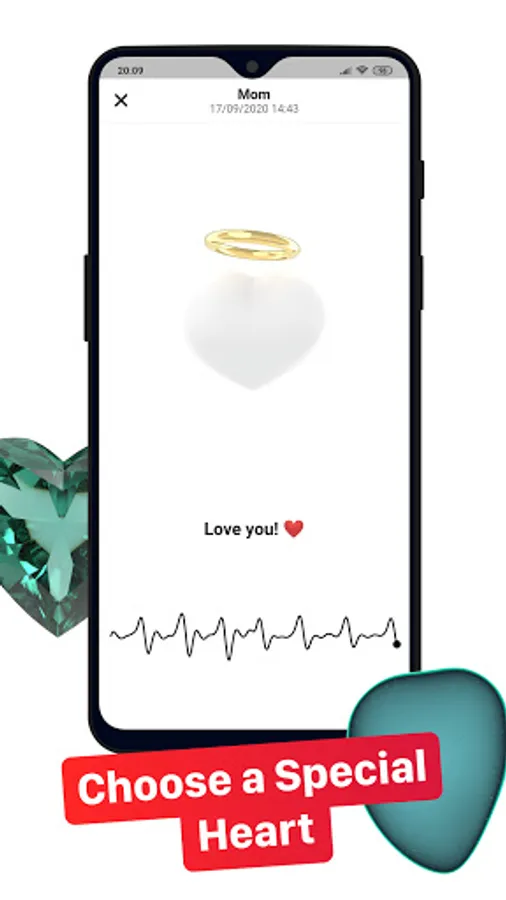
– Send and save any heart design
– Record and send longer heartbeats
– Cloud backup user data and all heartbeats
– Remove ads
With Feel app you can:
– Send and receive heartbeat with your loved ones
– Save the heartbeat of your loved ones forever
– See and feel the heartbeat of your loved ones, wherever you are
– Upload a heartbeat to HB Ring
To send heartbeat:
– Swipe down to find the perfect heart
– Tap to send heartbeat
– Put your finger to cover camera and flashlight
– Add a memo and tap send icon
– Tap on loved one to send the heartbeat
– Done!
To upload a heartbeat to HB Ring:
– Pair with your HB Ring, by inserting and removing the ring into a charger box connected to power, and double tapping the ring 2x times.
– Tap PAIR in the application
– Choose a contact or a saved profile of loved one or pet to upload their heartbeat to HB Ring
– Done!
By upgrading to Premium you can:
– Send and save any heart design
– Record and send longer heartbeats
– Cloud backup user data and all heartbeats
– Remove ads