AppRecs review analysis
AppRecs rating 4.0. Trustworthiness 55 out of 100. Review manipulation risk 44 out of 100. Based on a review sample analyzed.
★★★★☆
4.0
AppRecs Rating
Ratings breakdown
5 star
100%
4 star
0%
3 star
0%
2 star
0%
1 star
0%
What to know
⚠
Questionable review patterns
44% review manipulation risk - some review patterns appear unusual
⚠
Unusually uniform ratings
100% of sampled ratings are 5 stars with very little variation
About Kaping Ai Photo Editor
Kaping is a powerful AI photo editor and image converter built for creators, professionals, and everyday users. It combines advanced editing tools, smart AI features, batch processing, and format conversion into one lightweight Android app. Whether you’re editing photos, scanning documents, or converting rare image formats, Kaping gives you full control with speed and simplicity.
Edit all kinds of images effortlessly—selfies, portraits, food photos, travel shots, architecture, fashion images, illustrations, and scanned documents. Customize your visuals using masks, fonts, captions, quotes, memes, and watermarks created directly inside the app. Enhance your photos with creative filters, artistic effects, textures, borders, light FX, and typography, then share them instantly.
Kaping is designed to make professional-level photo editing accessible to everyone. No design experience is required—just open the app and start creating.
🔑 Key Features
🤖 AI Photo Editor & Filters
Apply 260+ high-quality filters
Create and reuse custom filter chains
Share or scan filters via QR codes
Perfect for creators looking for an advanced AI photo editor
⚡ Batch Editing & Privacy Tools
Batch edit multiple images at once
Encrypt and decrypt files using 100+ algorithms
Edit or remove EXIF metadata in bulk
🔤 OCR Scanner & Text Extraction
Extract text from images in 120+ languages
Fast, Standard, and Best OCR modes
Text segmentation, OCR engine selection, file export, or EXIF embedding
✍️ Watermark Maker & Markup Tools
Add text, image, or timestamp watermarks
Invisible watermarking with steganography
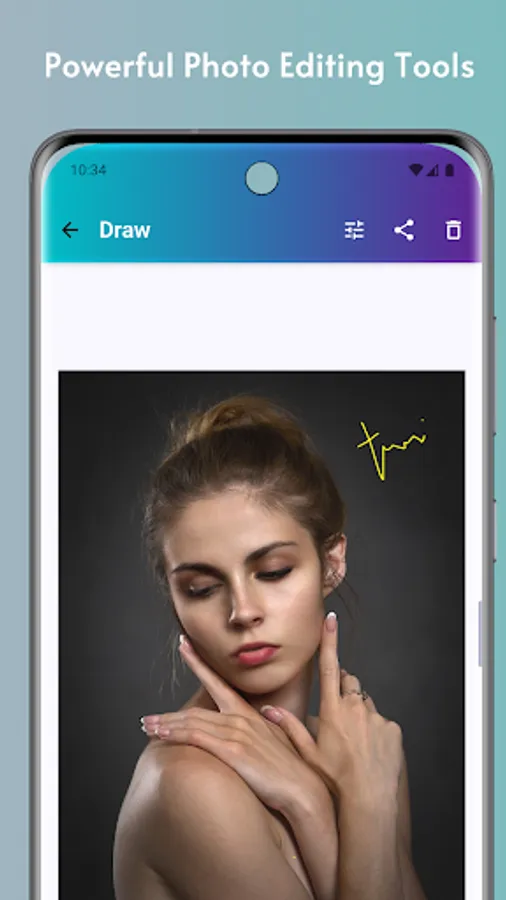
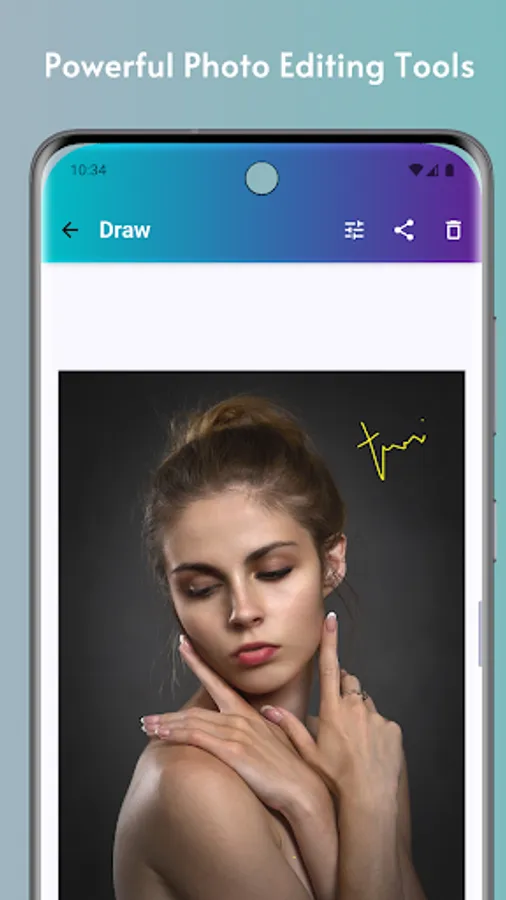
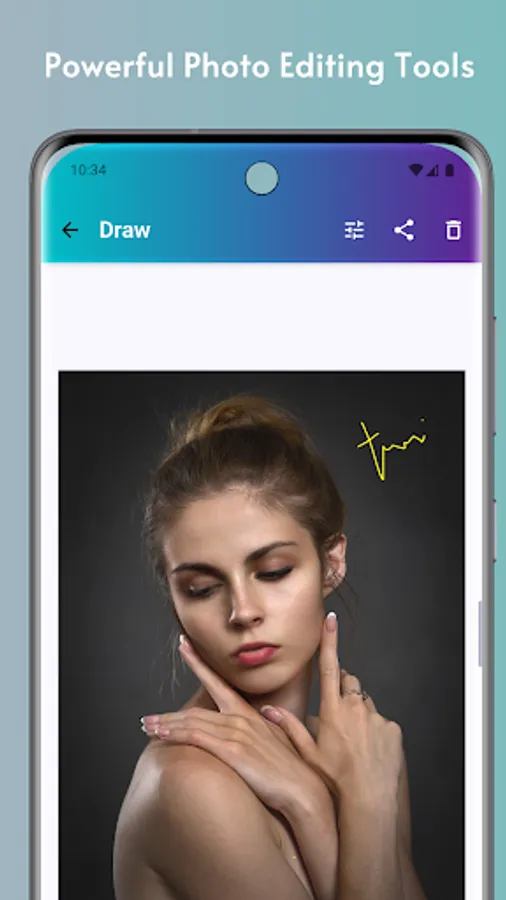
Drawing tools: brush, neon, highlighter, blur, lasso, arrows, shapes, and more
🧠 Background Remover & Image Utilities
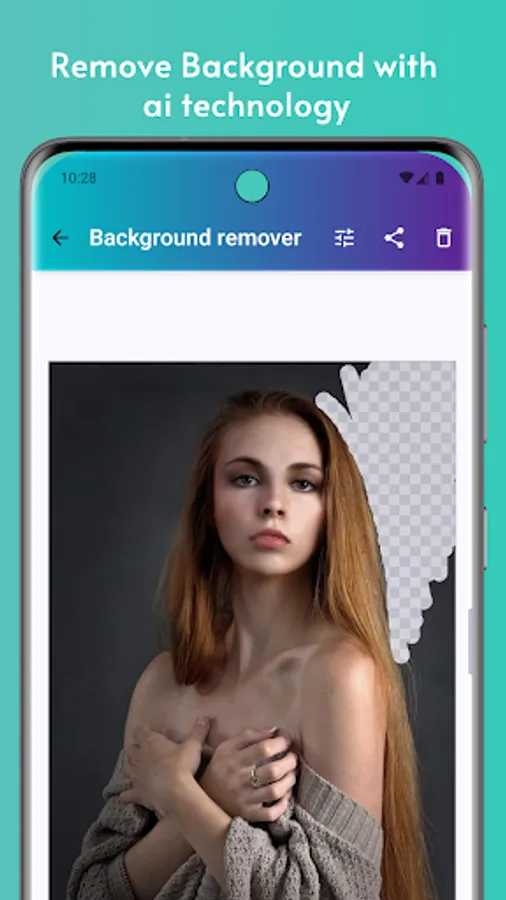
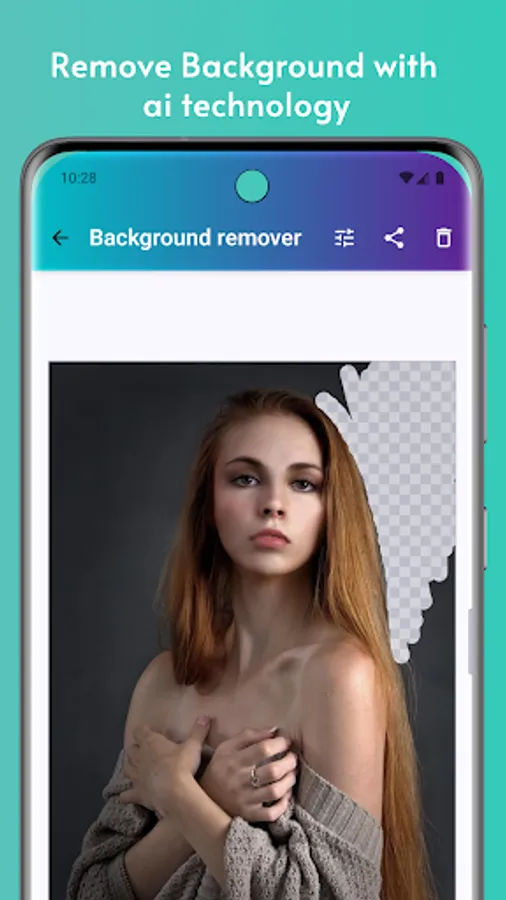
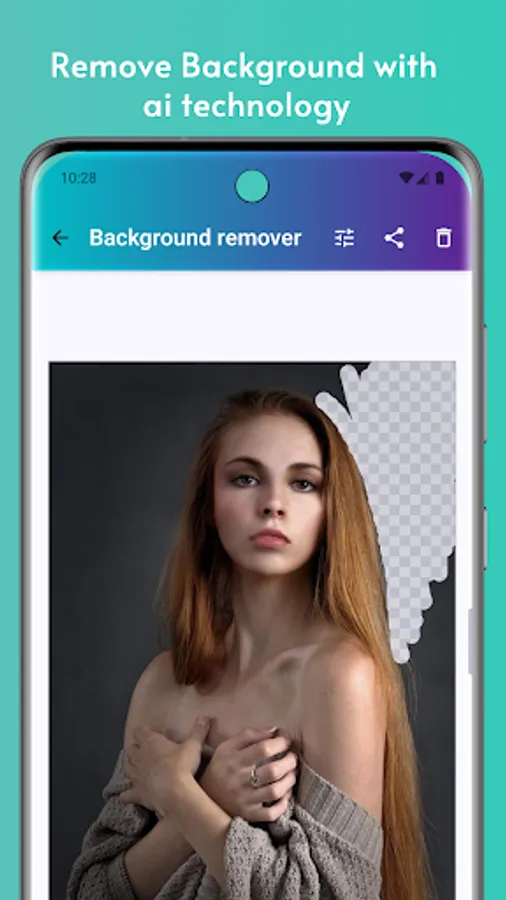
Automatic and manual AI background remover
Image stacking, stitching, and splitting
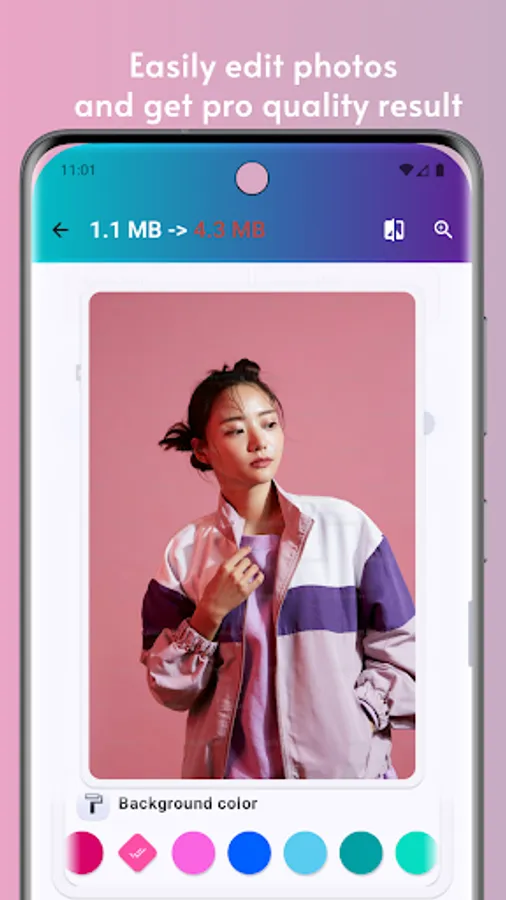
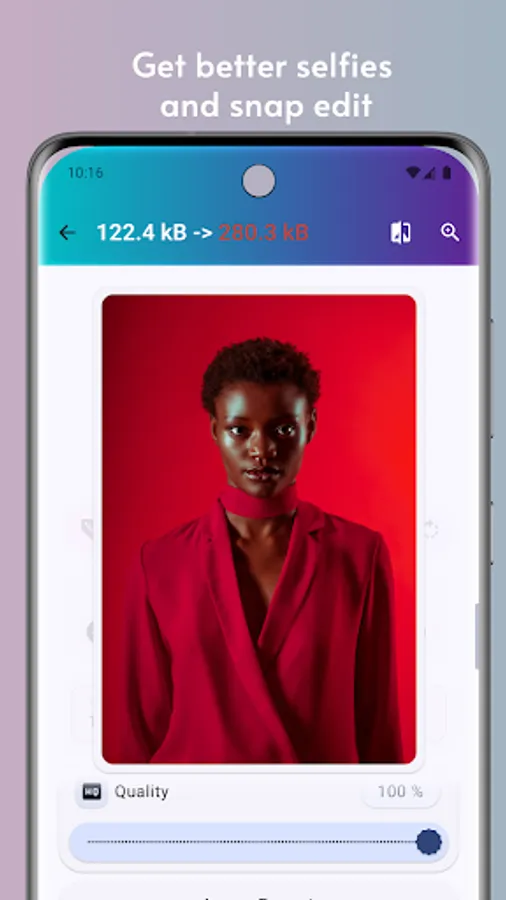
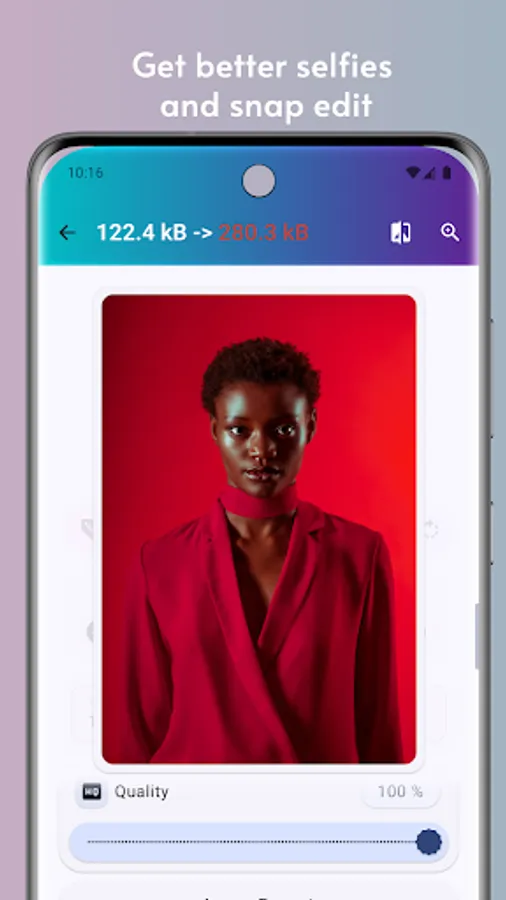
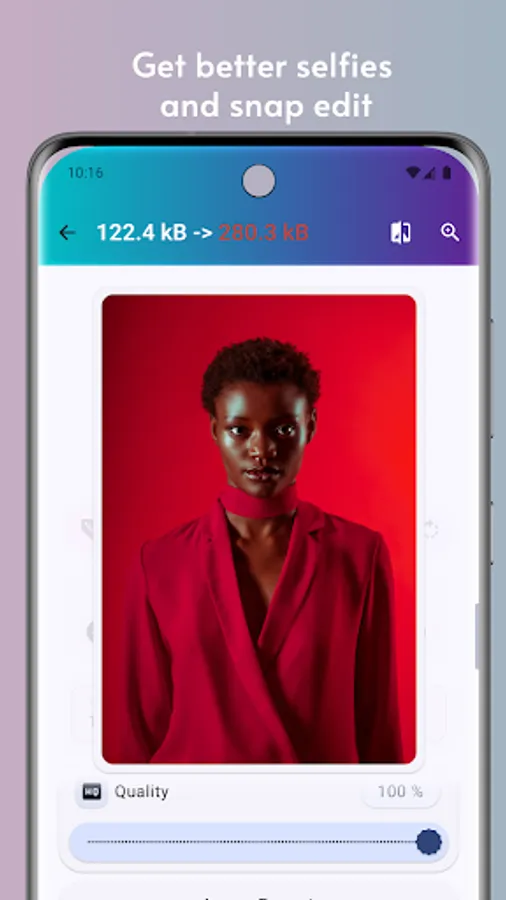
Reduce image size by quality or target KB
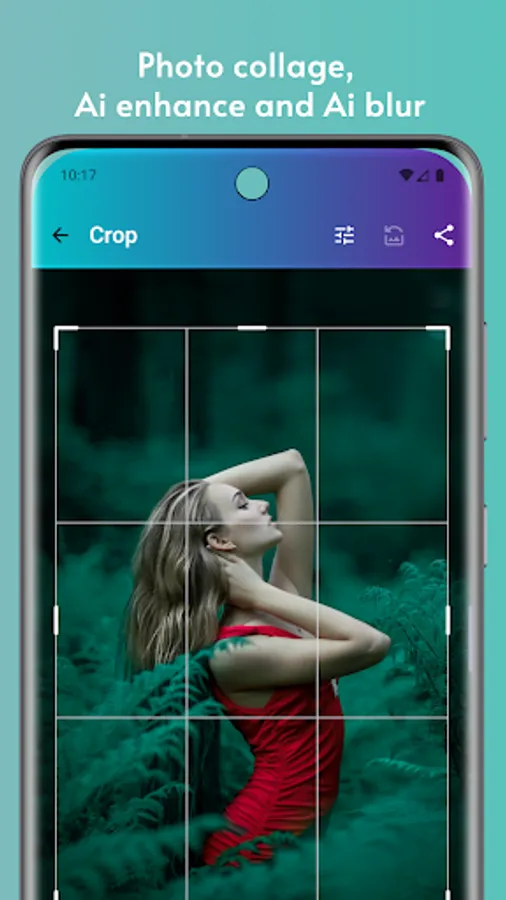
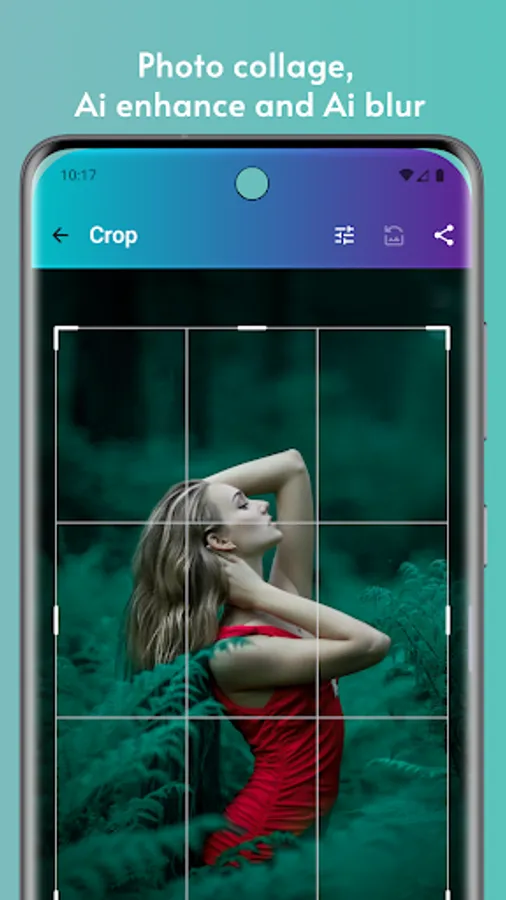
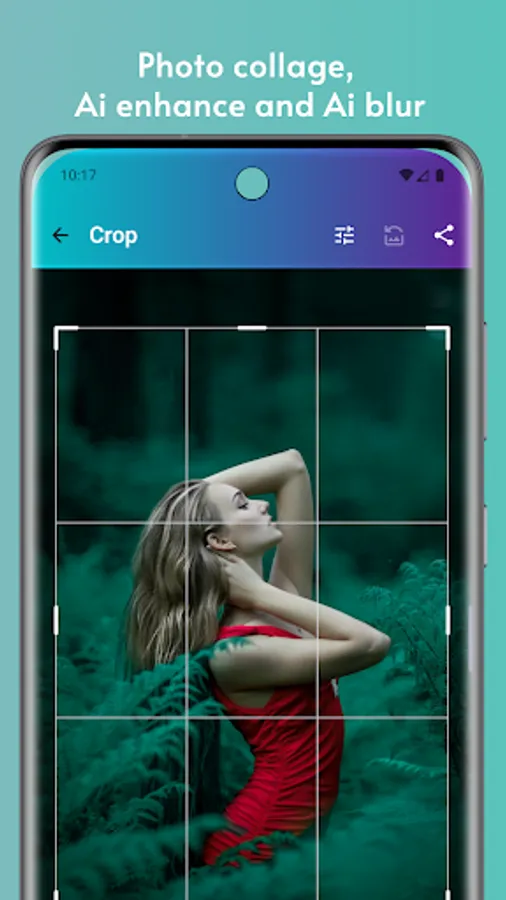
Smart crop tools: free crop, ratios, shapes, and batch cut
🔄 Image Converter & Format Support
Convert images to and from 30+ formats
Supports AVIF, HEIC, JXL, WEBP, PNG, JPG, TIFF, SVG, PSD, GIF, QOI, ICO, and more
Advanced conversions like GIF ↔ WEBP and JXL ↔ JPEG
📄 PDF & Document Scanner
Convert images to PDF or PDF to images
Scan, preview, crop, and enhance documents
🔍 Image Compare & Analysis
Pixel-by-pixel comparison using SSIM, PSNR, AE, MAE, RMSE, and more
Compare using slide, toggle, transparency, or side-by-side views
🎨 Color Tools & Design Utilities
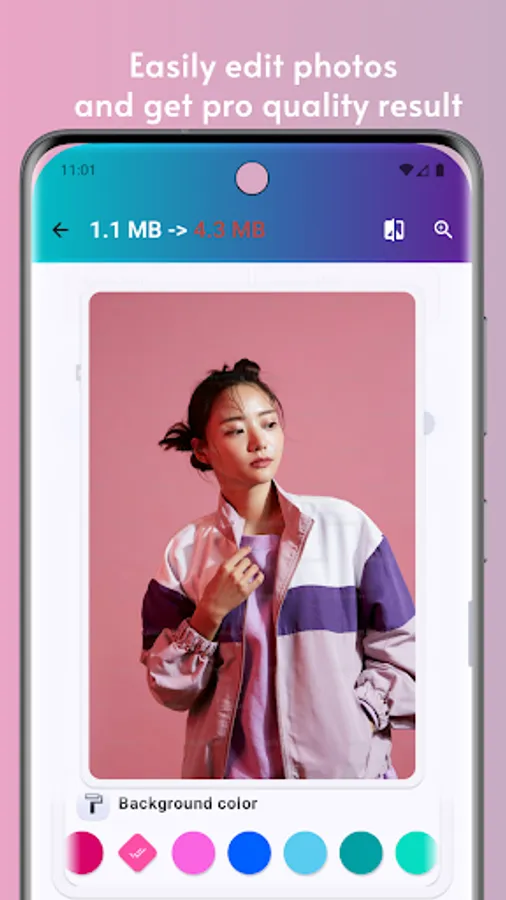
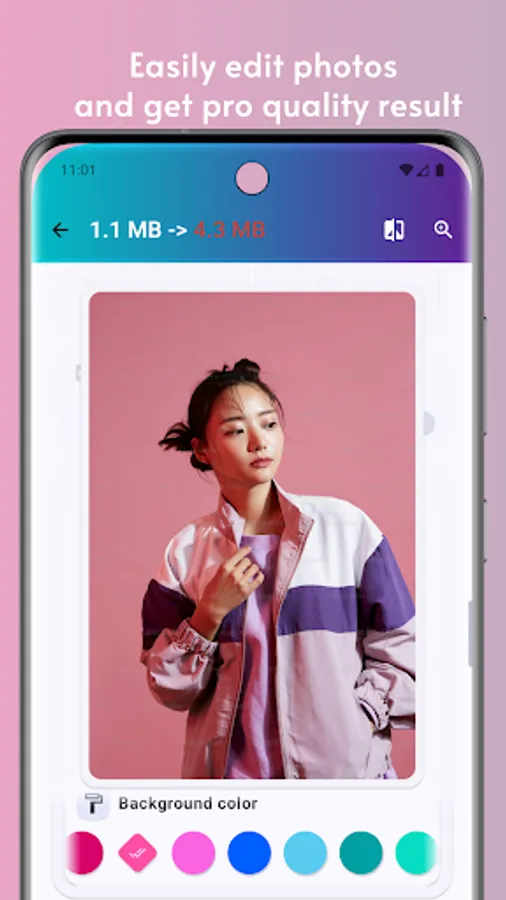
Generate color palettes and gradients (mesh included)
Apply tone curves, overlays, and color harmonies
Extract colors from images
📦 Barcode & QR Tools
Scan and create 13+ barcode formats
QR, PDF417, Data Matrix, EAN, UPC, and more
🖼 Collage Maker & SVG Tools
Create collages using 2–10 photos with 180+ layouts
Trace raster images to SVG for logos and illustrations
📤 Export & Share
Export Telegram-ready PNG stickers
Save files as ZIP or share directly
Whether you’re editing photos, scanning text, removing backgrounds, or converting complex image formats, Kaping brings together an AI Photo Editor, Image Converter, OCR Scanner, Watermark Maker, PDF tools, Barcode Scanner, and SVG Tracer in one complete Android app.
Edit all kinds of images effortlessly—selfies, portraits, food photos, travel shots, architecture, fashion images, illustrations, and scanned documents. Customize your visuals using masks, fonts, captions, quotes, memes, and watermarks created directly inside the app. Enhance your photos with creative filters, artistic effects, textures, borders, light FX, and typography, then share them instantly.
Kaping is designed to make professional-level photo editing accessible to everyone. No design experience is required—just open the app and start creating.
🔑 Key Features
🤖 AI Photo Editor & Filters
Apply 260+ high-quality filters
Create and reuse custom filter chains
Share or scan filters via QR codes
Perfect for creators looking for an advanced AI photo editor
⚡ Batch Editing & Privacy Tools
Batch edit multiple images at once
Encrypt and decrypt files using 100+ algorithms
Edit or remove EXIF metadata in bulk
🔤 OCR Scanner & Text Extraction
Extract text from images in 120+ languages
Fast, Standard, and Best OCR modes
Text segmentation, OCR engine selection, file export, or EXIF embedding
✍️ Watermark Maker & Markup Tools
Add text, image, or timestamp watermarks
Invisible watermarking with steganography
Drawing tools: brush, neon, highlighter, blur, lasso, arrows, shapes, and more
🧠 Background Remover & Image Utilities
Automatic and manual AI background remover
Image stacking, stitching, and splitting
Reduce image size by quality or target KB
Smart crop tools: free crop, ratios, shapes, and batch cut
🔄 Image Converter & Format Support
Convert images to and from 30+ formats
Supports AVIF, HEIC, JXL, WEBP, PNG, JPG, TIFF, SVG, PSD, GIF, QOI, ICO, and more
Advanced conversions like GIF ↔ WEBP and JXL ↔ JPEG
📄 PDF & Document Scanner
Convert images to PDF or PDF to images
Scan, preview, crop, and enhance documents
🔍 Image Compare & Analysis
Pixel-by-pixel comparison using SSIM, PSNR, AE, MAE, RMSE, and more
Compare using slide, toggle, transparency, or side-by-side views
🎨 Color Tools & Design Utilities
Generate color palettes and gradients (mesh included)
Apply tone curves, overlays, and color harmonies
Extract colors from images
📦 Barcode & QR Tools
Scan and create 13+ barcode formats
QR, PDF417, Data Matrix, EAN, UPC, and more
🖼 Collage Maker & SVG Tools
Create collages using 2–10 photos with 180+ layouts
Trace raster images to SVG for logos and illustrations
📤 Export & Share
Export Telegram-ready PNG stickers
Save files as ZIP or share directly
Whether you’re editing photos, scanning text, removing backgrounds, or converting complex image formats, Kaping brings together an AI Photo Editor, Image Converter, OCR Scanner, Watermark Maker, PDF tools, Barcode Scanner, and SVG Tracer in one complete Android app.