With this call blocking app, you can add numbers to blacklists or whitelists and manage blocking settings easily. Includes call logs, notification controls, and options to block private or unknown numbers.
AppRecs review analysis
AppRecs rating 3.7. Trustworthiness 77 out of 100. Review manipulation risk 42 out of 100. Based on a review sample analyzed.
★★★☆☆
3.7
AppRecs Rating
Ratings breakdown
5 star
61%
4 star
6%
3 star
0%
2 star
11%
1 star
22%
What to know
✓
Authentic reviews
Natural distribution, no red flags
⚠
Questionable review patterns
42% review manipulation risk - some review patterns appear unusual
⚠
High negative review ratio
33% of sampled ratings are 1–2 stars
About Call Blocker
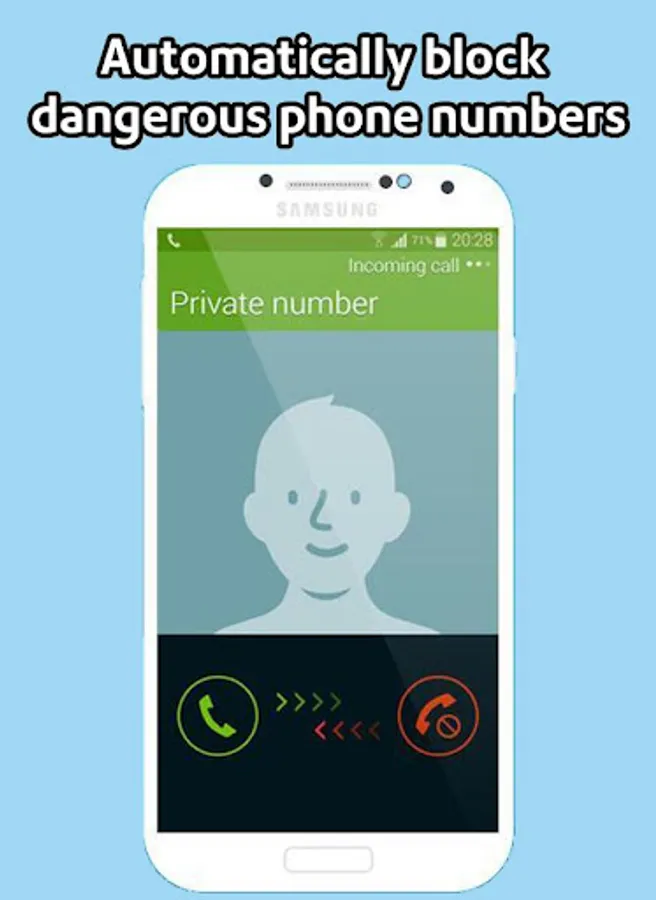
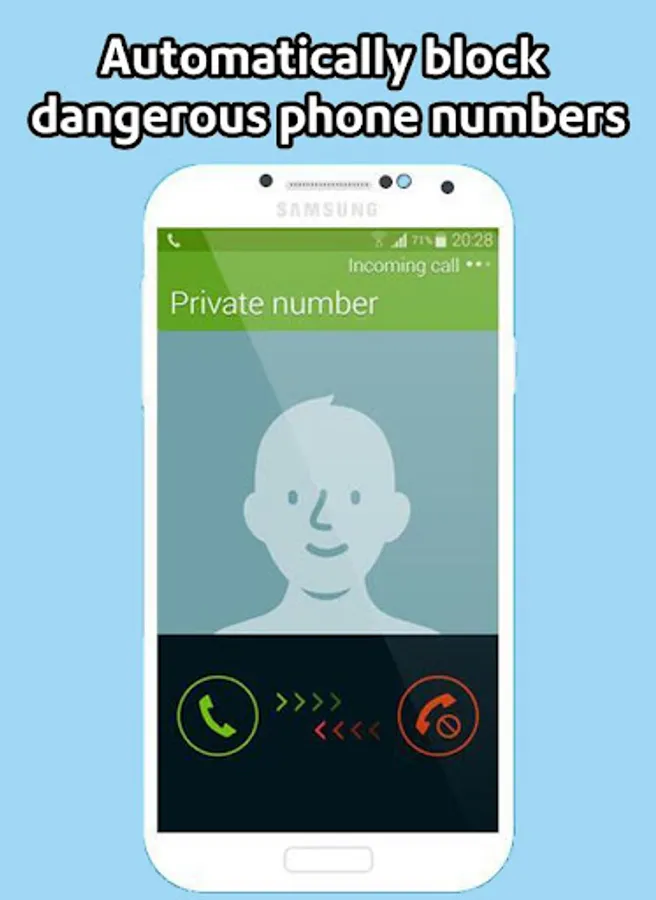
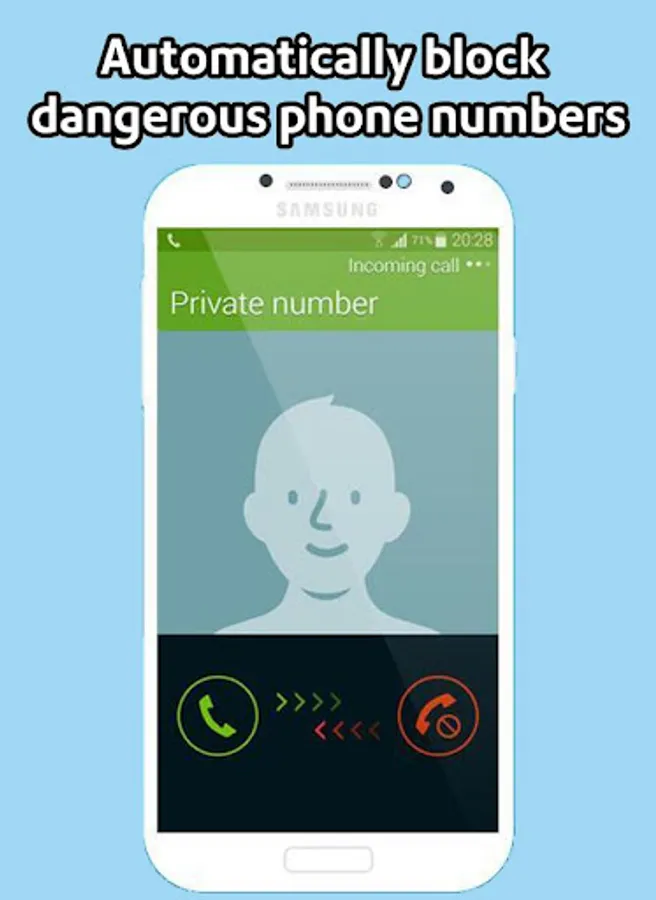
“Call Blocker” helps you avoid annoying calls. Forget about unwanted people, telemarketers and robocalls. Nobody will be able to disturb you when you don't want to talk.
Many Android phones provide call blocking capabilities. Why is “Call Blocker” better? It has several core features that together provide strong protection against annoying calls.
BLACKLIST:
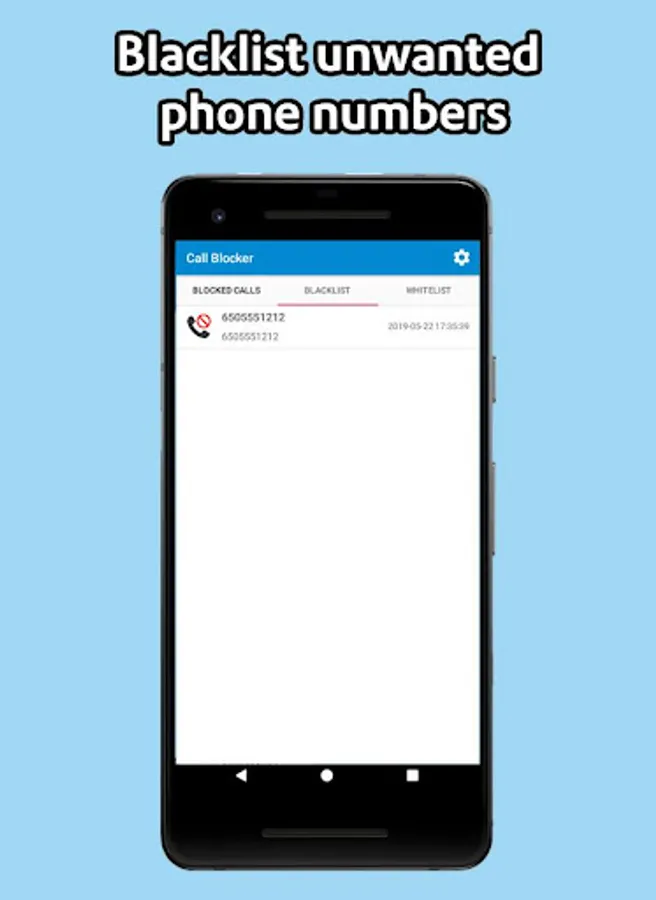
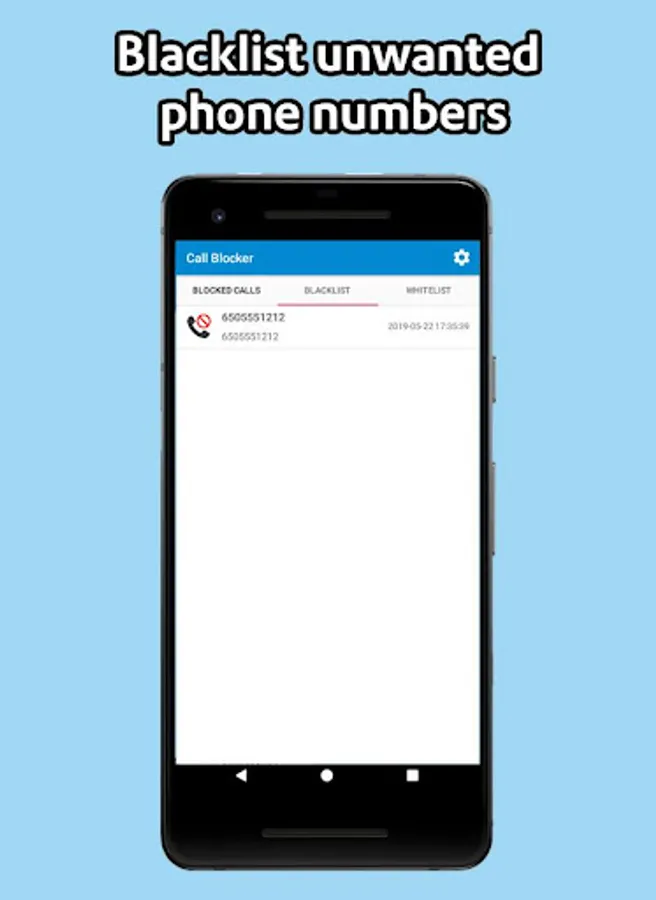
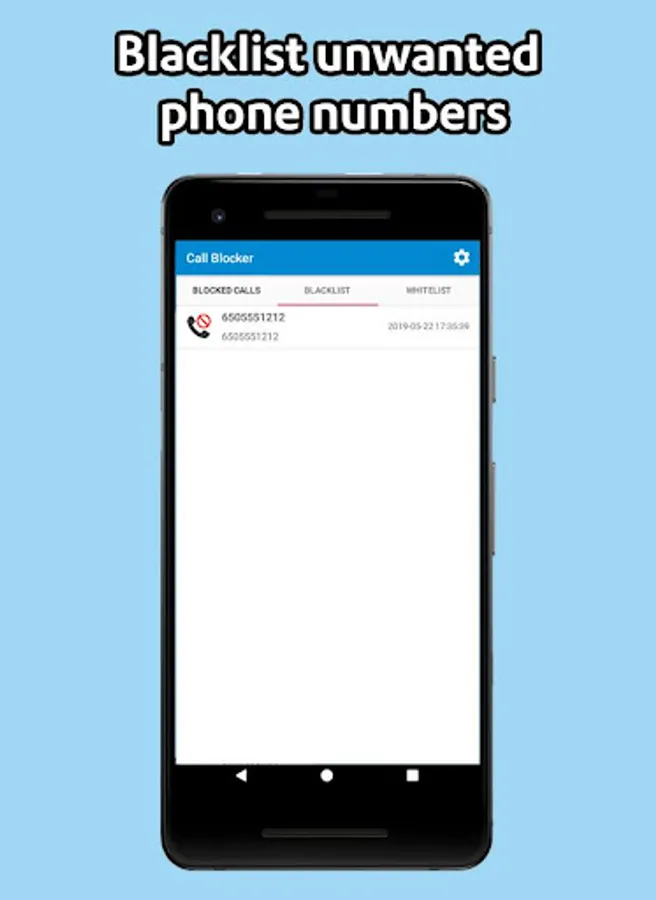
You can add any unwanted numbers to the “Blacklist” from the calls log, contacts list or input the number manually. Also, by using “Begins with” option, you can block a range of numbers with certain first digits.
BLOCKING:
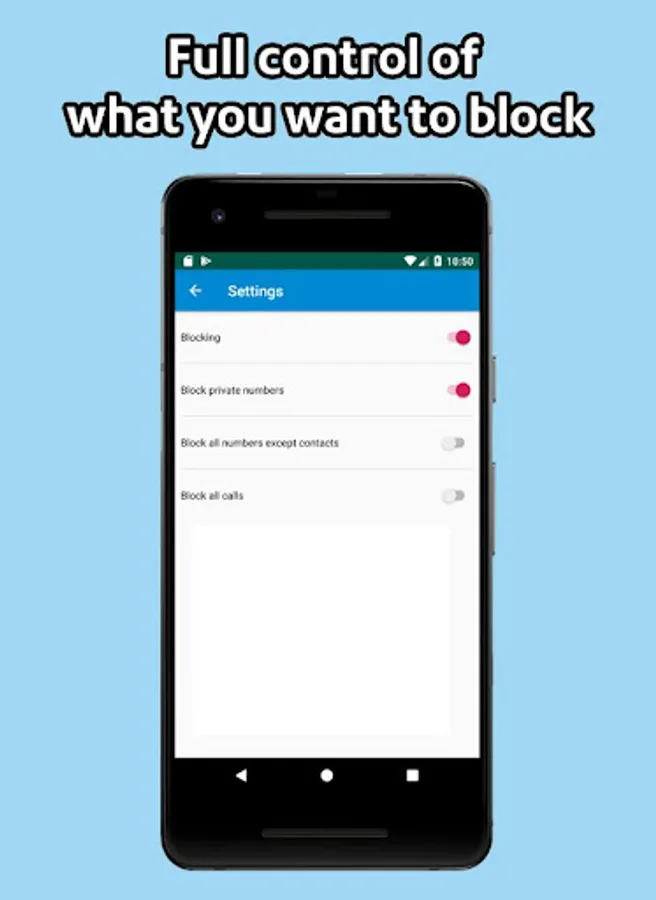
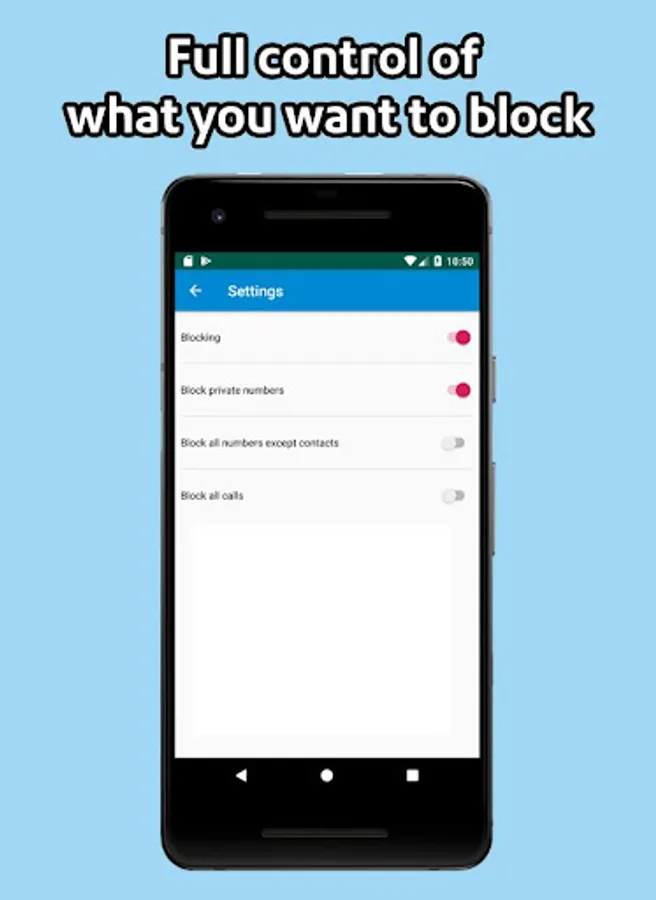
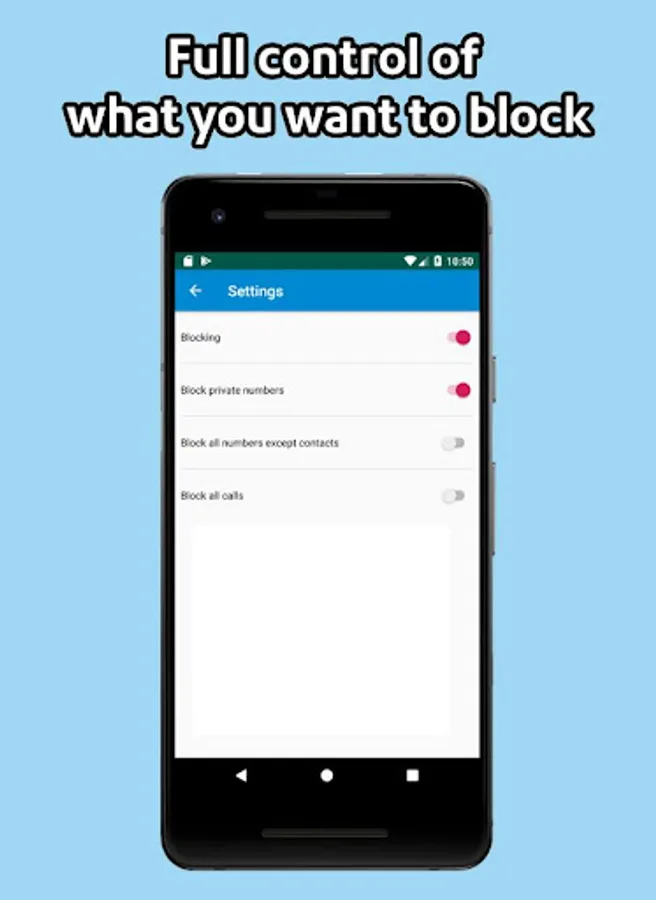
Using the options of this tab, you can block calls from private, unknown or all numbers. Also, you can turn on/off blocking with one simple tap.
WHITELIST:
If you don't want to block calls from a certain number, adding it to the “Whitelist” is sufficient. Callers from this list will never be rejected by the blocker.
LOG:
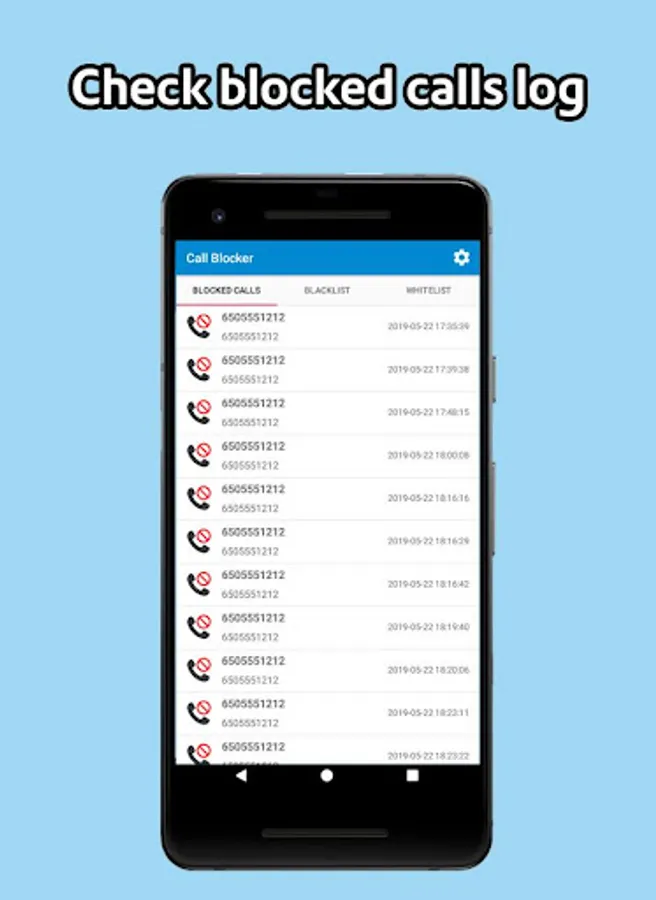
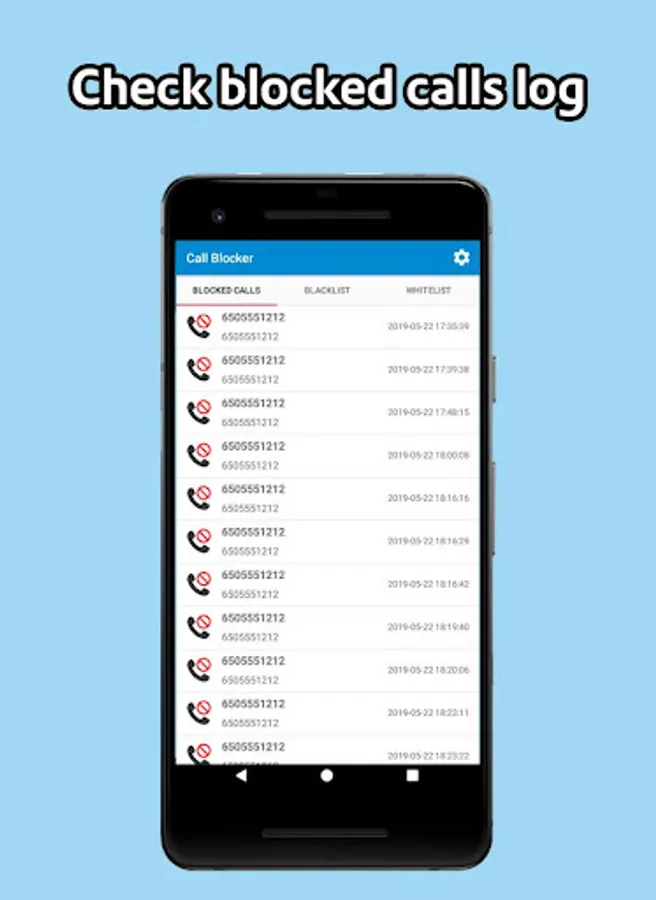
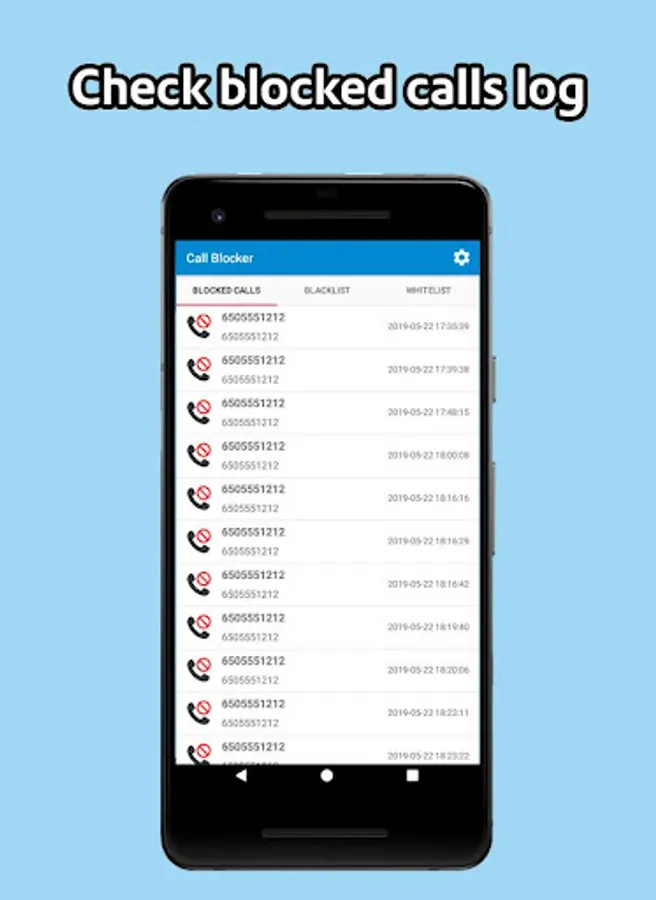
“Call Blocker” saves all blocked calls in the “Log”, where you can always see who has been blocked.
Moreover, the app contains features such as notifications about blocking and a status bar icon, both of which can be turned off in the app settings.
You can obviously use your phone's built-in capabilities or even ignore such problem. However, if you are really tired of annoying calls, just try this blocker.
FAQ:
- How can I remove icon in the top of screen? Open the app's “Settings”. Next turn off the “Status bar icon” option.
Many Android phones provide call blocking capabilities. Why is “Call Blocker” better? It has several core features that together provide strong protection against annoying calls.
BLACKLIST:
You can add any unwanted numbers to the “Blacklist” from the calls log, contacts list or input the number manually. Also, by using “Begins with” option, you can block a range of numbers with certain first digits.
BLOCKING:
Using the options of this tab, you can block calls from private, unknown or all numbers. Also, you can turn on/off blocking with one simple tap.
WHITELIST:
If you don't want to block calls from a certain number, adding it to the “Whitelist” is sufficient. Callers from this list will never be rejected by the blocker.
LOG:
“Call Blocker” saves all blocked calls in the “Log”, where you can always see who has been blocked.
Moreover, the app contains features such as notifications about blocking and a status bar icon, both of which can be turned off in the app settings.
You can obviously use your phone's built-in capabilities or even ignore such problem. However, if you are really tired of annoying calls, just try this blocker.
FAQ:
- How can I remove icon in the top of screen? Open the app's “Settings”. Next turn off the “Status bar icon” option.
Call Blocker Screenshots
Tap to Rate:
Reviews for Call Blocker
Geofrey Karubanga
1/29/2025
Good
bibhu4040@gmail.com b
1/8/2025
No one fraud app !