
GPS Speedo with HUD
Tinus Apps
4.3 ★
1K ratings
100,000+
downloads
Free
+ in-app
With this navigation app, you can monitor your current, average, and top speeds, and enable HUD mode for windshield display. Includes speed tracking, unit customization, and display color options.
AppRecs review analysis
AppRecs rating 4.1. Trustworthiness 70 out of 100. Review manipulation risk 40 out of 100. Based on a review sample analyzed.
★★★★☆
4.1
AppRecs Rating
Ratings breakdown
5 star
70%
4 star
17%
3 star
1%
2 star
5%
1 star
7%
What to know
✓
Credible reviews
70% trustworthiness score from analyzed reviews
✓
High user satisfaction
87% of sampled ratings are 4+ stars (4.3★ average)
⚠
Ad complaints
Many low ratings mention excessive ads
About GPS Speedo with HUD
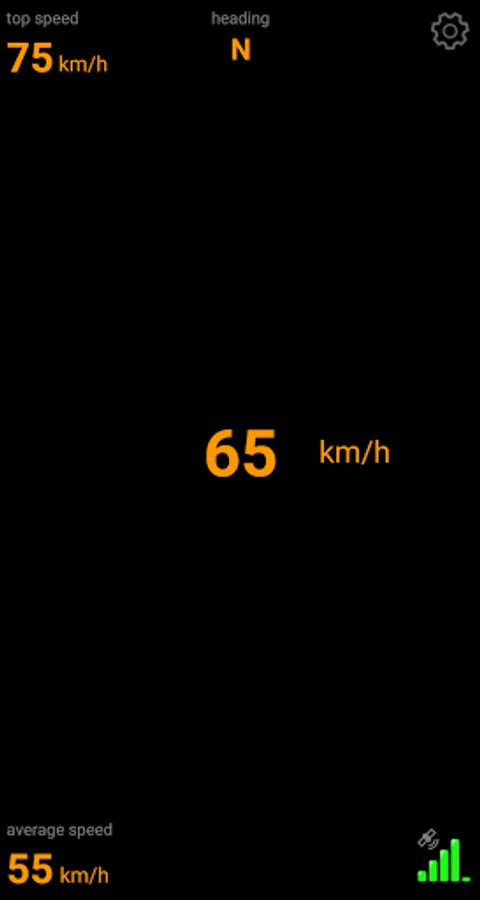
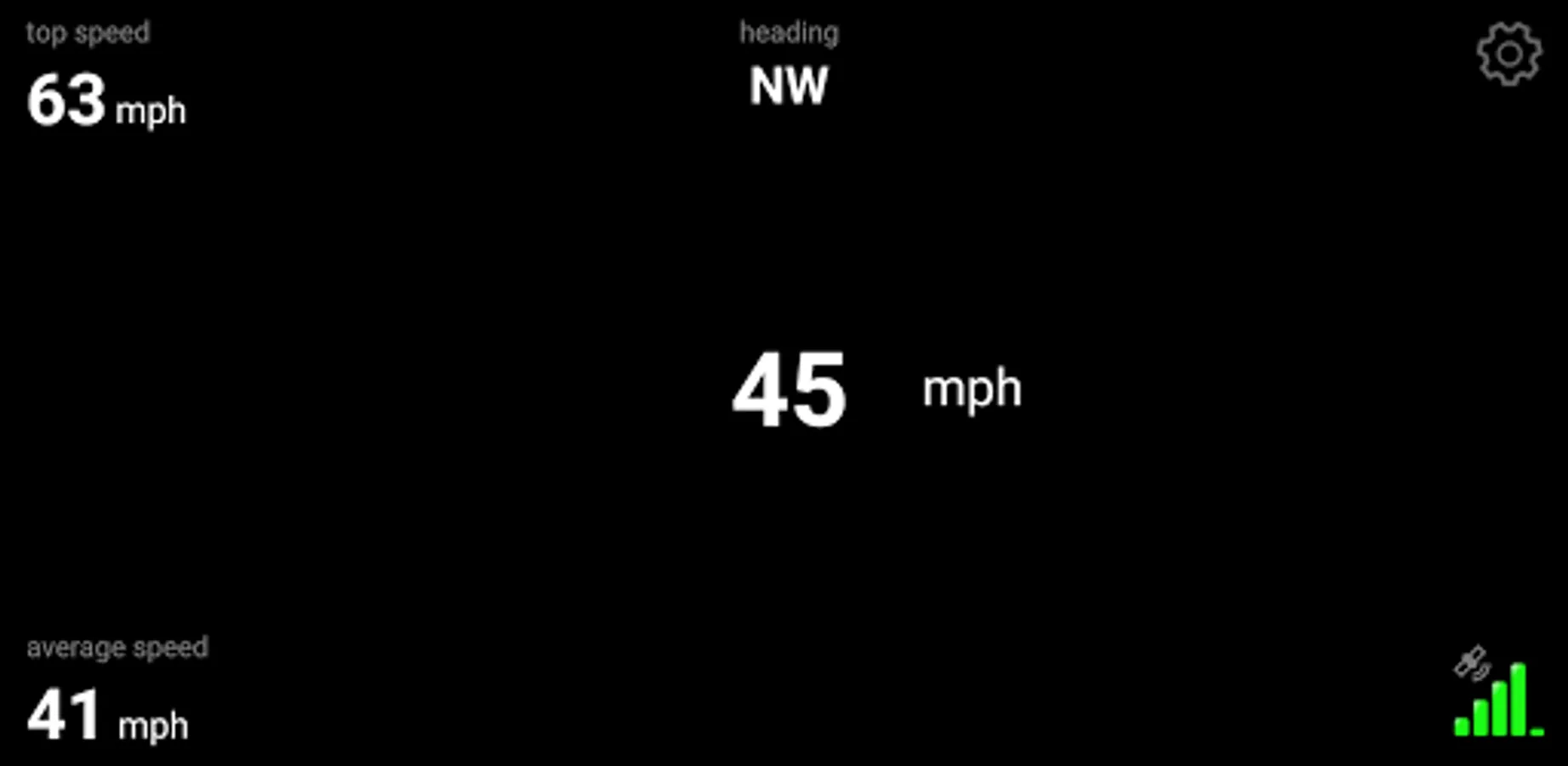
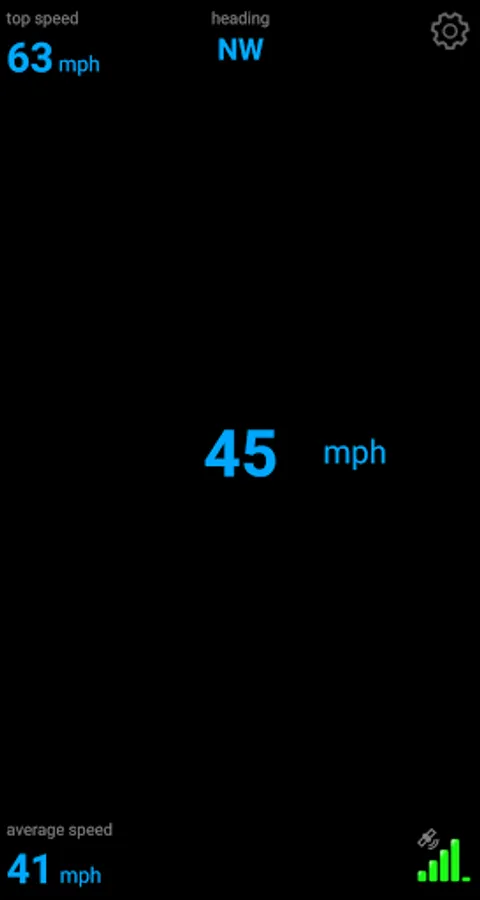
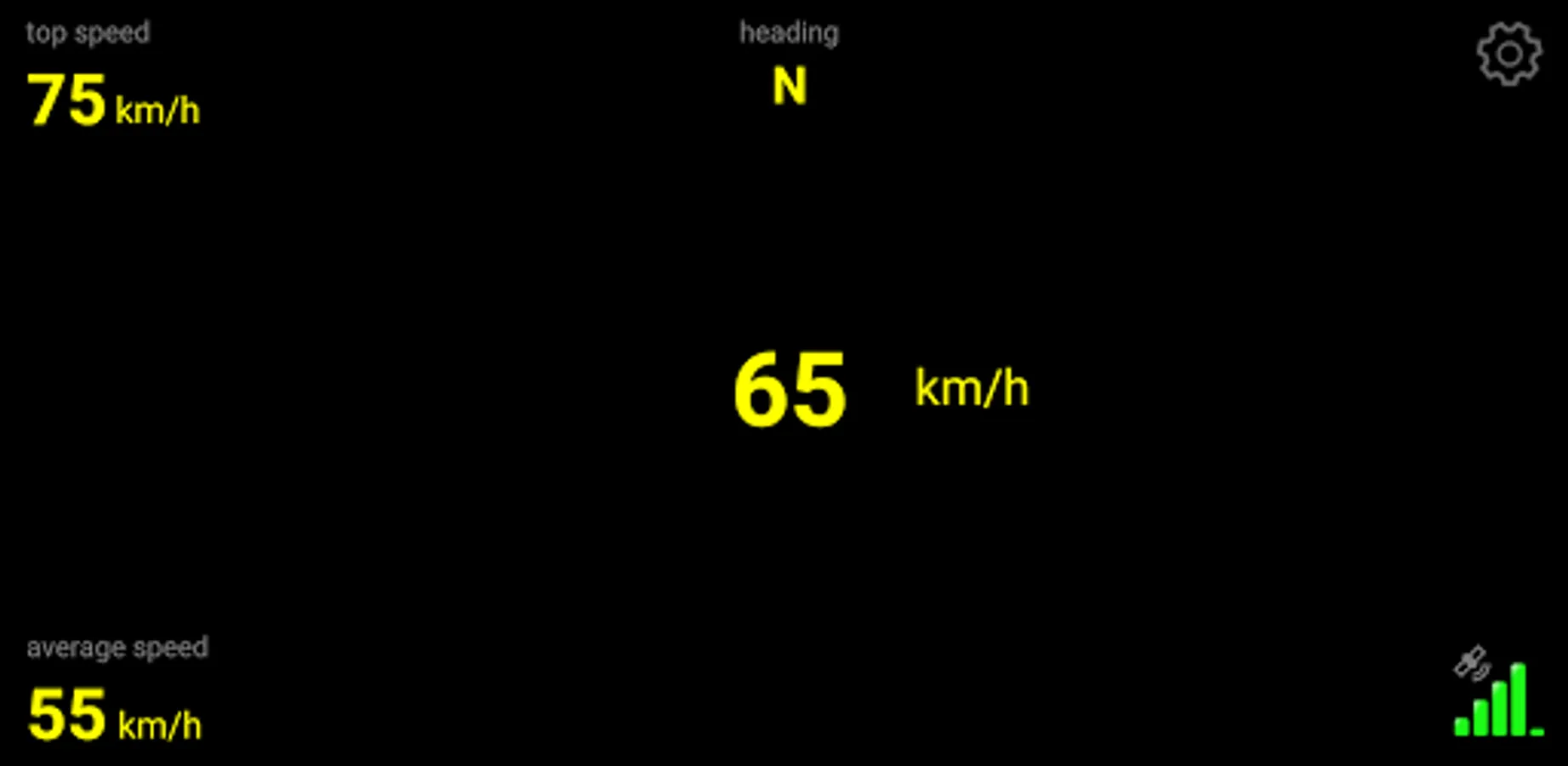
GPS Speedo with HUD is the best app to monitor your current, average, top speed and heading!
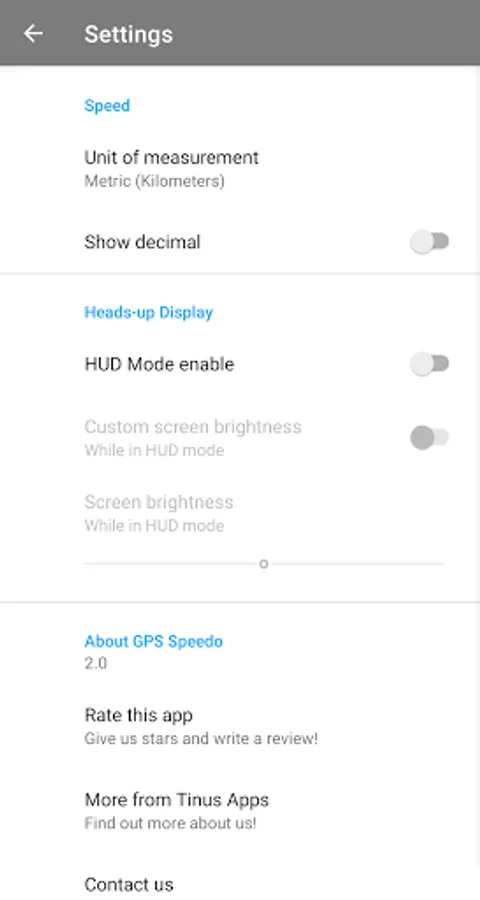
GPS Speedo is very easy to use, just set your desired unit of measurement and you are ready to go. Your average and top speed is automatically calculated and has a reset function, just press and hold the value you want to reset.
Enable the Heads-up Display mode and place your device under the windshield to see your speed in the windshield.
The actual speed is zoomable and you can change the color by tapping the screen.
Support for Miles, Kilometers and Knots.
GPS Speedo is very easy to use, just set your desired unit of measurement and you are ready to go. Your average and top speed is automatically calculated and has a reset function, just press and hold the value you want to reset.
Enable the Heads-up Display mode and place your device under the windshield to see your speed in the windshield.
The actual speed is zoomable and you can change the color by tapping the screen.
Support for Miles, Kilometers and Knots.
GPS Speedo with HUD Screenshots
Tap to Rate:
Reviews for GPS Speedo with HUD
sidharth khanchandani
11/3/2023
App constantly crashing with Android 14
Somebody Somewhere
10/17/2023
Only improvements I'd like is the units (km/h) to be below the speed as it was cut off if you l enabled screen magnification/zoom, and a paid option to turn off ads, otherwise it was perfect.