how to connect wireless earbud
Грициан
3.8 ★
554 ratings
100,000+
downloads
Free
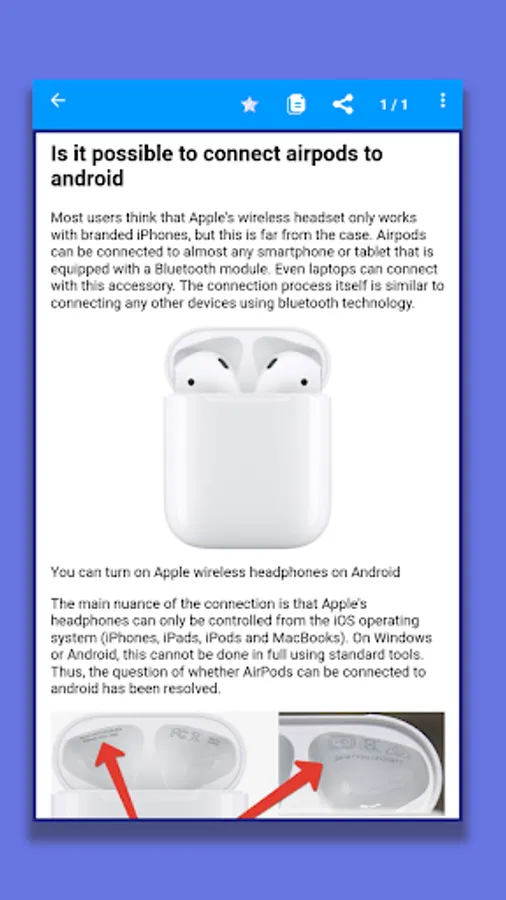
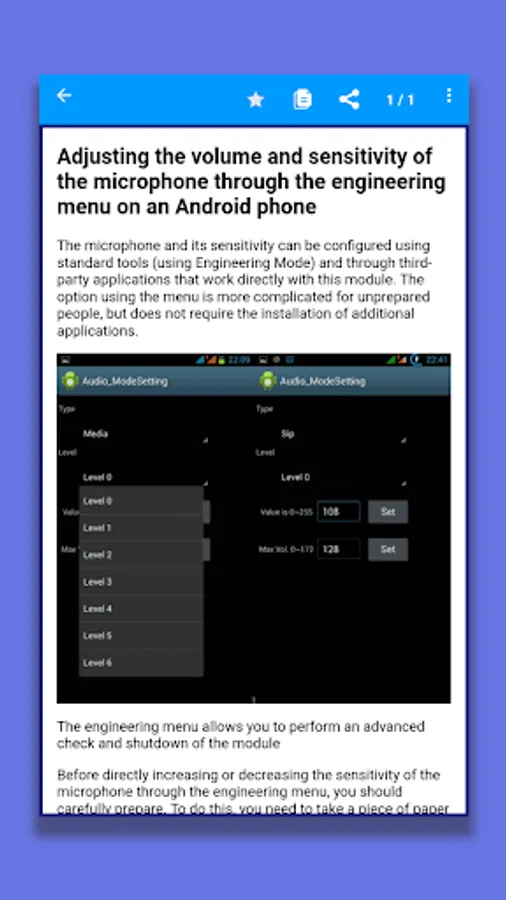
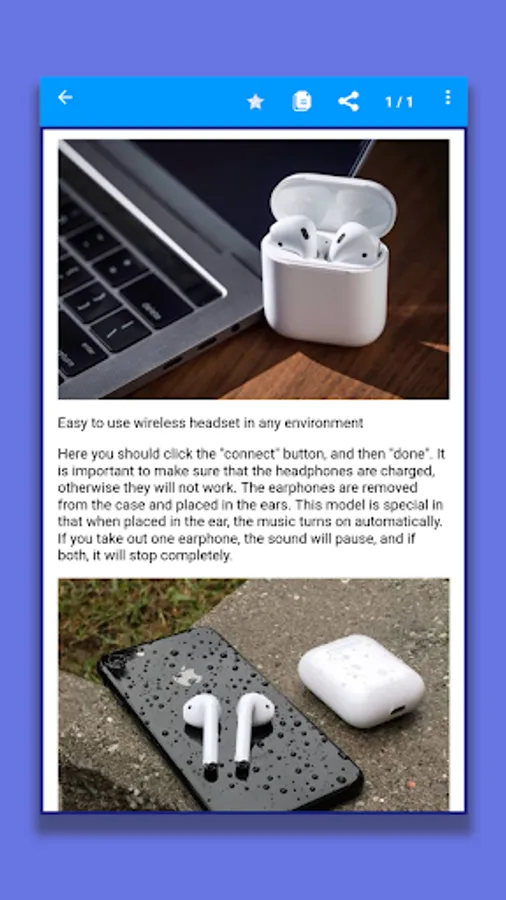
In this guide, you can learn how to connect wireless earbuds to your phone using Bluetooth. Includes step-by-step instructions and troubleshooting tips.
AppRecs review analysis
AppRecs rating 3.8. Trustworthiness 0 out of 100. Review manipulation risk 0 out of 100. Based on a review sample analyzed.
★★★☆☆
3.8
AppRecs Rating
Ratings breakdown
5 star
54%
4 star
14%
3 star
11%
2 star
0%
1 star
21%
What to know
✓
Good user ratings
68% positive sampled reviews
✓
Authentic reviews
Natural distribution, no red flags
About how to connect wireless earbud
A guide for connecting wireless headphones to your phone. Headphones with Bluetooth allow you to listen to music from any Bluetooth device without connecting any wires to it. This is very convenient, especially for people who are always on the road.
Bluetooth headset is an indispensable thing for those who have to spend a lot of time talking on a smartphone with the Android operating system loaded. Many users, purchasing the accessory “hands”, have absolutely no idea how to connect the Bluetooth headset to the smartphone. In fact, this procedure is not difficult, and the connection process is very easy and simple to implement. In our application, we consider how to connect wireless headphones to the phone via bluetooth.
The manual will be useful for Android users of different models that allow you to connect additional devices via Bluetooth wireless communication.
How to connect wireless headphones to your phone?
This is a detailed and step-by-step instruction that shows you how to properly connect wireless headphones to your Android phone via Bluetooth.
In our application, you will receive instructions on how to connect regular Bluetooth headphones and separate TWS. The instruction will be universal, since the connection process is practically the same depending on the manufacturer and model of the headphones.
Step-by-step instructions for connecting wireless headphones for Android.
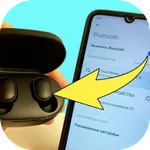
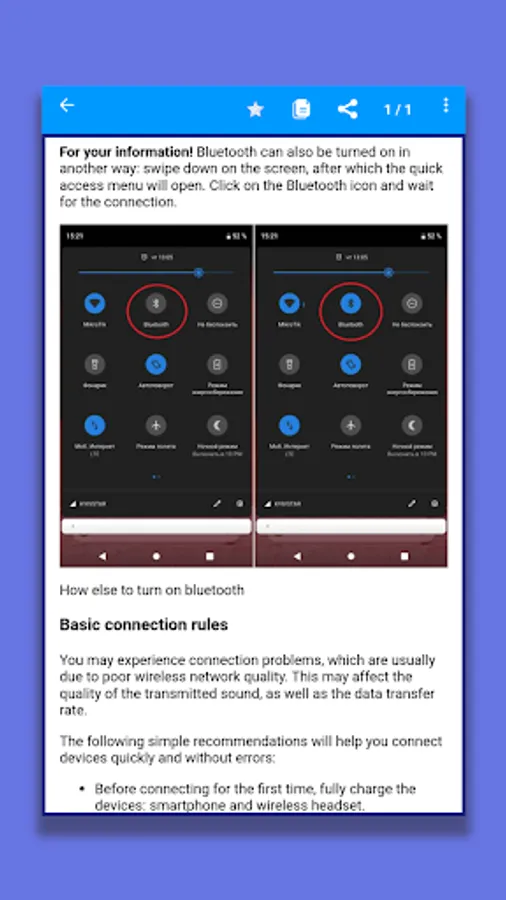
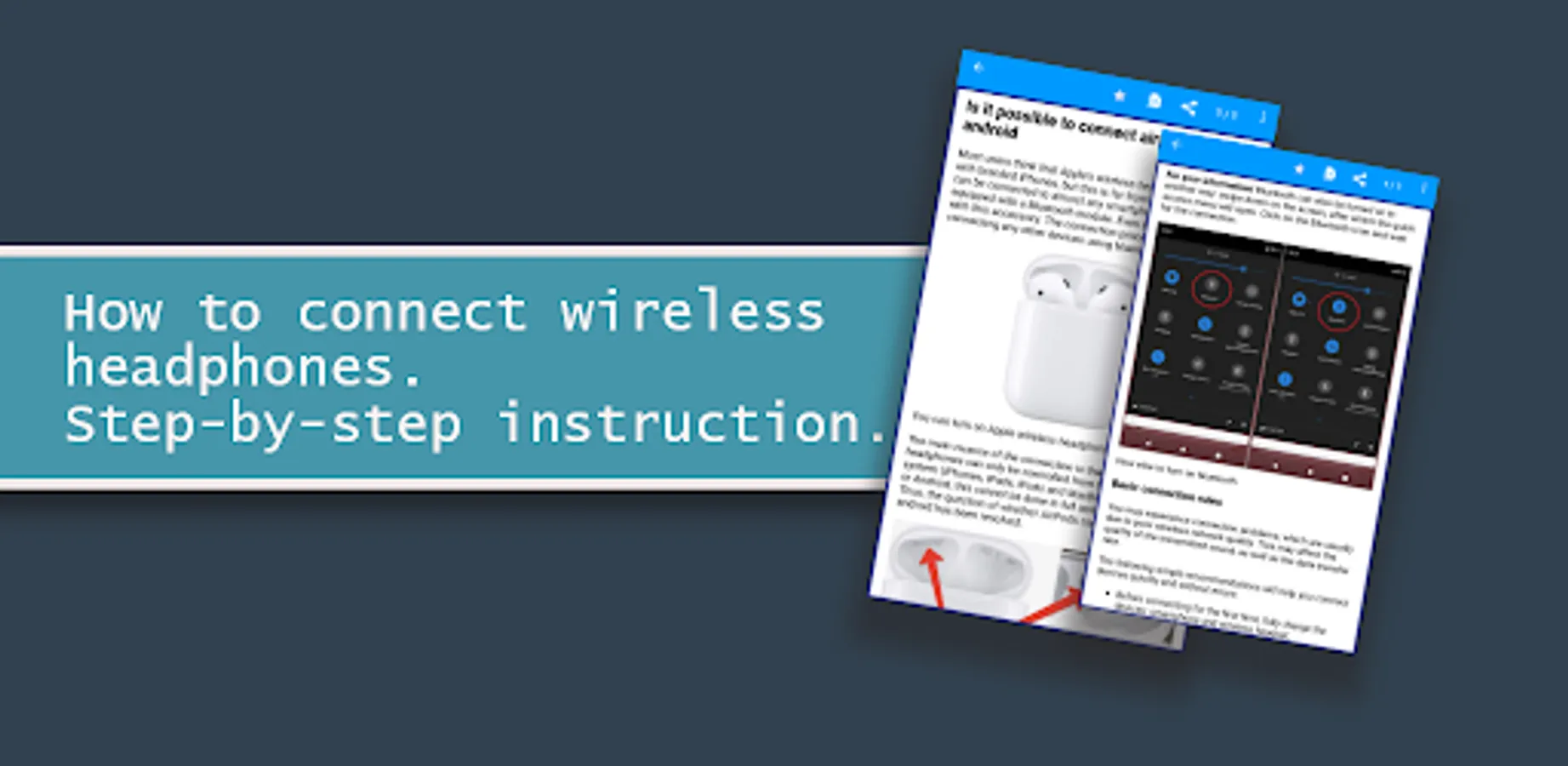
So, you bought brand new bluetooth headphones and can't wait for the very minute when you can try them out in action. But there is no need to rush: if you rush to connect them to the phone, just taking them out of the package, there is a high probability of encountering the first error: the headphones may not be charged, then they will quickly turn off, the phone will not see them, or they will not turn on at all. Therefore, the first rule: we charge the device. As soon as the charging indicator lights up steadily, you can turn off the headphones. Then turn on Bluetooth on your phone. This can be done in the settings, or in the pop-up top panel, by long pressing on the icon with a stylized letter B.
Bluetooth headset is an indispensable thing for those who have to spend a lot of time talking on a smartphone with the Android operating system loaded. Many users, purchasing the accessory “hands”, have absolutely no idea how to connect the Bluetooth headset to the smartphone. In fact, this procedure is not difficult, and the connection process is very easy and simple to implement. In our application, we consider how to connect wireless headphones to the phone via bluetooth.
The manual will be useful for Android users of different models that allow you to connect additional devices via Bluetooth wireless communication.
How to connect wireless headphones to your phone?
This is a detailed and step-by-step instruction that shows you how to properly connect wireless headphones to your Android phone via Bluetooth.
In our application, you will receive instructions on how to connect regular Bluetooth headphones and separate TWS. The instruction will be universal, since the connection process is practically the same depending on the manufacturer and model of the headphones.
Step-by-step instructions for connecting wireless headphones for Android.
So, you bought brand new bluetooth headphones and can't wait for the very minute when you can try them out in action. But there is no need to rush: if you rush to connect them to the phone, just taking them out of the package, there is a high probability of encountering the first error: the headphones may not be charged, then they will quickly turn off, the phone will not see them, or they will not turn on at all. Therefore, the first rule: we charge the device. As soon as the charging indicator lights up steadily, you can turn off the headphones. Then turn on Bluetooth on your phone. This can be done in the settings, or in the pop-up top panel, by long pressing on the icon with a stylized letter B.
how to connect wireless earbud Screenshots
Tap to Rate: