Gear Fit Quick Settings
Tomo Labs
2.6 ★
574 ratings
100,000+
downloads
Free
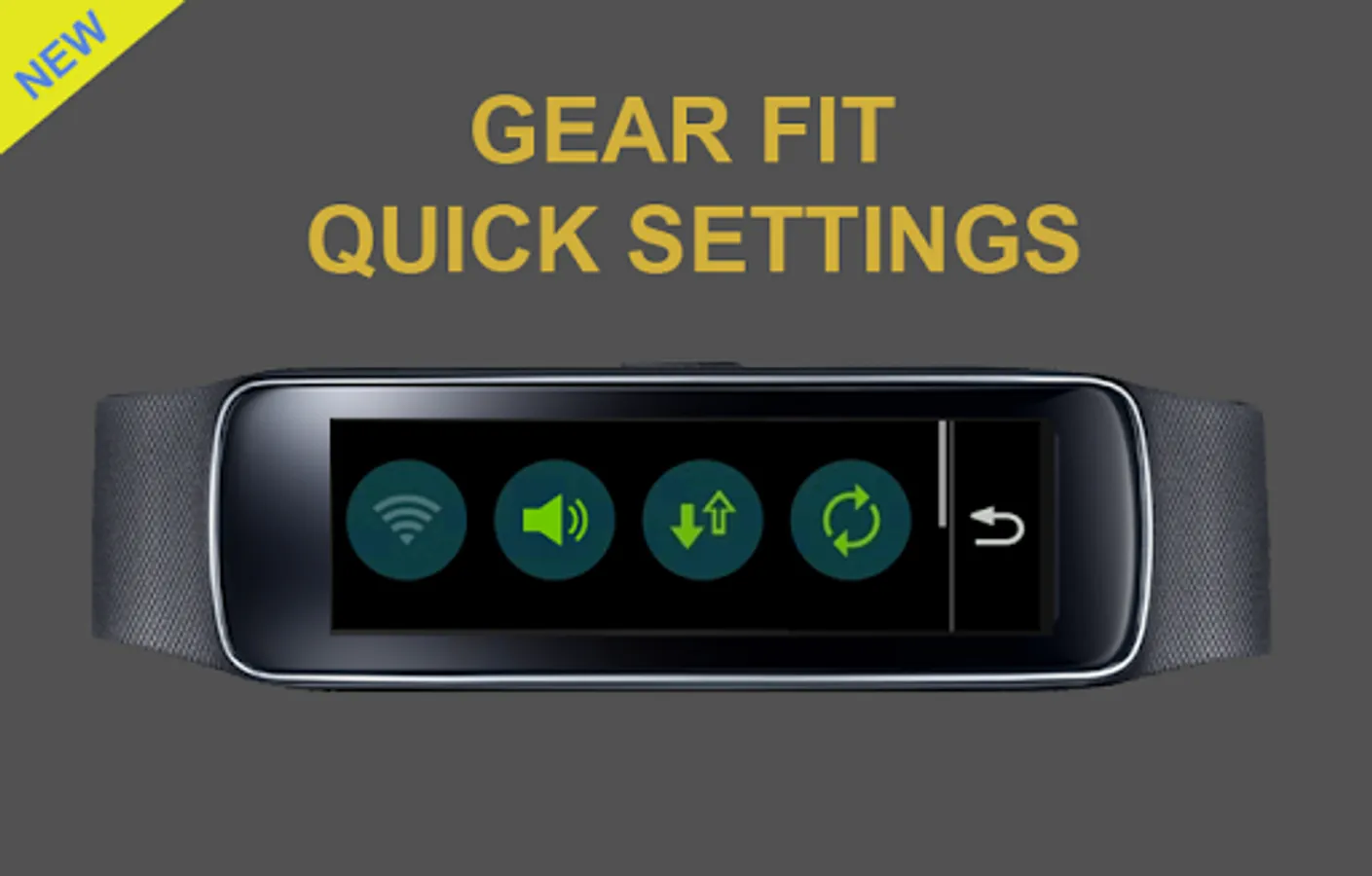
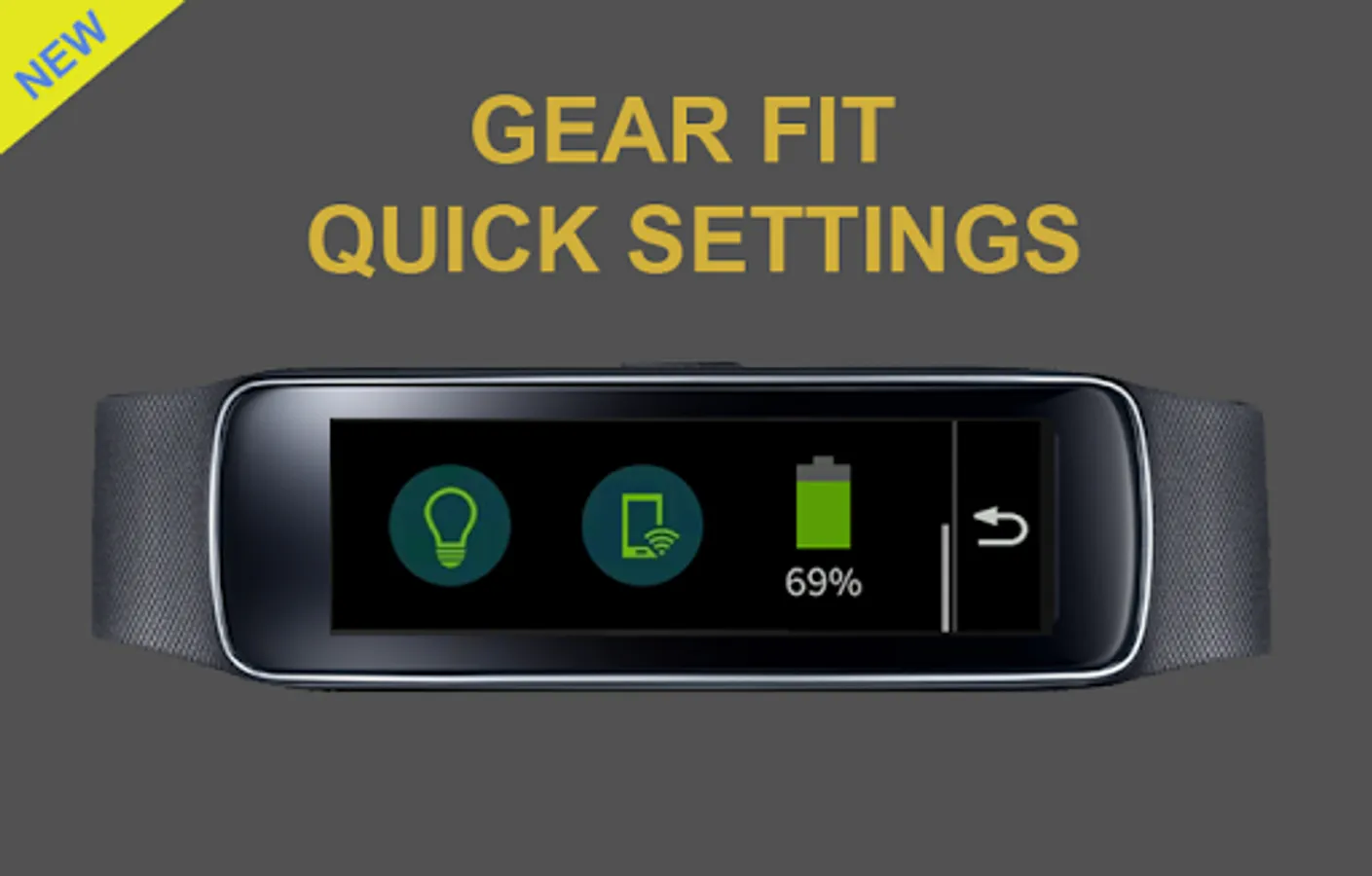
With this app, you can toggle Wi-Fi, sound mode, mobile data, sync, Wi-Fi hotspot, flashlight, and view battery level. Includes quick access to device settings and status displays.
AppRecs review analysis
AppRecs rating 2.6. Trustworthiness 0 out of 100. Review manipulation risk 0 out of 100. Based on a review sample analyzed.
★★☆☆☆
2.6
AppRecs Rating
Ratings breakdown
5 star
28%
4 star
12%
3 star
1%
2 star
12%
1 star
46%
What to know
✓
Authentic reviews
Natural distribution, no red flags
⚠
Mixed user feedback
Average 2.6★ rating suggests room for improvement
⚠
High negative review ratio
58% of sampled ratings are 1–2 stars
About Gear Fit Quick Settings
Gear Fit Quick Settings is an application that allow you using Samsung Gear Fit to:
- Toggle Wi-Fi, Sound mode, Mobile data, Sync, Wi-Fi Hotspot
- Toggle Flashlight (maybe this function doesn't work on some devices)
- Display PHONE battery level
▶ How to use
- Install Gear Fit Manager and connect with your Gear Fit device.
- Download and install the Gear Fit Quick Settings application.
- You can find the Quick Settings app on App Connect of your Gear Fit.
- Tap it to launch.
- Touch icon to toggle each setting mode.
Gear Fit
SAMSUNG CUP ENABLED
SAMSUNG_CUP_ENABLED
- Toggle Wi-Fi, Sound mode, Mobile data, Sync, Wi-Fi Hotspot
- Toggle Flashlight (maybe this function doesn't work on some devices)
- Display PHONE battery level
▶ How to use
- Install Gear Fit Manager and connect with your Gear Fit device.
- Download and install the Gear Fit Quick Settings application.
- You can find the Quick Settings app on App Connect of your Gear Fit.
- Tap it to launch.
- Touch icon to toggle each setting mode.
Gear Fit
SAMSUNG CUP ENABLED
SAMSUNG_CUP_ENABLED
Gear Fit Quick Settings Screenshots
Tap to Rate: