
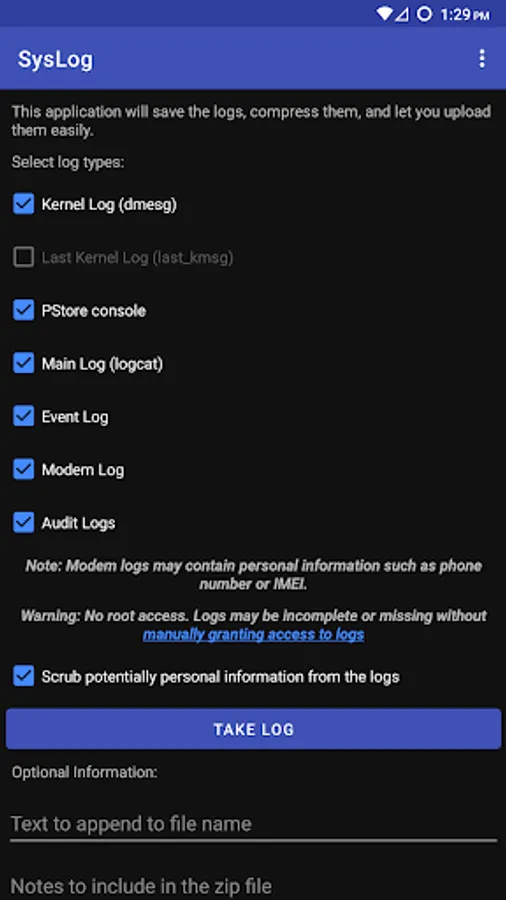
With this logging app, you can record various log types and compress them into zip files for easier management. Includes support for kernel, logcat, modem, event, and SELinux logs.
AppRecs review analysis
AppRecs rating 4.0. Trustworthiness 83 out of 100. Review manipulation risk 31 out of 100. Based on a review sample analyzed.
★★★★☆
4.0
AppRecs Rating
Ratings breakdown
5 star
60%
4 star
16%
3 star
10%
2 star
1%
1 star
13%
What to know
✓
Credible reviews
83% trustworthiness score from analyzed reviews
✓
High user satisfaction
76% of sampled ratings are 4+ stars (4.1★ average)
✓
Authentic reviews
Natural distribution, no red flags
About SysLog
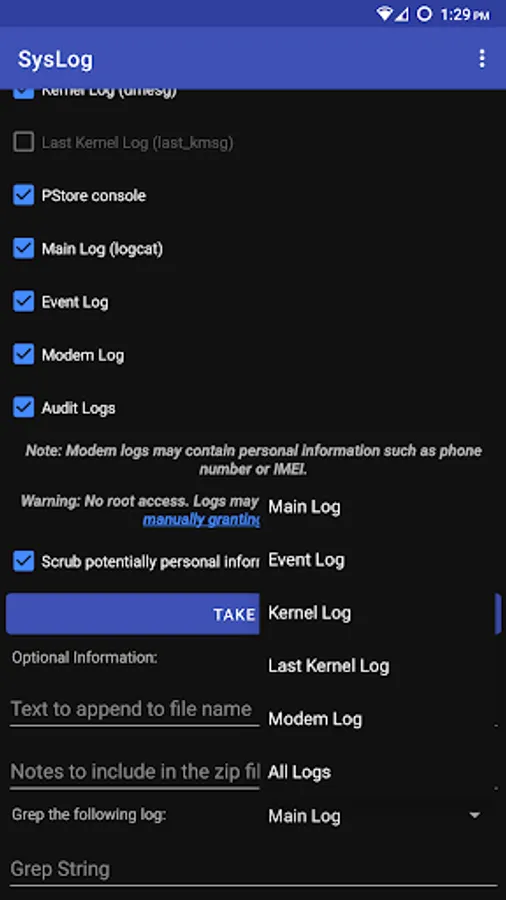
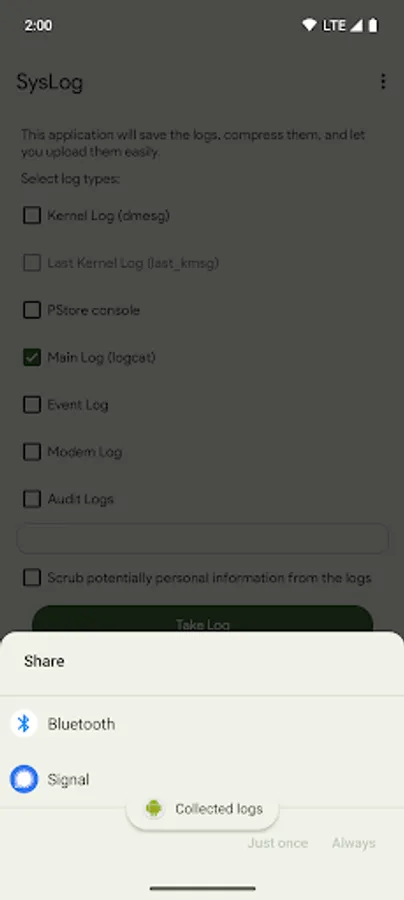
Records various log types and compresses them as a zip file.
The logs are saved in the application's private cache directory
named by the date and time.
You can access the zip files through the system document picker
- Select the SysLog app to view collected log zips.
Log types supported:
* Kernel logs (dmsg)
* Last kernel log (last_kmsg, if device supports it)
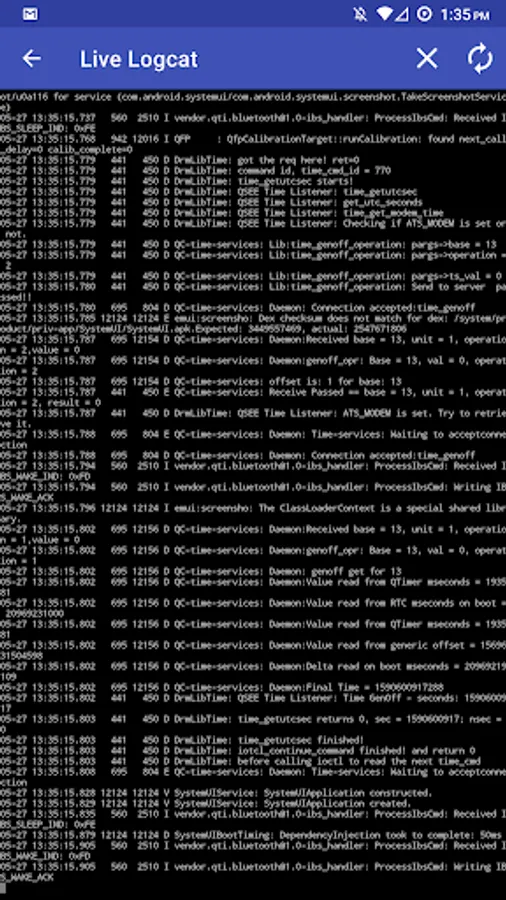
* Main log (Logcat)
* Modem log
* Event logs
* SELinux audit logs
To enable access to some logs (Logcat and Radio) to SysLog, you
will need to grant the READ_LOGS permision using a computer with
ADB.
From a command line with adb available, you can grant the READ_LOGS
permission via the following command:
adb shell pm grant com.tortel.syslog android.permission.READ_LOGS
This command tells the phone's package manager to grant the
READ_LOGS permission to SysLog.
The logs are saved in the application's private cache directory
named by the date and time.
You can access the zip files through the system document picker
- Select the SysLog app to view collected log zips.
Log types supported:
* Kernel logs (dmsg)
* Last kernel log (last_kmsg, if device supports it)
* Main log (Logcat)
* Modem log
* Event logs
* SELinux audit logs
To enable access to some logs (Logcat and Radio) to SysLog, you
will need to grant the READ_LOGS permision using a computer with
ADB.
From a command line with adb available, you can grant the READ_LOGS
permission via the following command:
adb shell pm grant com.tortel.syslog android.permission.READ_LOGS
This command tells the phone's package manager to grant the
READ_LOGS permission to SysLog.
SysLog Screenshots
Tap to Rate:
Reviews for SysLog
shane yo
11/13/2025
You can take that flip screen widget off my phone now please!!?
Mitchell Mcguirk
9/10/2025
I need all the paperwork for court a billion dollars sound good for you