テキストで共有できる買い物リスト LINE, SNSで共有
toshiikuo
1+
downloads
Free
About テキストで共有できる買い物リスト LINE, SNSで共有
★ Convert your shopping list to text with one tap!
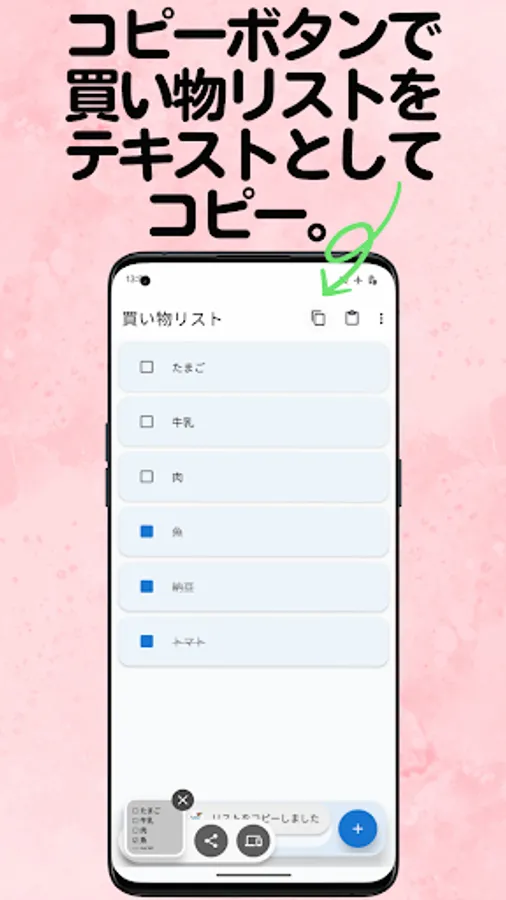
You can copy the entire shopping list as text, including the checked items. By sending this text via LINE or email, you can easily share your shopping list with your family and friends.
[Usage example]
1. The wife creates a shopping list
2. Select "Copy list" from the menu
3. Send to husband via LINE
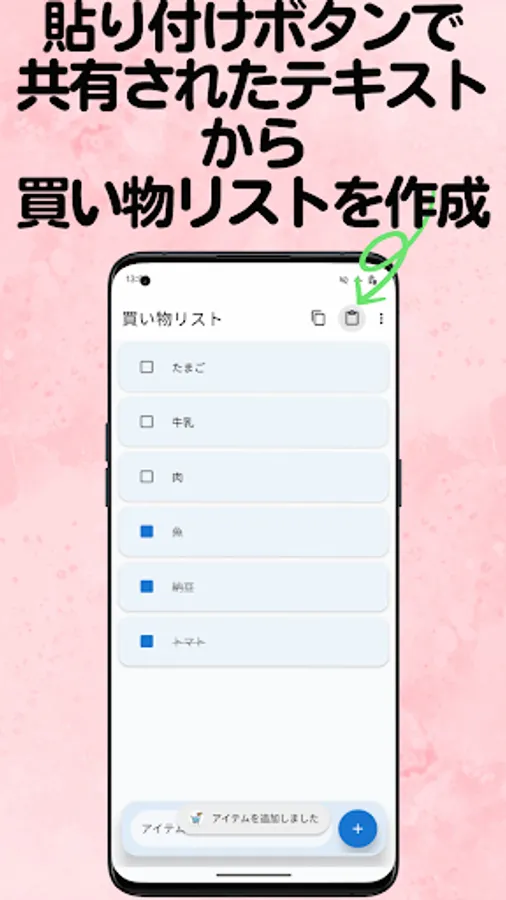
4. The husband copies the text and pastes it into the app
5. The same shopping list will appear on the husband's smartphone! Of course, you can also use it as text without using the app!
Checked items are copied with a ☑ mark, so you can see at a glance what you have bought and what you have not yet bought.
[Main functions]
✓ Easy list sharing
- Copy shopping list as text
- Share with family and friends via LINE, email, or SMS. Ready to use.
- The recipient can create the same list just by pasting it
- Complete restoration including check status
✓ Simple shopping list management
- Add items with one tap
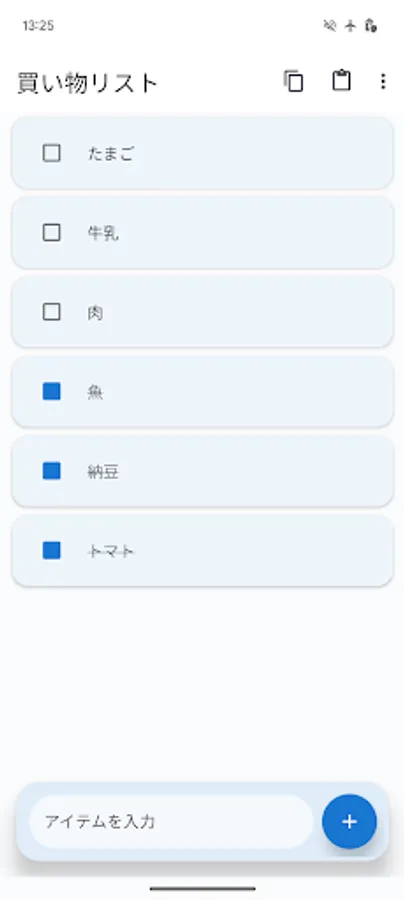
- Manage purchased items with checkboxes
- Purchased items are automatically moved to the bottom of the list
✓ Convenient editing functions
- Tap an item to easily edit it
- Press and hold to quickly delete it
- Press the Enter key to add items one after another
✓ Easy-to-use design
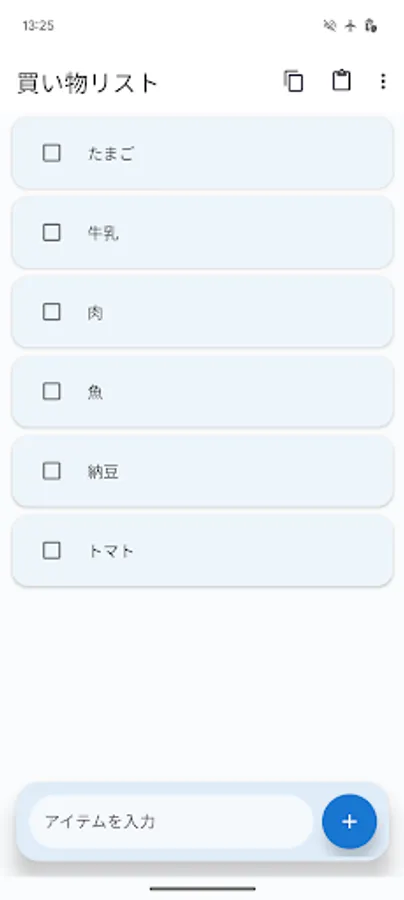
- Easy-to-read Material Design 3
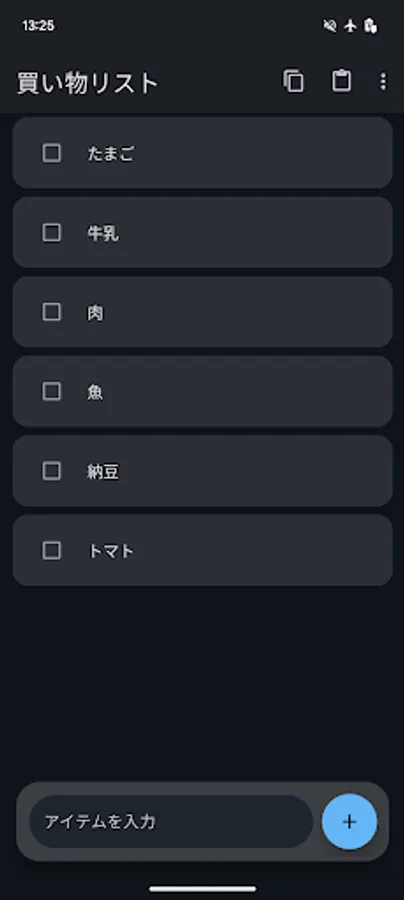
- Automatically switches between dark and light modes
- Eye-friendly color scheme and easy-to-read fonts
✓ Data saving
- Lists are automatically saved even when the app is closed
- Continue using the shopping list the next time it is started
[Recommended for]
• People who want to share shopping lists with their families
• Couples who share shopping responsibilities
• People who send shopping notes to each other on LINE
• People who often forget shopping notes
• People looking for a simple and easy-to-use app
[Scenes for using list sharing]
◆ Couples sharing shopping responsibilities
Wife: "I'll send you today's shopping list!" → Share list on LINE → My husband goes shopping after work
◆ Shopping requests to my parents' house
Send a list on LINE saying "Buy this" → Parents see it and go shopping
◆ Preparing for a BBQ with friends
Organizer creates a shopping list → Shares it on group LINE → Everyone divides up the purchases
[Basic usage]
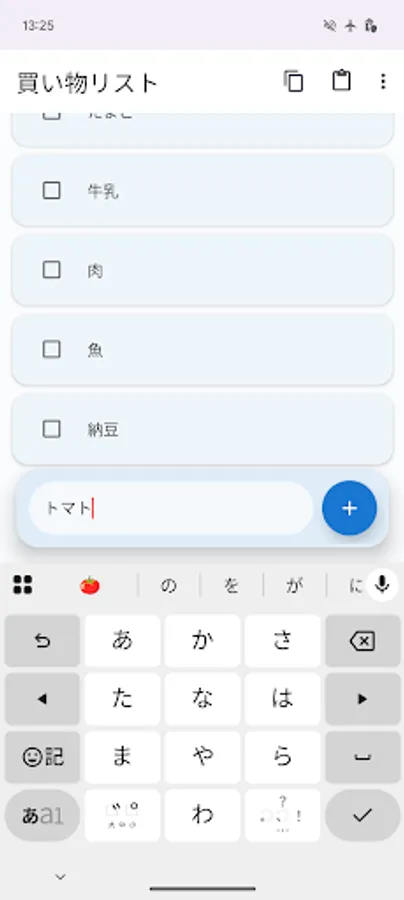
1. Enter what you want to buy in the input field at the bottom
2. Add to list with Enter key or add button
3. Tap checkbox while shopping
4. Purchased items are automatically moved down
[How to share list]
1. Tap copy icon at the top right of the screen
2. Send via LINE or email
3. Recipient copies text and taps paste icon at the top right of the screen to restore
Sharing shopping lists is so easy!
This is a shopping list app that the whole family can use.
You can copy the entire shopping list as text, including the checked items. By sending this text via LINE or email, you can easily share your shopping list with your family and friends.
[Usage example]
1. The wife creates a shopping list
2. Select "Copy list" from the menu
3. Send to husband via LINE
4. The husband copies the text and pastes it into the app
5. The same shopping list will appear on the husband's smartphone! Of course, you can also use it as text without using the app!
Checked items are copied with a ☑ mark, so you can see at a glance what you have bought and what you have not yet bought.
[Main functions]
✓ Easy list sharing
- Copy shopping list as text
- Share with family and friends via LINE, email, or SMS. Ready to use.
- The recipient can create the same list just by pasting it
- Complete restoration including check status
✓ Simple shopping list management
- Add items with one tap
- Manage purchased items with checkboxes
- Purchased items are automatically moved to the bottom of the list
✓ Convenient editing functions
- Tap an item to easily edit it
- Press and hold to quickly delete it
- Press the Enter key to add items one after another
✓ Easy-to-use design
- Easy-to-read Material Design 3
- Automatically switches between dark and light modes
- Eye-friendly color scheme and easy-to-read fonts
✓ Data saving
- Lists are automatically saved even when the app is closed
- Continue using the shopping list the next time it is started
[Recommended for]
• People who want to share shopping lists with their families
• Couples who share shopping responsibilities
• People who send shopping notes to each other on LINE
• People who often forget shopping notes
• People looking for a simple and easy-to-use app
[Scenes for using list sharing]
◆ Couples sharing shopping responsibilities
Wife: "I'll send you today's shopping list!" → Share list on LINE → My husband goes shopping after work
◆ Shopping requests to my parents' house
Send a list on LINE saying "Buy this" → Parents see it and go shopping
◆ Preparing for a BBQ with friends
Organizer creates a shopping list → Shares it on group LINE → Everyone divides up the purchases
[Basic usage]
1. Enter what you want to buy in the input field at the bottom
2. Add to list with Enter key or add button
3. Tap checkbox while shopping
4. Purchased items are automatically moved down
[How to share list]
1. Tap copy icon at the top right of the screen
2. Send via LINE or email
3. Recipient copies text and taps paste icon at the top right of the screen to restore
Sharing shopping lists is so easy!
This is a shopping list app that the whole family can use.