
With this app, you can view and manage your TP-Link powerline devices, adjust settings, and monitor network status. Includes device management, network configuration, and device information features.
AppRecs review analysis
AppRecs rating 2.6. Trustworthiness 78 out of 100. Review manipulation risk 16 out of 100. Based on a review sample analyzed.
★★☆☆☆
2.6
AppRecs Rating
Ratings breakdown
5 star
33%
4 star
5%
3 star
11%
2 star
7%
1 star
45%
What to know
✓
Low review manipulation risk
16% review manipulation risk
⚠
Mixed user feedback
Average 2.7★ rating suggests room for improvement
⚠
High negative review ratio
52% of sampled ratings are 1–2 stars
About tpPLC
Simply connect your smart device to the Wi-Fi network of a compatible TP-Link powerline extender and start managing with ease. It will list all the compatible powerline adapters and powerline extenders in your current network, and allow you to manage your powerline devices individually as well as the whole powerline network with a few taps.
★Features
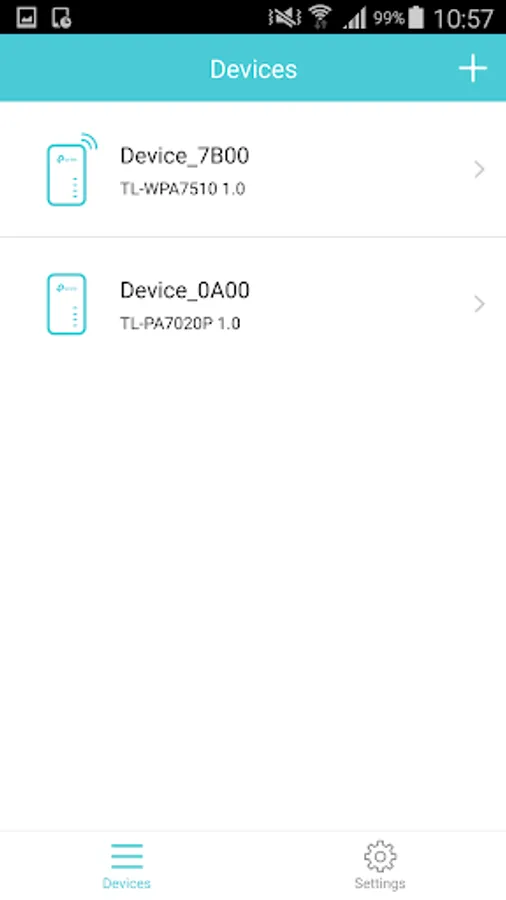
• Display information of all compatible powerline devices in the current network.
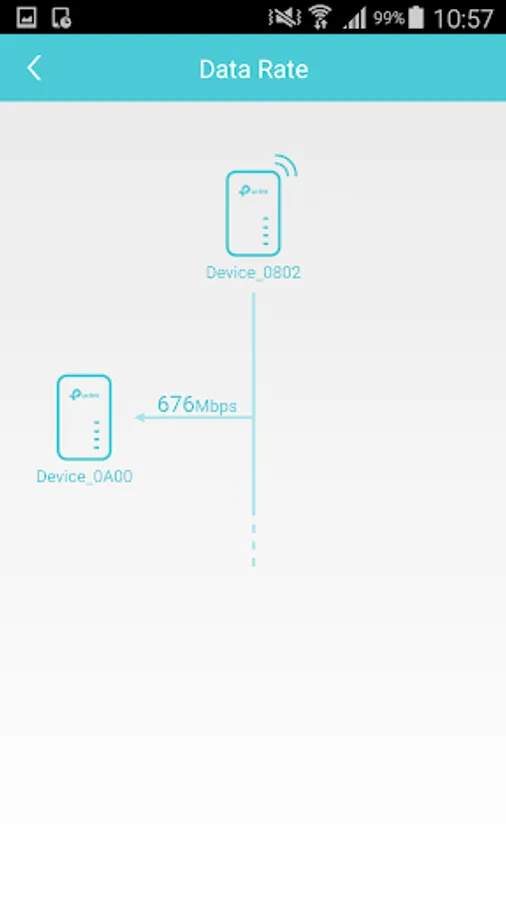
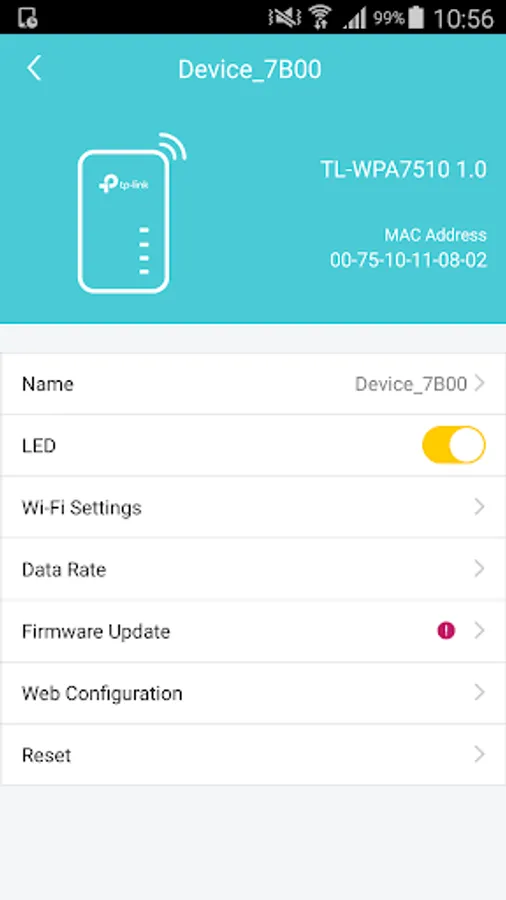
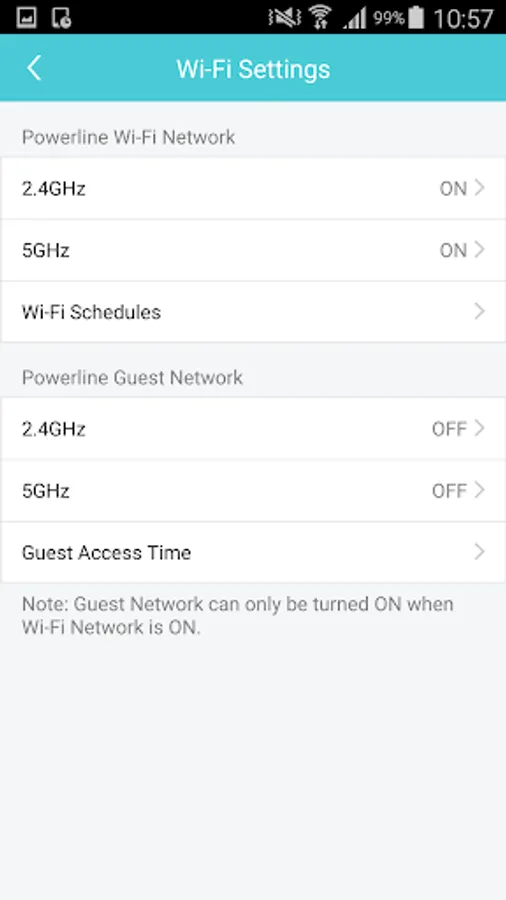
• Manage a powerline device such as changing its device name, turning on or off its LEDs, viewing its data rate, resetting to factory defaults, and removing it from the current network. For a powerline extender, you can also change and schedule its Wi-Fi settings, and redirect to the web management interface.
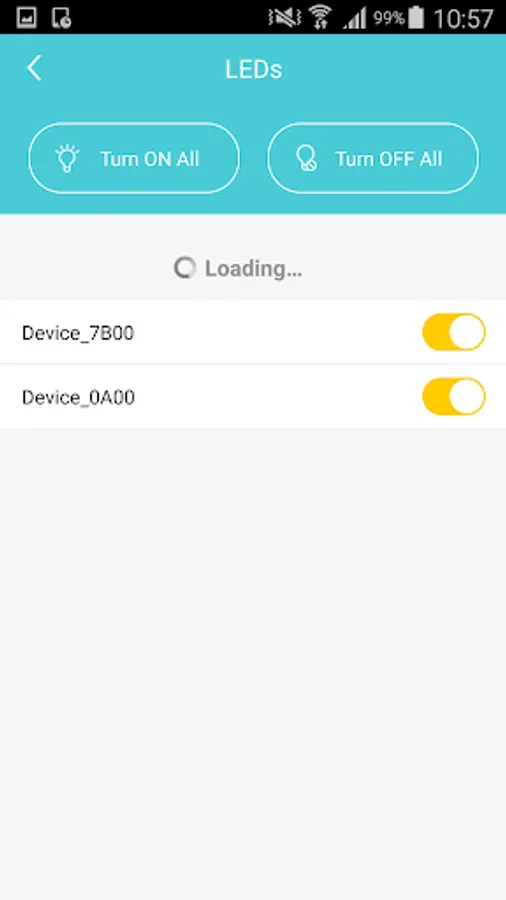
• Manage the whole powerline network such as adding a new powerline device, setting a new powerline network name, and turning on or off the LEDs on all the powerline devices in the network.
Compatible Devices:
To use this app, you need to be connected to the Wi-Fi network of a powerline extender below (listed hardware versions and above):
TL-WPA4220V2
TL-WPA4220V3
TL-WPA4220V4
TL-WPA4530V1
TL-WPA7510V1
TL-WPA7510V2
TL-WPA8630V1
TL-WPA8630V2
TL-WPA8630PV1
TL-WPA8630PV2
TL-WPA8730V1
TL-WPA9610V1
More coming soon…
tpPLC Screenshots
Tap to Rate:
Reviews for tpPLC
Shaggy S
2/15/2026
still useless, outdated garbage that just doesn't work. Even though my WiFi states the default TPlink extender is the connection this app can't even recognise it's own kit! This means,I can't set the device up to connect to the network it's supposed to extend! Lol
gary fessler
2/9/2026
this app is basically useless. doesn't keep the devices and loses them