Classic Analog Watch
Ceres Software
4.1 ★
321 ratings
50,000+
downloads
Free
With this watch face app, you can view the current time, date, and additional information in minimal or detailed modes. Includes shadow customization options and compatibility with multiple watch shapes.
AppRecs review analysis
AppRecs rating 4.1. Trustworthiness 0 out of 100. Review manipulation risk 0 out of 100. Based on a review sample analyzed.
★★★★☆
4.1
AppRecs Rating
Ratings breakdown
5 star
59%
4 star
16%
3 star
13%
2 star
3%
1 star
9%
What to know
✓
High user satisfaction
75% of sampled ratings are 4+ stars (4.1★ average)
✓
Authentic reviews
Natural distribution, no red flags
About Classic Analog Watch
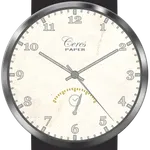
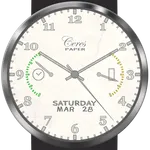
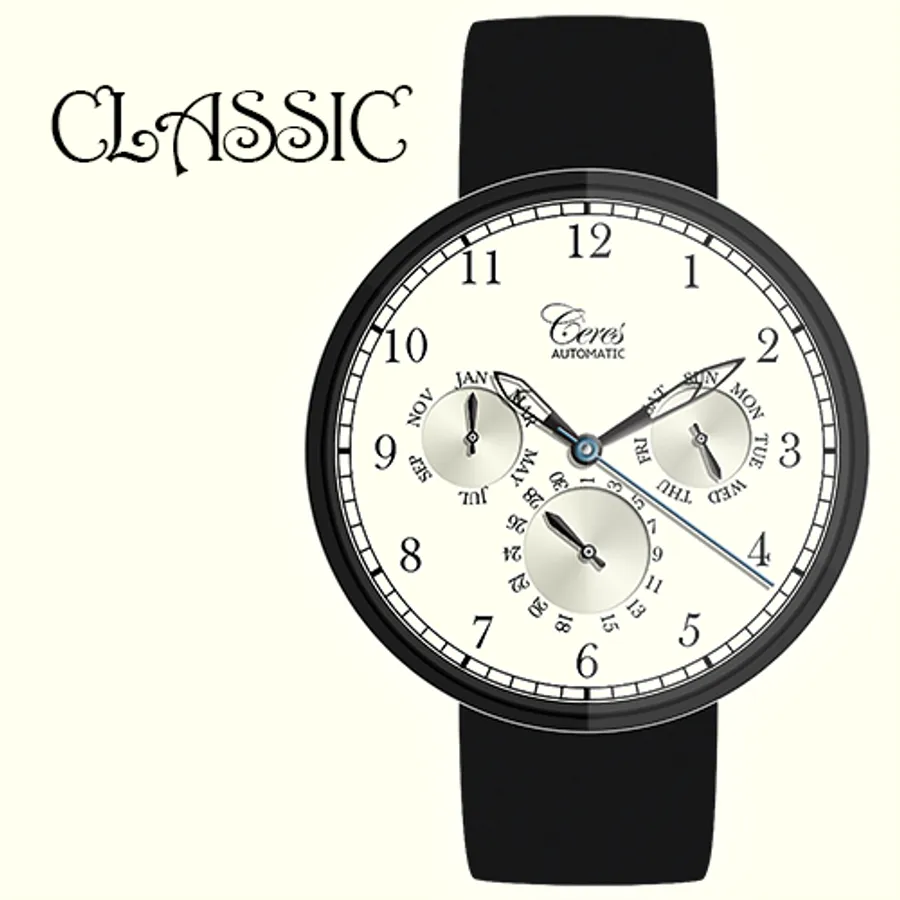
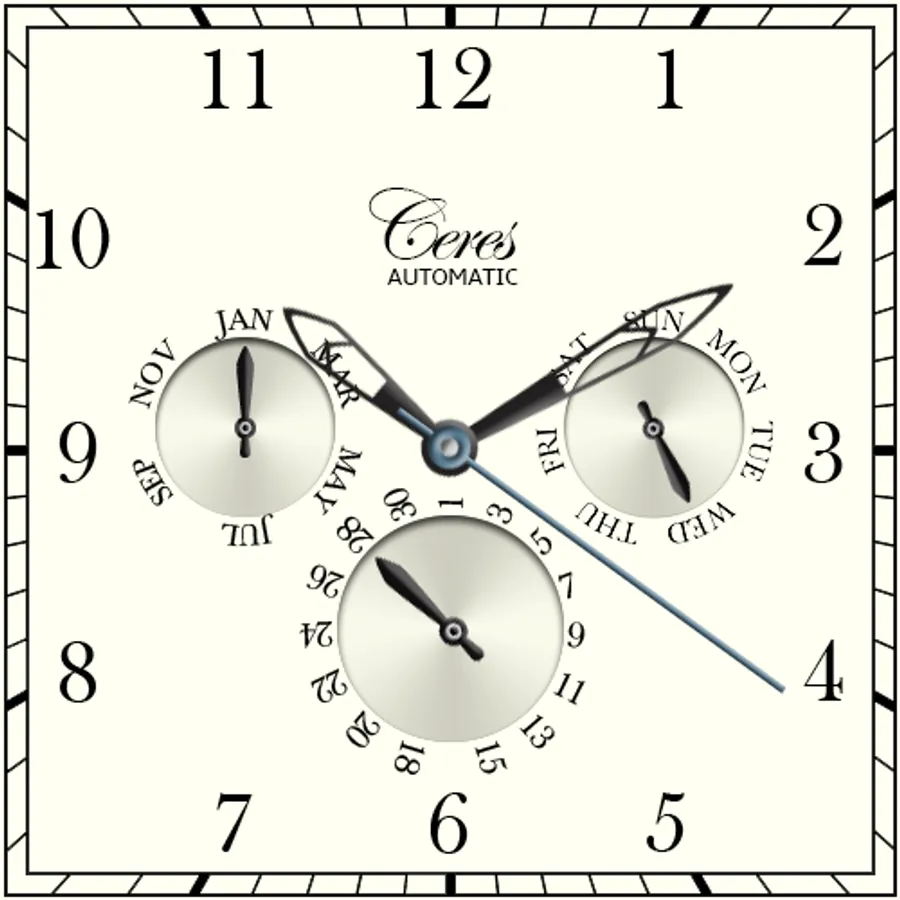
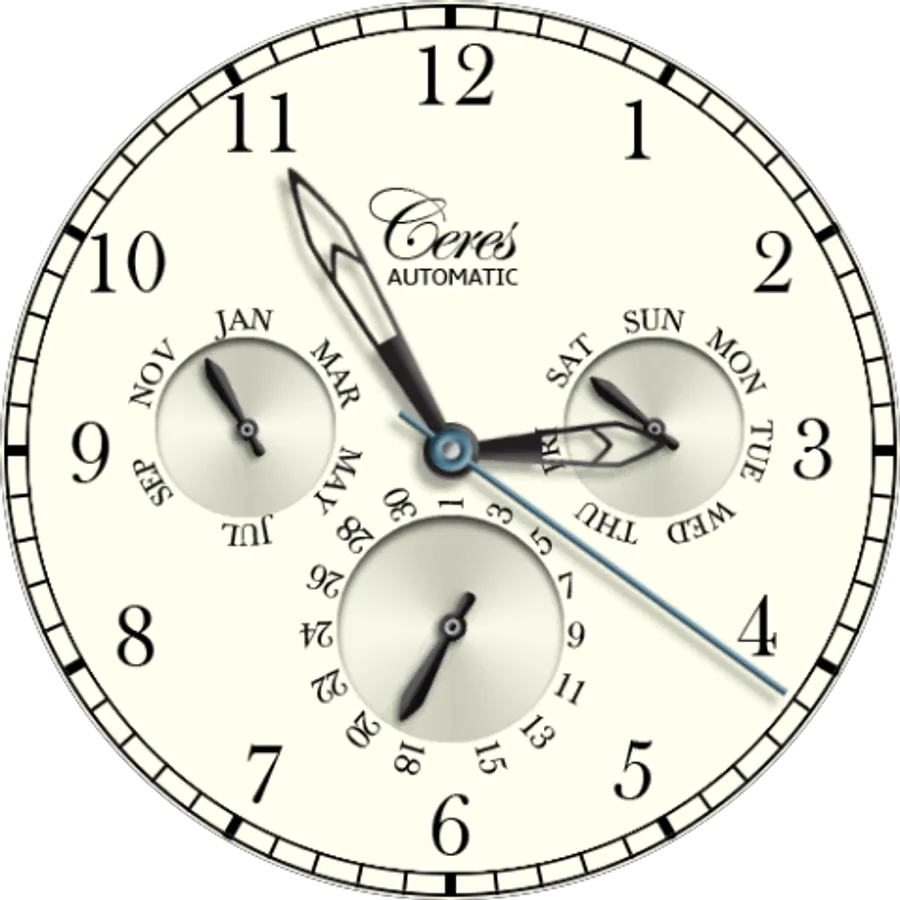
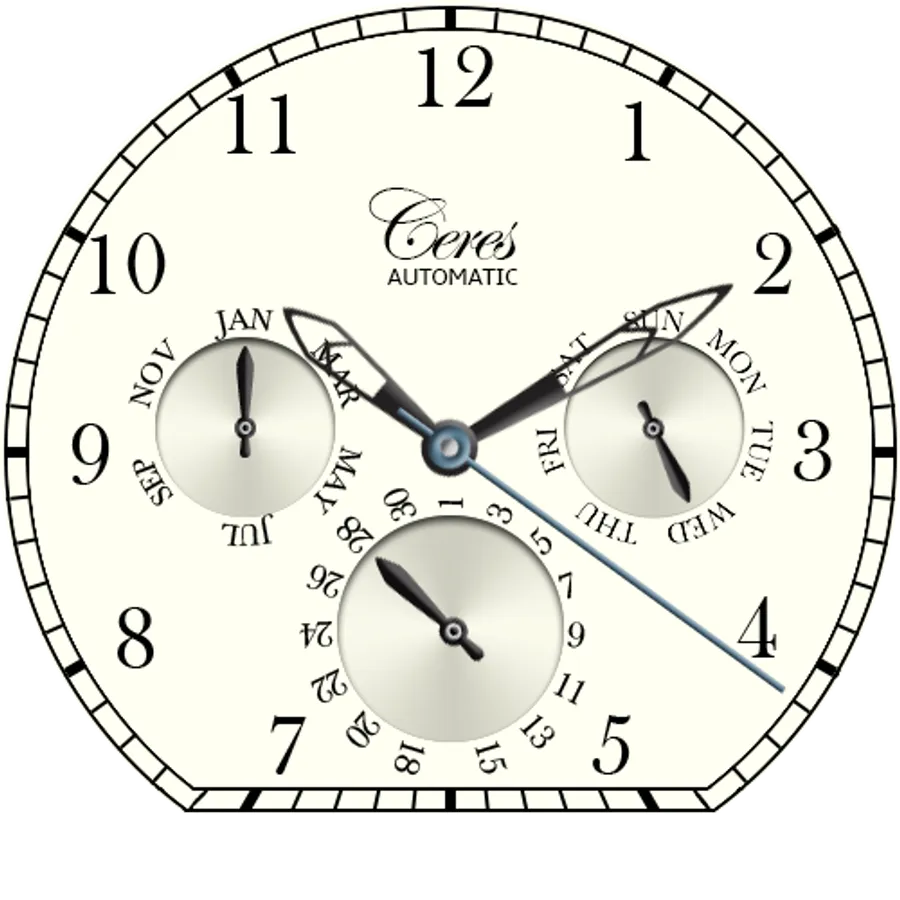
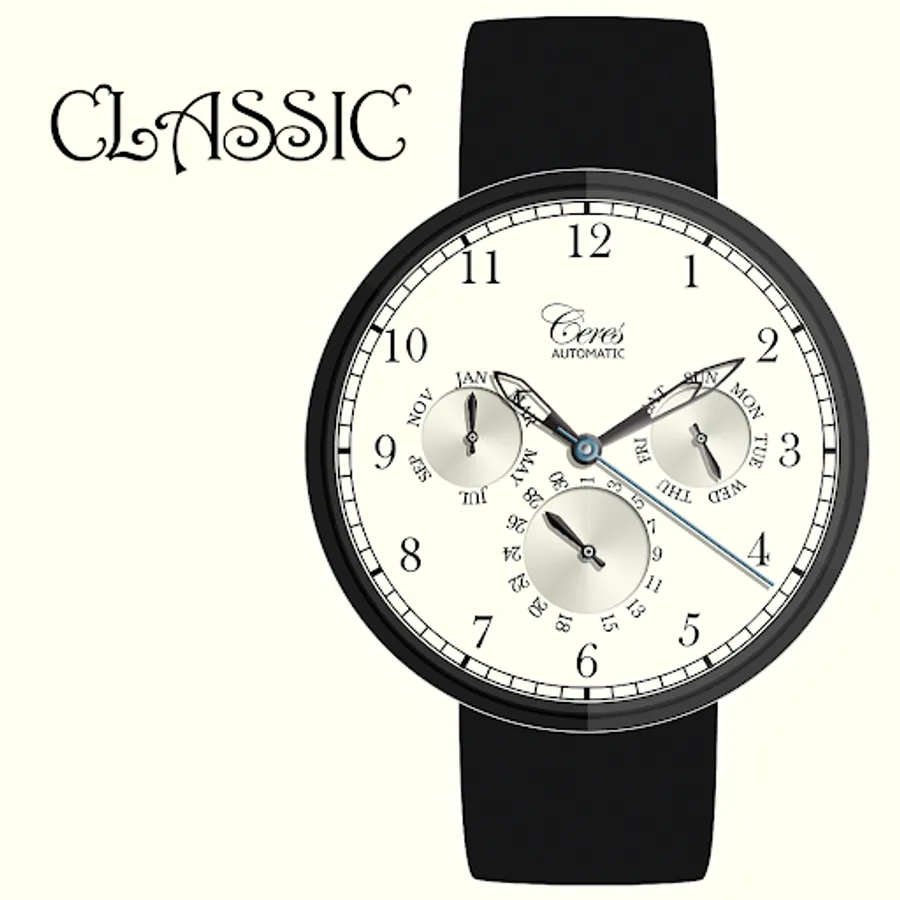
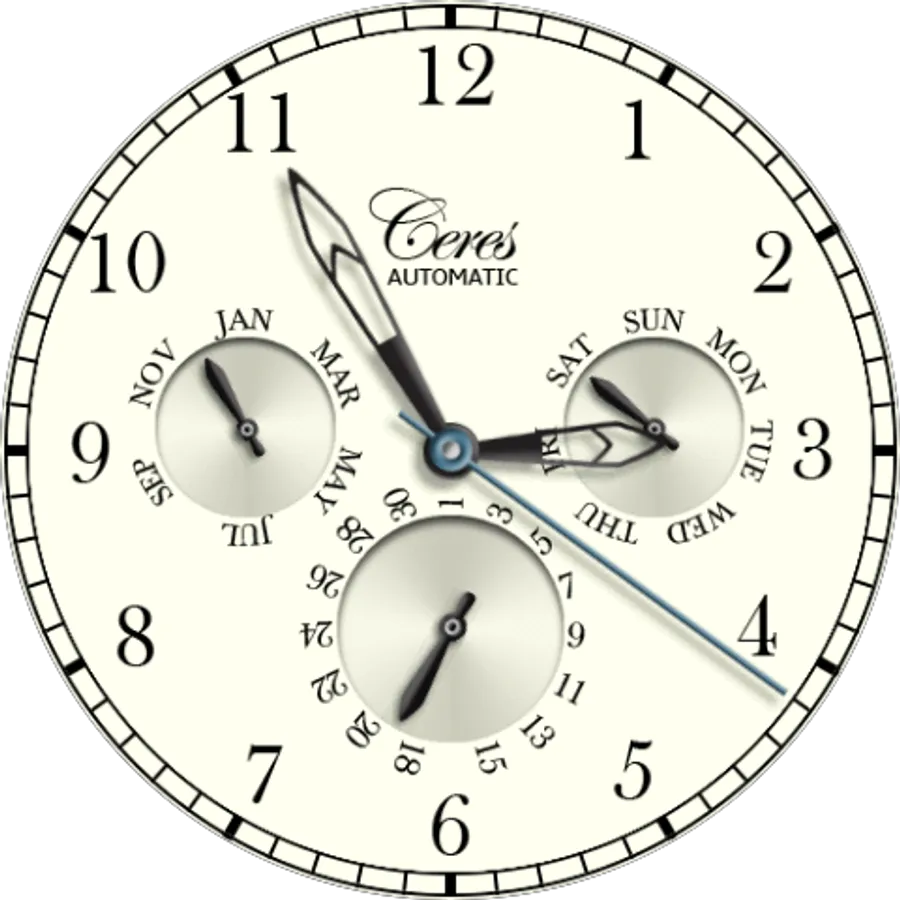
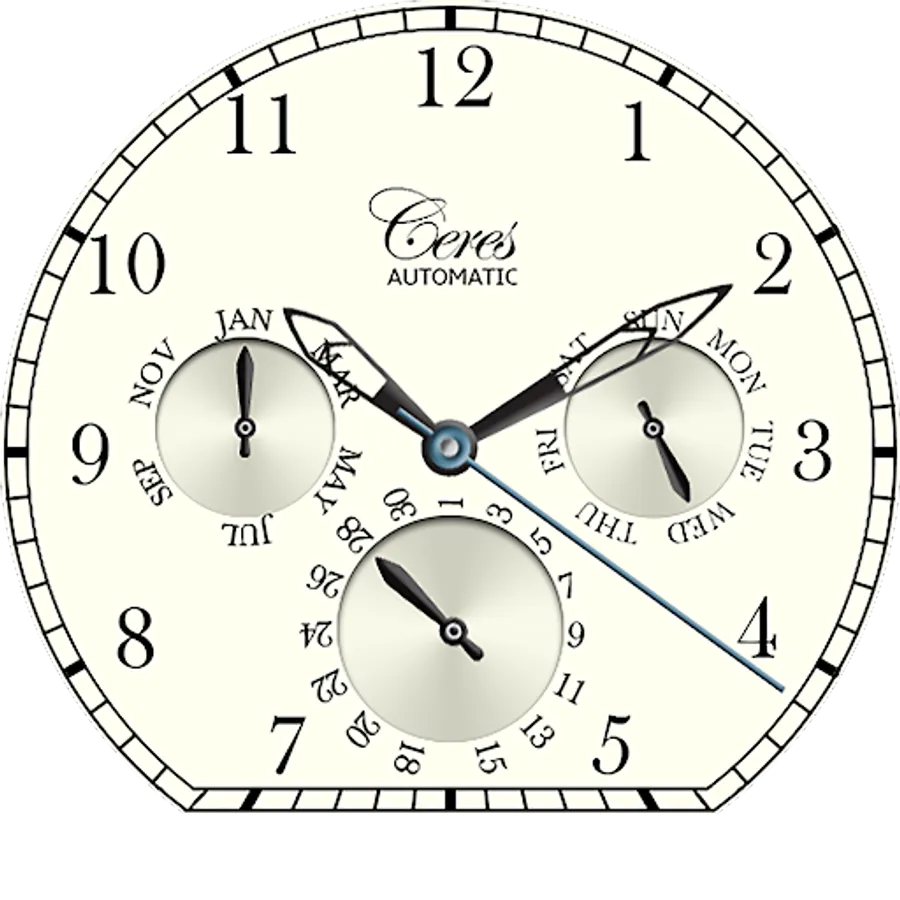
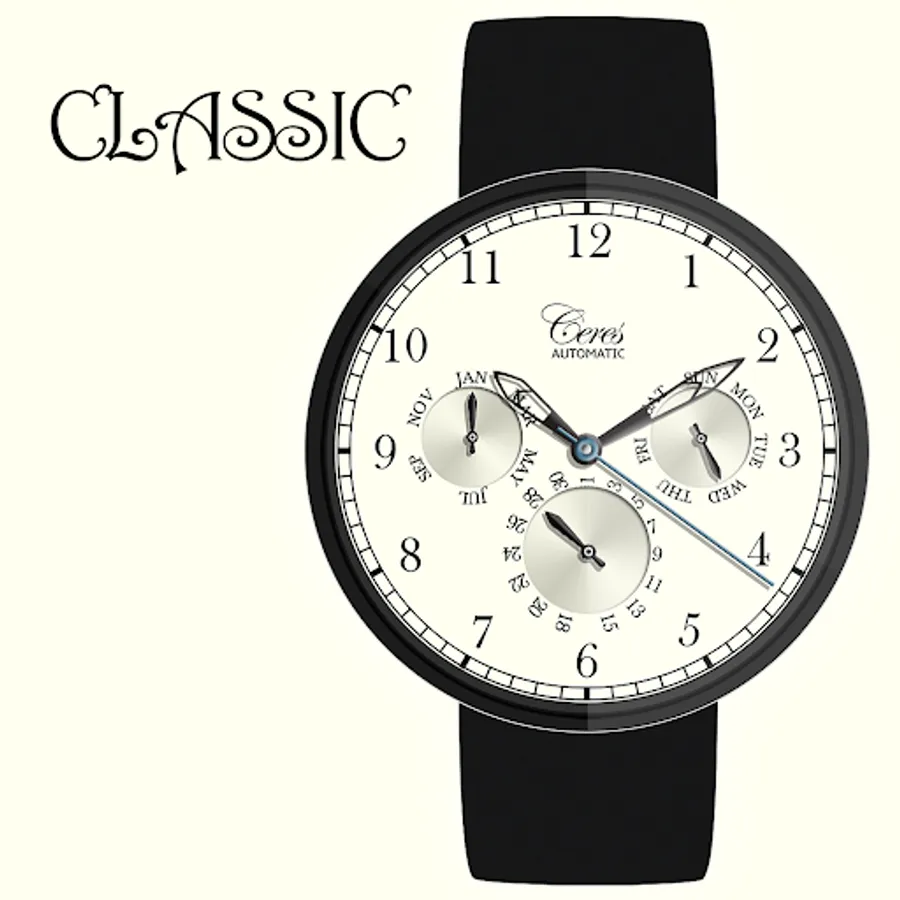
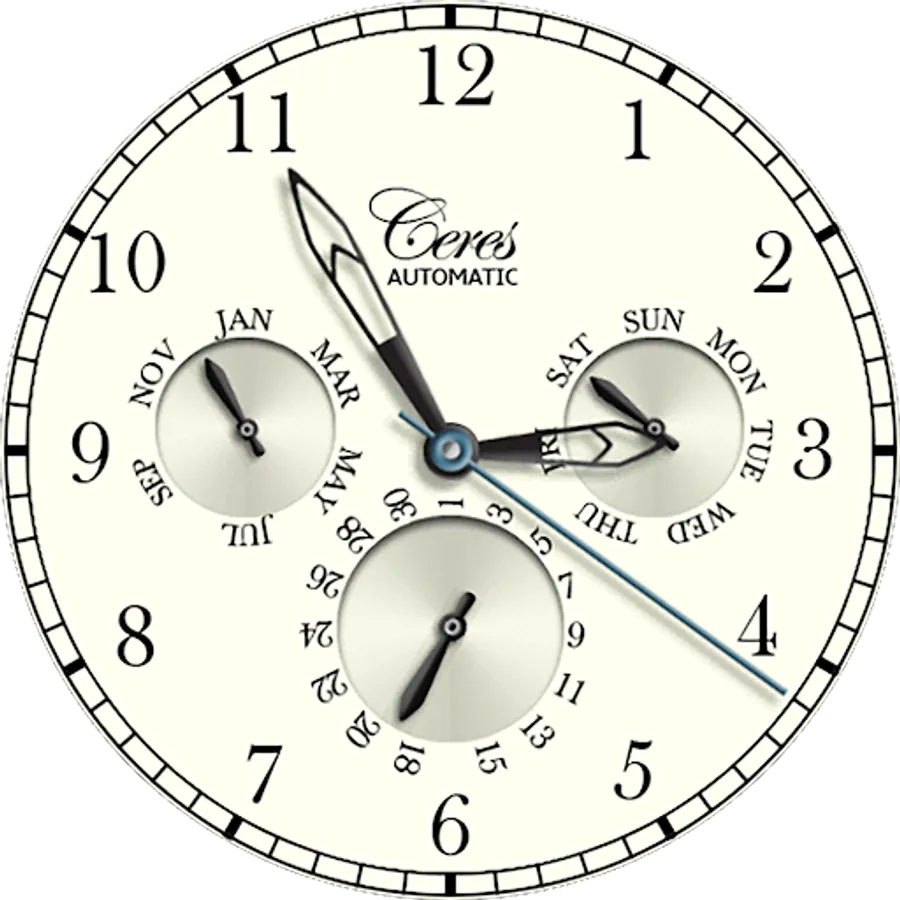
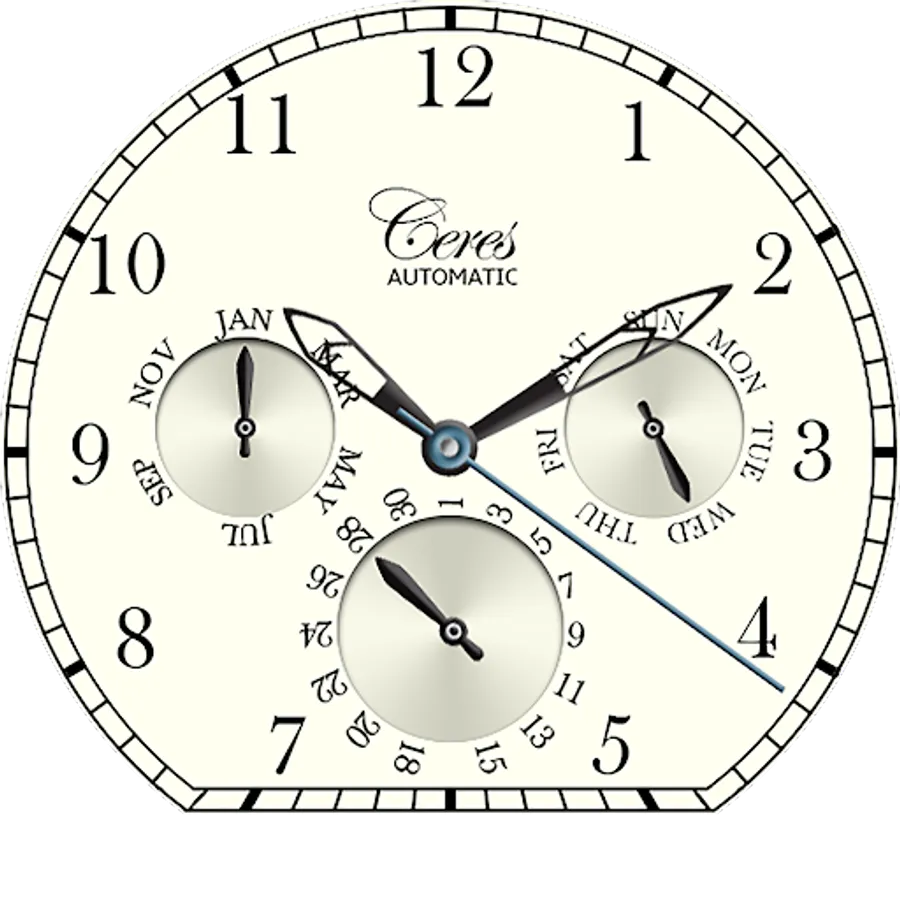
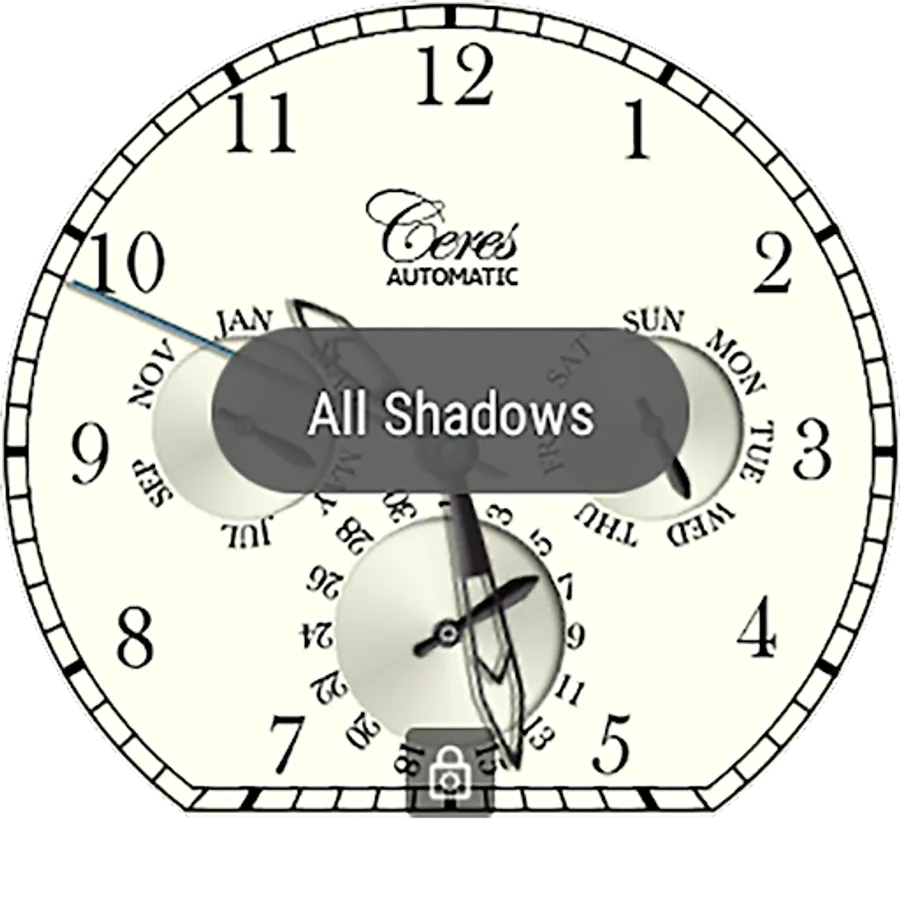
An elegant watch face that shows the current time, month, day of week and date.
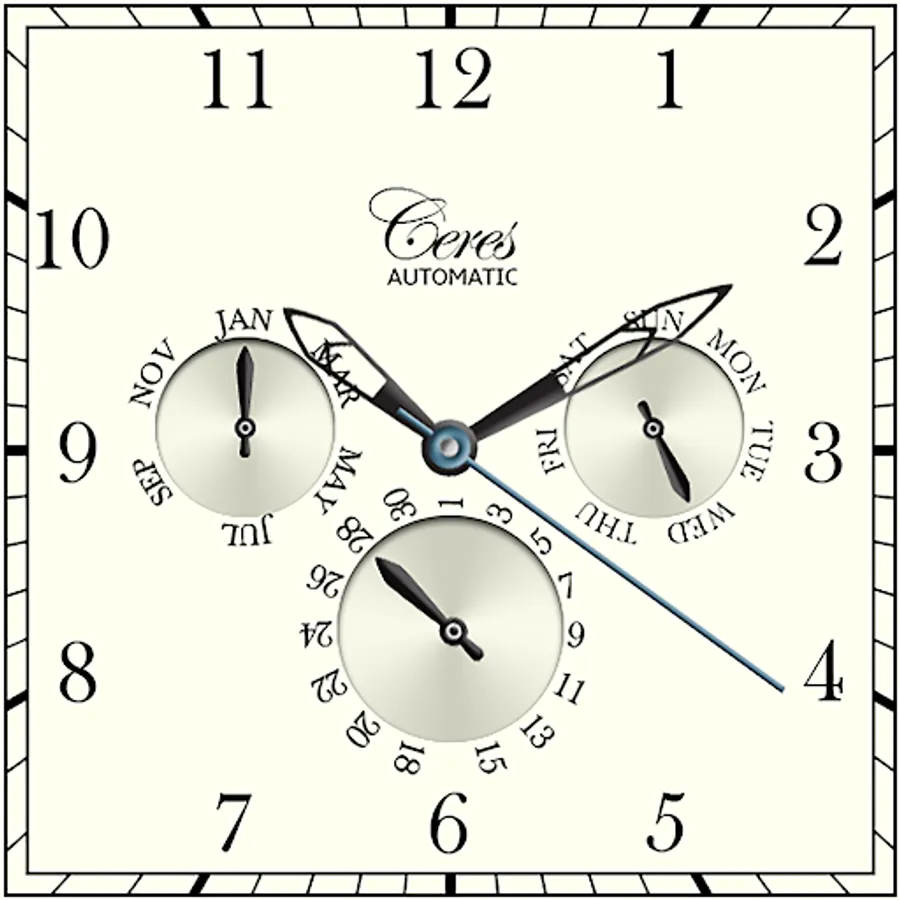
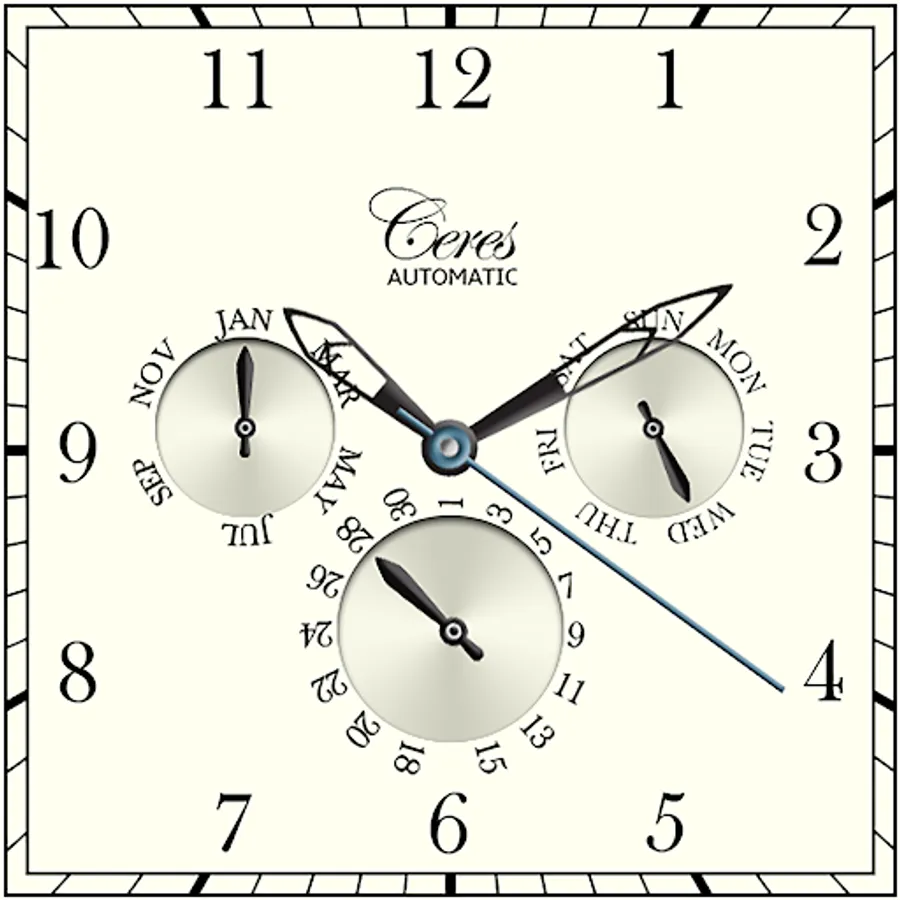
Designed for square, round and Moto 360 Android Wear watches.
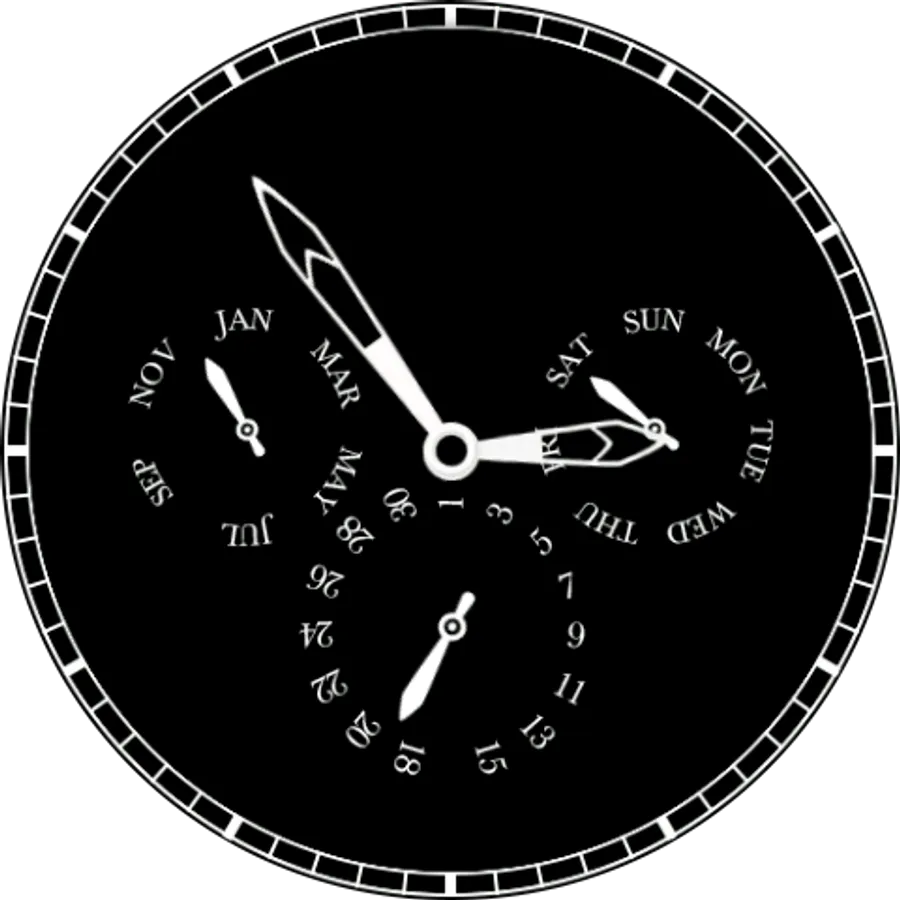
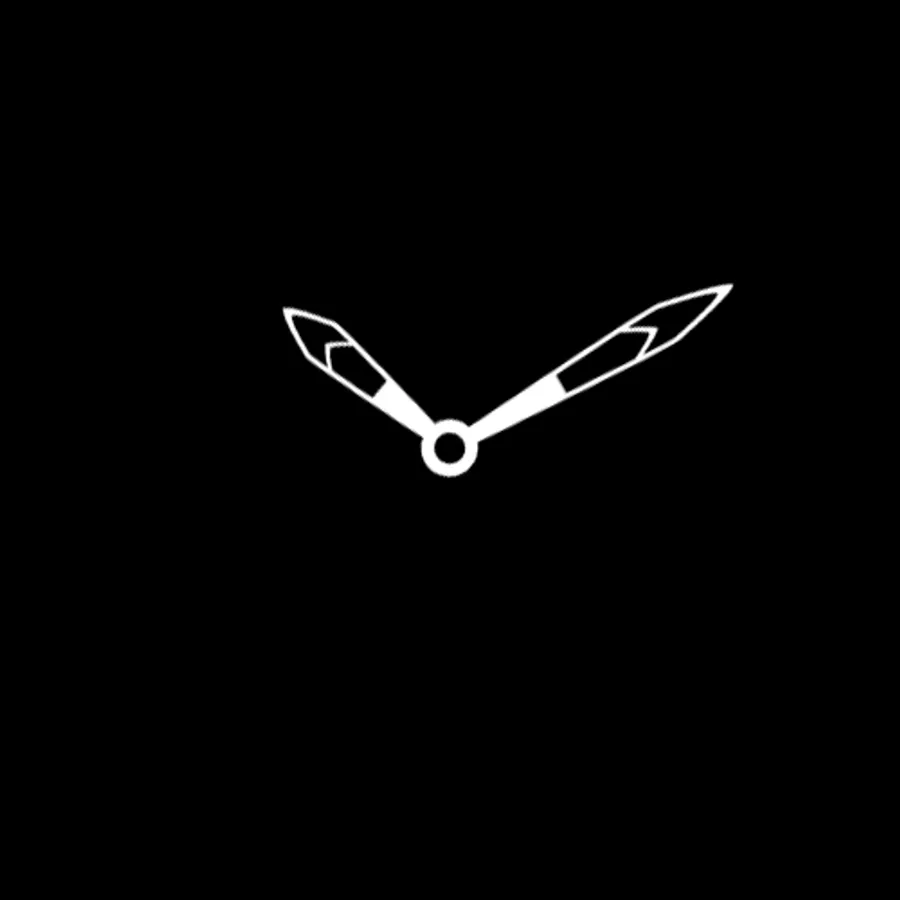
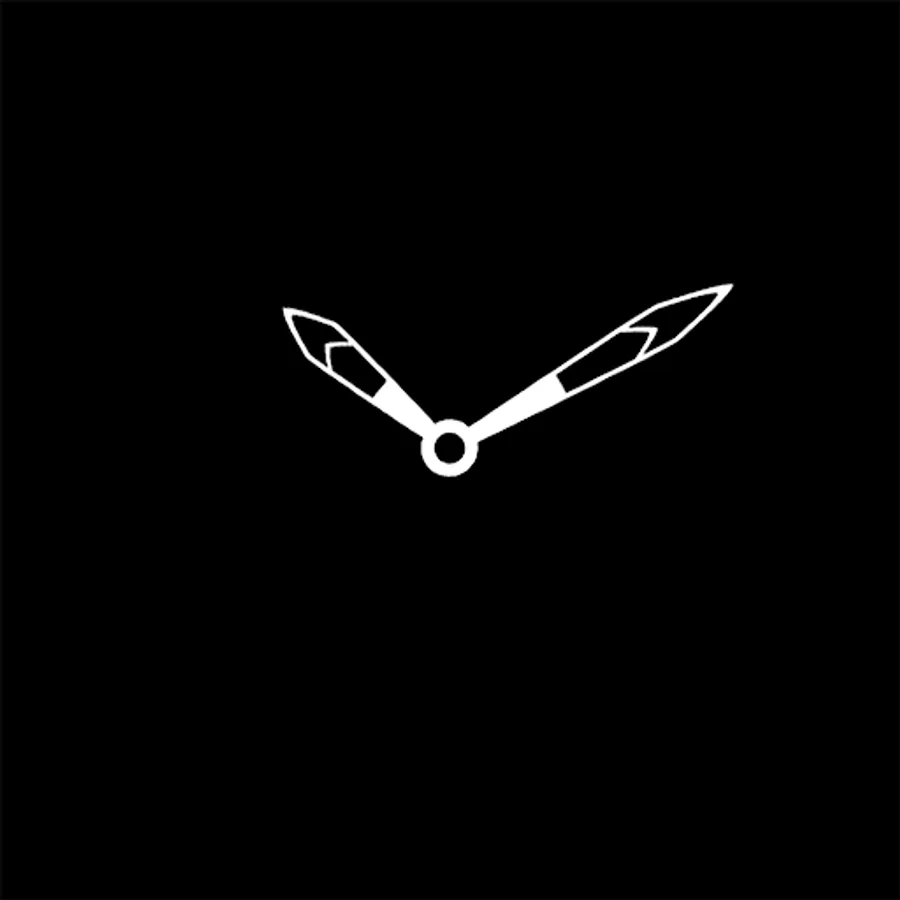
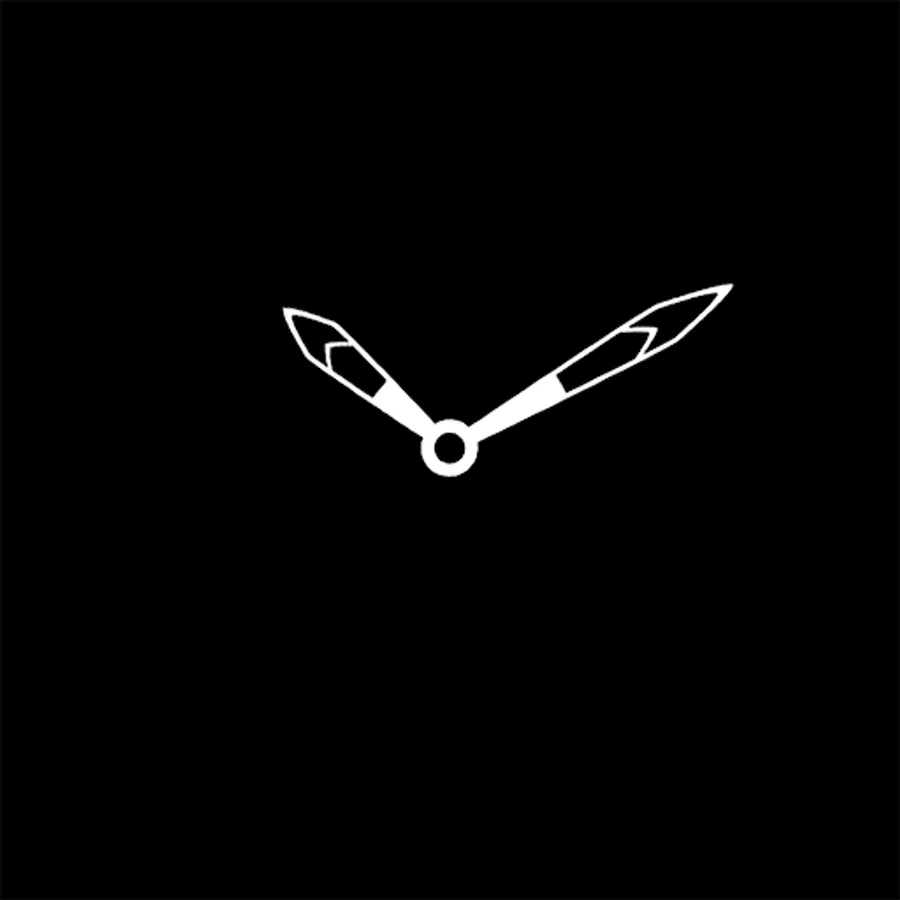
In minimal ambient mode, the hour and minute hands are shown.
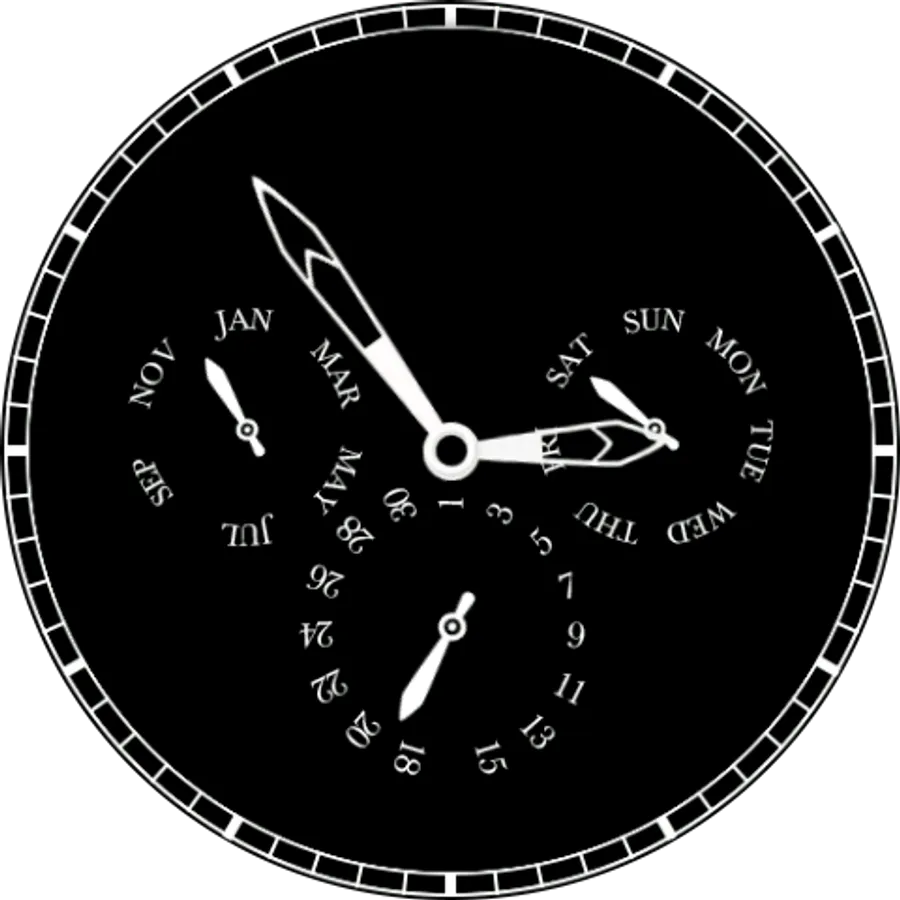
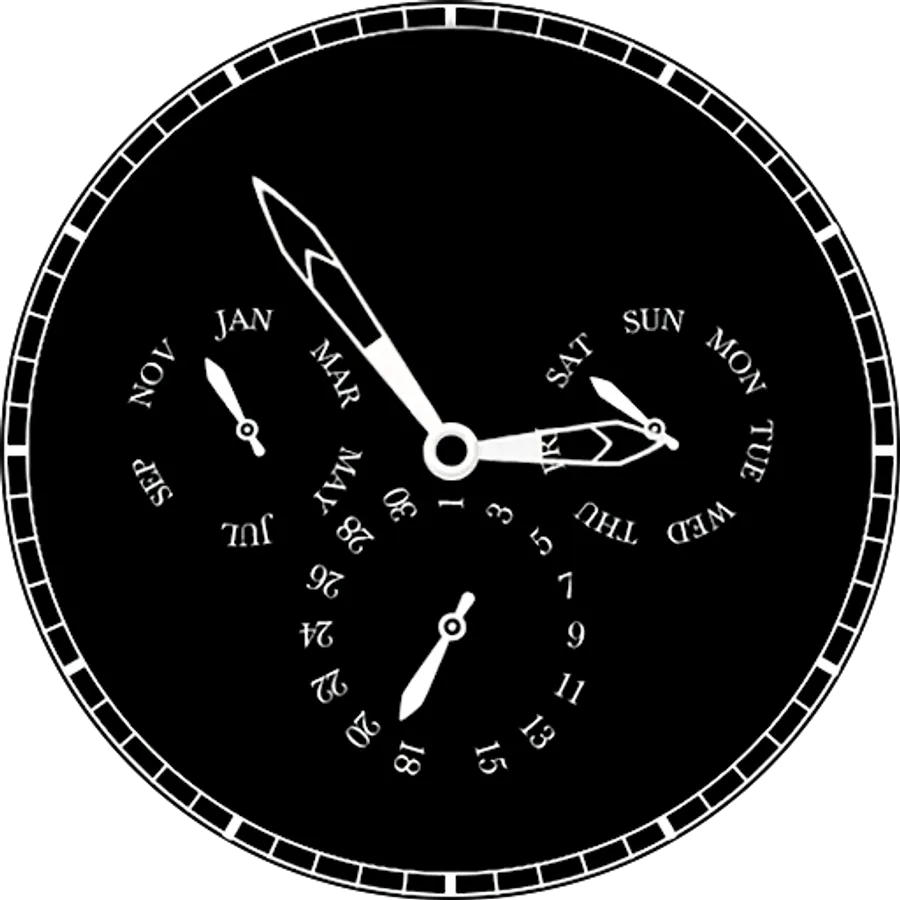
In detailed ambient mode, month, day of week and date are shown in addition to the hour and minute.
Version 1.0.2:-
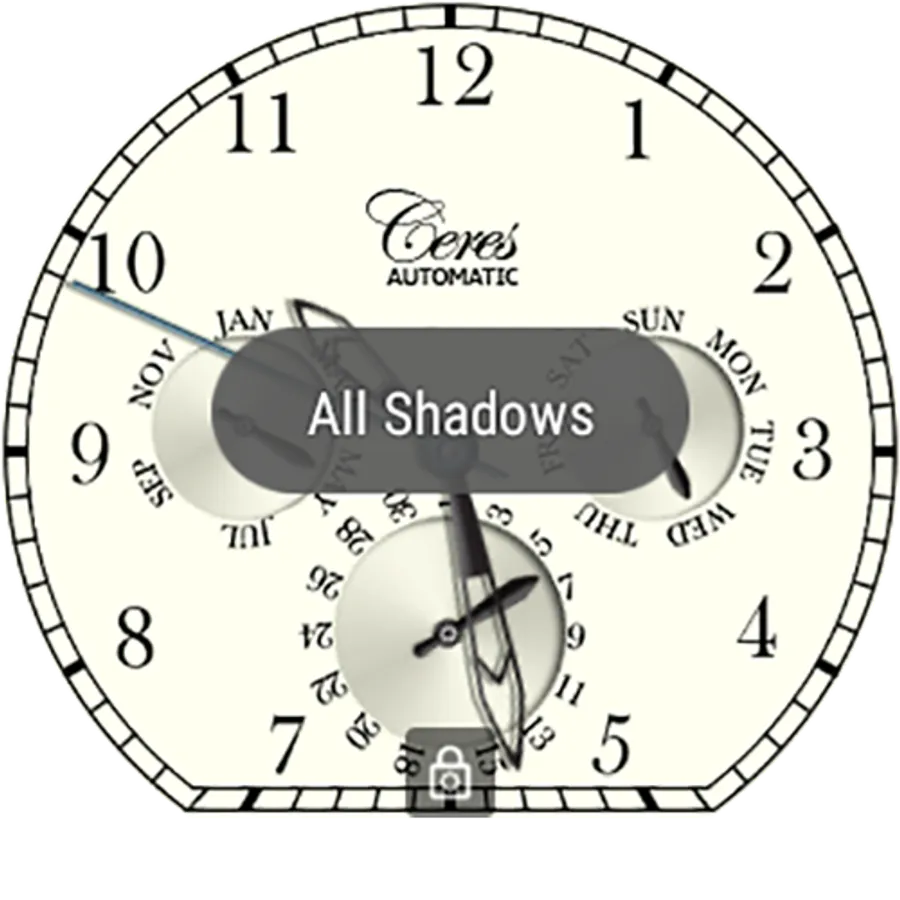
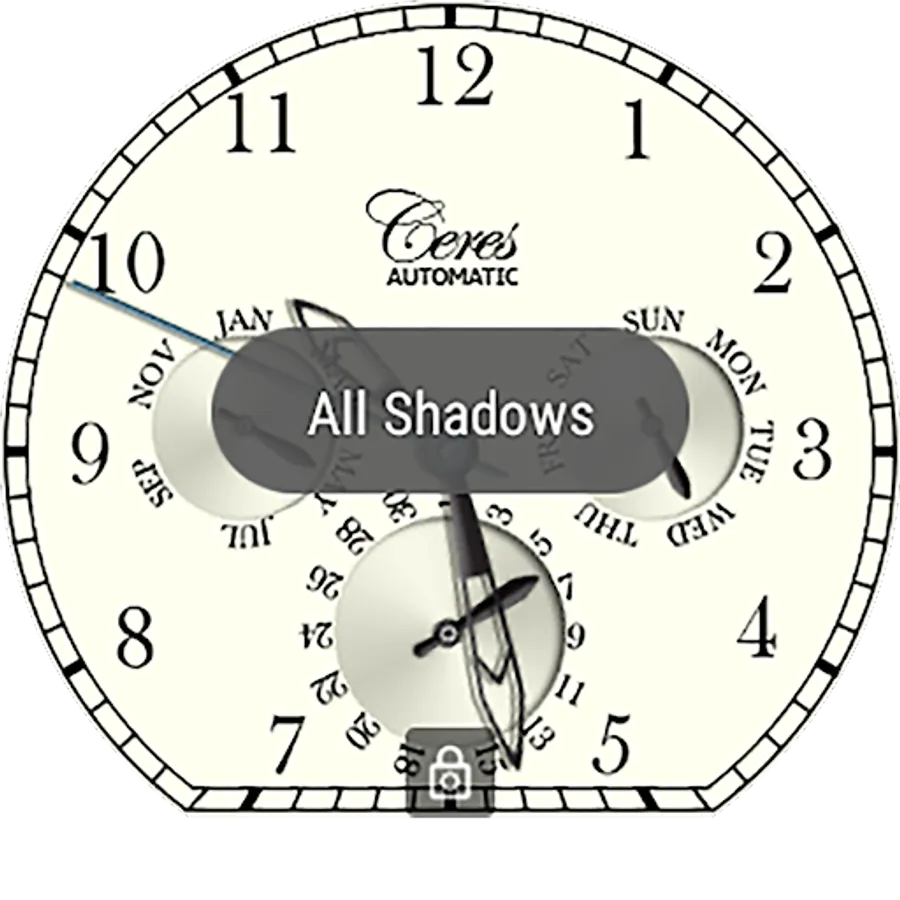
- Ability to select static hand shadows from Android Wear Companion App.
- 5.1.1 compatibility.
- Bug fixes.
Version 1.0.1:-
- Dynamic hand and sub dial shadows based on watch orientation.
- Ability to turn shadows on/off from Android Wear Companion App.
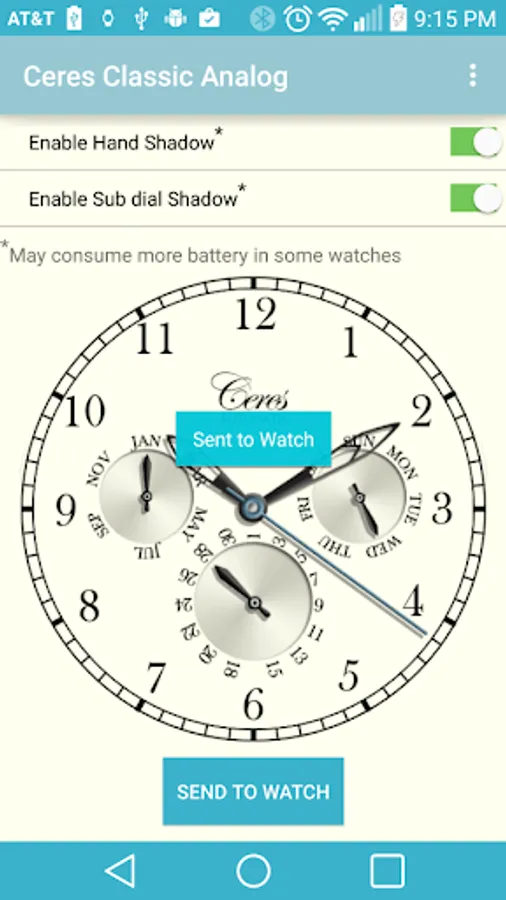
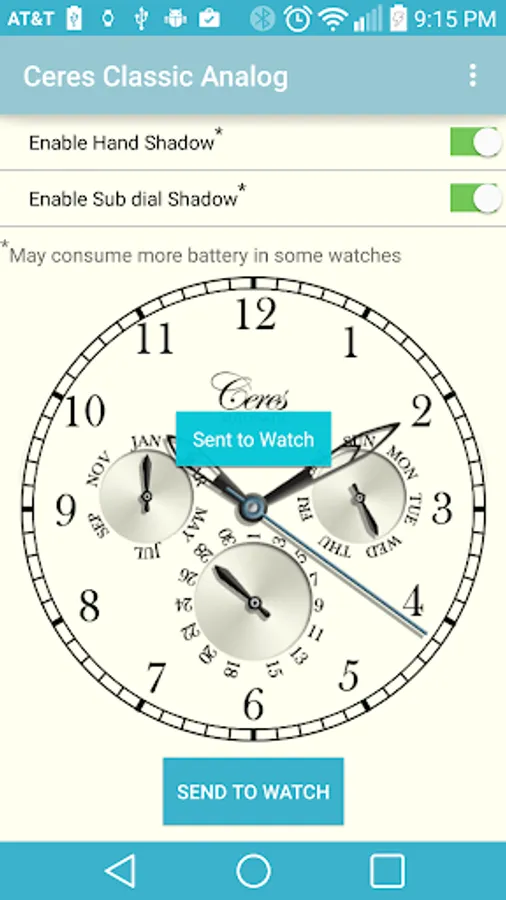
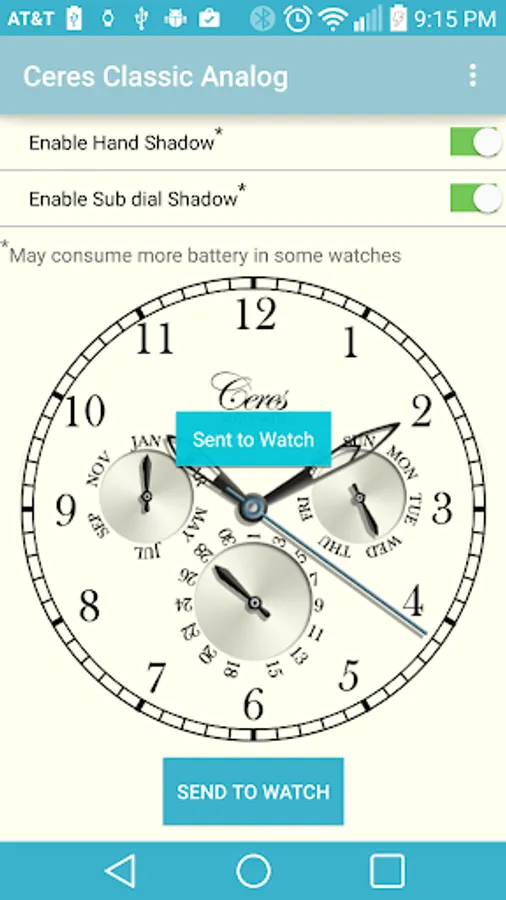
Configuration Instructions:-
- Touch the watch face in the Android Wear Companion App on your mobile.
- Select shadow options
- Touch the "SEND TO WATCH" button
- You should see a "Sent to Watch" toast on the mobile and
- a toast on the watch showing the shadow options chosen.
- If you don't see the confirmation toast on the watch, repeat sending to watch again.
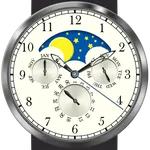
If you like it, please rate and check out the Moon Phase version also.
Please email us if you face any issues and do check out our other designs as well.
Designed for square, round and Moto 360 Android Wear watches.
In minimal ambient mode, the hour and minute hands are shown.
In detailed ambient mode, month, day of week and date are shown in addition to the hour and minute.
Version 1.0.2:-
- Ability to select static hand shadows from Android Wear Companion App.
- 5.1.1 compatibility.
- Bug fixes.
Version 1.0.1:-
- Dynamic hand and sub dial shadows based on watch orientation.
- Ability to turn shadows on/off from Android Wear Companion App.
Configuration Instructions:-
- Touch the watch face in the Android Wear Companion App on your mobile.
- Select shadow options
- Touch the "SEND TO WATCH" button
- You should see a "Sent to Watch" toast on the mobile and
- a toast on the watch showing the shadow options chosen.
- If you don't see the confirmation toast on the watch, repeat sending to watch again.
If you like it, please rate and check out the Moon Phase version also.
Please email us if you face any issues and do check out our other designs as well.
Classic Analog Watch Screenshots
Tap to Rate: