
DrivePro Body
Transcend Information, Inc.
4.6 ★
3K ratings
100,000+
downloads
Free
AppRecs review analysis
AppRecs rating 4.5. Trustworthiness 77 out of 100. Review manipulation risk 27 out of 100. Based on a review sample analyzed.
★★★★☆
4.5
AppRecs Rating
Ratings breakdown
5 star
73%
4 star
18%
3 star
5%
2 star
2%
1 star
2%
What to know
✓
Low review manipulation risk
27% review manipulation risk
✓
Credible reviews
77% trustworthiness score from analyzed reviews
✓
High user satisfaction
73% of sampled ratings are 5 stars
About DrivePro Body
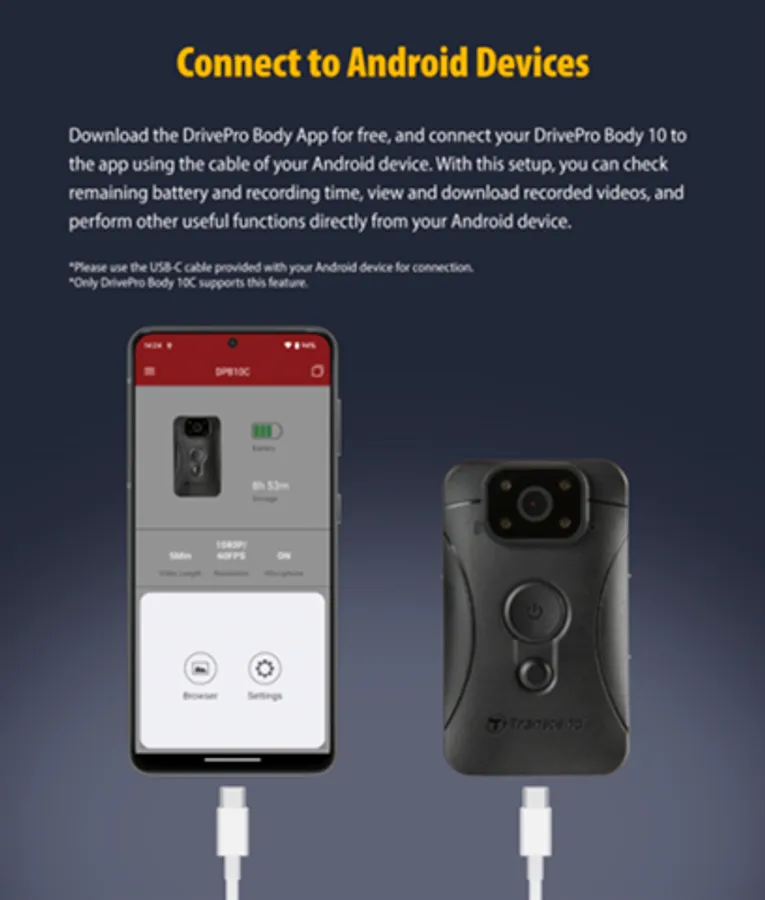
DrivePro Body App is designed for Transcend DrivePro Body Devices. Users can instantly access files in device's storage directly.
• Browse / Edit files between the DrivePro Body's storage and Android device memory via USB-C or WiFi
• Search / Sort files on the storage and Android device memory
• Share Photos, Videos, and other files on the DrivePro Body's storage.
• Instantly share photos , videos and files wirelessly.
• Sharing and playback of recorded files.
Home
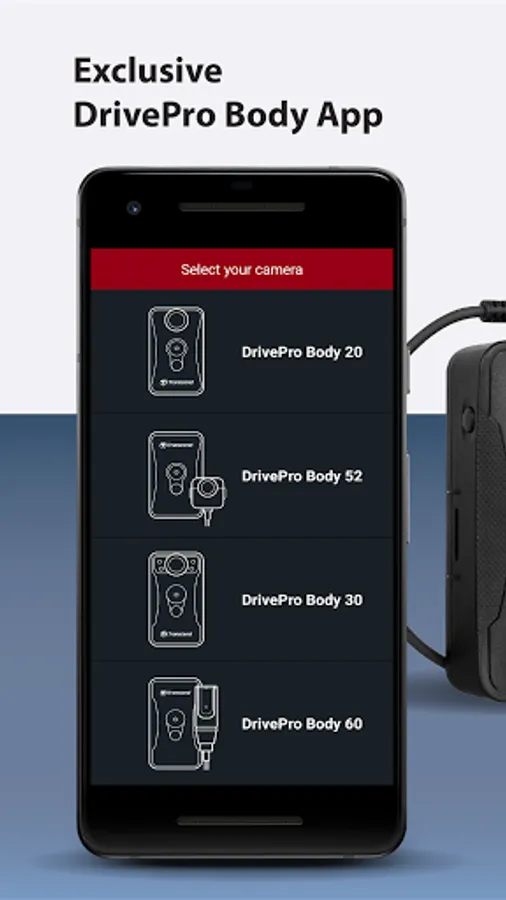
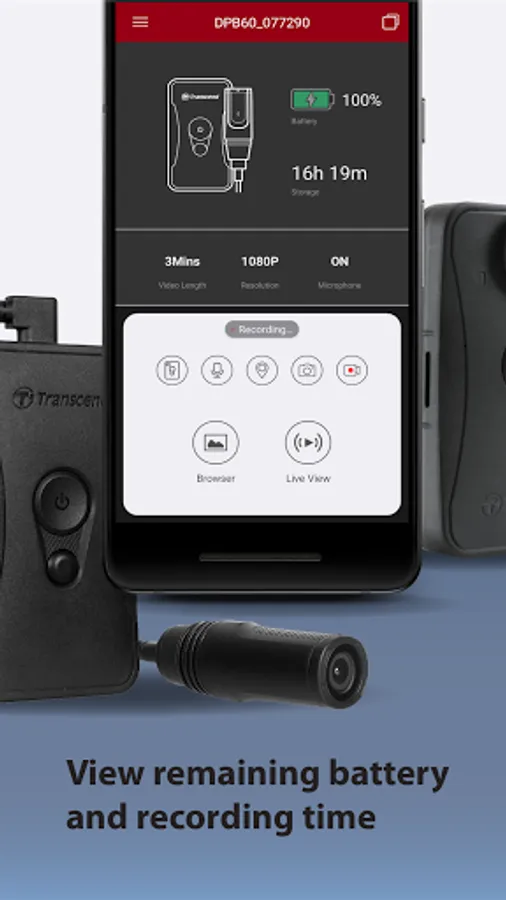
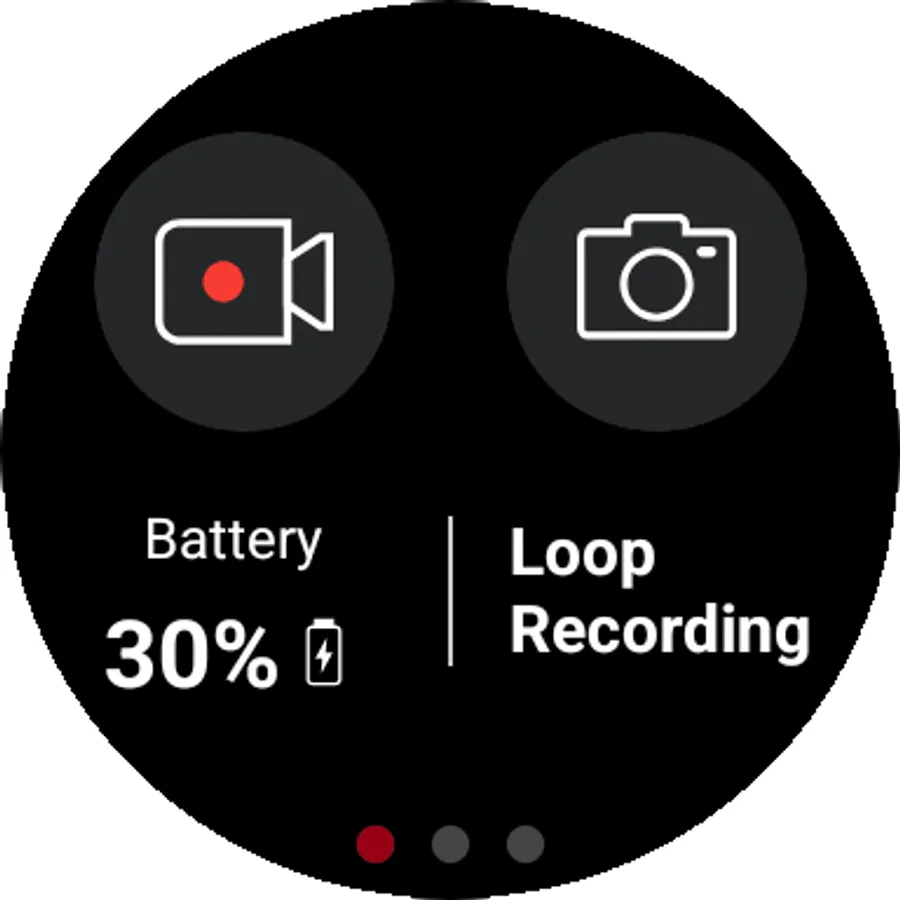
Select your DrivePro Body device from the menu. Remaining battery and recording time will be clearly shown on the display.
Live View
Instantly view real-time footage recorded by the DrivePro Body camera on your mobile device.
Browser
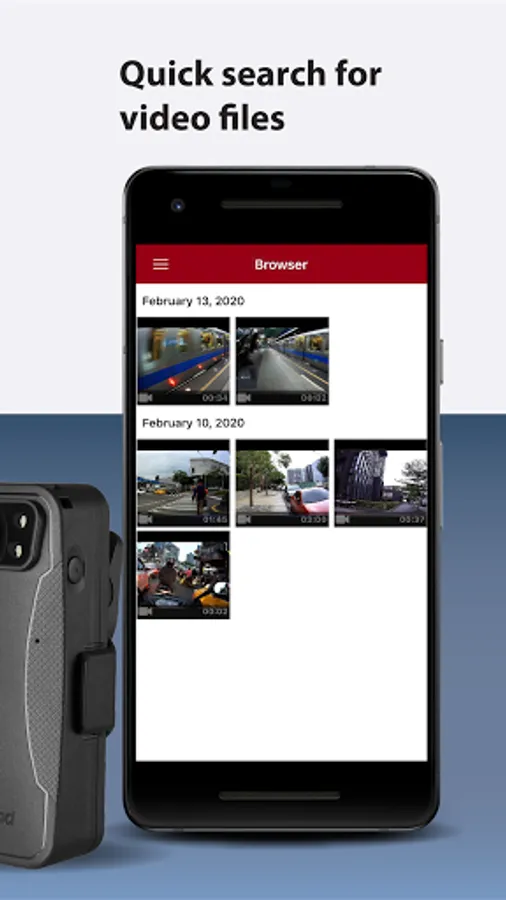
Videos are classified by the date recorded. You can search quickly to find the video file wanted, and play it on your mobile device.
Device and Video Settings
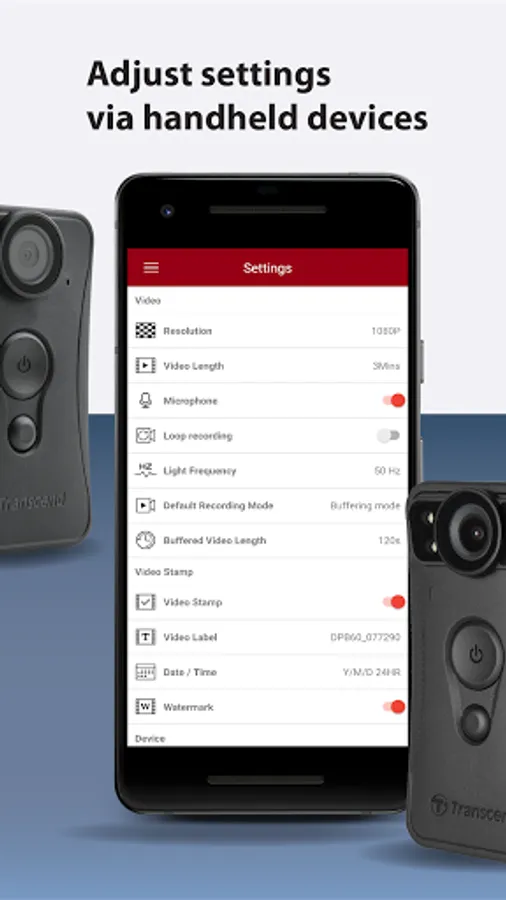
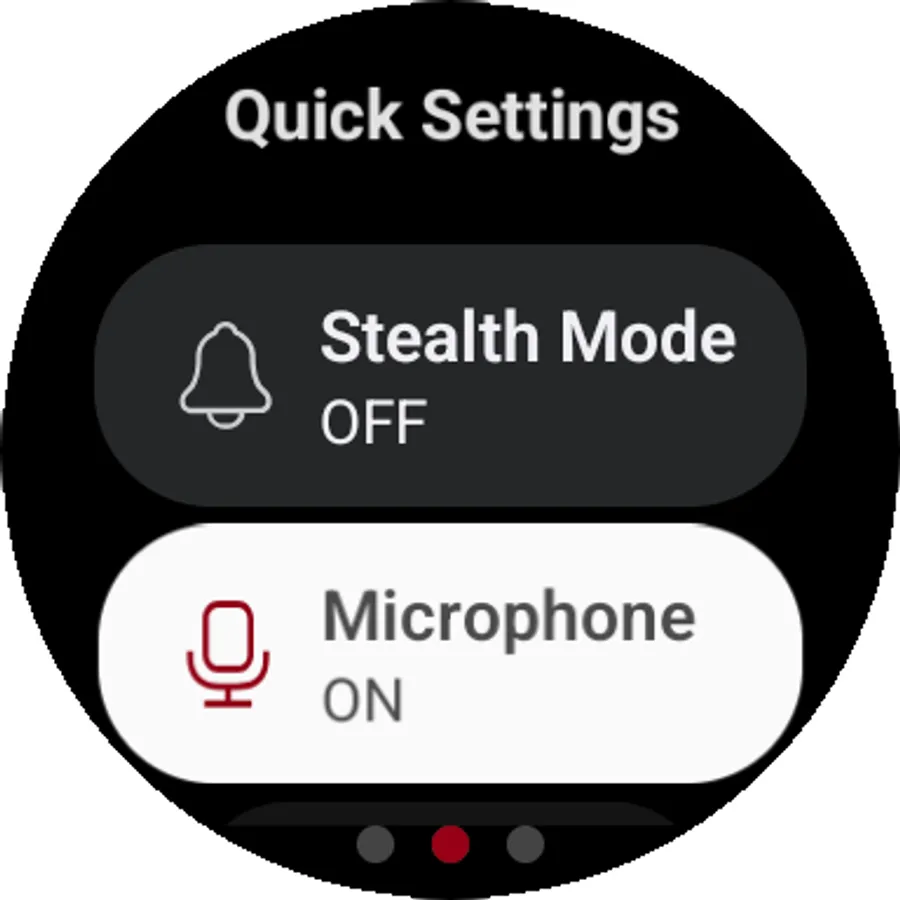
Device and video settings can be adjusted via your mobile device, including video resolution, video length, video stamp, volume, and date/time.
Trim Video
When playing a video, trim and download the desired video segment (10s, 20s, 30s) without having to download the entire clip to your phone for editing.
WearOS
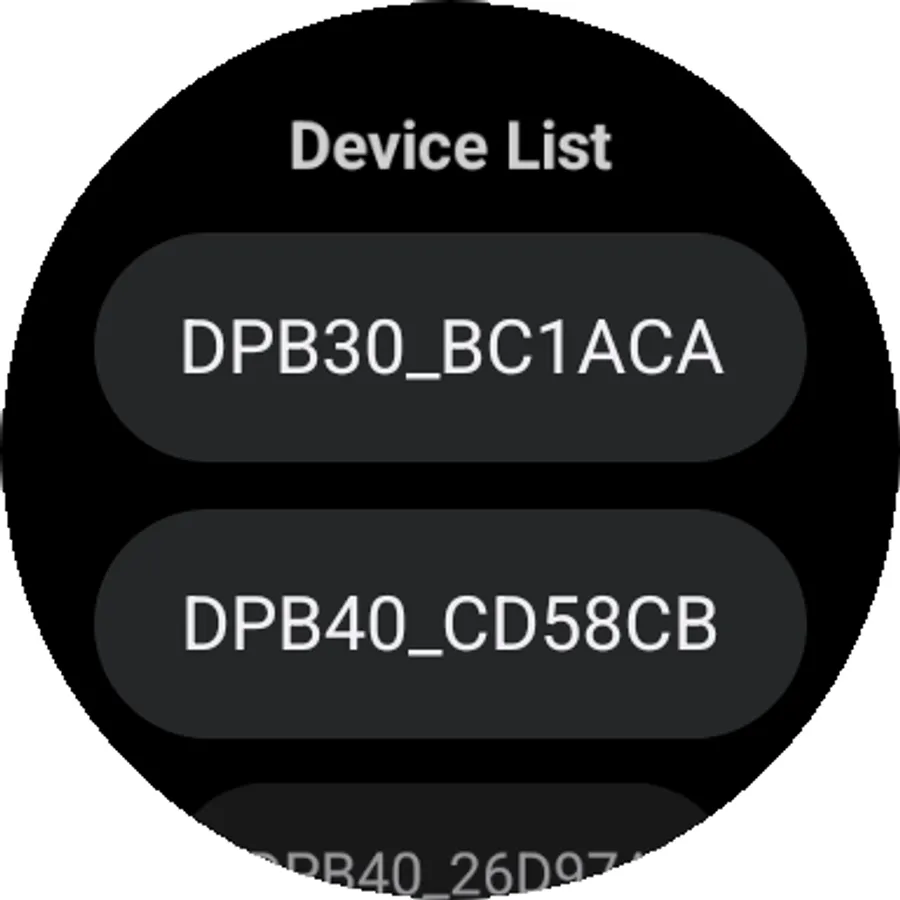
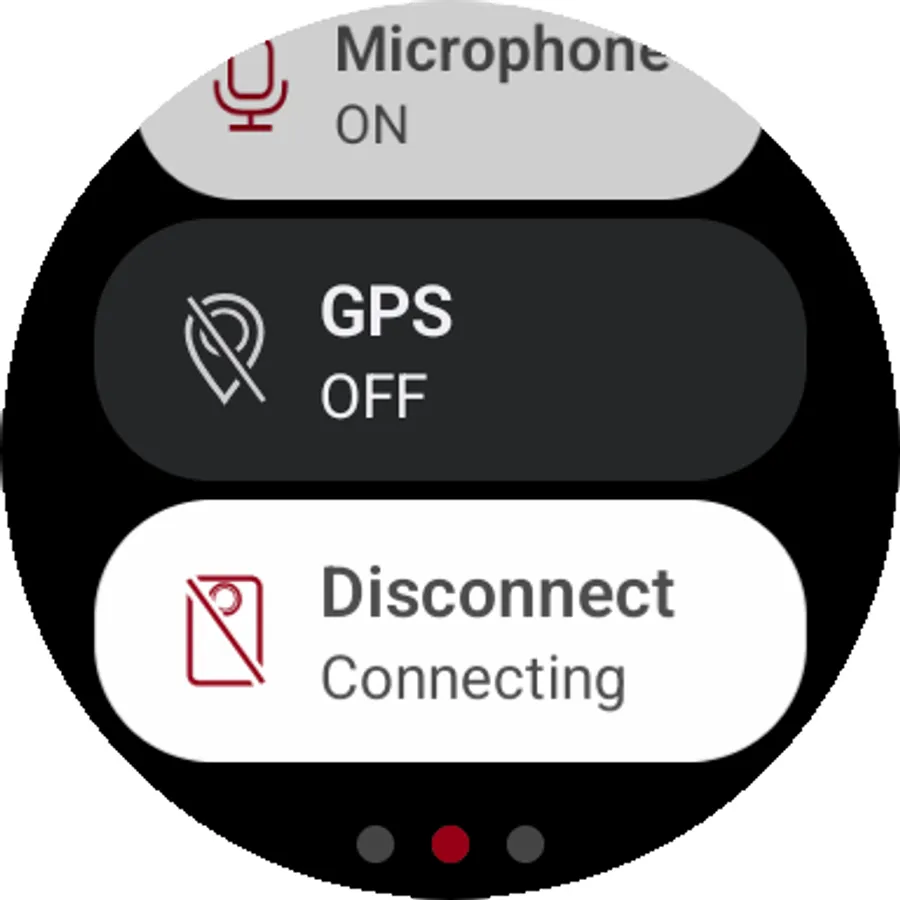
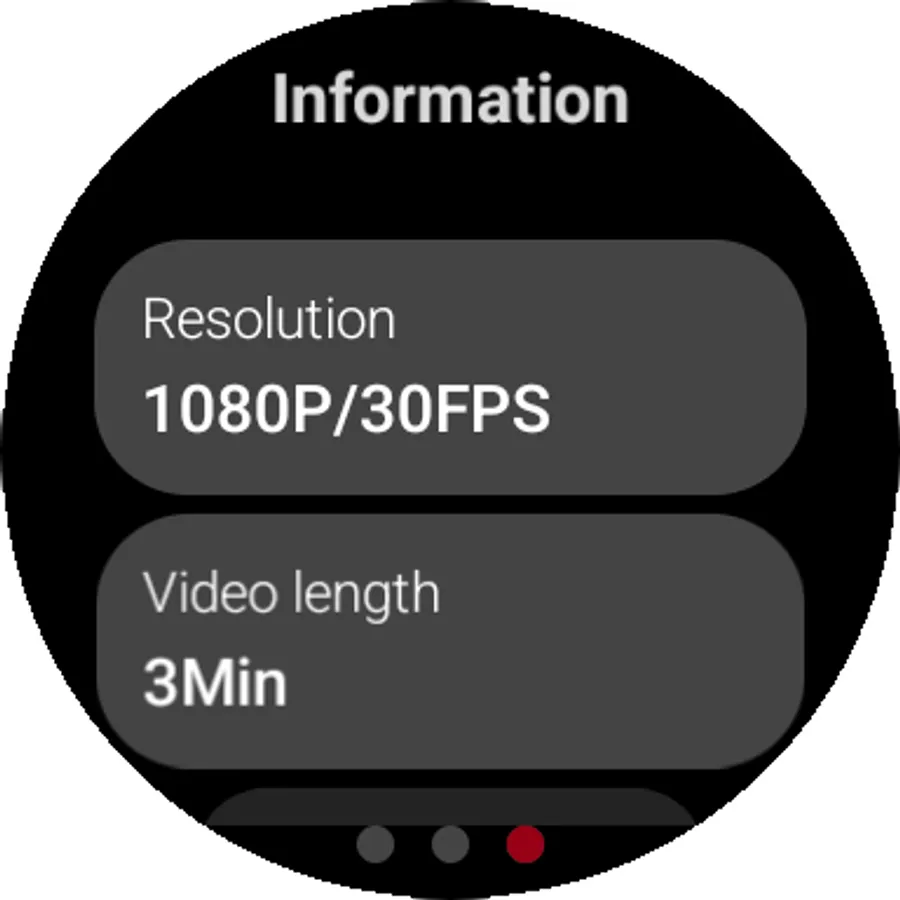
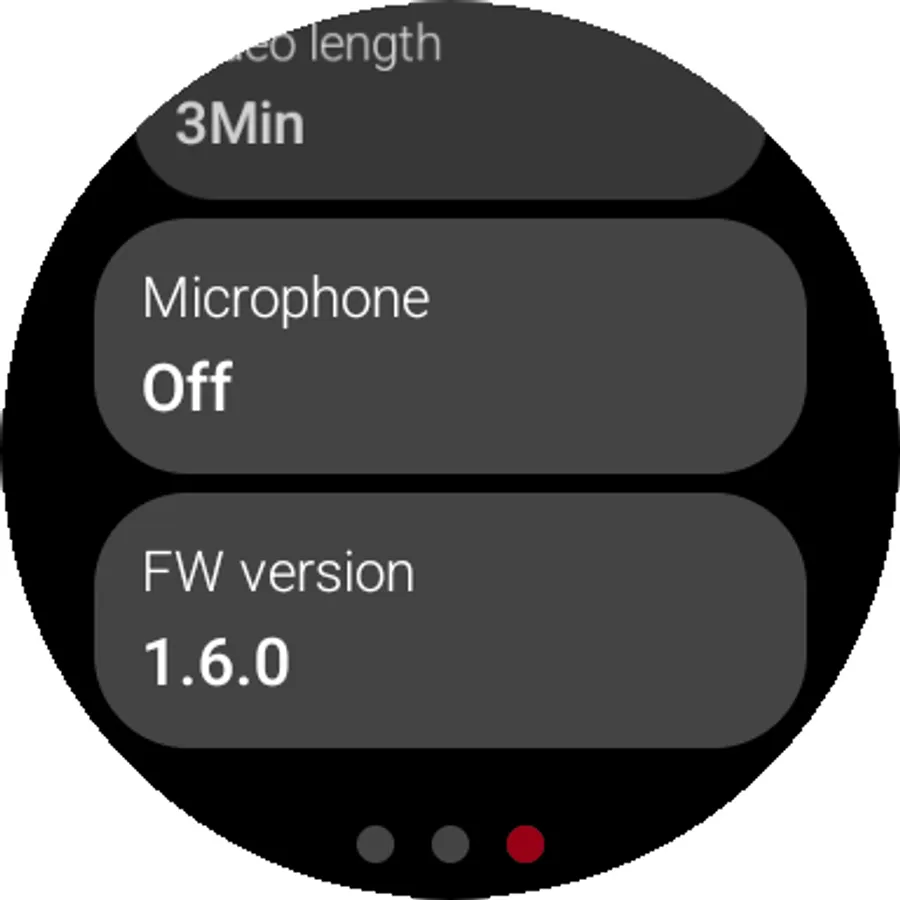
It can also connect to the DrivePro Body device via a Wear OS smartwatch, allowing quick setup and access to device information
Supported models:
- DrivePro™ Body 10C
- DrivePro™ Body 30
- DrivePro™ Body 40
- DrivePro™ Body 60
- DrivePro™ Body 70
- DrivePro™ Body 20
- DrivePro™ Body 52
WearOS Supported models:
- DrivePro™ Body 30
- DrivePro™ Body 40
- DrivePro™ Body 70
• Browse / Edit files between the DrivePro Body's storage and Android device memory via USB-C or WiFi
• Search / Sort files on the storage and Android device memory
• Share Photos, Videos, and other files on the DrivePro Body's storage.
• Instantly share photos , videos and files wirelessly.
• Sharing and playback of recorded files.
Home
Select your DrivePro Body device from the menu. Remaining battery and recording time will be clearly shown on the display.
Live View
Instantly view real-time footage recorded by the DrivePro Body camera on your mobile device.
Browser
Videos are classified by the date recorded. You can search quickly to find the video file wanted, and play it on your mobile device.
Device and Video Settings
Device and video settings can be adjusted via your mobile device, including video resolution, video length, video stamp, volume, and date/time.
Trim Video
When playing a video, trim and download the desired video segment (10s, 20s, 30s) without having to download the entire clip to your phone for editing.
WearOS
It can also connect to the DrivePro Body device via a Wear OS smartwatch, allowing quick setup and access to device information
Supported models:
- DrivePro™ Body 10C
- DrivePro™ Body 30
- DrivePro™ Body 40
- DrivePro™ Body 60
- DrivePro™ Body 70
- DrivePro™ Body 20
- DrivePro™ Body 52
WearOS Supported models:
- DrivePro™ Body 30
- DrivePro™ Body 40
- DrivePro™ Body 70
DrivePro Body Screenshots
Tap to Rate:
Reviews for DrivePro Body
xyz
10/30/2025
cant detect wifi most of the time, i am unable to view footage on mobile
ANANTHAN .B
10/23/2025
bettet