Fin Evolution Launcher Plus
Tri Angular Games
4.4 ★
store rating
1,000,000+
downloads
Free
In this launcher app, you can customize your device with themed styles, animated wallpapers, and gesture controls. It also provides quick access to casual games and personalization features. Includes app usage tracking, tips, news updates, and shortcut options.
AppRecs review analysis
AppRecs rating 3.7. Trustworthiness 82 out of 100. Review manipulation risk 29 out of 100. Based on a review sample analyzed.
★★★☆☆
3.7
AppRecs Rating
Ratings breakdown
5 star
74%
4 star
15%
3 star
1%
2 star
2%
1 star
8%
What to know
✓
Low review manipulation risk
29% review manipulation risk
⚠
Ad complaints
Many low ratings mention excessive ads
⚠
Review quality concerns
71% of sampled 5-star reviews are very short
About Fin Evolution Launcher Plus
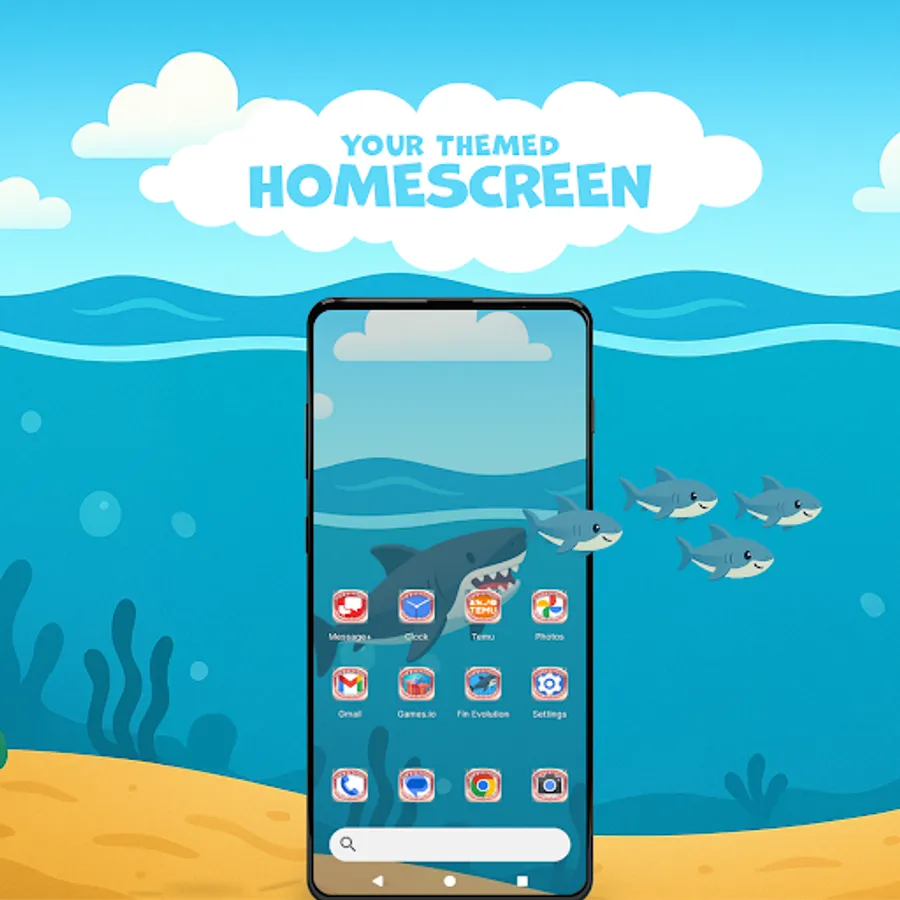
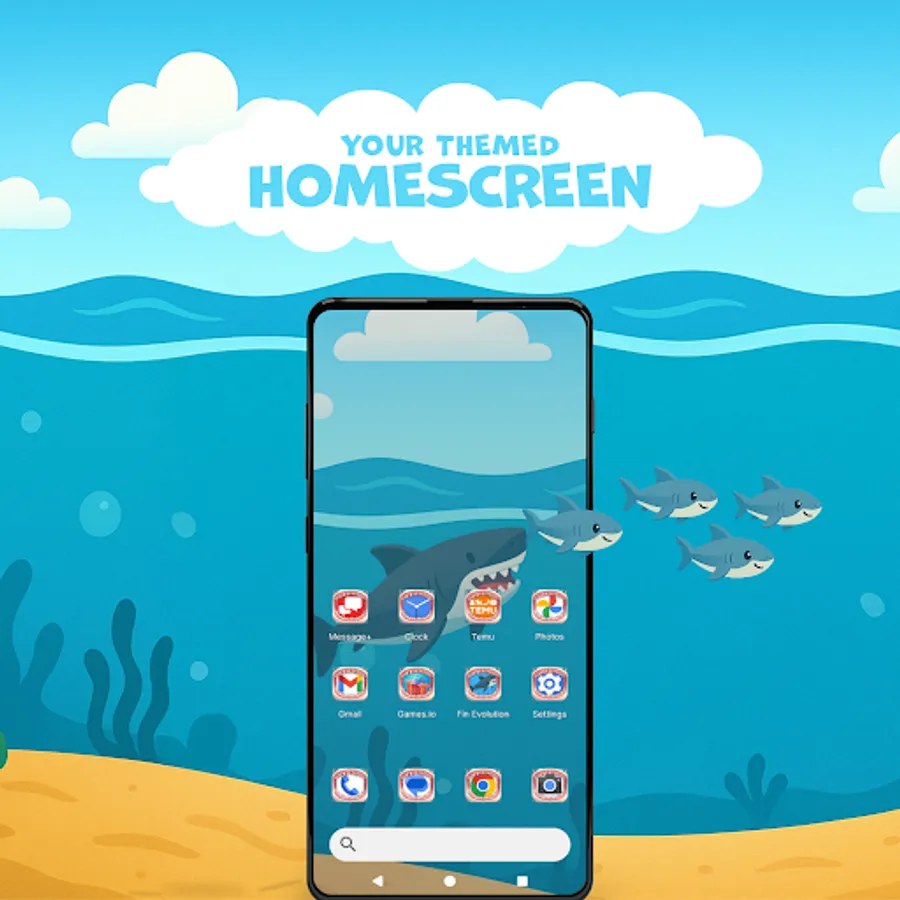
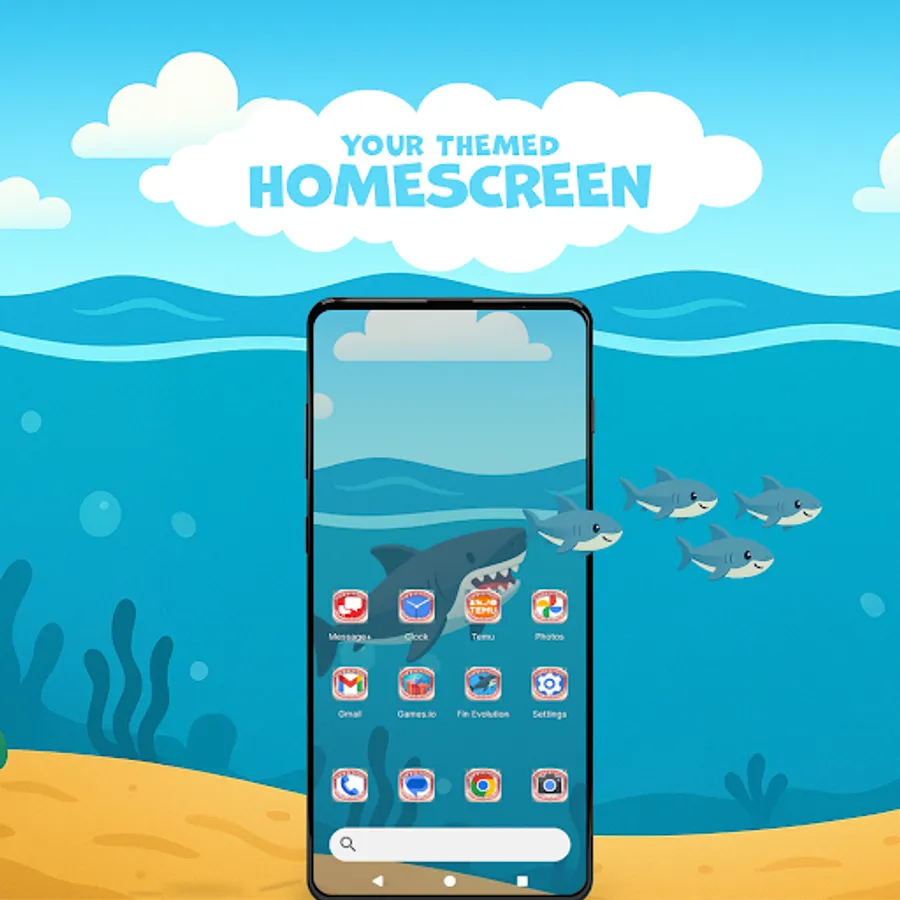
Customize your device with Fin Evolution Launcher Plus, featuring themed styles and unique customization options. Enjoy easy access to a variety of casual games, along with many more personalization features that elevate your home screen and overall device interface.
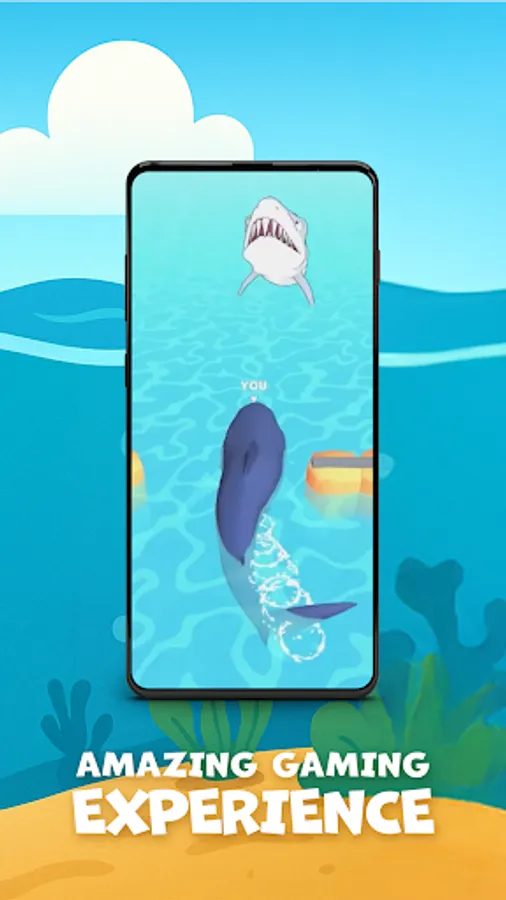
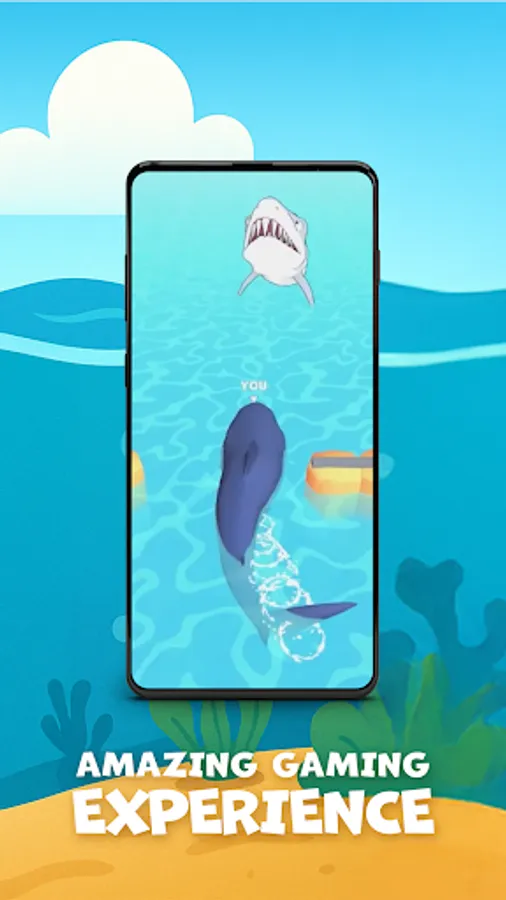
Fin Evolution is an action-packed game where you play as a shark focused on growing stronger by eating various fish. The more you eat, the bigger and more powerful you become.
After installation, follow the simple guide to set Fin Evolution as your default launcher and explore all available features.
Notes:
* Installing this launcher may rearrange your home screen layout, but no data or apps will be removed.
* The launcher is ad-supported to allow full feature access at no cost.
-Utility Features (Ad-supported features):
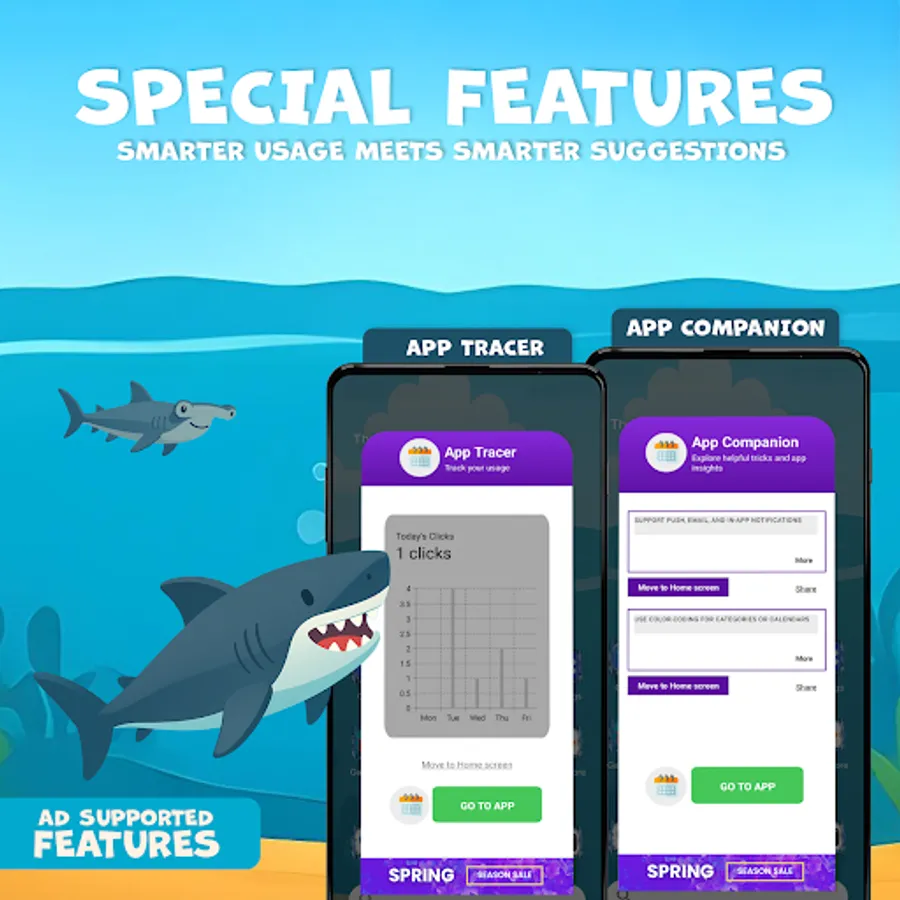
App Tracer
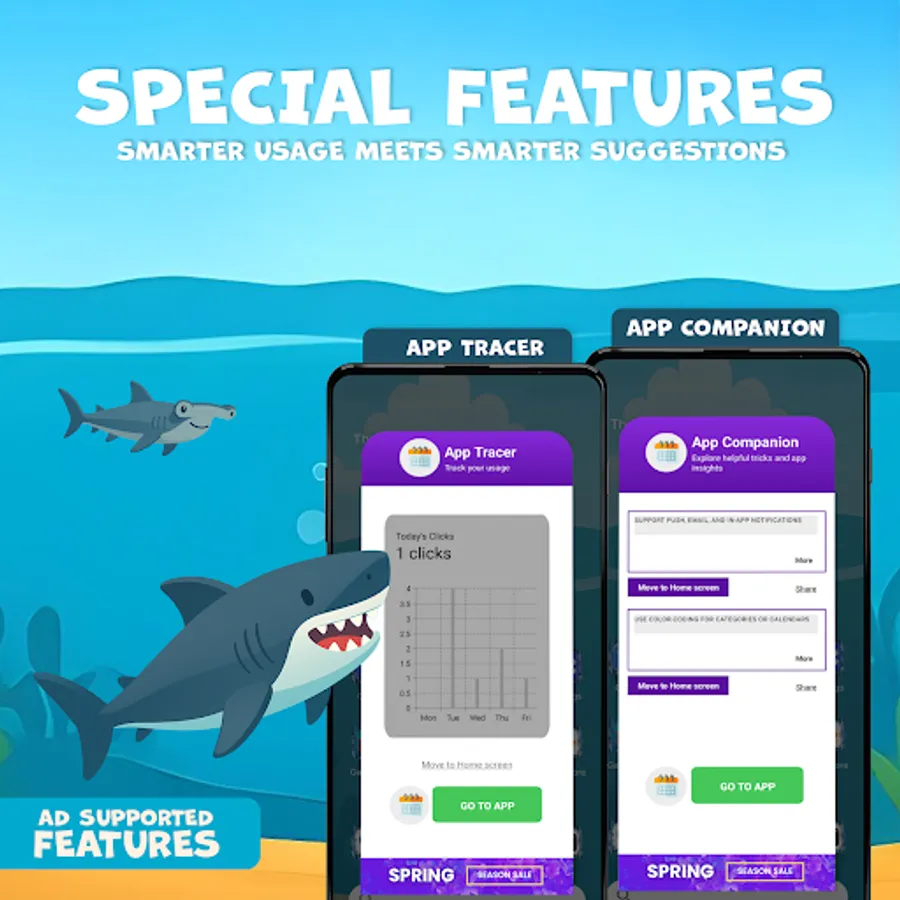
Track how often and how long you use apps by clicks or usage. View stats per app or as a widget on your home screen. Long press on any app icon → Tap the pie chart icon
App Companion
Get helpful tips and tricks related to your apps. View insights per app or as a widget on your home screen. Long press on any app icon → Tap the lightbulb icon
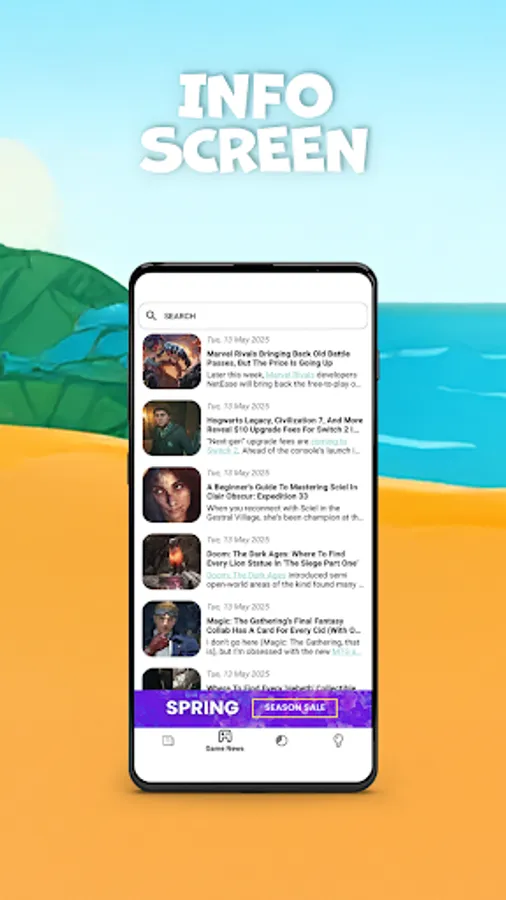
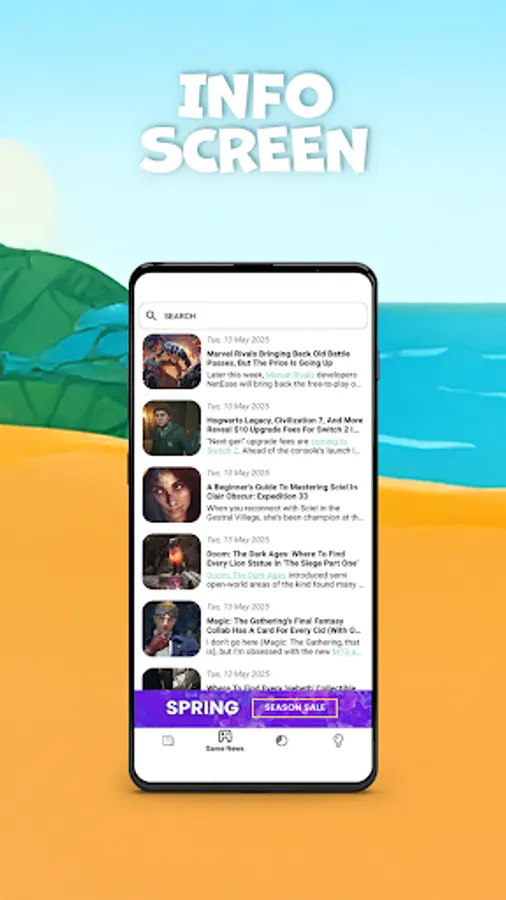
Info Screen
Swipe right on your home screen to view news updates, including general and gaming-related content.
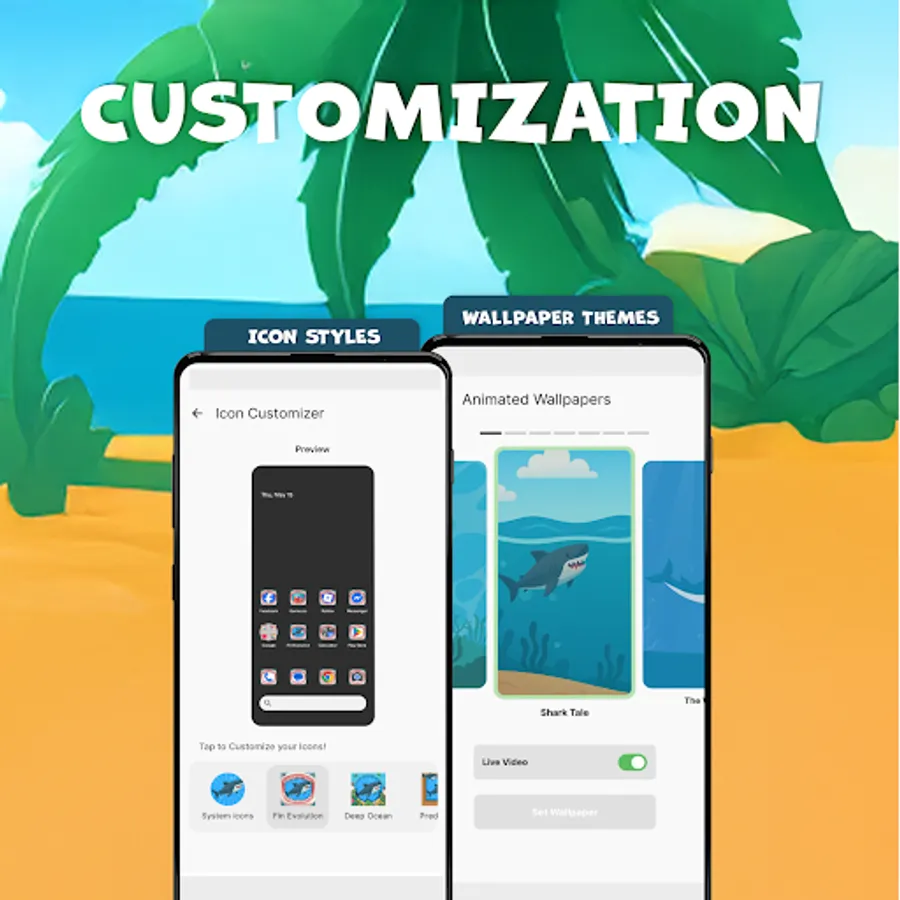
-Customization:
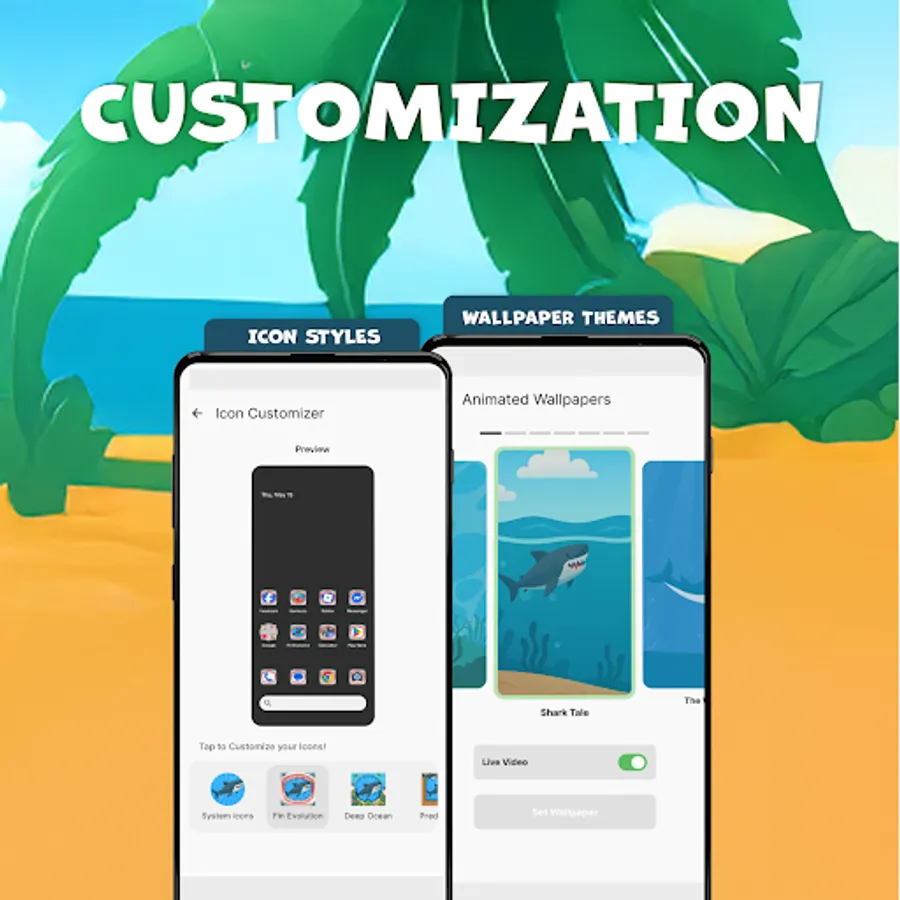
Icon Customizer
Apply Fin Evolution - inspired icon packs to personalize your device. Long press → Icon Customizer
Animated Wallpapers
Static or animated, every wallpaper matches the game’s theme. Shuffle to keep it dynamic. Long press → Animated Wallpapers
Gestures
Assign swipe and tap gestures to open the game, change wallpapers, or launch other tools. Long press → Home Settings → Gestures
Quick Menu
Long press any empty space to open the launcher’s shortcut menu. From there, access Animated Wallpapers, Icon Customizer, PlayDeck, and more.
-Game Integration
Game Access
Access Fin Evolution directly from the launcher, no additional setup required. Start the game from your home screen or using gesture shortcuts.
PlayDeck
Central access to all entertainment features:
The Fin Evolution game
Insta games (Fin Evolution music, Slide Puzzle)
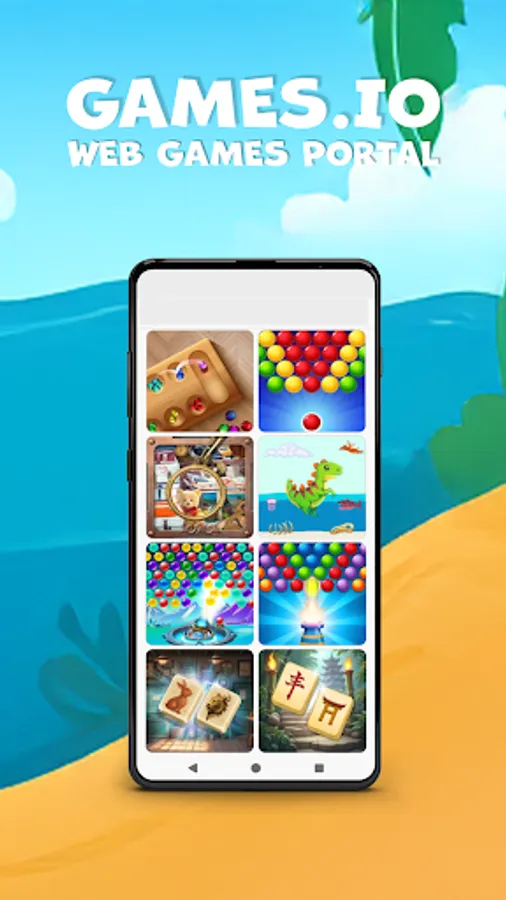
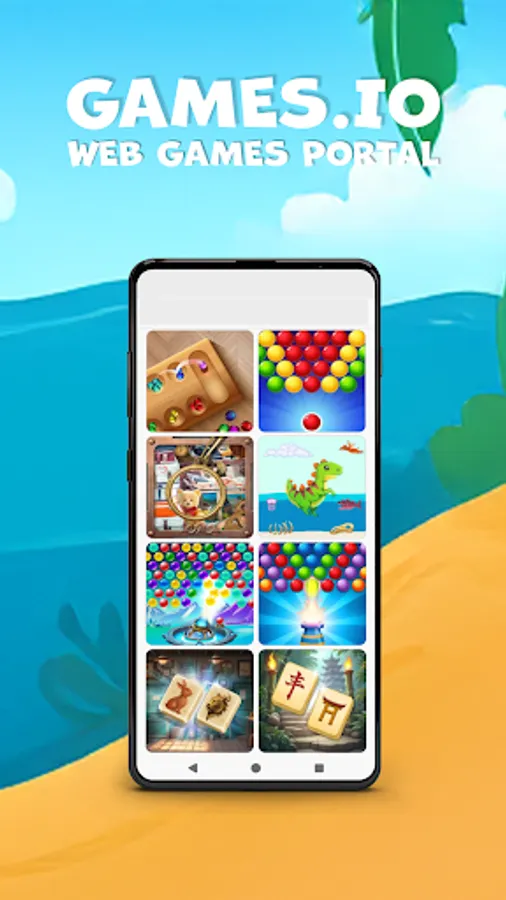
Games. Io - Web-based games portal.
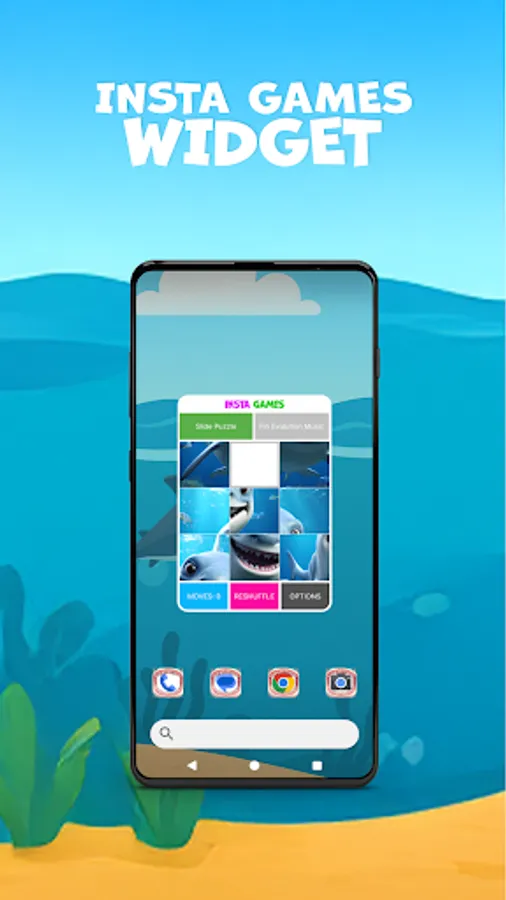
InstaGames
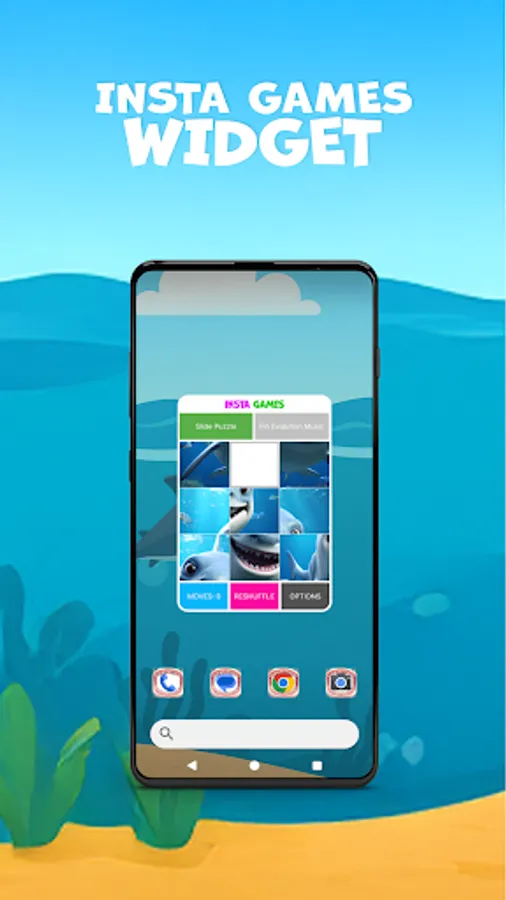
Add widget-based games like Slide Puzzle or Fin Evolution music to your home screen. Long press → Widgets → PlayDeck → InstaGames
-Support Center
Find answers to common questions, setup steps, reset options, and troubleshooting tools. Home Settings → About → Support Center
-Terms & Policies
By installing Fin Evolution Launcher, you agree to:
Privacy Policy: https://www.tri-angular.com/privacy-policy
Terms of Use: https://www.tri-angular.com/terms
Fin Evolution is an action-packed game where you play as a shark focused on growing stronger by eating various fish. The more you eat, the bigger and more powerful you become.
After installation, follow the simple guide to set Fin Evolution as your default launcher and explore all available features.
Notes:
* Installing this launcher may rearrange your home screen layout, but no data or apps will be removed.
* The launcher is ad-supported to allow full feature access at no cost.
-Utility Features (Ad-supported features):
App Tracer
Track how often and how long you use apps by clicks or usage. View stats per app or as a widget on your home screen. Long press on any app icon → Tap the pie chart icon
App Companion
Get helpful tips and tricks related to your apps. View insights per app or as a widget on your home screen. Long press on any app icon → Tap the lightbulb icon
Info Screen
Swipe right on your home screen to view news updates, including general and gaming-related content.
-Customization:
Icon Customizer
Apply Fin Evolution - inspired icon packs to personalize your device. Long press → Icon Customizer
Animated Wallpapers
Static or animated, every wallpaper matches the game’s theme. Shuffle to keep it dynamic. Long press → Animated Wallpapers
Gestures
Assign swipe and tap gestures to open the game, change wallpapers, or launch other tools. Long press → Home Settings → Gestures
Quick Menu
Long press any empty space to open the launcher’s shortcut menu. From there, access Animated Wallpapers, Icon Customizer, PlayDeck, and more.
-Game Integration
Game Access
Access Fin Evolution directly from the launcher, no additional setup required. Start the game from your home screen or using gesture shortcuts.
PlayDeck
Central access to all entertainment features:
The Fin Evolution game
Insta games (Fin Evolution music, Slide Puzzle)
Games. Io - Web-based games portal.
InstaGames
Add widget-based games like Slide Puzzle or Fin Evolution music to your home screen. Long press → Widgets → PlayDeck → InstaGames
-Support Center
Find answers to common questions, setup steps, reset options, and troubleshooting tools. Home Settings → About → Support Center
-Terms & Policies
By installing Fin Evolution Launcher, you agree to:
Privacy Policy: https://www.tri-angular.com/privacy-policy
Terms of Use: https://www.tri-angular.com/terms