Basketball Scoring/Shot Charts
Tricosoft
4.8 ★
64 ratings
1,000+
downloads
$0.99
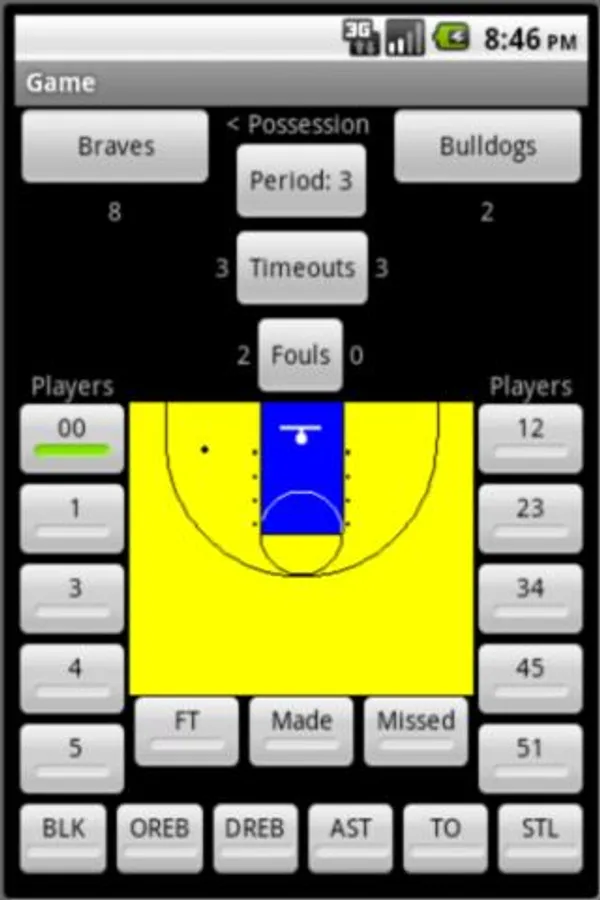
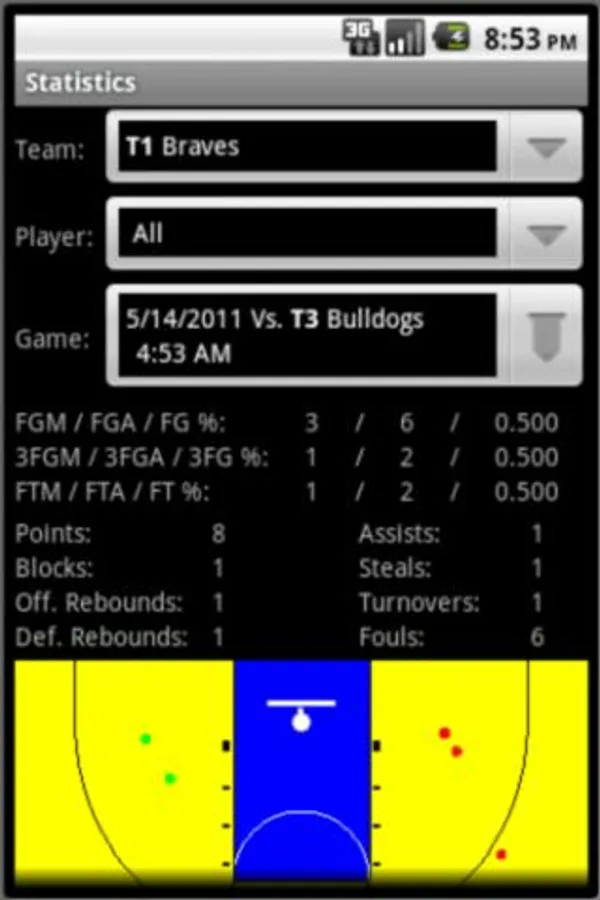
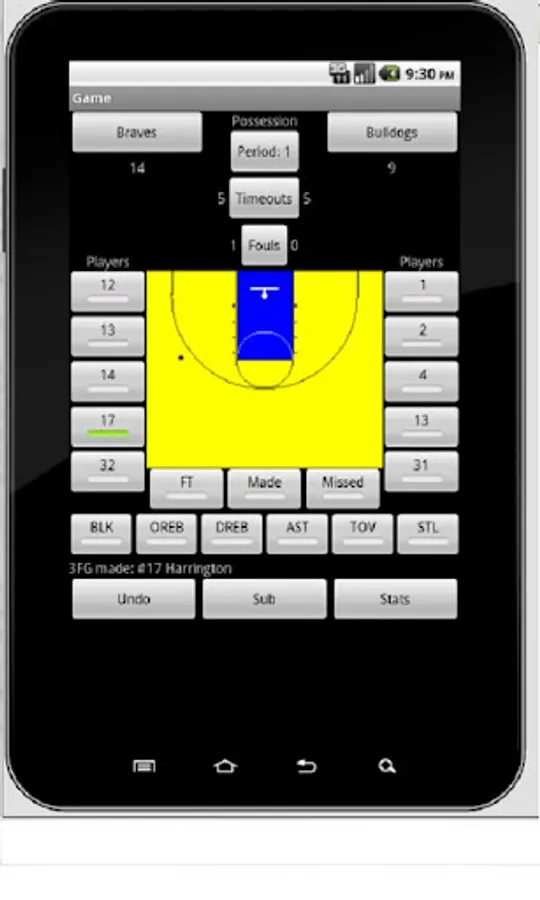
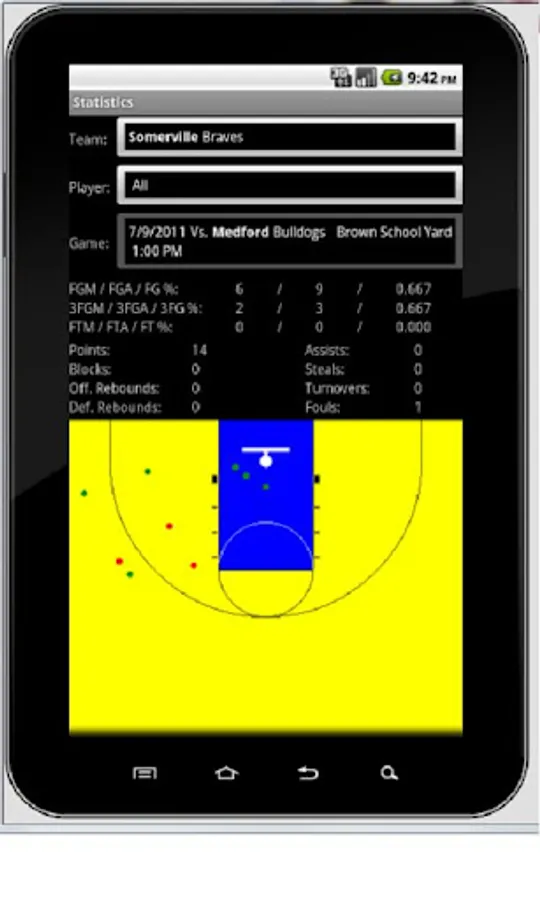
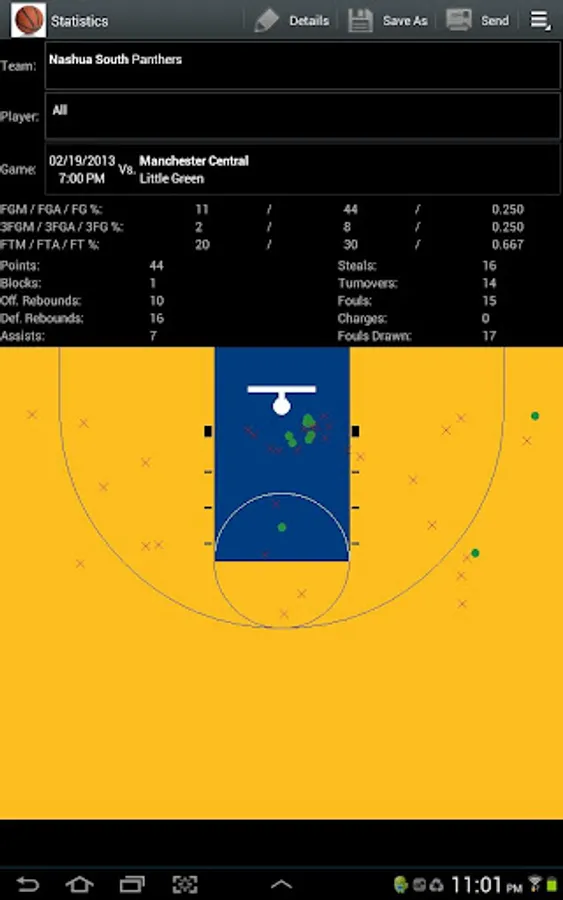
In this basketball scoring app, you can record game stats and generate shot charts in real time. Includes CSV, HTML, and JPEG export options for sharing and analysis.
AppRecs review analysis
AppRecs rating 4.8. Trustworthiness 47 out of 100. Review manipulation risk 32 out of 100. Based on a review sample analyzed.
★★★★☆
4.8
AppRecs Rating
Ratings breakdown
5 star
84%
4 star
16%
3 star
0%
2 star
0%
1 star
0%
What to know
✓
Authentic reviews
Natural distribution, no red flags
⚠
Rating authenticity concerns
High rating concentration (84% 5-star) in sampled ratings
About Basketball Scoring/Shot Charts
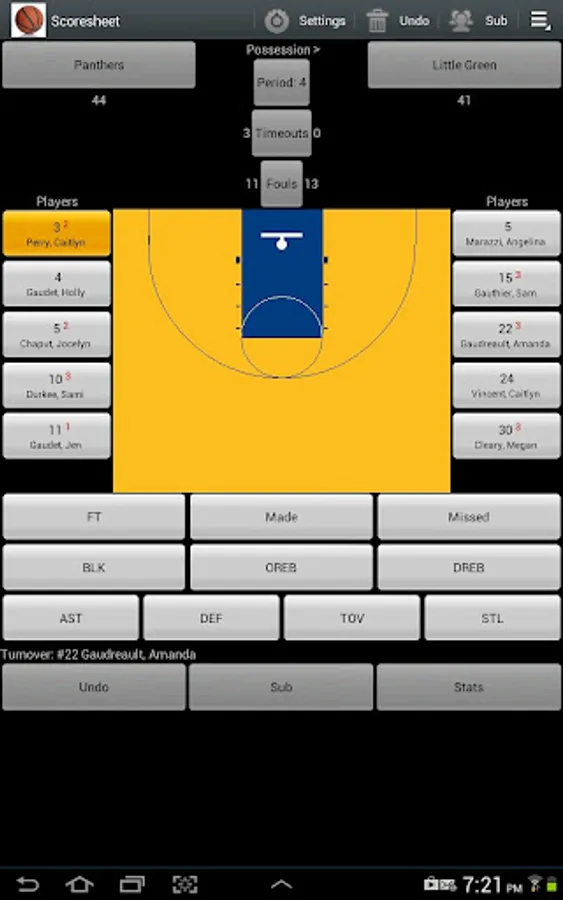
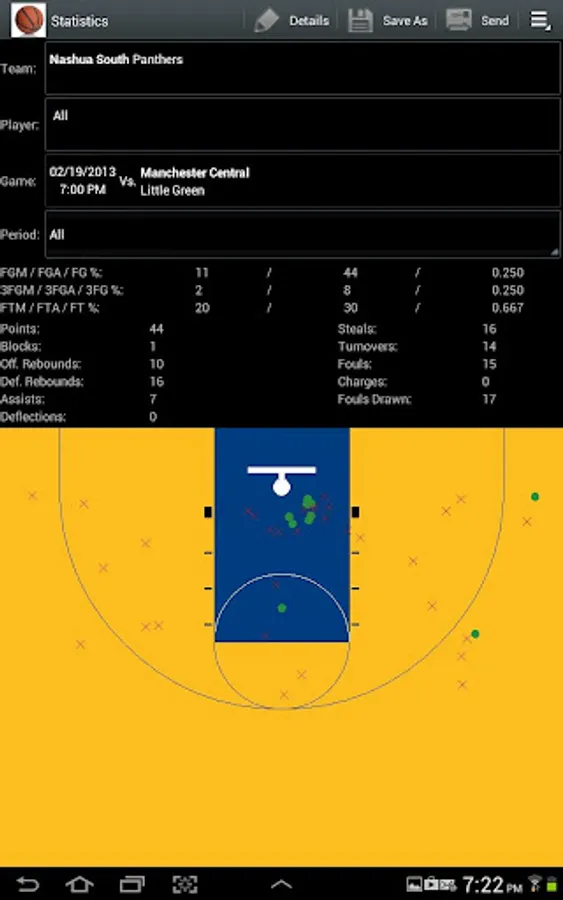
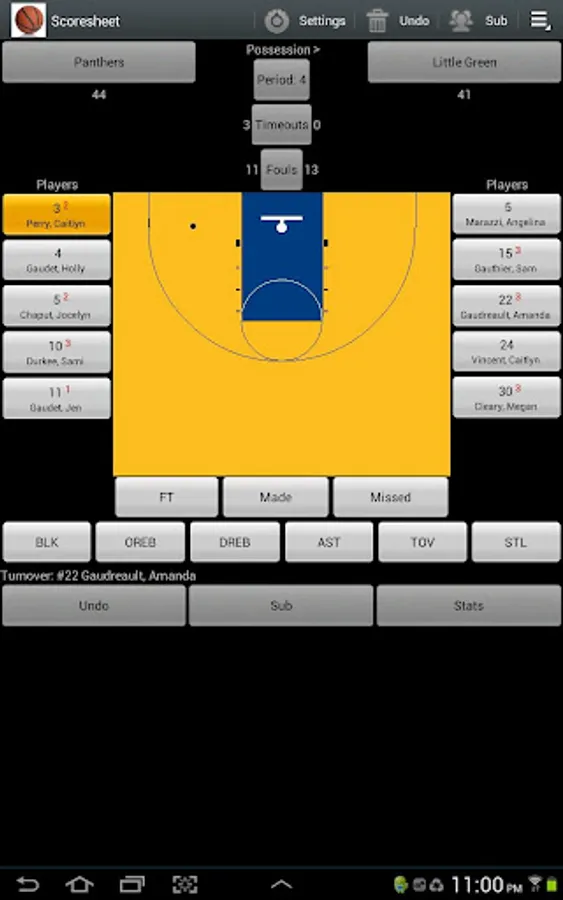
Basketball Scorebook is a comprehensive hand-held basketball scoring system. Basketball Scorebook allows you to score and gather stats for basketball games as they are played. Game stats and shot charts are available for teams, players and games by team, player or game. Score keeping has never been easier.
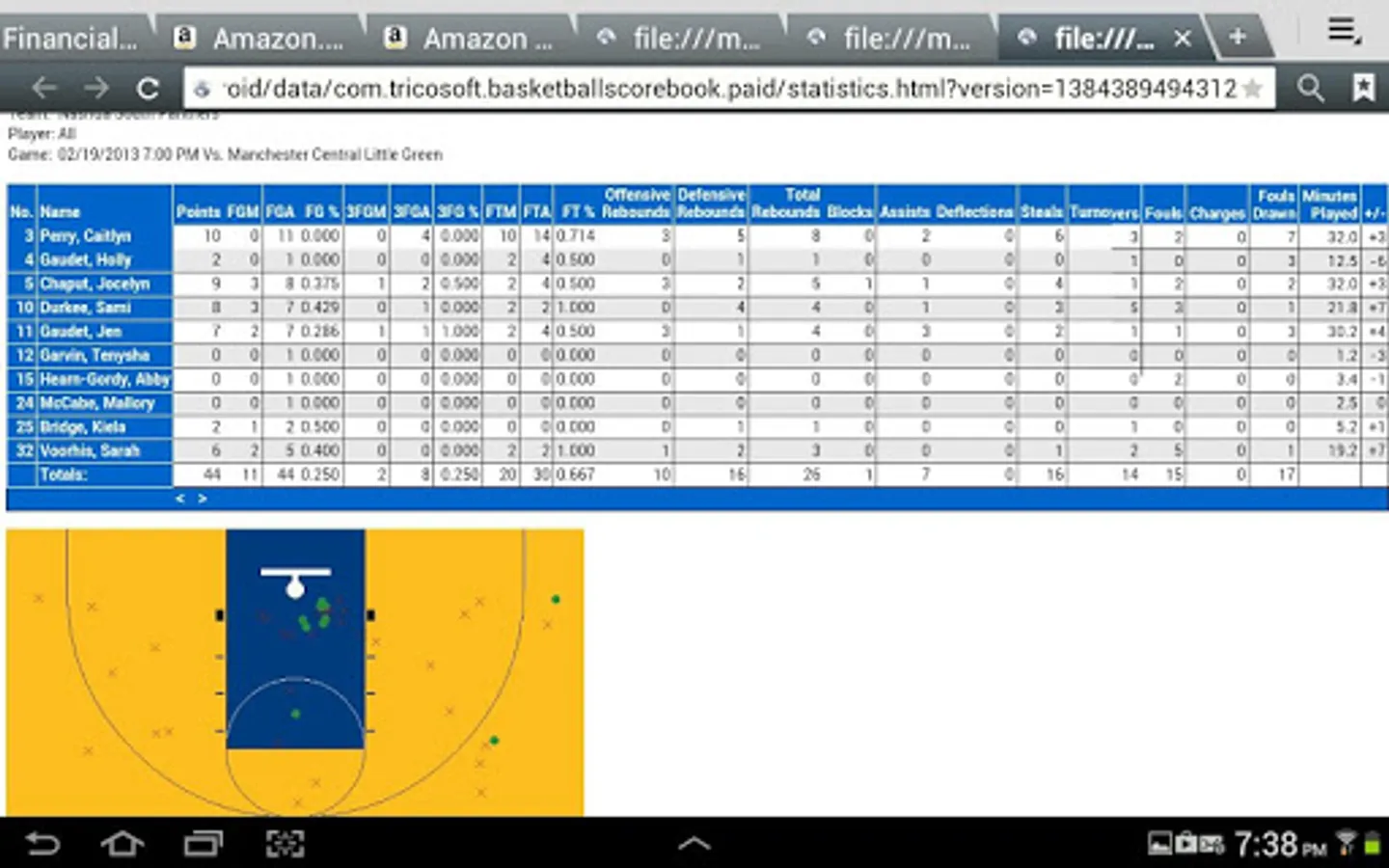
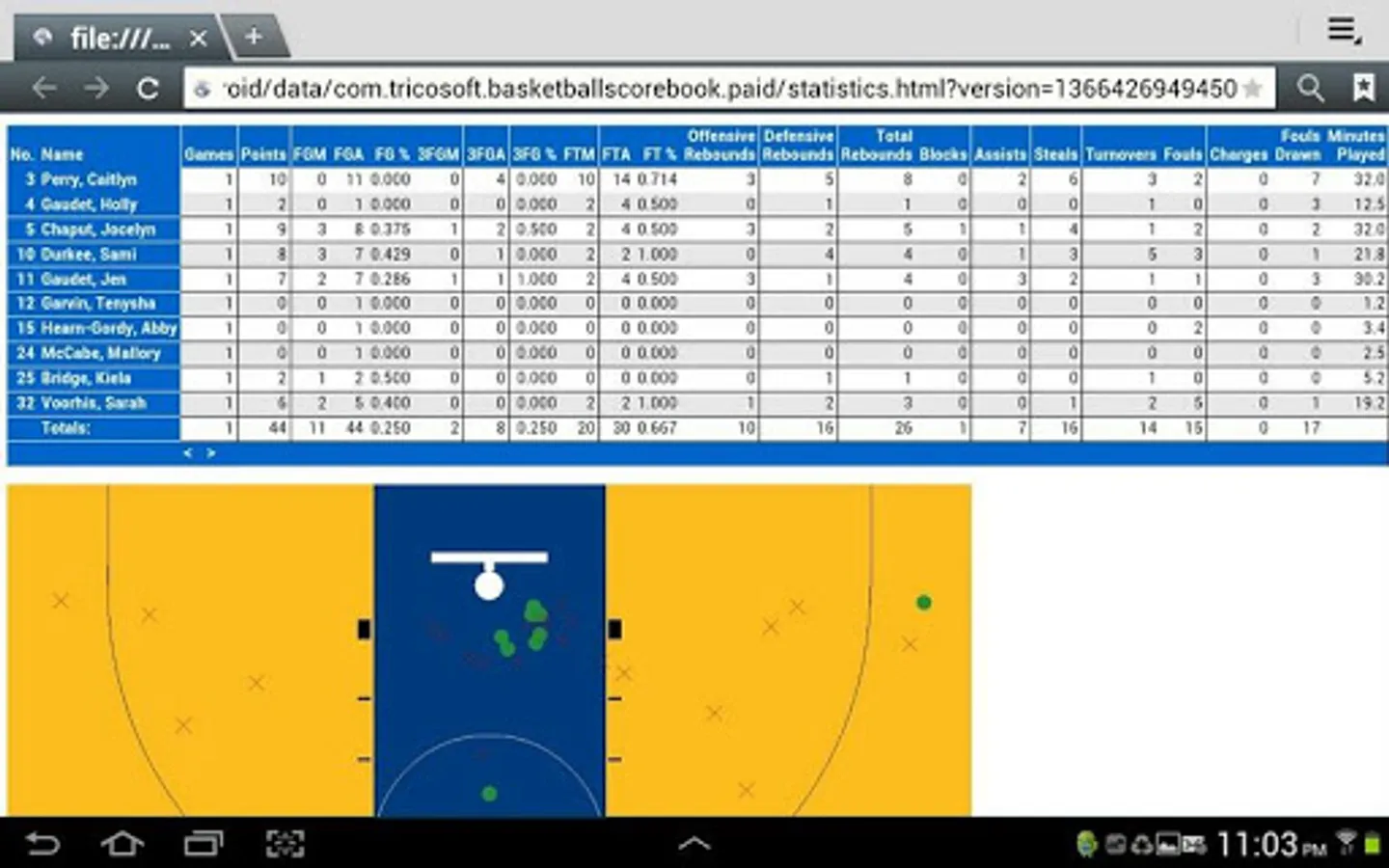
The application requires permission to write to your SD card to create files containing statistics in CSV, HTML, and MaxPreps TXT formats and shot charts in JPEG format that can be saved and later sent through email.
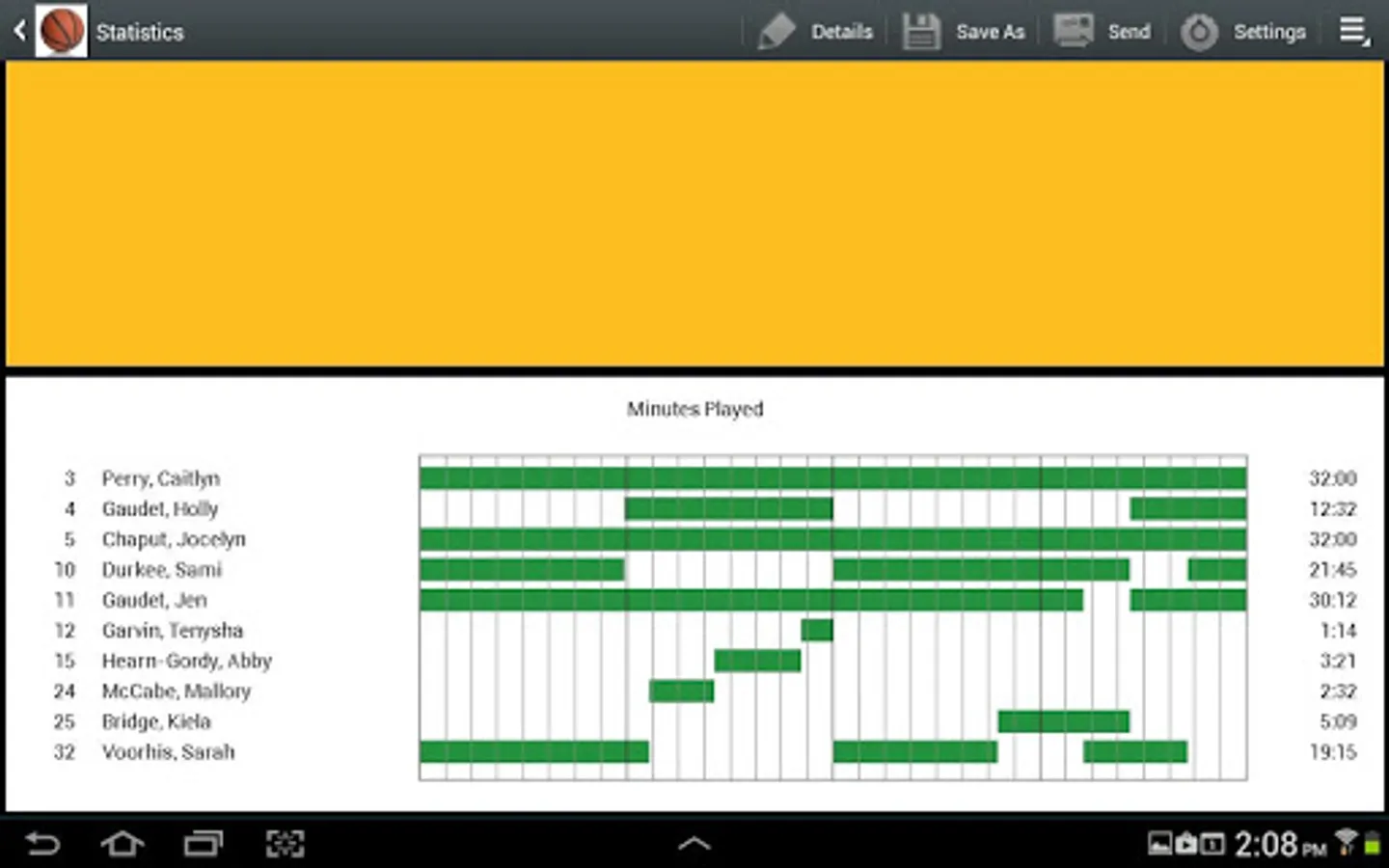
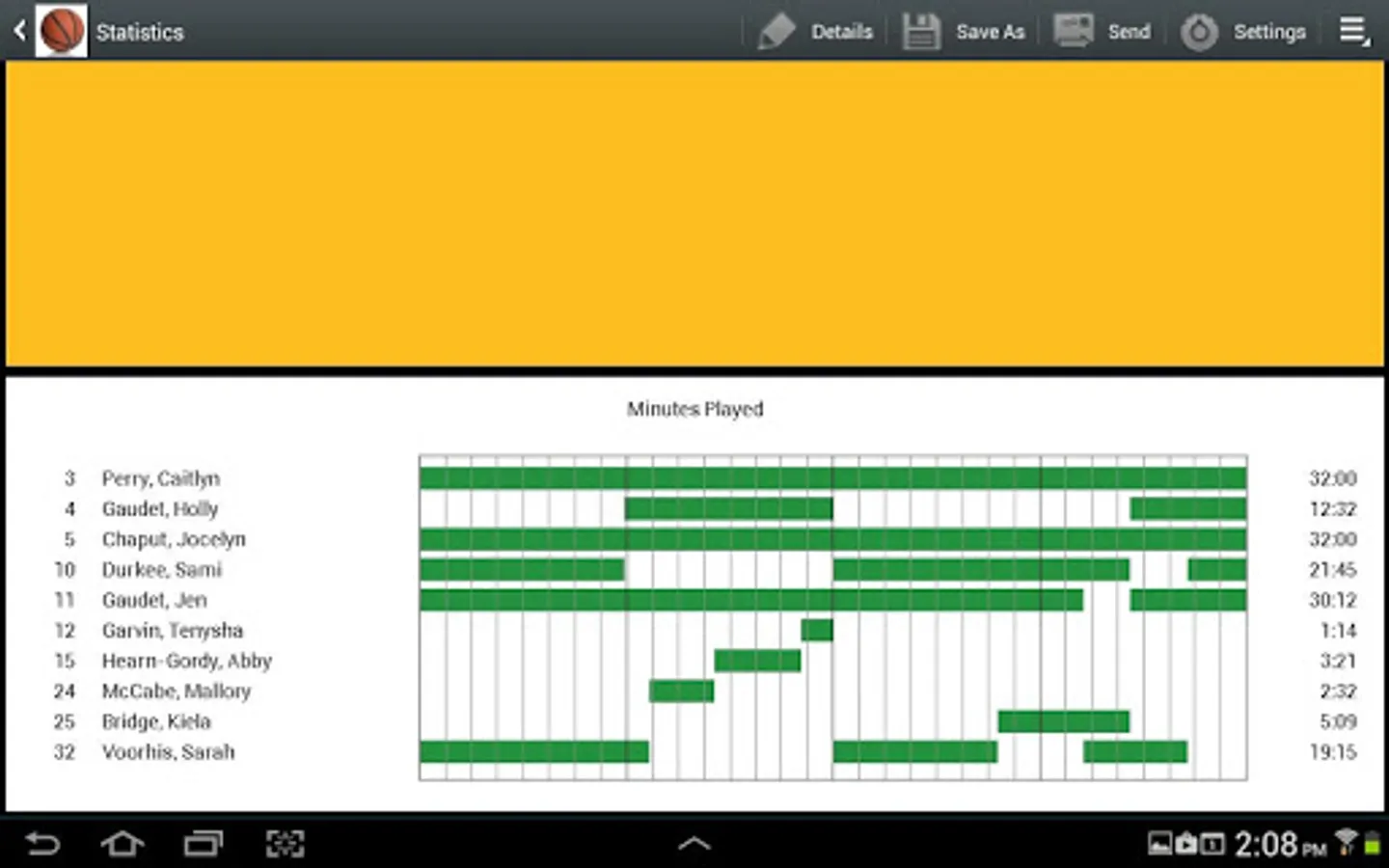
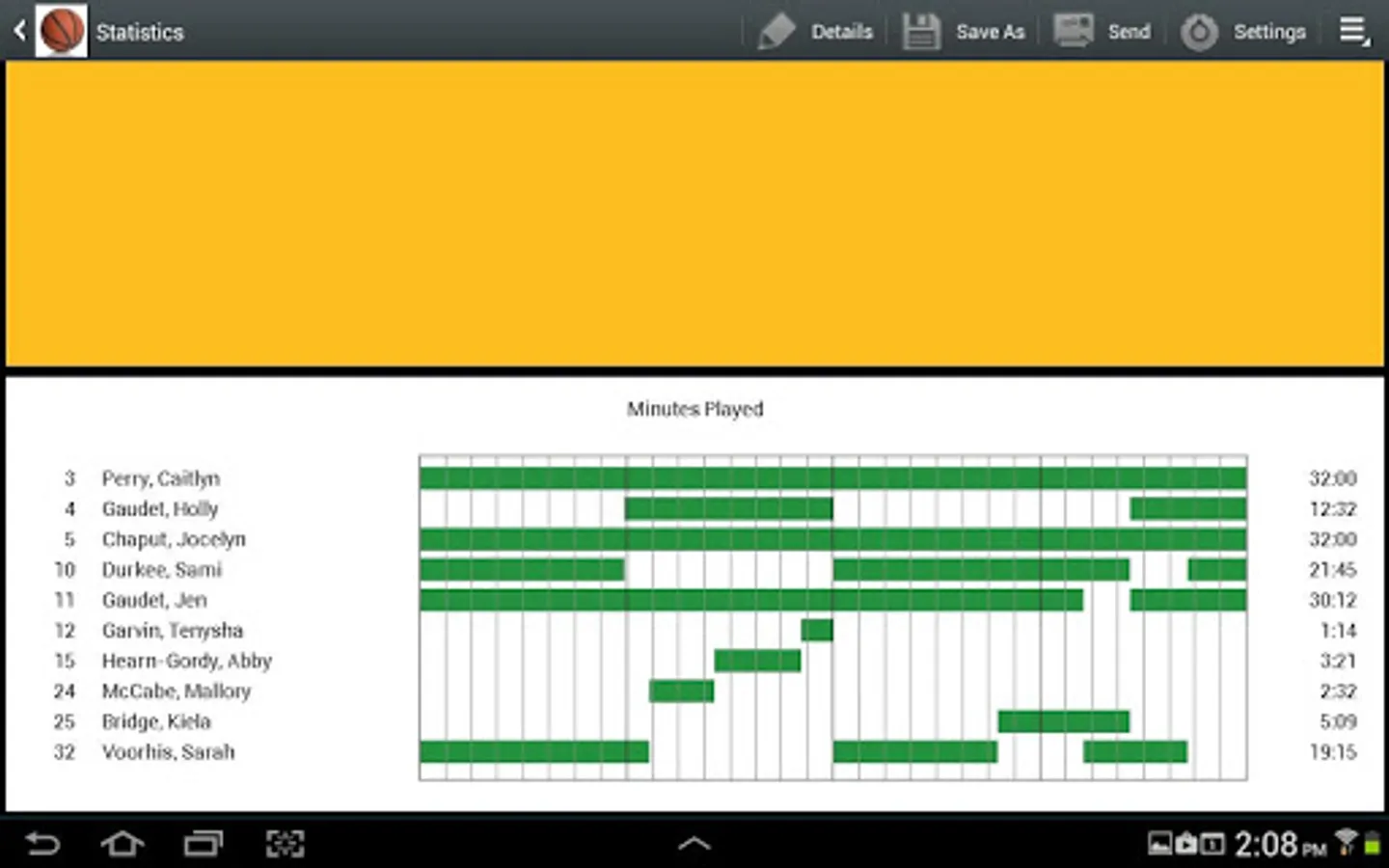
The application supports actual minutes played using check-in and check-out times.
The application is available in English, Spanish, Italian and Portuguese. Translations were done using Google Translate. Please send translation fixes to mailto:info@tricosoft.com.
If you have any issues with the application, please include the Android device type to better help us troubleshoot the issue. Emails can be sent to mailto:info@tricosoft.com.
The application requires permission to write to your SD card to create files containing statistics in CSV, HTML, and MaxPreps TXT formats and shot charts in JPEG format that can be saved and later sent through email.
The application supports actual minutes played using check-in and check-out times.
The application is available in English, Spanish, Italian and Portuguese. Translations were done using Google Translate. Please send translation fixes to mailto:info@tricosoft.com.
If you have any issues with the application, please include the Android device type to better help us troubleshoot the issue. Emails can be sent to mailto:info@tricosoft.com.