
With this app, you can scan Android applications to identify vulnerable components, permissions, and certificates. Includes security analysis of components, vulnerability reports, and visual charts.
AppRecs review analysis
AppRecs rating 4.4. Trustworthiness 0 out of 100. Review manipulation risk 0 out of 100. Based on a review sample analyzed.
★★★★☆
4.4
AppRecs Rating
Ratings breakdown
5 star
69%
4 star
12%
3 star
12%
2 star
6%
1 star
0%
What to know
✓
High user satisfaction
82% of sampled ratings are 4+ stars (4.4★ average)
About App Scanner
App Scanner helps you scan your android application to find out all the components vulnerable to attacks like, Intent Spoofing, Eavesdropping and Man in middle attacks.
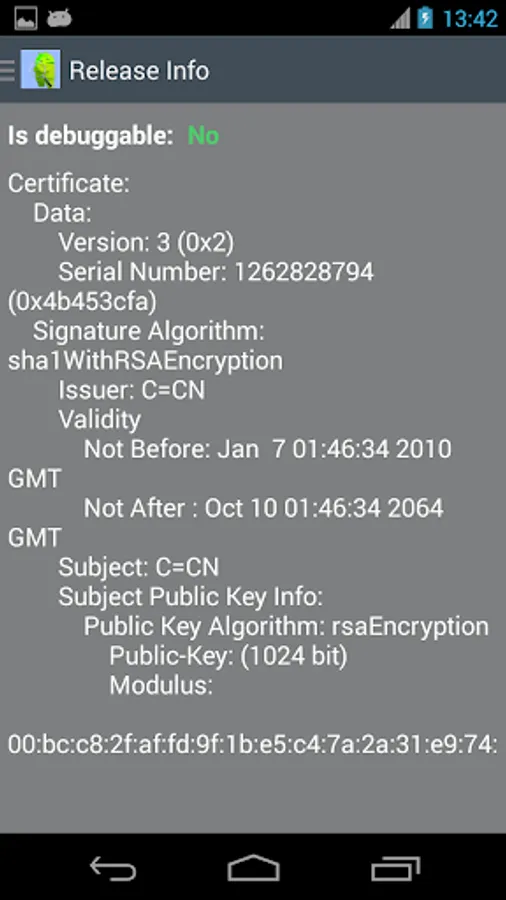
It also helps you identify all the Permissions used in an app and the Certificate used to sign the app.
'App Scanner' will help you figure out all such components which are exposed to such attacks.
Please find below features of App Scanner.
1. App Scanner has a very simple and nice interface to do component security analysis, permission analysis and certificate analysis of your application.
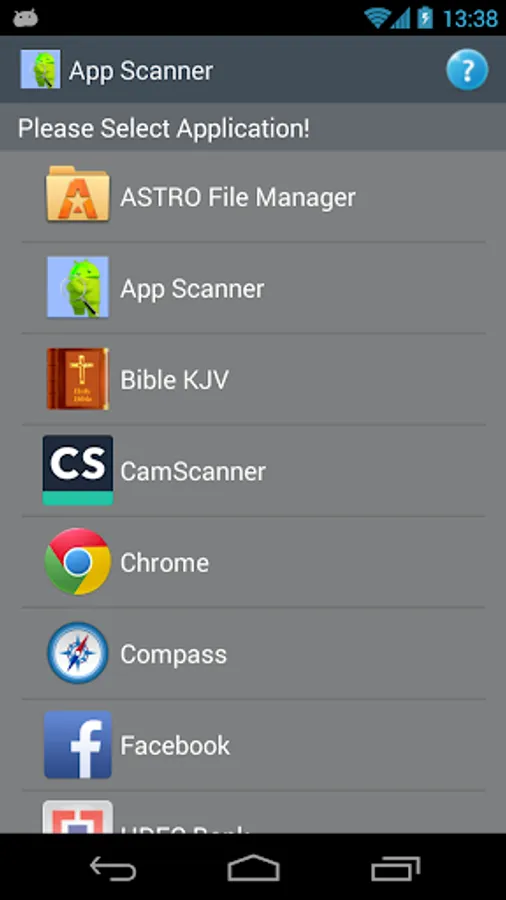
2. Launch App Scanner and select the application to analyze from list of installed application.
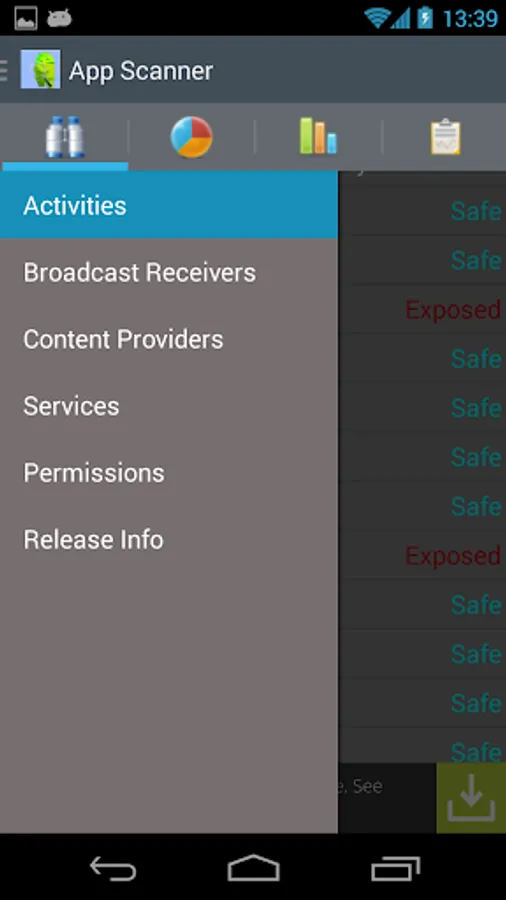
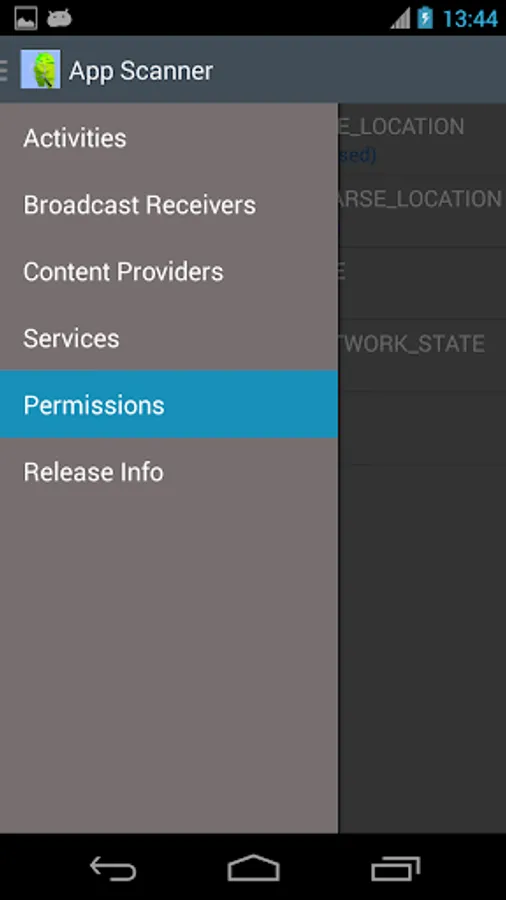
3. Once you select an application, App Scanner scans the application to give the results. Slide the screen towards right or press upper left icon present in App Scanner application to see the results for every Component.
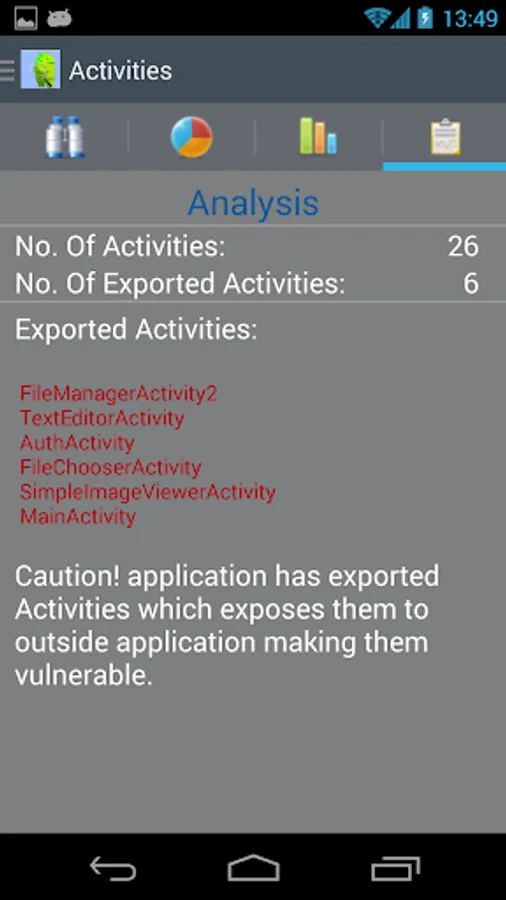
4. App Scanner gives you details of all the Components of an application namely, Activities, Broadcast Receivers, Content Providers and Services, Permissions and Release Info.
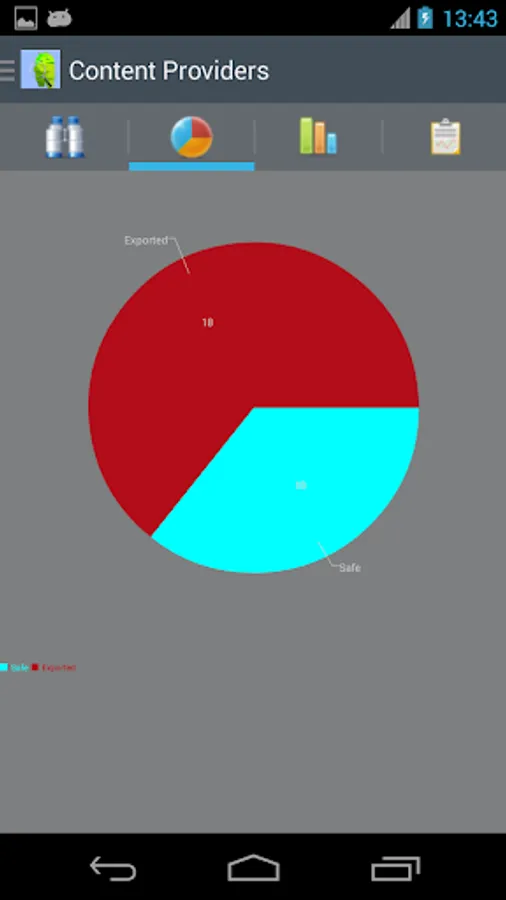
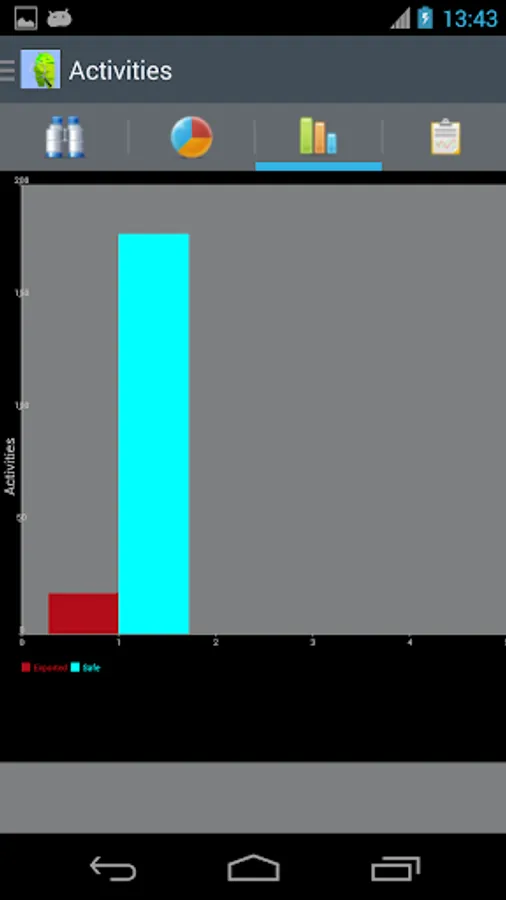
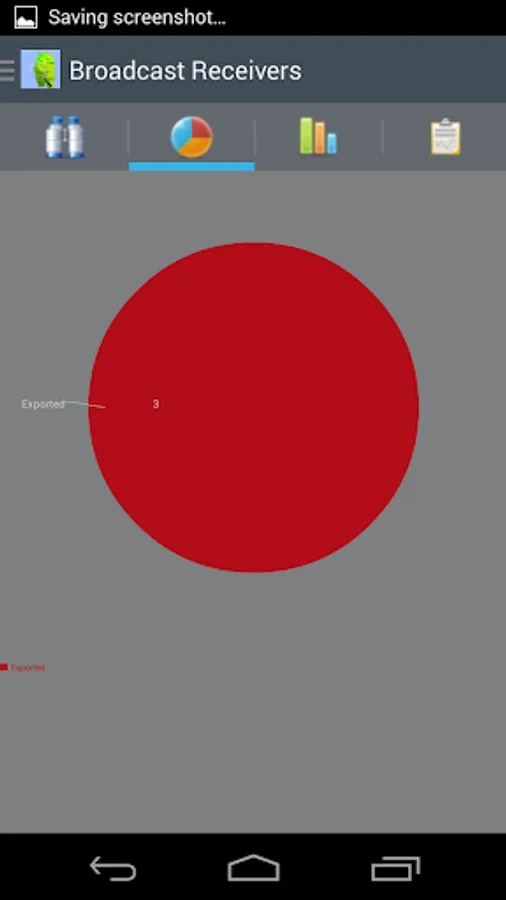
5. App Scanner creates a Pie Chart and Bar chart for you to show the Safe components and the vulnerable components.
6. App Scanner gives you Analysis of the scan component wise clearly showing the vulnerable components.
Developers should scan their application by App Scanner before publishing and fix the vulnerabilities to make their application safe and secure.
Security Experts can use App Scanner the best. They can highlight vulnerabilities w.r.t. Intent Spoofing, Eavesdropping, Man in middle attack present in an application, analyze permissions and the sign certificate, prepare reports and give fix recommendations.
Please e-mail, trident.inc01@gmail.com for any further clarification. Please give your reviews and ratings for further enhancement/improvement.
It also helps you identify all the Permissions used in an app and the Certificate used to sign the app.
'App Scanner' will help you figure out all such components which are exposed to such attacks.
Please find below features of App Scanner.
1. App Scanner has a very simple and nice interface to do component security analysis, permission analysis and certificate analysis of your application.
2. Launch App Scanner and select the application to analyze from list of installed application.
3. Once you select an application, App Scanner scans the application to give the results. Slide the screen towards right or press upper left icon present in App Scanner application to see the results for every Component.
4. App Scanner gives you details of all the Components of an application namely, Activities, Broadcast Receivers, Content Providers and Services, Permissions and Release Info.
5. App Scanner creates a Pie Chart and Bar chart for you to show the Safe components and the vulnerable components.
6. App Scanner gives you Analysis of the scan component wise clearly showing the vulnerable components.
Developers should scan their application by App Scanner before publishing and fix the vulnerabilities to make their application safe and secure.
Security Experts can use App Scanner the best. They can highlight vulnerabilities w.r.t. Intent Spoofing, Eavesdropping, Man in middle attack present in an application, analyze permissions and the sign certificate, prepare reports and give fix recommendations.
Please e-mail, trident.inc01@gmail.com for any further clarification. Please give your reviews and ratings for further enhancement/improvement.
App Scanner Screenshots
Tap to Rate: