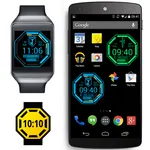
With this timer app, you can add timers, chronometers, and counters to your applications or games, and view them overlaid on your screen or in notifications. Includes support for multiple timers, customizable notifications, and options to keep the screen on.
AppRecs review analysis
AppRecs rating 4.3. Trustworthiness 52 out of 100. Review manipulation risk 28 out of 100. Based on a review sample analyzed.
★★★★☆
4.3
AppRecs Rating
Ratings breakdown
5 star
79%
4 star
7%
3 star
0%
2 star
0%
1 star
14%
What to know
✓
High user satisfaction
86% of sampled ratings are 4+ stars (4.3★ average)
About Integrated Timer
Integrated Timer allows to add timers, chronometers and counters to your favourite applications or games.
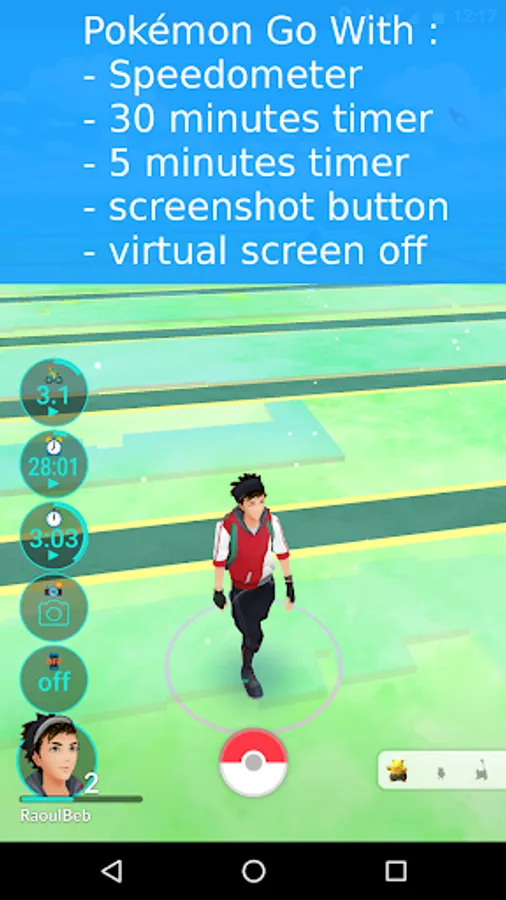
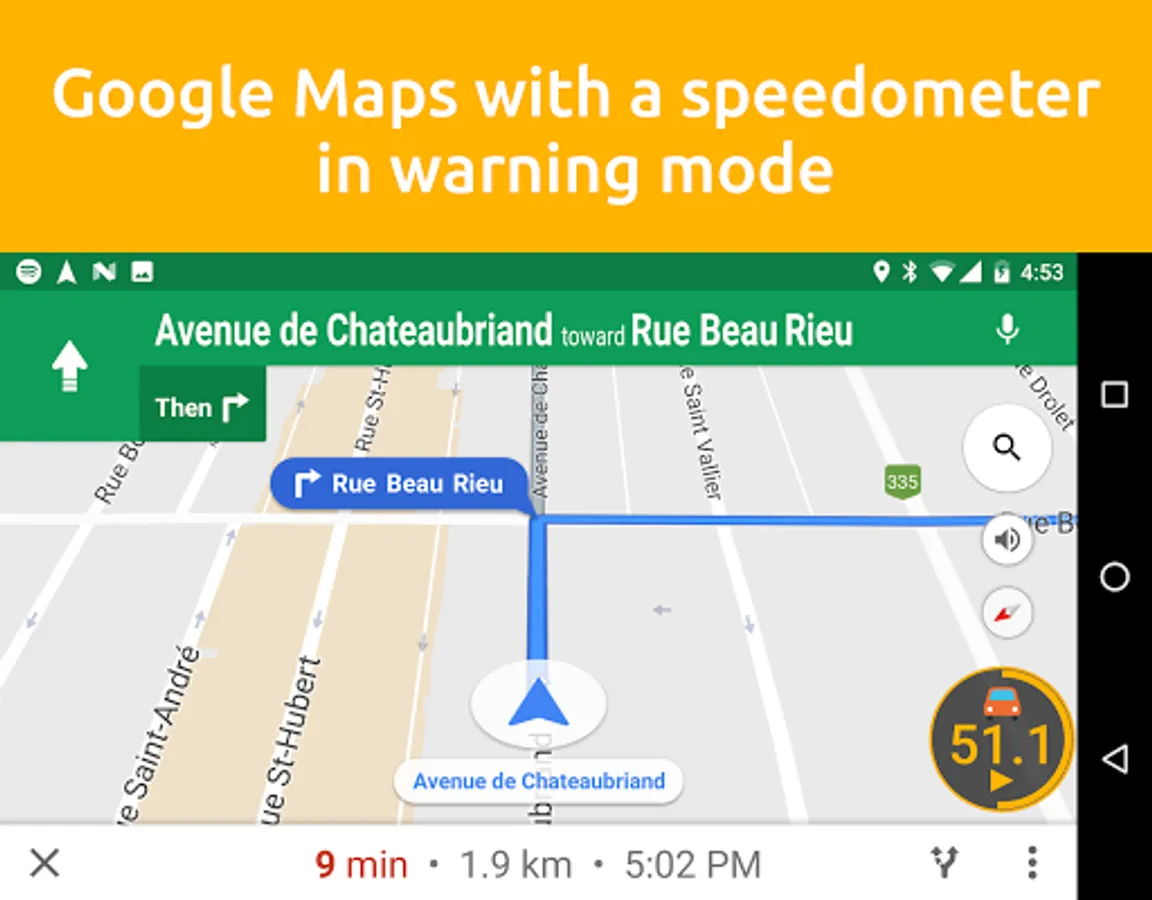
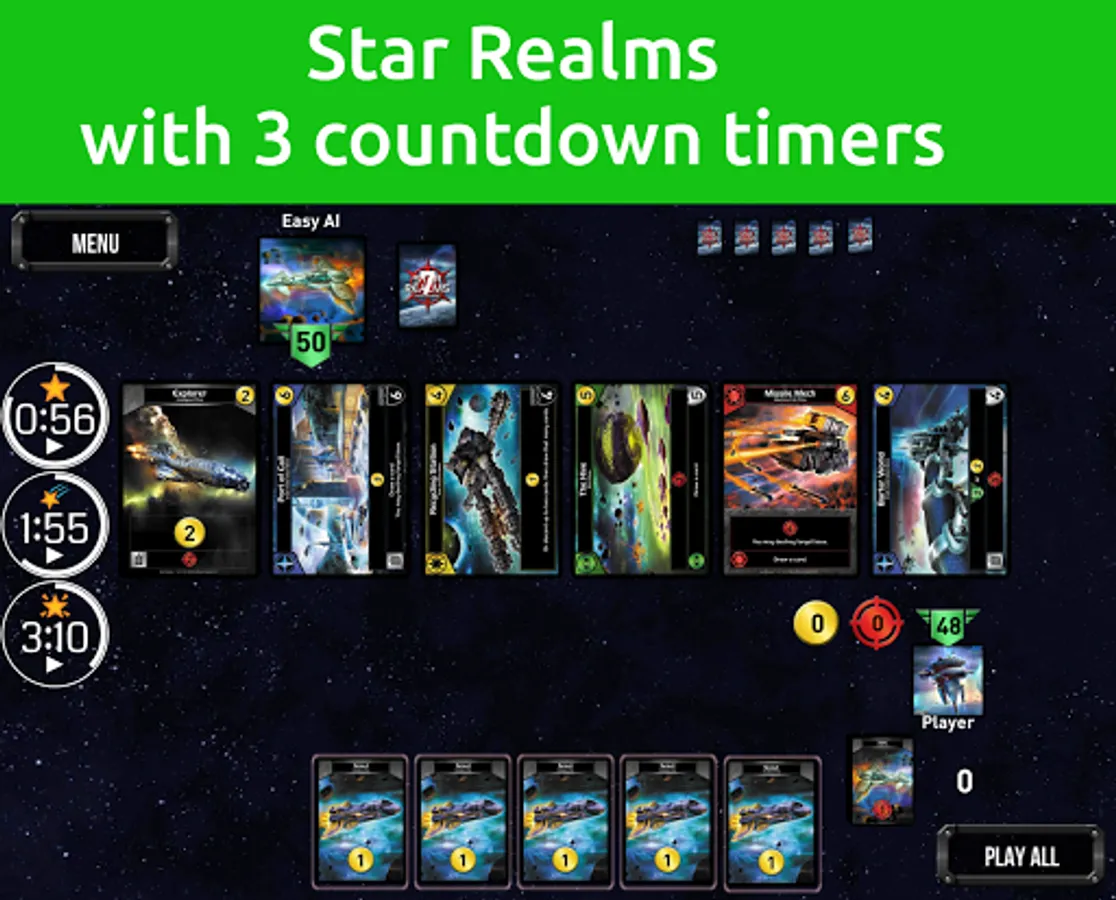
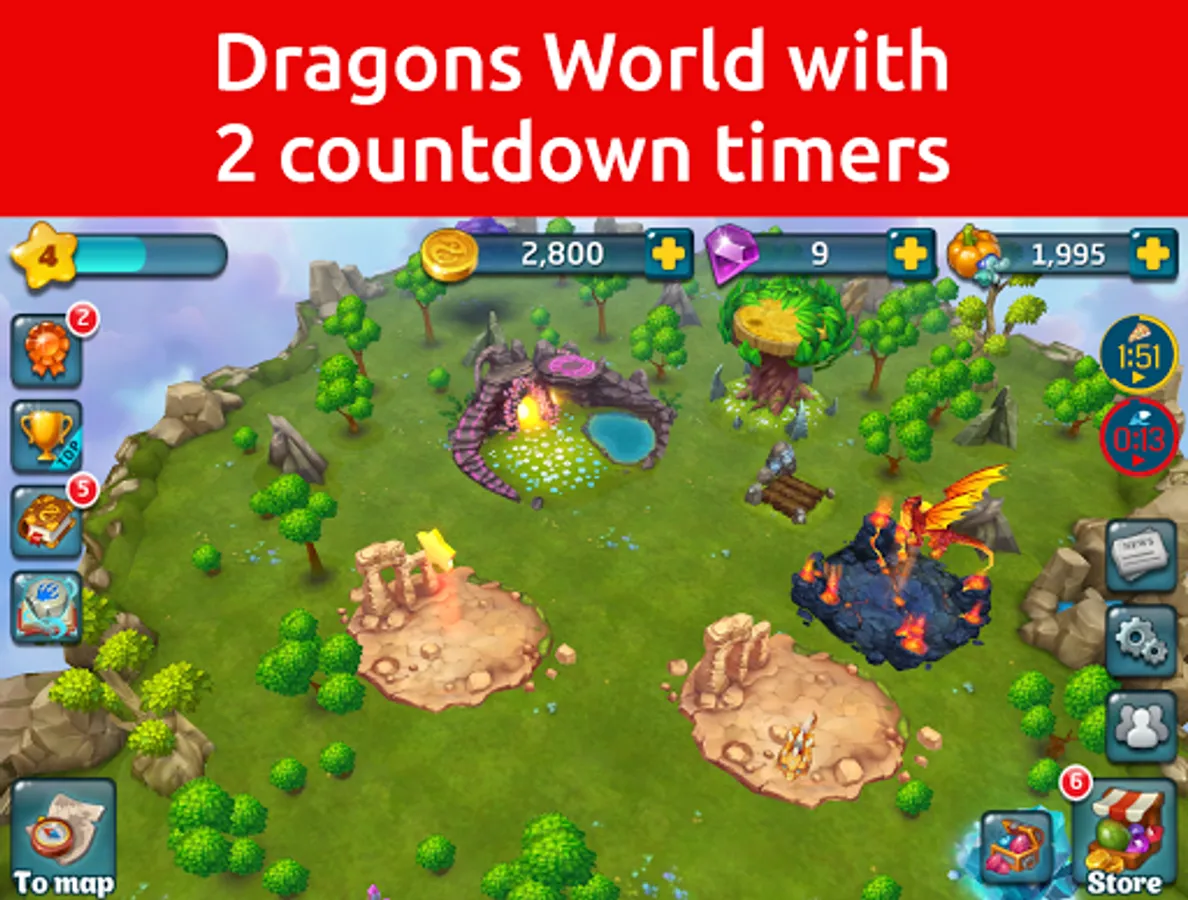
Timers will appear over your application or game as soon as they are displayed, and will disappear with it. Running timers will be displayed in notifications when the application or game is not visible.
Clicking on a timer notification will open the corresponding app or game.
Follow me on Twitter: https://twitter.com/trigonesoft
Follow me on Facebook: https://www.facebook.com/trigonesoft/
Follow me on Google+: https://plus.google.com/115838179299870348751
If you find bugs, please send me an email instead of writing a bad review. I will fix it as soon as possible.
What is included in this version:
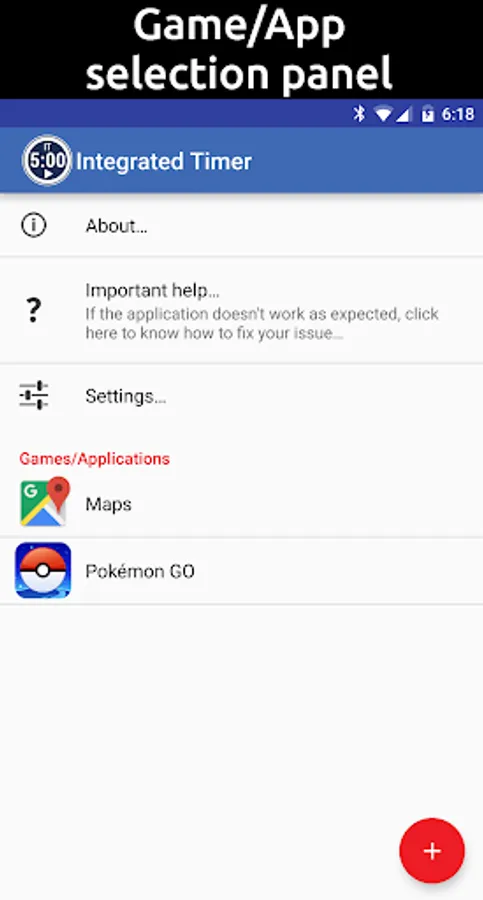
- support for multiple applications or games
- various timers: countdown timer, chronometer, count down counter, counter, timer with counter
- single touch screenshot for Android Lollipop (5.0) and above (experimental)
- virtual screen off for Android Kitkat (4.4) and above
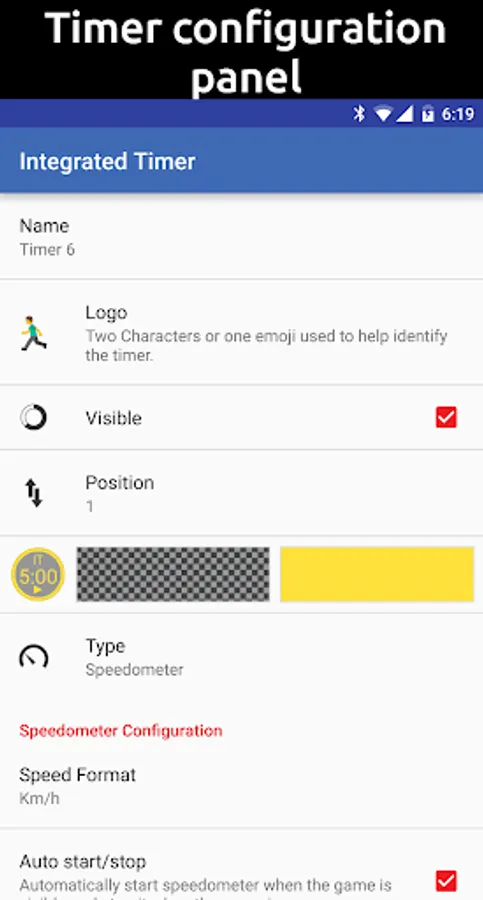
- speedometer with two level of speed limit notification
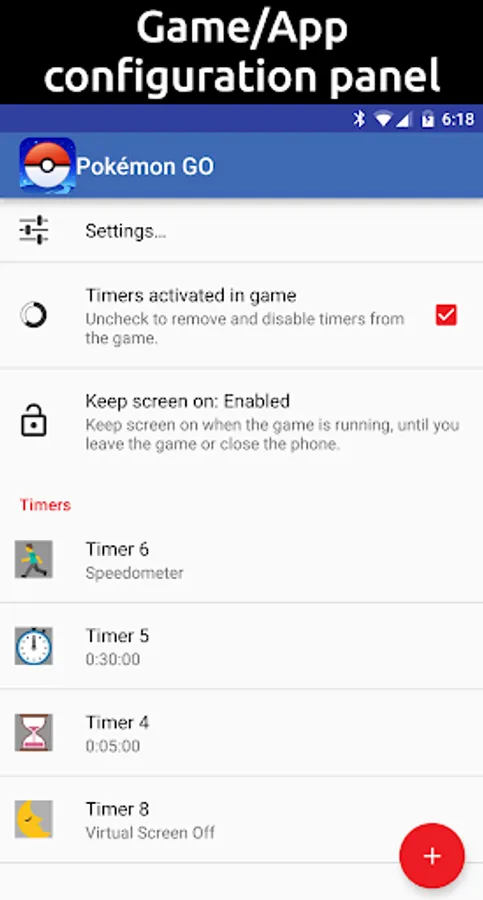
- option to keep screen on when an app or game is in foreground
- customize notification sound
- customize colors
- add two characters or one emoji to identify timers
- 3 configurable positions and sizes for each application/game
- alarm notification displayed on phone and watch (with Android Wear watch)
If timers are not visible, please read the help provided in the application, and contact me by email if if you can't make it work. 99% of the time, it's just a setting to change in the phone.
Any question or suggestion? Contact me by email.
Timers will appear over your application or game as soon as they are displayed, and will disappear with it. Running timers will be displayed in notifications when the application or game is not visible.
Clicking on a timer notification will open the corresponding app or game.
Follow me on Twitter: https://twitter.com/trigonesoft
Follow me on Facebook: https://www.facebook.com/trigonesoft/
Follow me on Google+: https://plus.google.com/115838179299870348751
If you find bugs, please send me an email instead of writing a bad review. I will fix it as soon as possible.
What is included in this version:
- support for multiple applications or games
- various timers: countdown timer, chronometer, count down counter, counter, timer with counter
- single touch screenshot for Android Lollipop (5.0) and above (experimental)
- virtual screen off for Android Kitkat (4.4) and above
- speedometer with two level of speed limit notification
- option to keep screen on when an app or game is in foreground
- customize notification sound
- customize colors
- add two characters or one emoji to identify timers
- 3 configurable positions and sizes for each application/game
- alarm notification displayed on phone and watch (with Android Wear watch)
If timers are not visible, please read the help provided in the application, and contact me by email if if you can't make it work. 99% of the time, it's just a setting to change in the phone.
Any question or suggestion? Contact me by email.
Integrated Timer Screenshots
Tap to Rate:
Reviews for Integrated Timer
Richard Vasquez
8/10/2024
So I'm considering playing Ingress again, and this is just one of those necessary tools, and I've enjoyed it. Now it wants access to my file system. Now it wants usage access permission, which can be used to find out all the other apps you're using. No. I'll run stopwatch on my iitc device instead.
Steven Z
2/20/2022
Doesn't work anymore, can't select the app to display timer.