Signal Strength Test & Refresh
ShaDob AppTech
3.9 ★
41K ratings
5,000,000+
downloads
Free
In this network tool app, you can test, monitor, and refresh your Wi-Fi and mobile data connections. Includes speed tests, signal strength visualization, and detailed network information.
AppRecs review analysis
AppRecs rating 3.7. Trustworthiness 80 out of 100. Review manipulation risk 29 out of 100. Based on a review sample analyzed.
★★★☆☆
3.7
AppRecs Rating
Ratings breakdown
5 star
61%
4 star
10%
3 star
6%
2 star
2%
1 star
21%
What to know
✓
Low review manipulation risk
29% review manipulation risk
✓
Credible reviews
80% trustworthiness score from analyzed reviews
⚠
Ad complaints
Many low ratings mention excessive ads
About Signal Strength Test & Refresh
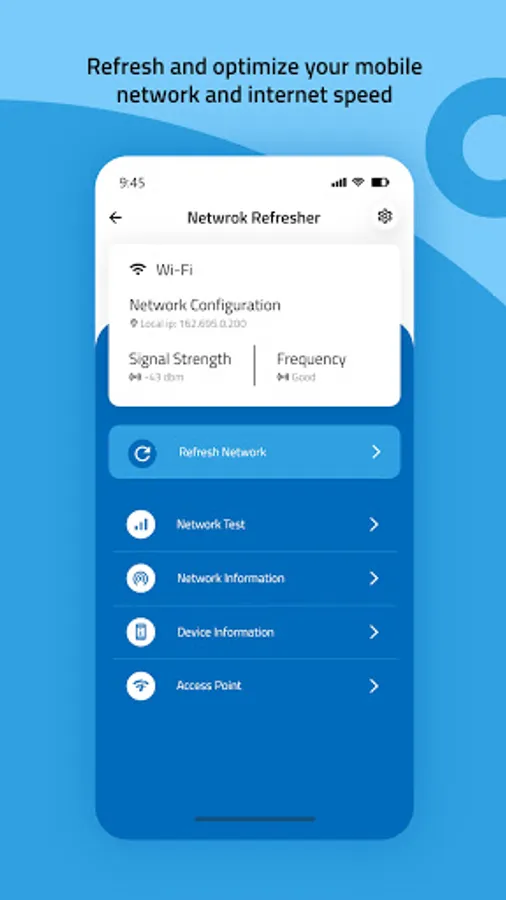
The Signal Strength Test & Refresh app is designed to optimize your network performance by offering a range of tools to monitor, refresh, and test your network connectivity, whether it's through mobile data or Wi-Fi.
Key Features:
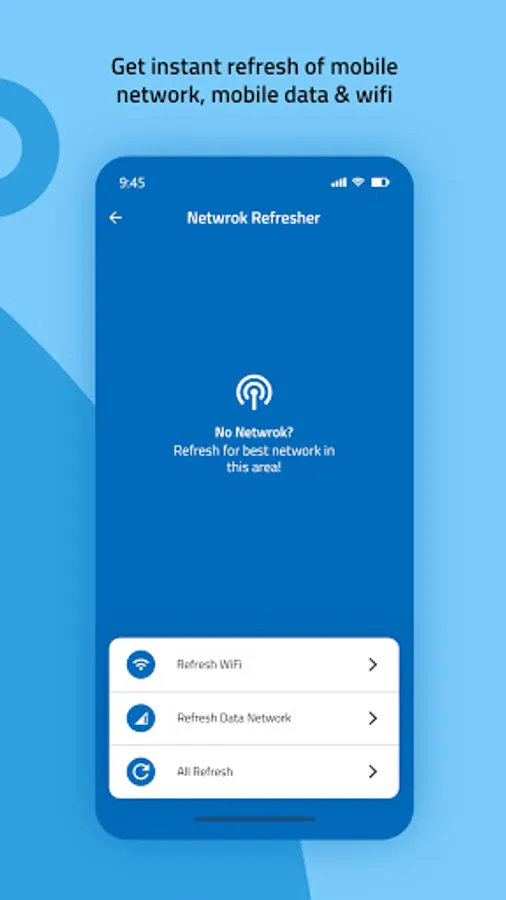
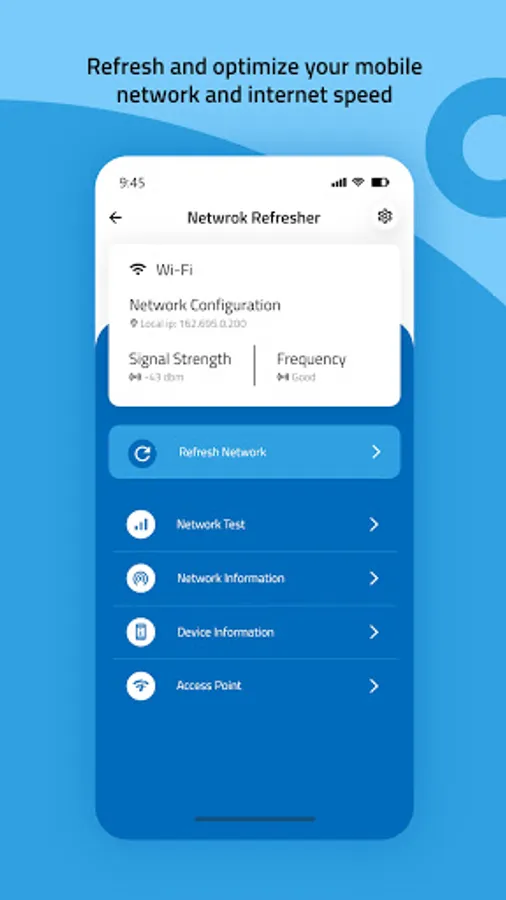
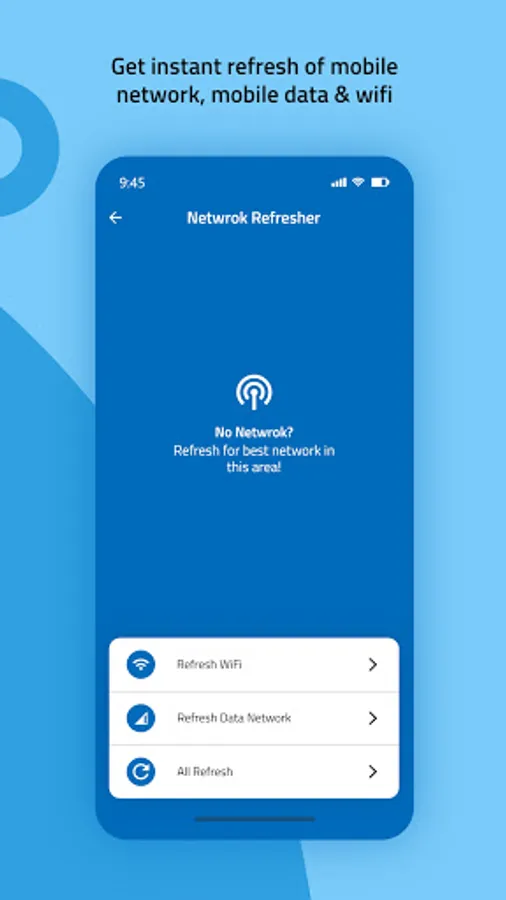
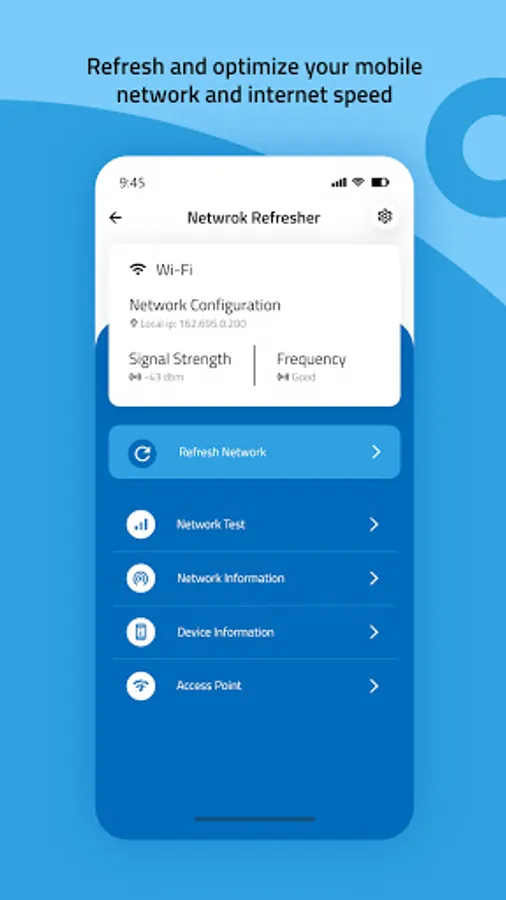
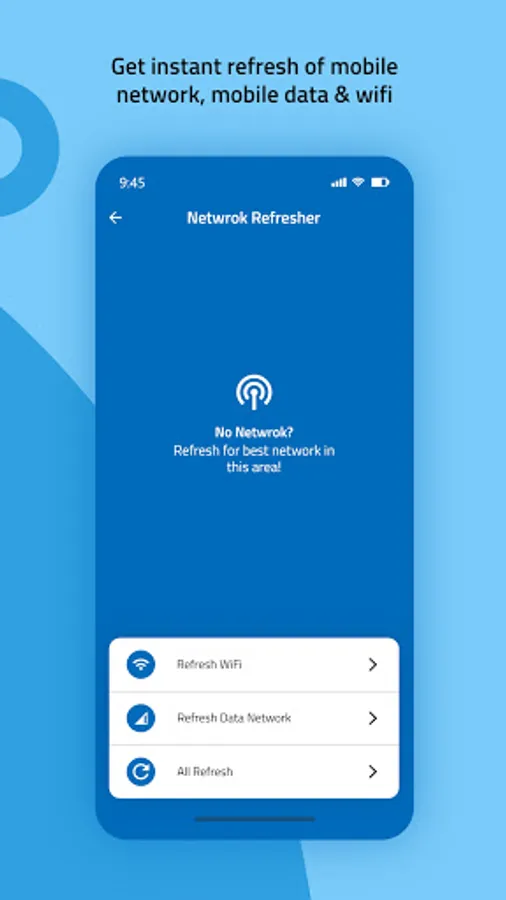
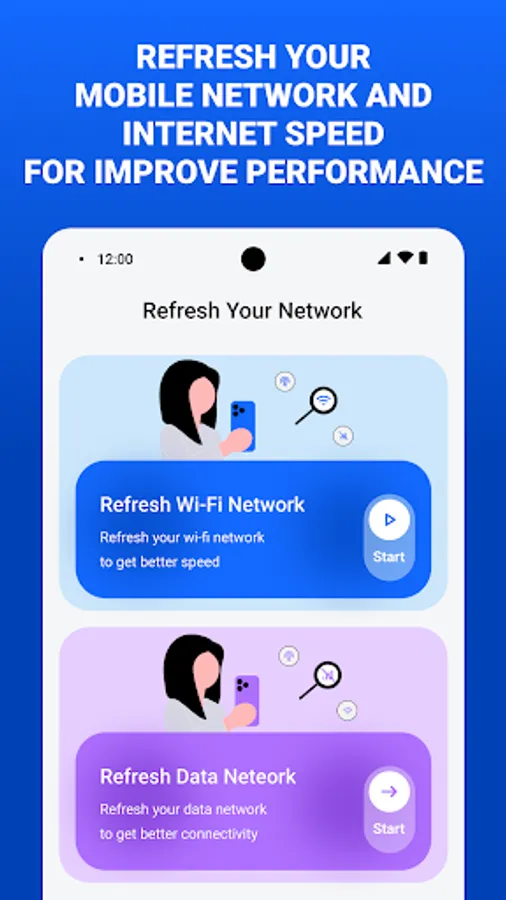
1) Network Refresh
• Manually resolve connectivity issues by refreshing your Wi-Fi and mobile data connection. Simple, step-by-step instructions make the process easy.
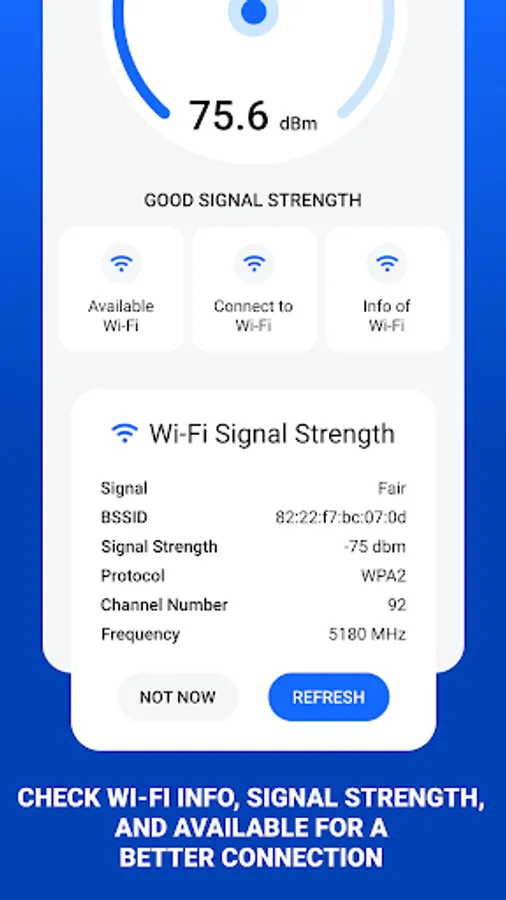
2) Wi-Fi Signal Strength
• Visualize your Wi-Fi signal strength with a speedometer-style gauge, offering real-time readings.
• Assess signal quality with ratings like Fair, Good, and Excellent.
• View detailed information about available Wi-Fi networks, including:
- Signal Strength
- BSSID
- Protocol
- Channel Number
- Frequency
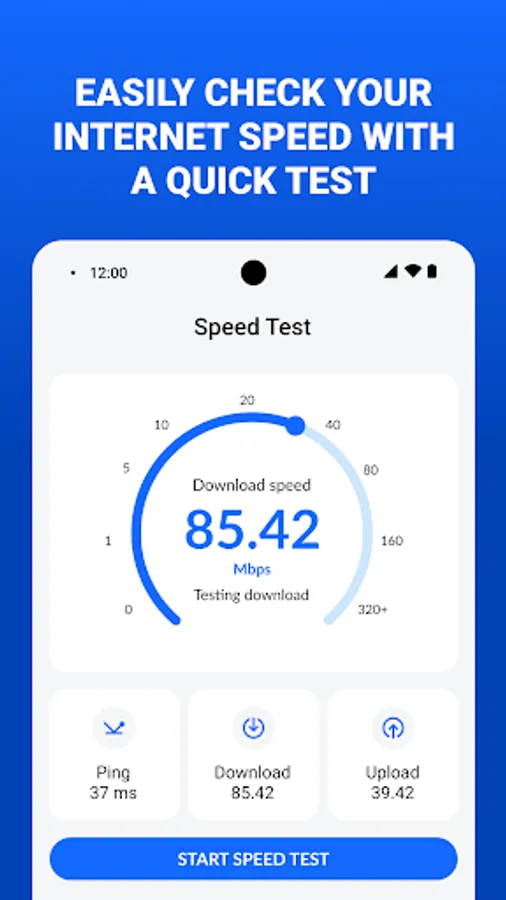
3) Internet Speed Test
• Measure the speed of your internet connection for both Wi-Fi and mobile data.
• Get comprehensive results for:
- Ping Time
- Download Speed
- Upload Speed
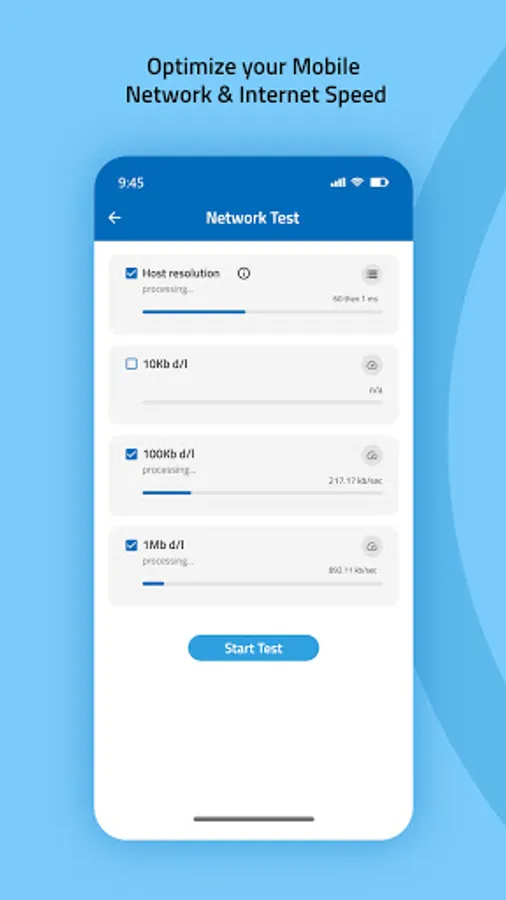
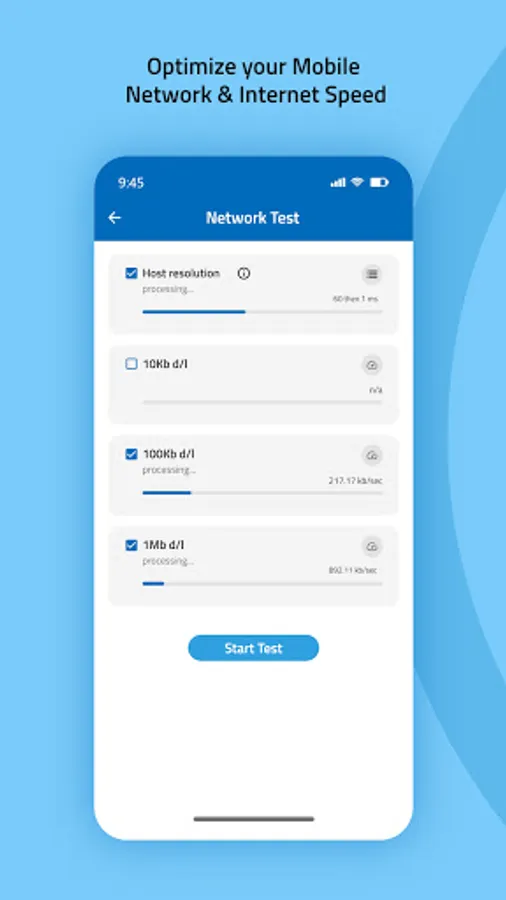
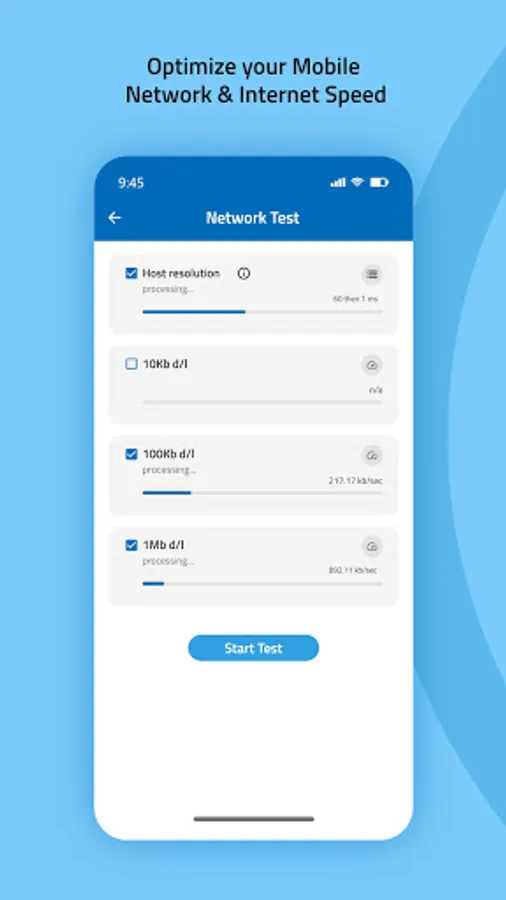
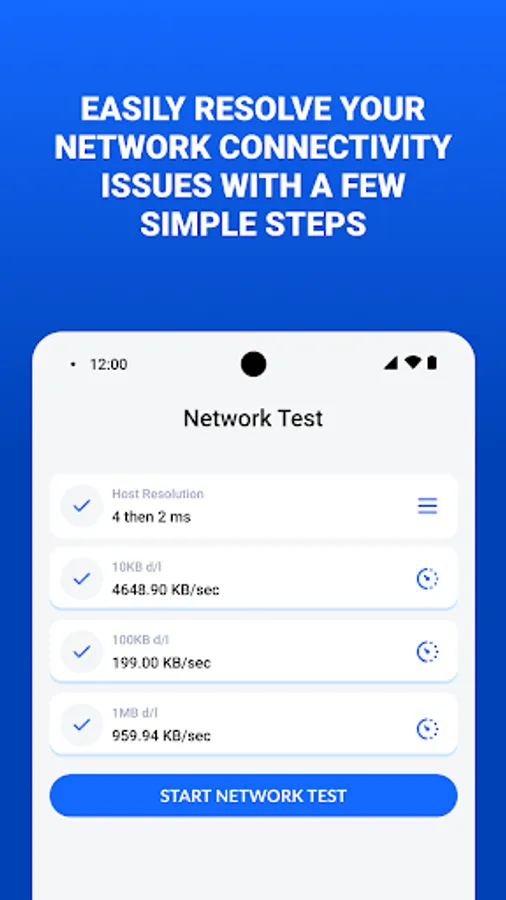
4) Network Test
• Evaluate your network’s efficiency with:
- Host Resolution Test
- Data Speed Test for various file sizes (10KB, 100KB, and 1MB)
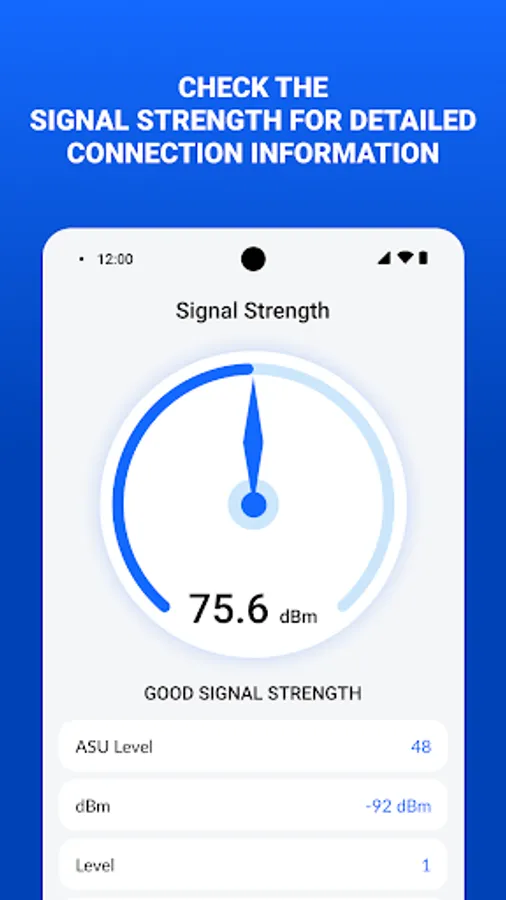
5) Signal Strength Monitor
- Measure signal strength with a speedometer-style display.
- Check signal quality ratings (Good, Fair, Excellent) and view detailed statistics such as:
- ASU Level
- dBm
- RSRP, RSSNR, SINR
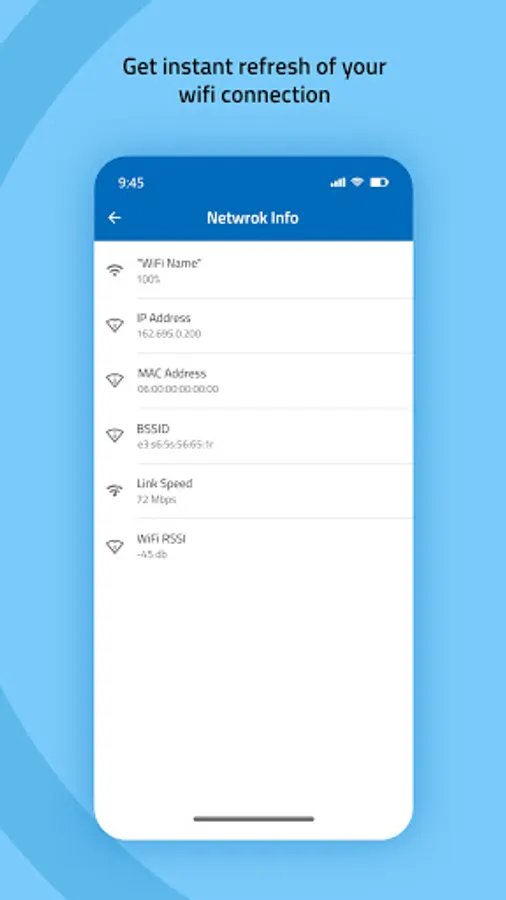
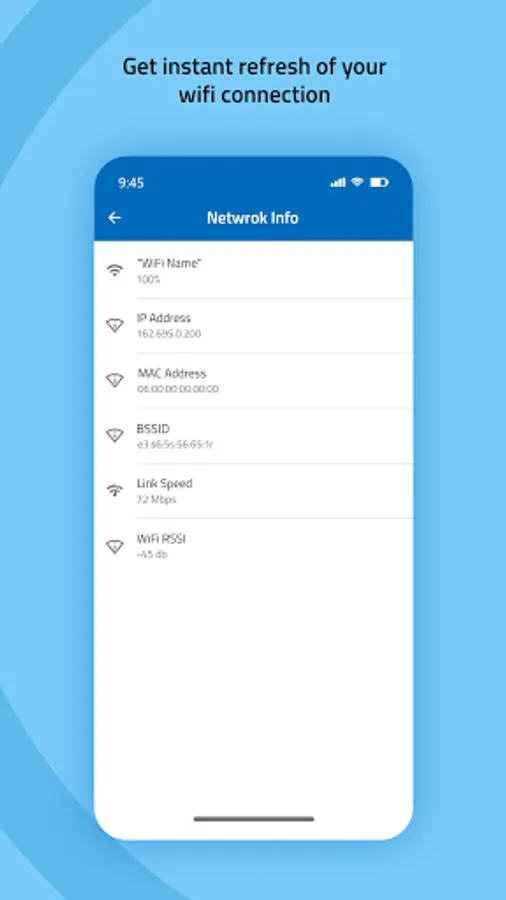
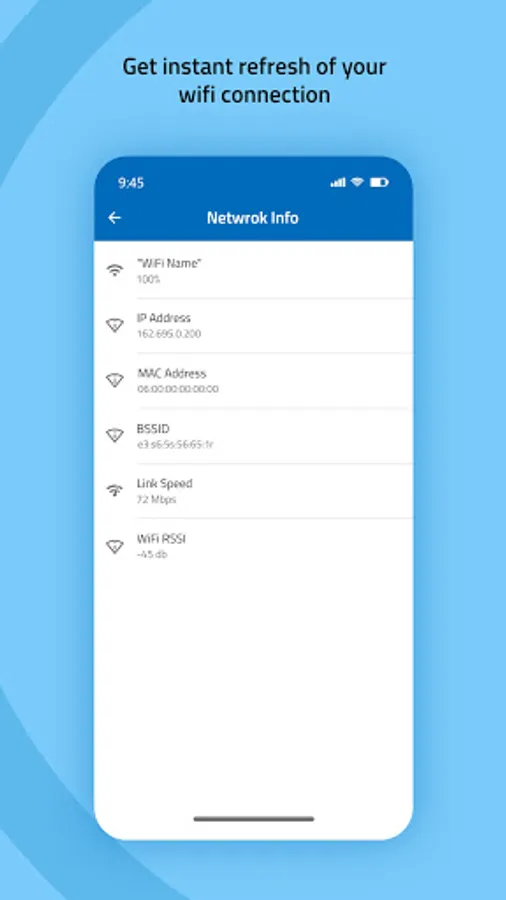
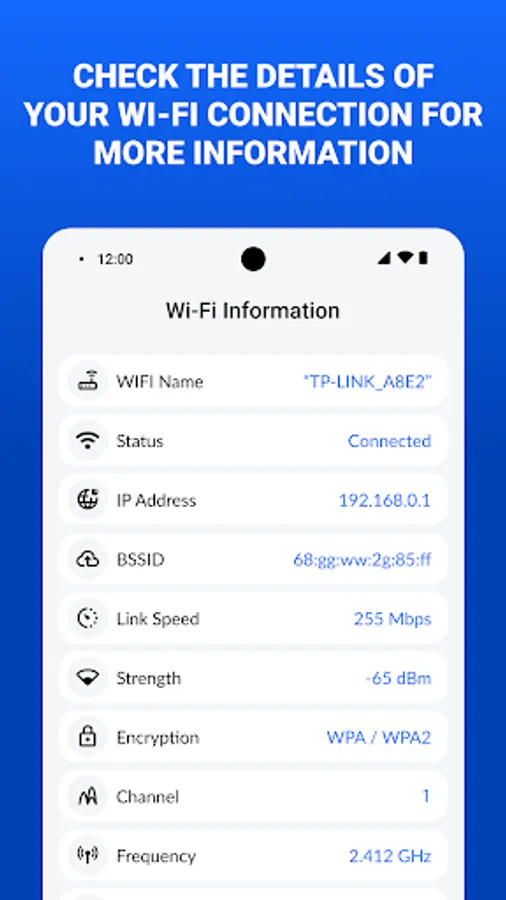
6) Wi-Fi Network Information
• Get detailed information about your connected Wi-Fi network, including:
- Wi-Fi Name and Status
- IP Address
- BSSID
- Link Speed
- Signal Strength
- Encryption Type
- Channel and Frequency
- DNS1 and DNS2
Key Features:
1) Network Refresh
• Manually resolve connectivity issues by refreshing your Wi-Fi and mobile data connection. Simple, step-by-step instructions make the process easy.
2) Wi-Fi Signal Strength
• Visualize your Wi-Fi signal strength with a speedometer-style gauge, offering real-time readings.
• Assess signal quality with ratings like Fair, Good, and Excellent.
• View detailed information about available Wi-Fi networks, including:
- Signal Strength
- BSSID
- Protocol
- Channel Number
- Frequency
3) Internet Speed Test
• Measure the speed of your internet connection for both Wi-Fi and mobile data.
• Get comprehensive results for:
- Ping Time
- Download Speed
- Upload Speed
4) Network Test
• Evaluate your network’s efficiency with:
- Host Resolution Test
- Data Speed Test for various file sizes (10KB, 100KB, and 1MB)
5) Signal Strength Monitor
- Measure signal strength with a speedometer-style display.
- Check signal quality ratings (Good, Fair, Excellent) and view detailed statistics such as:
- ASU Level
- dBm
- RSRP, RSSNR, SINR
6) Wi-Fi Network Information
• Get detailed information about your connected Wi-Fi network, including:
- Wi-Fi Name and Status
- IP Address
- BSSID
- Link Speed
- Signal Strength
- Encryption Type
- Channel and Frequency
- DNS1 and DNS2
Signal Strength Test & Refresh Screenshots
Tap to Rate:
Reviews for Signal Strength Test & Refresh
Moha saed Moha
11/12/2025
best
Arshad Gamer
11/5/2025
lol just app making for earning money to much ads every click ads