
Auto Redial - Call Redialer
Coco Studios
3.9 ★
1K ratings
10,000+
downloads
Free
+ in-app
In this auto redialer app, you can set automatic redial intervals and schedule calls to connect quickly. Includes dual SIM support, call timer, and contact list dialing features.
AppRecs review analysis
AppRecs rating 3.3. Trustworthiness 78 out of 100. Review manipulation risk 37 out of 100. Based on a review sample analyzed.
★★★☆☆
3.3
AppRecs Rating
Ratings breakdown
5 star
64%
4 star
5%
3 star
5%
2 star
5%
1 star
20%
What to know
✓
Credible reviews
78% trustworthiness score from analyzed reviews
✓
Good user ratings
69% positive sampled reviews
⚠
Ad complaints
Many low ratings mention excessive ads
About Auto Redial - Call Redialer
Want to get an appointment quickly? This Auto Redial app is exactly what you need! Easily connect to the line and redial automatically on your Android device.
✨ Automatic Redial & Call Scheduler Features ✨
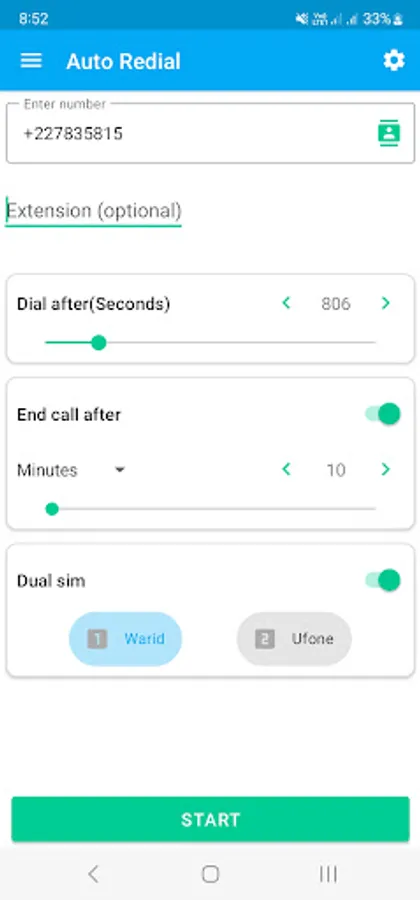
Auto Dialer: Auto dial phone numbers after a specific time interval.
Dual SIM Support: Choose your preferred SIM for redialing calls on dual SIM devices.
Fast Redialing: Speedy redialing to quickly reconnect when needed.
Auto Hang-Up: Set a time limit to automatically end calls and avoid extra billing—perfect for long or timed calls.
Redial Extensions: Dial extension numbers automatically for quick access.
Schedule Calls: Set up automatic dialing for specific numbers at set times.
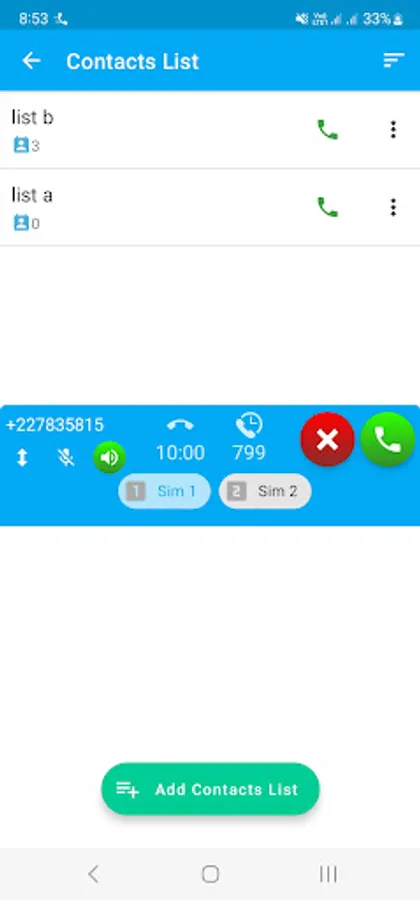
Call Timer: Automatically end calls after a specific duration (e.g., after 30 minutes).
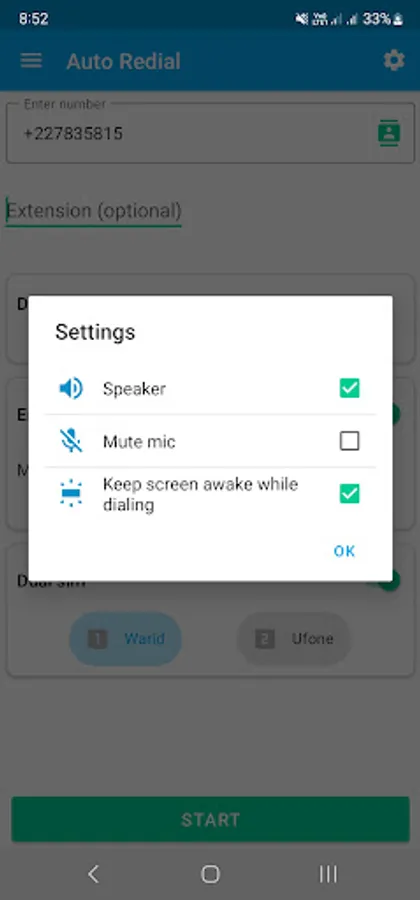
Call Control: Mute the mic or turn on speakerphone during the call for better control.
Custom Redial Intervals: Set custom intervals for automatic redialing at your convenience.
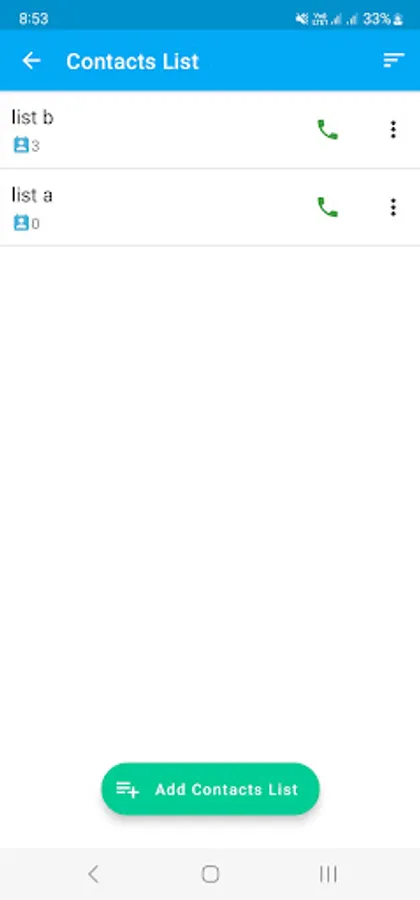
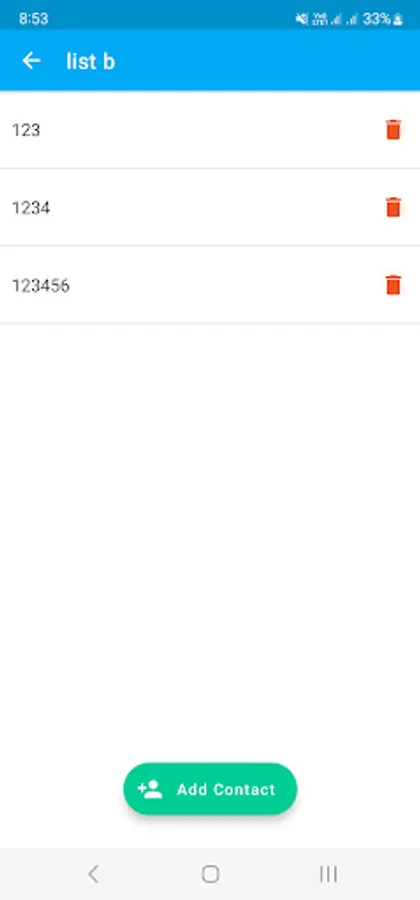
Contact List Dialing: Automatically dial a list of contacts one after another — great for following up or reaching multiple people.
Why choose Automatic Redial App?
This Automatic dialer for Android supports both Automatic Redialing and call scheduling with dual SIM functionality, making it an ideal solution for users who need to quickly dial busy lines or schedule calls.
Permissions
This app requires permissions to function properly, including calling and network access.
✨ Automatic Redial & Call Scheduler Features ✨
Auto Dialer: Auto dial phone numbers after a specific time interval.
Dual SIM Support: Choose your preferred SIM for redialing calls on dual SIM devices.
Fast Redialing: Speedy redialing to quickly reconnect when needed.
Auto Hang-Up: Set a time limit to automatically end calls and avoid extra billing—perfect for long or timed calls.
Redial Extensions: Dial extension numbers automatically for quick access.
Schedule Calls: Set up automatic dialing for specific numbers at set times.
Call Timer: Automatically end calls after a specific duration (e.g., after 30 minutes).
Call Control: Mute the mic or turn on speakerphone during the call for better control.
Custom Redial Intervals: Set custom intervals for automatic redialing at your convenience.
Contact List Dialing: Automatically dial a list of contacts one after another — great for following up or reaching multiple people.
Why choose Automatic Redial App?
This Automatic dialer for Android supports both Automatic Redialing and call scheduling with dual SIM functionality, making it an ideal solution for users who need to quickly dial busy lines or schedule calls.
Permissions
This app requires permissions to function properly, including calling and network access.
Auto Redial - Call Redialer Screenshots

Tap to Rate:
Reviews for Auto Redial - Call Redialer
Het Ram
12/27/2025
Very Good
venkata reddy
12/18/2025
super app