Trust File Manager & Explorer
Trust Infinity Labs
3.8 ★
158 ratings
10,000+
downloads
Free
In this file manager and explorer, you can view, organize, and manage files through categories, multi-window browsing, and remote access options. Includes file operations, app management, and remote device connection features.
AppRecs review analysis
AppRecs rating 3.9. Trustworthiness 80 out of 100. Review manipulation risk 27 out of 100. Based on a review sample analyzed.
★★★☆☆
3.9
AppRecs Rating
Ratings breakdown
5 star
54%
4 star
11%
3 star
11%
2 star
11%
1 star
13%
What to know
✓
Low review manipulation risk
27% review manipulation risk
✓
Credible reviews
80% trustworthiness score from analyzed reviews
✓
Good user ratings
65% positive sampled reviews
About Trust File Manager & Explorer
Trust File Manager is a tool that will help you to view and manage files easily and quickly. With its powerful file features and Material UI, you can browse and manage files through multi-window files, browse various types of files through categories and timelines, and connect to remote devices for easy access from your phone.
🔸Highlights
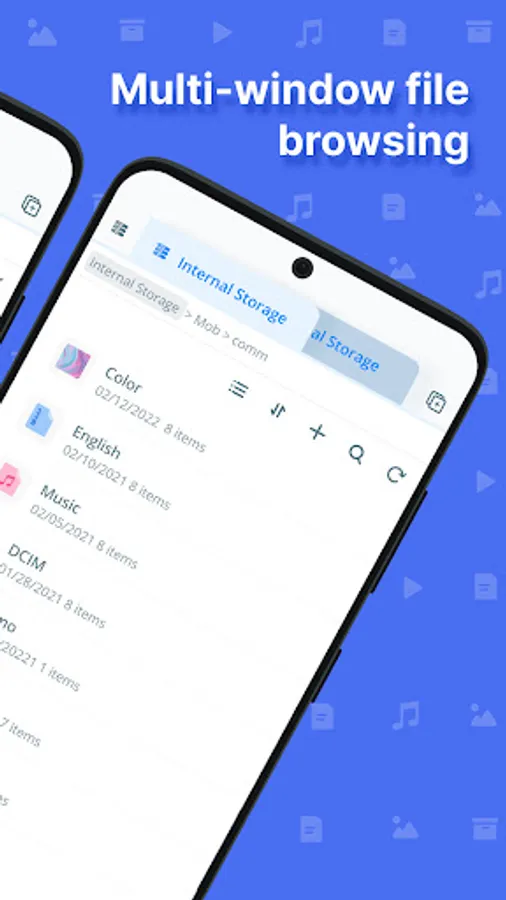
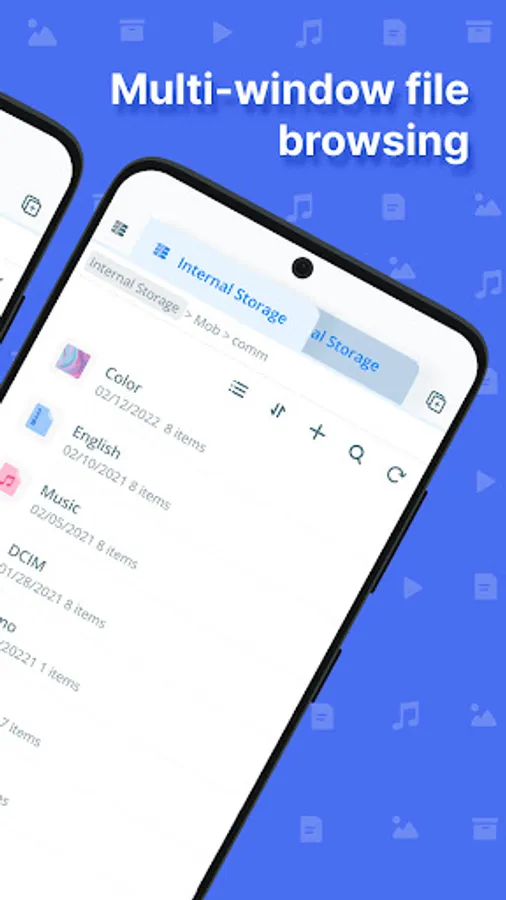
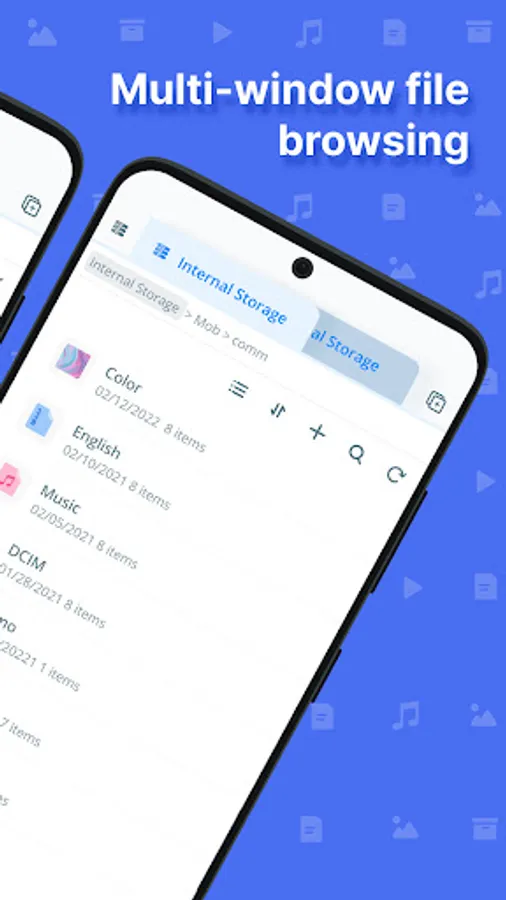
Multi-window browsing: The unique multi-window browsing mode gives you a smooth and convenient file management experience. You can create and open multiple internal storage windows at the same time, each with files independent of each other. For example, you can copy a file in one window and then slide it to another window to paste it directly, eliminating the trouble of jumping through layers of file paths.
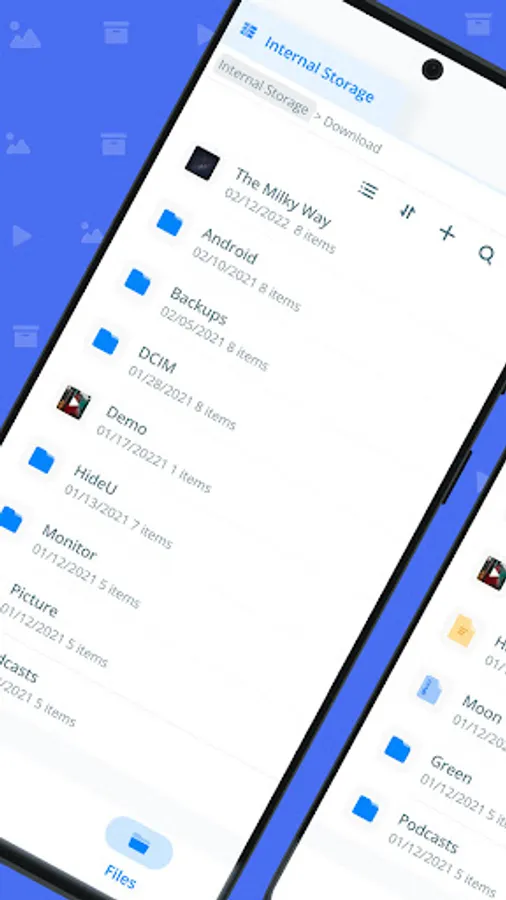
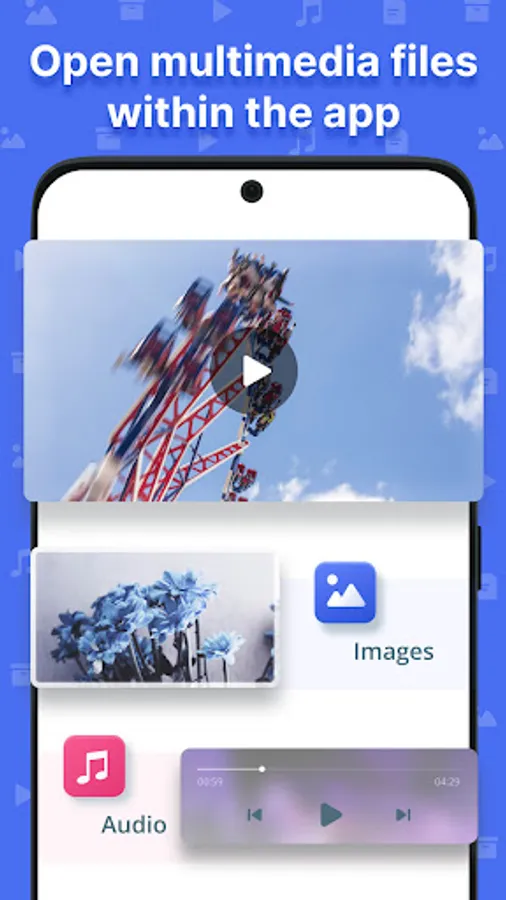
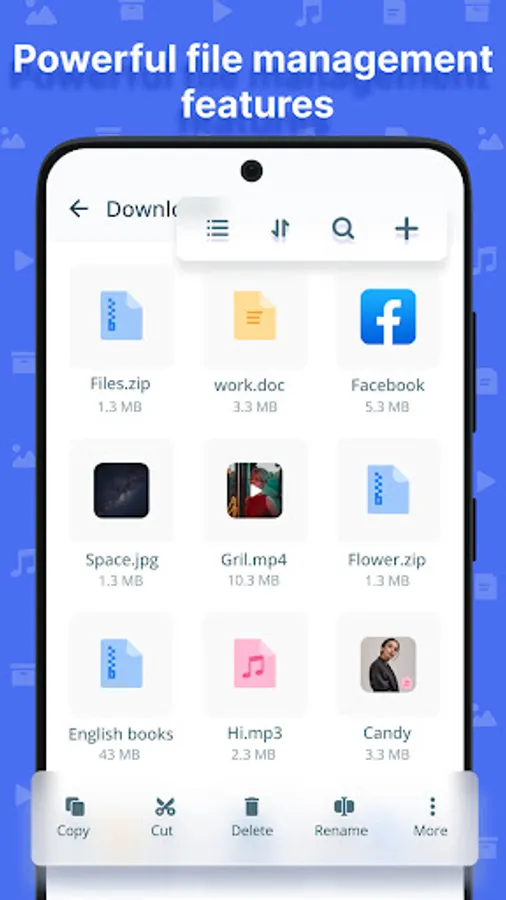
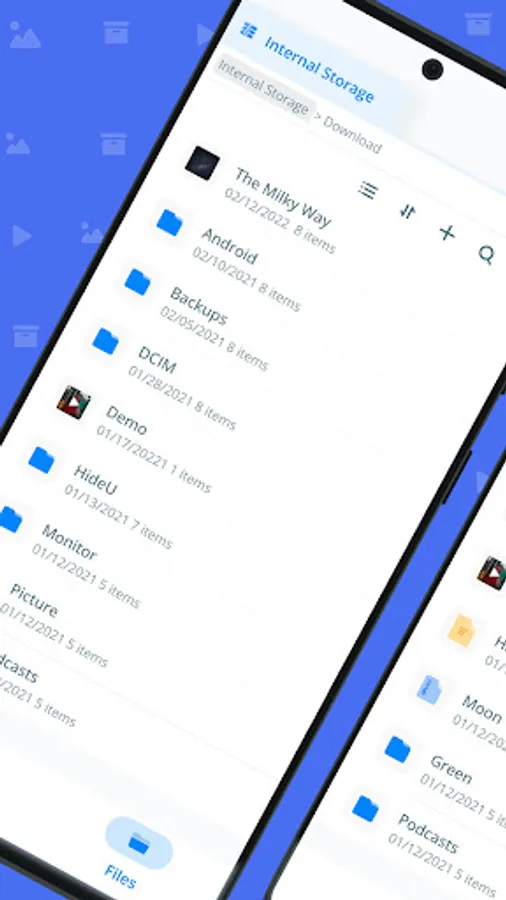
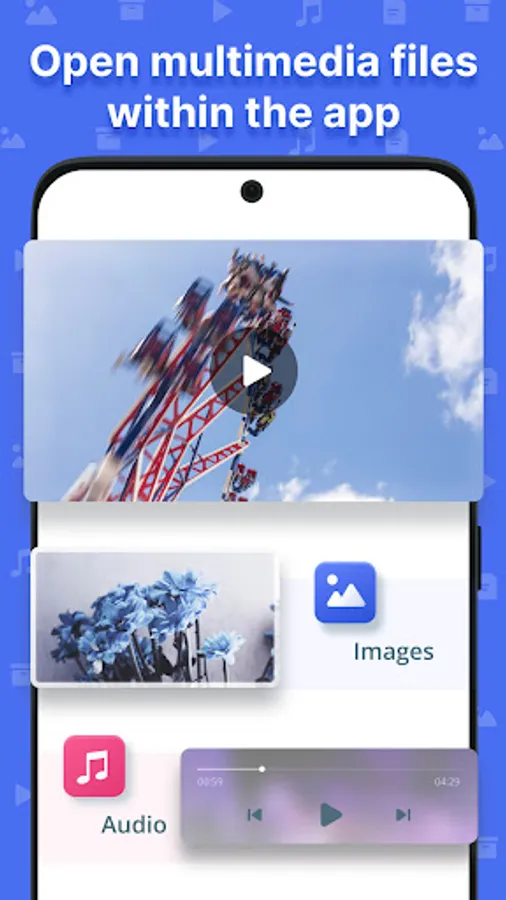
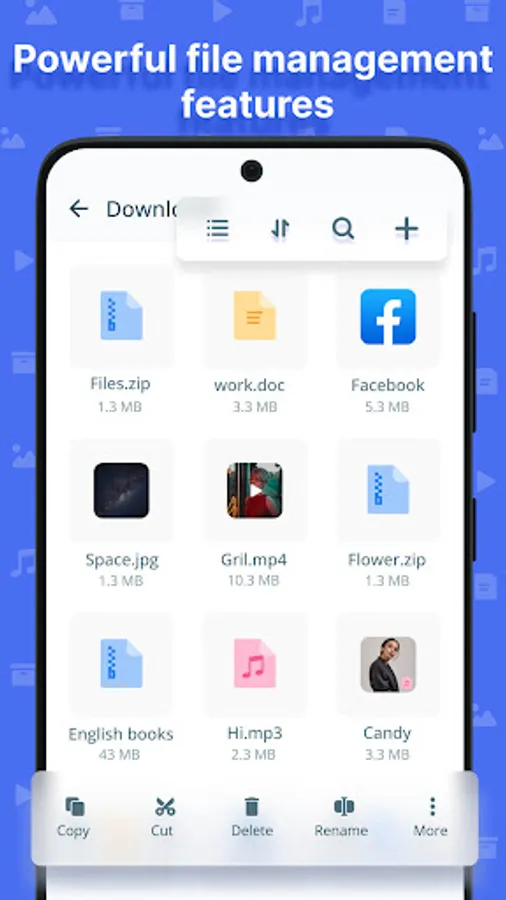
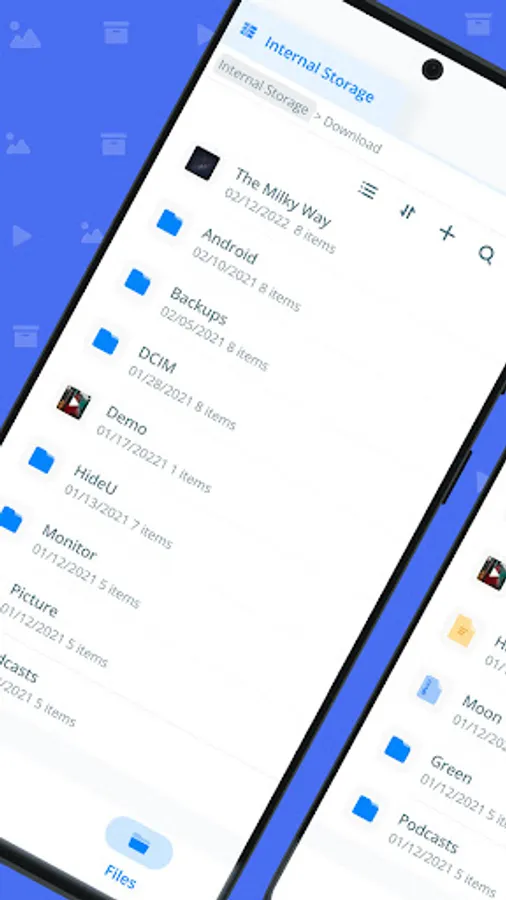
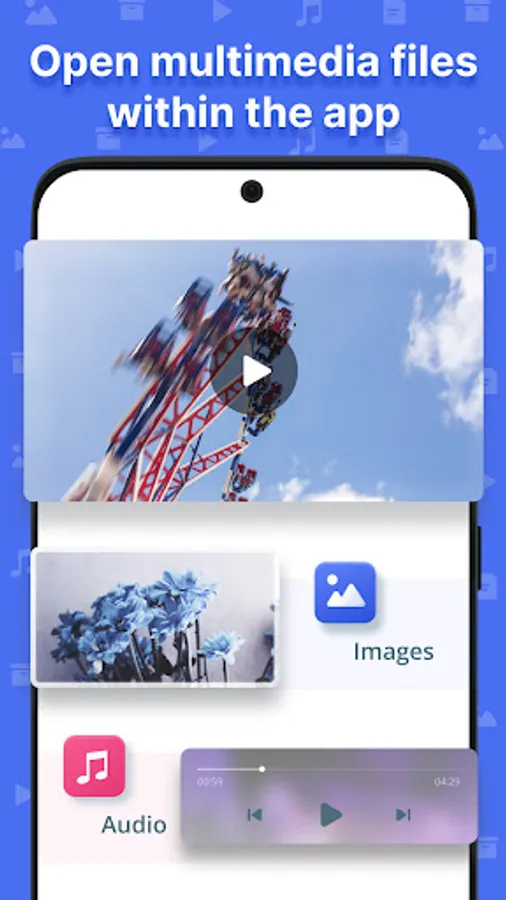
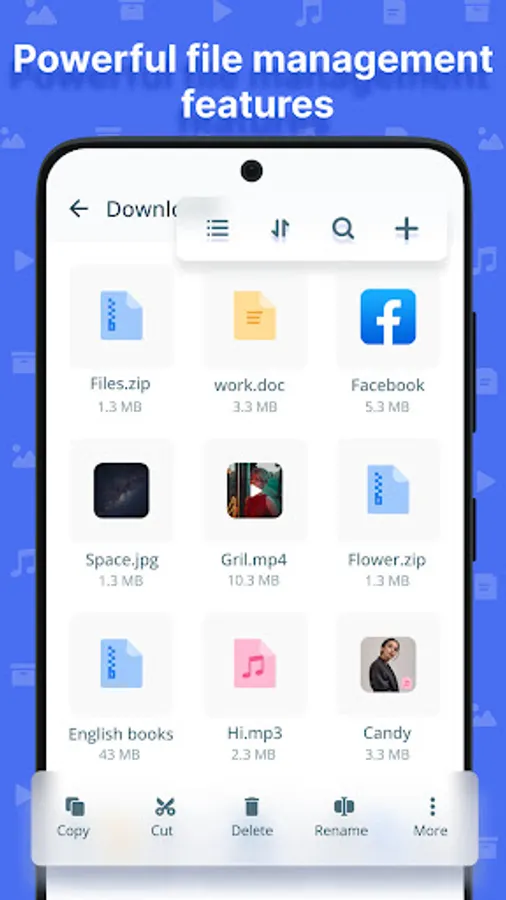
Manage files: You can create, search, copy, cut, delete, rename, compress, decompress, and many other operations on files. Also supports in-app image viewing, music and video playback, and text editing, etc., so that you don't have to jump to other apps.
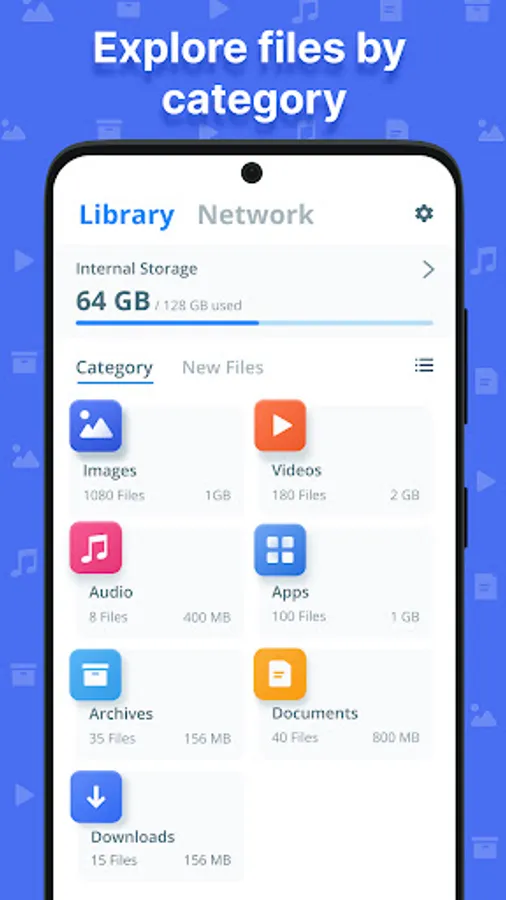
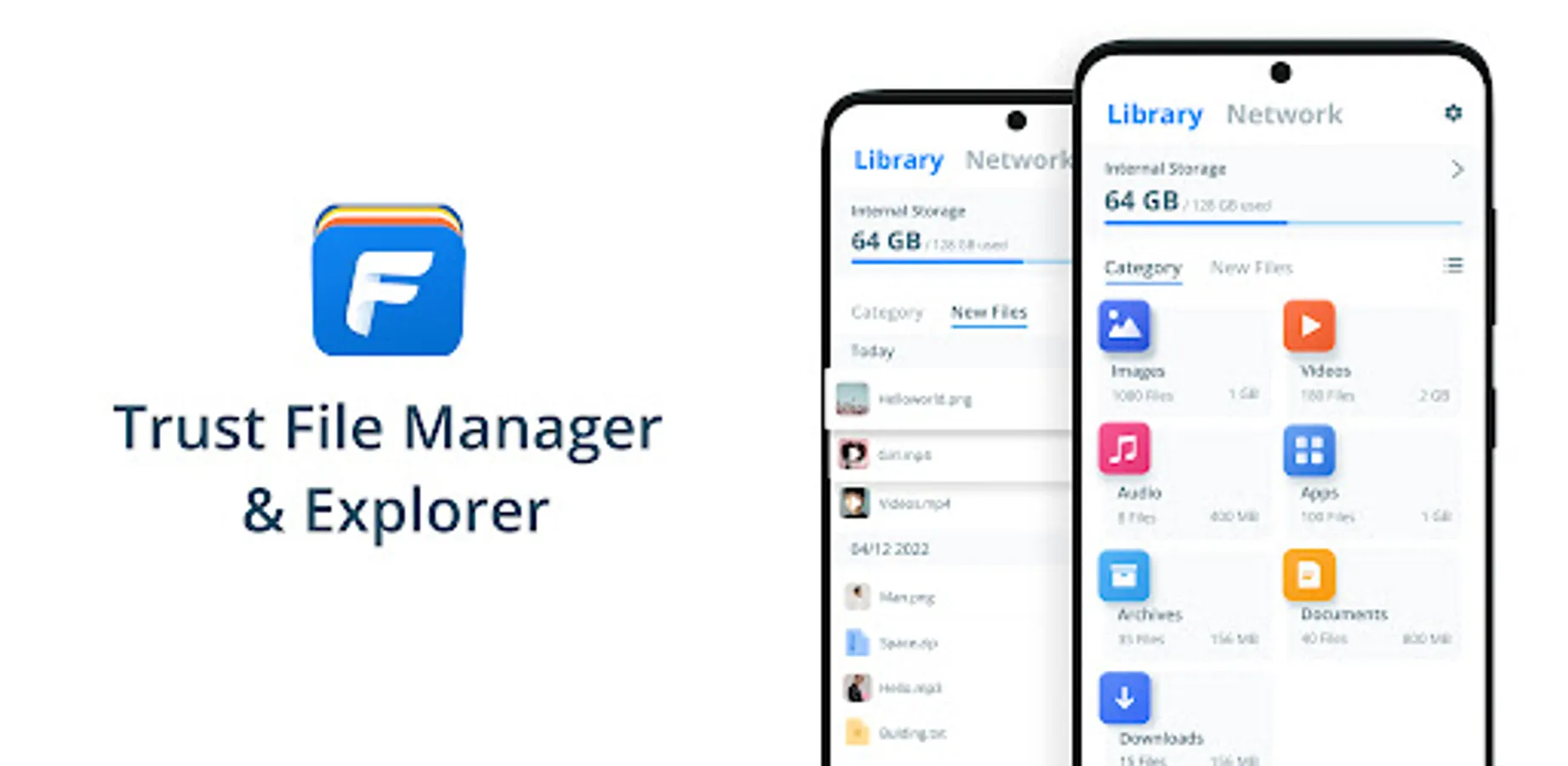
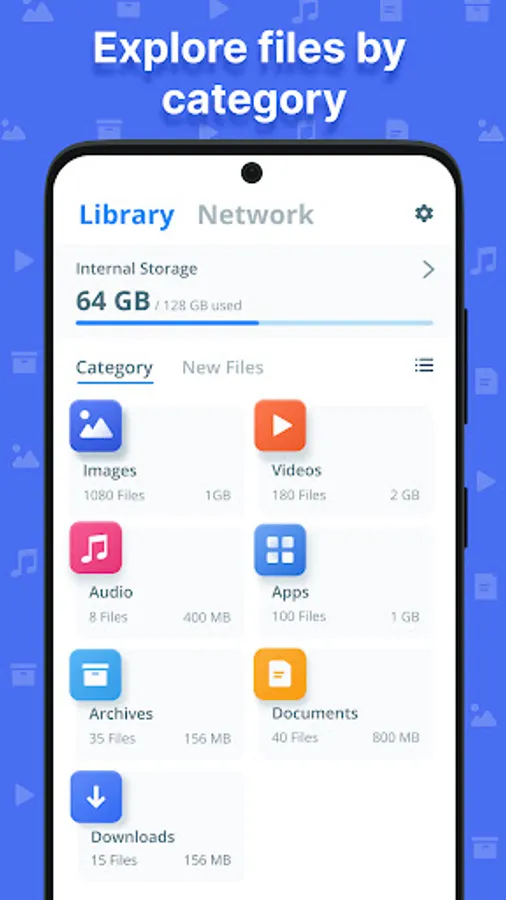
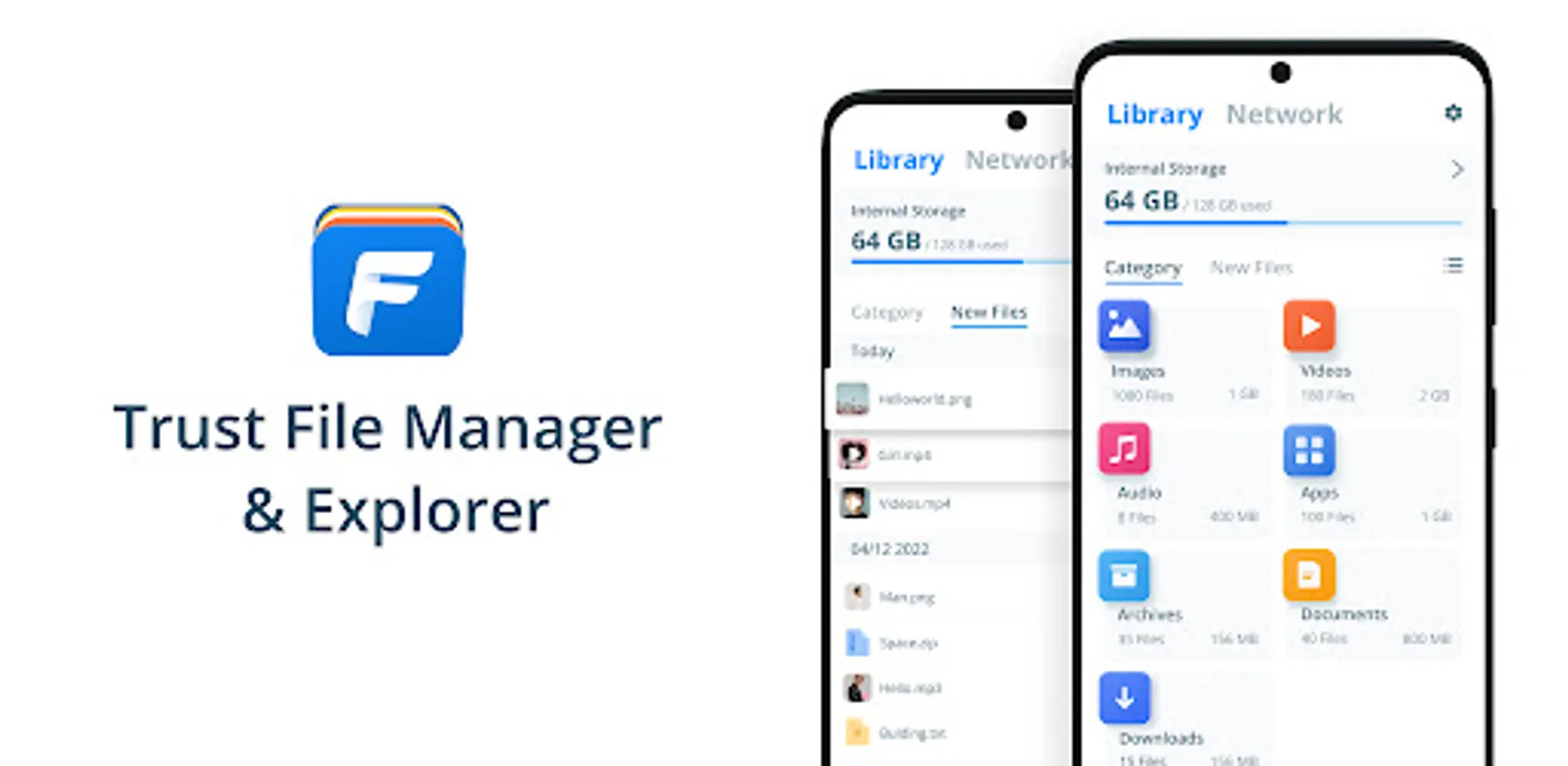
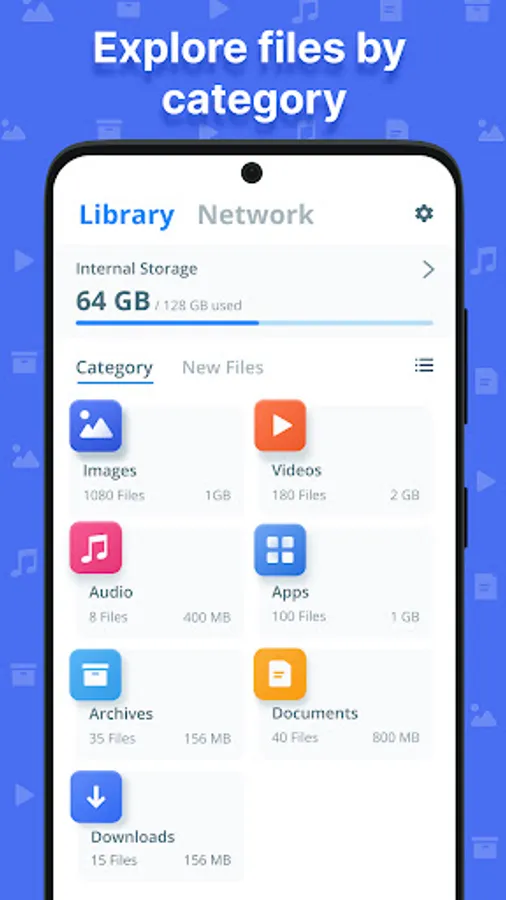
View files by category: On the home page, you can directly view the files in your device by various categories, including pictures, videos, music, apps, documents, zips, downloads, etc. You can also clearly view your internal files by switching between grid or list views.
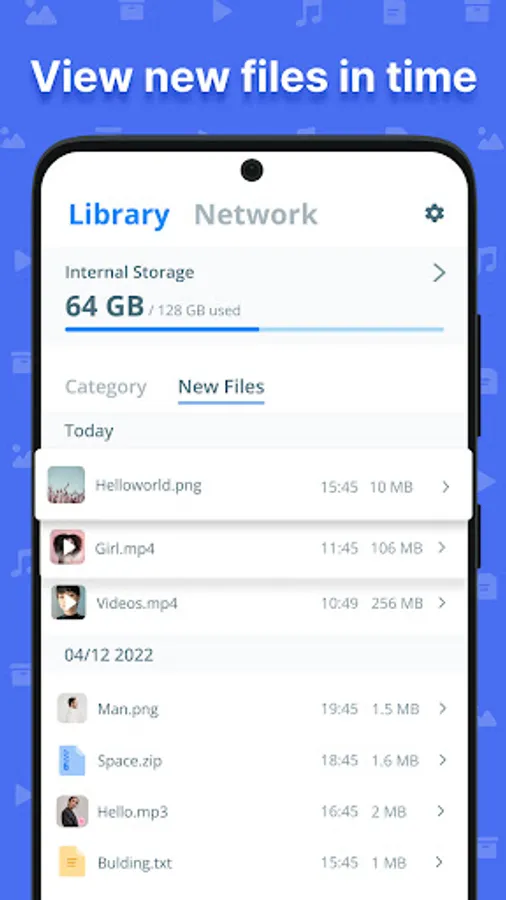
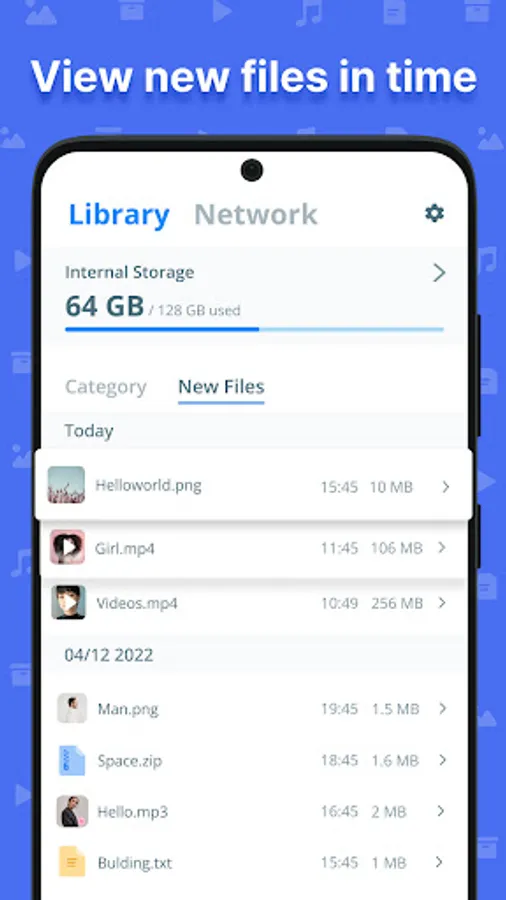
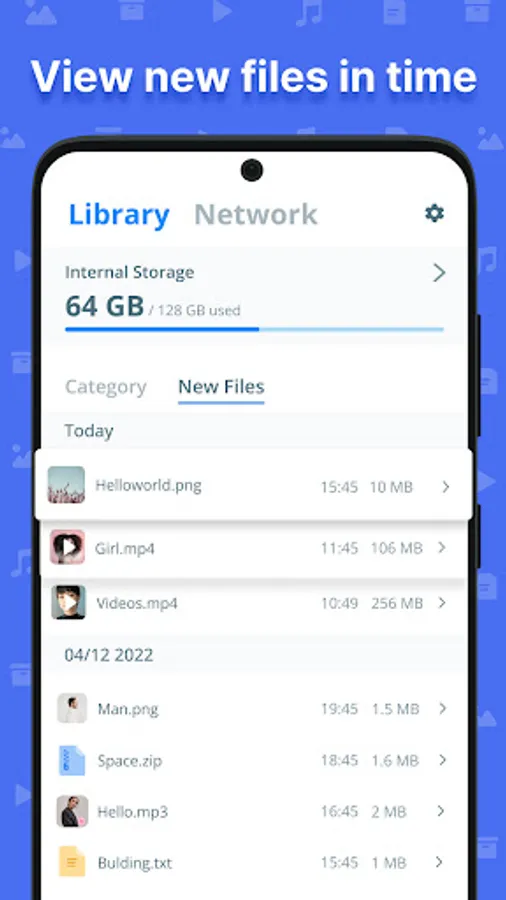
New files: You can view new files generated by the system at any time under the New files tab on the home page, including various types of pictures, documents, etc. With the timeline, you can clearly browse the files generated every day and support path jumping for your more diverse management.
Manage apps: By categorizing apps, you can easily view installed apps, system apps and APK installers, and backup, uninstall and install apps at any time.
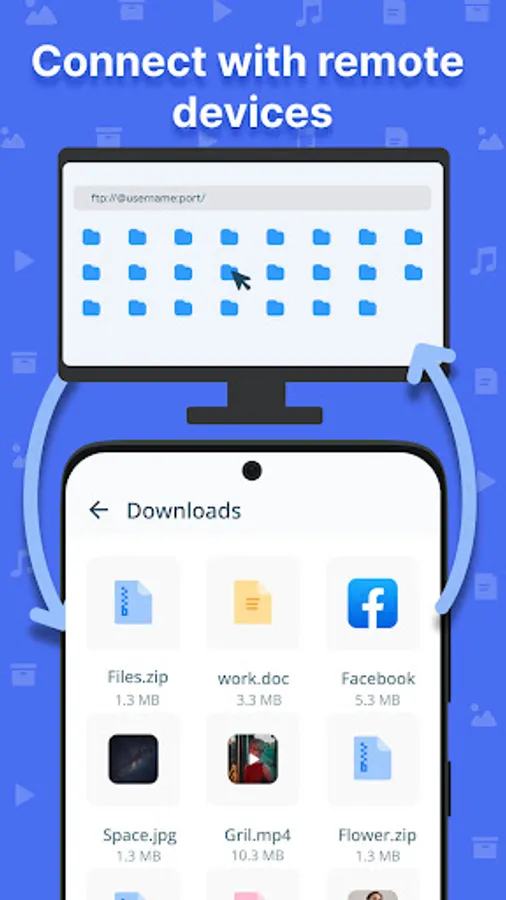
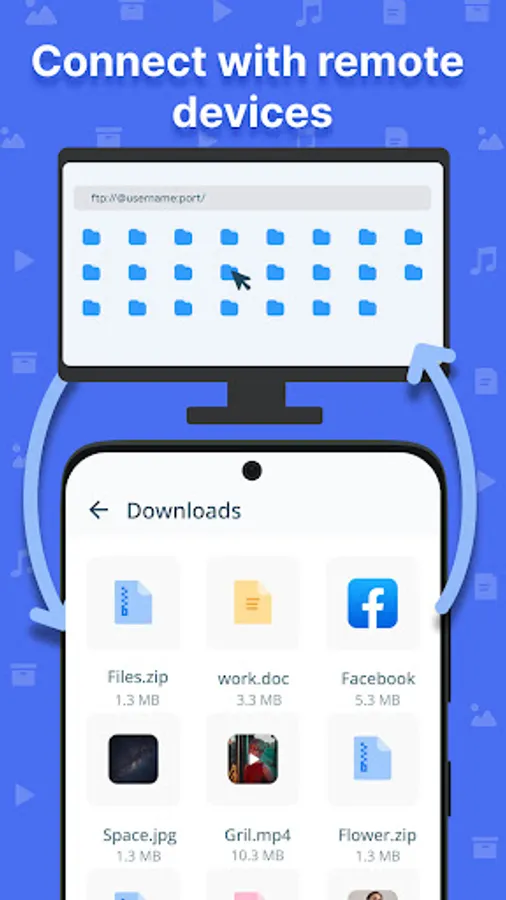
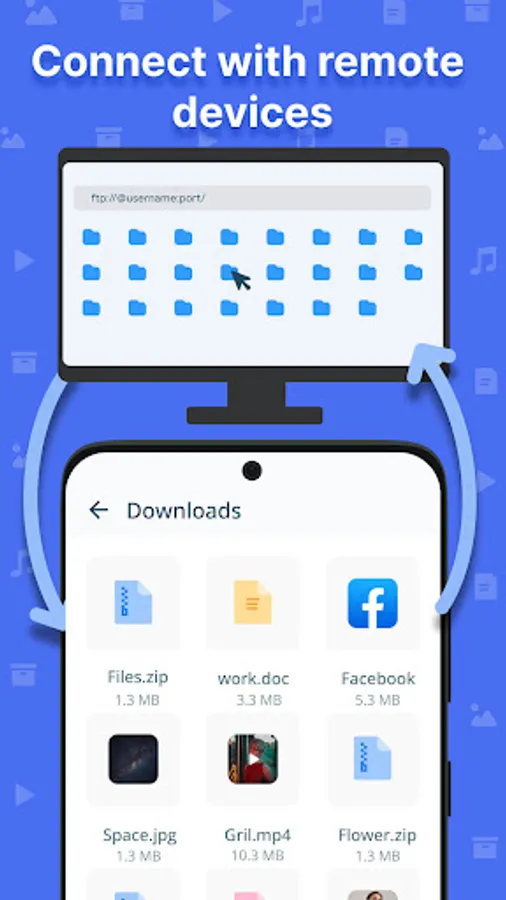
Remote access: Support file transfer between your phone and computer via FTP protocol, you can easily view and manage phones' files on your computer via View on PC function without cloud storage. It's simple and secure.
🔸Notes
More features will be available soon and the developer team is working on it, so stay tuned. For product support, please feel free to contact: trust-infinity@outlook.com
🔸Highlights
Multi-window browsing: The unique multi-window browsing mode gives you a smooth and convenient file management experience. You can create and open multiple internal storage windows at the same time, each with files independent of each other. For example, you can copy a file in one window and then slide it to another window to paste it directly, eliminating the trouble of jumping through layers of file paths.
Manage files: You can create, search, copy, cut, delete, rename, compress, decompress, and many other operations on files. Also supports in-app image viewing, music and video playback, and text editing, etc., so that you don't have to jump to other apps.
View files by category: On the home page, you can directly view the files in your device by various categories, including pictures, videos, music, apps, documents, zips, downloads, etc. You can also clearly view your internal files by switching between grid or list views.
New files: You can view new files generated by the system at any time under the New files tab on the home page, including various types of pictures, documents, etc. With the timeline, you can clearly browse the files generated every day and support path jumping for your more diverse management.
Manage apps: By categorizing apps, you can easily view installed apps, system apps and APK installers, and backup, uninstall and install apps at any time.
Remote access: Support file transfer between your phone and computer via FTP protocol, you can easily view and manage phones' files on your computer via View on PC function without cloud storage. It's simple and secure.
🔸Notes
More features will be available soon and the developer team is working on it, so stay tuned. For product support, please feel free to contact: trust-infinity@outlook.com
Trust File Manager & Explorer Screenshots
Tap to Rate:
Reviews for Trust File Manager & Explorer
Md Ilyas
12/1/2023
My jio app dowanload
james k Thomas
11/15/2023
Very very good works