PDF Scanner - Document Scanner
TSoft Productions
4.9 ★
store rating
100,000+
downloads
Free
In this document scanner app, you can capture images or select photos to create PDF files and extract text with OCR. Includes document editing, sharing options, and image enhancement features.
AppRecs review analysis
AppRecs rating 3.7. Trustworthiness 75 out of 100. Review manipulation risk 43 out of 100. Based on a review sample analyzed.
★★★☆☆
3.7
AppRecs Rating
Ratings breakdown
5 star
88%
4 star
12%
3 star
0%
2 star
0%
1 star
0%
What to know
⚠
Ad complaints
Many low ratings mention excessive ads
⚠
Questionable review patterns
43% review manipulation risk - some review patterns appear unusual
⚠
Rating authenticity concerns
High rating concentration (88% 5-star) in sampled ratings
About PDF Scanner - Document Scanner
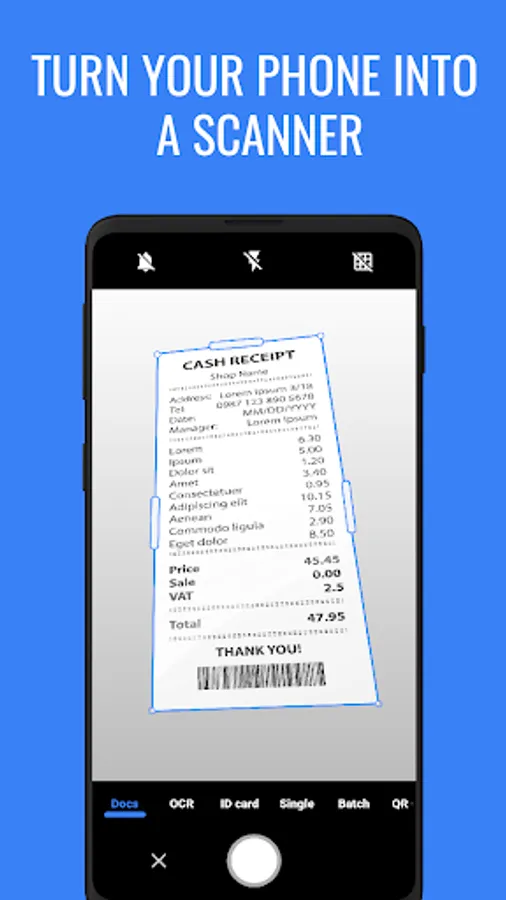
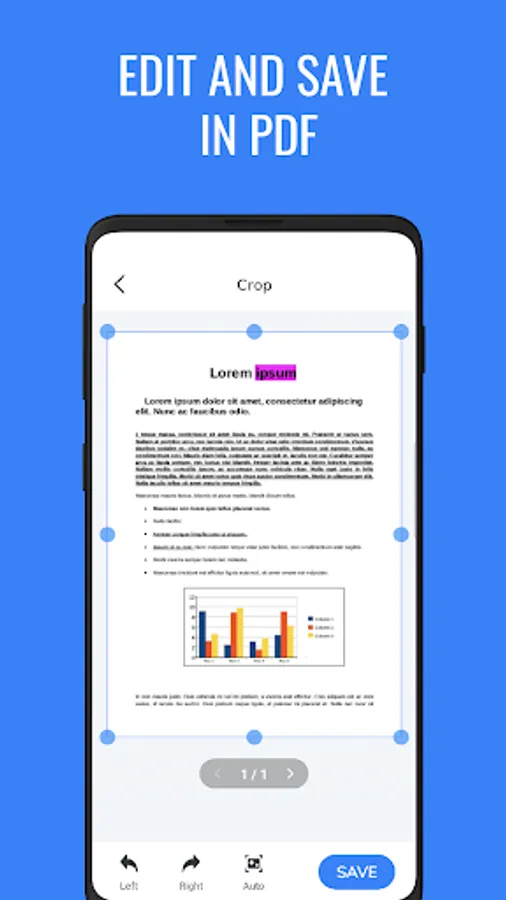
✨Do you need to scan documents to PDF? With PDF Scanner you just use the camera or choose a photo from the gallery then just one click to convert from an image to a PDF file.
Main functions of PDF Scanner application:
✔ Scan Document: Scan all document pages into a PDF file
✔ PDF Reader: Read and edit all PDF files on your phone
✔ Scan OCR: Scan characters from the image or camera, extract text from the image
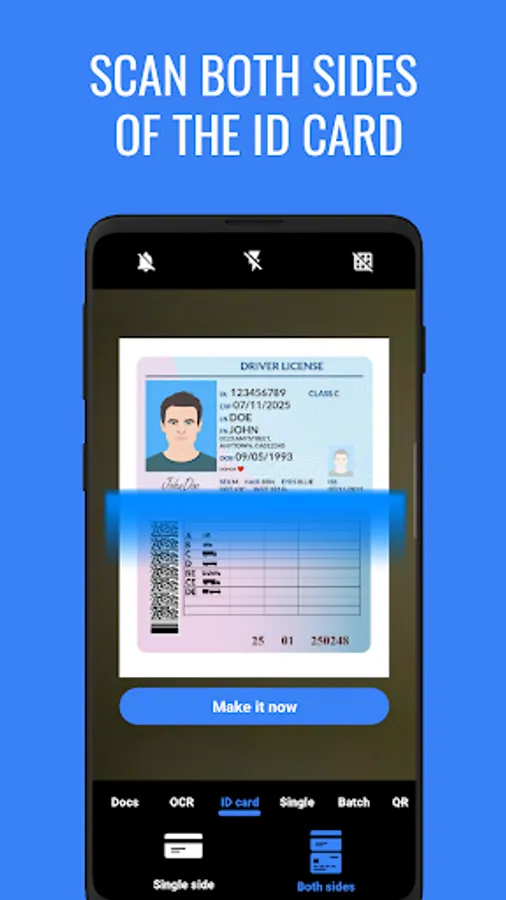
✔ Scan Card ID: Scan one-sided or double-sided scan your important papers to PDF, easy to share, print documents
✔ Scan QR code: Scan the QR code and Barcode quickly and conveniently
✔ Scan PDF with 2 modes: Batch / Single
Easily edit and share PDF documents
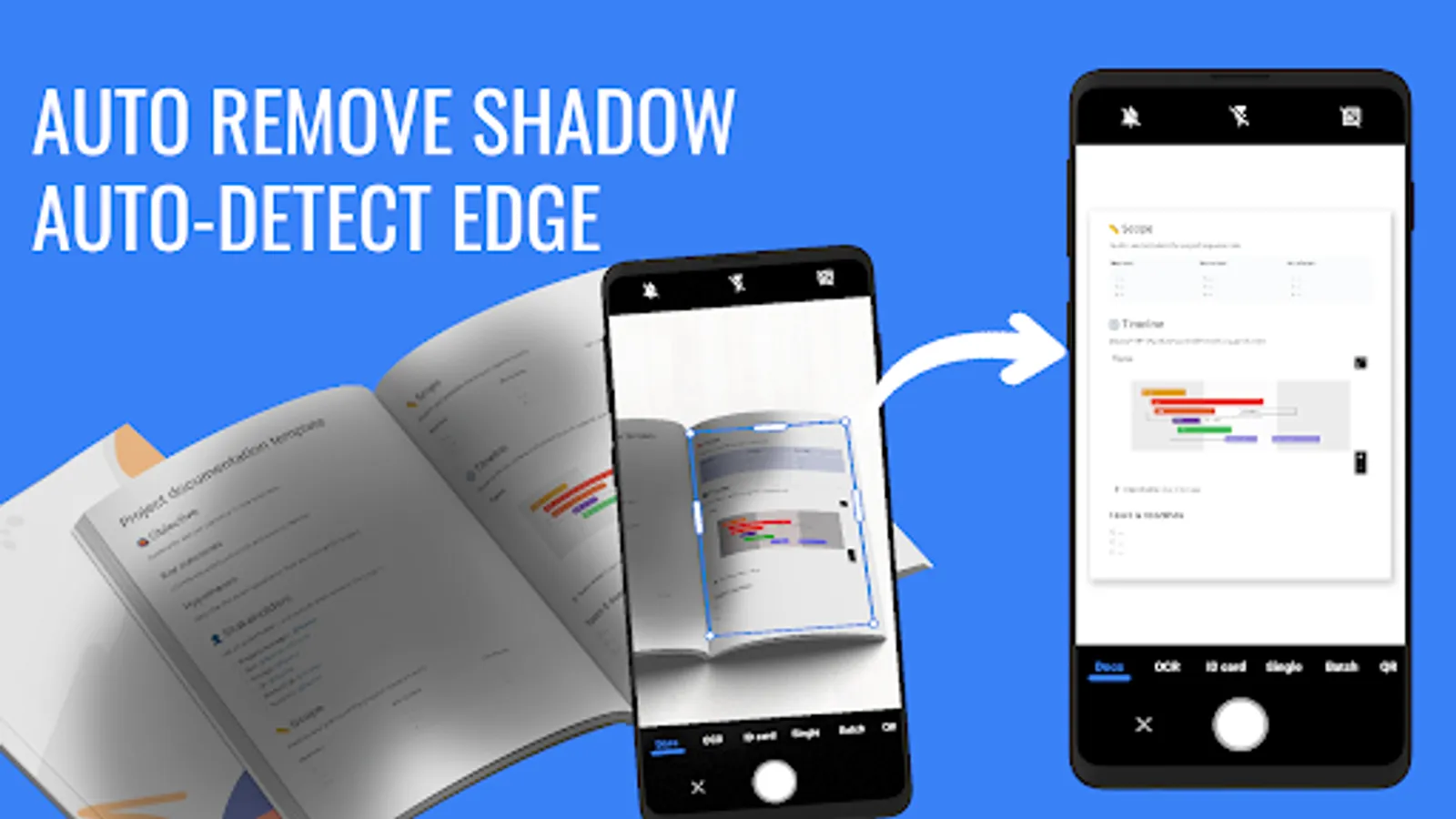
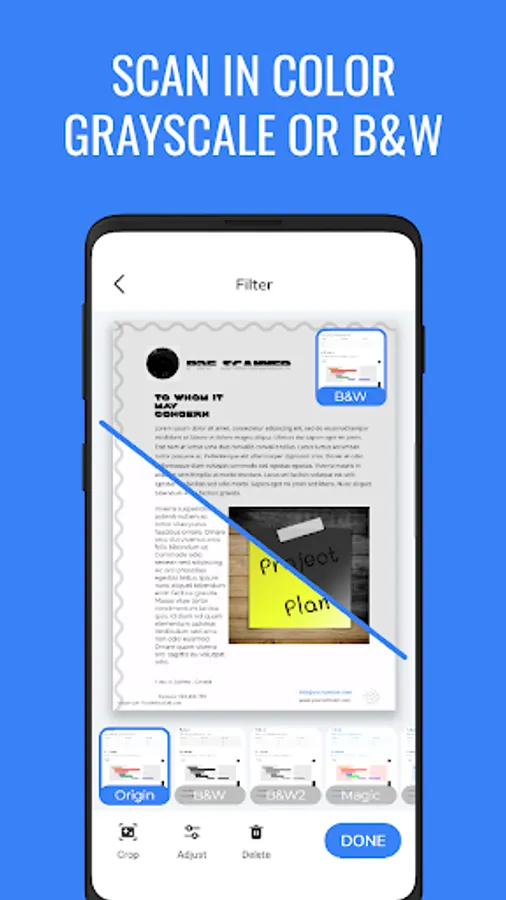
👉 Powerful document filters: Black & White, Grayscale, Magic color, Shadow removal...
👉 No watermark
👉 Remove the shadow in the document
👉 Share documents via mail, Dropbox, Google Drive, One Drive, Telegram
👉 Print documents
PDF Scanner app will help you to scan everything and convert them to the PDF file you need.
Main functions of PDF Scanner application:
✔ Scan Document: Scan all document pages into a PDF file
✔ PDF Reader: Read and edit all PDF files on your phone
✔ Scan OCR: Scan characters from the image or camera, extract text from the image
✔ Scan Card ID: Scan one-sided or double-sided scan your important papers to PDF, easy to share, print documents
✔ Scan QR code: Scan the QR code and Barcode quickly and conveniently
✔ Scan PDF with 2 modes: Batch / Single
Easily edit and share PDF documents
👉 Powerful document filters: Black & White, Grayscale, Magic color, Shadow removal...
👉 No watermark
👉 Remove the shadow in the document
👉 Share documents via mail, Dropbox, Google Drive, One Drive, Telegram
👉 Print documents
PDF Scanner app will help you to scan everything and convert them to the PDF file you need.