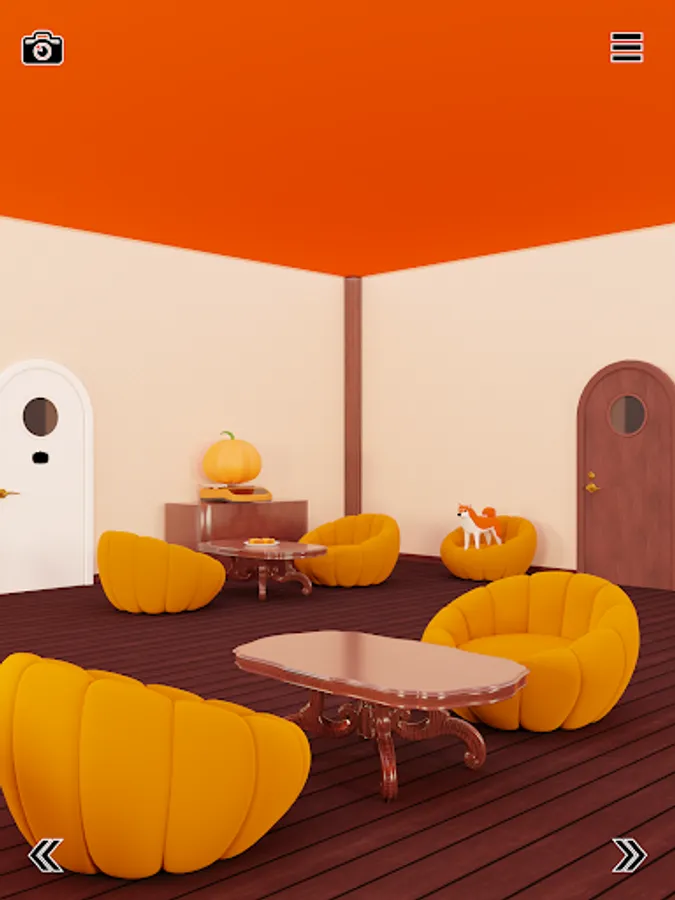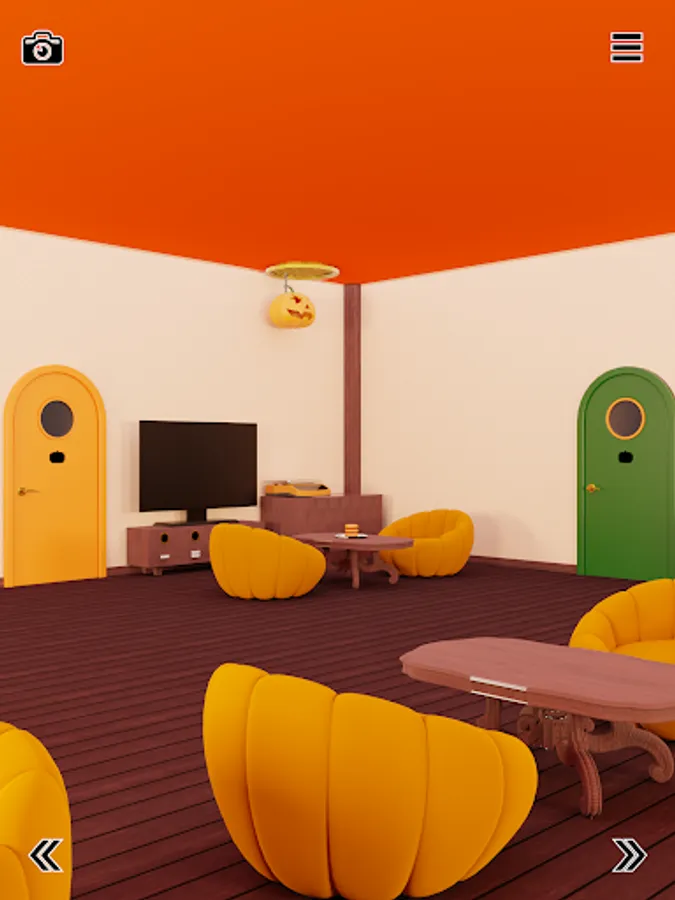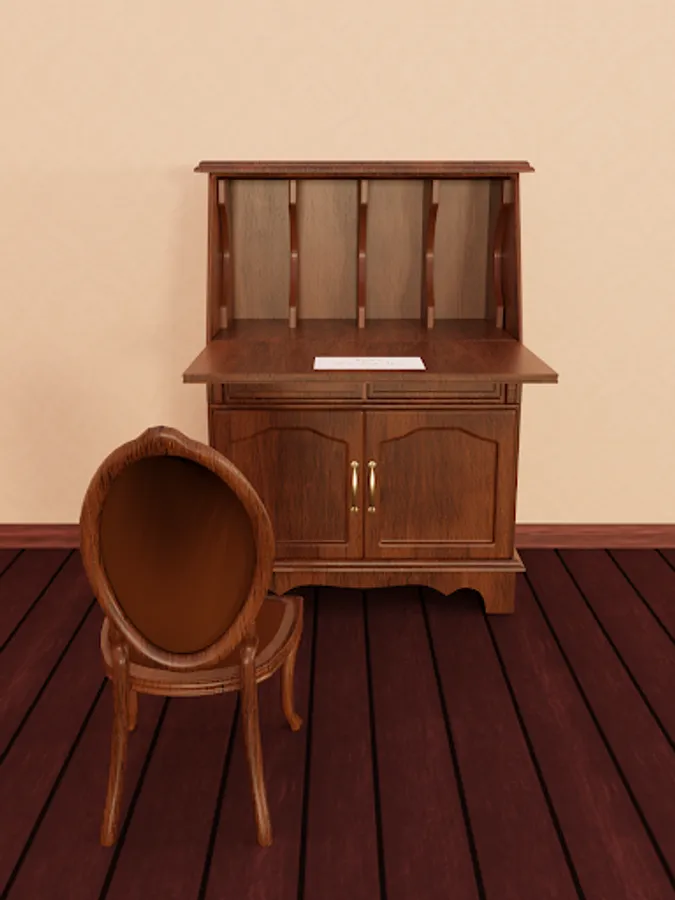
With this escape game app, you can tap to investigate the surroundings, solve puzzles, and collect items to progress. Includes auto-save, hints, answer videos, and camera capture features.
AppRecs review analysis
AppRecs rating 4.7. Trustworthiness 70 out of 100. Review manipulation risk 34 out of 100. Based on a review sample analyzed.
★★★★☆
4.7
AppRecs Rating
Ratings breakdown
5 star
87%
4 star
13%
3 star
0%
2 star
0%
1 star
0%
What to know
✓
Credible reviews
70% trustworthiness score from analyzed reviews
✓
High user satisfaction
87% of sampled ratings are 5 stars
About Escape Game Pumpkin
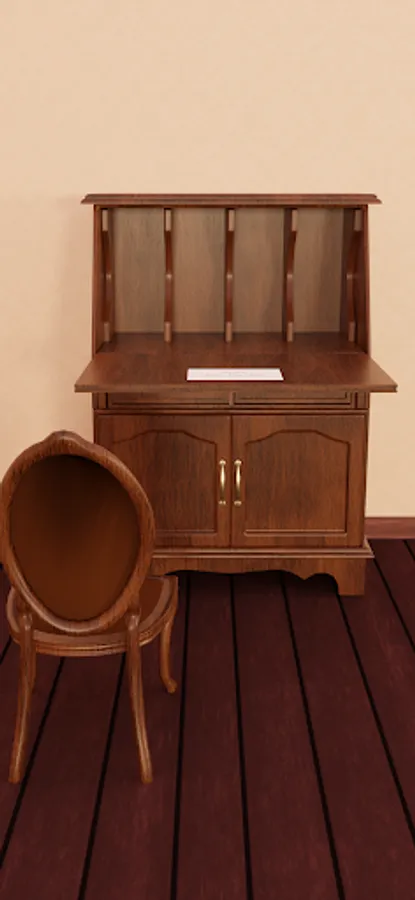
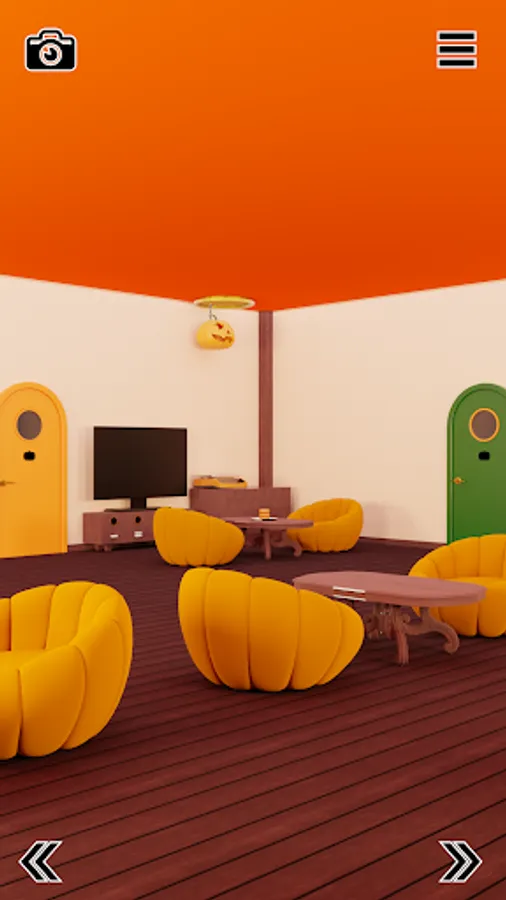
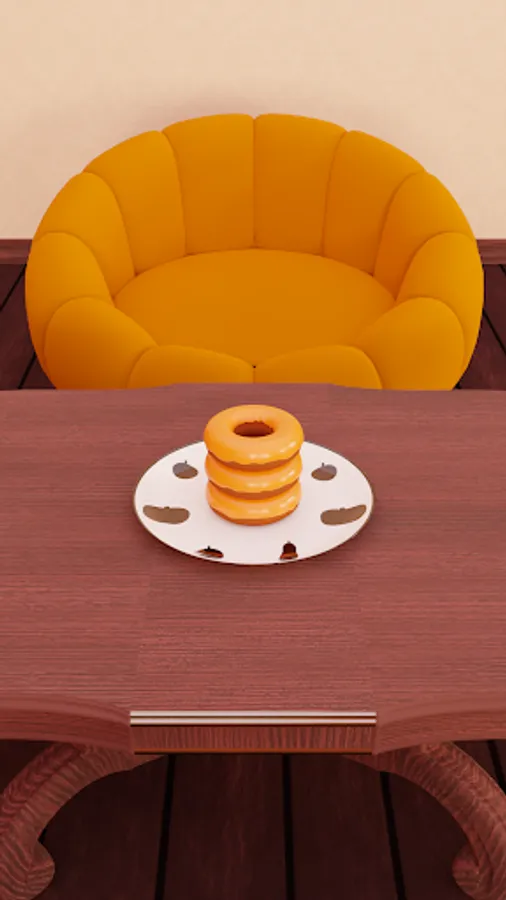
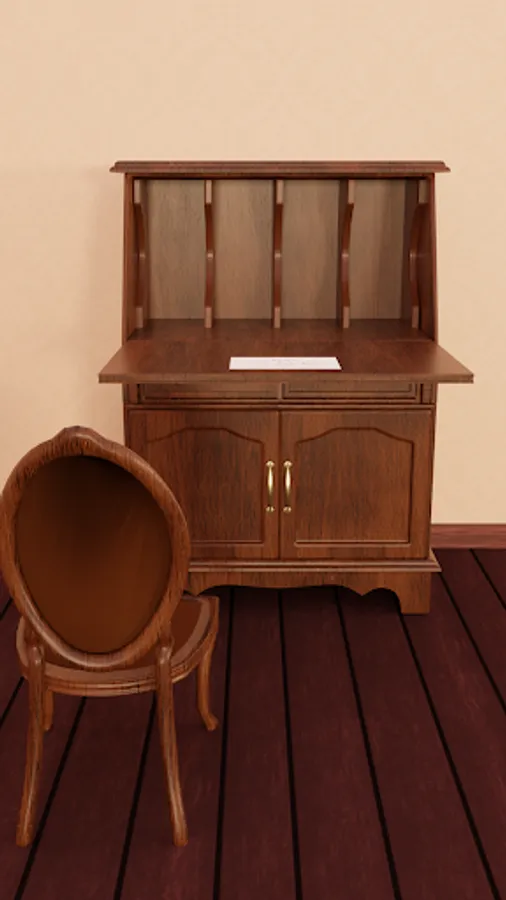
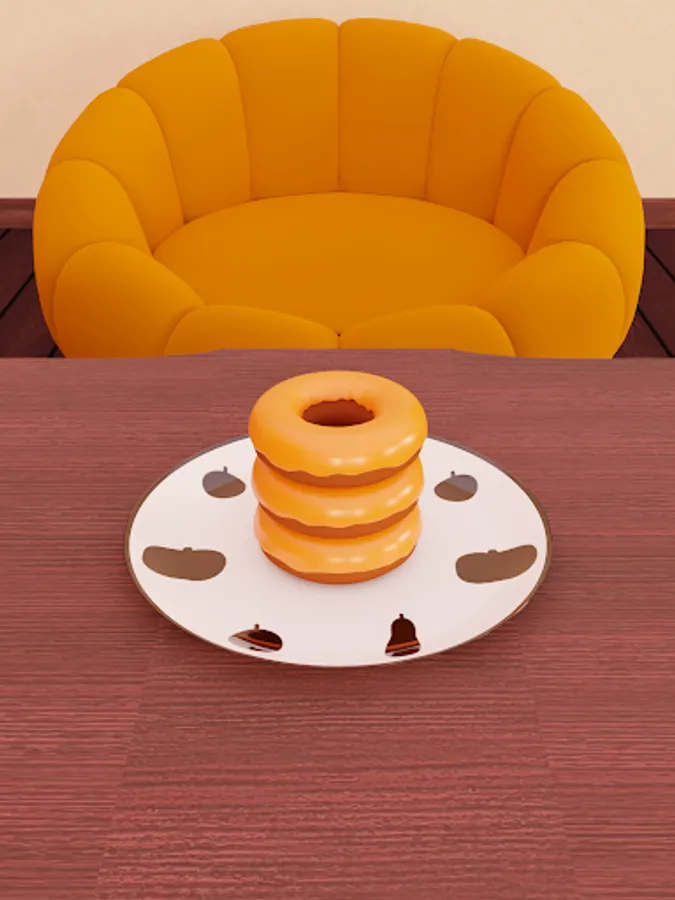
An escape game you can play with just a tap, and this time, the setting is a pumpkin cafe. Solve various mysteries hidden in the pumpkin cafe and aim to escape!
Game Features
【Auto-Save Feature】
Automatically saves your progress in the escape game.
※If you delete the app, your saved progress will be lost.
【Hint & Answer Feature】
If you get stuck in the escape game, you can watch a video ad to view a "hint" or the "answer" to the puzzle.
【Capture Feature】
After watching a video ad, you can use the camera to take a limited number of captures.
You can use the camera to capture various zoomed-in areas, so be sure to take pictures of areas you think might be helpful for solving the puzzles.
Escape Game Controls
・Tap on areas of interest on the screen to investigate.
・Move by tapping the arrows at the bottom of the screen.
・Items you collect can be selected by tapping on them.
・Tapping the item again will enlarge it for a closer look.
・Certain locations on the screen can be investigated by selecting and using an item to solve the puzzle.
・Certain items can be used to solve puzzles by selecting and using them.
About Ads
・The development of this escape game is supported by ad revenue. Thank you for your understanding.
Game Features
【Auto-Save Feature】
Automatically saves your progress in the escape game.
※If you delete the app, your saved progress will be lost.
【Hint & Answer Feature】
If you get stuck in the escape game, you can watch a video ad to view a "hint" or the "answer" to the puzzle.
【Capture Feature】
After watching a video ad, you can use the camera to take a limited number of captures.
You can use the camera to capture various zoomed-in areas, so be sure to take pictures of areas you think might be helpful for solving the puzzles.
Escape Game Controls
・Tap on areas of interest on the screen to investigate.
・Move by tapping the arrows at the bottom of the screen.
・Items you collect can be selected by tapping on them.
・Tapping the item again will enlarge it for a closer look.
・Certain locations on the screen can be investigated by selecting and using an item to solve the puzzle.
・Certain items can be used to solve puzzles by selecting and using them.
About Ads
・The development of this escape game is supported by ad revenue. Thank you for your understanding.