Russian - Uzbek dictionary
TTdictionary Offline
4.2 ★
1K ratings
500,000+
downloads
Free
+ in-app
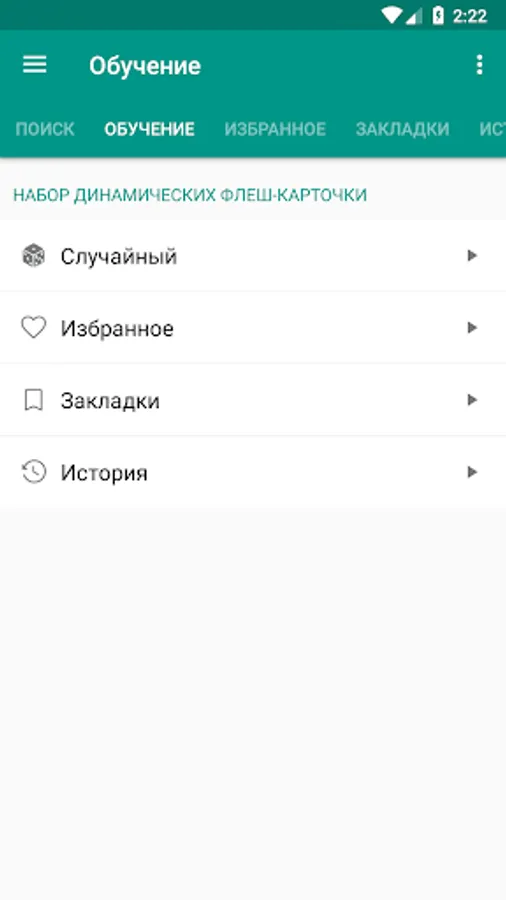
In this language dictionary app, you can translate between Russian and Uzbek words and phrases offline. It allows searching with filters, adding notes, and creating bookmarks for quick reference. Includes voice recognition, word editing, history tracking, and sharing options.
AppRecs review analysis
AppRecs rating 4.3. Trustworthiness 56 out of 100. Review manipulation risk 41 out of 100. Based on a review sample analyzed.
★★★★☆
4.3
AppRecs Rating
Ratings breakdown
5 star
80%
4 star
0%
3 star
0%
2 star
0%
1 star
20%
What to know
⚠
Questionable review patterns
41% review manipulation risk - some review patterns appear unusual
⚠
Review quality concerns
59% of sampled 5-star reviews are very short
About Russian - Uzbek dictionary
TTdic Russian to Uzbek & Uzbek to Russian is a free offline dictionary (vocabulary) with easy and functional user interface, covers over 20.000 words.
Features:
• Very efficient, fast and good performance.
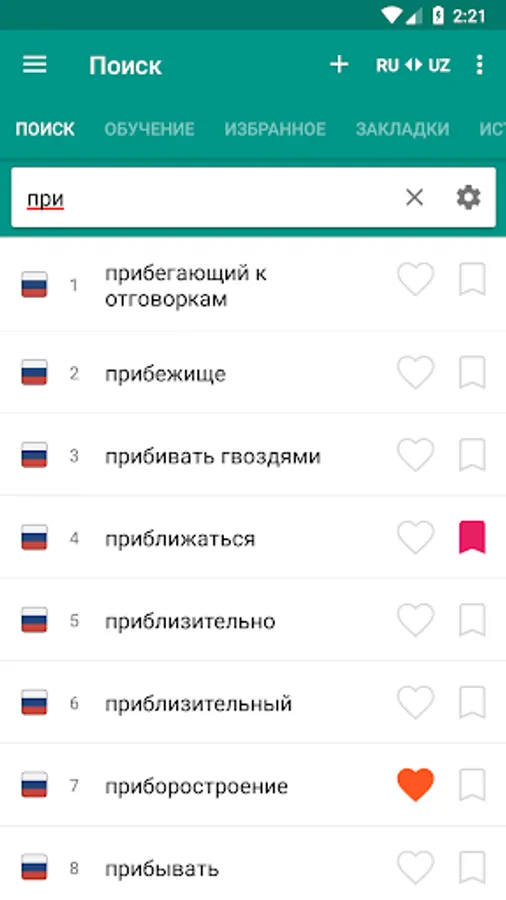
• high-speed search options
• Search filters - search for suffix, prefix(starts with, ends with)
• Voice recognition
• Works offline
• Editing words
• Adding new words
• Backup/restore from Dropbox
• Adding notes to word
• Night mode
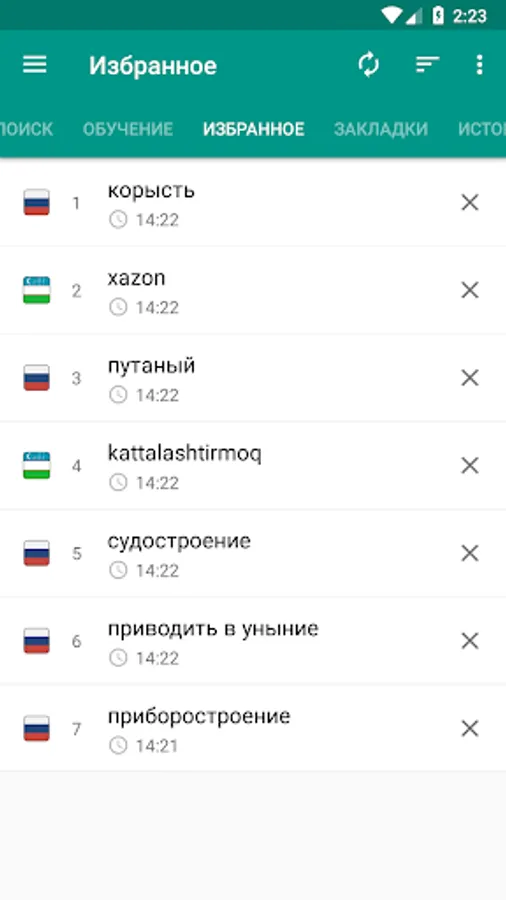
• You can add marked words to the favorite list
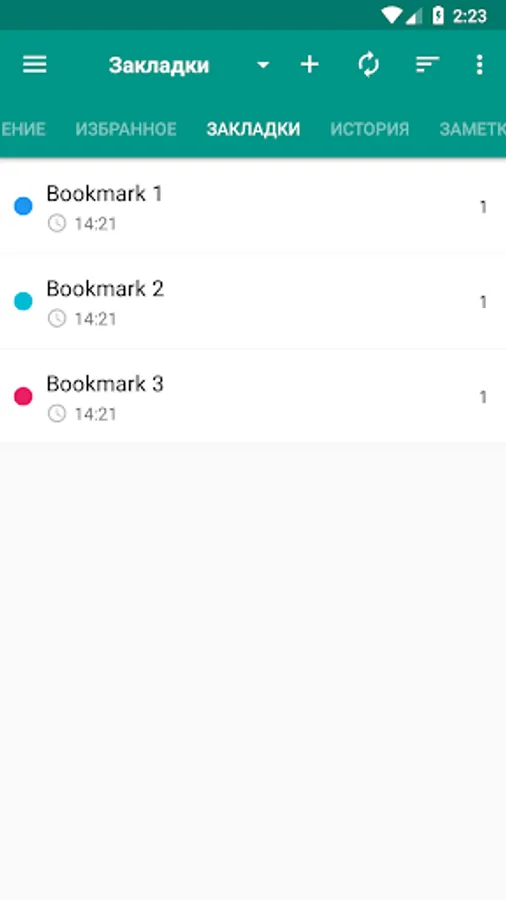
• Creating bookmark and adding words to bookmark list
• Keeping of Looked-up words in history( as day,month ...)
• Creating bookmark and adding words to bookmark
• Sharing in other apps
• Sounding of word or marked text (Text-to-speech engine)
• Supports Android N
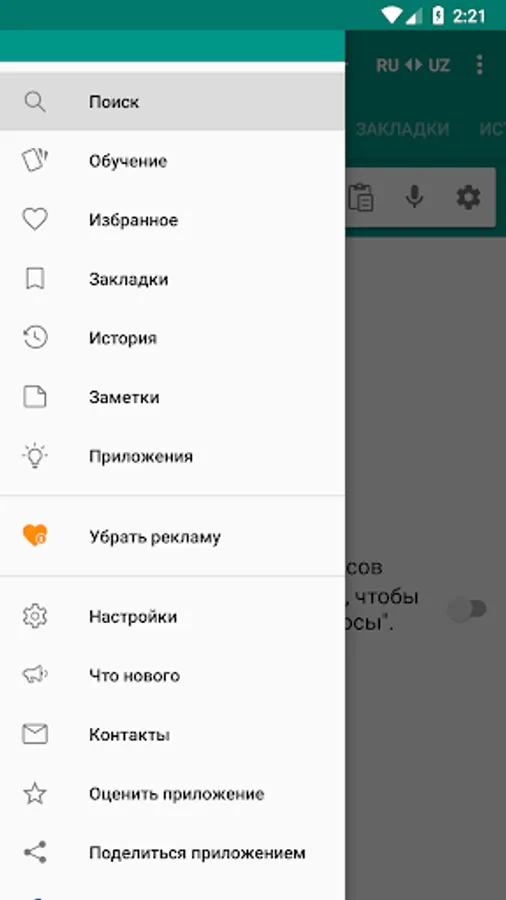
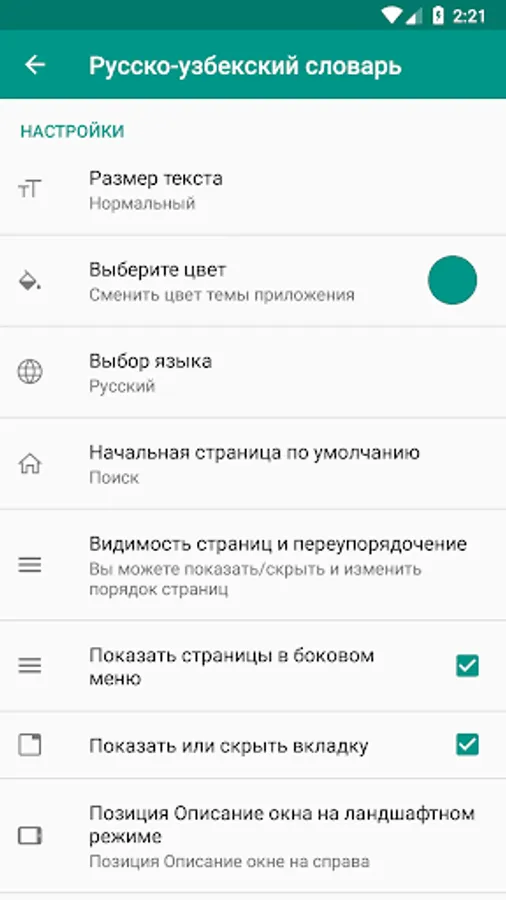
• Tabs visibility - you can show or hide tabs (In settings).
• Display delete confirmation dialog
• Rename a bookmark
• Sorting a bookmark
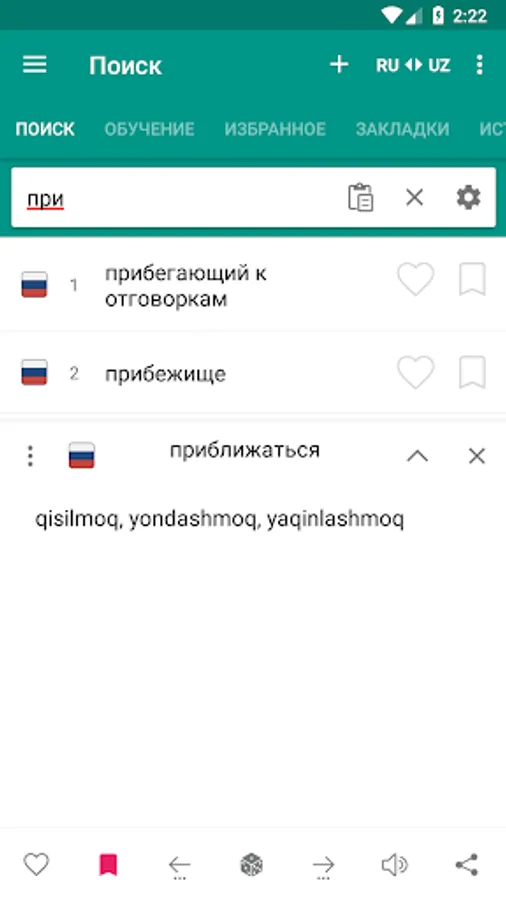
Description window is opened as clicking on the word. You can minimize and maximize the description window with swipe function.
• The option of searching, sounding and sharing of marked word in the description window.
• Description of selected word are opened on the same window.
• Tablet UI Support
- Setting
• Changing option of text size
• Changing option of UI color
• Clearing option of Bookmark, Favorite, History list
• You can change the size of text with clicking on down/up volume buttons.
• You can change the color of UI with double clicking on down/up volume buttons.
• You can change description view position on landscape mode (description view on left/right)
TTdic is offline dictionary, offline dictionary needs memory.
You can give suggestions, comments and legal questions related to dictionary to this address. ttdicpro@gmail.com
Features:
• Very efficient, fast and good performance.
• high-speed search options
• Search filters - search for suffix, prefix(starts with, ends with)
• Voice recognition
• Works offline
• Editing words
• Adding new words
• Backup/restore from Dropbox
• Adding notes to word
• Night mode
• You can add marked words to the favorite list
• Creating bookmark and adding words to bookmark list
• Keeping of Looked-up words in history( as day,month ...)
• Creating bookmark and adding words to bookmark
• Sharing in other apps
• Sounding of word or marked text (Text-to-speech engine)
• Supports Android N
• Tabs visibility - you can show or hide tabs (In settings).
• Display delete confirmation dialog
• Rename a bookmark
• Sorting a bookmark
Description window is opened as clicking on the word. You can minimize and maximize the description window with swipe function.
• The option of searching, sounding and sharing of marked word in the description window.
• Description of selected word are opened on the same window.
• Tablet UI Support
- Setting
• Changing option of text size
• Changing option of UI color
• Clearing option of Bookmark, Favorite, History list
• You can change the size of text with clicking on down/up volume buttons.
• You can change the color of UI with double clicking on down/up volume buttons.
• You can change description view position on landscape mode (description view on left/right)
TTdic is offline dictionary, offline dictionary needs memory.
You can give suggestions, comments and legal questions related to dictionary to this address. ttdicpro@gmail.com