TV Cast & Screen Mirroring
P302 APPS
4.2 ★
1K ratings
100,000+
downloads
Free
+ in-app
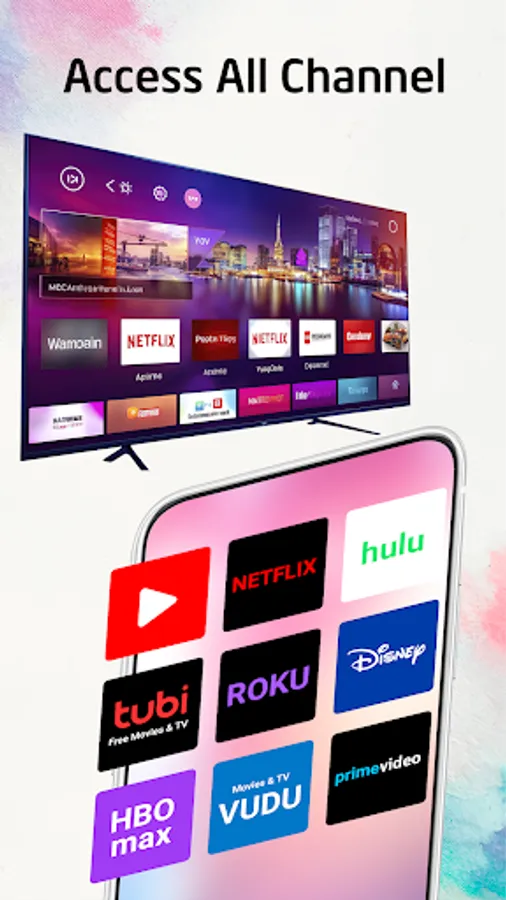
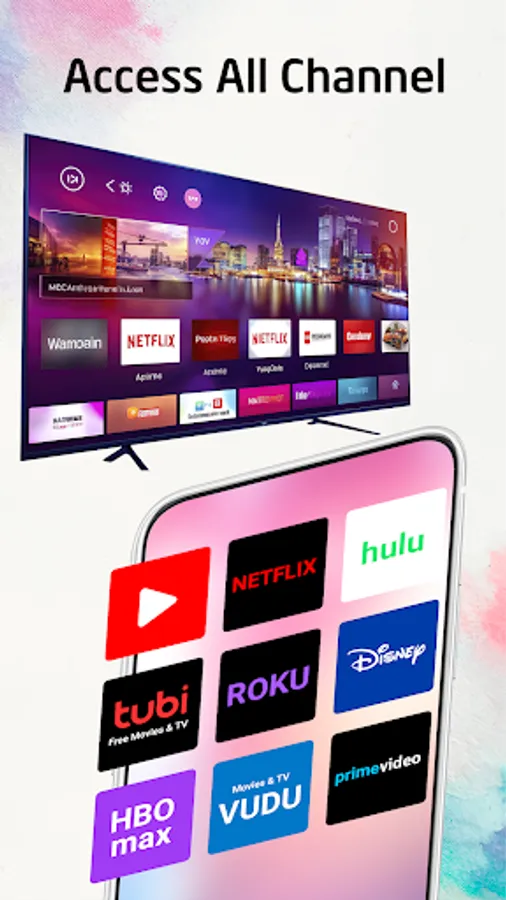
With this app, you can cast photos, videos, and music to various smart TVs and streaming devices. Includes screen mirroring, remote control functions, and support for multiple brands and models.
AppRecs review analysis
AppRecs rating 4.1. Trustworthiness 77 out of 100. Review manipulation risk 35 out of 100. Based on a review sample analyzed.
★★★★☆
4.1
AppRecs Rating
Ratings breakdown
5 star
72%
4 star
3%
3 star
6%
2 star
6%
1 star
12%
What to know
✓
Credible reviews
77% trustworthiness score from analyzed reviews
✓
High user satisfaction
75% of sampled ratings are 4+ stars (4.2★ average)
✓
Authentic reviews
Natural distribution, no red flags
About TV Cast & Screen Mirroring
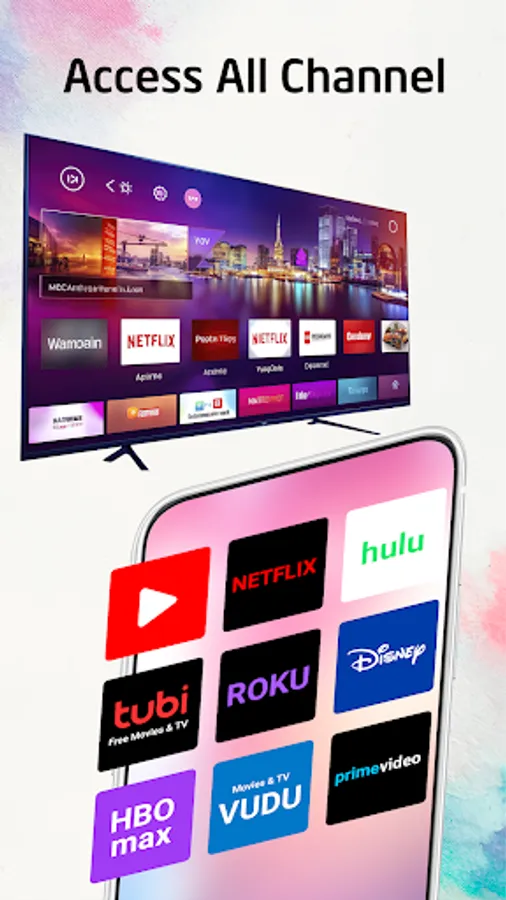
All-in-one mobile app that lets you easily cast your favorite photos, mirror your phone screen, remote control your TVs and stream your favorite videos to your Chromecast-enabled TV. With just a few taps, you can connect your phone to TV and enjoy all your favorite content on the big screen. "TV Cast, Mirroring, Remote" helps you can easily cast your phone to TVs instantly. Cast to TV app also helps you enjoy your movies on any kind of smart TV like Chromecast, Xbox, Samsung, Roku, Fire TV, LG TV, and more.
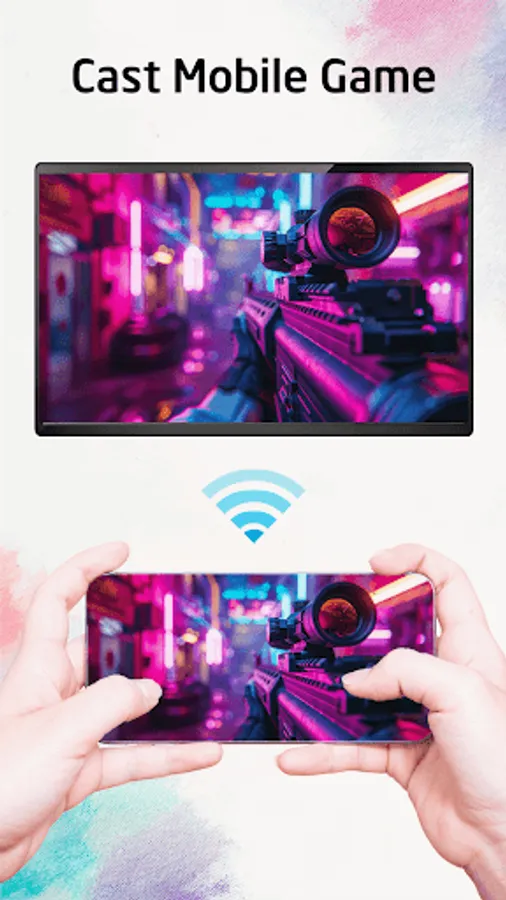
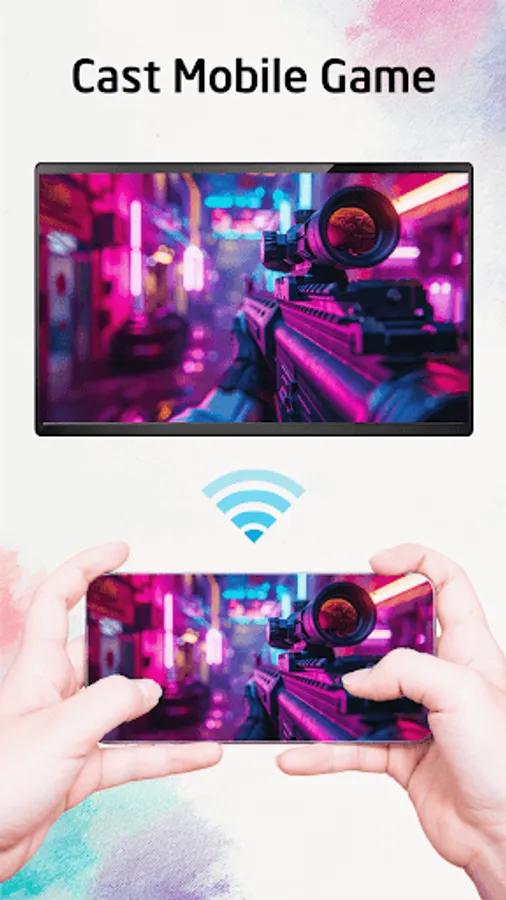
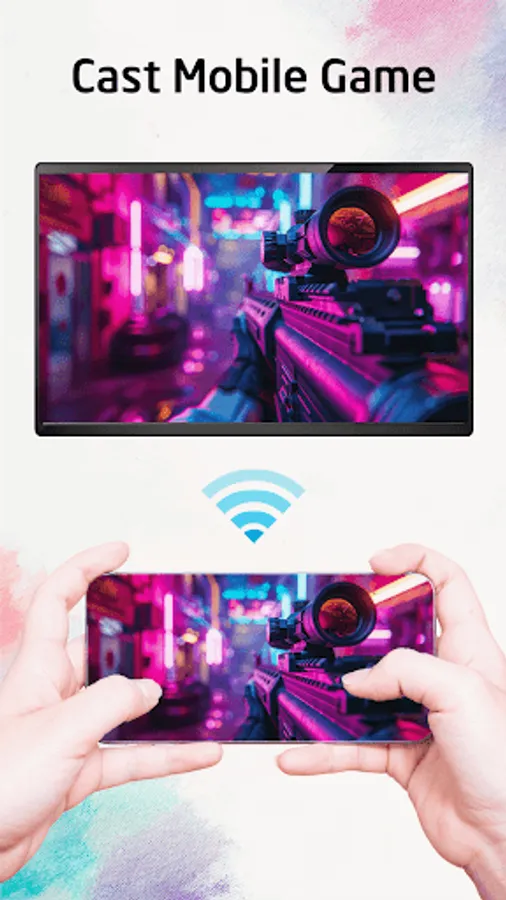
"TV Cast, Mirroring, Remote" can stream all your videos, games, audios, photos and other apps on a bigger screen with the same wifi connection. This is a perfect streaming app for sharing content with Hi-Quality and real-time speed.
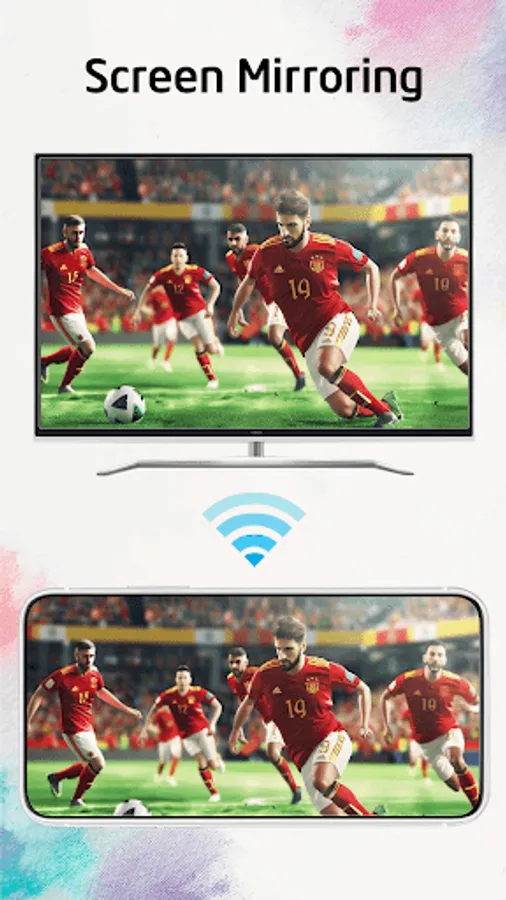
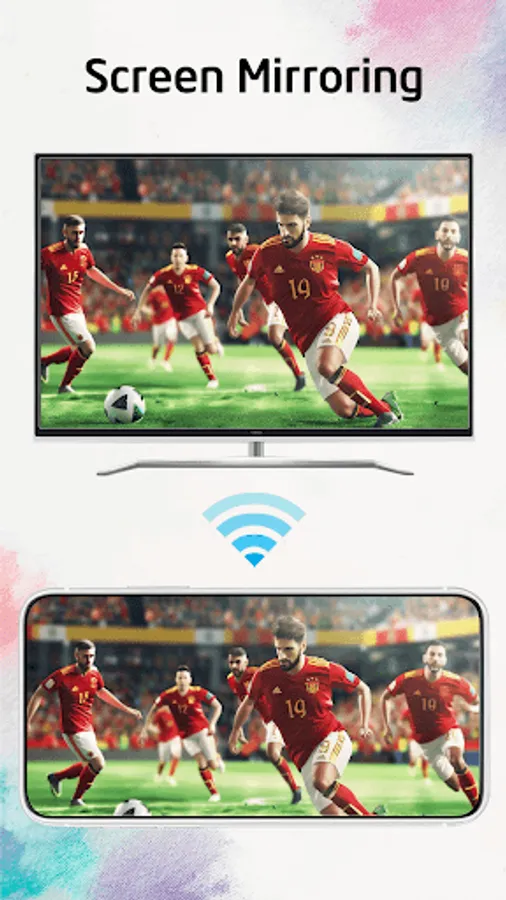
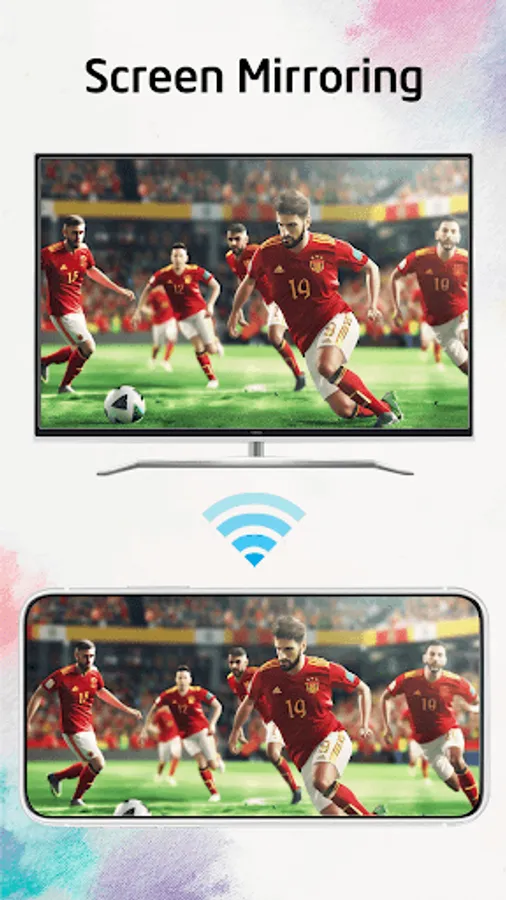
"Screen Mirroring" feature will help you to share your phone screen to smart TV with a large reflective screen.
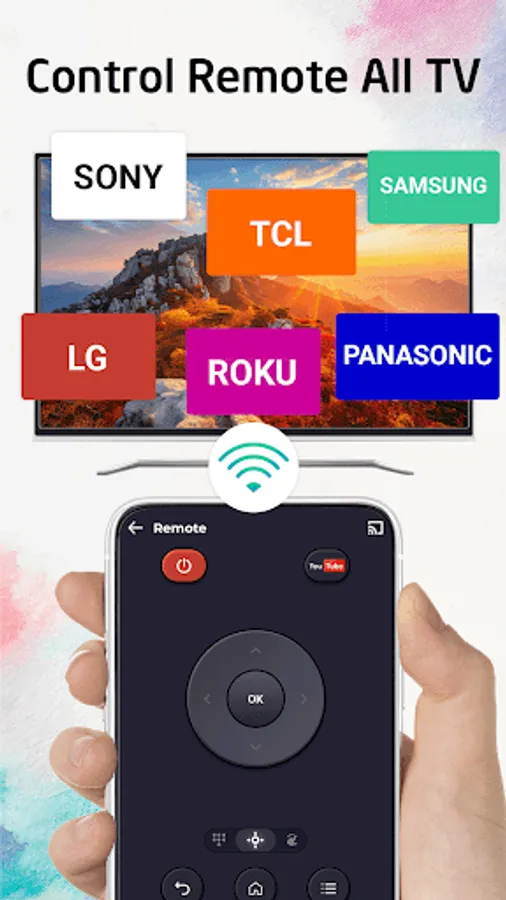
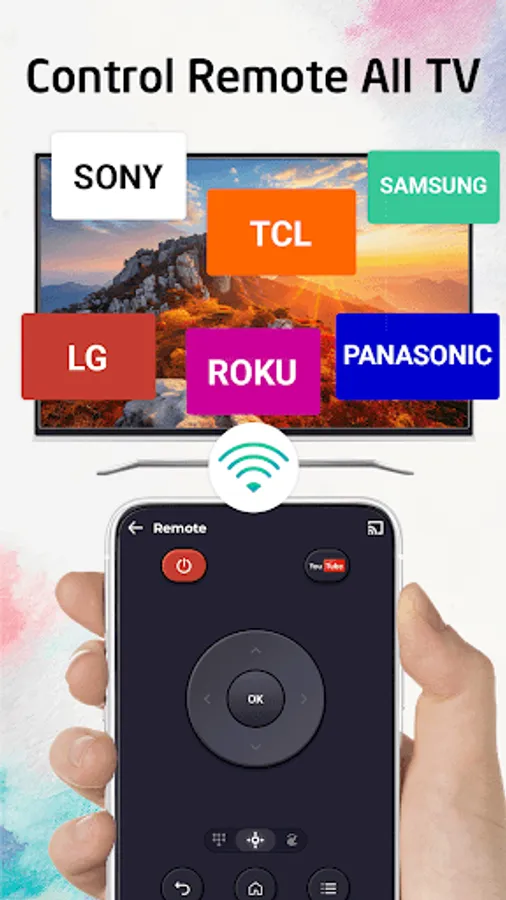
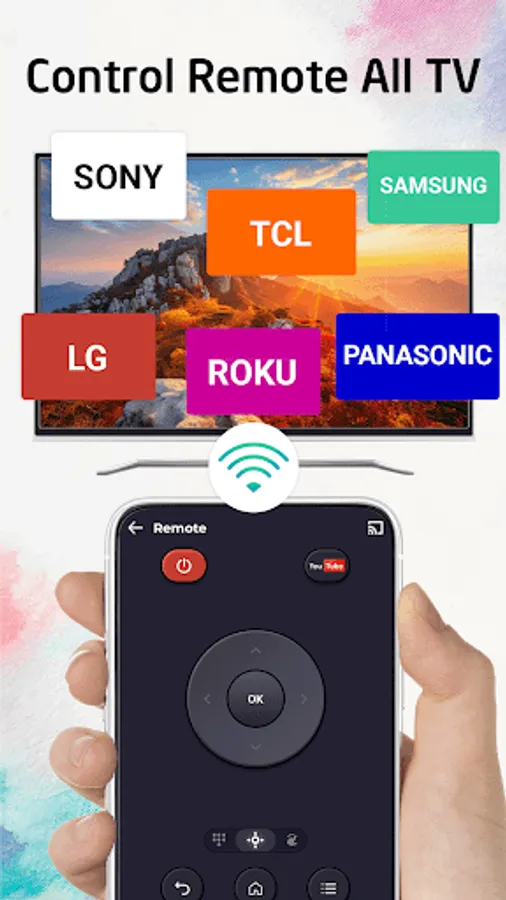
"TV Remote Control" feature: is also a versatile device that can operate various brands and models of televisions like Samsung TV, Sony TV, Roku TV, LG TV, Fire TV, Android TV, Panasonic TV, TCL TV and many more.
Supported devices:
• Chromecast
• Roku
• FireTV, Xbox
• Smart TVs: Sony, Samsung, LG TV,...
• Android TVs
Key Features:
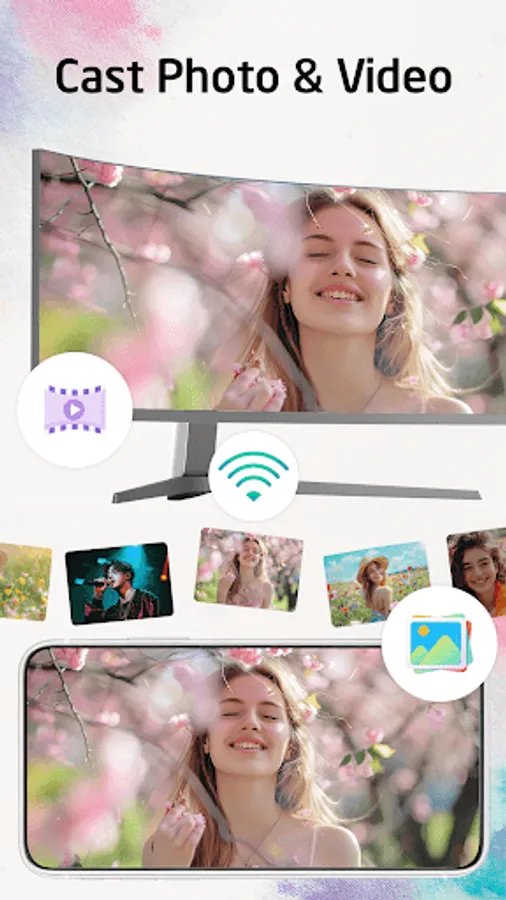
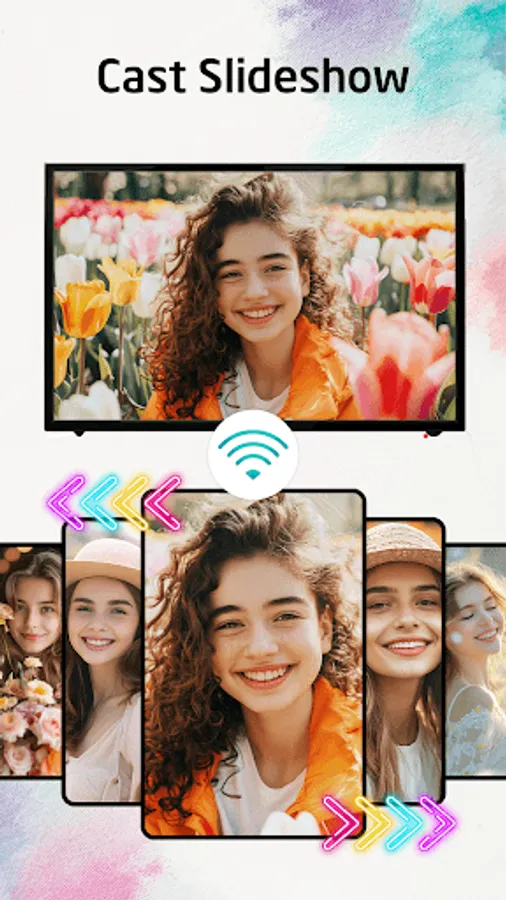
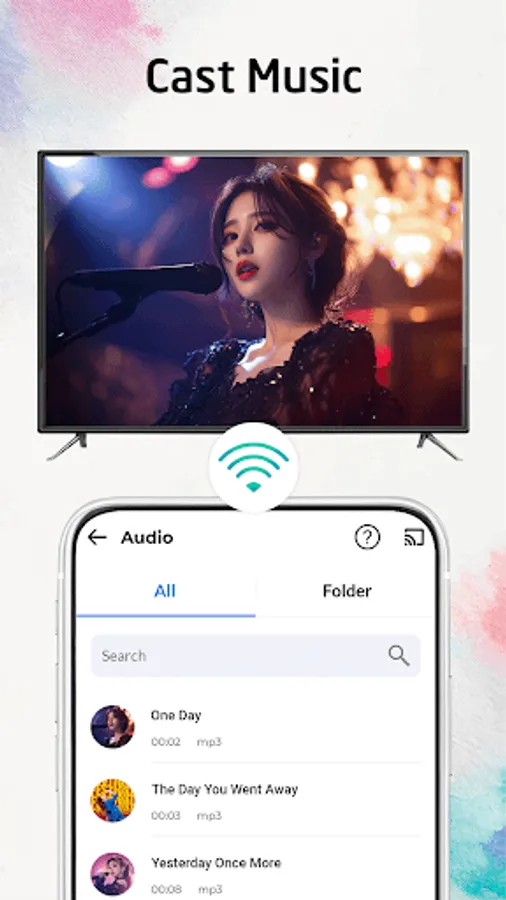
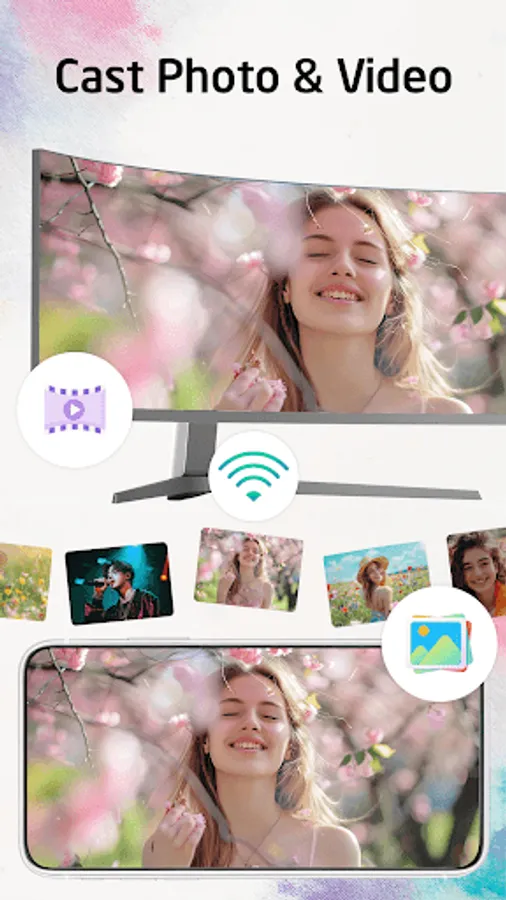
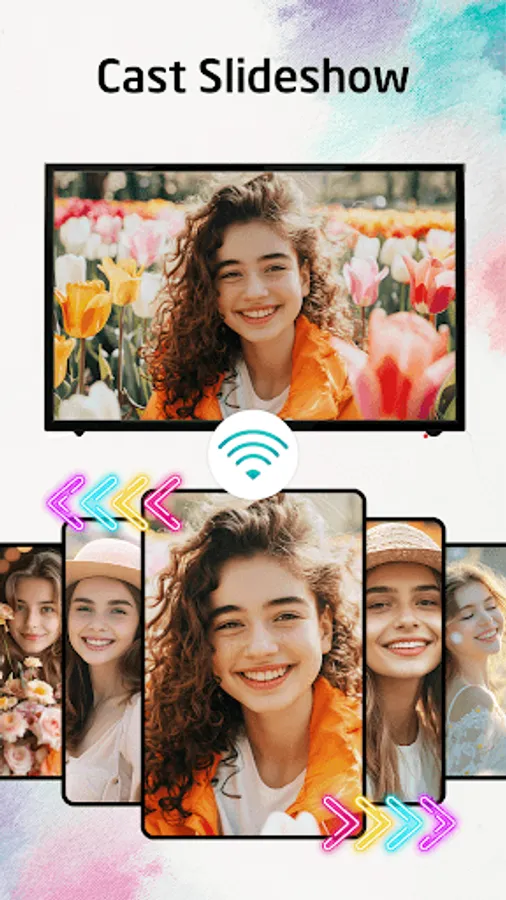
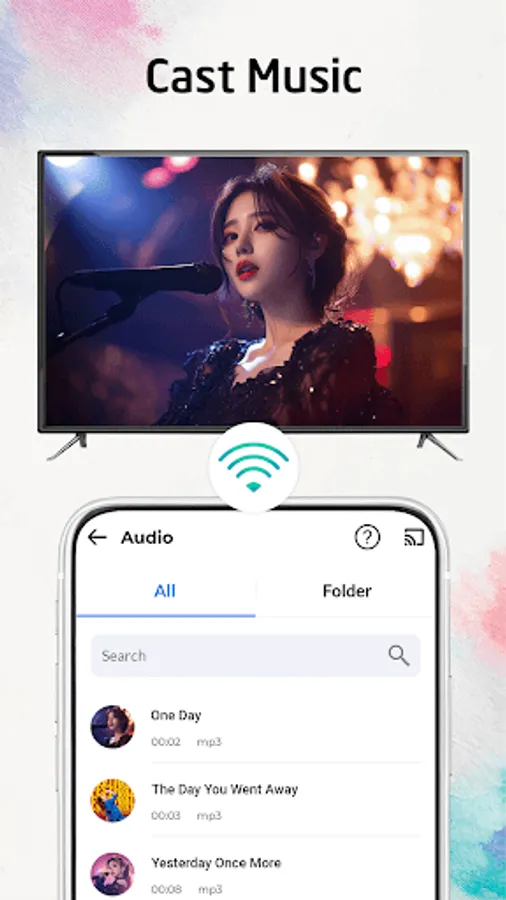
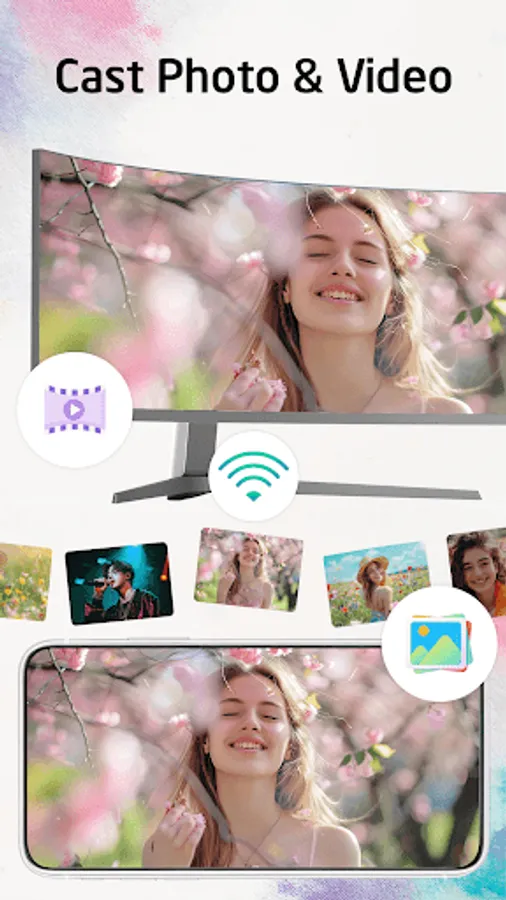
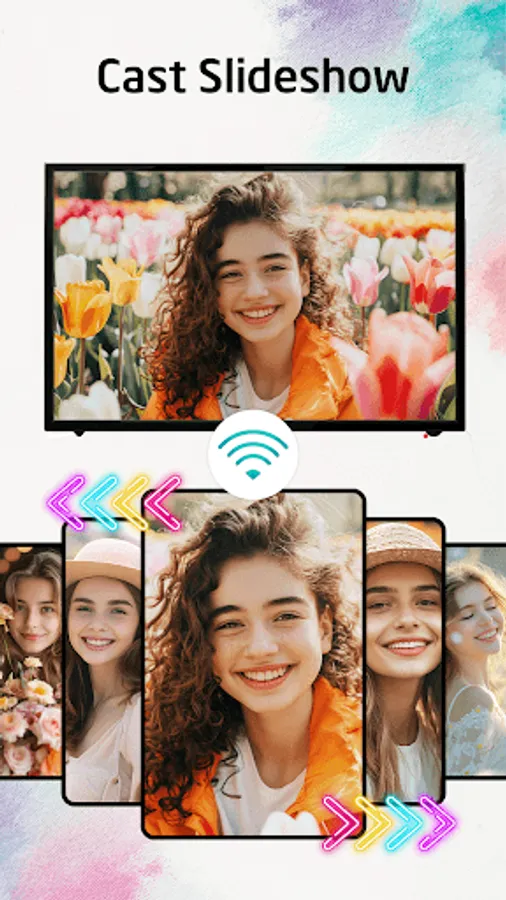
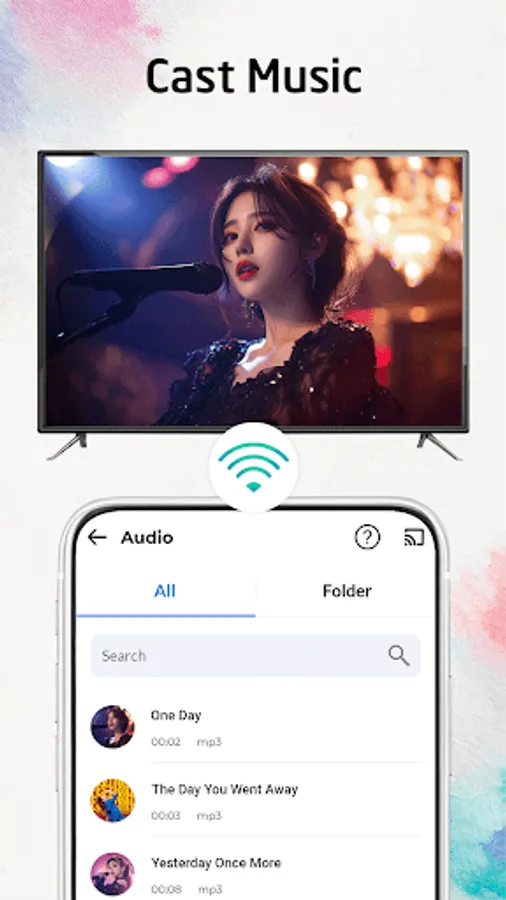
• Easily cast photos, music & videos to Chromecast TV.
• Screen Mirroring your phone to TV
• Watch your movies on Chromecast TV.
• Cast photo, video,... to Smart TV
• Play music, playing the game on the bigger screen.
• Remote Control for Roku TV, Fire TV, Android TV, Samsung TV, LG TV, Sony TV, etc...
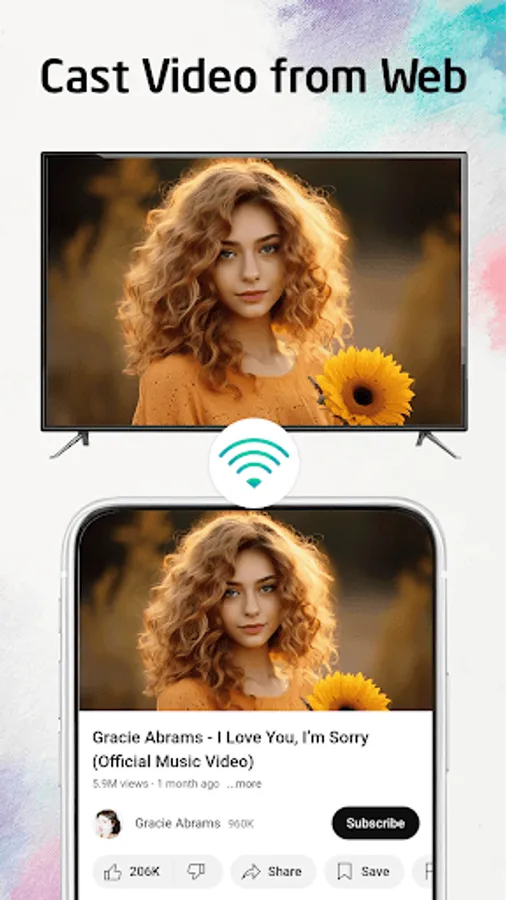
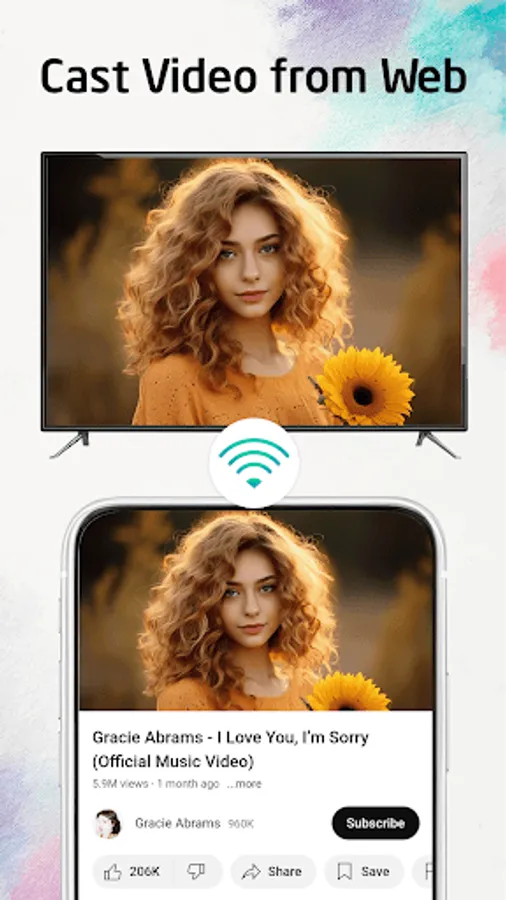
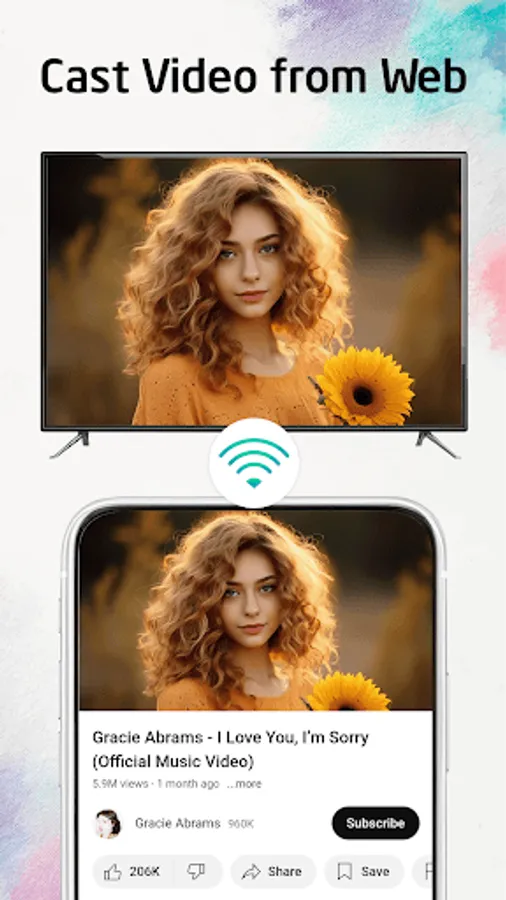
• Stream videos & music to Web browser
• And a lot more useful features.
How to use:
• Step 1: Make sure your phone and Smart TV are connected to the same WiFi network.
• Step 2: Choose and Connect to your Smart TV
• Step 3: You are now ready to use. Explore every feature of our app!
DISCLAIMER:
Chromecast is a trademark of Google LLC. This app is not affiliated with or endorsed by Google, Roku or other brands.
"TV Cast, Mirroring, Remote" can stream all your videos, games, audios, photos and other apps on a bigger screen with the same wifi connection. This is a perfect streaming app for sharing content with Hi-Quality and real-time speed.
"Screen Mirroring" feature will help you to share your phone screen to smart TV with a large reflective screen.
"TV Remote Control" feature: is also a versatile device that can operate various brands and models of televisions like Samsung TV, Sony TV, Roku TV, LG TV, Fire TV, Android TV, Panasonic TV, TCL TV and many more.
Supported devices:
• Chromecast
• Roku
• FireTV, Xbox
• Smart TVs: Sony, Samsung, LG TV,...
• Android TVs
Key Features:
• Easily cast photos, music & videos to Chromecast TV.
• Screen Mirroring your phone to TV
• Watch your movies on Chromecast TV.
• Cast photo, video,... to Smart TV
• Play music, playing the game on the bigger screen.
• Remote Control for Roku TV, Fire TV, Android TV, Samsung TV, LG TV, Sony TV, etc...
• Stream videos & music to Web browser
• And a lot more useful features.
How to use:
• Step 1: Make sure your phone and Smart TV are connected to the same WiFi network.
• Step 2: Choose and Connect to your Smart TV
• Step 3: You are now ready to use. Explore every feature of our app!
DISCLAIMER:
Chromecast is a trademark of Google LLC. This app is not affiliated with or endorsed by Google, Roku or other brands.
TV Cast & Screen Mirroring Screenshots
Tap to Rate:
Reviews for TV Cast & Screen Mirroring
Ricardo Jim
1/2/2026
it's one of the best ideas
Rubi Sachan
6/26/2025
good