UADIBLOC
GYMMANAGER INTERNATIONAL
50+
downloads
Free
About UADIBLOC
The mobile application is designed for UADIBLOC club customers
The mobile application enables, among other things:
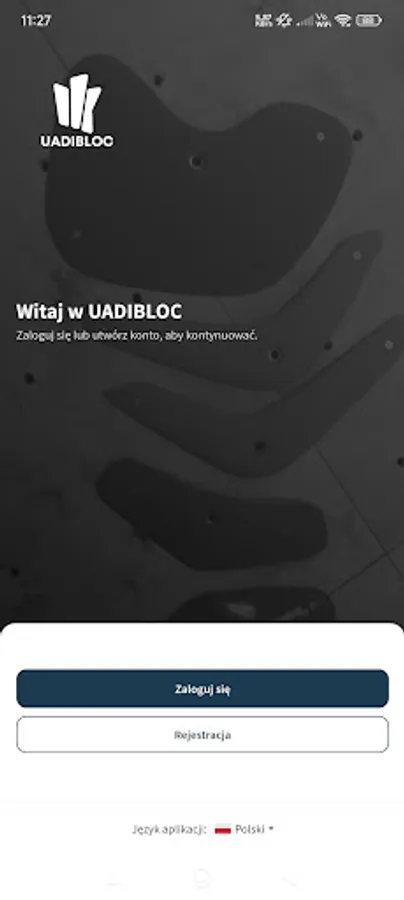
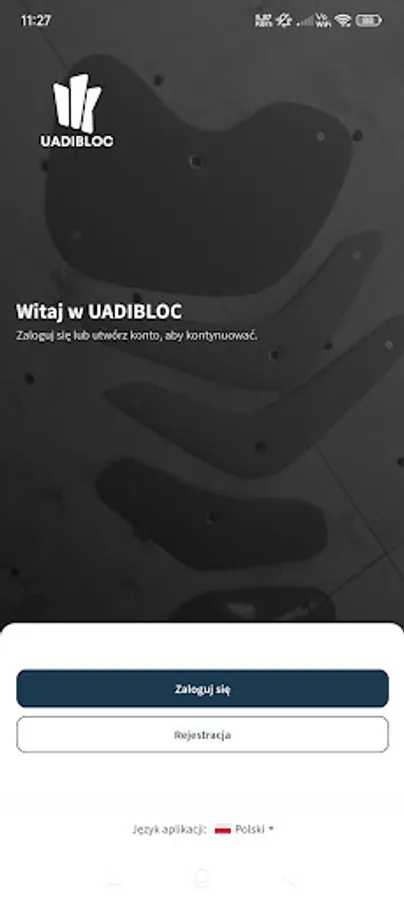
creating an account by the customer
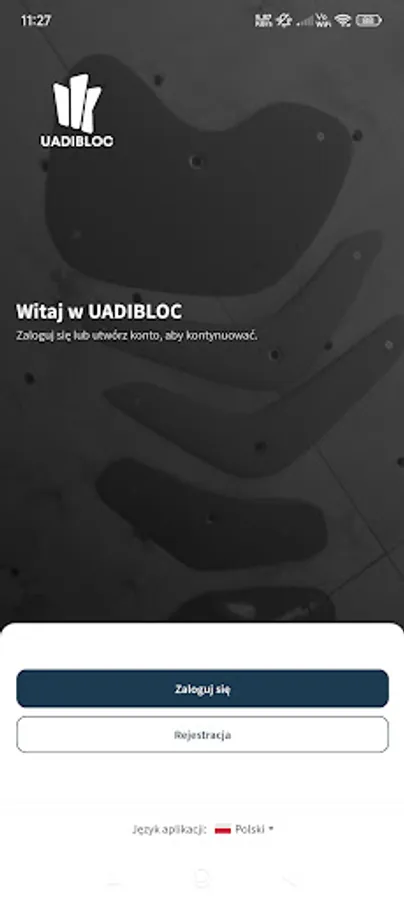
logging into the user account
managing personal data in the profile, including marking and unmarking consents, adding a profile photo, changing the password
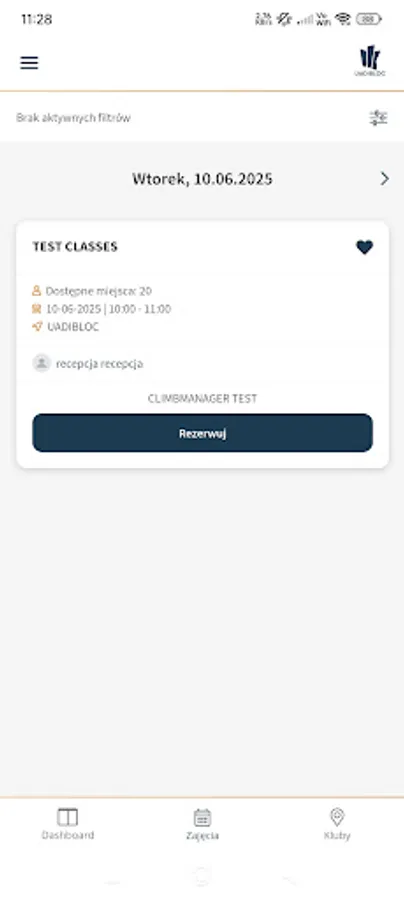
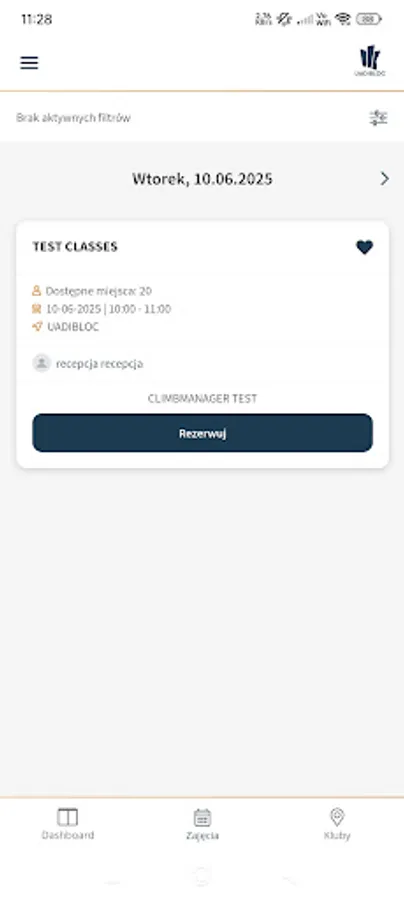
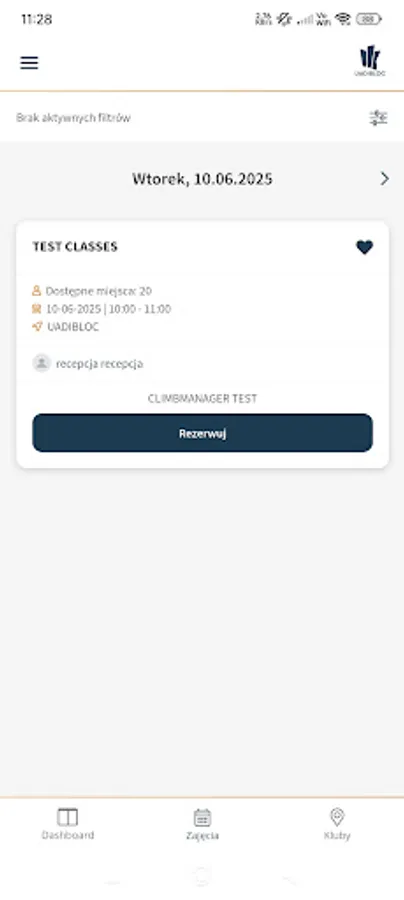
checking the schedule of classes taking place in the club using the schedule and available filters
reserving places for classes, as well as canceling such a reservation
adding classes to favorites
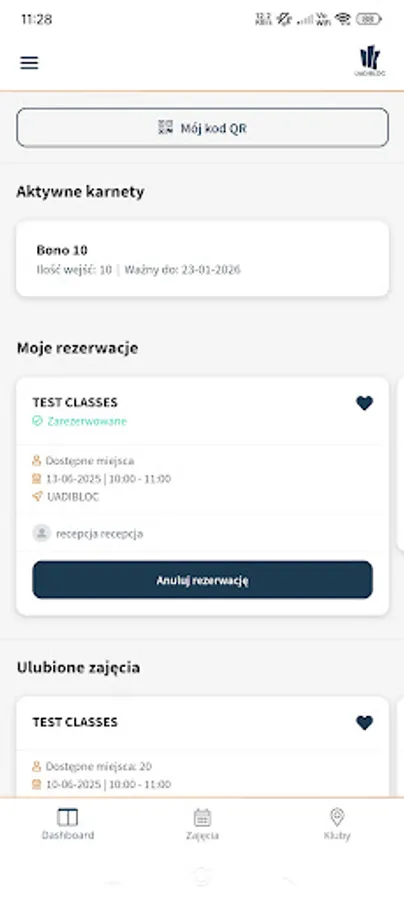
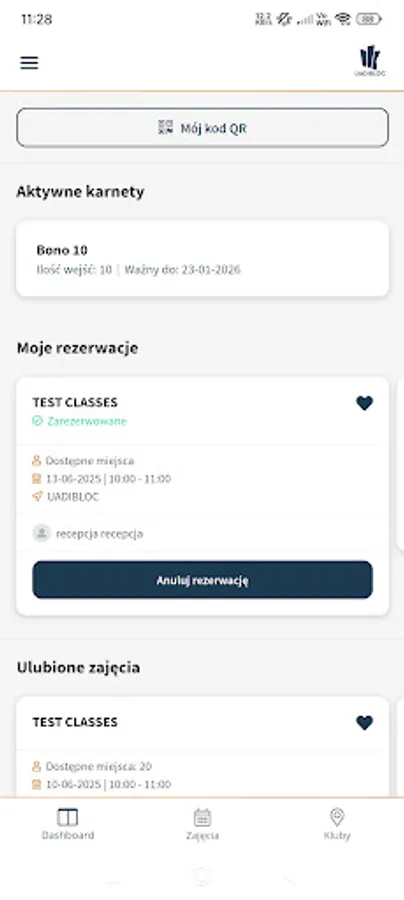
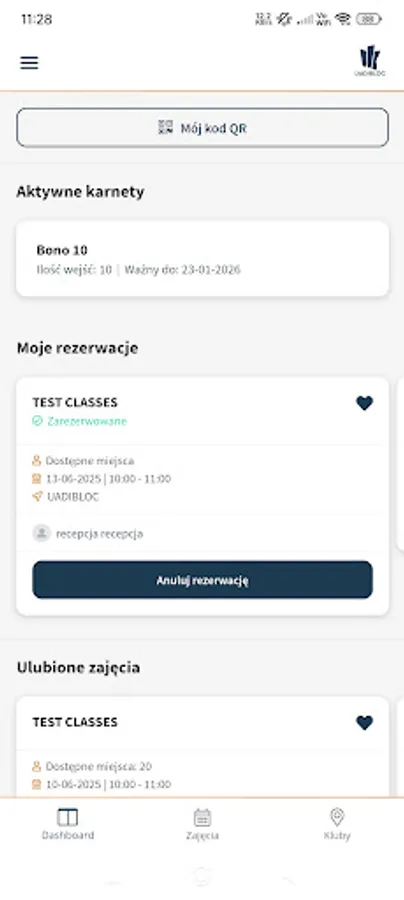
viewing the customer's passes, including access to information on the validity of passes and/or the number of remaining entries
displaying the QR code enabling entry to the club
access to the link to the Customer Panel website, where the user can, among other things, purchase season tickets that give access to the club
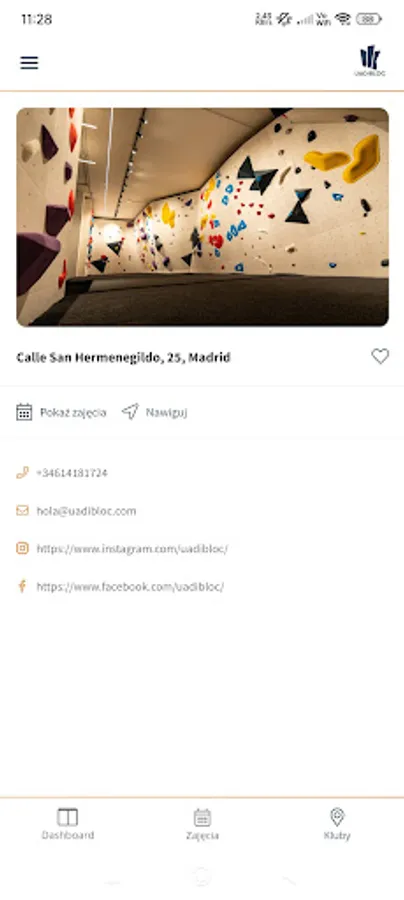
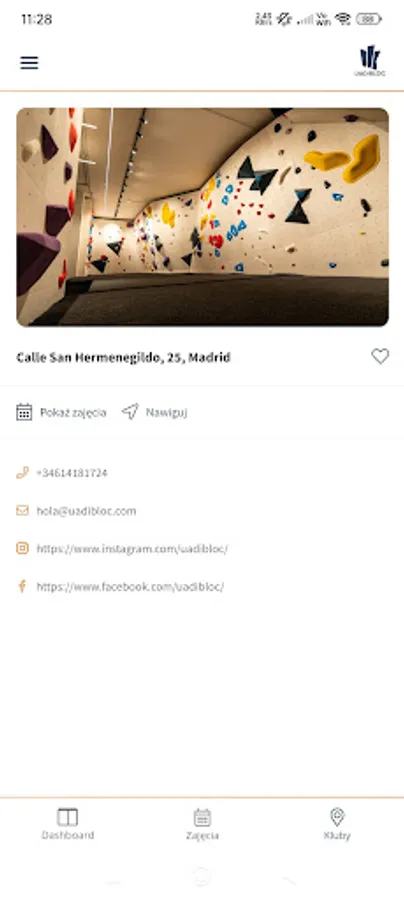
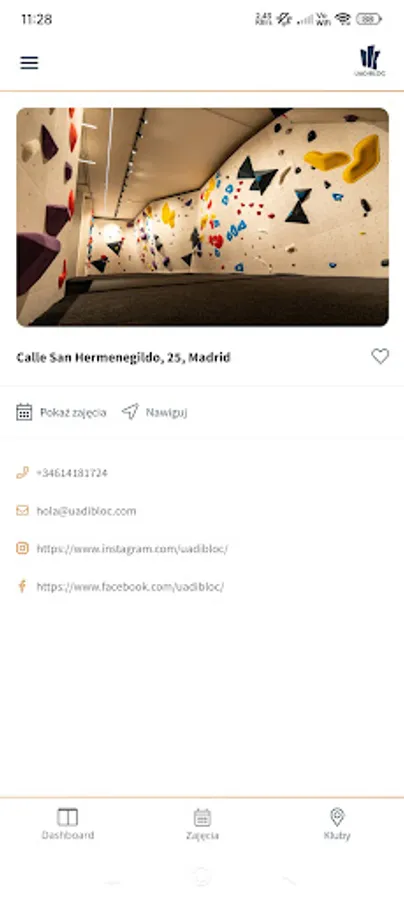
check the address details of individual facilities on the network, as well as access to the club's email address and links to social media
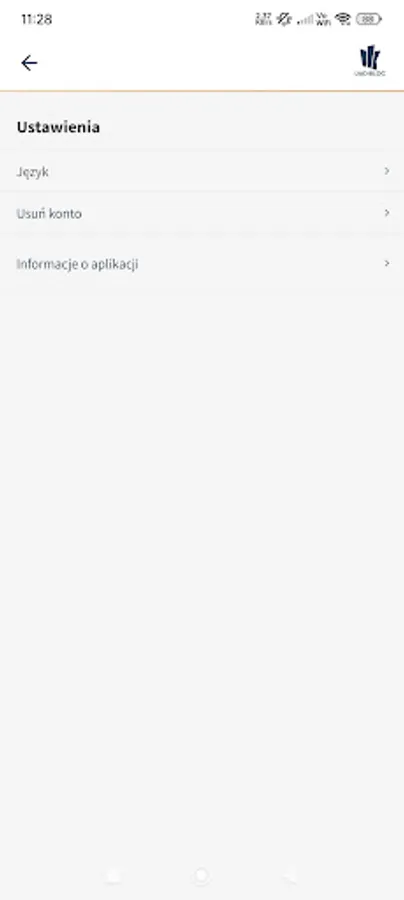
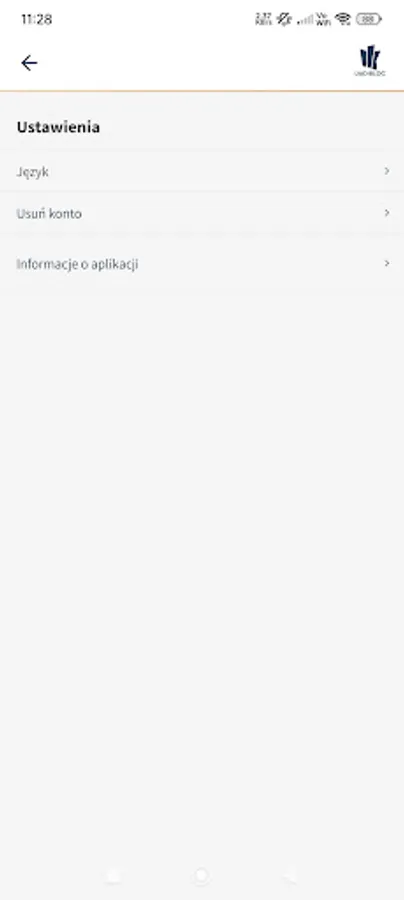
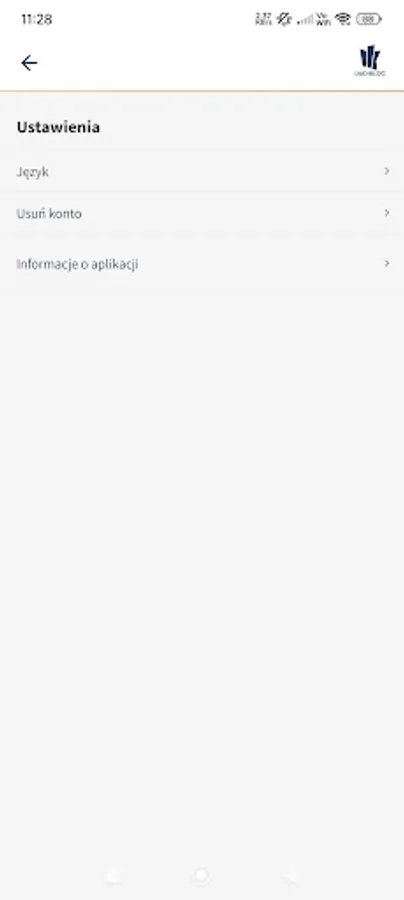
delete the account
Technical description:
Structure and functionalities of the dashboard:
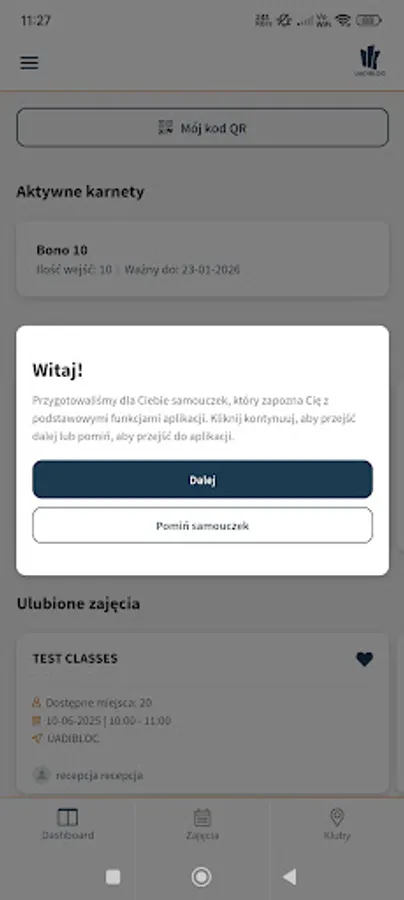
The dashboard consists of interactive and static tiles that allow the user to take different actions depending on the type of tile.
Information tiles:
Tiles related to the user's season tickets are static and non-clickable. They display information about the status of the ticket, such as the validity period if the user has an active ticket.
"My QR code" button:
A button is available on the dashboard that redirects the user to a dedicated subpage where a QR code is displayed. This code allows, among other things:
Entering the club through automatic gates.
The dashboard has been designed in an intuitive way, providing quick access to key functions and user information.
Functional description:
The users of the application are clients of the sports club that ordered the application and use it. The application is used to display information about purchased services (season tickets, entrance tickets), which are displayed on the application dashboard. Services can be purchased in the reception application or on the store's website, which are part of the extensive customer system and operate independently.
To use the application, you must register a user account. The user can edit personal data, access the club's contact details or generate a personalized QR code without having to buy a season ticket.
Users can create an account directly in the mobile application by entering registration. Users do not incur any fees for creating an account.
The only fees apply to the ability to use the sports club and enter it.
The application is protected against unauthorized use of access to the user's account, including the QR access code, by third parties.
One account can be used only on one device at a time.
The administrator of personal data is the sports facility for which the application was created. The developer does not share user data with other companies or organizations.
This application may collect
User's email address, first and last name, user's phone number, user's postal code, user's gender
Data collected and for what purpose:
Name:
Application functionality, personalization, account management
Email address:
Application functionality, personalization, account management
Phone number:
Application functionality, personalization, account management
Postal code:
Personalization, account management
Photos:
Personalization, account management
Device identifiers:
Application functionality, personalization
User's gender:
Personalization, account management
Other information:
Personalization, account management club customers.
The mobile application enables, among other things:
creating an account by the customer
logging into the user account
managing personal data in the profile, including marking and unmarking consents, adding a profile photo, changing the password
checking the schedule of classes taking place in the club using the schedule and available filters
reserving places for classes, as well as canceling such a reservation
adding classes to favorites
viewing the customer's passes, including access to information on the validity of passes and/or the number of remaining entries
displaying the QR code enabling entry to the club
access to the link to the Customer Panel website, where the user can, among other things, purchase season tickets that give access to the club
check the address details of individual facilities on the network, as well as access to the club's email address and links to social media
delete the account
Technical description:
Structure and functionalities of the dashboard:
The dashboard consists of interactive and static tiles that allow the user to take different actions depending on the type of tile.
Information tiles:
Tiles related to the user's season tickets are static and non-clickable. They display information about the status of the ticket, such as the validity period if the user has an active ticket.
"My QR code" button:
A button is available on the dashboard that redirects the user to a dedicated subpage where a QR code is displayed. This code allows, among other things:
Entering the club through automatic gates.
The dashboard has been designed in an intuitive way, providing quick access to key functions and user information.
Functional description:
The users of the application are clients of the sports club that ordered the application and use it. The application is used to display information about purchased services (season tickets, entrance tickets), which are displayed on the application dashboard. Services can be purchased in the reception application or on the store's website, which are part of the extensive customer system and operate independently.
To use the application, you must register a user account. The user can edit personal data, access the club's contact details or generate a personalized QR code without having to buy a season ticket.
Users can create an account directly in the mobile application by entering registration. Users do not incur any fees for creating an account.
The only fees apply to the ability to use the sports club and enter it.
The application is protected against unauthorized use of access to the user's account, including the QR access code, by third parties.
One account can be used only on one device at a time.
The administrator of personal data is the sports facility for which the application was created. The developer does not share user data with other companies or organizations.
This application may collect
User's email address, first and last name, user's phone number, user's postal code, user's gender
Data collected and for what purpose:
Name:
Application functionality, personalization, account management
Email address:
Application functionality, personalization, account management
Phone number:
Application functionality, personalization, account management
Postal code:
Personalization, account management
Photos:
Personalization, account management
Device identifiers:
Application functionality, personalization
User's gender:
Personalization, account management
Other information:
Personalization, account management club customers.