AppRecs review analysis
AppRecs rating 2.0. Trustworthiness 75 out of 100. Review manipulation risk 22 out of 100. Based on a review sample analyzed.
★★☆☆☆
2.0
AppRecs Rating
Ratings breakdown
5 star
0%
4 star
0%
3 star
0%
2 star
100%
1 star
0%
What to know
✓
Low review manipulation risk
22% review manipulation risk
✓
Credible reviews
75% trustworthiness score from analyzed reviews
⚠
Mixed user feedback
Average 2.0★ rating suggests room for improvement
About Midikeys
This is a midi keyboard that can be varied from forte to piano.
*Connects to Windows/Mac DAWs and Android app synthesizers.
*Donations are welcome through in-app purchases, but all features are available without donations.
*Please make sure you have the latest version of Google Chrome.
=Features=
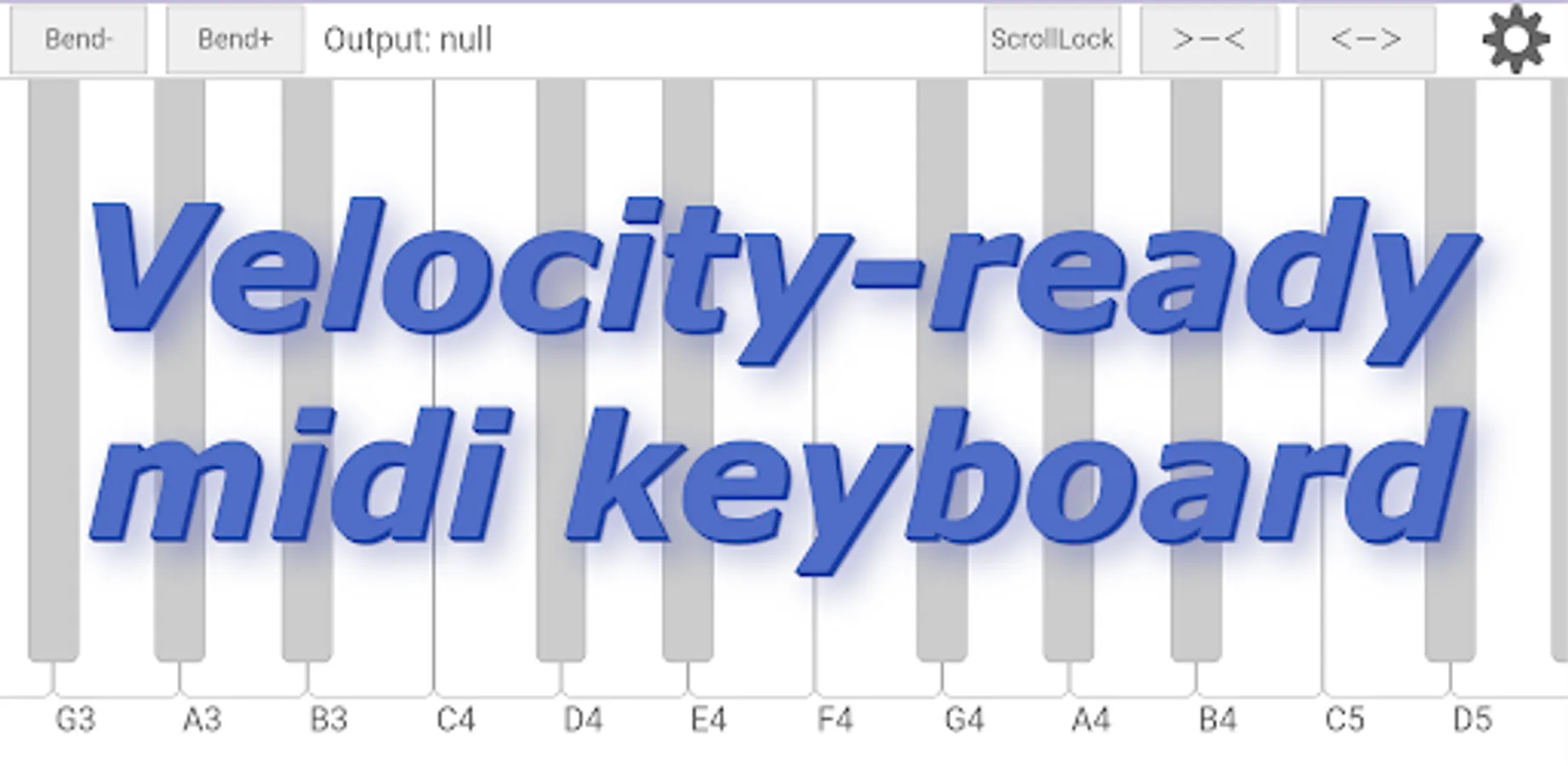
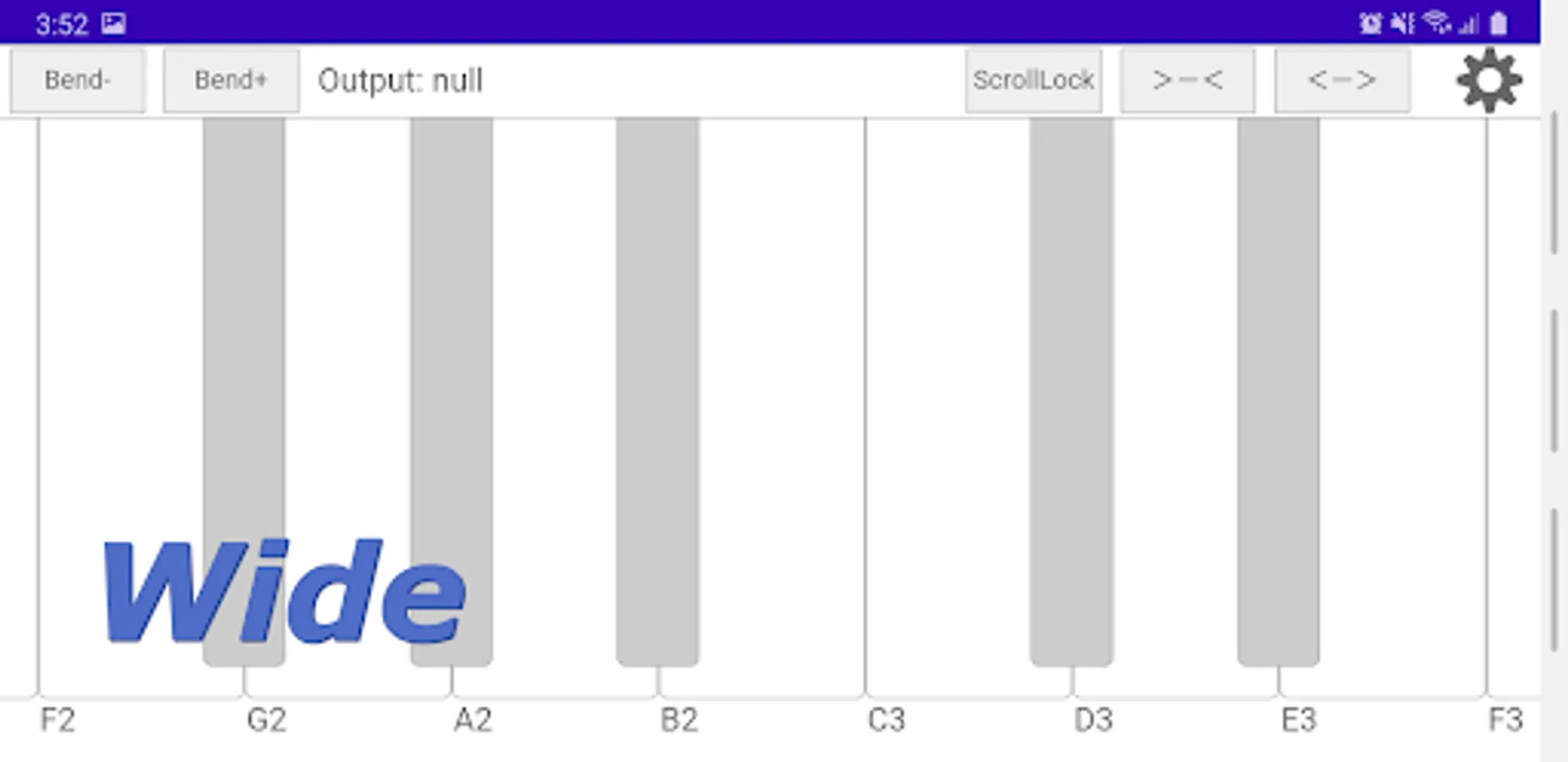
・Velocity support: The volume changes depending on the position of the keyboard keys.
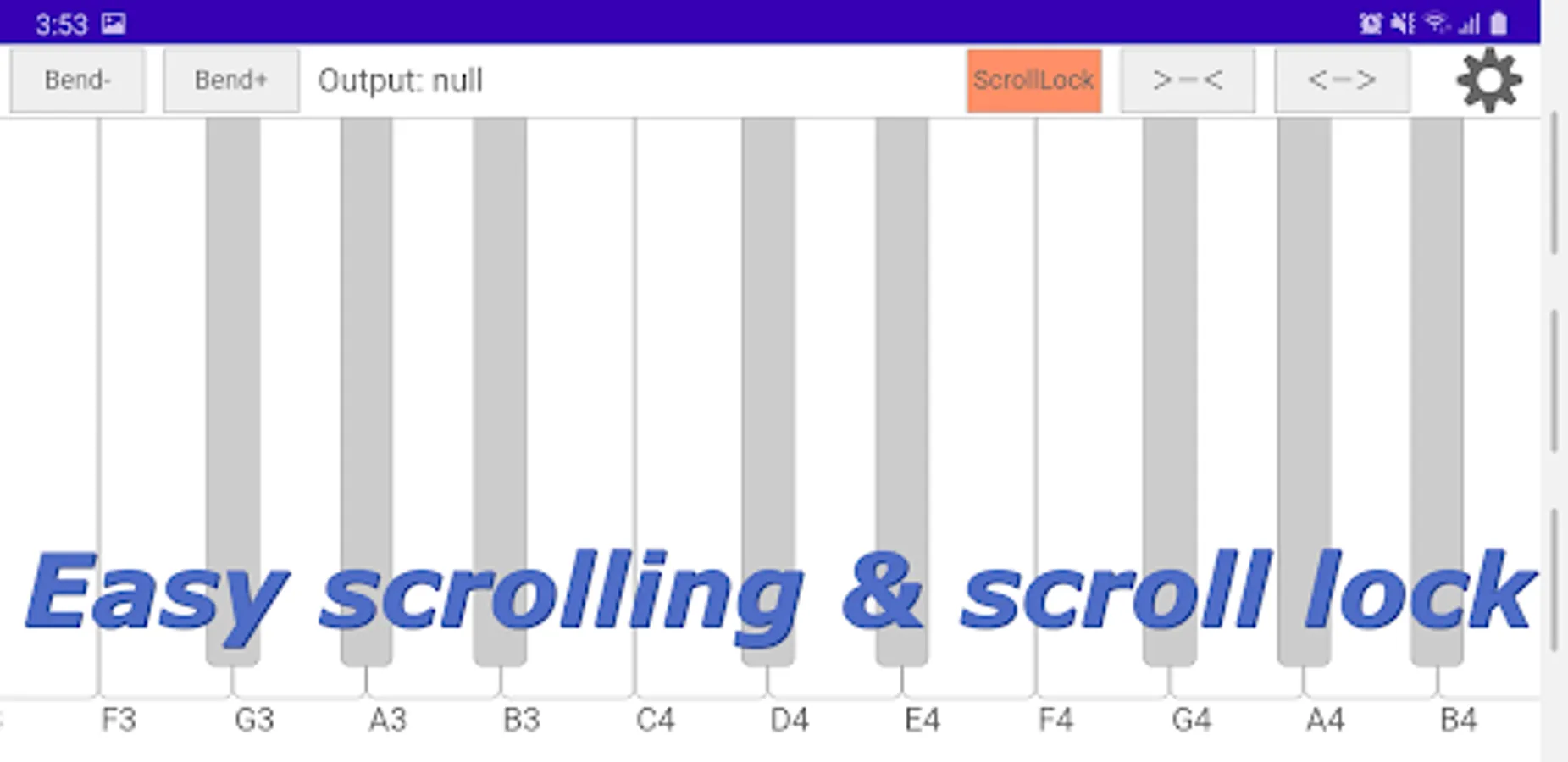
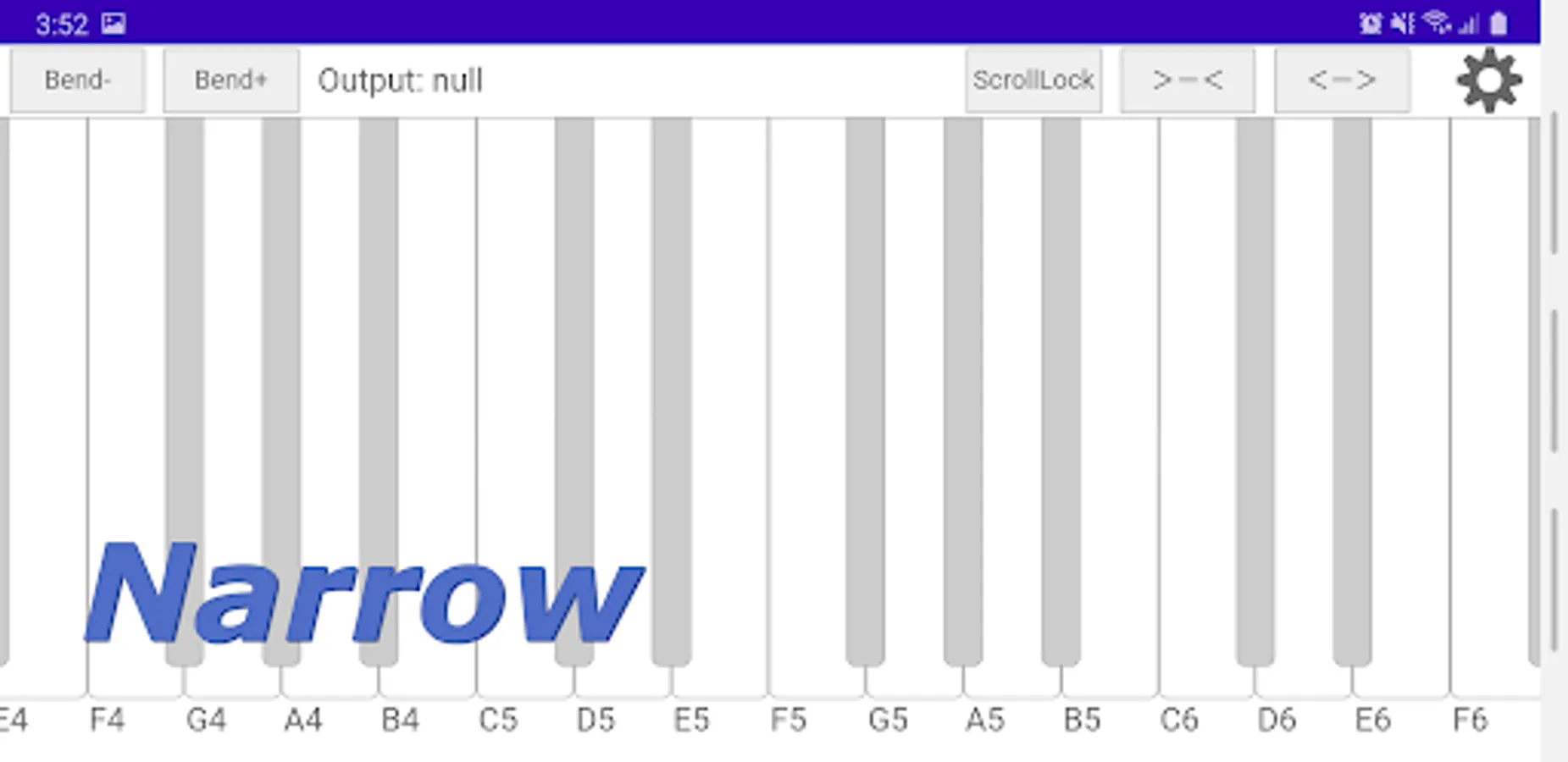
・Easy scroll: Scrolls by pressing the keys on the keyboard. It can also be fixed in lock mode.
・Easy scroll: Scrolls by pressing a key on the keyboard.
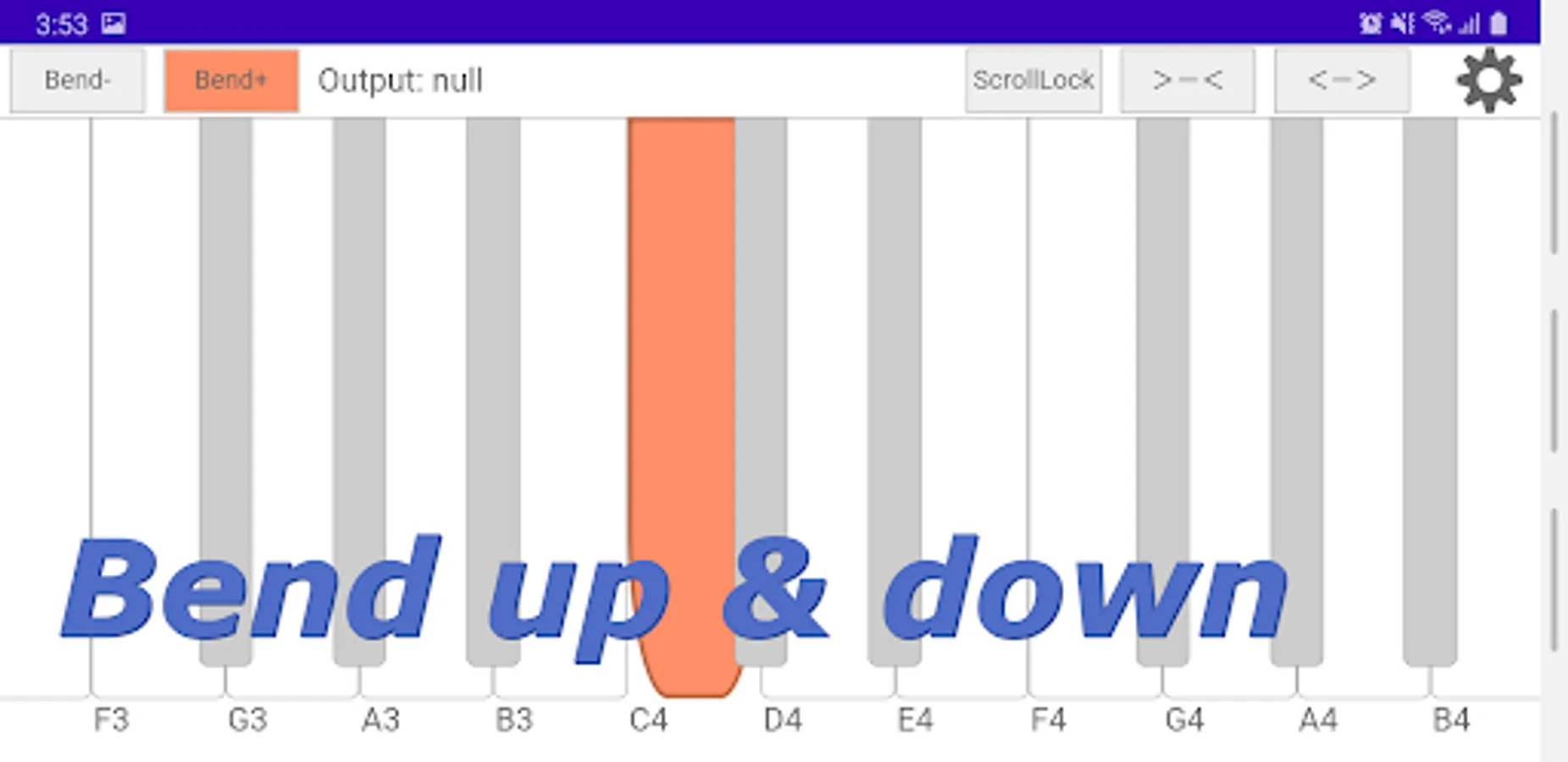
・Bend Up & Bend Down
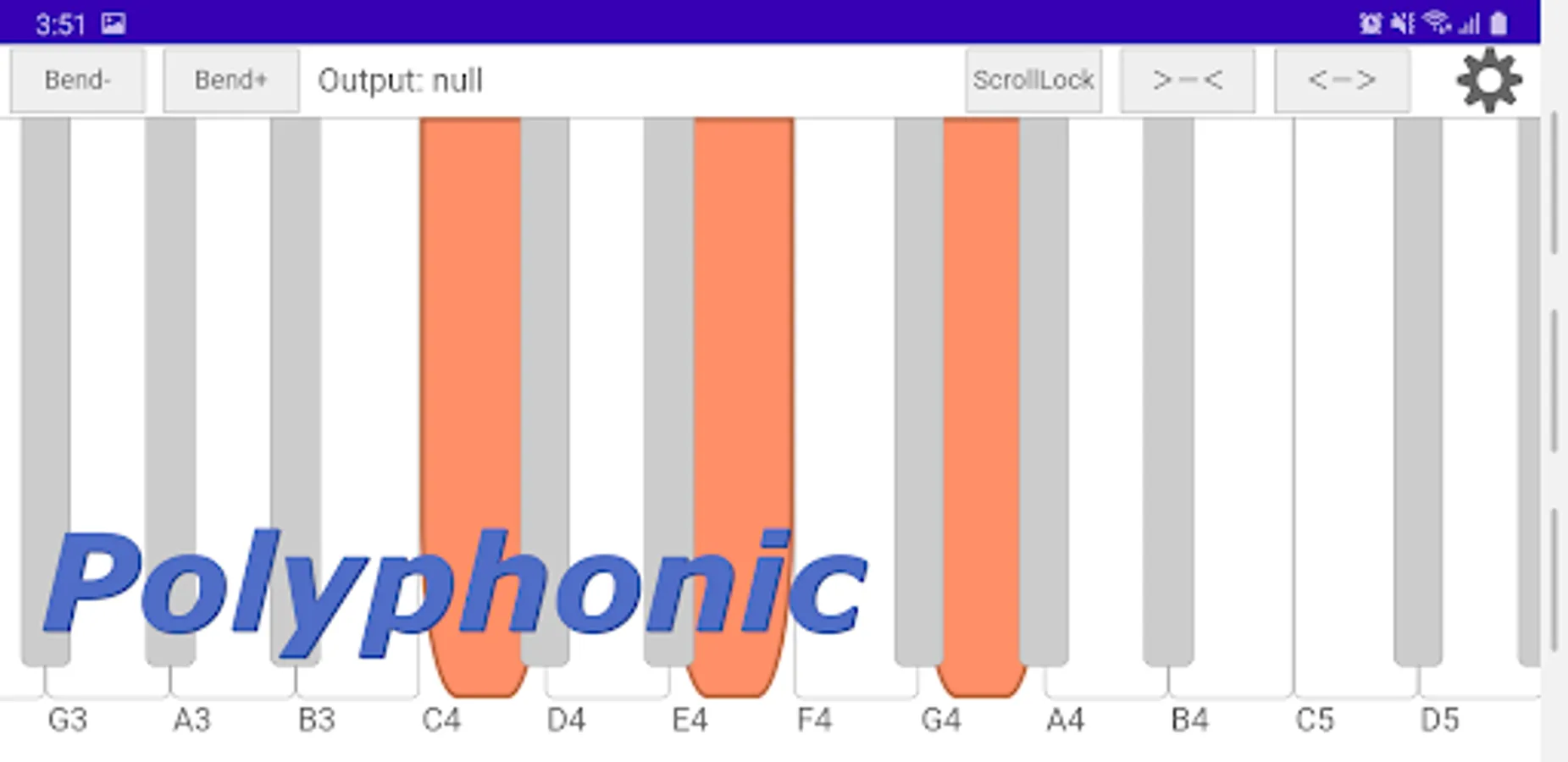
・Polyphonic
・For multi-channel sound sources, layered sounds can be used.
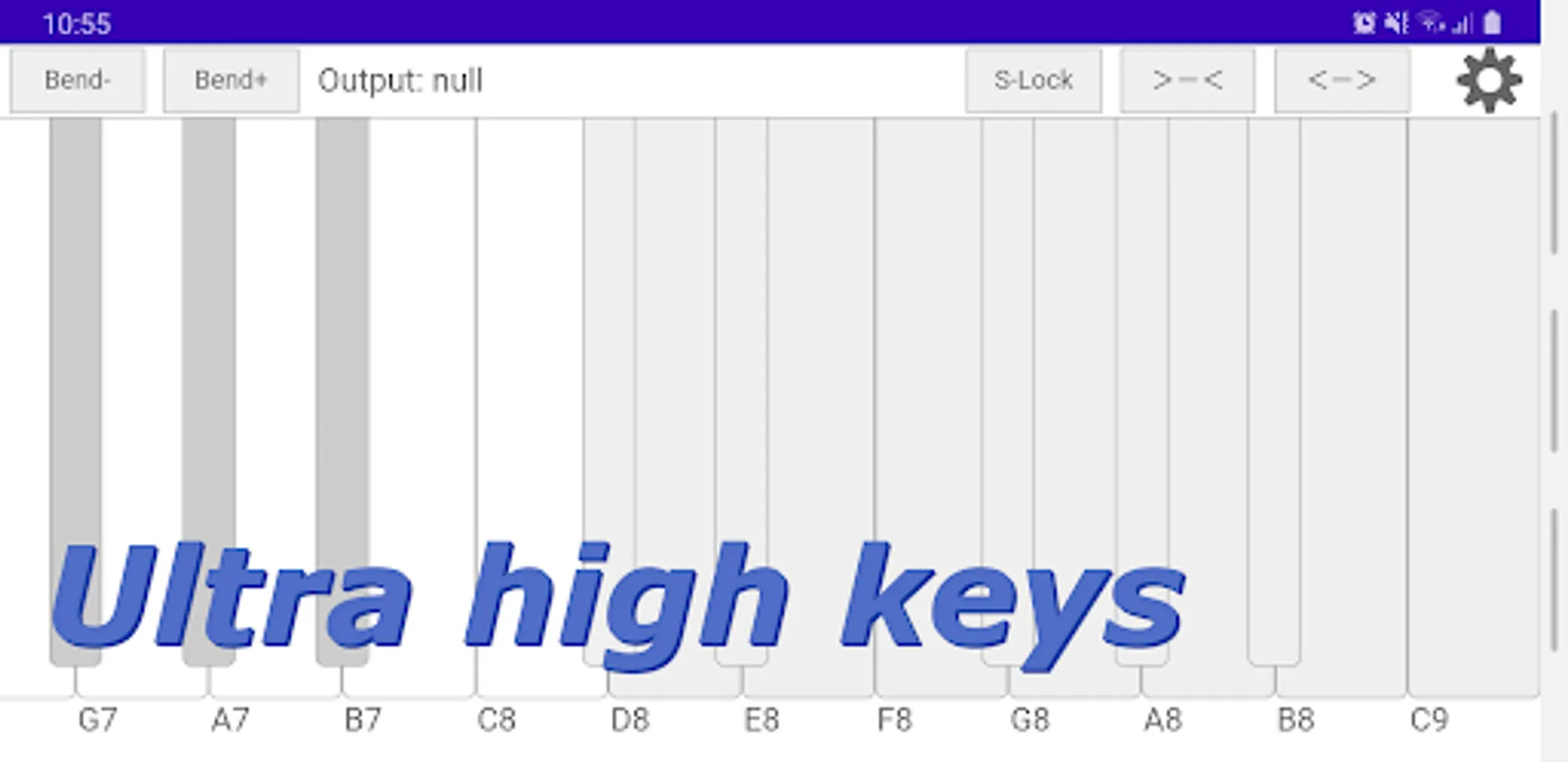
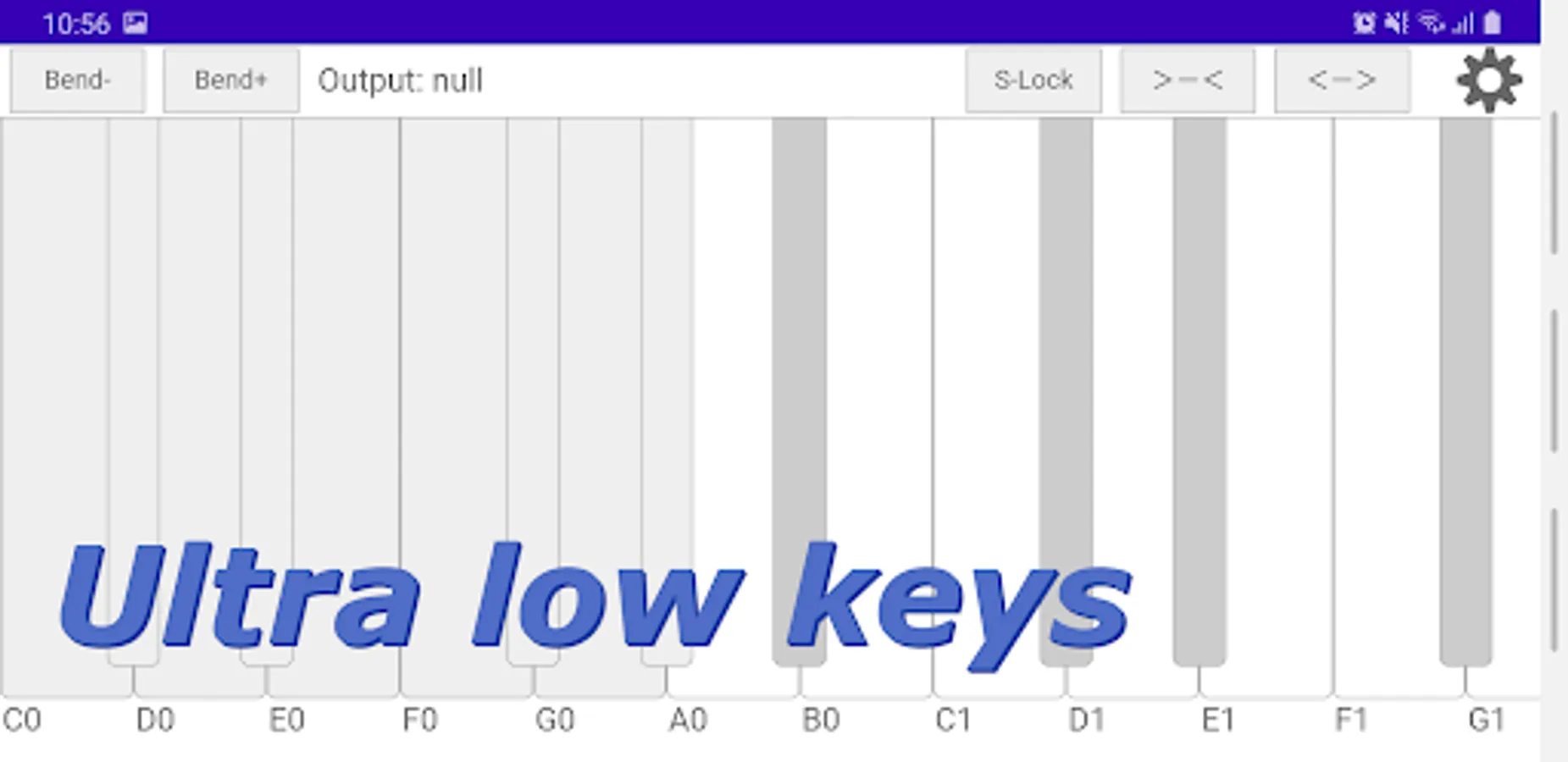
・Full88keys +Ultra low9keys +Ultra high12keys
・Scale guide function useful for learning theory and improvisation.
・MIDI keyboard for DAW (Windows & Mac)
=How to use=
・With the sound source application installed, select the output destination application from the settings screen.(There are some applications that cannot be used even if they are listed as candidate connections. This is due to the fact that products that only support external MIDI devices are also displayed.)
・If you specify "omni" as the Output channel, 1-16 channels will be sent simultaneously, allowing for multi-layered sound. (Valid for multi-channel apps only)
=Verified Applications=
FluidSynth MIDI Synthesizer
https://play.google.com/store/apps/details?id=net.volcanomobile.fluidsynthmidi
・16 channels of multi-layered sounds are available.
*Select DISCONNECT for all MIDI on the FluidSynth MIDI Synthesizer side, and select FluidSynth MIDI Synthesizer in the Midikeys side settings.
*The default gain is set to low, so please set it to high.
FM Synthesizer [SynprezFM II]
https://play.google.com/store/apps/details?id=com.synprez.fm
・Ultra high & low keys can be used. (Ultra high & low sound can be pronounced.)
*If "FluidSynth MIDI Synthesizer" is installed at the same time, you need to remove it from the application history screen of your Android device. (It can also be loaded in non-resident mode.) The MIDI THRU function of "FluidSynth MIDI Synthesizer" will make the sounds of the two apps sound simultaneously.
ModSynth Modular Synthesizer
https://play.google.com/store/apps/details?id=com.gallantrealm.modsynth
*Please let us know your other confirmed applications in the comments.
=How to connect to a DAW (Windows & Mac)=
・Connect Android and PC with OTG cable
・Change the USB connection method to "MIDI" from the guidance in the notification bar.
・Select "Android USB~" on the Midikeys setting screen.
・Select "MIDI function" in Windows 10, and "Device manufacturer_Android" in Mac.
*Connects to Windows/Mac DAWs and Android app synthesizers.
*Donations are welcome through in-app purchases, but all features are available without donations.
*Please make sure you have the latest version of Google Chrome.
=Features=
・Velocity support: The volume changes depending on the position of the keyboard keys.
・Easy scroll: Scrolls by pressing the keys on the keyboard. It can also be fixed in lock mode.
・Easy scroll: Scrolls by pressing a key on the keyboard.
・Bend Up & Bend Down
・Polyphonic
・For multi-channel sound sources, layered sounds can be used.
・Full88keys +Ultra low9keys +Ultra high12keys
・Scale guide function useful for learning theory and improvisation.
・MIDI keyboard for DAW (Windows & Mac)
=How to use=
・With the sound source application installed, select the output destination application from the settings screen.(There are some applications that cannot be used even if they are listed as candidate connections. This is due to the fact that products that only support external MIDI devices are also displayed.)
・If you specify "omni" as the Output channel, 1-16 channels will be sent simultaneously, allowing for multi-layered sound. (Valid for multi-channel apps only)
=Verified Applications=
FluidSynth MIDI Synthesizer
https://play.google.com/store/apps/details?id=net.volcanomobile.fluidsynthmidi
・16 channels of multi-layered sounds are available.
*Select DISCONNECT for all MIDI on the FluidSynth MIDI Synthesizer side, and select FluidSynth MIDI Synthesizer in the Midikeys side settings.
*The default gain is set to low, so please set it to high.
FM Synthesizer [SynprezFM II]
https://play.google.com/store/apps/details?id=com.synprez.fm
・Ultra high & low keys can be used. (Ultra high & low sound can be pronounced.)
*If "FluidSynth MIDI Synthesizer" is installed at the same time, you need to remove it from the application history screen of your Android device. (It can also be loaded in non-resident mode.) The MIDI THRU function of "FluidSynth MIDI Synthesizer" will make the sounds of the two apps sound simultaneously.
ModSynth Modular Synthesizer
https://play.google.com/store/apps/details?id=com.gallantrealm.modsynth
*Please let us know your other confirmed applications in the comments.
=How to connect to a DAW (Windows & Mac)=
・Connect Android and PC with OTG cable
・Change the USB connection method to "MIDI" from the guidance in the notification bar.
・Select "Android USB~" on the Midikeys setting screen.
・Select "MIDI function" in Windows 10, and "Device manufacturer_Android" in Mac.