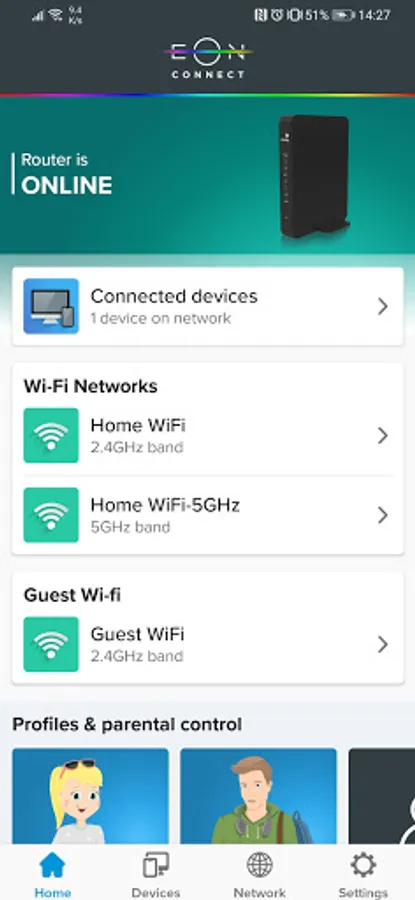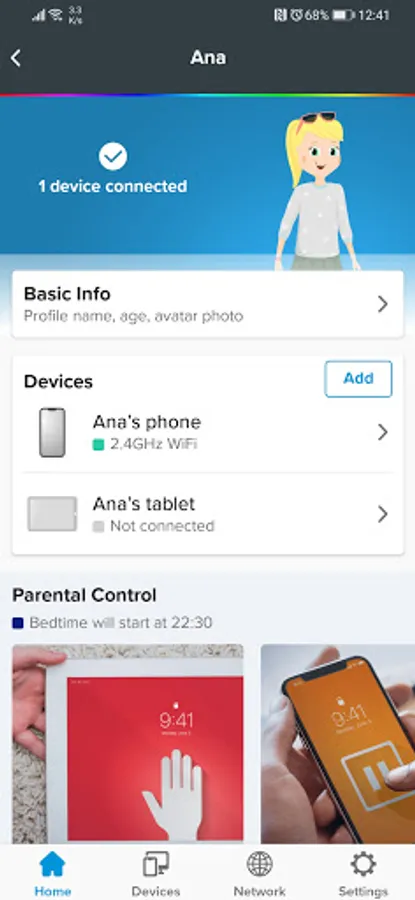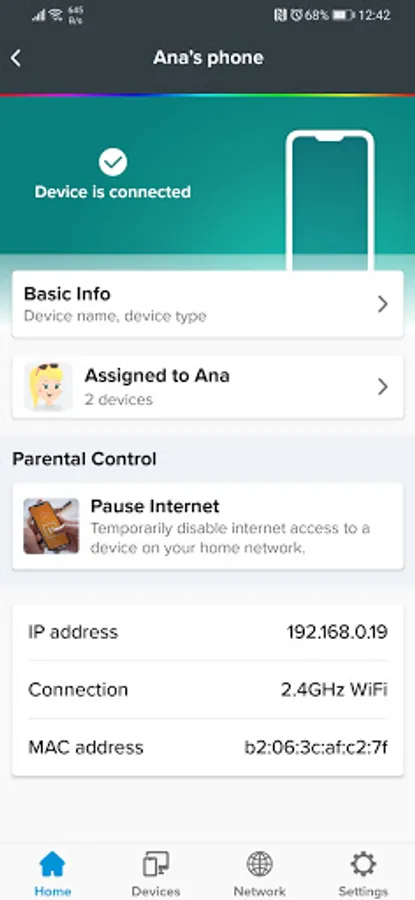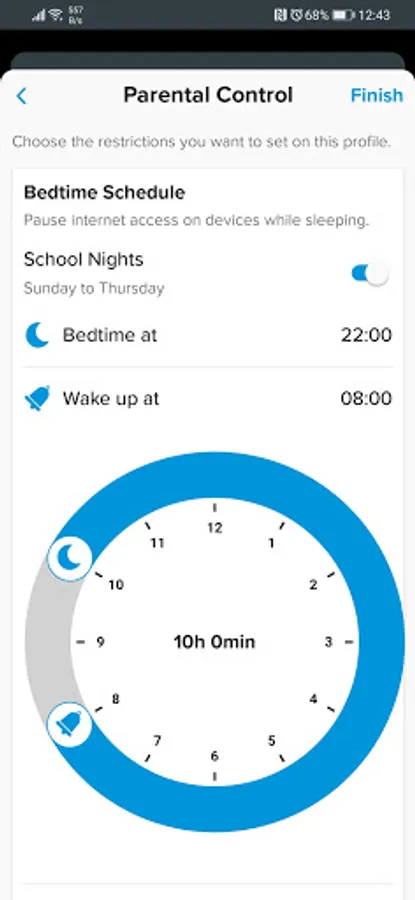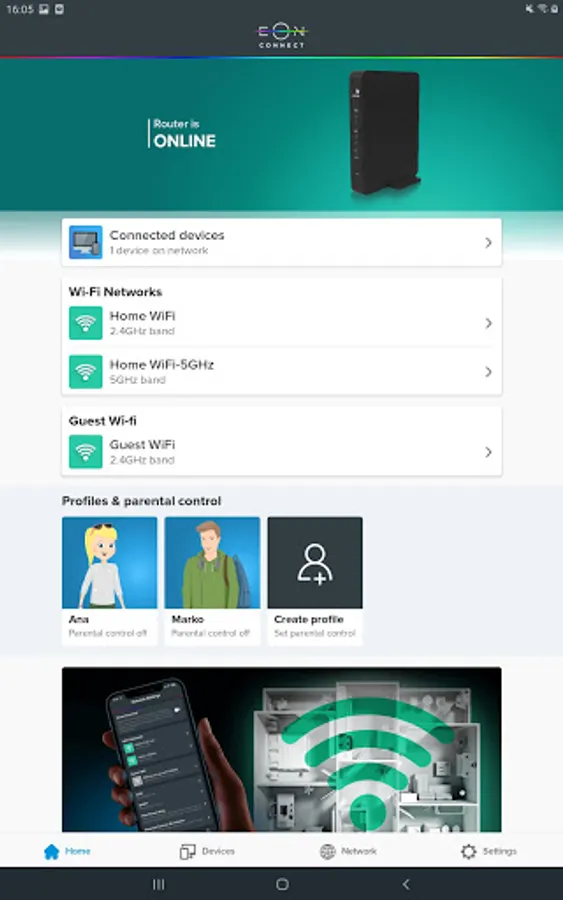
With this network management app, you can change Wi-Fi settings, block harmful content, and control internet access for devices. Includes features like parental controls, device pausing, and network customization options.
AppRecs review analysis
AppRecs rating 2.0. Trustworthiness 71 out of 100. Review manipulation risk 20 out of 100. Based on a review sample analyzed.
★★☆☆☆
2.0
AppRecs Rating
Ratings breakdown
5 star
32%
4 star
0%
3 star
10%
2 star
5%
1 star
53%
What to know
✓
Low review manipulation risk
20% review manipulation risk
⚠
Mixed user feedback
Average 2.5★ rating suggests room for improvement
⚠
High negative review ratio
58% of sampled ratings are 1–2 stars
About Connect
Change your Wi-Fi network name or password in a super easy and intuitive way. No technician needed! Stay safe while surfing the internet by blocking all content that might be insecure and harmful.
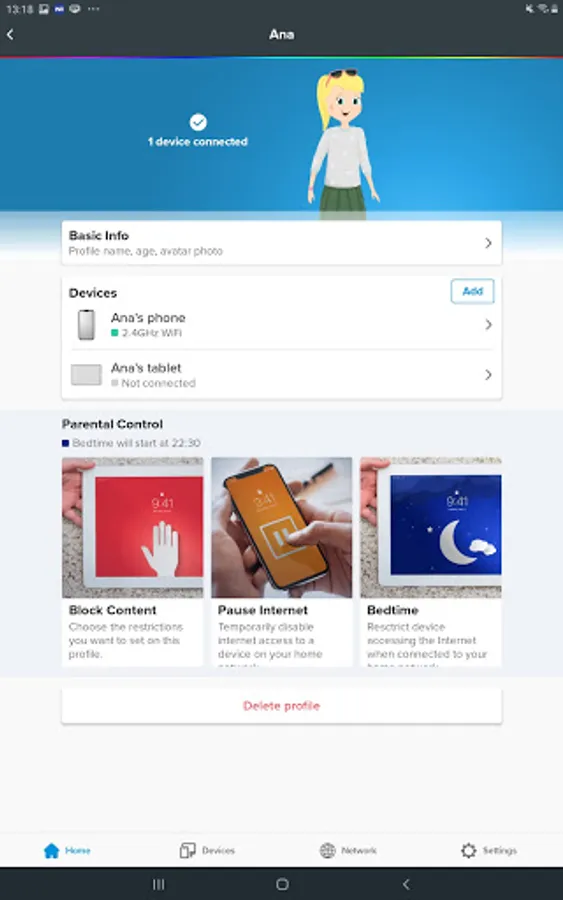
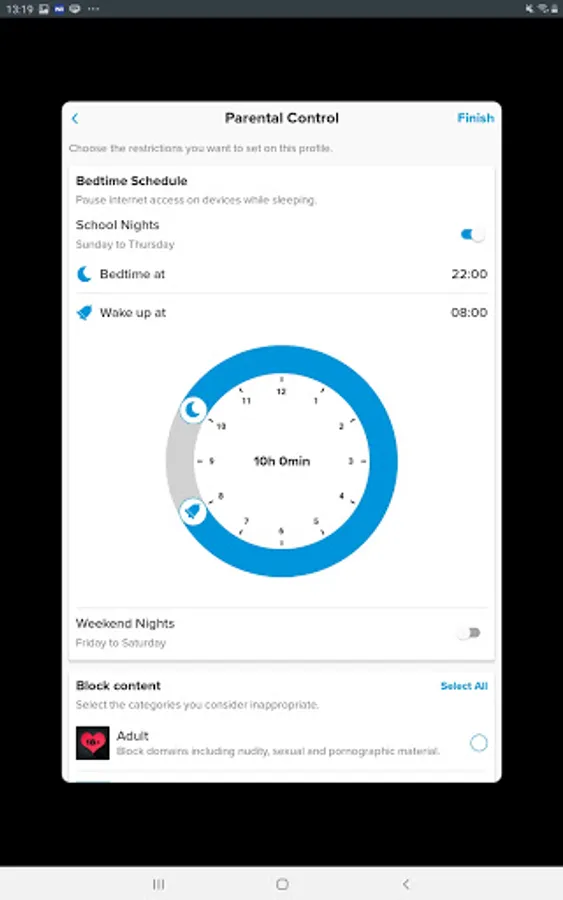
With Parental Control features, parents can stay on top of the internet content that their kids are exposed to, pause their devices from using the internet, or create a bedtime schedule that prevents kids from surfing the internet during the hours reserved for sleeping.
Features included:
- Changing Wi-Fi name and password
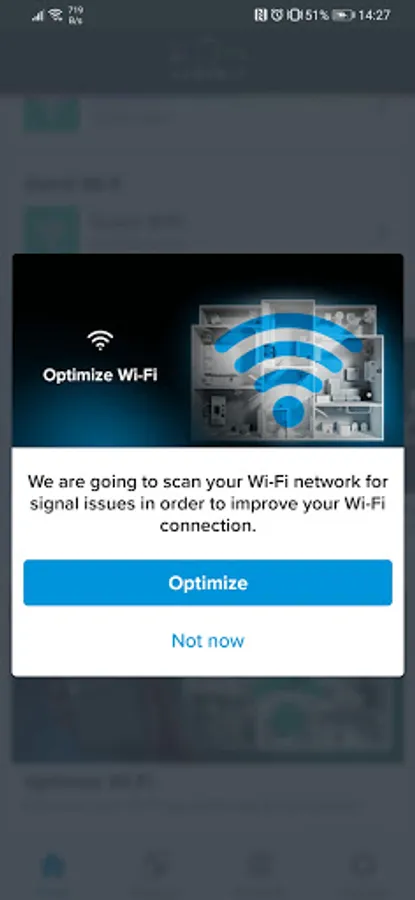
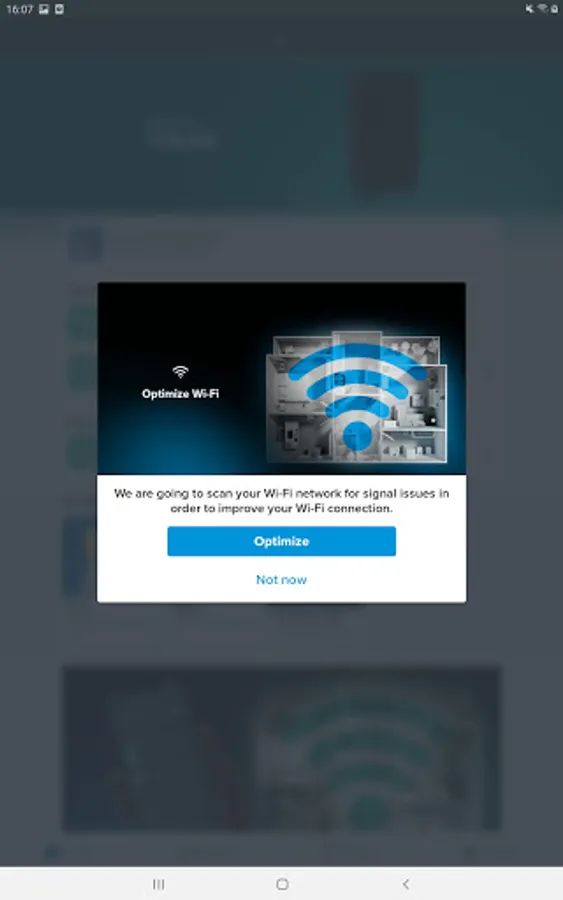
- Optimizing Wi-Fi experience
- Advanced network management features (changing Wi-Fi channel number and width, hiding a network, port forwarding, LAN & DHCP info, etc.)
- User profiles which help create a personalized experience for different family members
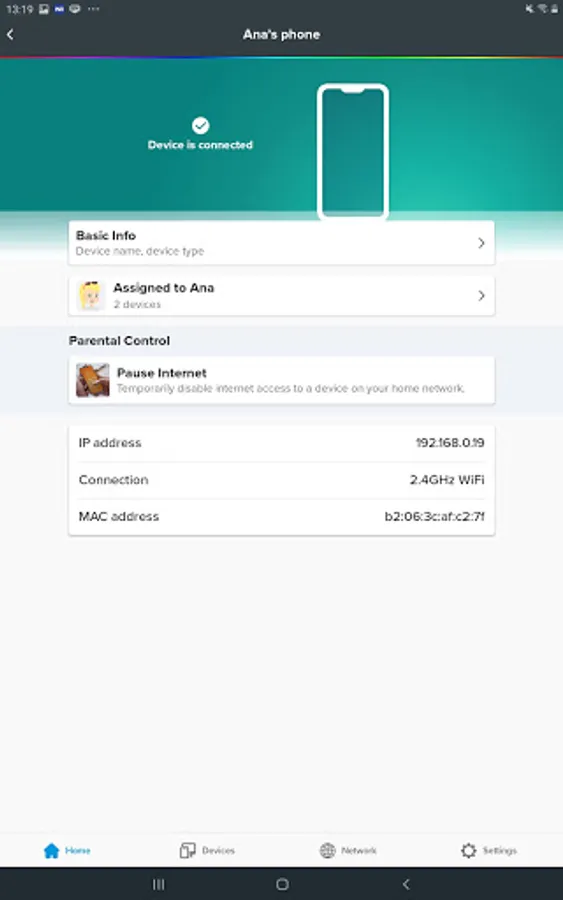
- Pausing the internet on certain devices
- Bedtime schedule for internet access restrictions on a specific profile
- Security options based on blocking domains with security issues (such as malware, phishing, spam, and similar security threats)
- Parental Control options which include blocking certain content categories, like Social networks, Adult content, Chat, Games, Gambling, Audio/Video etc.
To use Connect, you must have an account with one of the United Group’s operators.
With Parental Control features, parents can stay on top of the internet content that their kids are exposed to, pause their devices from using the internet, or create a bedtime schedule that prevents kids from surfing the internet during the hours reserved for sleeping.
Features included:
- Changing Wi-Fi name and password
- Optimizing Wi-Fi experience
- Advanced network management features (changing Wi-Fi channel number and width, hiding a network, port forwarding, LAN & DHCP info, etc.)
- User profiles which help create a personalized experience for different family members
- Pausing the internet on certain devices
- Bedtime schedule for internet access restrictions on a specific profile
- Security options based on blocking domains with security issues (such as malware, phishing, spam, and similar security threats)
- Parental Control options which include blocking certain content categories, like Social networks, Adult content, Chat, Games, Gambling, Audio/Video etc.
To use Connect, you must have an account with one of the United Group’s operators.