Delphin Remote
Underwater Audio LLC.
2.1 ★
36 ratings
1,000+
downloads
Free
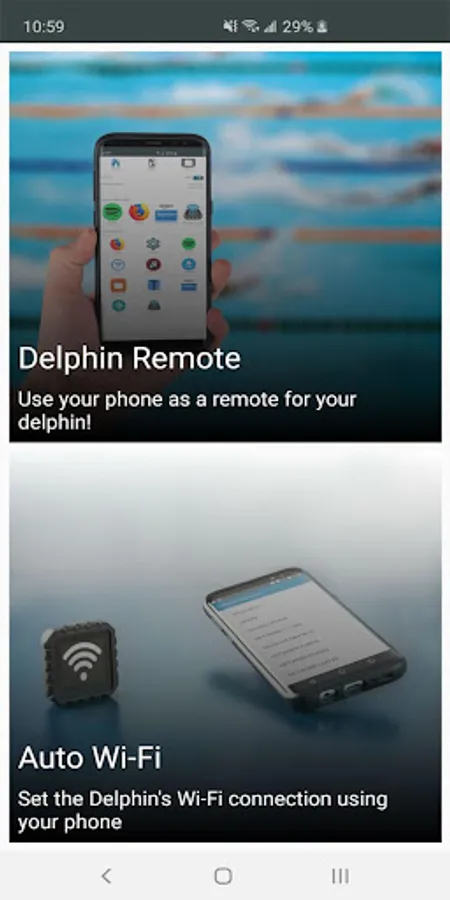
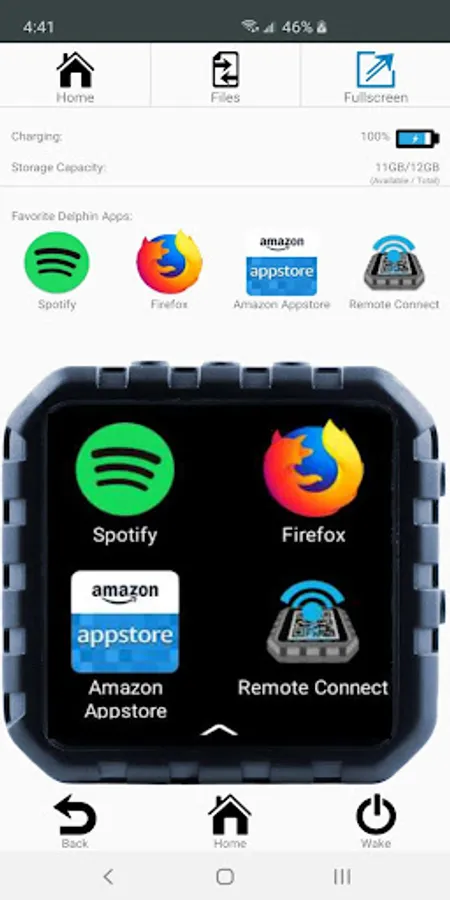
With Delphin Remote, you can wirelessly control your Delphin Waterproof Micro-Tablet from your smartphone, transfer files, and organize content easily. Includes QR code scanning, live view, full remote control, and secure encrypted data transfer.
AppRecs review analysis
AppRecs rating 2.1. Trustworthiness 0 out of 100. Review manipulation risk 0 out of 100. Based on a review sample analyzed.
★★☆☆☆
2.1
AppRecs Rating
Ratings breakdown
5 star
18%
4 star
6%
3 star
9%
2 star
3%
1 star
65%
What to know
⚠
Mixed user feedback
Average 2.1★ rating suggests room for improvement
About Delphin Remote
With Delphin Remote, you can take full control of your Delphin Waterproof Micro-Tablet wirelessly from your smartphone! Enjoy 1-touch file transfer, painless app setup, and a much more refined typing experience than what is possible on an ultra compact device like the Delphin.
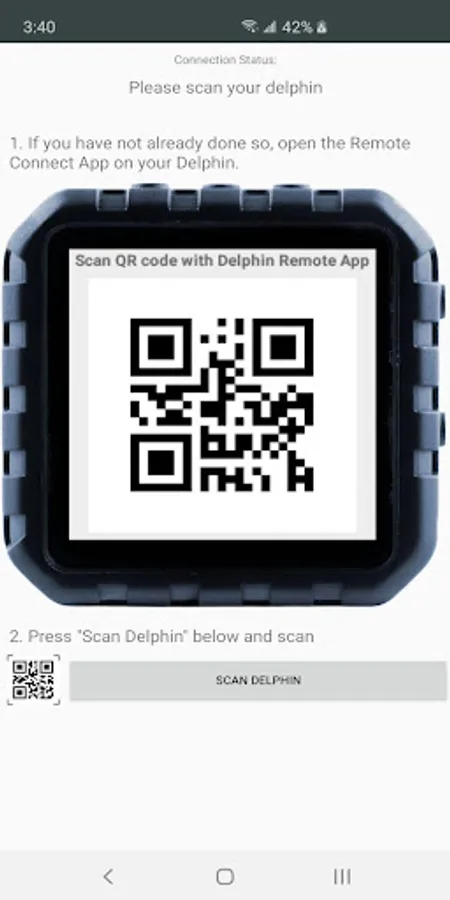
-Easy to connect! Simply scan the QR code displayed on your Delphin
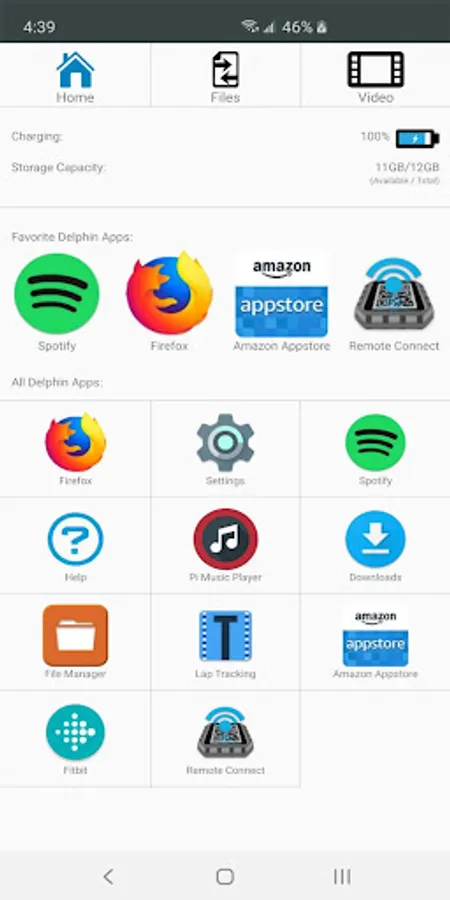
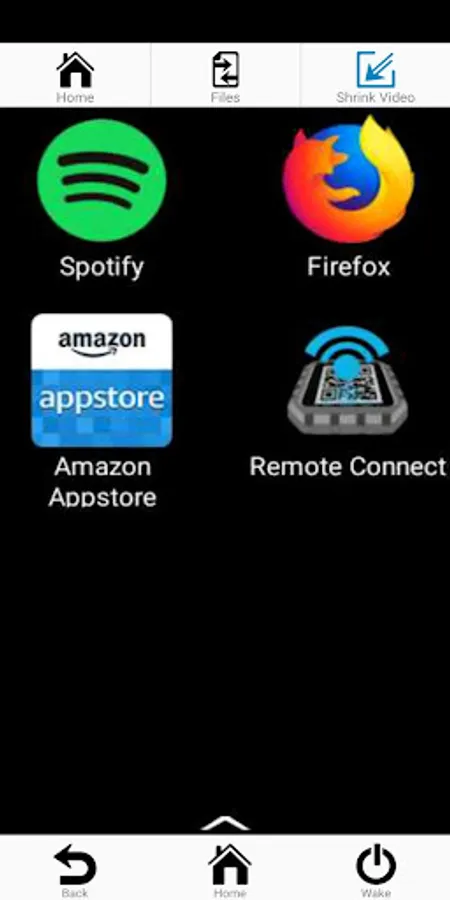
-Live view and full remote control of your Delphin via Wifi
-Instantly reconnect from memory, even after the app is closed completely
-Login and setup your playlists and podcasts on a familiar screen
-Full Screen and Delphin-mirrored view options
-Easily organize and share files between your smartphone and Delphin
-100% Encrypted data transfer keeps your files and information secure
While it’s true that the Delphin is a 100% independant smart device, typing and file organization on its compact screen can be frustrating for some users. This is especially true when setting up your Delphin for the first time, as many apps require that you log in with your email and password. The Delphin Remote app eliminates small-screen typing frustrations.
Setup is super simple: you need only to connect your Delphin and your smartphone to the same Wifi network, then open Delphin Remote on both your Delphin and your smartphone and use your smartphone to scan the QR code displayed on your Delphin. The first time you connect, the app will ask for permission to access your device’s camera and file storage in order to scan the QR code and transfer files. Once you're connected, you’ll be able to take full advantage of your smartphone’s display for tasks like entering login info, transferring files, and setting up playlists.
-Easy to connect! Simply scan the QR code displayed on your Delphin
-Live view and full remote control of your Delphin via Wifi
-Instantly reconnect from memory, even after the app is closed completely
-Login and setup your playlists and podcasts on a familiar screen
-Full Screen and Delphin-mirrored view options
-Easily organize and share files between your smartphone and Delphin
-100% Encrypted data transfer keeps your files and information secure
While it’s true that the Delphin is a 100% independant smart device, typing and file organization on its compact screen can be frustrating for some users. This is especially true when setting up your Delphin for the first time, as many apps require that you log in with your email and password. The Delphin Remote app eliminates small-screen typing frustrations.
Setup is super simple: you need only to connect your Delphin and your smartphone to the same Wifi network, then open Delphin Remote on both your Delphin and your smartphone and use your smartphone to scan the QR code displayed on your Delphin. The first time you connect, the app will ask for permission to access your device’s camera and file storage in order to scan the QR code and transfer files. Once you're connected, you’ll be able to take full advantage of your smartphone’s display for tasks like entering login info, transferring files, and setting up playlists.