
Unity AR Companion
Unity Technologies ApS
3.3 ★
85 ratings
10,000+
downloads
Free
With this app, you can capture real-world data, edit AR scenes, and sync assets to the cloud. Includes environment scanning, video recording, scene importing, and cloud storage options.
AppRecs review analysis
AppRecs rating 3.3. Trustworthiness 80 out of 100. Review manipulation risk 21 out of 100. Based on a review sample analyzed.
★★★☆☆
3.3
AppRecs Rating
Ratings breakdown
5 star
39%
4 star
23%
3 star
0%
2 star
7%
1 star
31%
What to know
✓
Low review manipulation risk
21% review manipulation risk
✓
Credible reviews
80% trustworthiness score from analyzed reviews
⚠
High negative review ratio
39% of sampled ratings are 1–2 stars
About Unity AR Companion
**Starting from Unity 6.3, this app is no longer supported for production. For more information on your accessing and deleting your information, please refer to the Supplemental Privacy Statement for MARS.**
https://unity.com/legal/supplemental-privacy-statement-unity-mars
If you have any questions or need assistance, please visit Unity Discussions.
https://discussions.unity.com/t/unity-mars-end-of-support/1692536
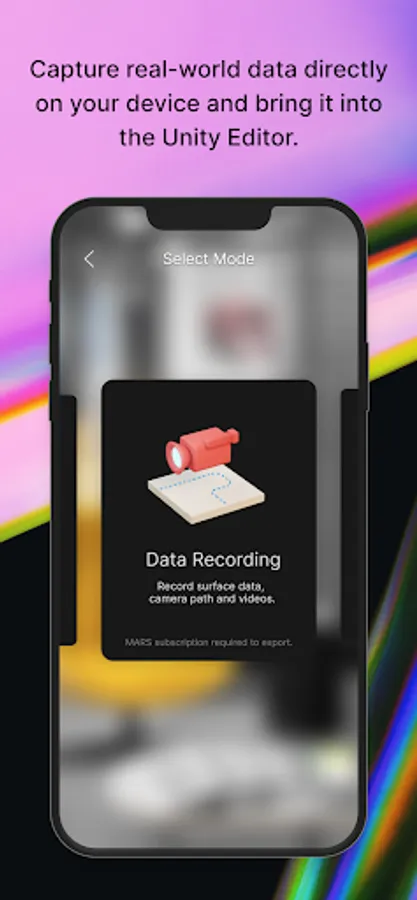
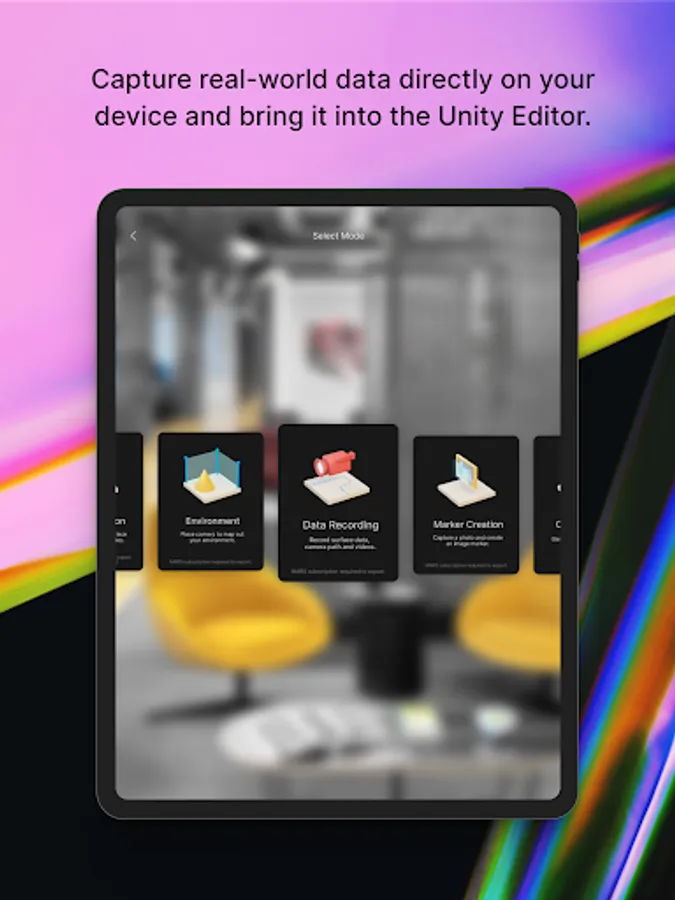
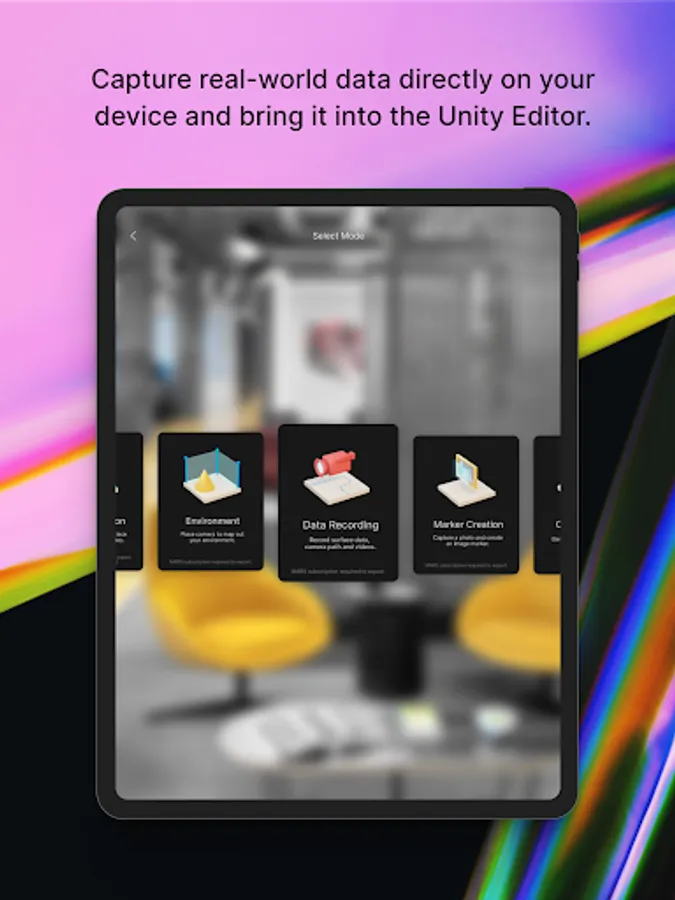
Capture real-world data directly on your device and bring it into the Unity authoring environment to quickly create and iterate on your AR experience.
**This app requires the Unity Editor. Some features require a Unity MARS subscription (see the requirements below).**
Decrease iteration time and deliver better AR experiences that will accurately run in the location they’re built for.
Unity AR Companion app features:
ENVIRONMENT CAPTURE (Unity MARS subscription recommended.)
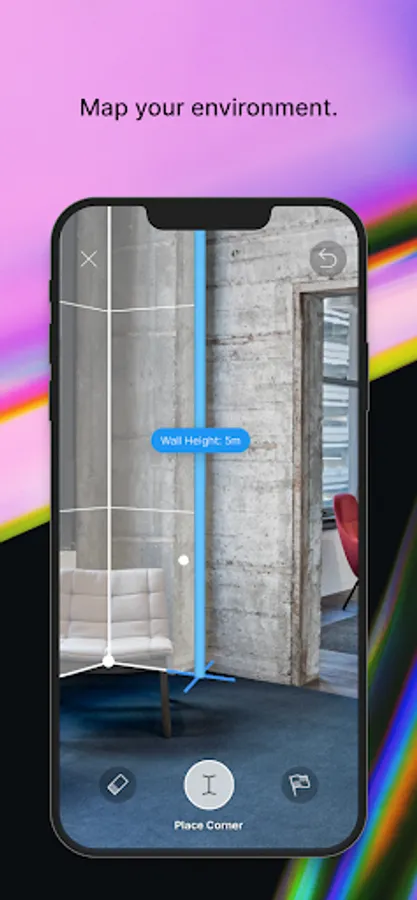
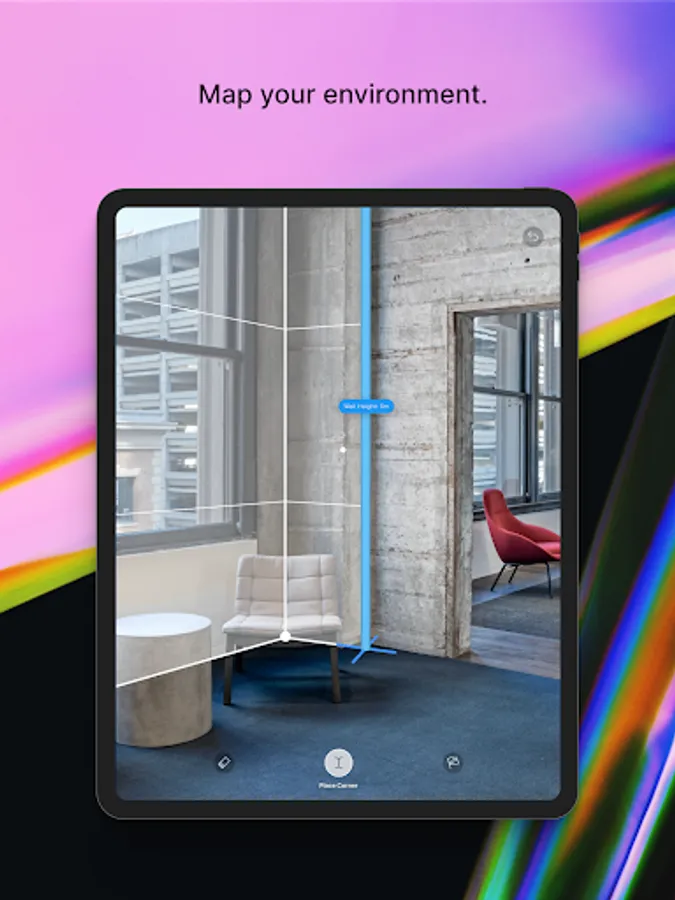
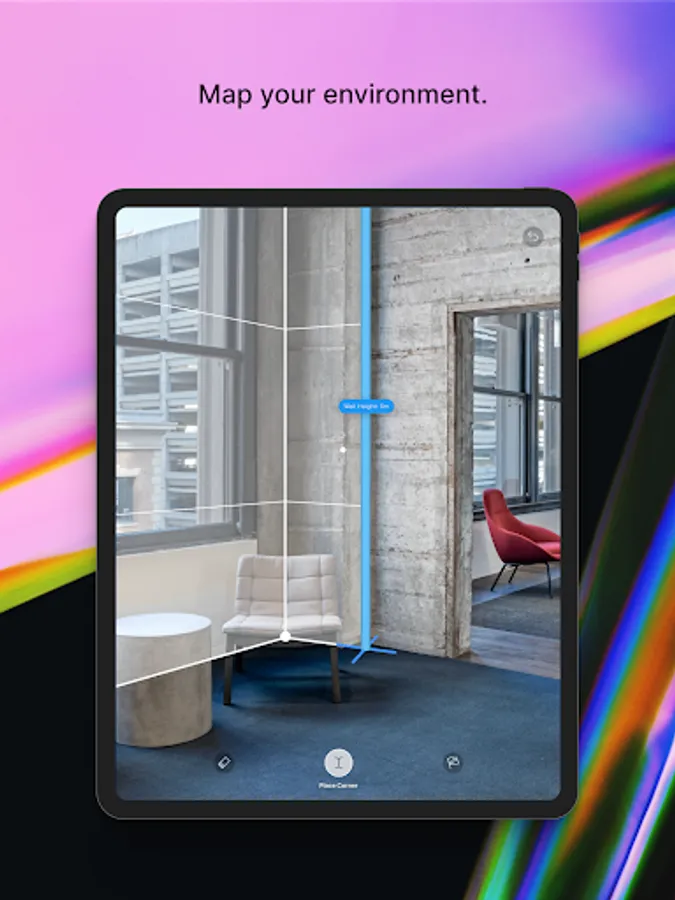
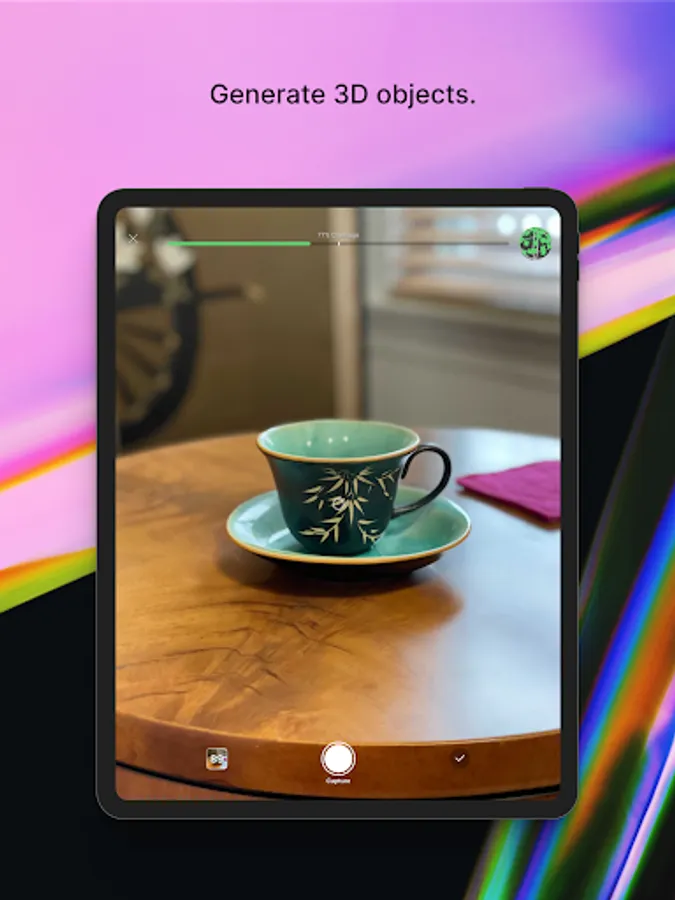
- Capture a static environment scan of a room, location or various planes
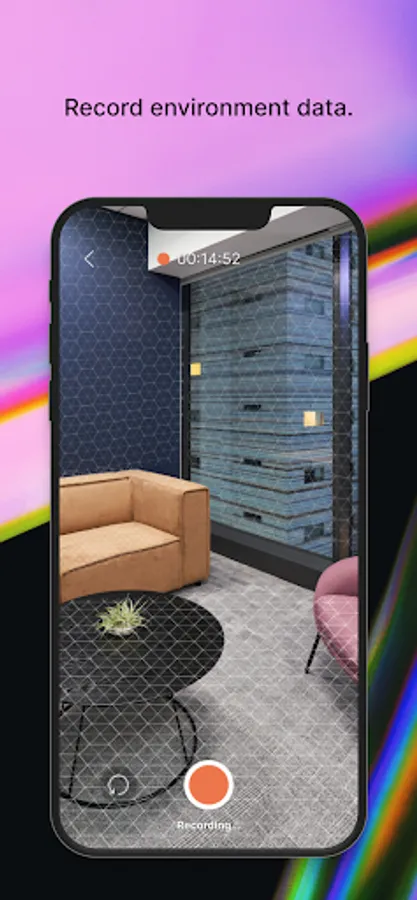
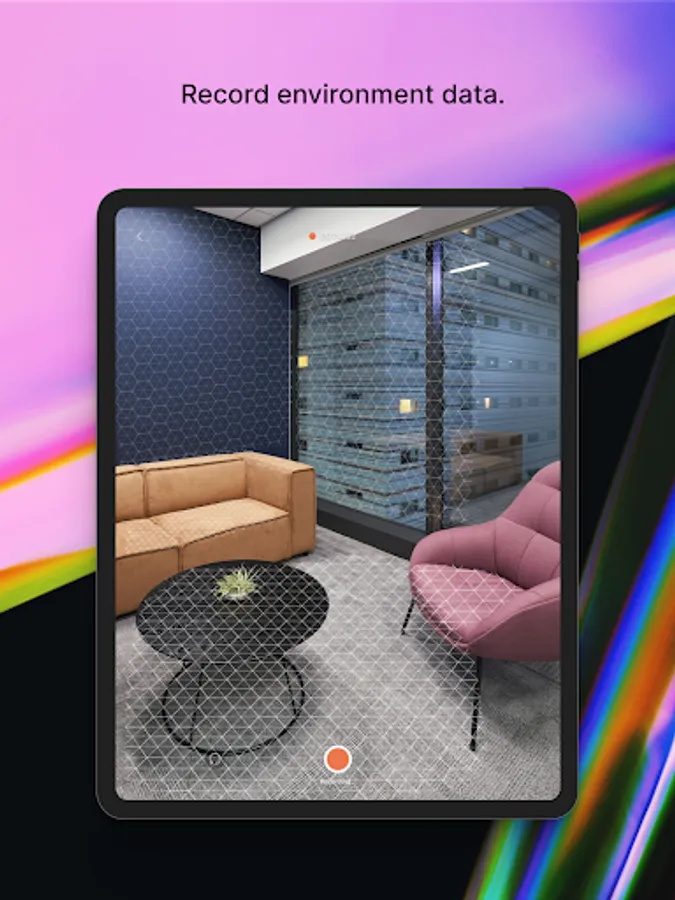
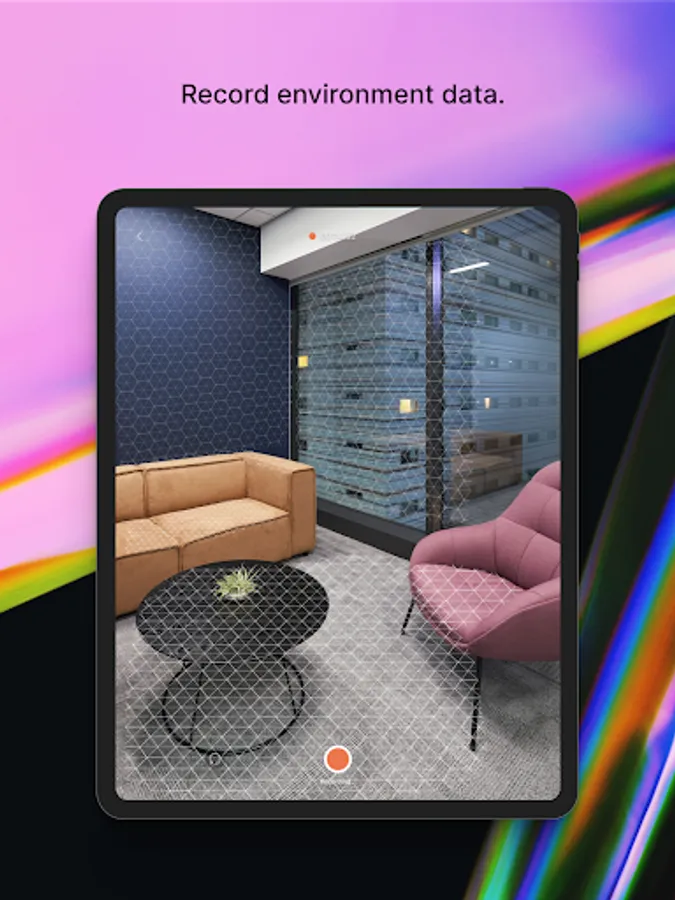
- Use video to record real-world data for playback
- Use video to capture walk-throughs of your target location
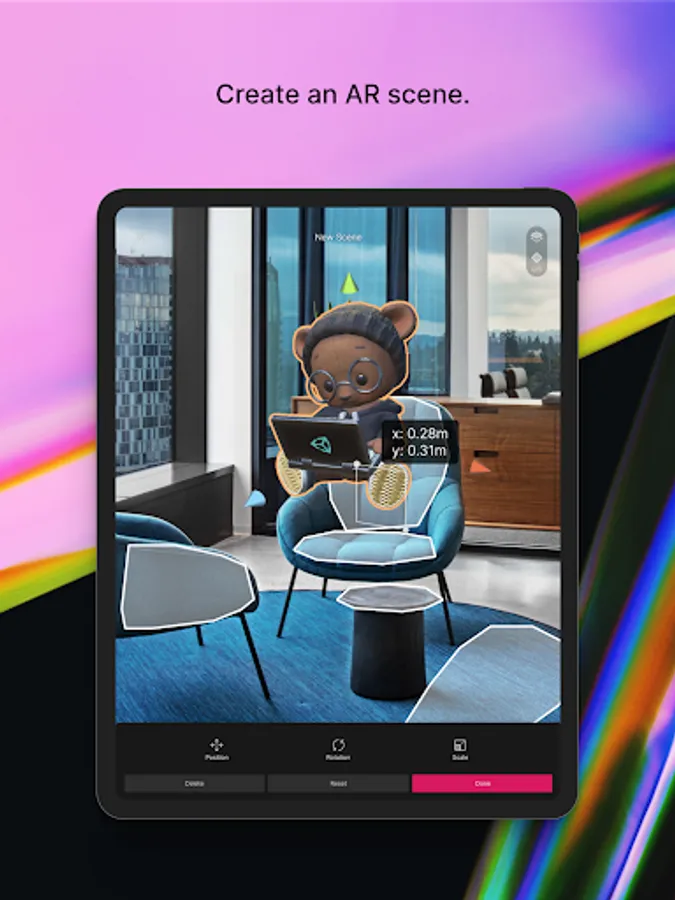
AR SCENE EDITING (Unity MARS subscription recommended.)
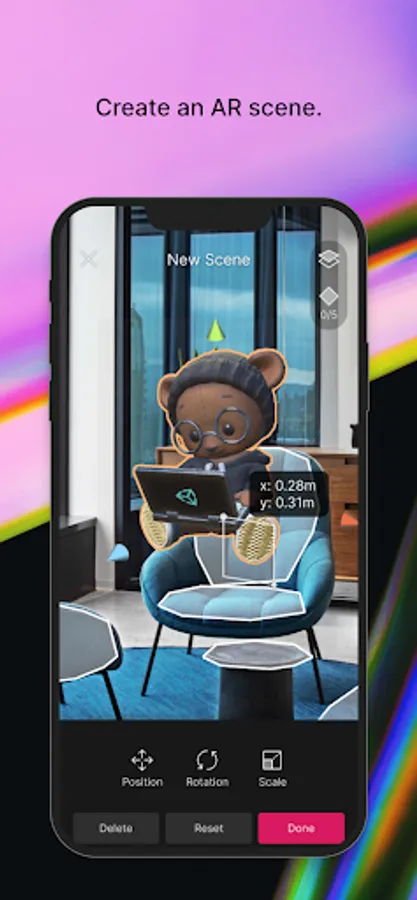
- Import content and layout assets directly on your device
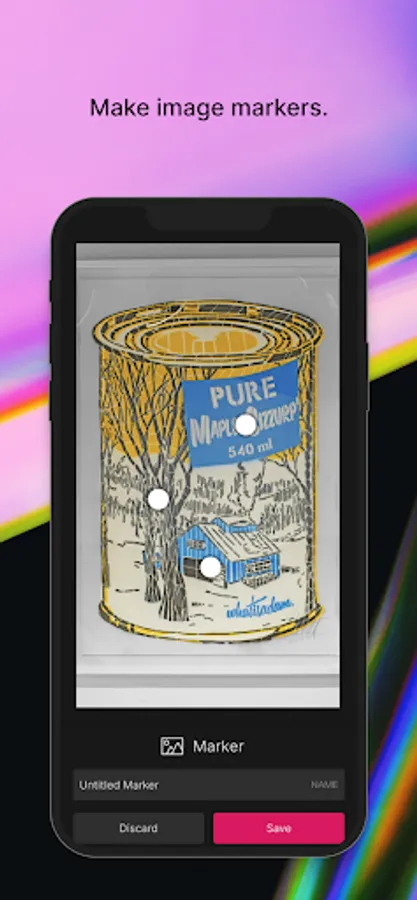
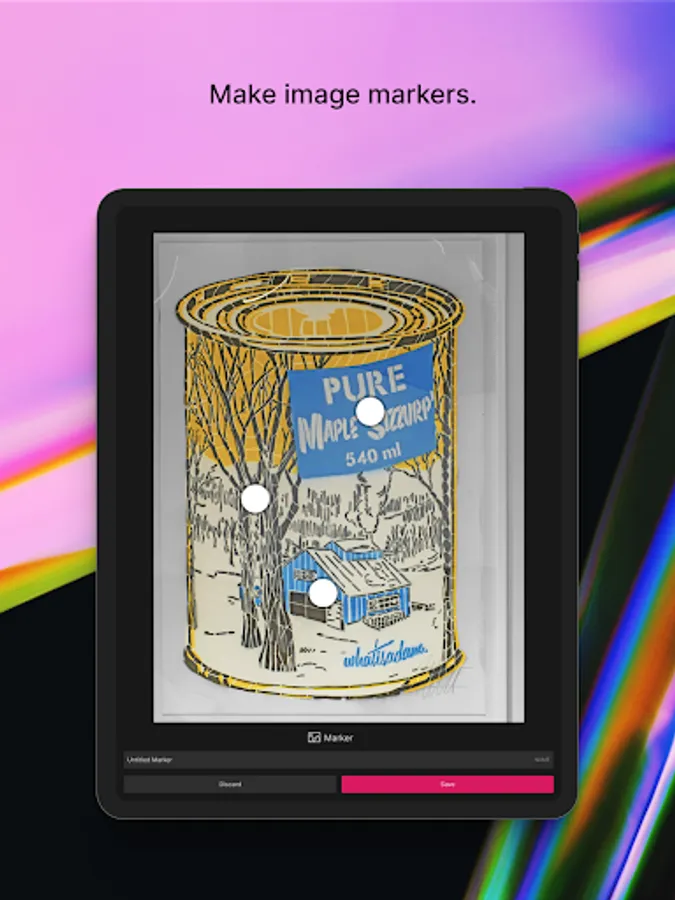
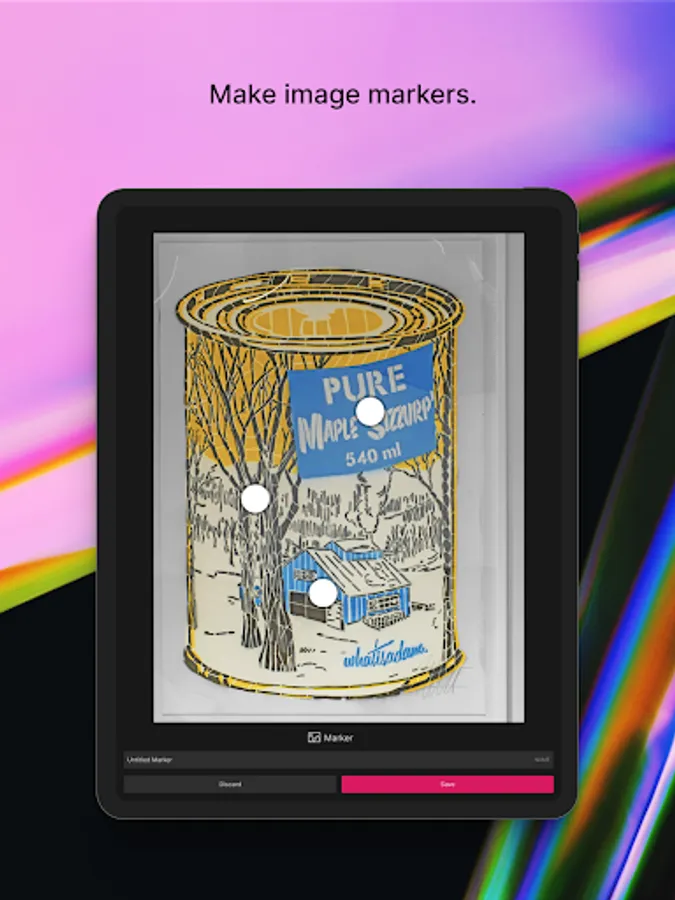
- Create image-based markers or add a hotspot
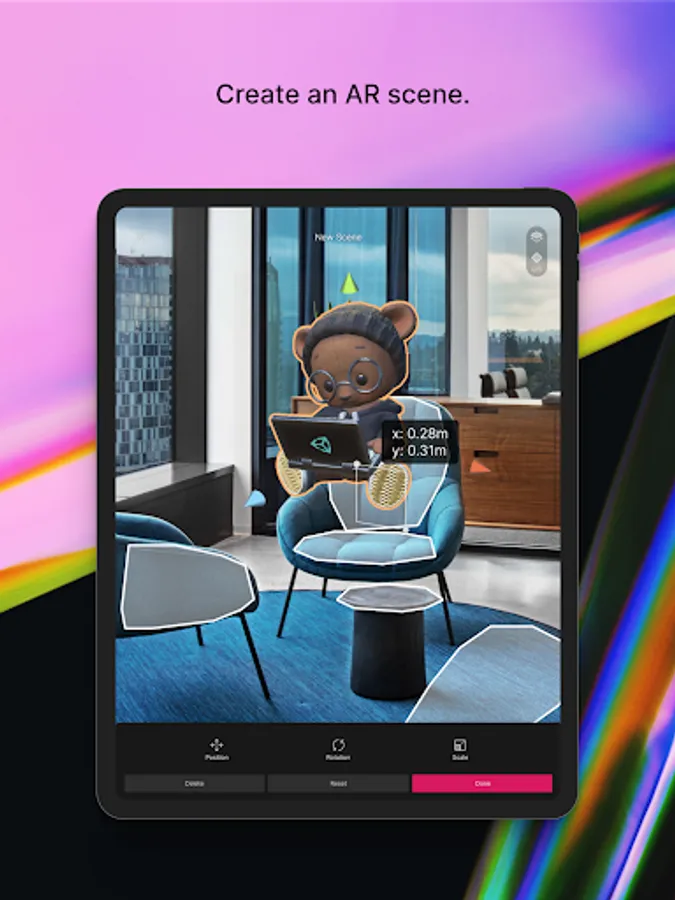
- Create in-Editor game objects and preview them directly on device – without needing to manually export/import
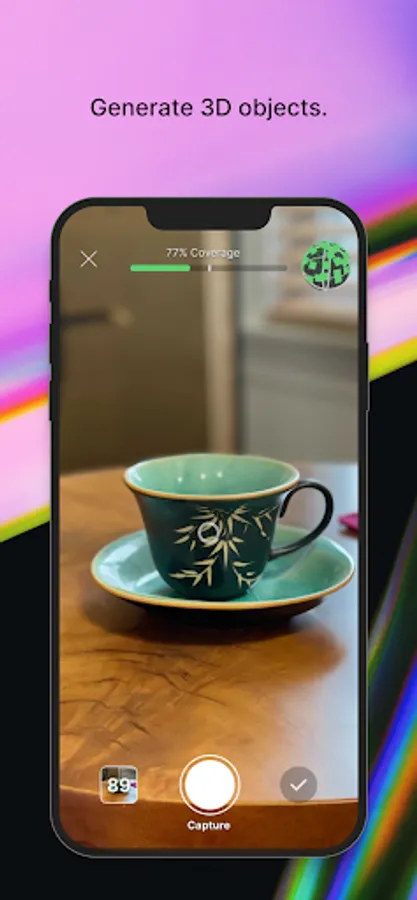
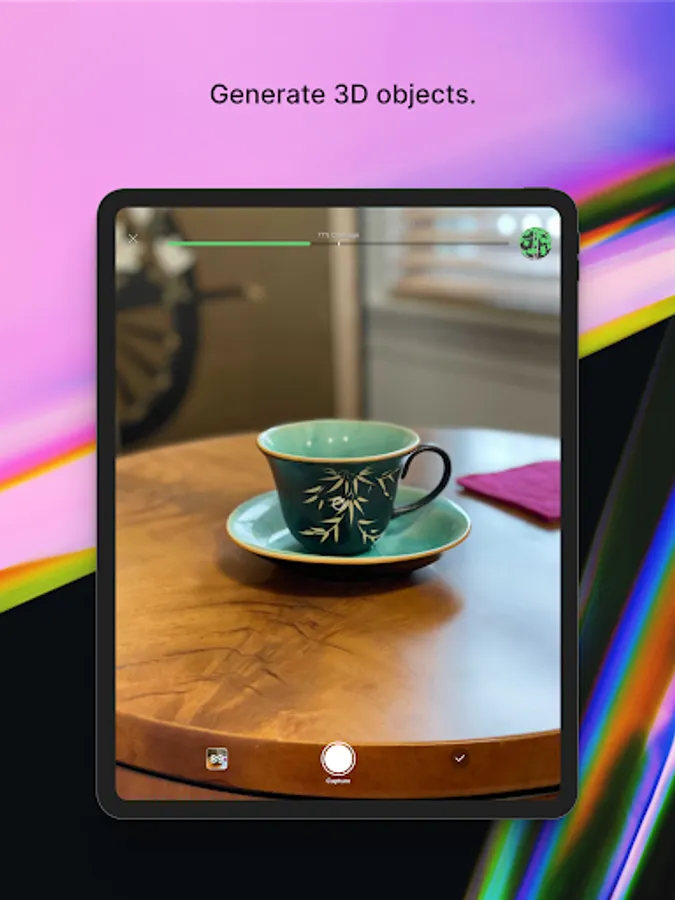
- Import 3D-scanned inventory or other assets and immediately inspect their look and feel on the target mobile platform
- Assign placement constraints, like surface elevation and minimum dimensions, to your digital objects
STORE AND SYNC
- Sync in-Editor assets to the cloud and have them immediately reflected on your device
- Includes 1 GiB of cloud storage with your Unity Connect account
- Includes 10 GiB of cloud storage for every seat of Unity MARS
Note: The Unity AR Companion app works alongside the Unity MARS authoring environment. For more information, visit unity.com/mars. You do not need to have a subscription to Unity MARS to use the Unity AR Companion; however, current functionality will be limited.
https://unity.com/legal/supplemental-privacy-statement-unity-mars
If you have any questions or need assistance, please visit Unity Discussions.
https://discussions.unity.com/t/unity-mars-end-of-support/1692536
Capture real-world data directly on your device and bring it into the Unity authoring environment to quickly create and iterate on your AR experience.
**This app requires the Unity Editor. Some features require a Unity MARS subscription (see the requirements below).**
Decrease iteration time and deliver better AR experiences that will accurately run in the location they’re built for.
Unity AR Companion app features:
ENVIRONMENT CAPTURE (Unity MARS subscription recommended.)
- Capture a static environment scan of a room, location or various planes
- Use video to record real-world data for playback
- Use video to capture walk-throughs of your target location
AR SCENE EDITING (Unity MARS subscription recommended.)
- Import content and layout assets directly on your device
- Create image-based markers or add a hotspot
- Create in-Editor game objects and preview them directly on device – without needing to manually export/import
- Import 3D-scanned inventory or other assets and immediately inspect their look and feel on the target mobile platform
- Assign placement constraints, like surface elevation and minimum dimensions, to your digital objects
STORE AND SYNC
- Sync in-Editor assets to the cloud and have them immediately reflected on your device
- Includes 1 GiB of cloud storage with your Unity Connect account
- Includes 10 GiB of cloud storage for every seat of Unity MARS
Note: The Unity AR Companion app works alongside the Unity MARS authoring environment. For more information, visit unity.com/mars. You do not need to have a subscription to Unity MARS to use the Unity AR Companion; however, current functionality will be limited.
Unity AR Companion Screenshots
Tap to Rate:
Reviews for Unity AR Companion
Para
9/27/2025
Doesn't work on oneplus 12. Affects all apps. Ex: Pokemon go
LOVE LIVE
6/19/2025
i Installed it last time, its not understandable