U+모바일tv
LG유플러스(LG Uplus Corporation)
2.7 ★
90K ratings
10,000,000+
downloads
Free
AppRecs review analysis
AppRecs rating 2.8. Trustworthiness 80 out of 100. Review manipulation risk 29 out of 100. Based on a review sample analyzed.
★★☆☆☆
2.8
AppRecs Rating
Ratings breakdown
5 star
31%
4 star
12%
3 star
2%
2 star
2%
1 star
54%
What to know
✓
Low review manipulation risk
29% review manipulation risk
⚠
Mixed user feedback
Average 2.6★ rating suggests room for improvement
⚠
High negative review ratio
55% of sampled ratings are 1–2 stars
About U+모바일tv
■ U+Mobile TV just got better! ■
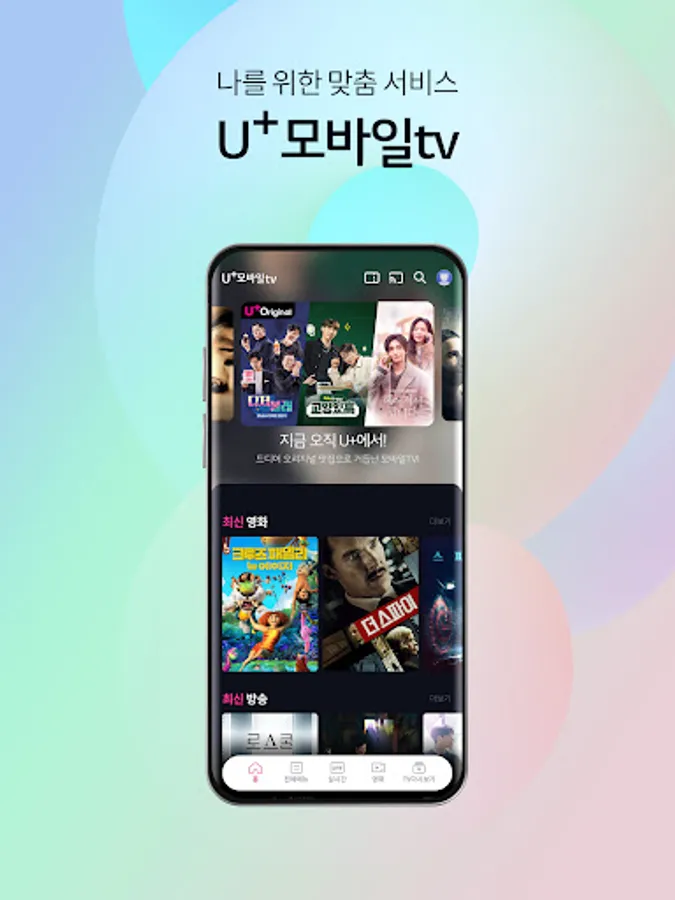
It’s more fun and convenient with customized recommendation features and U+’s exclusive content!
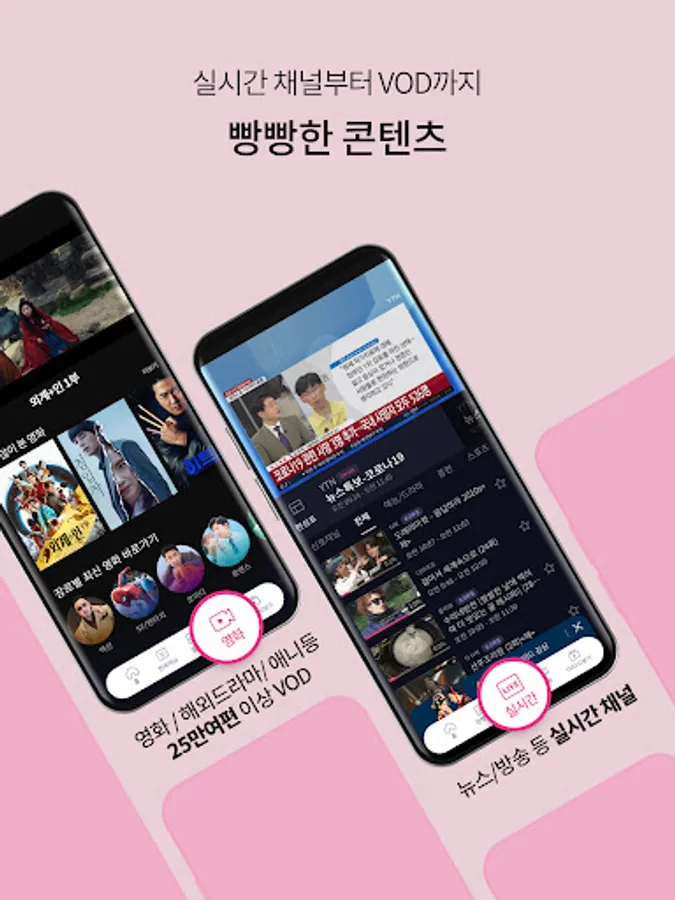
1. ‘Mobile video viewing’ is easy for anyone
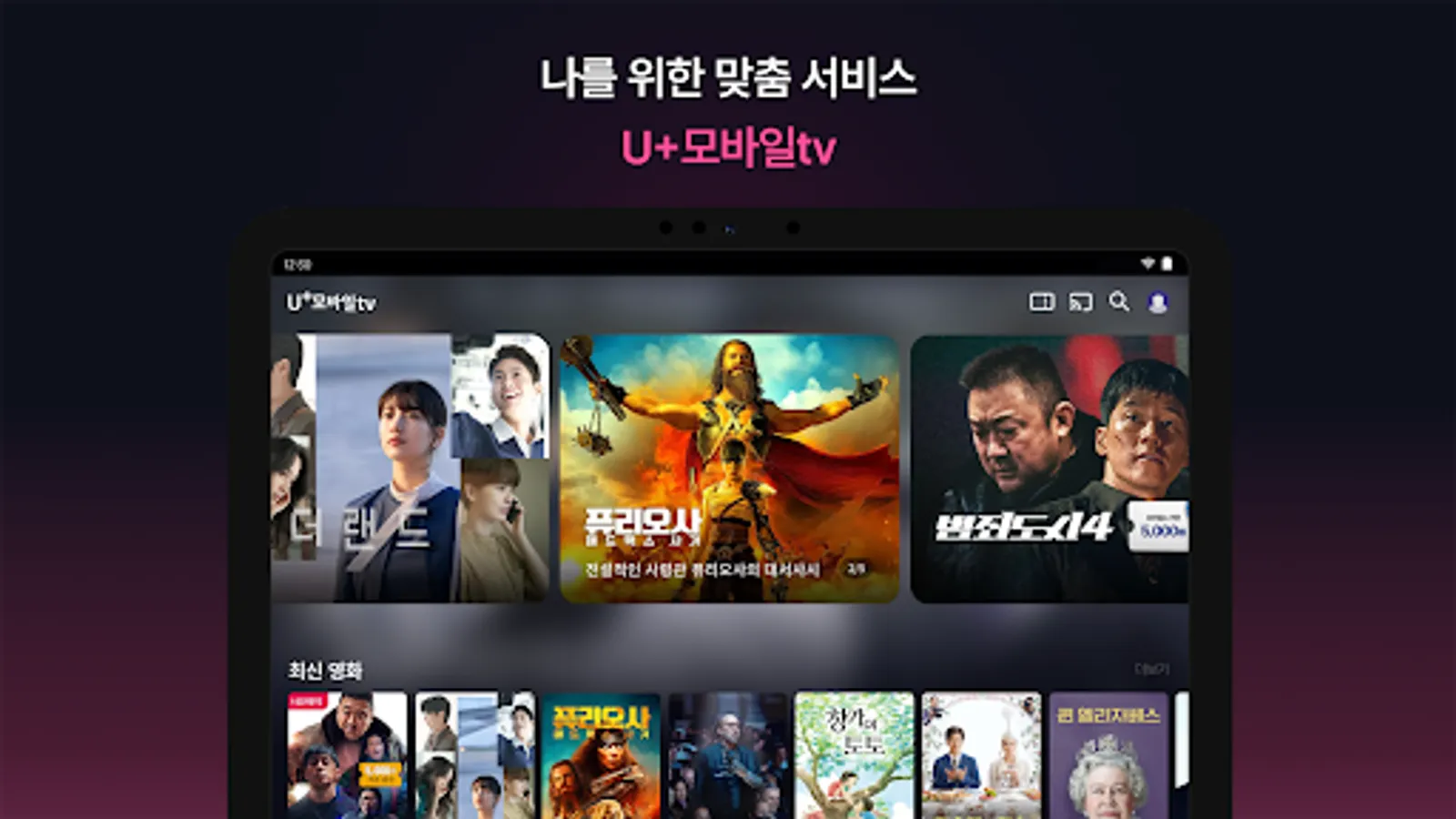
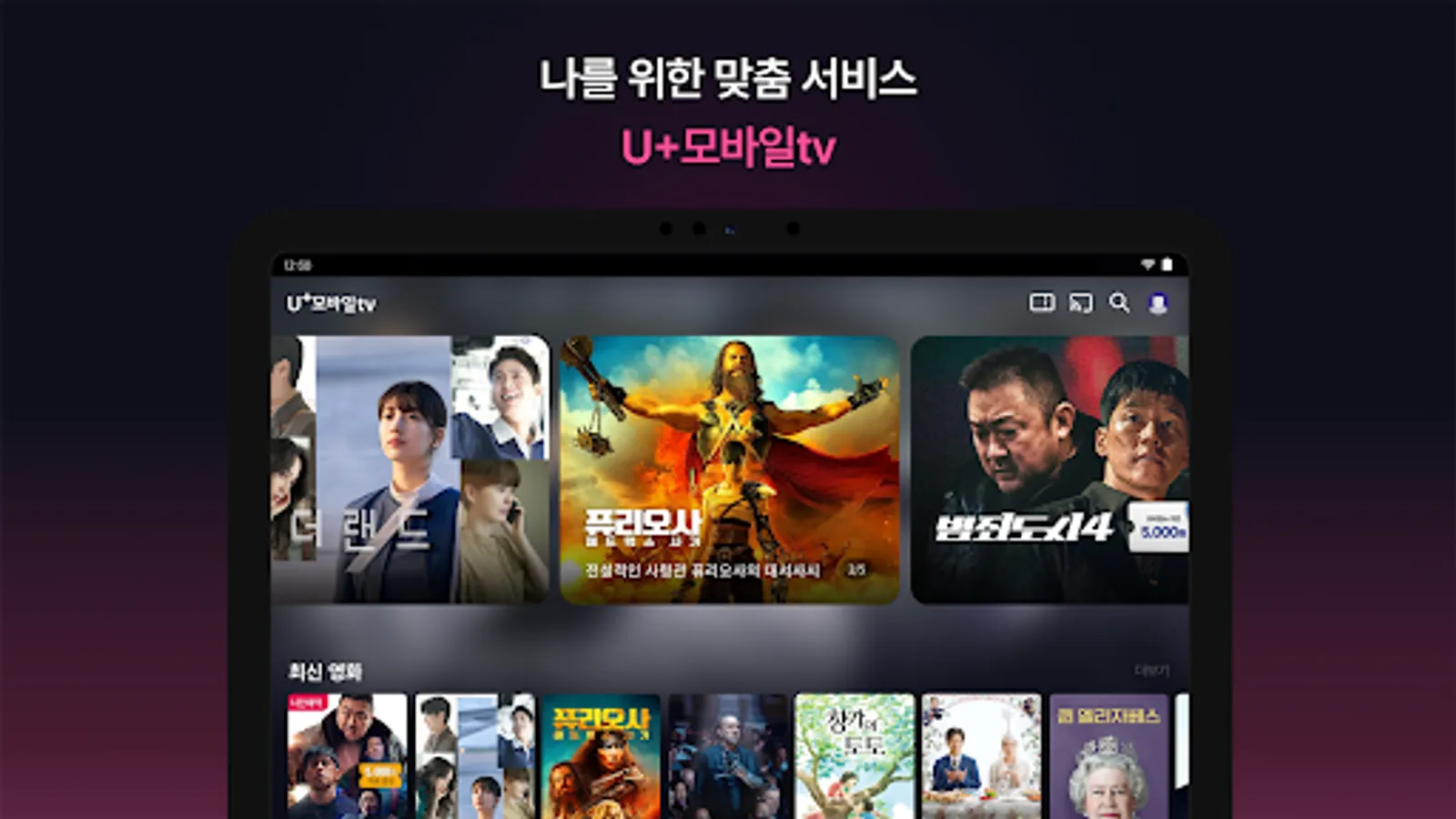
- You can view frequently used menus, such as continuing recently viewed videos and content you have added, right on the first screen.
- When you want to find a specific scene while watching a video, if you move the playback bar, a small image appears so you can easily check it.
2. ‘My own content recommendation’ that recommends videos that suit your tastes
- Analyzes watched videos, saved videos, etc. and recommends videos that perfectly suit your taste!
- The pleasure of selecting videos you might like increases as they are recommended based on various criteria such as genre, actor, director, and era.
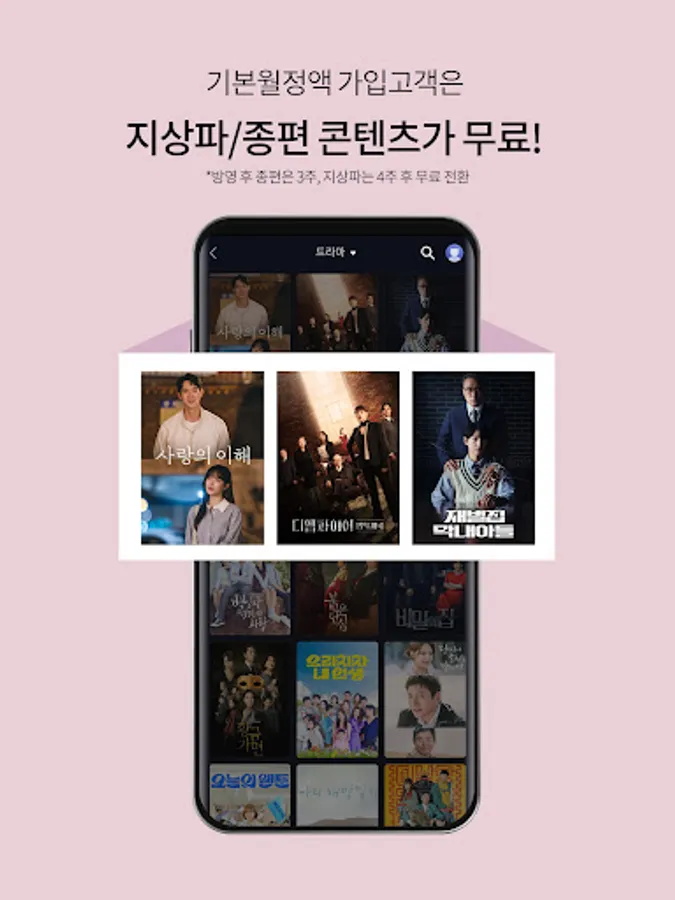
3. ‘U+Mobile TV basic monthly subscription’ that allows you to watch terrestrial and general programming content for free
- Even if you sign up for the basic monthly subscription, you can watch terrestrial content for free within 4 weeks to 1 year from the broadcast date.
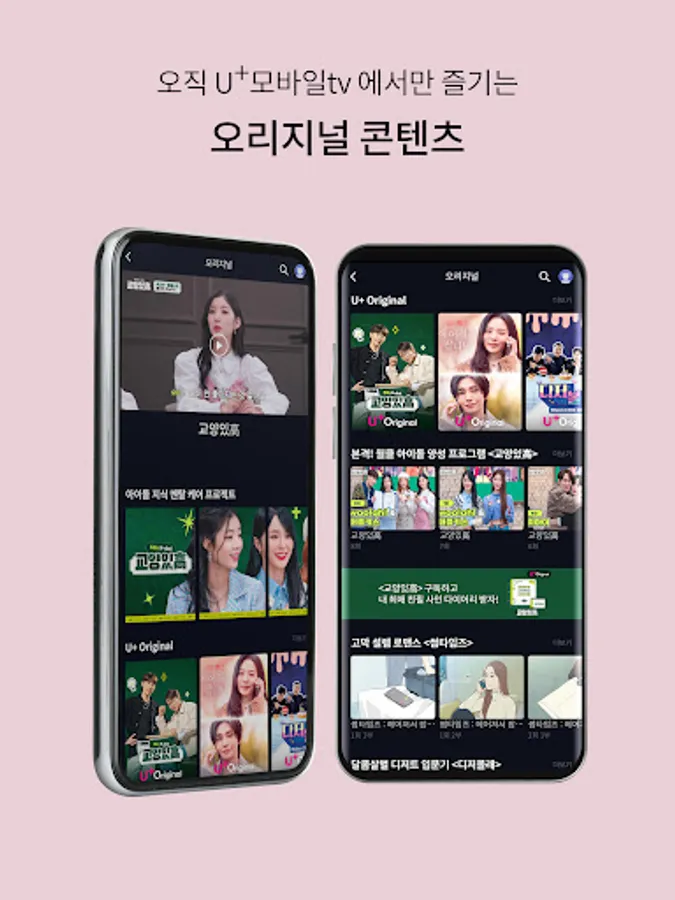
4. ‘Full menu’ where you can collect and view U+’s unique content
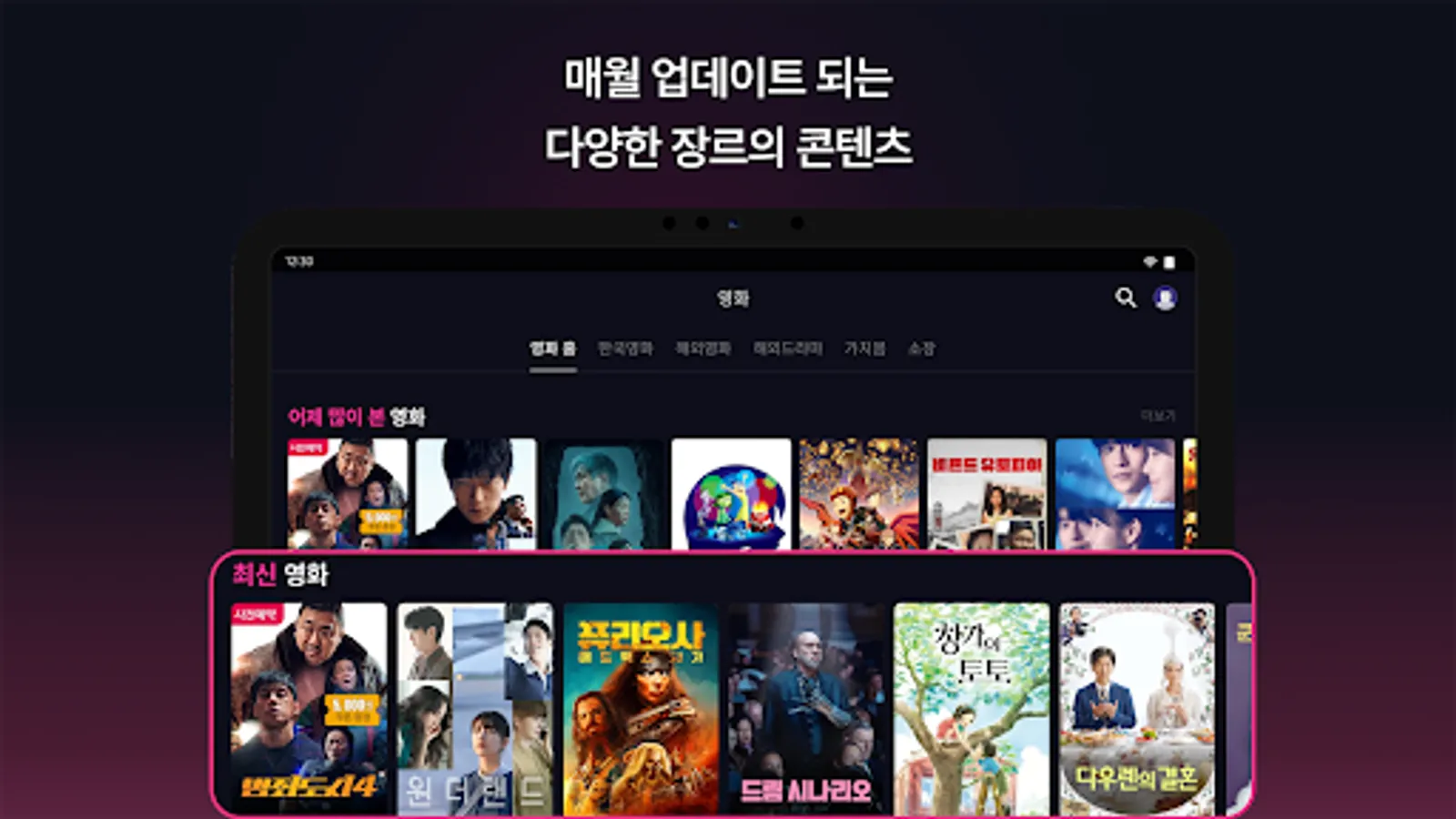
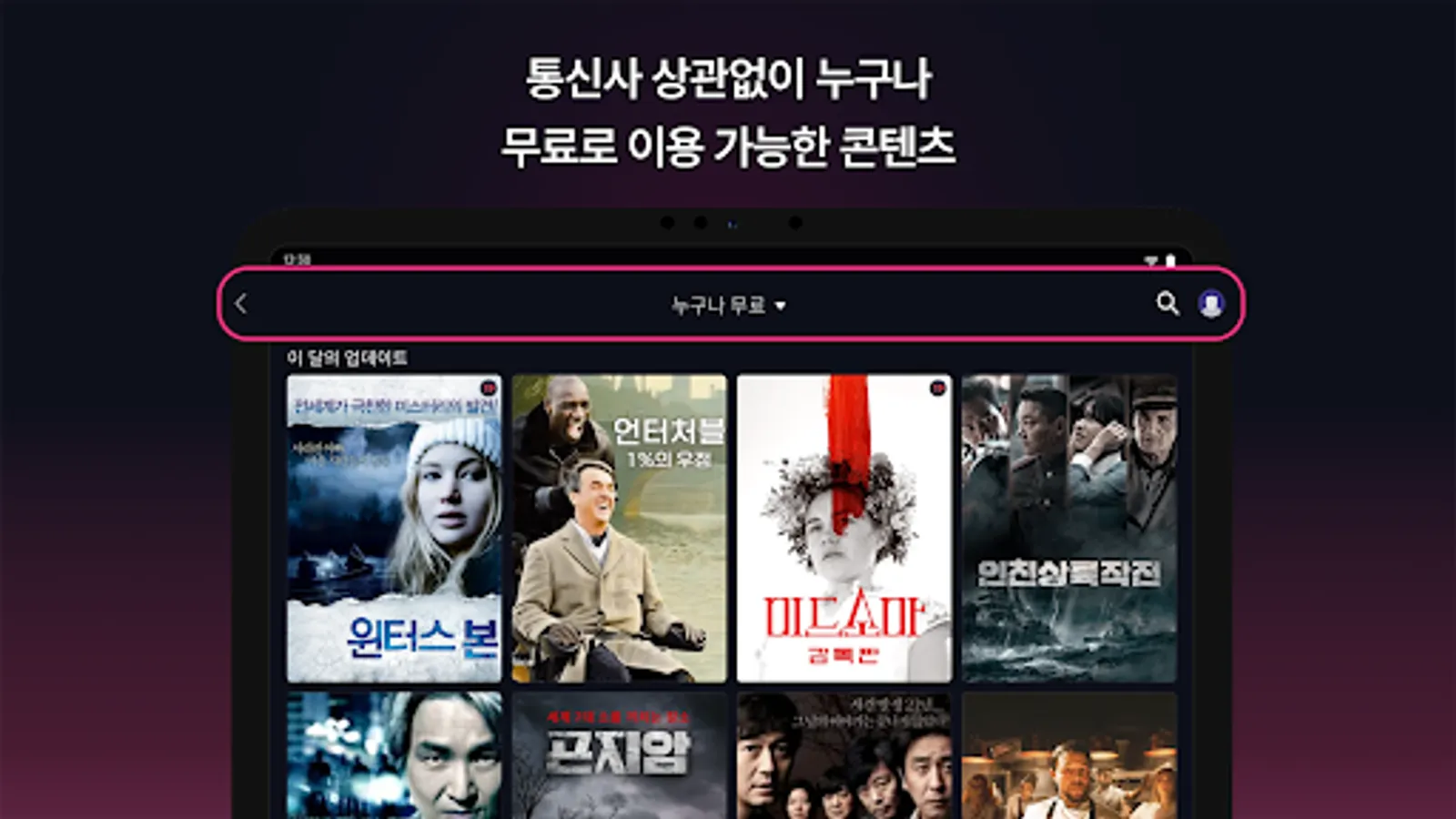
- In 'My Free', you can enjoy free content in the movie, foreign drama, and animation genres that is updated every month.
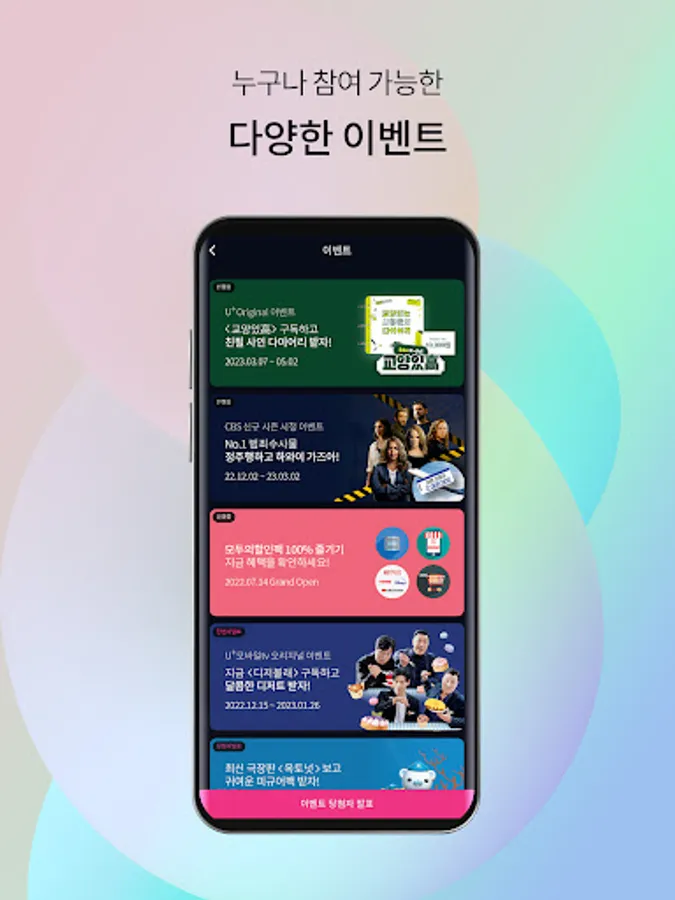
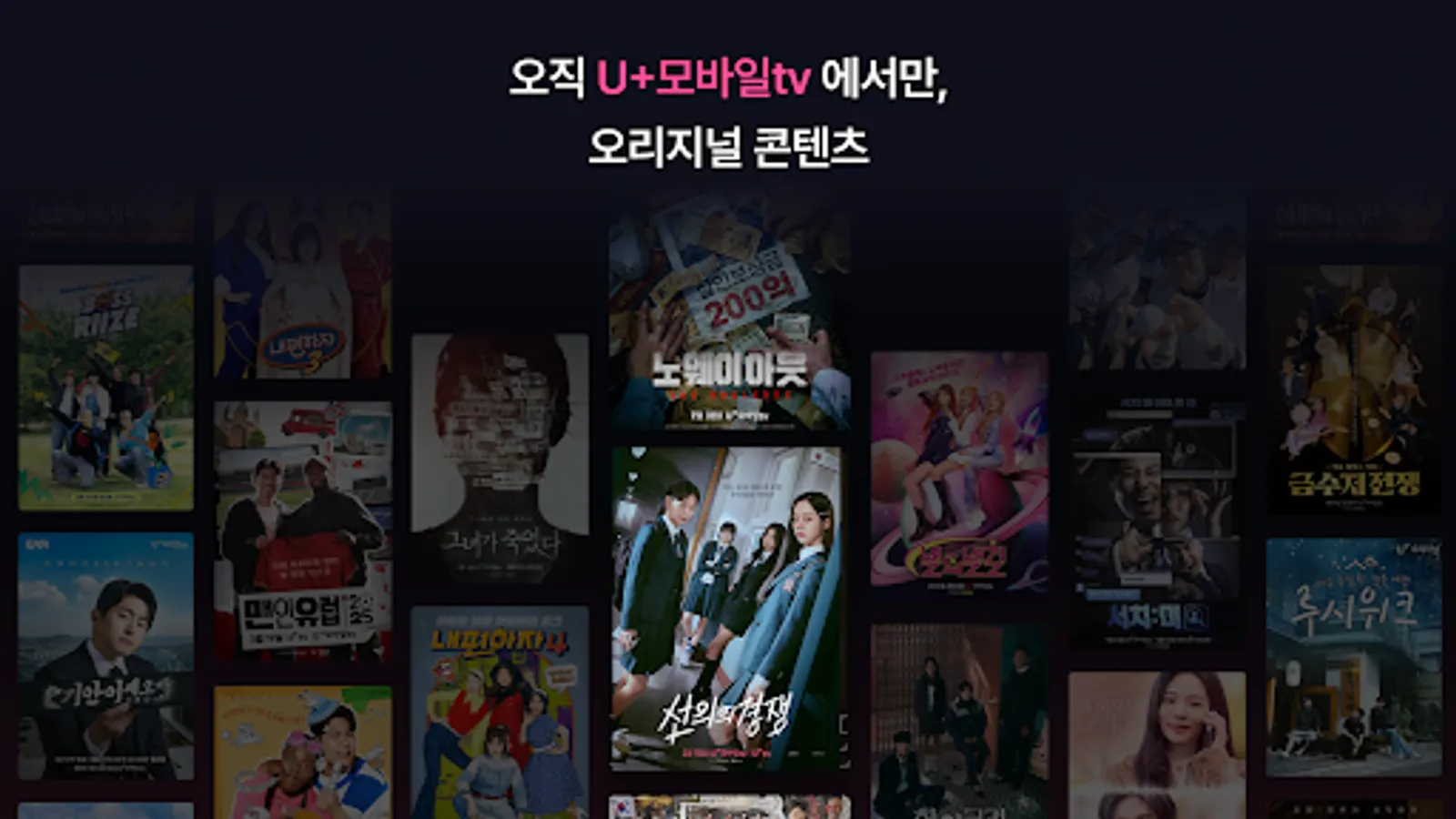
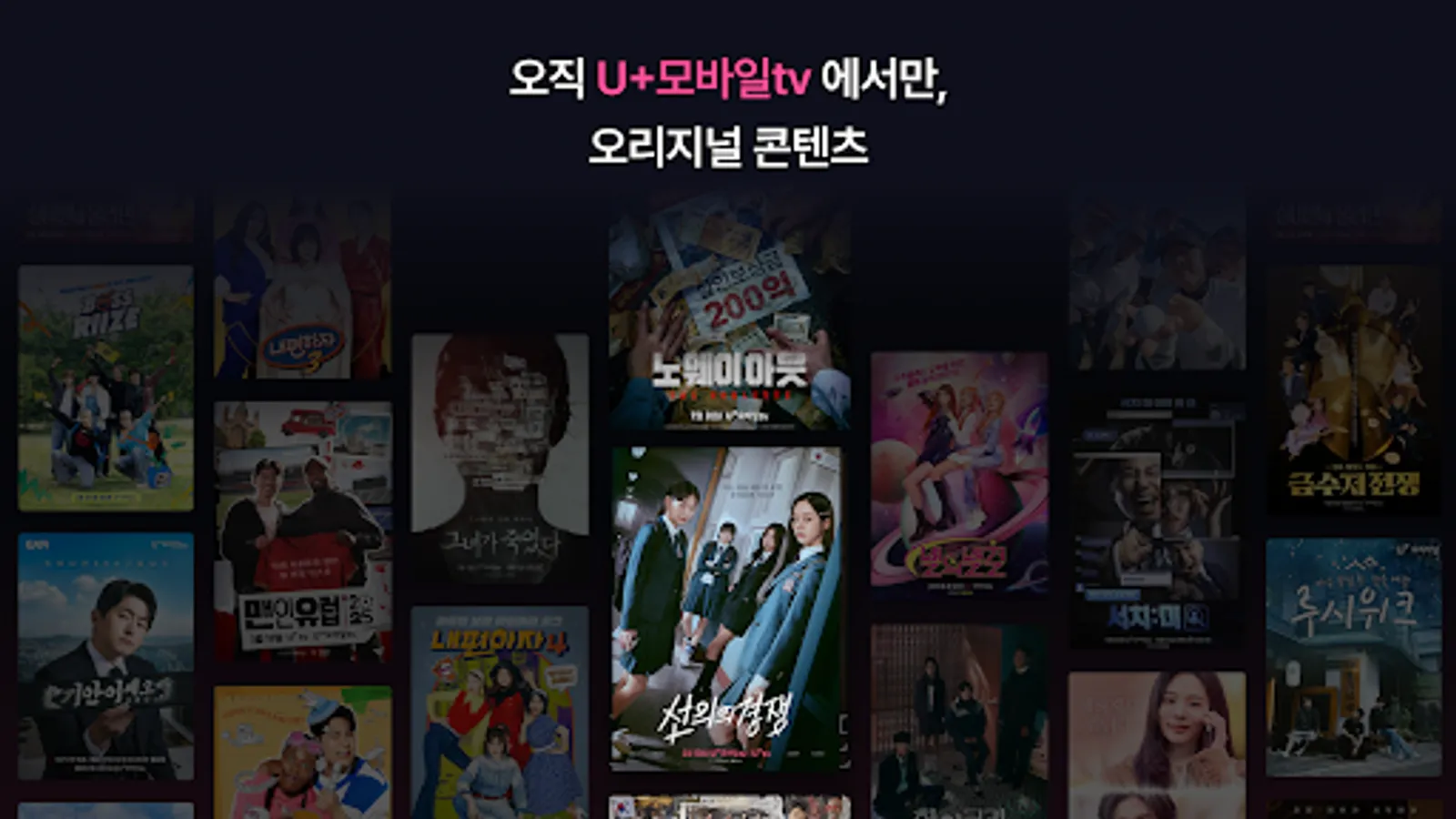
- You can enjoy popular U+ original content such as ‘Men in Europe’ and ‘Hi Cookie’.
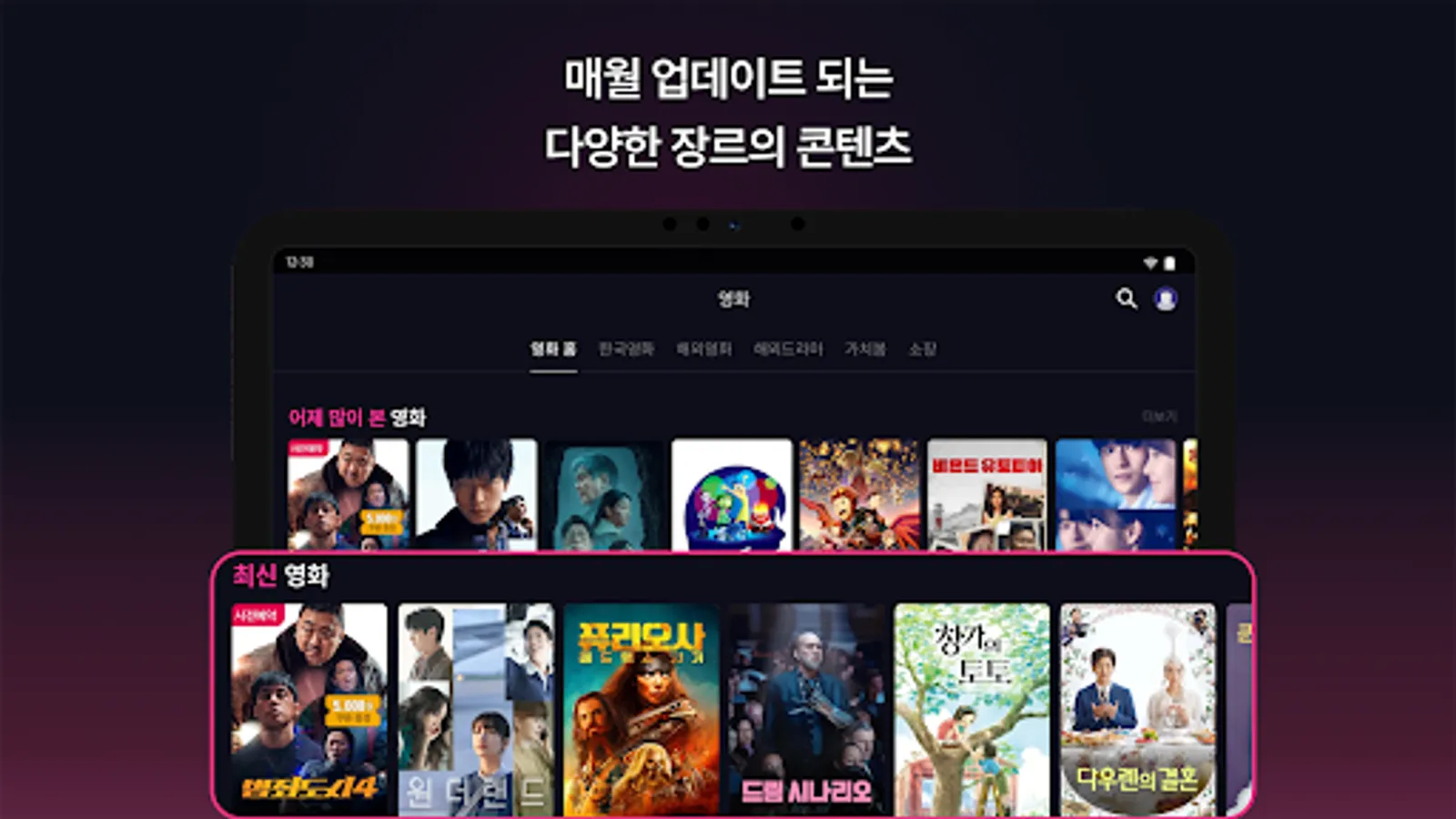
- Customers who subscribe to the UPlay monthly subscription can use weekly updated theatrically released movies, foreign dramas, animations, and carefully selected OTT original content in the ‘UPlay’ menu.
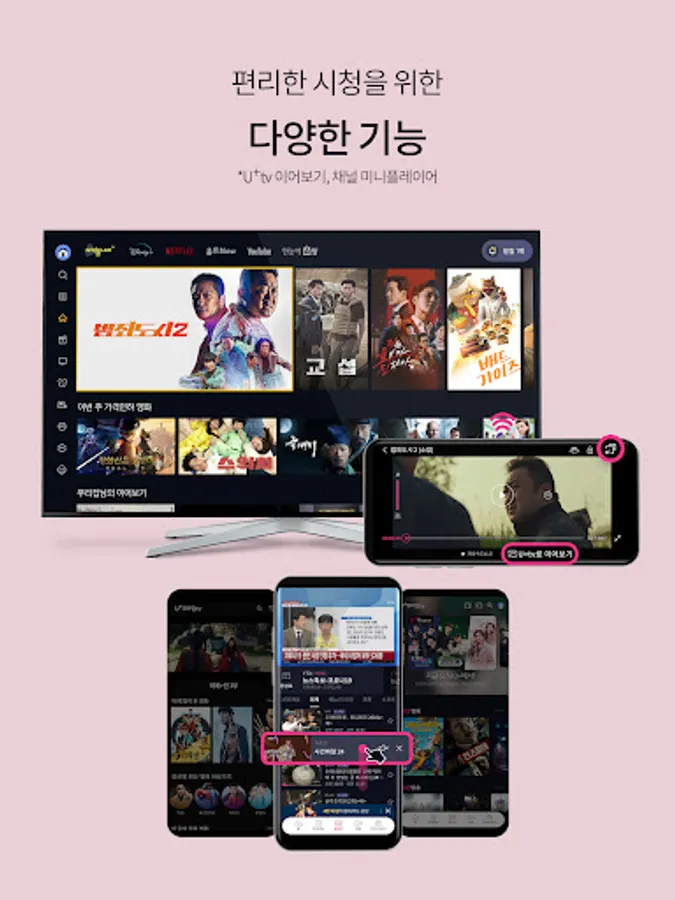
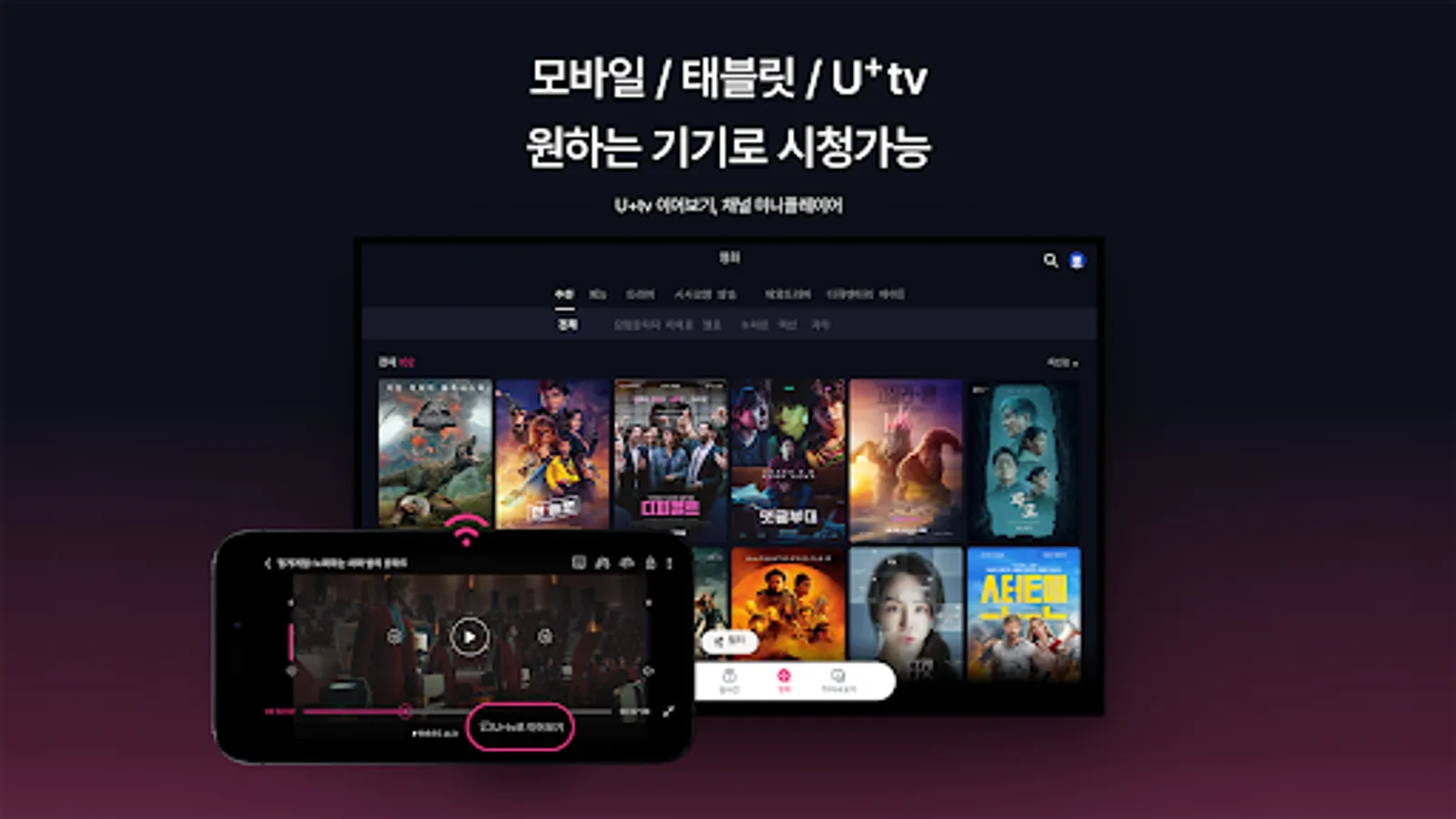
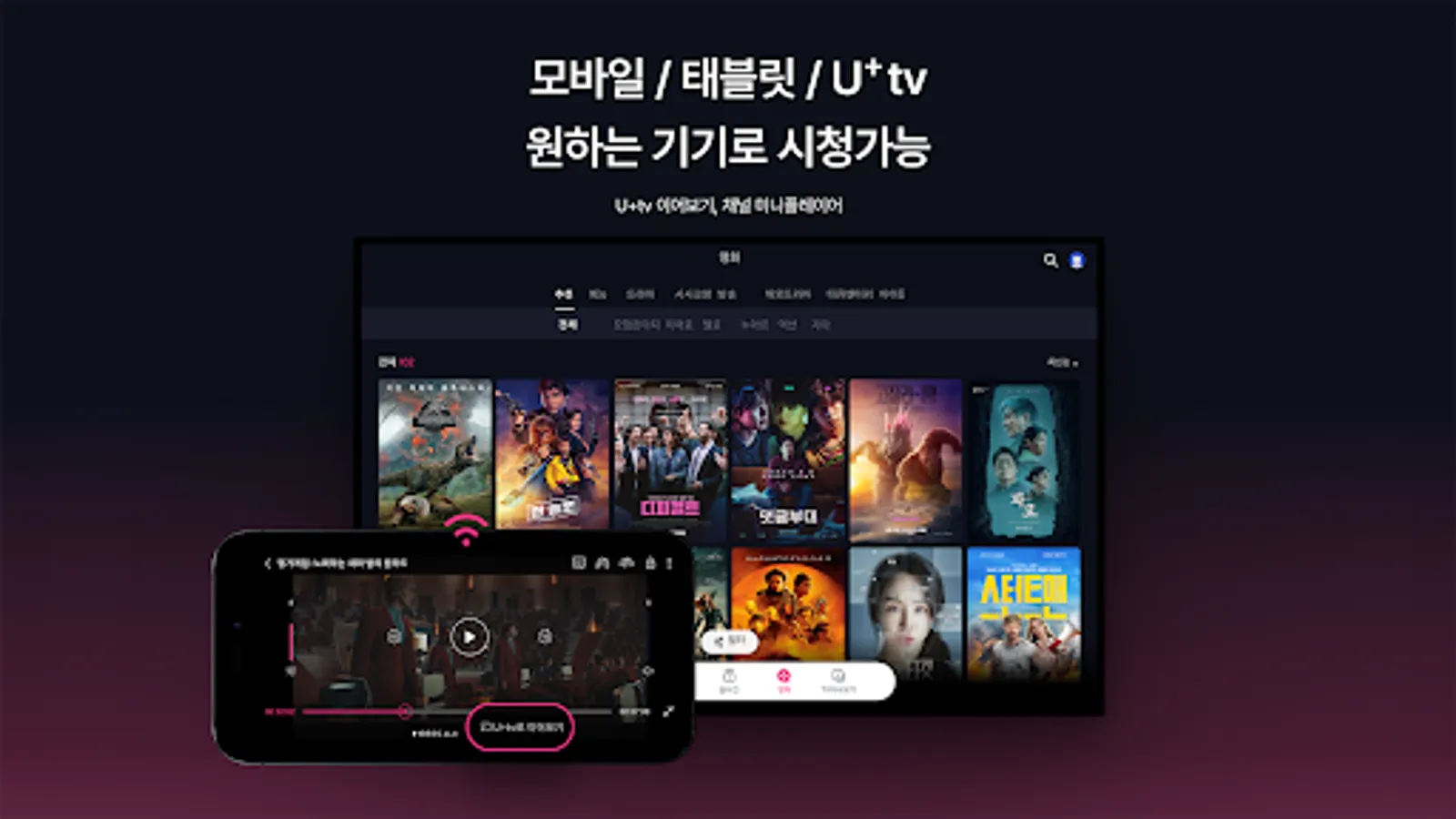
5. ‘View larger on TV’ to continue watching scenes on your phone on TV
- You can watch on a larger screen and with vivid sound by connecting to U+tv.
- You can continue watching the same scene you were watching on your phone outside or on U+TV at home.
Experience a better U+ mobile TV!
■ Due to copyright issues, it is not possible to watch U+ Mobile TV overseas.
■ You can sign up regardless of carrier.
■ Currently, children under the age of 14 can use the service after obtaining the consent of their legal representative.
■ Customers who subscribe to SKT or KT corporate names can use the service after signing up for U+ Mobile TV in their personal names.
■ Mobile TV requires the following permissions to conveniently enjoy content.
[Selective access rights]
Notifications: Permission required for download status notifications, media playback notifications, and push notifications.
※ Selected permission items may vary depending on device and version, and you can use the service even if you do not allow permission.
※ You can change permission settings in app settings.
■ Inquiries regarding the use of U+Mobile TV can be made through 114 (1544-0010) or email.
1. Customer Center Usage Guide
Customer Center: 114/1544-0010
Customer Center operating hours: Mon~Fri 09:00~18:00 (not operating on weekends and public holidays)
2. Email inquiry
Email: mobiletv@lguplus.co.kr
-When making an email inquiry, you must include your mobile phone number.
(* If you are a third-party customer, you will also need the ID information you signed up with.)
- Please use the customer center to check purchase history and payment amount.
It’s more fun and convenient with customized recommendation features and U+’s exclusive content!
1. ‘Mobile video viewing’ is easy for anyone
- You can view frequently used menus, such as continuing recently viewed videos and content you have added, right on the first screen.
- When you want to find a specific scene while watching a video, if you move the playback bar, a small image appears so you can easily check it.
2. ‘My own content recommendation’ that recommends videos that suit your tastes
- Analyzes watched videos, saved videos, etc. and recommends videos that perfectly suit your taste!
- The pleasure of selecting videos you might like increases as they are recommended based on various criteria such as genre, actor, director, and era.
3. ‘U+Mobile TV basic monthly subscription’ that allows you to watch terrestrial and general programming content for free
- Even if you sign up for the basic monthly subscription, you can watch terrestrial content for free within 4 weeks to 1 year from the broadcast date.
4. ‘Full menu’ where you can collect and view U+’s unique content
- In 'My Free', you can enjoy free content in the movie, foreign drama, and animation genres that is updated every month.
- You can enjoy popular U+ original content such as ‘Men in Europe’ and ‘Hi Cookie’.
- Customers who subscribe to the UPlay monthly subscription can use weekly updated theatrically released movies, foreign dramas, animations, and carefully selected OTT original content in the ‘UPlay’ menu.
5. ‘View larger on TV’ to continue watching scenes on your phone on TV
- You can watch on a larger screen and with vivid sound by connecting to U+tv.
- You can continue watching the same scene you were watching on your phone outside or on U+TV at home.
Experience a better U+ mobile TV!
■ Due to copyright issues, it is not possible to watch U+ Mobile TV overseas.
■ You can sign up regardless of carrier.
■ Currently, children under the age of 14 can use the service after obtaining the consent of their legal representative.
■ Customers who subscribe to SKT or KT corporate names can use the service after signing up for U+ Mobile TV in their personal names.
■ Mobile TV requires the following permissions to conveniently enjoy content.
[Selective access rights]
Notifications: Permission required for download status notifications, media playback notifications, and push notifications.
※ Selected permission items may vary depending on device and version, and you can use the service even if you do not allow permission.
※ You can change permission settings in app settings.
■ Inquiries regarding the use of U+Mobile TV can be made through 114 (1544-0010) or email.
1. Customer Center Usage Guide
Customer Center: 114/1544-0010
Customer Center operating hours: Mon~Fri 09:00~18:00 (not operating on weekends and public holidays)
2. Email inquiry
Email: mobiletv@lguplus.co.kr
-When making an email inquiry, you must include your mobile phone number.
(* If you are a third-party customer, you will also need the ID information you signed up with.)
- Please use the customer center to check purchase history and payment amount.
U+모바일tv Screenshots

Tap to Rate:
Reviews for U+모바일tv
Hong Kong
7/25/2025
Well
Christopher james Gonzales
2/28/2025
Jesus so beautiful




![뮤직벨링[LGU+] 통화연결음/컬러링, 벨소리, MP3 icon](https://apprecs.org/gp/img/icons/webp/150/com.lgu/sNJdI5AkujRbOI3JeIH30M0IoW2XZ_-_gXL618WgQS8-icon)