UsA Sharp Digital Ultra USA170
USA Design Watch Face
4.5 ★
store rating
1,000+
downloads
$1.49
AppRecs review analysis
AppRecs rating 4.3. Trustworthiness 70 out of 100. Review manipulation risk 28 out of 100. Based on a review sample analyzed.
★★★★☆
4.3
AppRecs Rating
Ratings breakdown
5 star
85%
4 star
8%
3 star
0%
2 star
0%
1 star
8%
What to know
✓
Low review manipulation risk
28% review manipulation risk
✓
Credible reviews
70% trustworthiness score from analyzed reviews
✓
High user satisfaction
85% of sampled ratings are 5 stars
About UsA Sharp Digital Ultra USA170
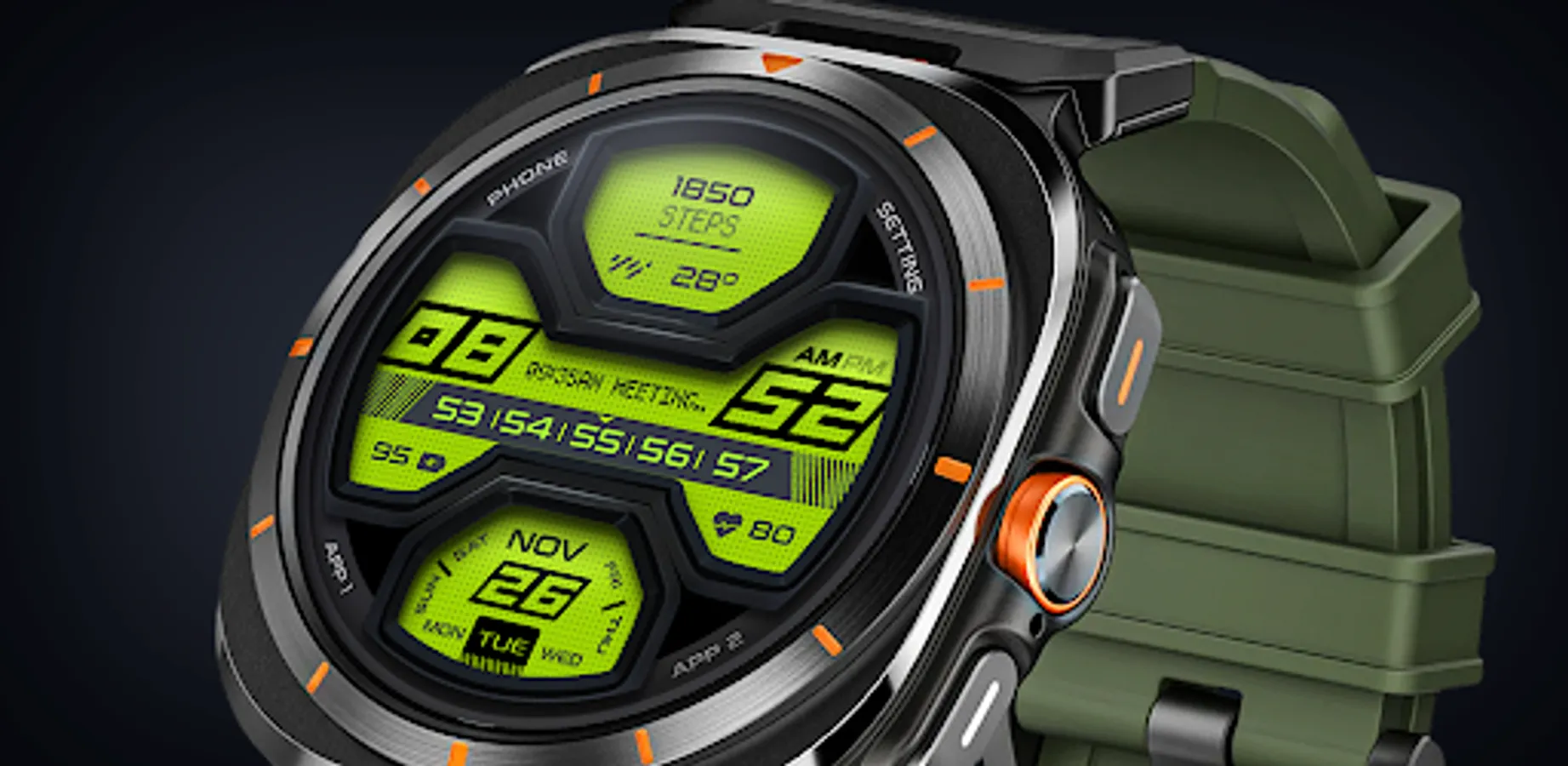
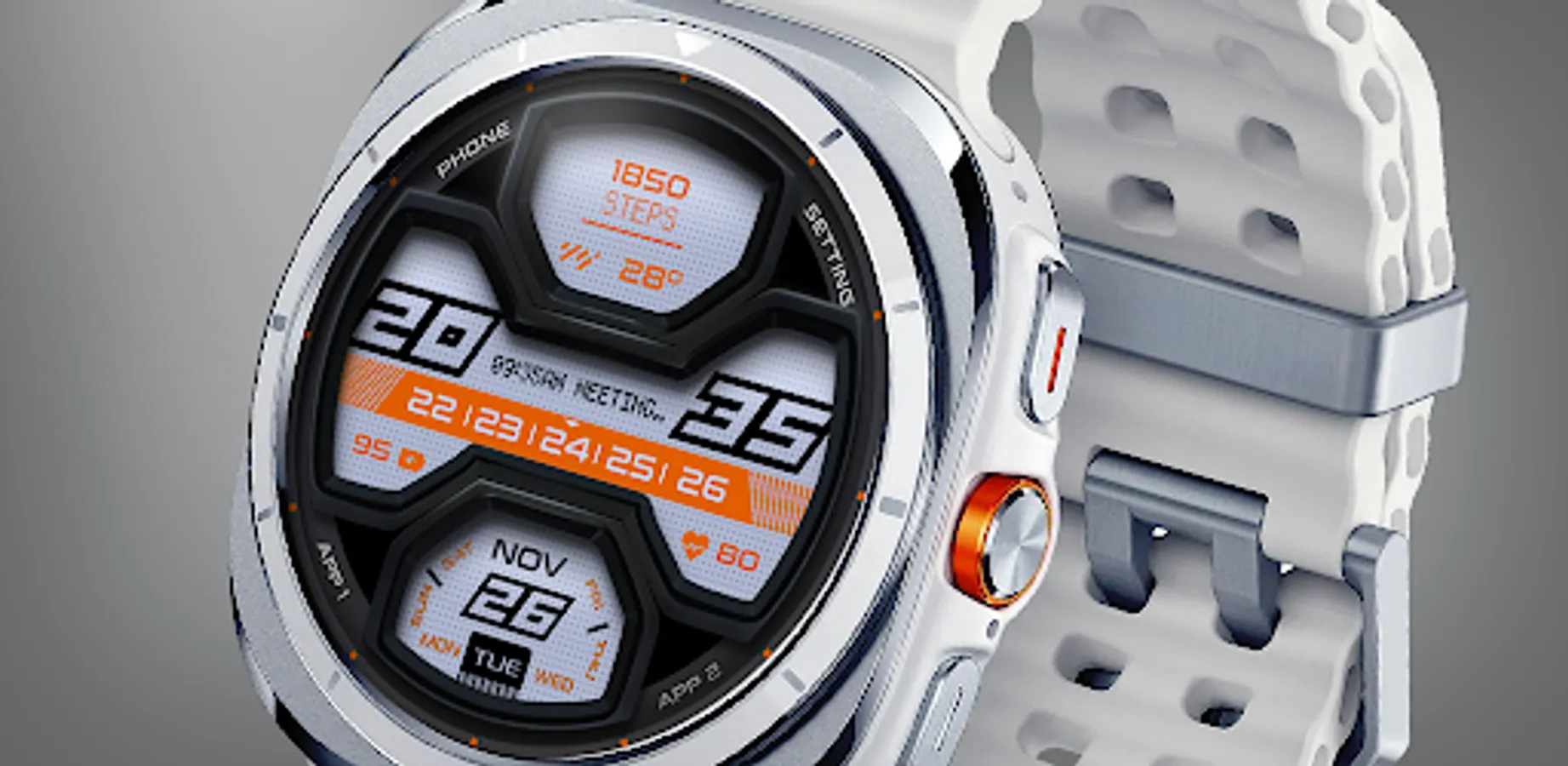
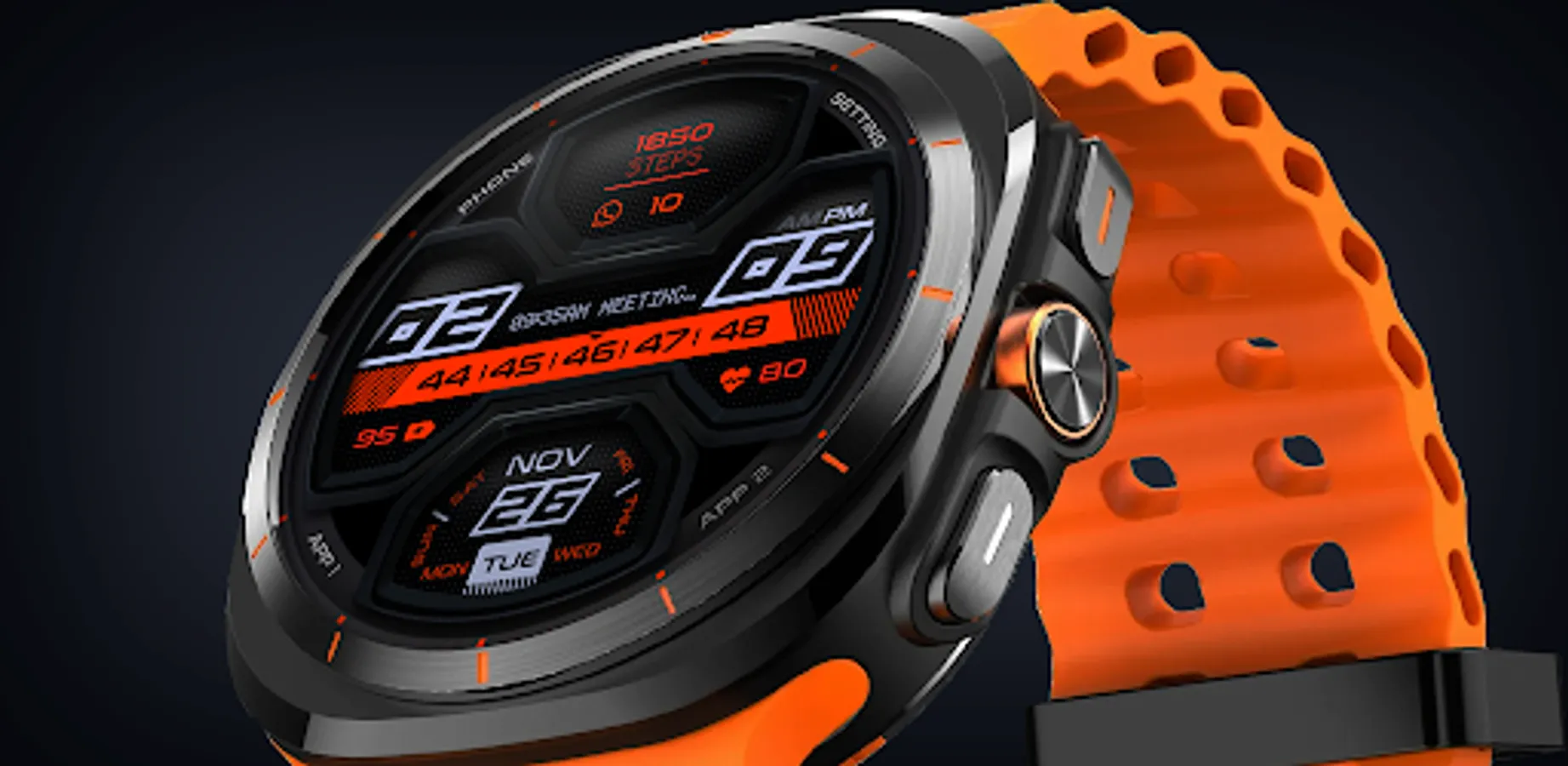
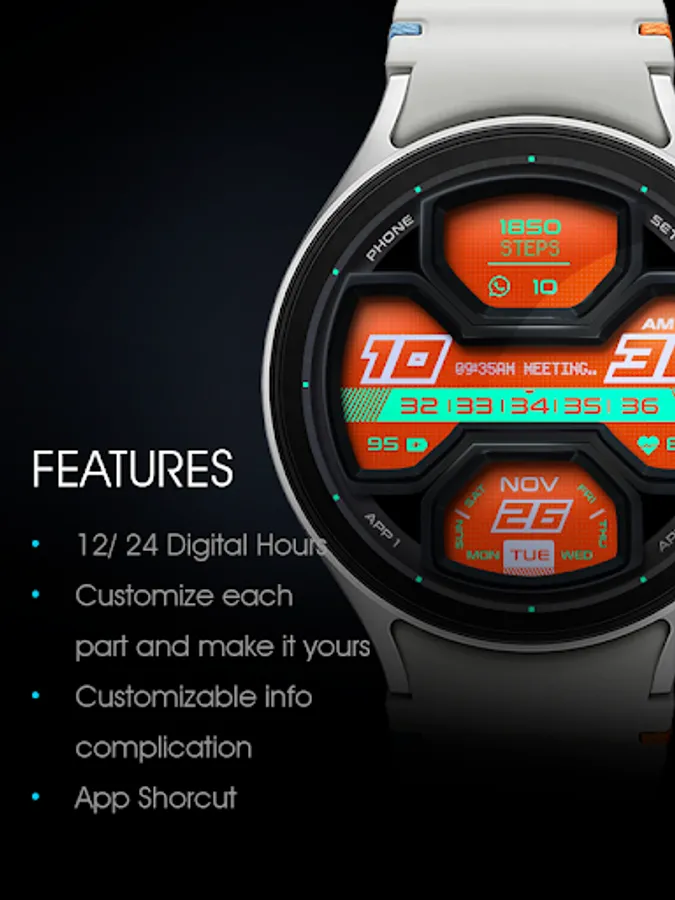
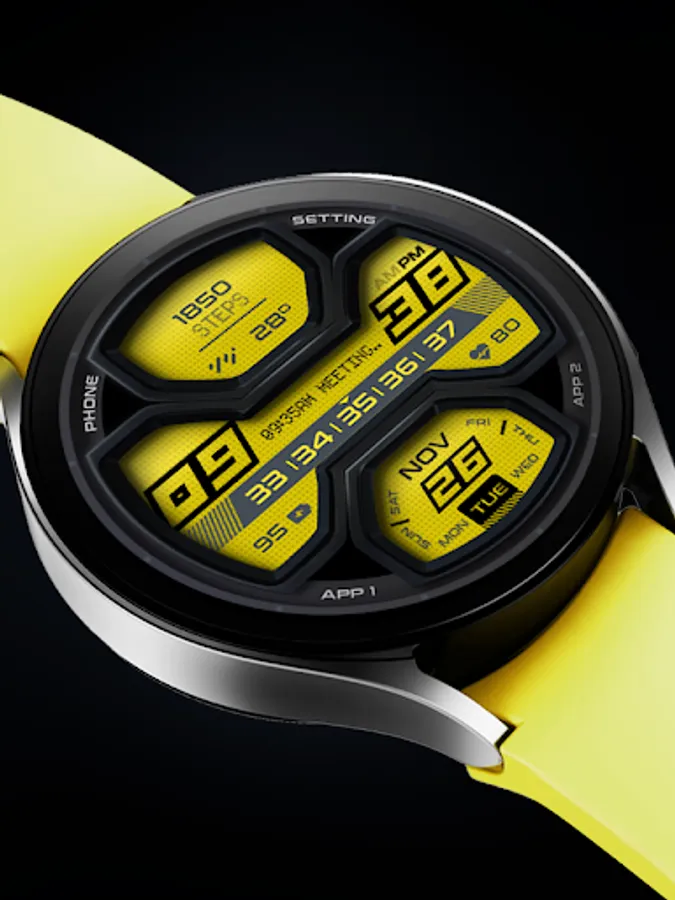
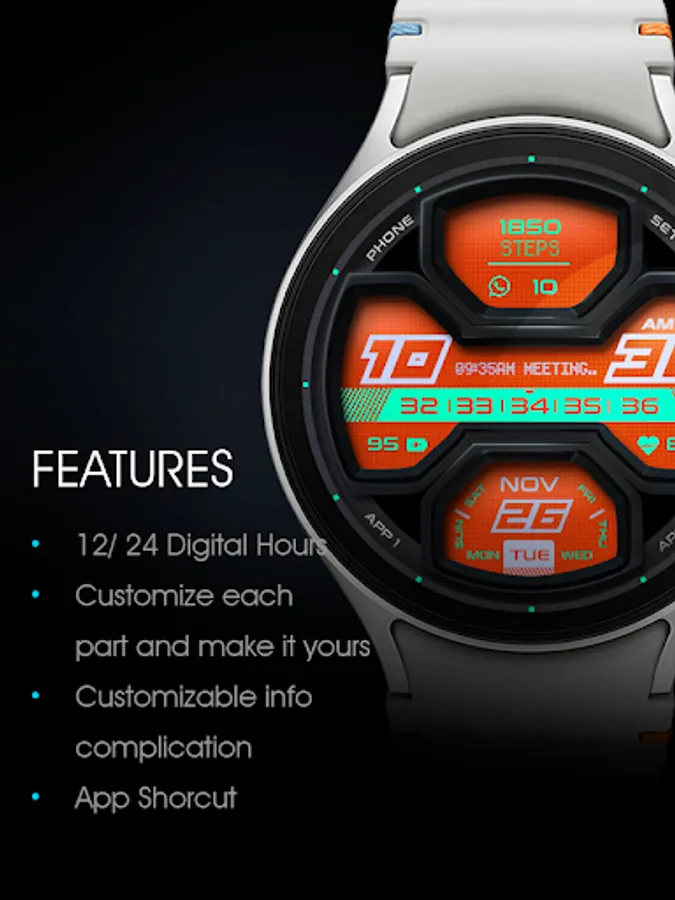
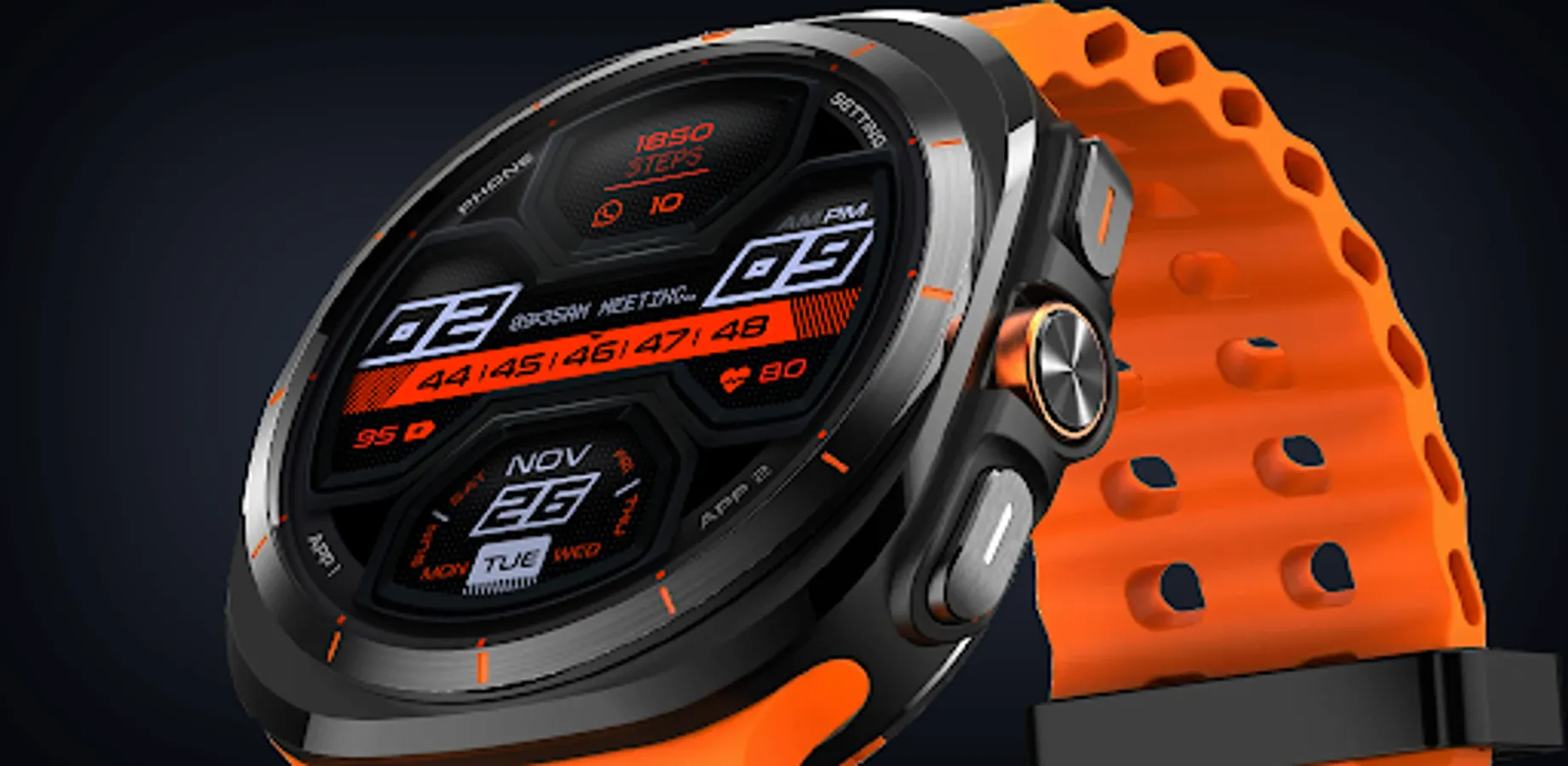
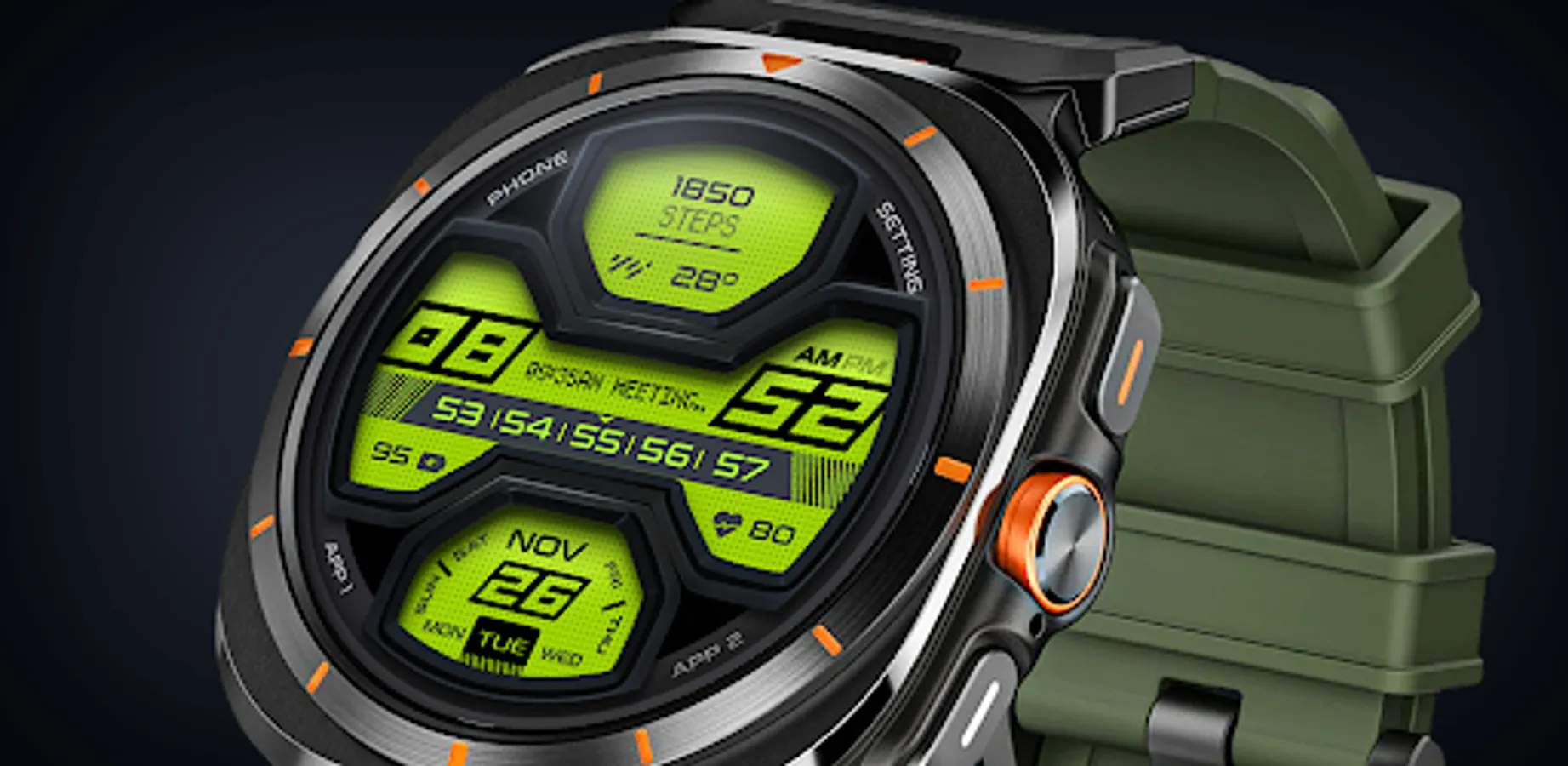
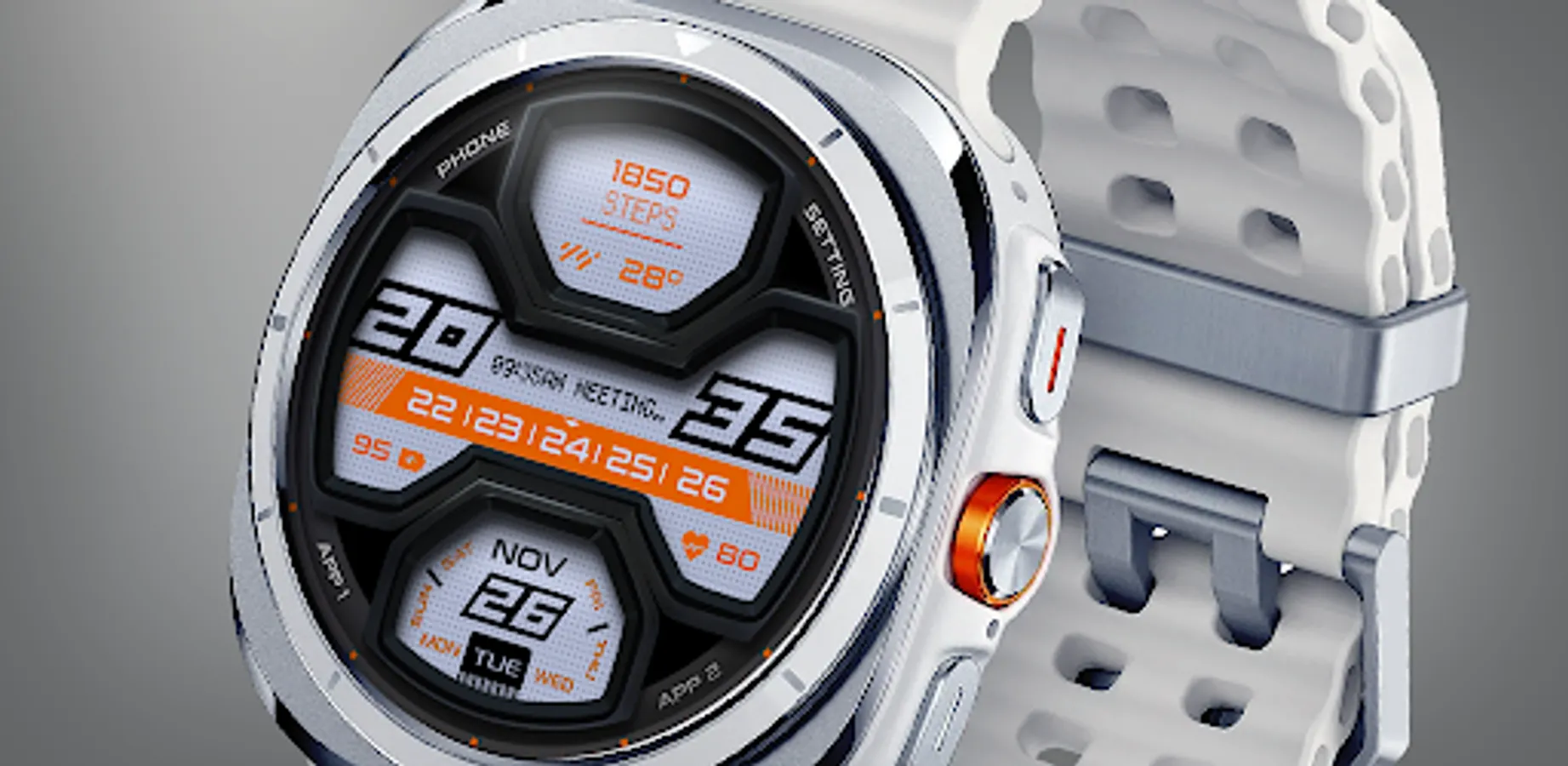
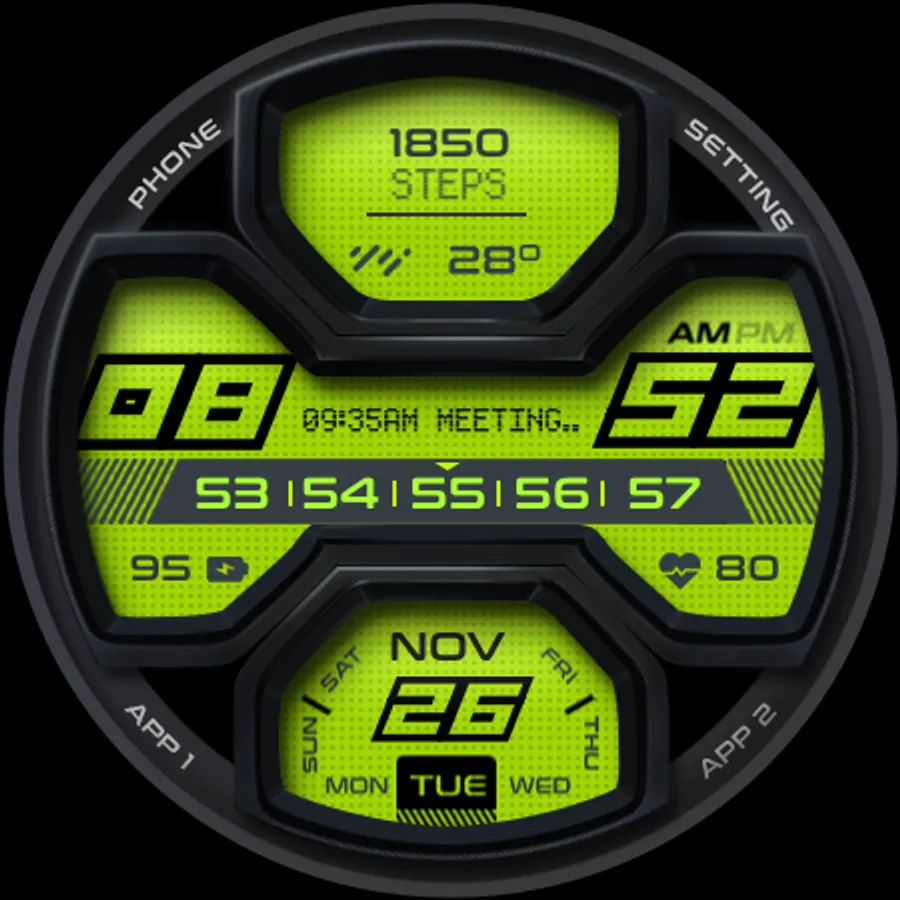
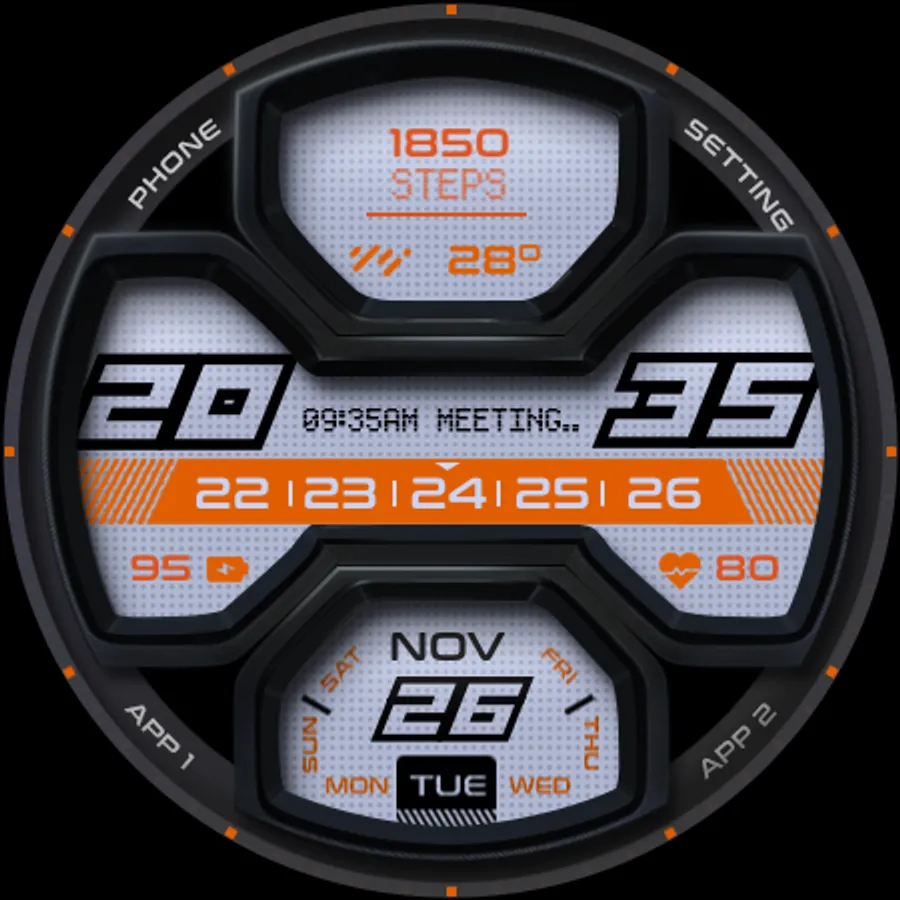
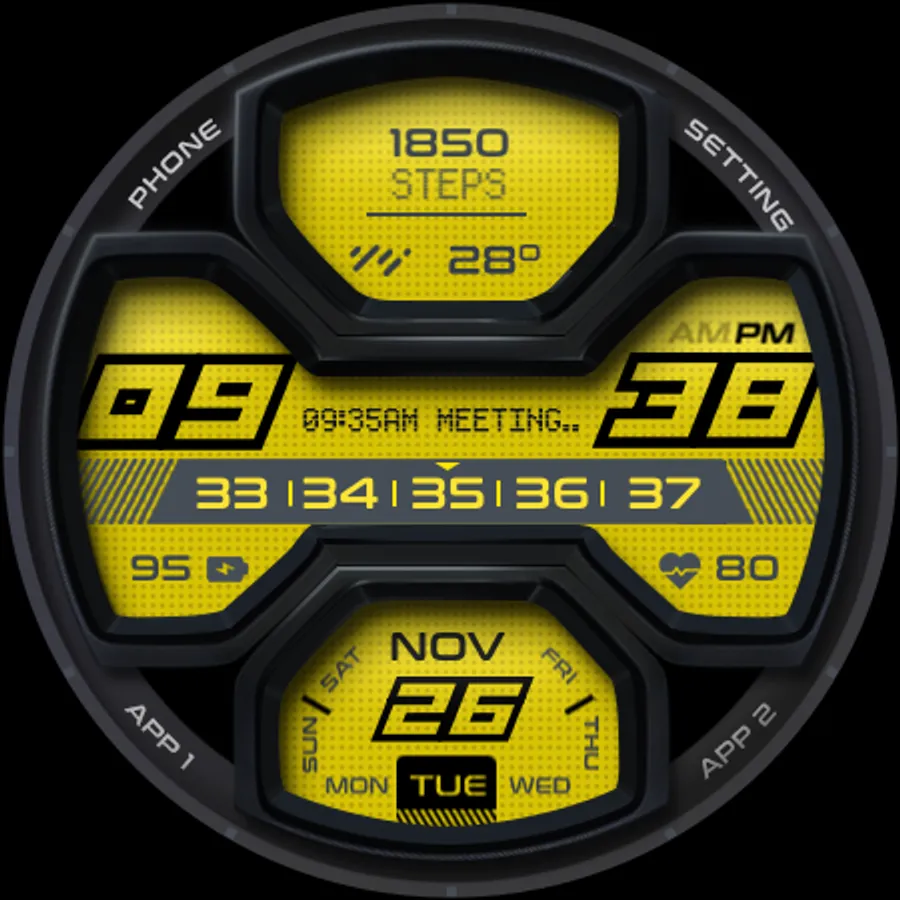
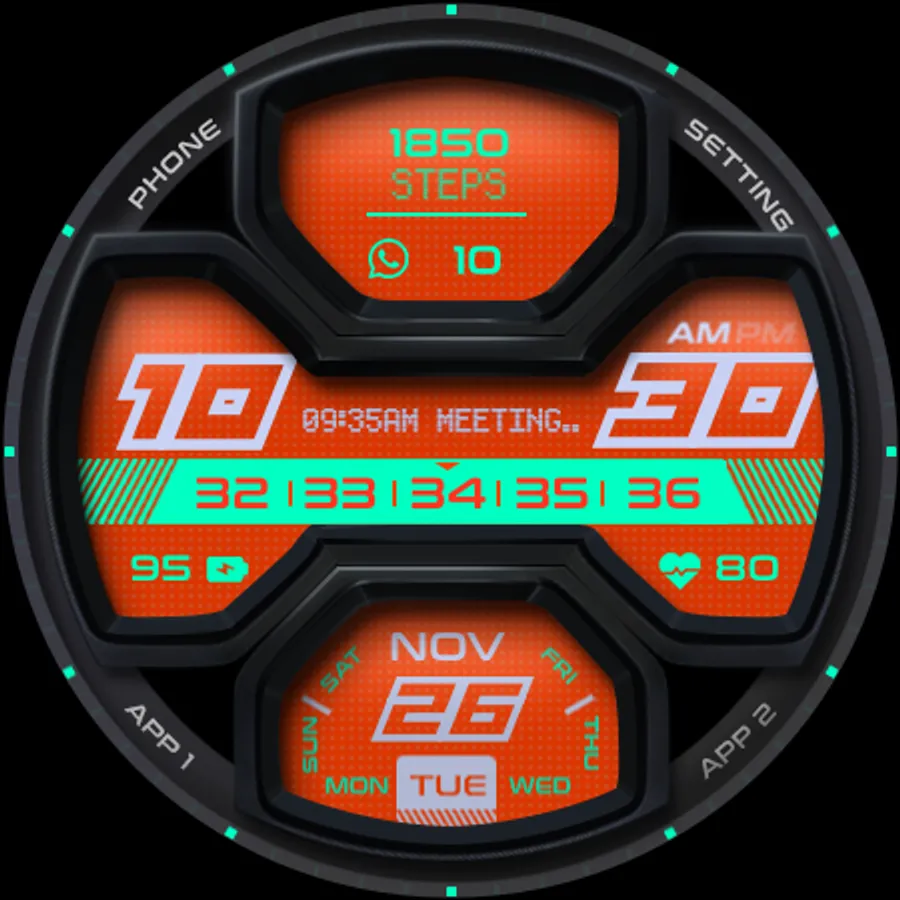
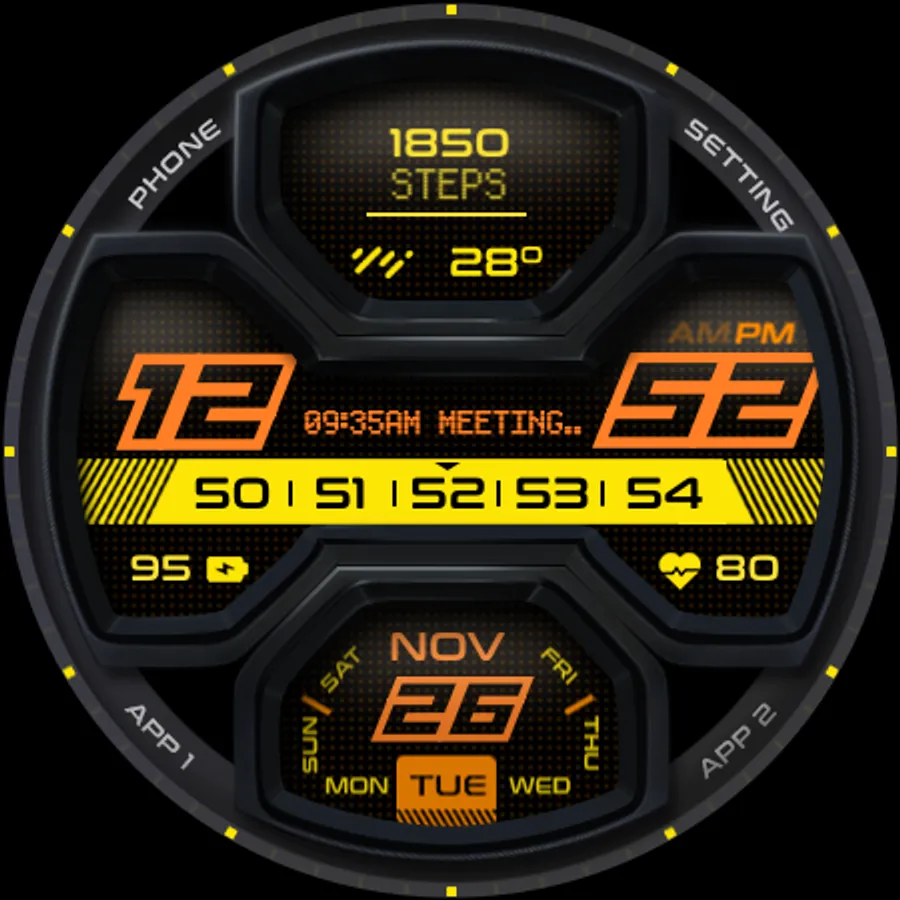
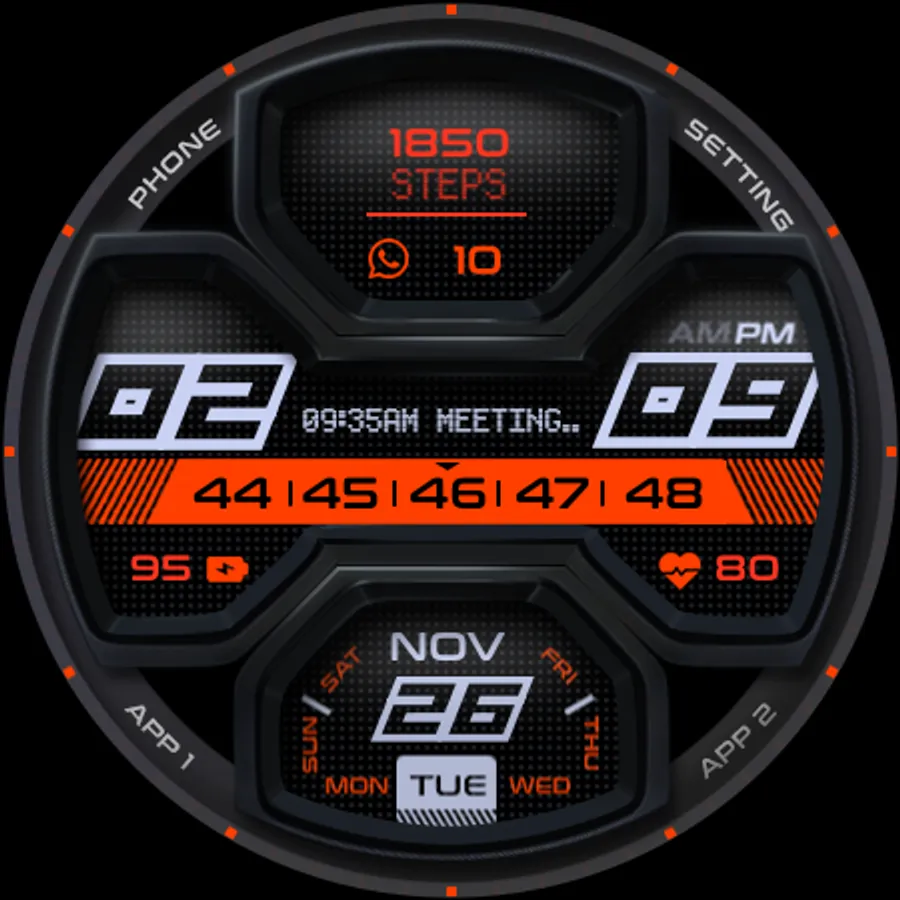
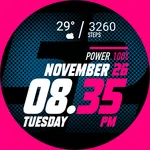
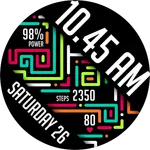
USA Sharp now available in digital clock version. Crafted with details in mind, this watch face bring sharp character into the watch face. Available for Wear OS with minimum API 33 or later (Wear OS 4 or later) such as Galaxy Watch 4/5/6/7/8/Ultra or Pixel Watch (1/2/3)
Featured:
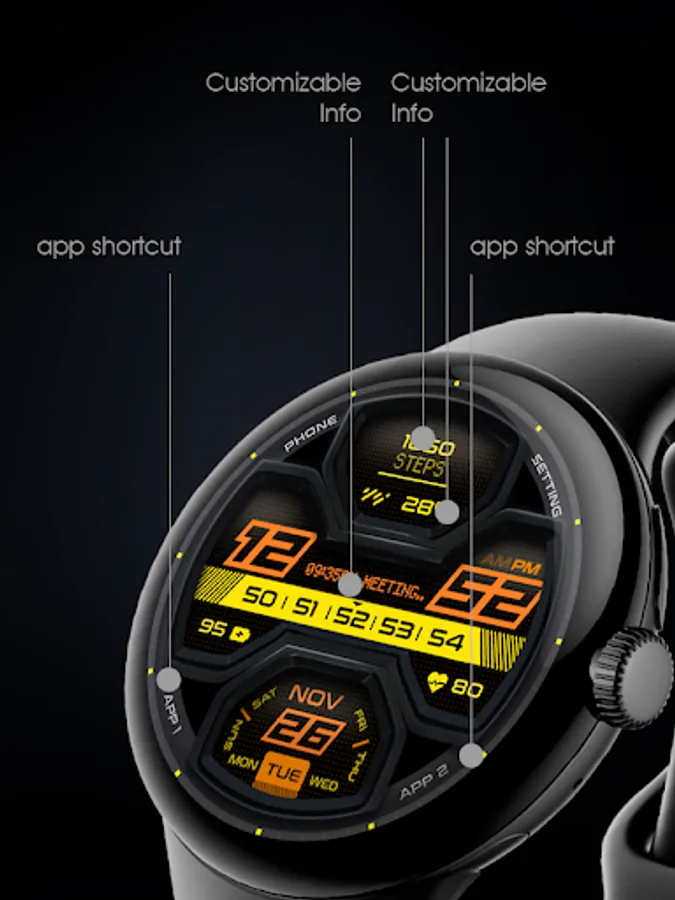
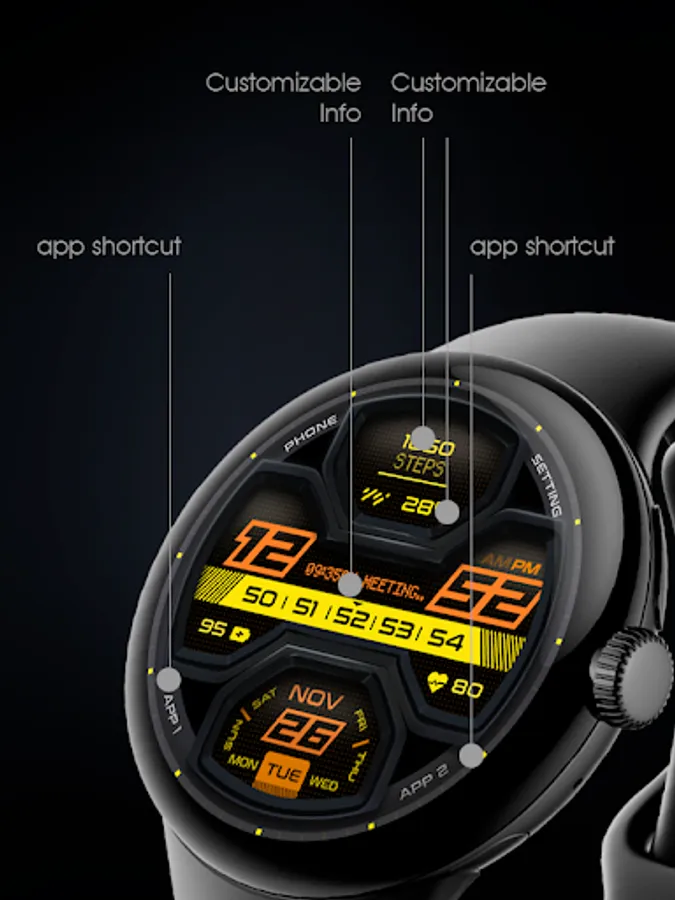
- Digital watch face with complication
- 12/24 hour support (with seconds)
- Color theme selection
- Complications
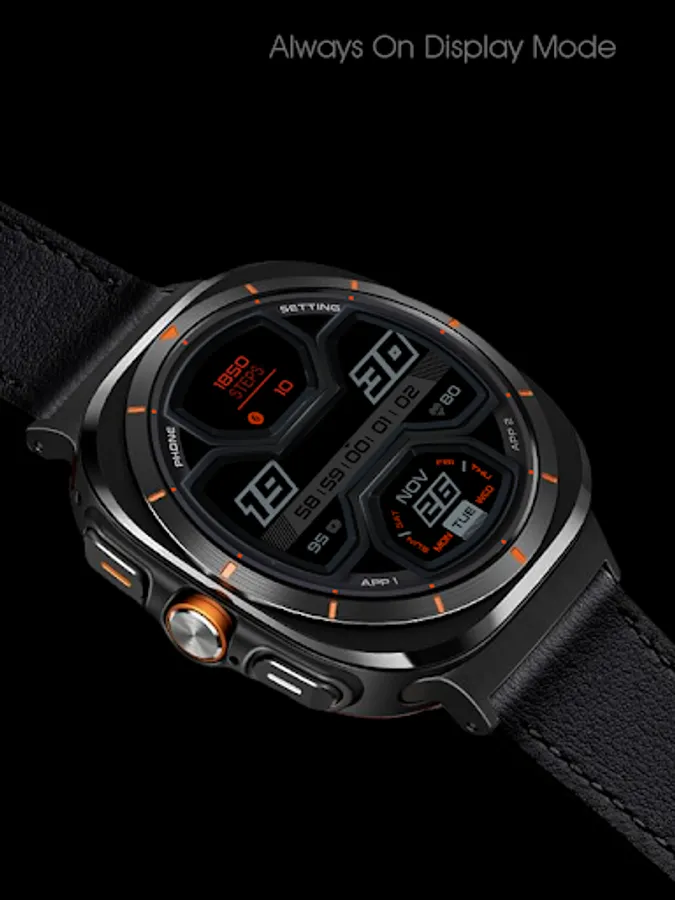
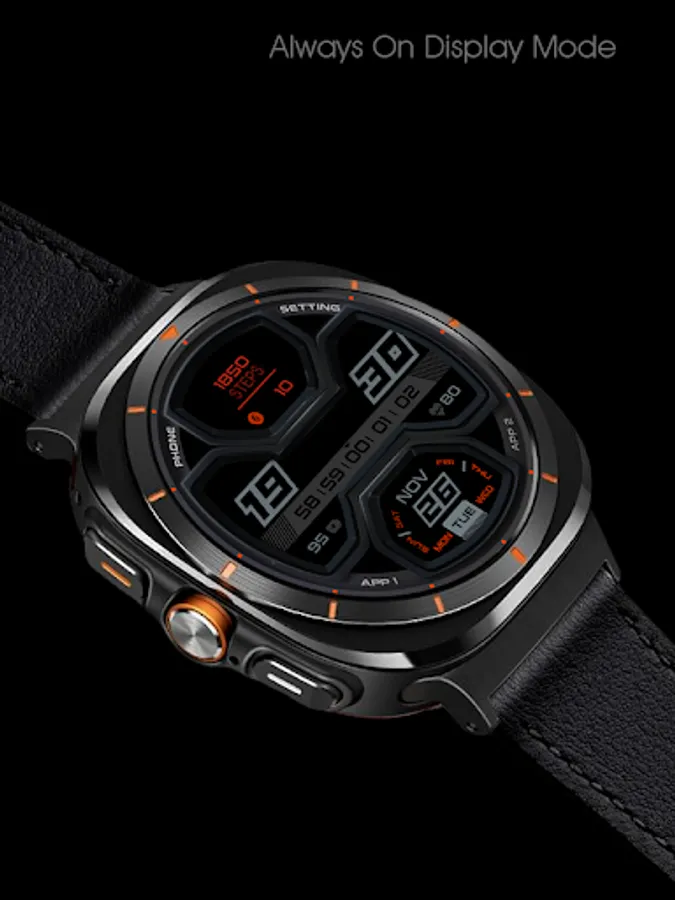
- Always On Display
Make sure you are purchasing using the same Google account registered on your watch. The installation should begin automatically on the watch after a few moments.
After the installation is completed on your watch, do these steps to open the watch face on your watch :
1. Open the watch face list on your watch (tap and hold the current watch face)
2. Scroll to the right and tap "add watch face"
3. Scroll down and find new installed watch face in the "downloaded" section
For WearOS 5 or newer, you can also simply tap "set/install" on the companion app, then tap set on the watch.
Join our Telegram group for live support and discussion
https://t.me/usadesignwatchface
Featured:
- Digital watch face with complication
- 12/24 hour support (with seconds)
- Color theme selection
- Complications
- Always On Display
Make sure you are purchasing using the same Google account registered on your watch. The installation should begin automatically on the watch after a few moments.
After the installation is completed on your watch, do these steps to open the watch face on your watch :
1. Open the watch face list on your watch (tap and hold the current watch face)
2. Scroll to the right and tap "add watch face"
3. Scroll down and find new installed watch face in the "downloaded" section
For WearOS 5 or newer, you can also simply tap "set/install" on the companion app, then tap set on the watch.
Join our Telegram group for live support and discussion
https://t.me/usadesignwatchface