UsA Spatial Analog - USA162
USA Design Watch Face
4.9 ★
store rating
1,000+
downloads
$1.49
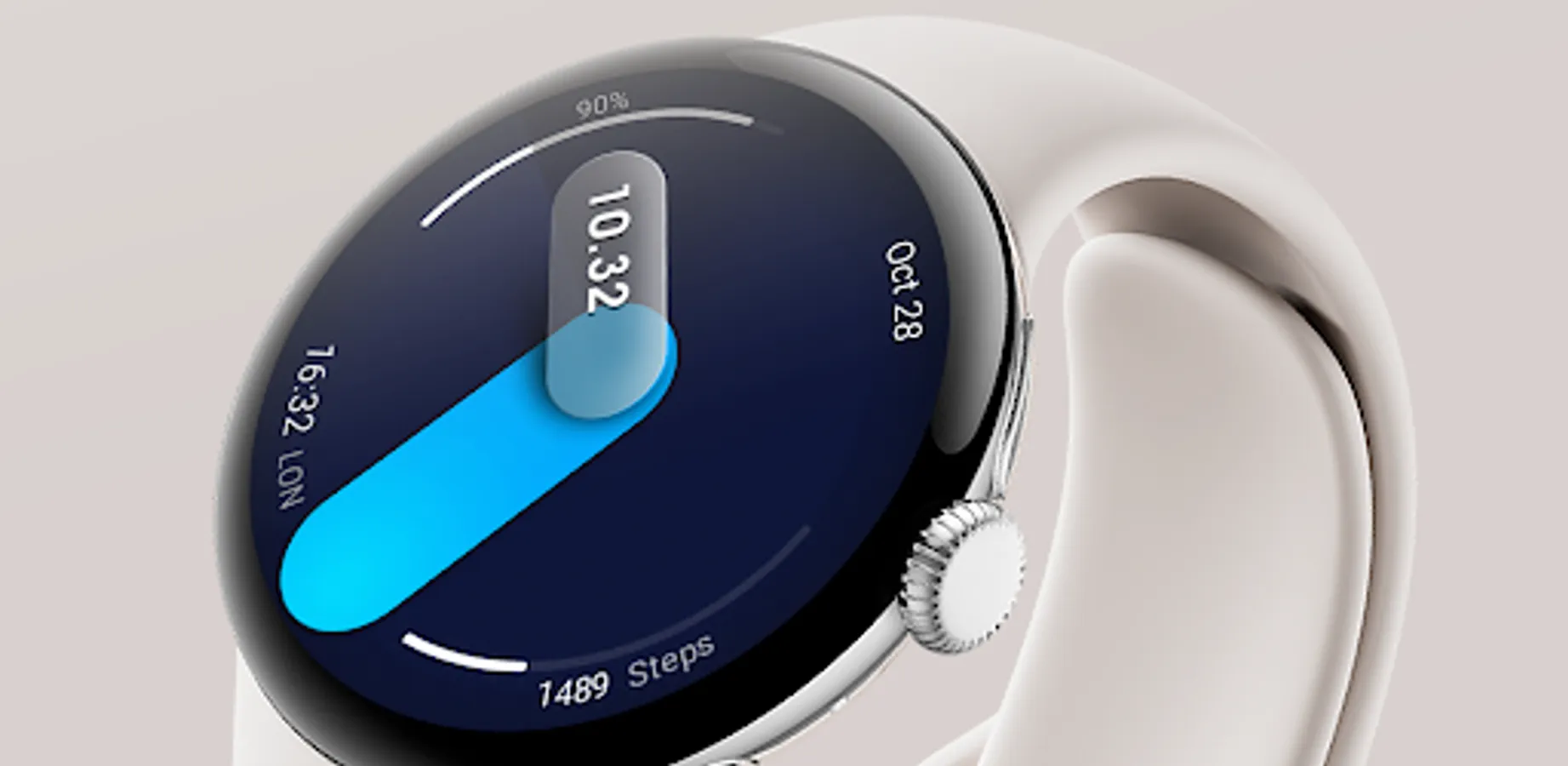
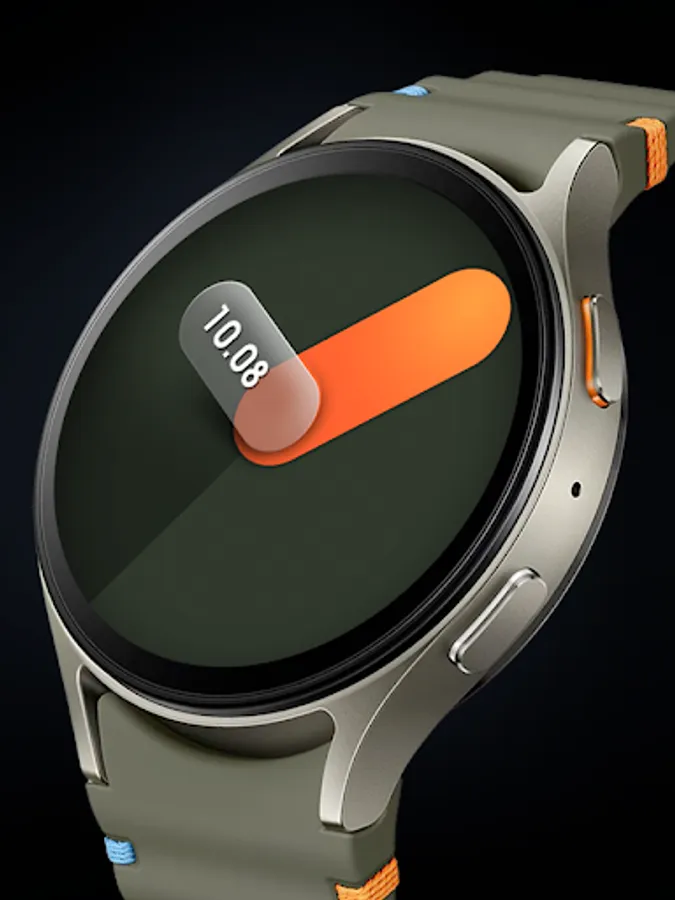
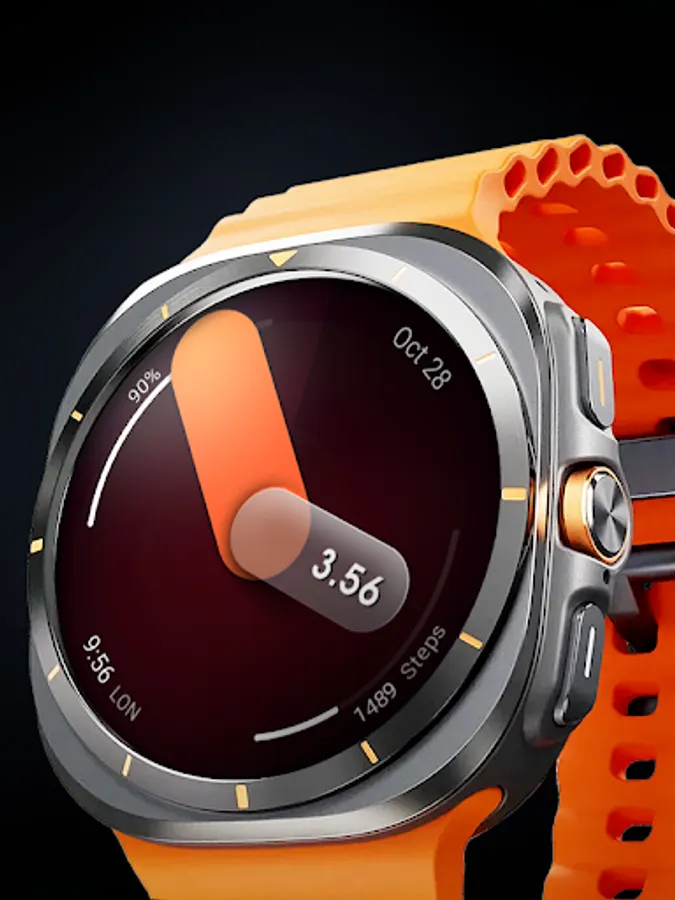
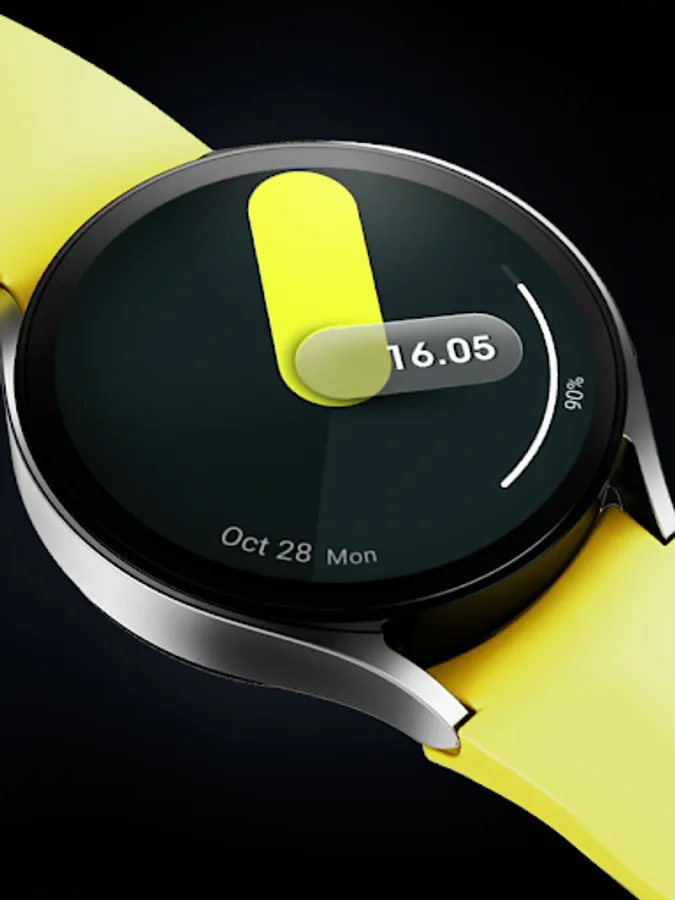
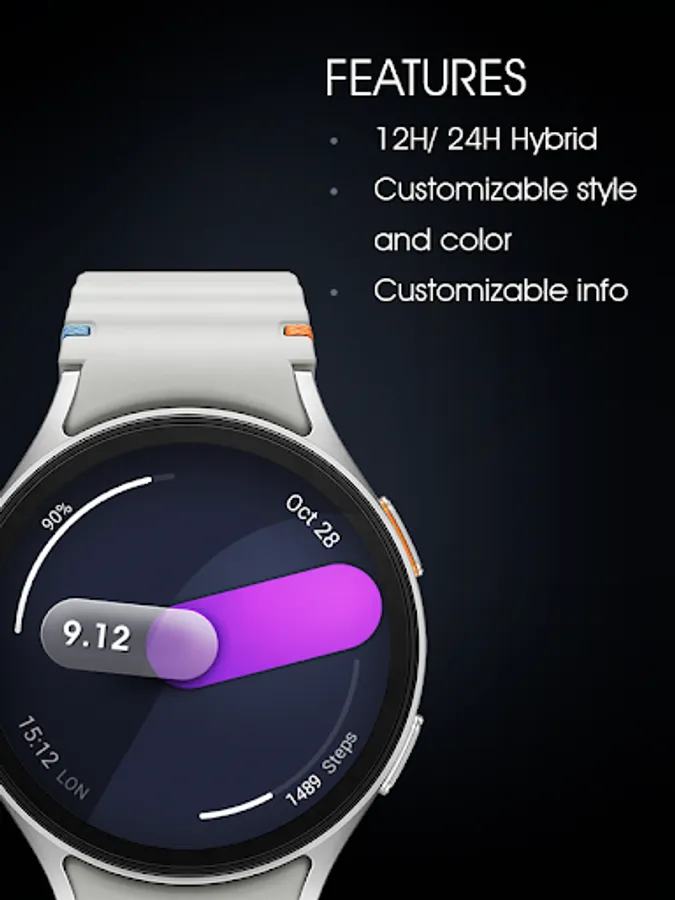
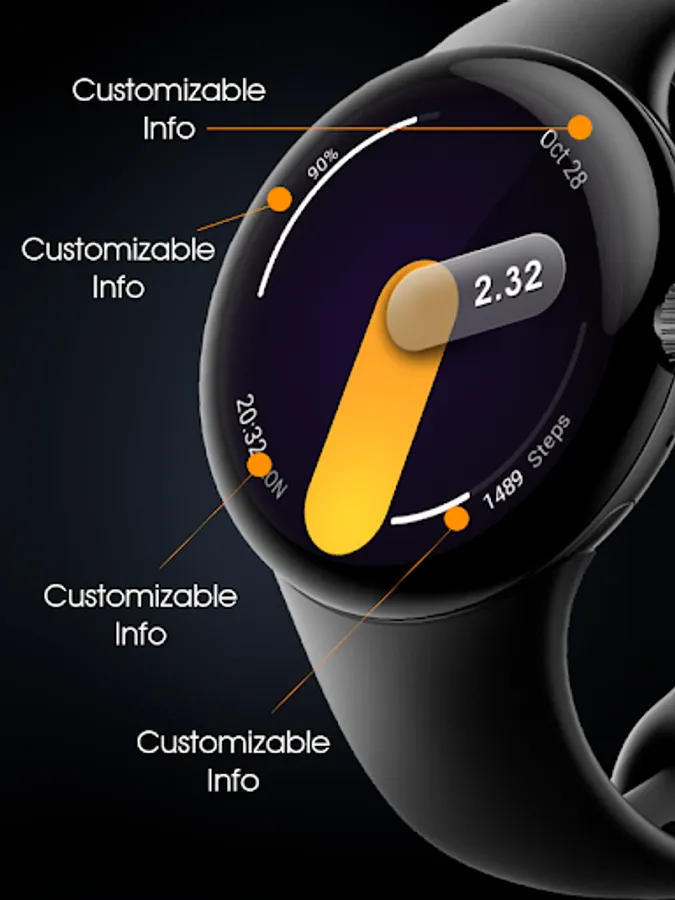
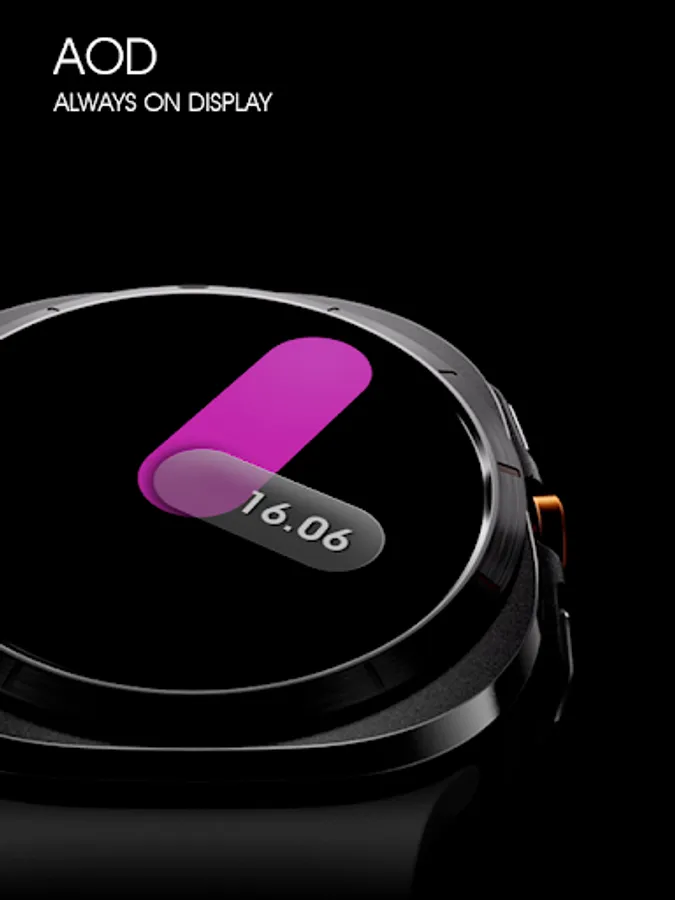
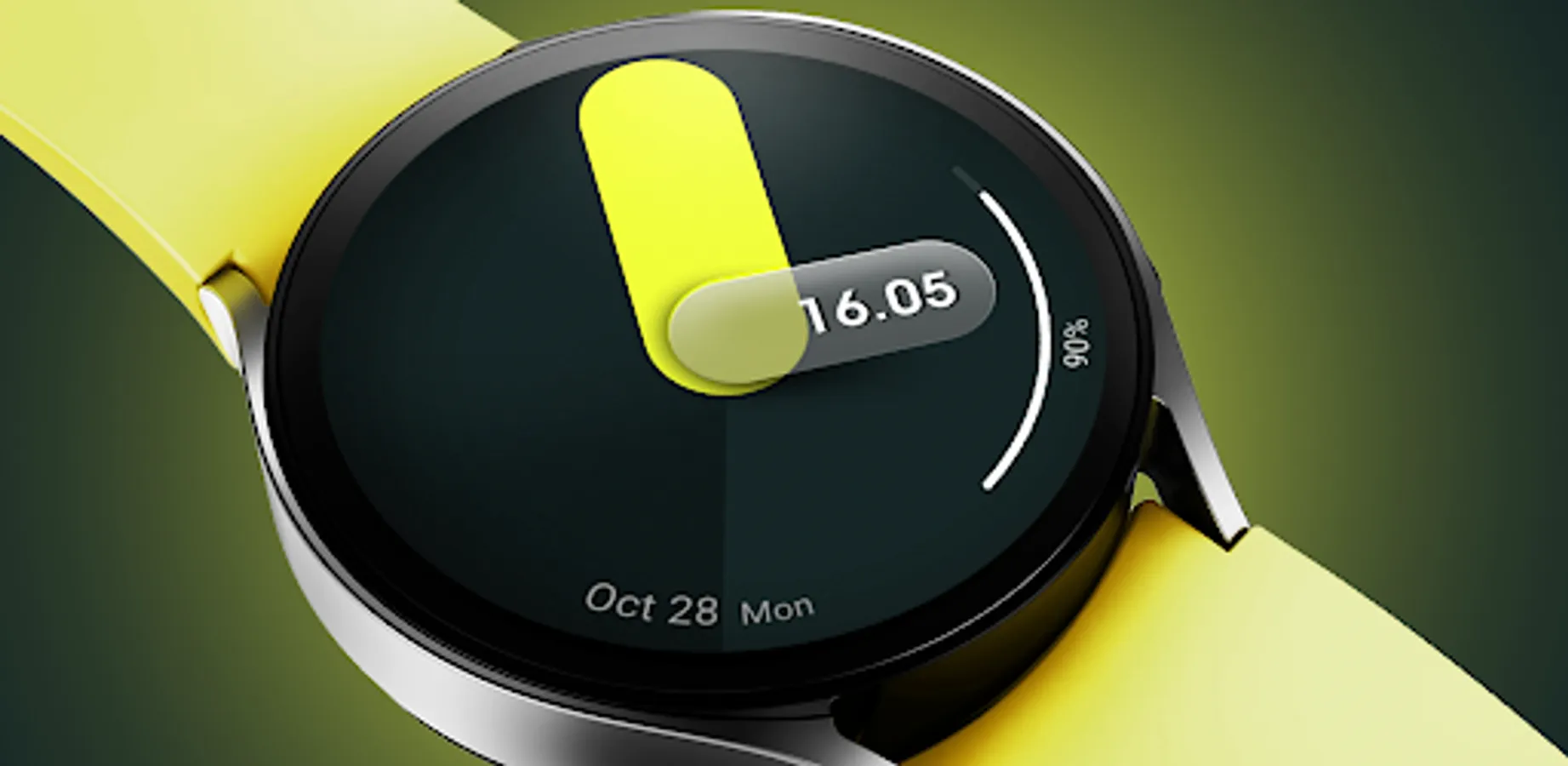
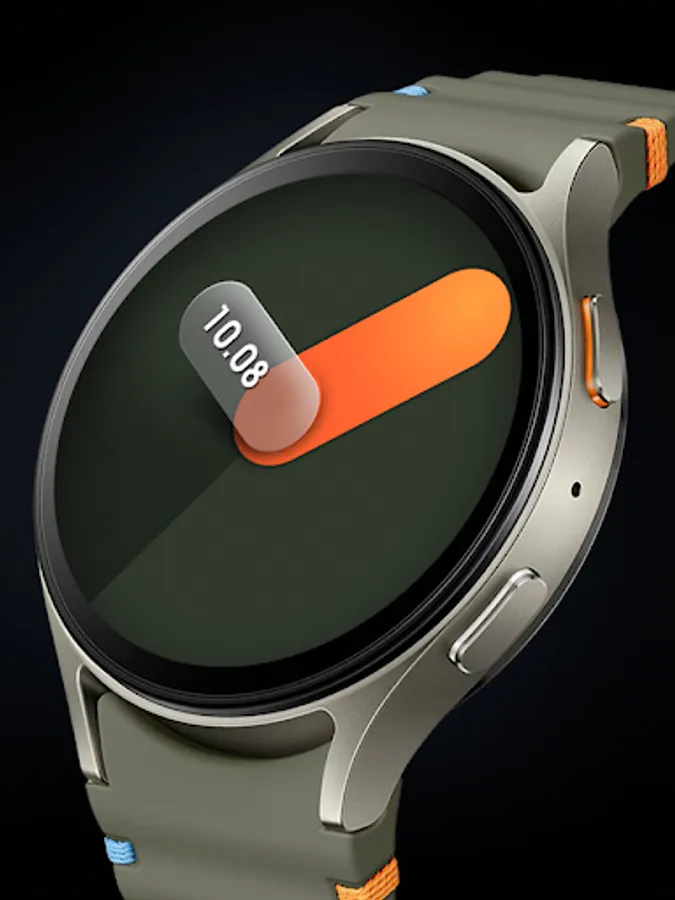
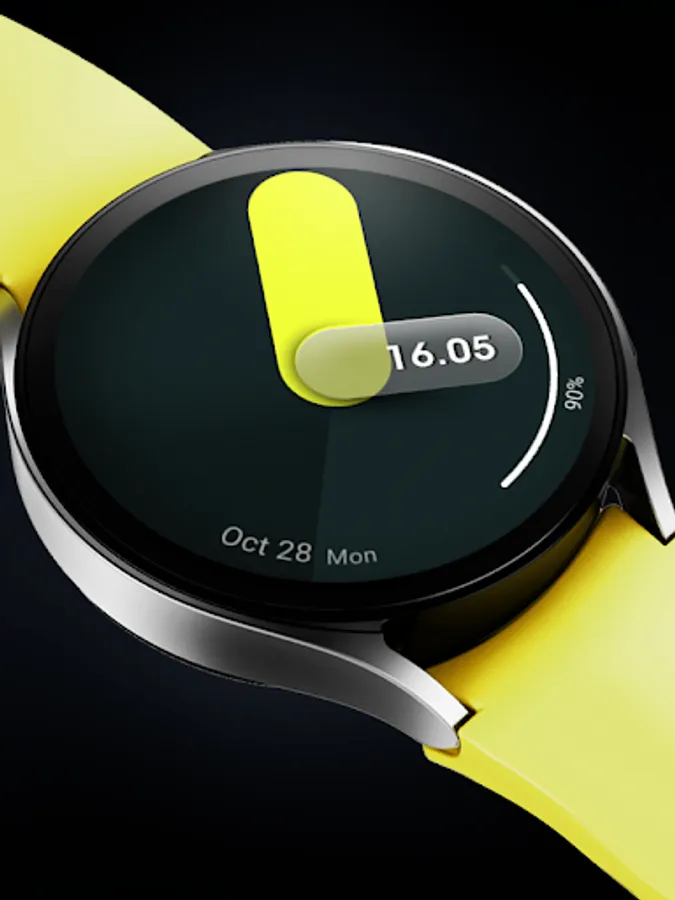
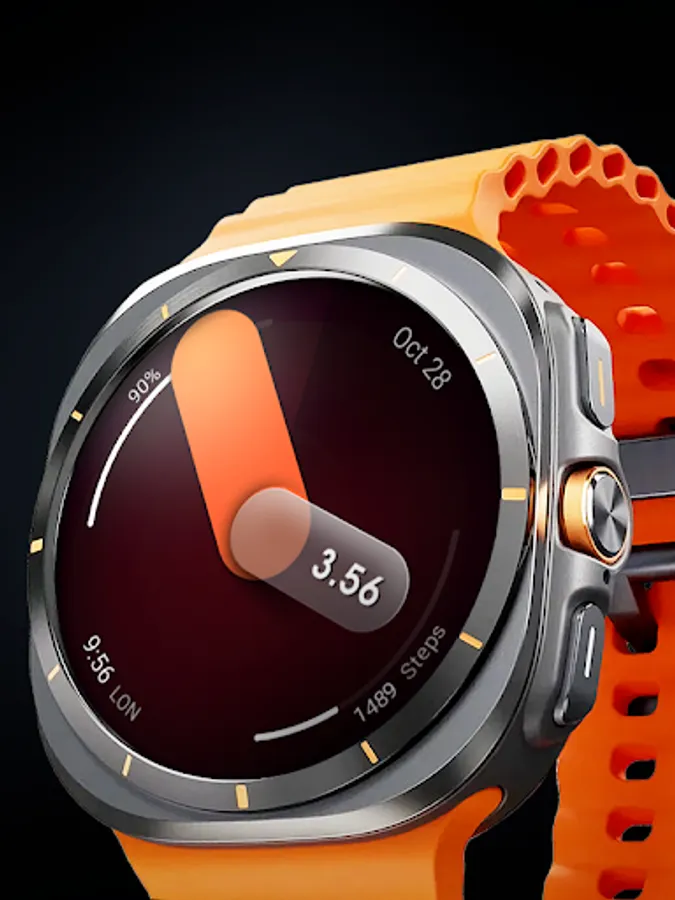
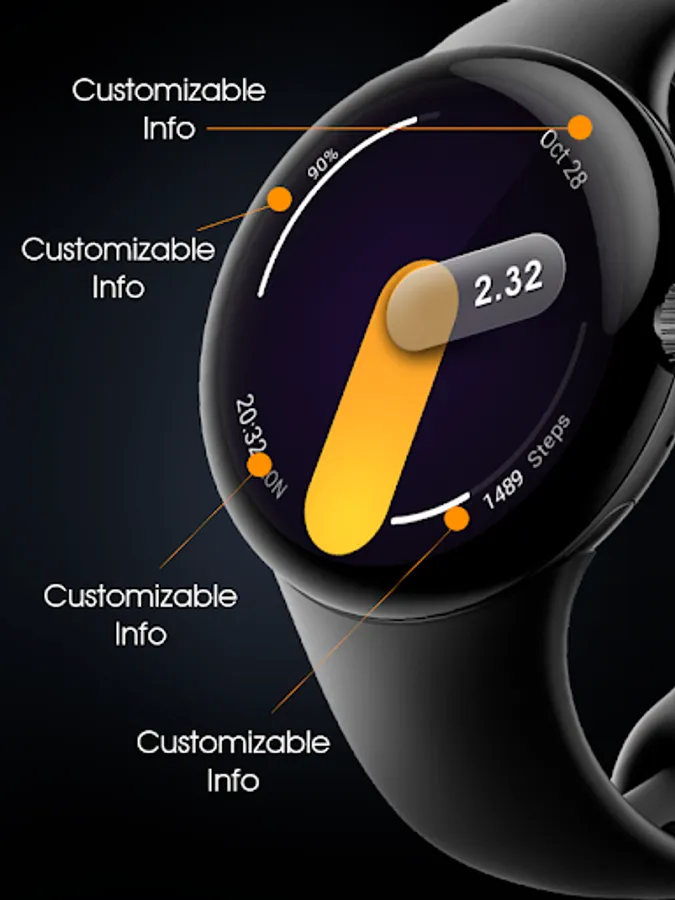
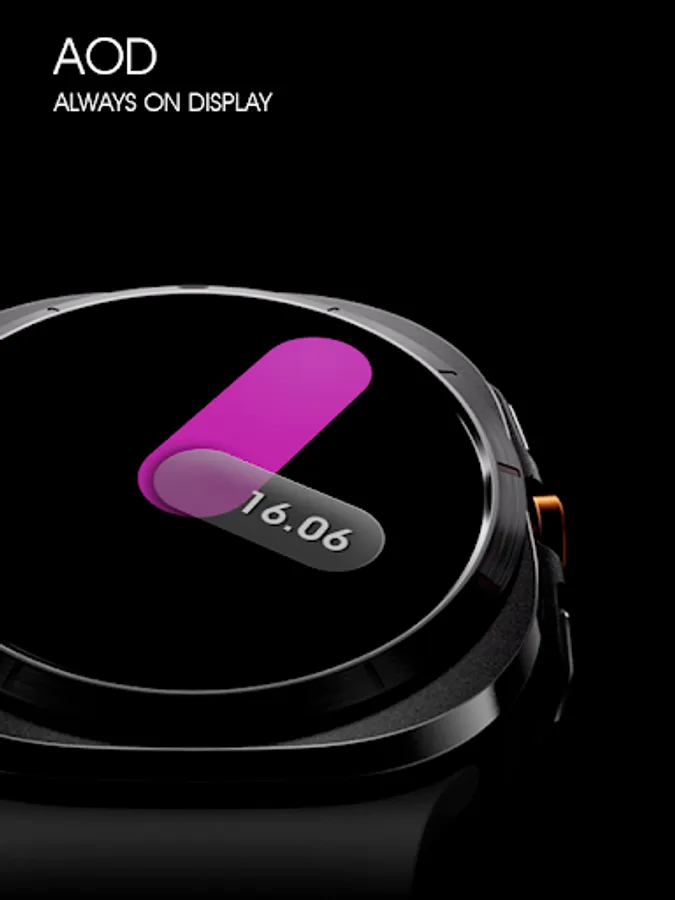
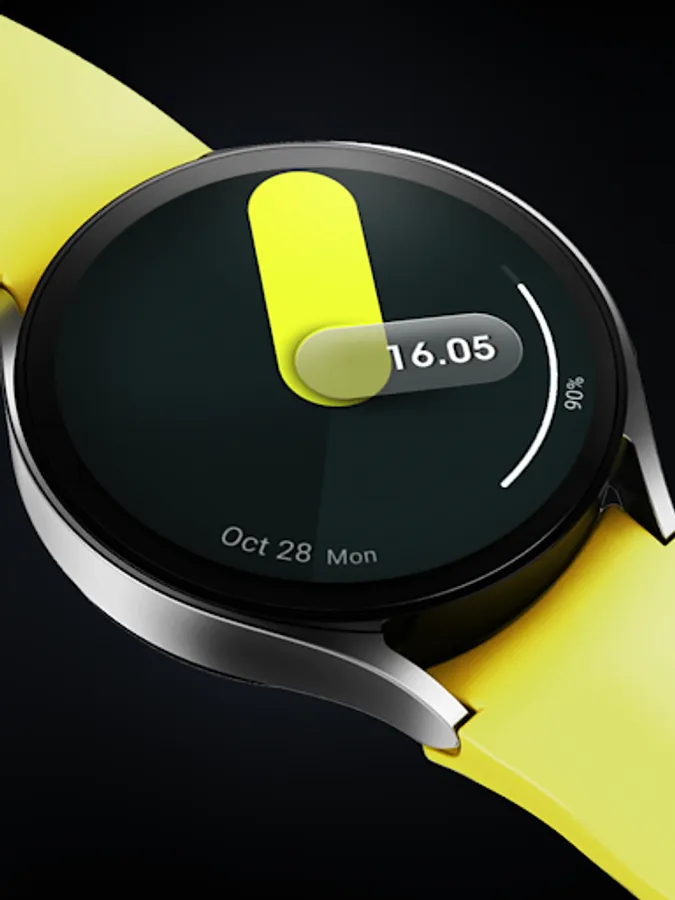
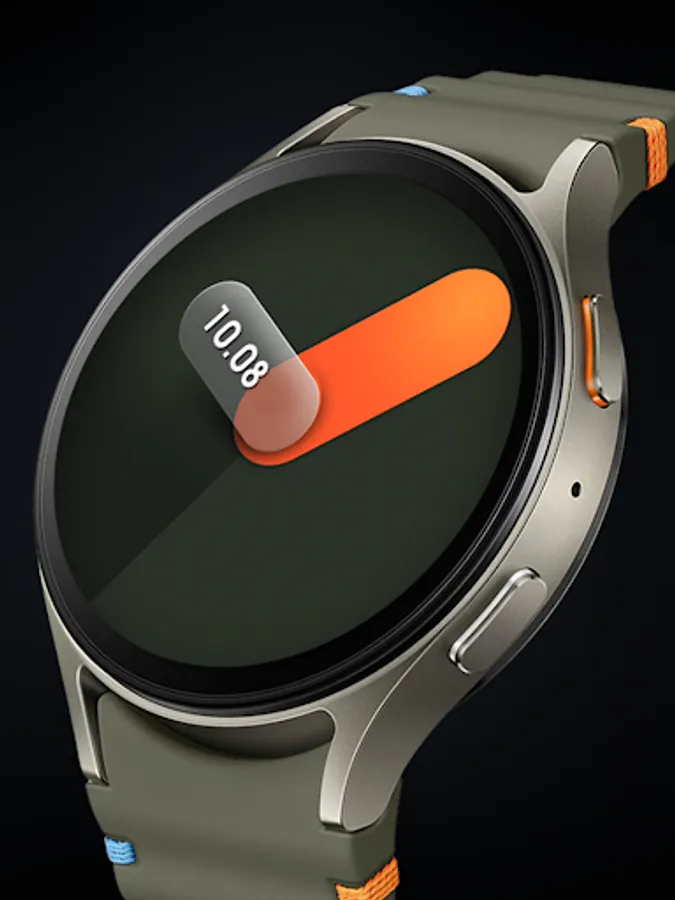
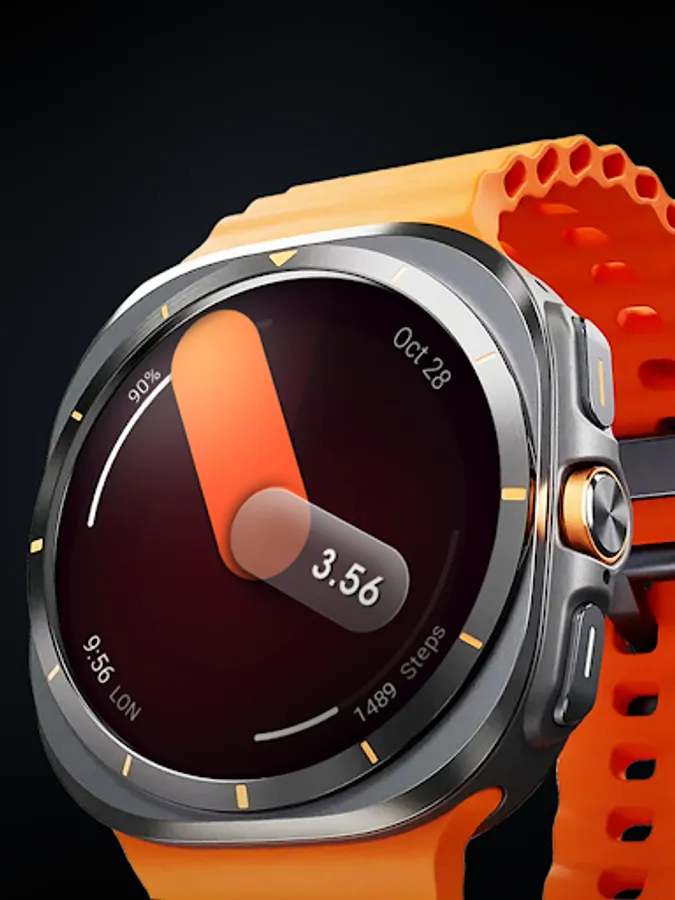
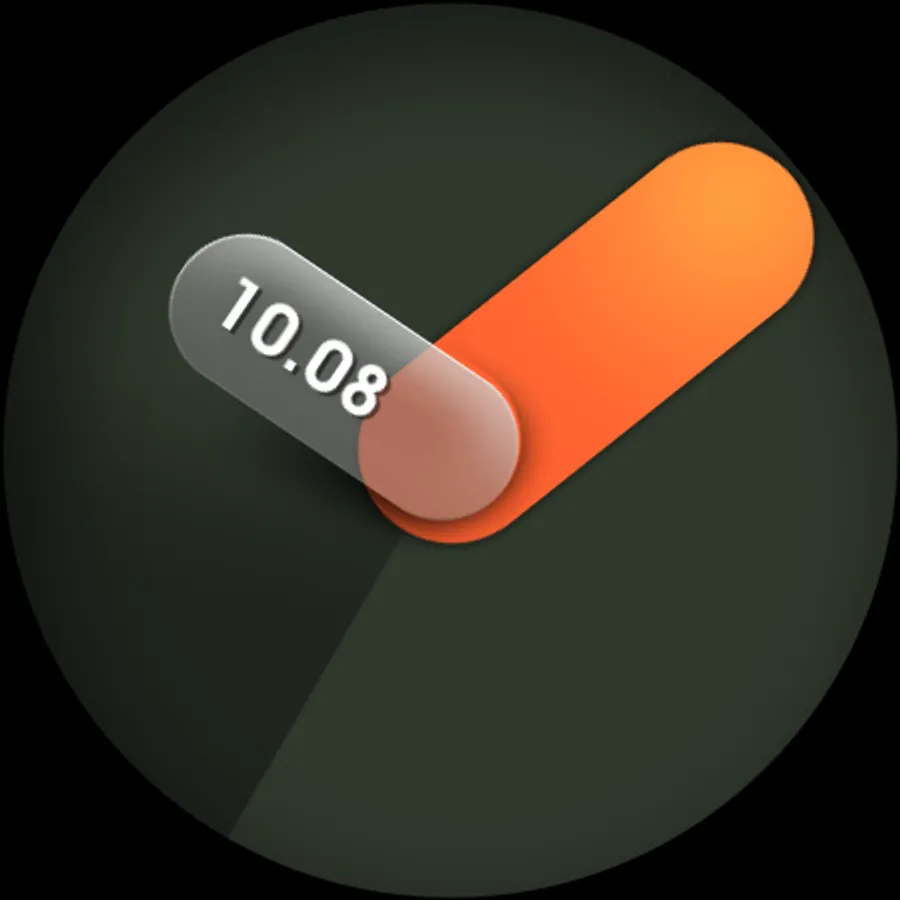
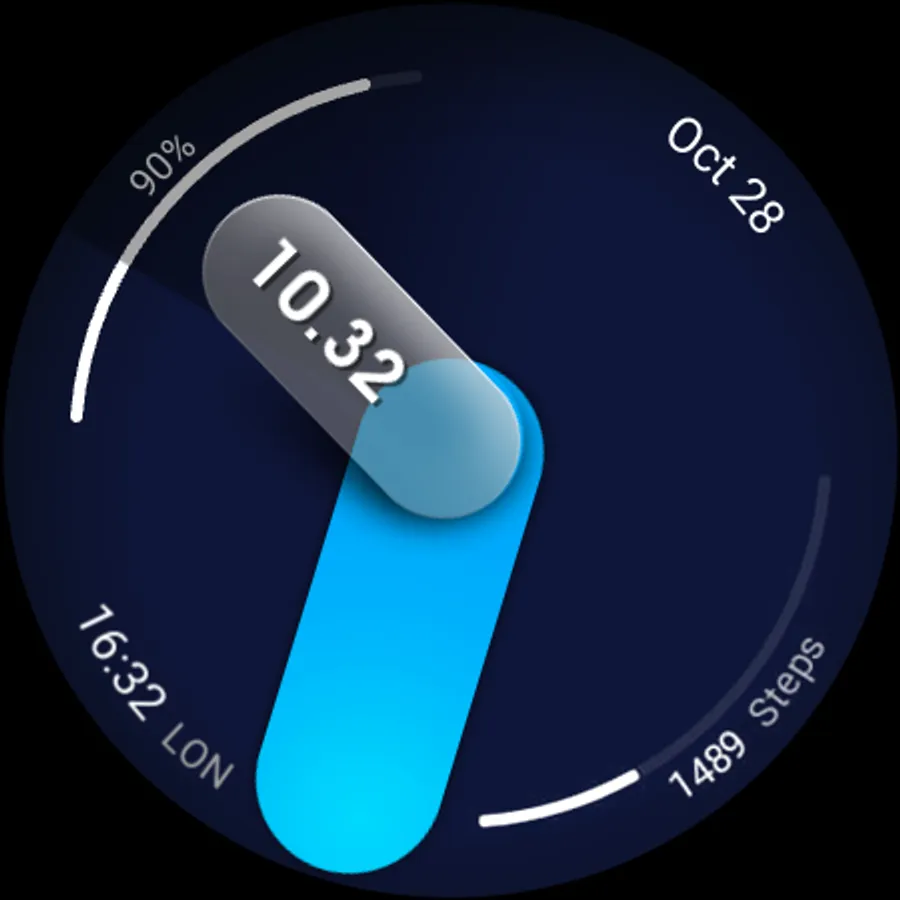
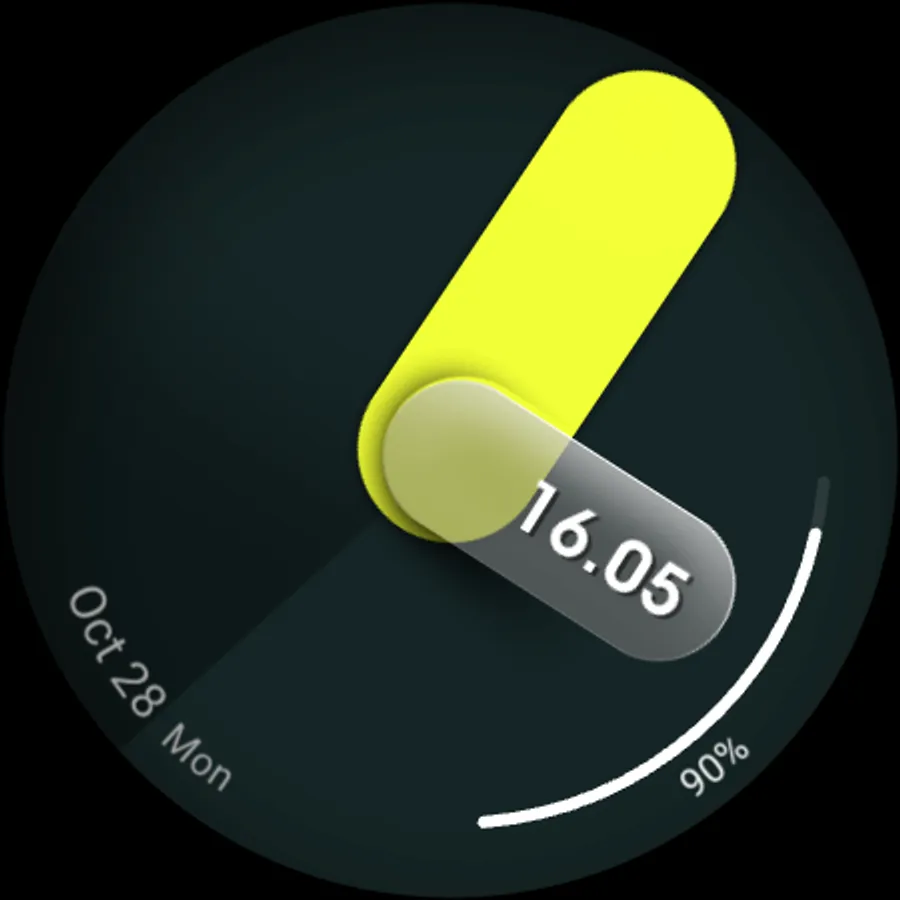
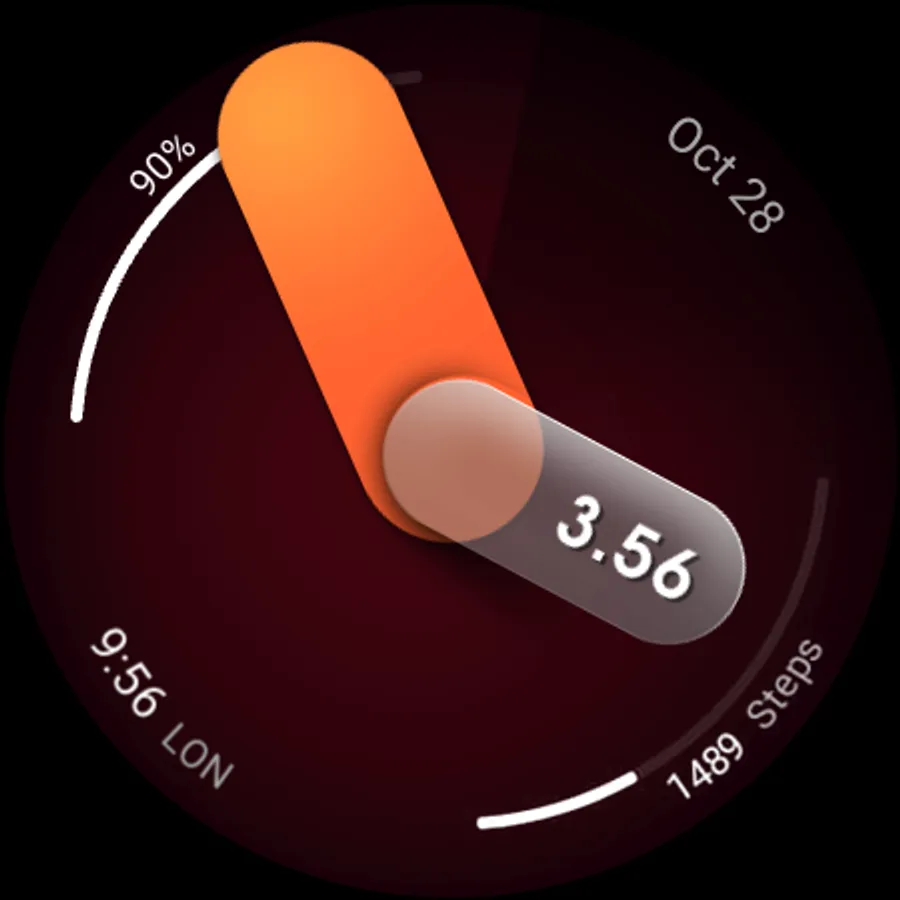
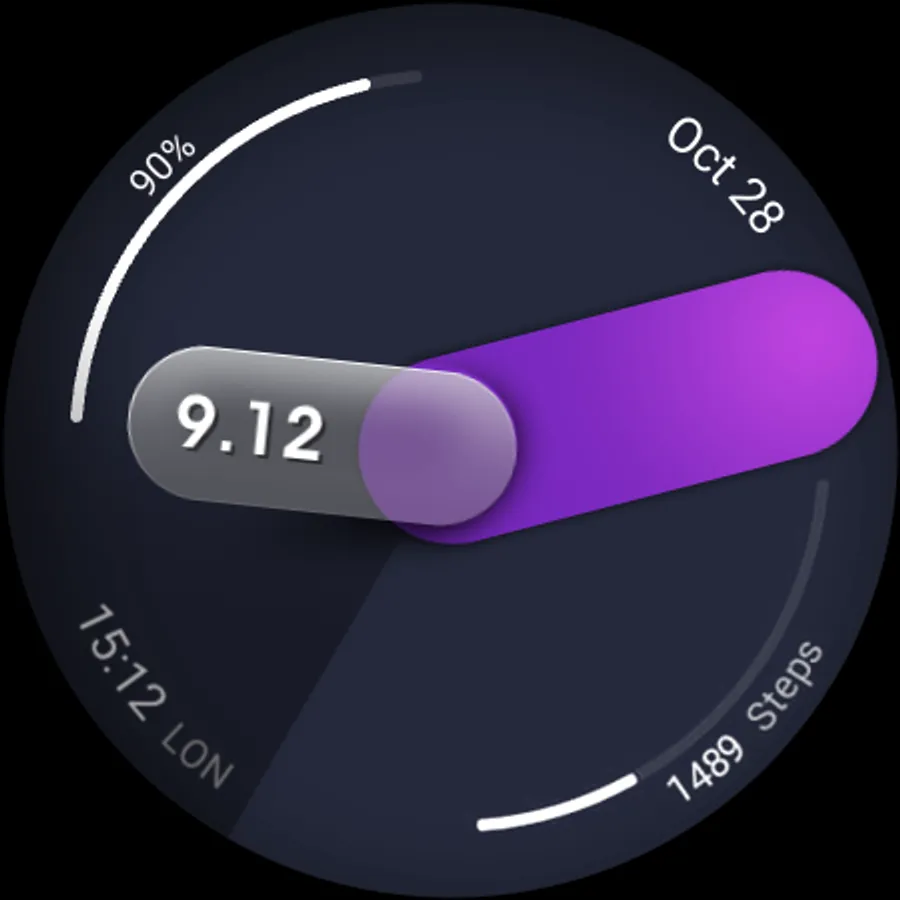
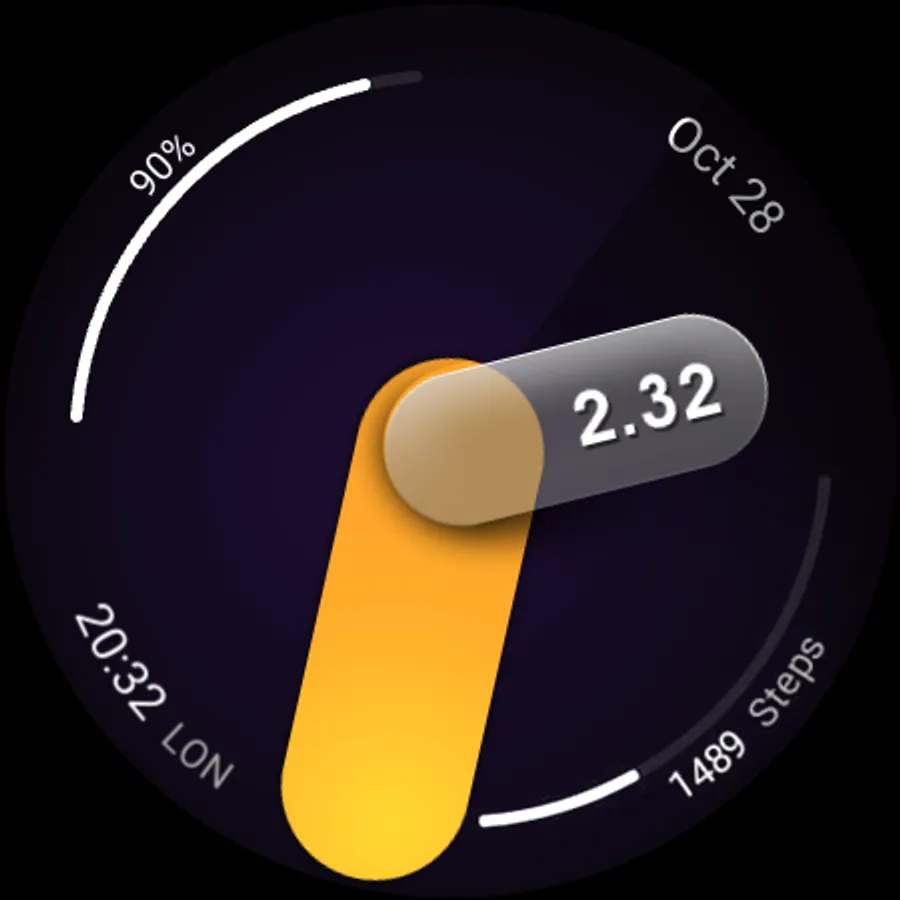
In this analog hardware watch face app, users can customize color styles and set up complications or opt for a minimal design. Includes options for digital display, color customization, and multiple complications settings.
AppRecs review analysis
AppRecs rating 4.4. Trustworthiness 66 out of 100. Review manipulation risk 34 out of 100. Based on a review sample analyzed.
★★★★☆
4.4
AppRecs Rating
Ratings breakdown
5 star
90%
4 star
10%
3 star
0%
2 star
0%
1 star
0%
What to know
✓
High user satisfaction
90% of sampled ratings are 5 stars
About UsA Spatial Analog - USA162
This is the spatial design in analog hybrid for Wear OS API 33+ (Galaxy Watch 4/5/6/7/8 or newer, Pixel series). Make sure your watch is supported before purchasing, contact us if you have an issue with your purchase.
Features :
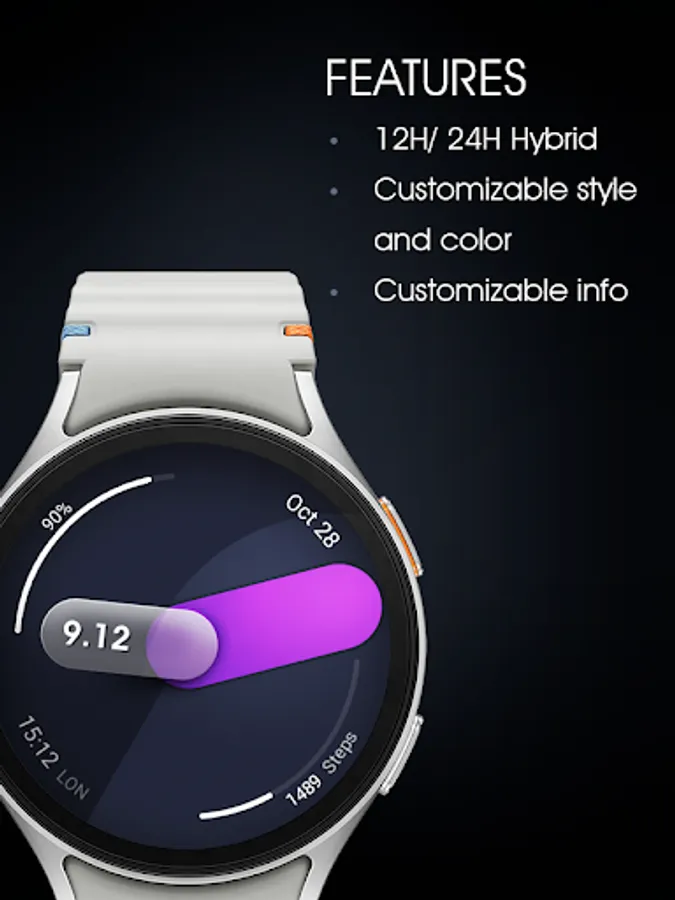
- Analog with digital clock (12/24HR support)
- Color styles
- 4 complication, you can set it to "none" to get the clean minimal design
Make sure you are purchasing using the same Google account registered on your watch. The installation should begin automatically on the watch after a few moments.
After the installation is completed on your watch, do these steps to open the watch face on your watch :
1. Open the watch face list on your watch (tap and hold the current watch face)
2. Scroll to the right and tap "add watch face"
3. Scroll down and find new installed watch face in the "downloaded" section
Installation and troubleshooting guide here:
https://developer.samsung.com/sdp/blog/en-us/2022/11/15/install-watch-faces-for-galaxy-watch5-and-one-ui-watch-45
Join our Telegram group for live support and discussion
https://t.me/usadesignwatchface
Features :
- Analog with digital clock (12/24HR support)
- Color styles
- 4 complication, you can set it to "none" to get the clean minimal design
Make sure you are purchasing using the same Google account registered on your watch. The installation should begin automatically on the watch after a few moments.
After the installation is completed on your watch, do these steps to open the watch face on your watch :
1. Open the watch face list on your watch (tap and hold the current watch face)
2. Scroll to the right and tap "add watch face"
3. Scroll down and find new installed watch face in the "downloaded" section
Installation and troubleshooting guide here:
https://developer.samsung.com/sdp/blog/en-us/2022/11/15/install-watch-faces-for-galaxy-watch5-and-one-ui-watch-45
Join our Telegram group for live support and discussion
https://t.me/usadesignwatchface