Gray-Switch (Grayscale)
Vegard IT GmbH
3.6 ★
2K ratings
100,000+
downloads
Free
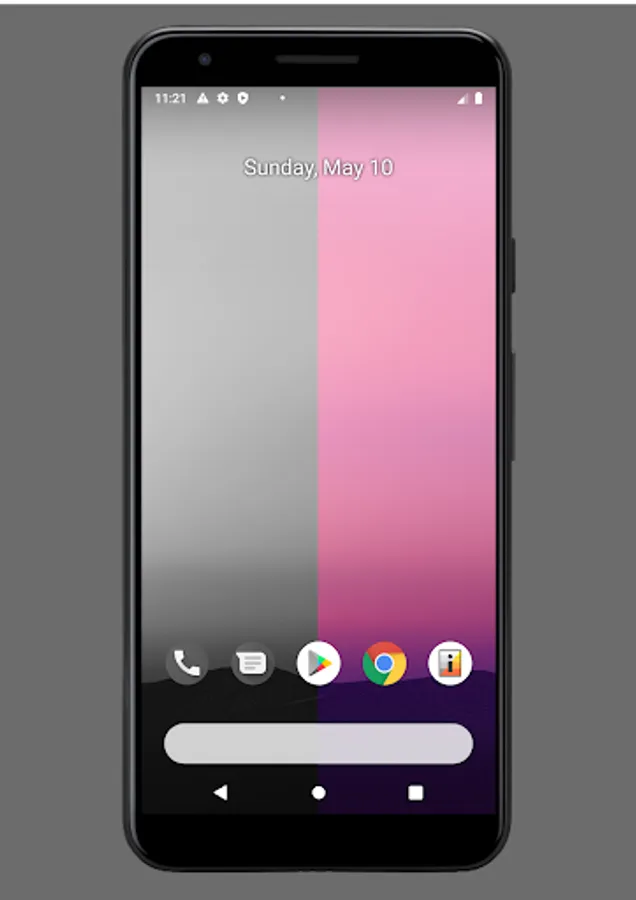
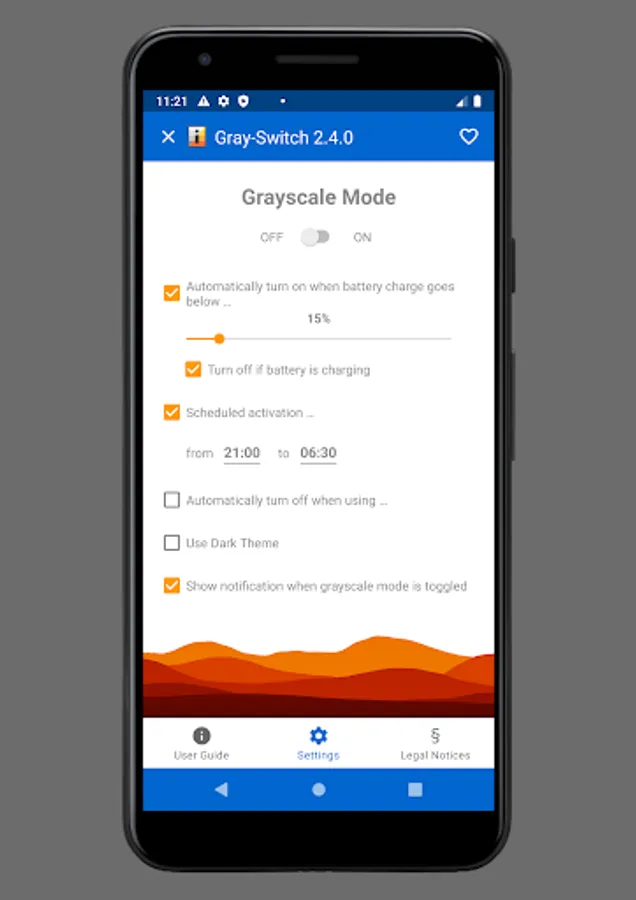
With this app, you can switch your device's display mode between color and grayscale using quick settings, launcher icons, or scheduled times. Includes manual setup instructions, scheduling options, and low battery mode activation features.
AppRecs review analysis
AppRecs rating 3.7. Trustworthiness 85 out of 100. Review manipulation risk 25 out of 100. Based on a review sample analyzed.
★★★☆☆
3.7
AppRecs Rating
Ratings breakdown
5 star
56%
4 star
9%
3 star
3%
2 star
6%
1 star
26%
What to know
✓
Low review manipulation risk
25% review manipulation risk
✓
Credible reviews
85% trustworthiness score from analyzed reviews
⚠
High negative review ratio
32% of sampled ratings are 1–2 stars
About Gray-Switch (Grayscale)
**IMPORTANT** If your phone is not rooted, you need to manually grant the WRITE_SECURE_SETTINGS permission to the app. Detailed instructions on how to do so are provided within the app and in this video https://youtu.be/Rf3WndFgftI
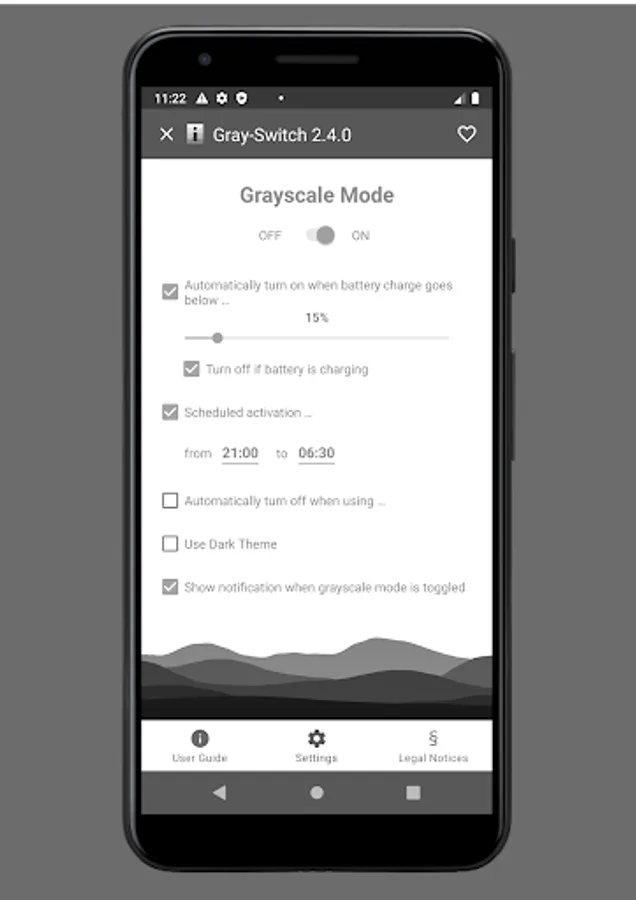
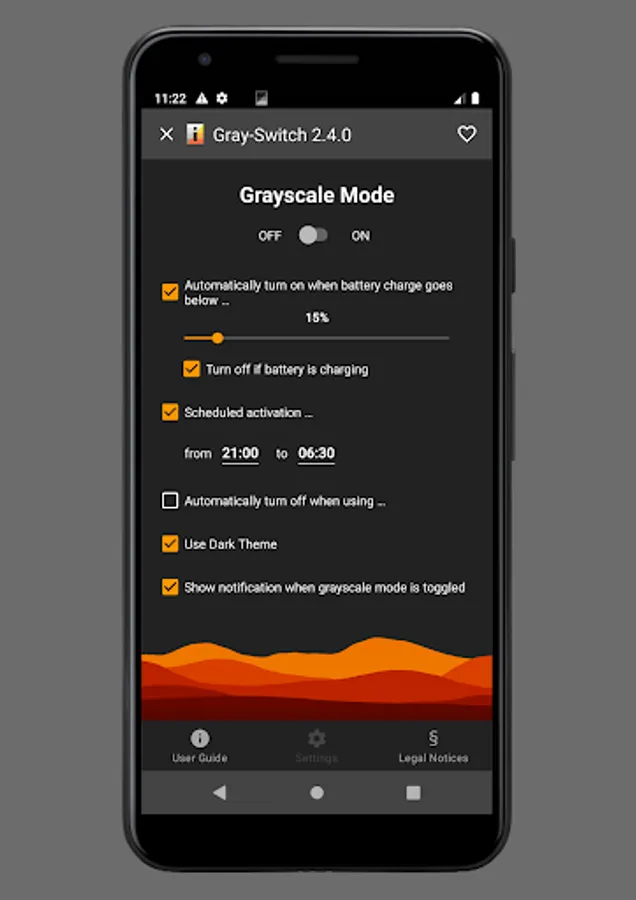
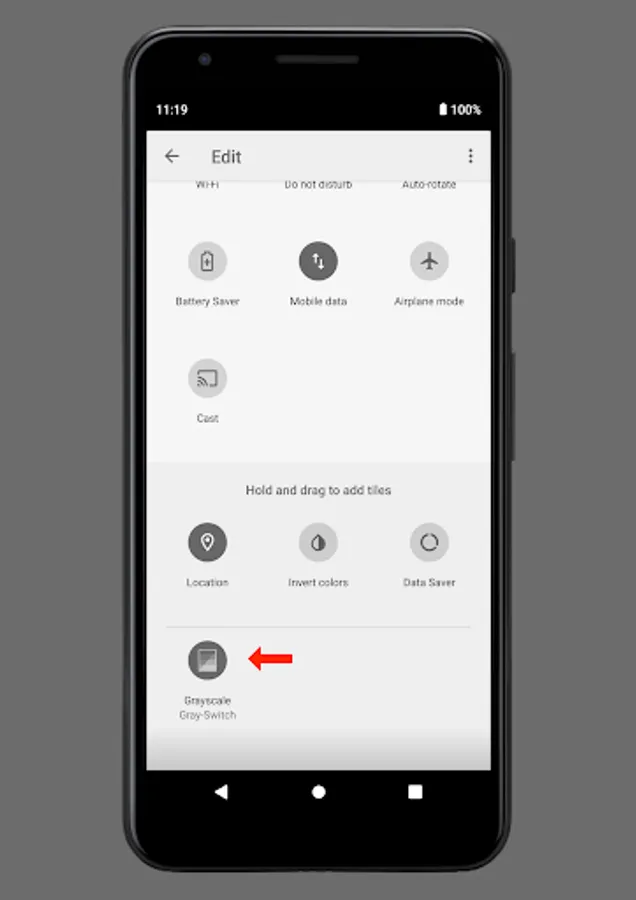
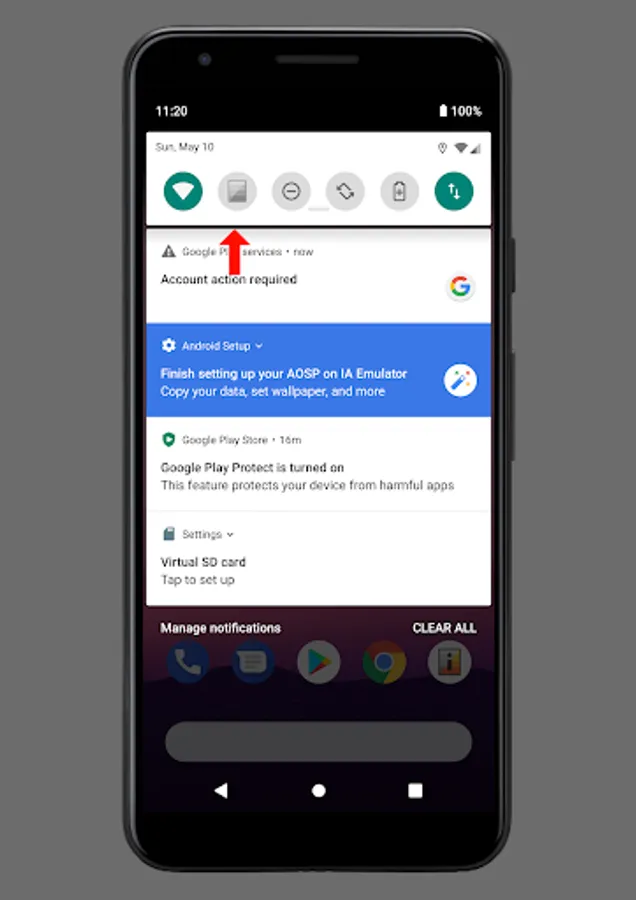
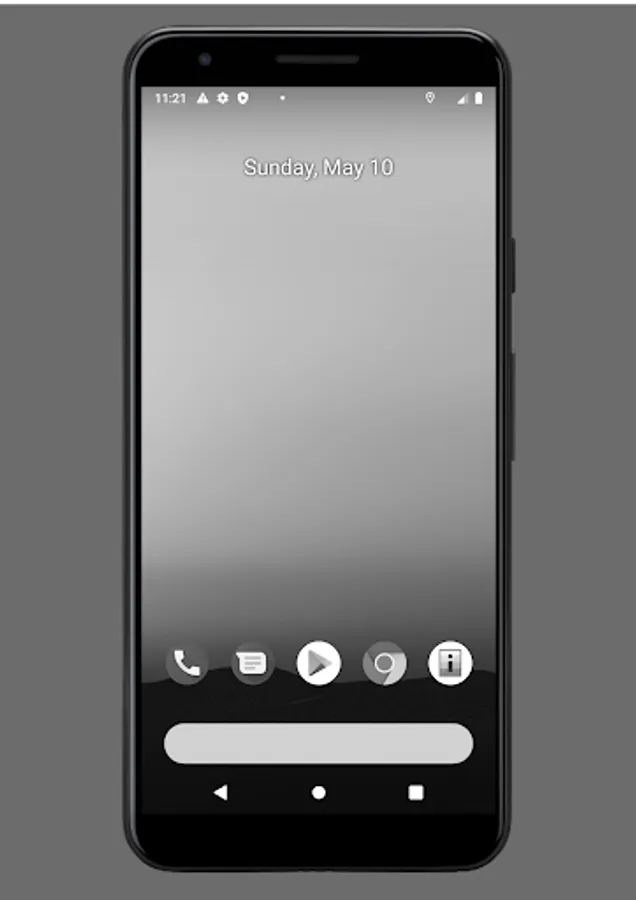
Gray-Switch allows you to conveniently switch your device's display mode between full color and grayscale either using a quick settings tile (Android 7 or newer), a launcher icon, automatically when the battery charge has fallen below a configured value, and/or during a configurable time schedule (e.g. at night time).
If you are running Android 9 (Android P) or newer you don't necessarily need this app. You can also use the built-in Digital Wellbeing/Wind Down setting. However, it does not allow you to exclude applications from grayscale mode nor automatically enables grayscale mode on low battery.
----------------------------------------
Declaration of AccessibilityService-API Usage
The optional feature to exclude certain apps from grayscale mode requires the usage of the AccessibilityService-API. The AccessibilityService-API is only used to determine the ID of current foreground application to automatically enable or disable the grayscale mode. No data is collected.
----------------------------------------
**Setup:**
Connect your phone to a PC with Android SDK Platform Tools installed and execute the following command after you installed the app on the phone:
adb shell pm grant com.vegardit.grayswitch android.permission.WRITE_SECURE_SETTINGS
----------------------------------------
Provider Identification:
Vegard IT GmbH
Ziegelhüttenstraße 33
63768 Hösbach
Germany
Represented by: Sebastian Thomschke, Patrick Spielmann
e-Mail: android-support@vegardit.com
Register Entry in Handelsregister:
Register Court: Amtsgericht Aschaffenburg
Register Number: HRB 16384
V.A.T. Identification Number: DE284087225
Gray-Switch allows you to conveniently switch your device's display mode between full color and grayscale either using a quick settings tile (Android 7 or newer), a launcher icon, automatically when the battery charge has fallen below a configured value, and/or during a configurable time schedule (e.g. at night time).
If you are running Android 9 (Android P) or newer you don't necessarily need this app. You can also use the built-in Digital Wellbeing/Wind Down setting. However, it does not allow you to exclude applications from grayscale mode nor automatically enables grayscale mode on low battery.
----------------------------------------
Declaration of AccessibilityService-API Usage
The optional feature to exclude certain apps from grayscale mode requires the usage of the AccessibilityService-API. The AccessibilityService-API is only used to determine the ID of current foreground application to automatically enable or disable the grayscale mode. No data is collected.
----------------------------------------
**Setup:**
Connect your phone to a PC with Android SDK Platform Tools installed and execute the following command after you installed the app on the phone:
adb shell pm grant com.vegardit.grayswitch android.permission.WRITE_SECURE_SETTINGS
----------------------------------------
Provider Identification:
Vegard IT GmbH
Ziegelhüttenstraße 33
63768 Hösbach
Germany
Represented by: Sebastian Thomschke, Patrick Spielmann
e-Mail: android-support@vegardit.com
Register Entry in Handelsregister:
Register Court: Amtsgericht Aschaffenburg
Register Number: HRB 16384
V.A.T. Identification Number: DE284087225