
Lightspeed Scanner (X)
Lightspeed Commerce Inc.
2.8 ★
74 ratings
10,000+
downloads
Free
In this app, users can scan barcodes to look up product details, manage inventory, and create purchase orders. Includes synchronization with Lightspeed Retail (X-Series), supports multiple staff for inventory counting, and facilitates stock transfers.
AppRecs review analysis
AppRecs rating 2.7. Trustworthiness 83 out of 100. Review manipulation risk 19 out of 100. Based on a review sample analyzed.
★★☆☆☆
2.7
AppRecs Rating
Ratings breakdown
5 star
35%
4 star
3%
3 star
14%
2 star
7%
1 star
42%
What to know
✓
Low review manipulation risk
19% review manipulation risk
⚠
Mixed user feedback
Average 2.8★ rating suggests room for improvement
⚠
High negative review ratio
49% of sampled ratings are 1–2 stars
About Lightspeed Scanner (X)
Lightspeed Scanner can turn Android devices into powerful barcode scanners for retailers using Lightspeed Retail POS (X-Series). Harness the power of mobile devices to improve inventory workflows on your shop floor and in your warehouse.
Key features:
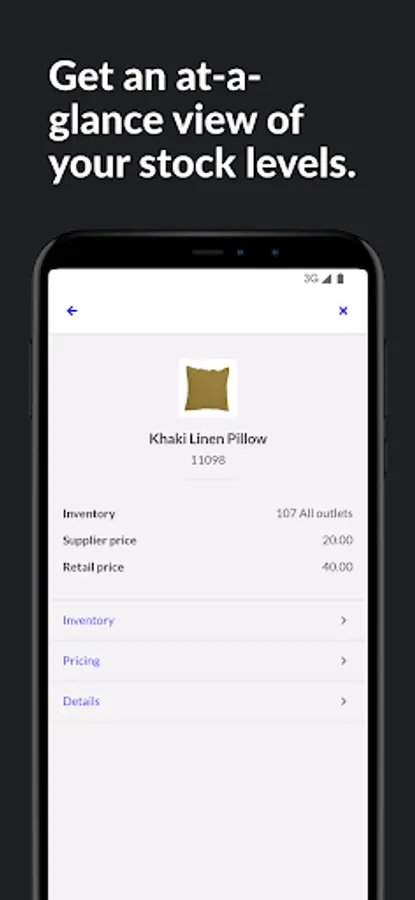
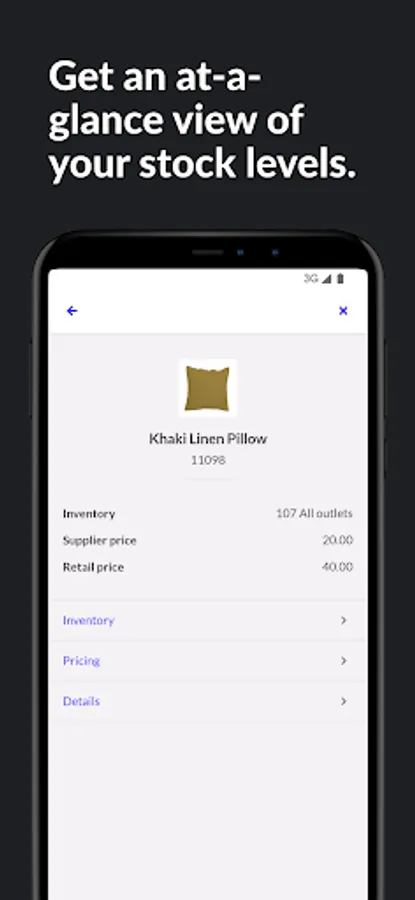
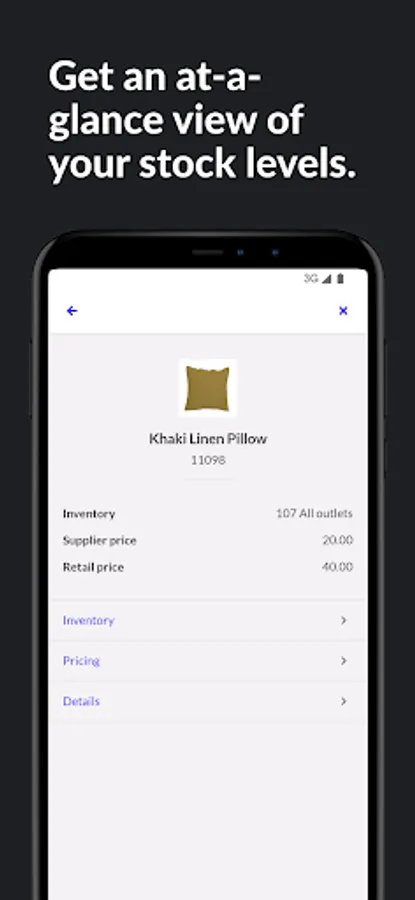
Look up product details, price and inventory levels
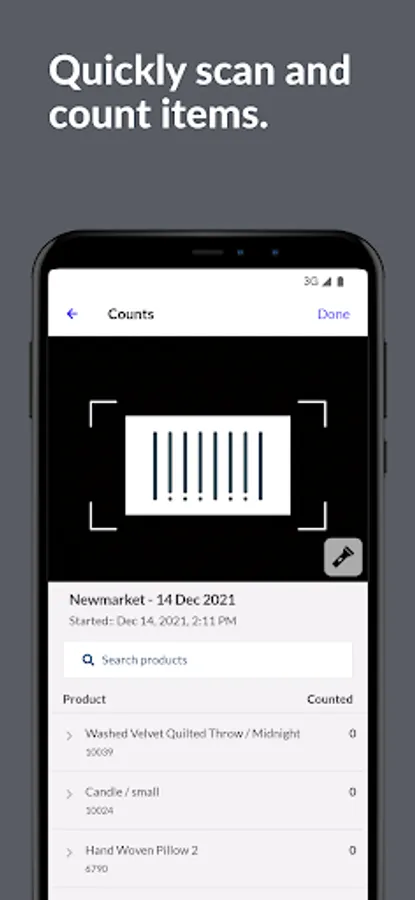
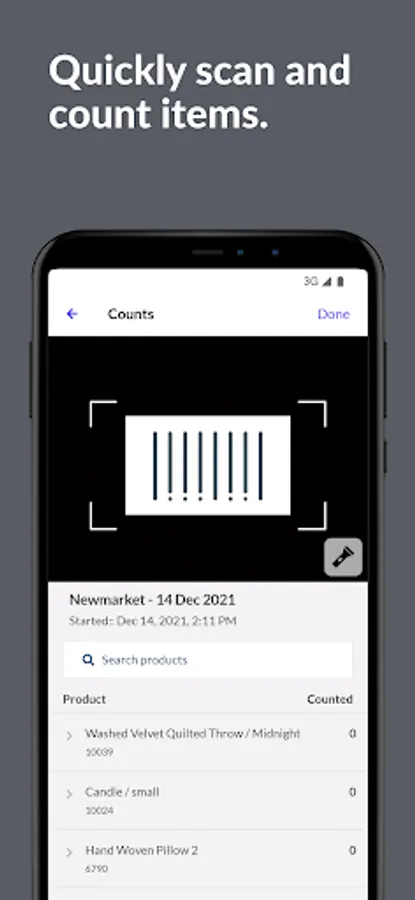
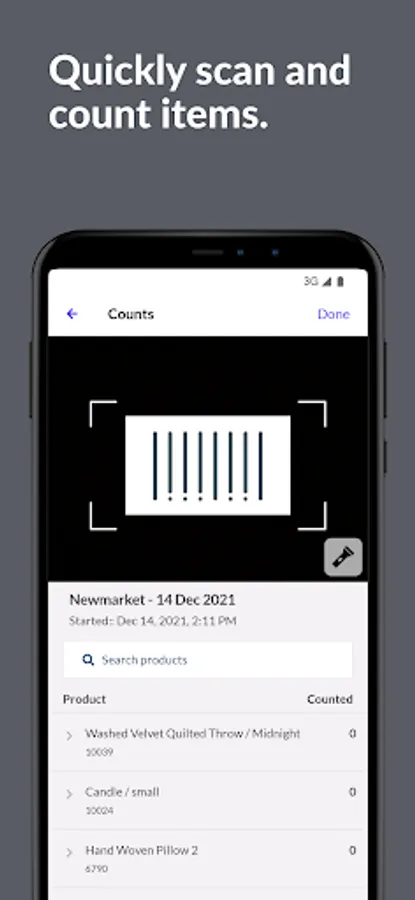
Create full or partial inventory counts
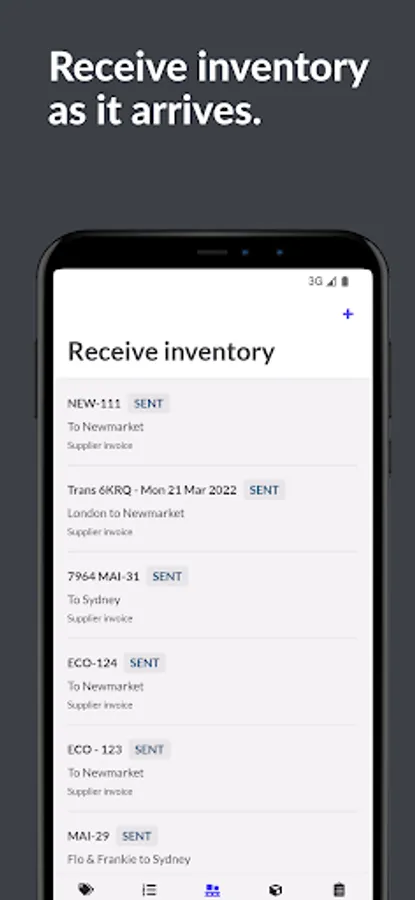
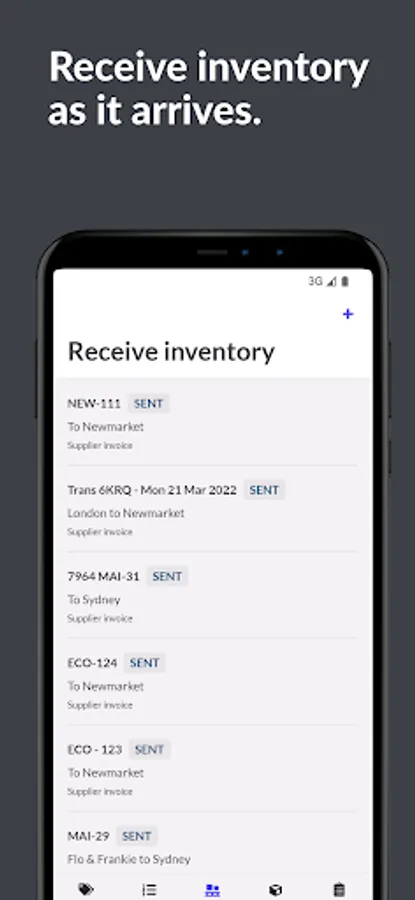
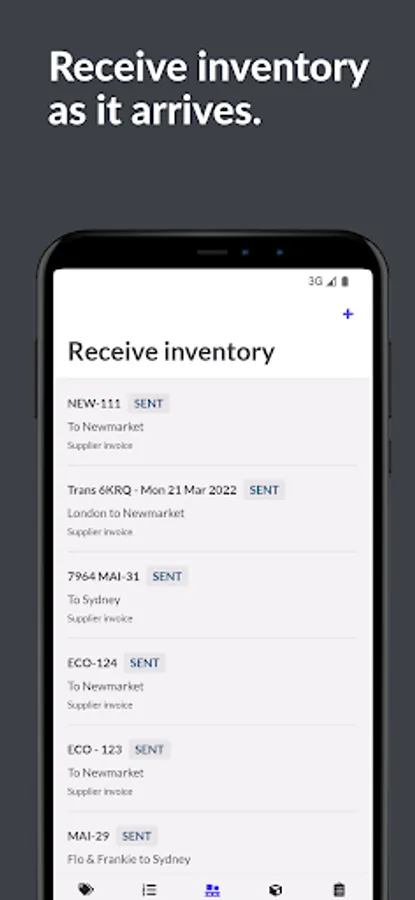
Receive stock orders from suppliers
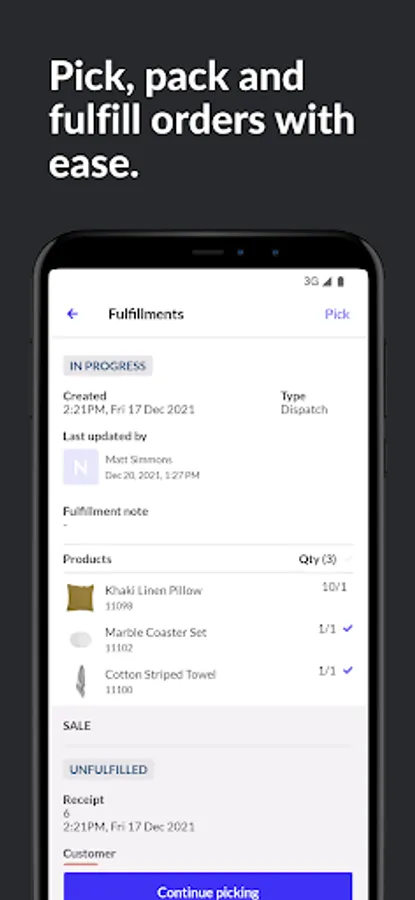
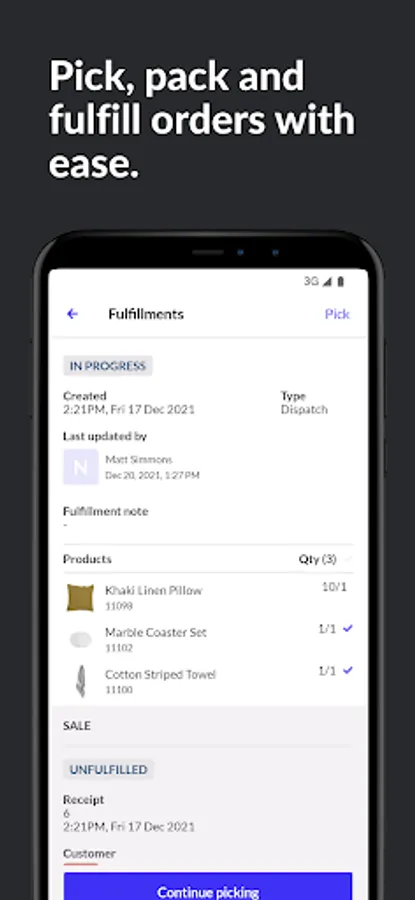
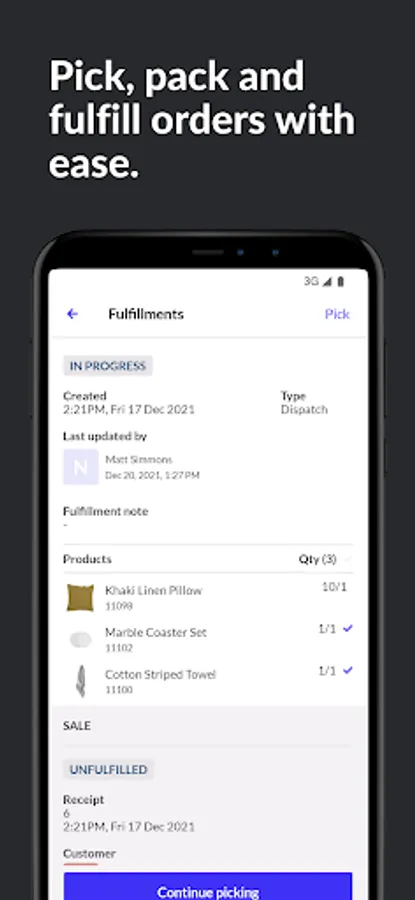
Create, pick and send stock transfers and fulfillments
Request stock transfers from your warehouse or other outlets
Create and send purchase orders to suppliers
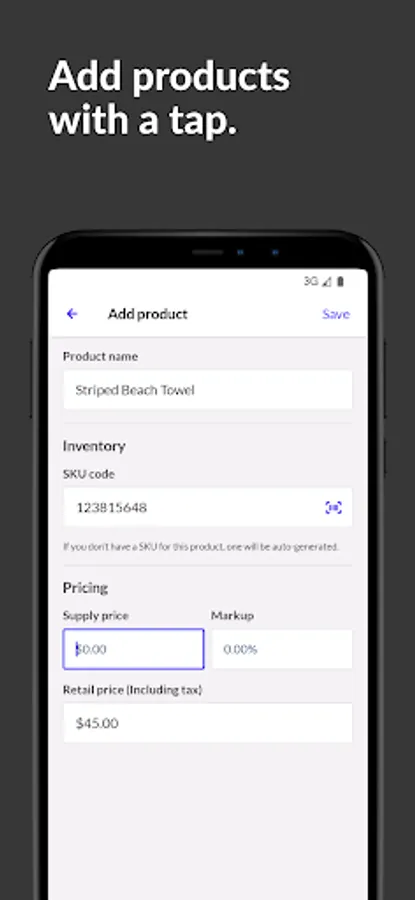
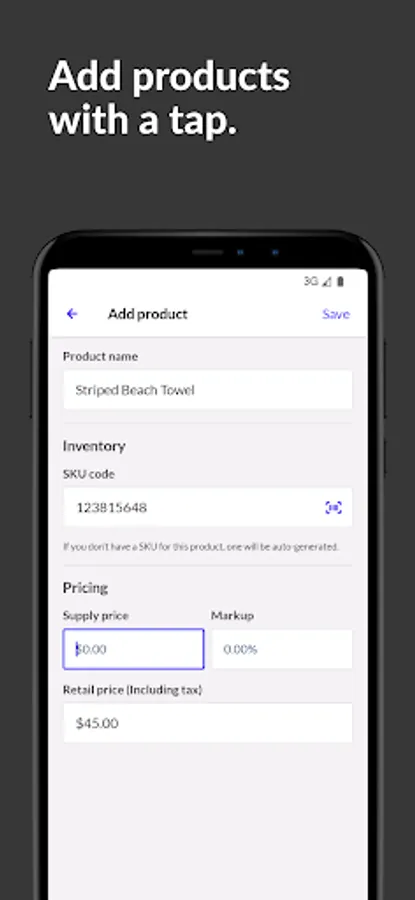
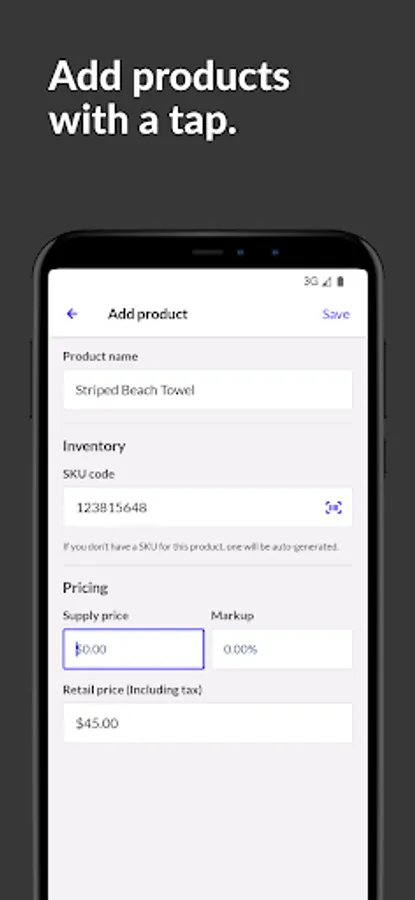
Add new products to your catalog
Add and edit product details like SKU codes, images or names
Scanner integrates seamlessly with Lightspeed Retail POS (X-Series) to let you sync inventory counts, product details and stock levels—eliminating the need for spreadsheets and manual entry.
Multiple staff members can count stock at the same time on different Scanner equipped devices, so you can get through counting, receiving or sending inventory as quickly as possible.
Lightspeed Scanner only works with Lightspeed Retail (X-Series), so you will need an active account to use it.
If you have any problems or suggestions, please email vn.scanner@lightspeedhq.com
Key features:
Look up product details, price and inventory levels
Create full or partial inventory counts
Receive stock orders from suppliers
Create, pick and send stock transfers and fulfillments
Request stock transfers from your warehouse or other outlets
Create and send purchase orders to suppliers
Add new products to your catalog
Add and edit product details like SKU codes, images or names
Scanner integrates seamlessly with Lightspeed Retail POS (X-Series) to let you sync inventory counts, product details and stock levels—eliminating the need for spreadsheets and manual entry.
Multiple staff members can count stock at the same time on different Scanner equipped devices, so you can get through counting, receiving or sending inventory as quickly as possible.
Lightspeed Scanner only works with Lightspeed Retail (X-Series), so you will need an active account to use it.
If you have any problems or suggestions, please email vn.scanner@lightspeedhq.com
Lightspeed Scanner (X) Screenshots
Tap to Rate:
Reviews for Lightspeed Scanner (X)
Nick Armor
12/19/2025
updated to reflect functional app again
Nick LoPrinzi
11/21/2025
garbage to the highest degree