All Video Saver HD Quality
Amobear Application - AILABS.
2.9 ★
store rating
1,000,000+
downloads
Free
AppRecs review analysis
AppRecs rating 2.2. Trustworthiness 71 out of 100. Review manipulation risk 24 out of 100. Based on a review sample analyzed.
★★☆☆☆
2.2
AppRecs Rating
Ratings breakdown
5 star
47%
4 star
0%
3 star
0%
2 star
0%
1 star
53%
What to know
⚠
Ad complaints
Many low ratings mention excessive ads
⚠
Mixed user feedback
Average 2.9★ rating suggests room for improvement
⚠
Review quality concerns
100% of sampled 5-star reviews are very short
About All Video Saver HD Quality
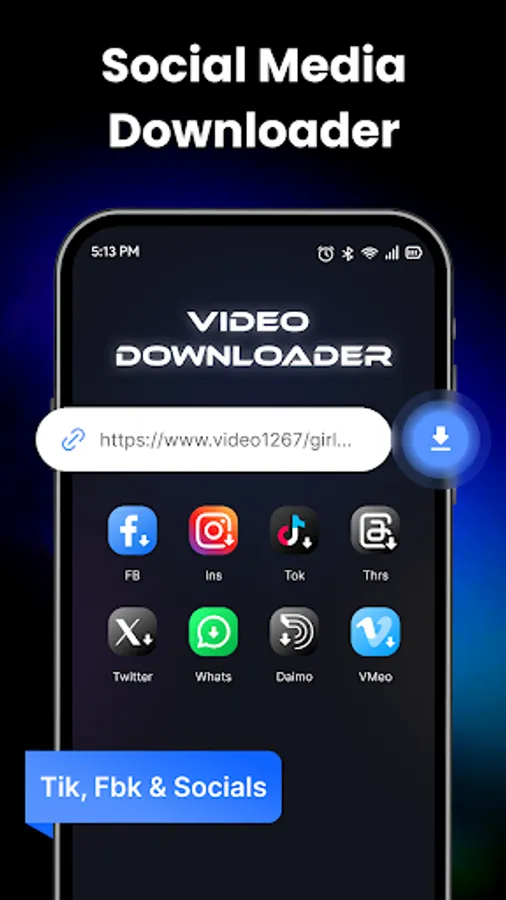
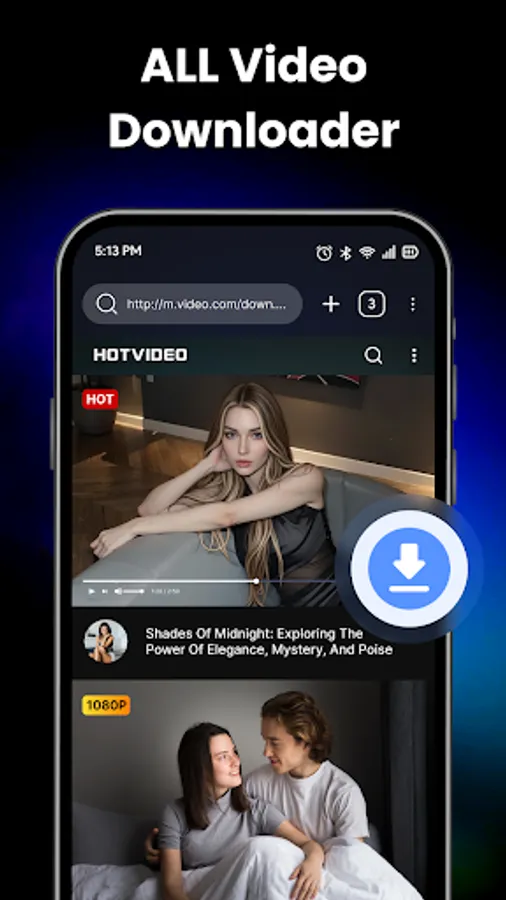
Keep every clip that matters - clean, crisp, and ready to watch offline. All Video Saver HD Quality turns any valid link into a high-quality download with a smooth, no-friction experience.
The promise
All formats, no fuss: MP4, MOV, MKV, AVI, WMV, FLV, and more.
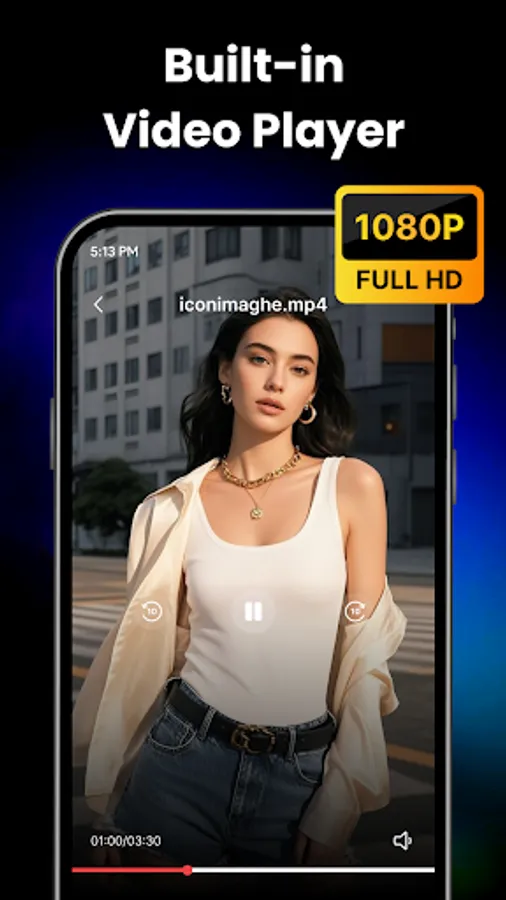
HD by default: Choose the best available resolution for sharp playback.
One-tap capture: Paste a link or let the app detect media automatically.
Built for speed: Optimized engine delivers fast, stable downloads.
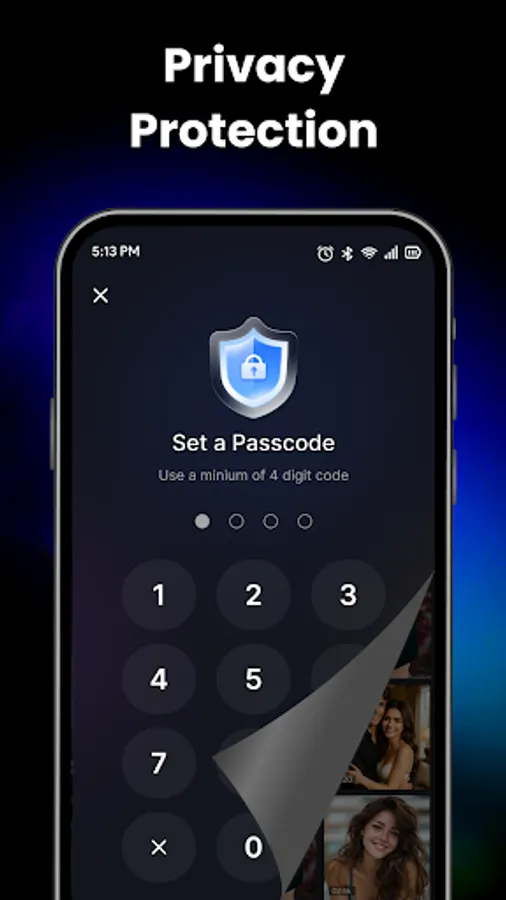
Lightweight & private: Minimal permissions and local file control.
What you can do
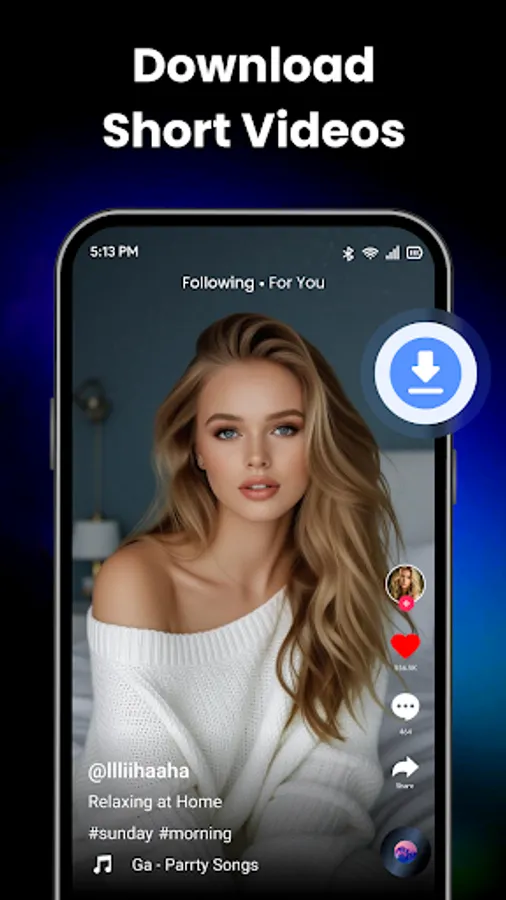
Save tutorials, trailers, music clips, reels, and long-form videos for offline viewing.
Build a personal library for study, travel, or low-connectivity moments.
Power features
Auto-detect media: Smart parsing surfaces downloadable sources on supported pages.
Multi-task friendly: Queue multiple items and keep using your device.
No limits: Save as many videos as your storage allows.
How it works
Copy a video link from your browser or a supported site.
Open All Video Saver HD Quality.
Paste the link (or use auto-detect) and tap Download.
Watch offline—anytime, anywhere, in HD.
Who it’s for
Learners: Keep lectures and how-tos for study sessions.
Creators: Collect references and inspiration boards.
Travelers: Enjoy content without relying on a connection.
Collectors: Archive favorite moments in one tidy library.
Tips for best results
Prefer Wi-Fi for large files and the highest resolutions.
Use the file manager to keep your library organized.
Privacy & Safety
Your files are stored locally on your device. We request only the permissions needed to detect, download, and manage your videos—nothing more.
Legal Notice
All Video Saver HD Quality is an independent tool and is not affiliated with or endorsed by any social media or content platform. The app is intended for personal use only. Always respect intellectual property rights. Do not download, distribute, or repost content without permission from the rightful owners.
The promise
All formats, no fuss: MP4, MOV, MKV, AVI, WMV, FLV, and more.
HD by default: Choose the best available resolution for sharp playback.
One-tap capture: Paste a link or let the app detect media automatically.
Built for speed: Optimized engine delivers fast, stable downloads.
Lightweight & private: Minimal permissions and local file control.
What you can do
Save tutorials, trailers, music clips, reels, and long-form videos for offline viewing.
Build a personal library for study, travel, or low-connectivity moments.
Power features
Auto-detect media: Smart parsing surfaces downloadable sources on supported pages.
Multi-task friendly: Queue multiple items and keep using your device.
No limits: Save as many videos as your storage allows.
How it works
Copy a video link from your browser or a supported site.
Open All Video Saver HD Quality.
Paste the link (or use auto-detect) and tap Download.
Watch offline—anytime, anywhere, in HD.
Who it’s for
Learners: Keep lectures and how-tos for study sessions.
Creators: Collect references and inspiration boards.
Travelers: Enjoy content without relying on a connection.
Collectors: Archive favorite moments in one tidy library.
Tips for best results
Prefer Wi-Fi for large files and the highest resolutions.
Use the file manager to keep your library organized.
Privacy & Safety
Your files are stored locally on your device. We request only the permissions needed to detect, download, and manage your videos—nothing more.
Legal Notice
All Video Saver HD Quality is an independent tool and is not affiliated with or endorsed by any social media or content platform. The app is intended for personal use only. Always respect intellectual property rights. Do not download, distribute, or repost content without permission from the rightful owners.