VidGet: All Video Downloader
TLAppsHub
3.6 ★
324 ratings
500,000+
downloads
Free
With this video downloader app, you can save videos from supported sites and organize files with a smart manager. Includes fast downloads, format support, preview options, and pause-resume functionality.
AppRecs review analysis
AppRecs rating 3.6. Trustworthiness 84 out of 100. Review manipulation risk 21 out of 100. Based on a review sample analyzed.
★★★☆☆
3.6
AppRecs Rating
Ratings breakdown
5 star
50%
4 star
10%
3 star
13%
2 star
3%
1 star
23%
What to know
✓
Low review manipulation risk
21% review manipulation risk
✓
Credible reviews
84% trustworthiness score from analyzed reviews
✓
Good user ratings
60% positive sampled reviews
About VidGet: All Video Downloader
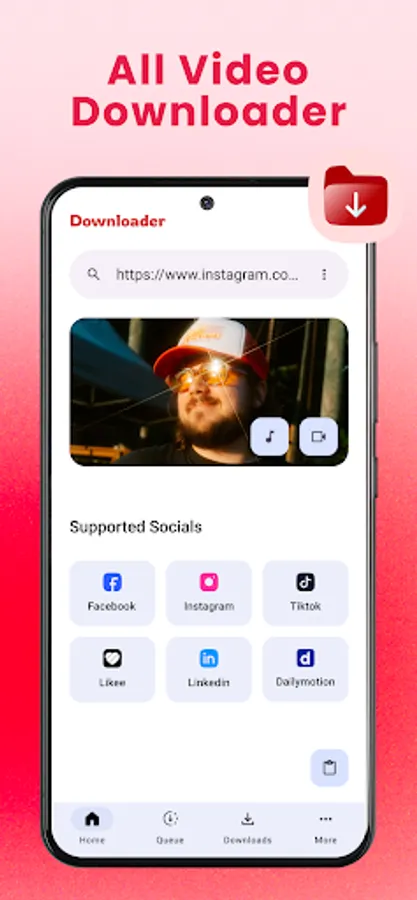
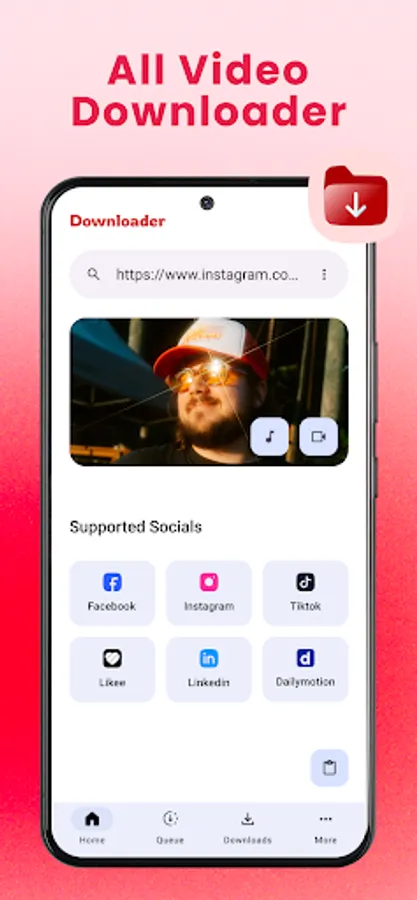
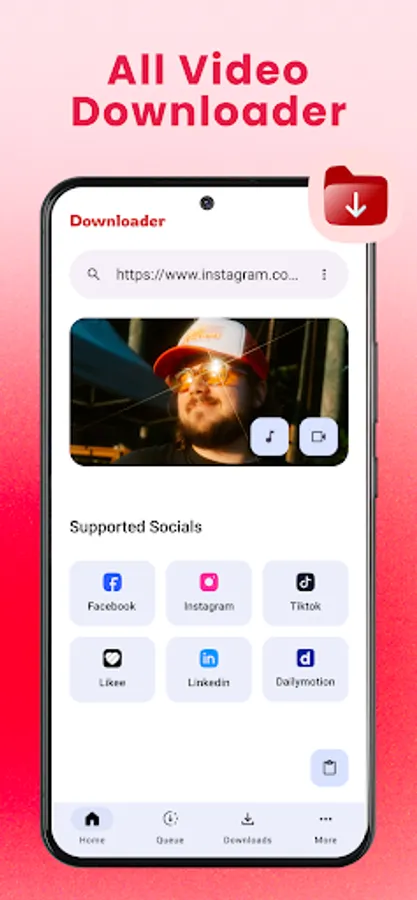
VidGet: All Video Downloader makes it simple to save and manage your favorite videos.
Key Features:
⚡ Fast Video Downloads – Quickly grab videos from supported sites.
🎬 All Format Support – MP4, AVI, MKV, MOV, and more.
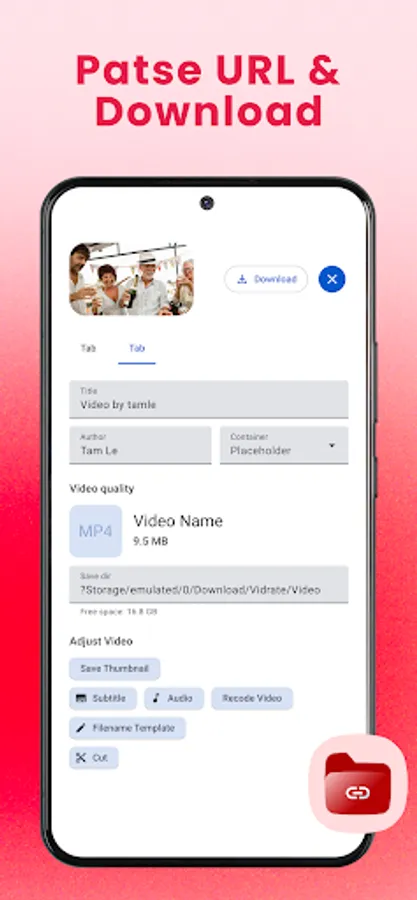
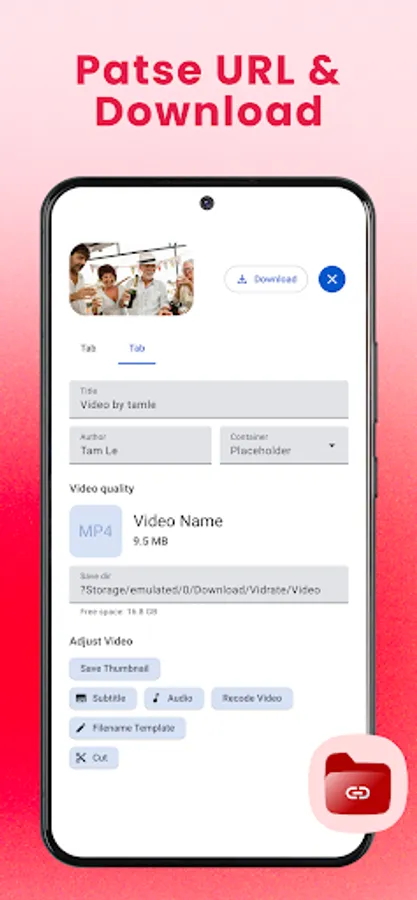
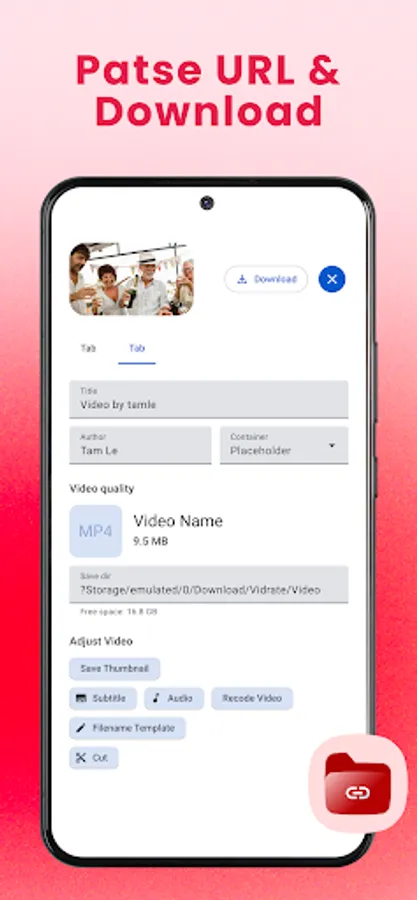
👀 Preview Before Download – Watch before saving.
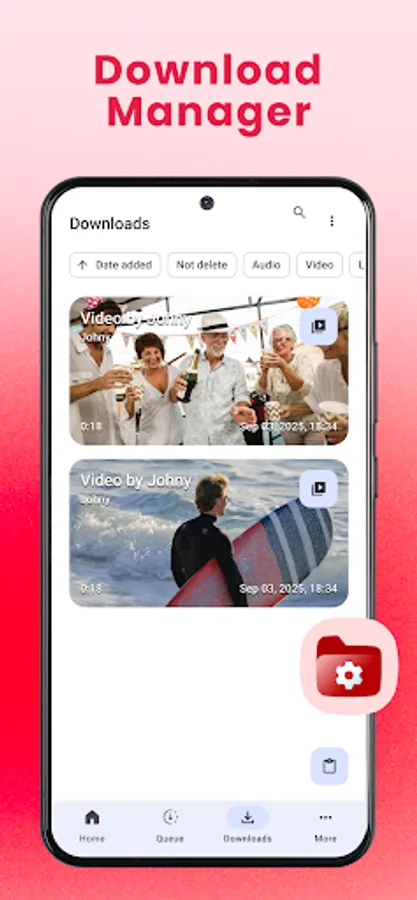
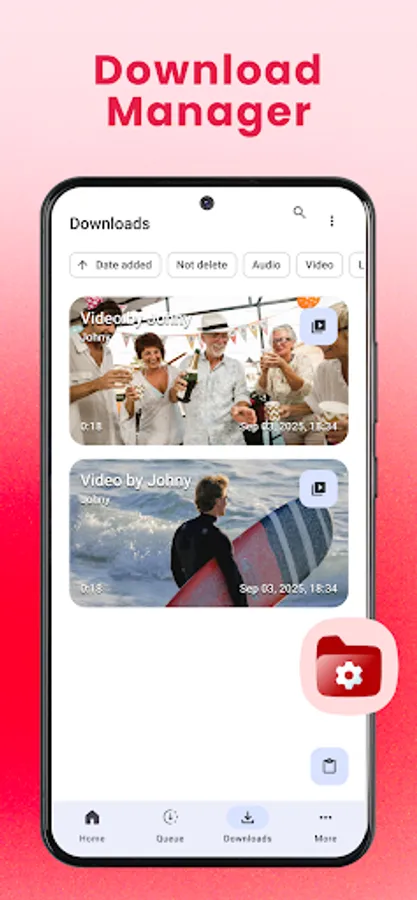
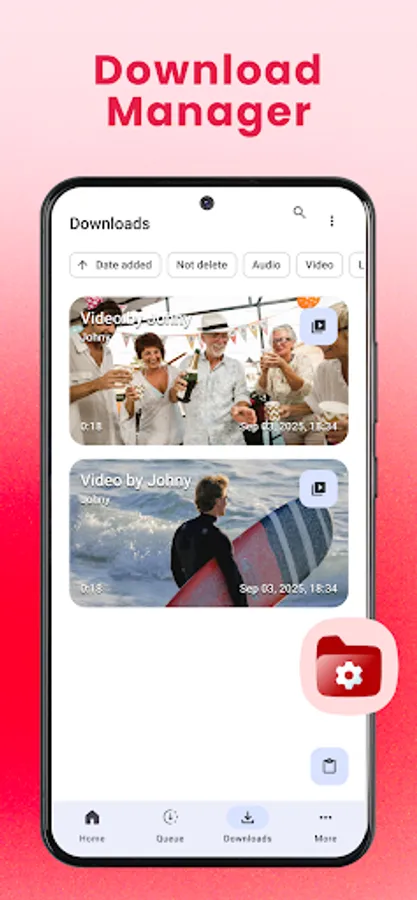
📂 Smart File Manager – Organize, rename, and share videos easily.
⏯ Pause & Resume – Control downloads with one tap.
How It Works:
1. Open VidGet.
2. Paste or share the video link into VidGet.
3. Tap download and choose quality.
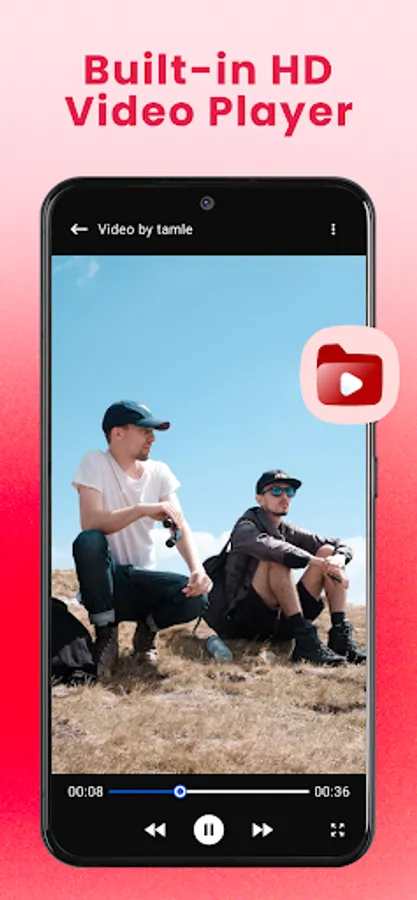
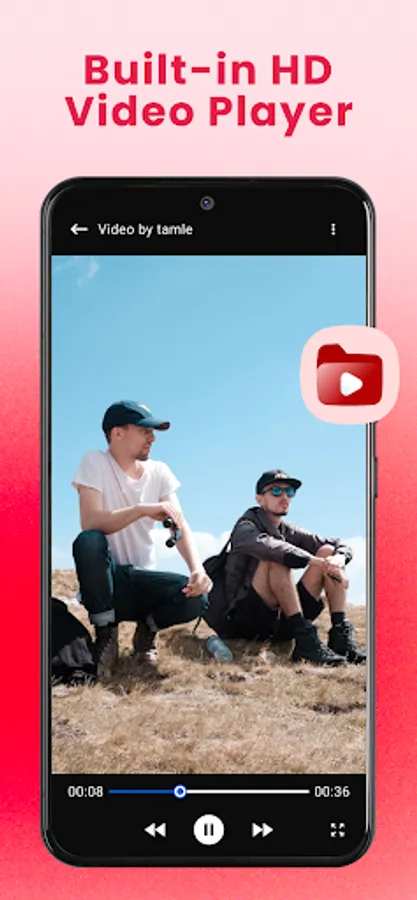
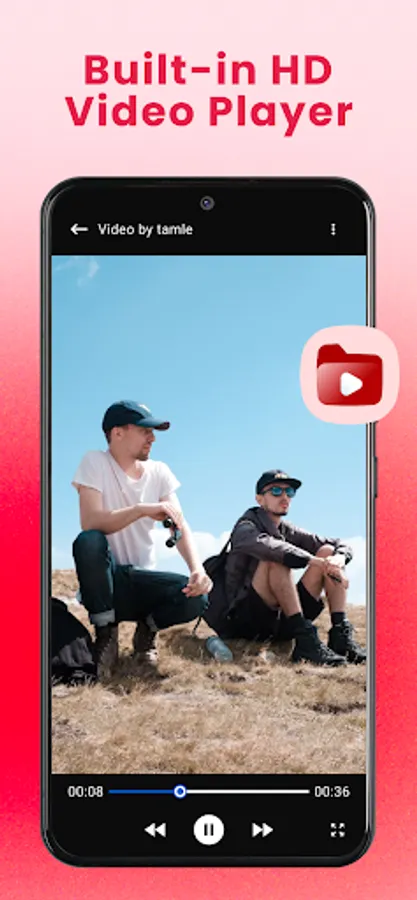
4. Watch offline anytime.
Disclaimer:
Please obtain permission from the content owner before reposting or reusing videos.
Any unauthorized downloading or re-uploading of copyrighted content is the sole responsibility of the user.
VidGet is not affiliated with or endorsed by any social media platform (Instagram, Facebook, TikTok, Twitter, etc.).
Downloading copyrighted material is prohibited and must comply with your country’s laws.
Key Features:
⚡ Fast Video Downloads – Quickly grab videos from supported sites.
🎬 All Format Support – MP4, AVI, MKV, MOV, and more.
👀 Preview Before Download – Watch before saving.
📂 Smart File Manager – Organize, rename, and share videos easily.
⏯ Pause & Resume – Control downloads with one tap.
How It Works:
1. Open VidGet.
2. Paste or share the video link into VidGet.
3. Tap download and choose quality.
4. Watch offline anytime.
Disclaimer:
Please obtain permission from the content owner before reposting or reusing videos.
Any unauthorized downloading or re-uploading of copyrighted content is the sole responsibility of the user.
VidGet is not affiliated with or endorsed by any social media platform (Instagram, Facebook, TikTok, Twitter, etc.).
Downloading copyrighted material is prohibited and must comply with your country’s laws.