
In this payment acceptance app, you can process contactless transactions through compatible point-of-sale systems. Includes support for various contactless cards and mobile wallets.
AppRecs review analysis
AppRecs rating 4.1. Trustworthiness 77 out of 100. Review manipulation risk 25 out of 100. Based on a review sample analyzed.
★★★★☆
4.1
AppRecs Rating
Ratings breakdown
5 star
75%
4 star
3%
3 star
3%
2 star
0%
1 star
19%
What to know
✓
Low review manipulation risk
25% review manipulation risk
✓
Credible reviews
77% trustworthiness score from analyzed reviews
✓
High user satisfaction
78% of sampled ratings are 4+ stars (4.1★ average)
About Tap to Pay Ready
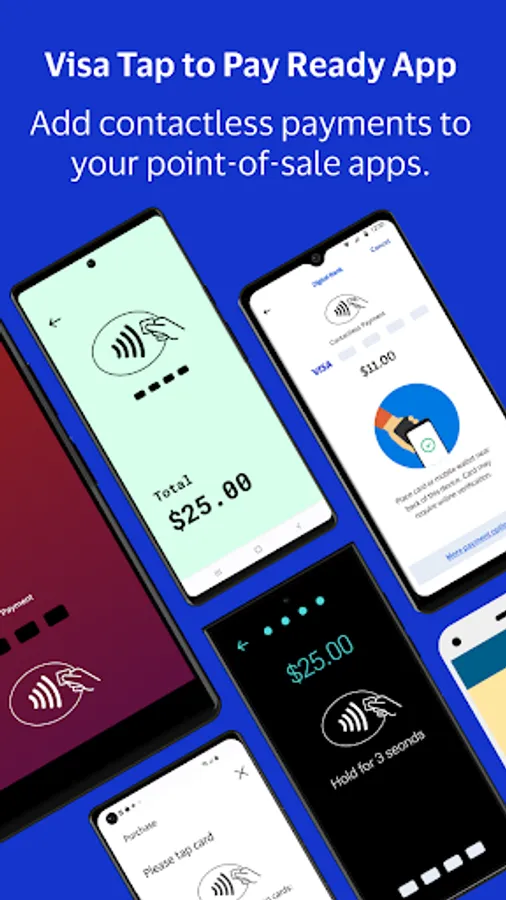
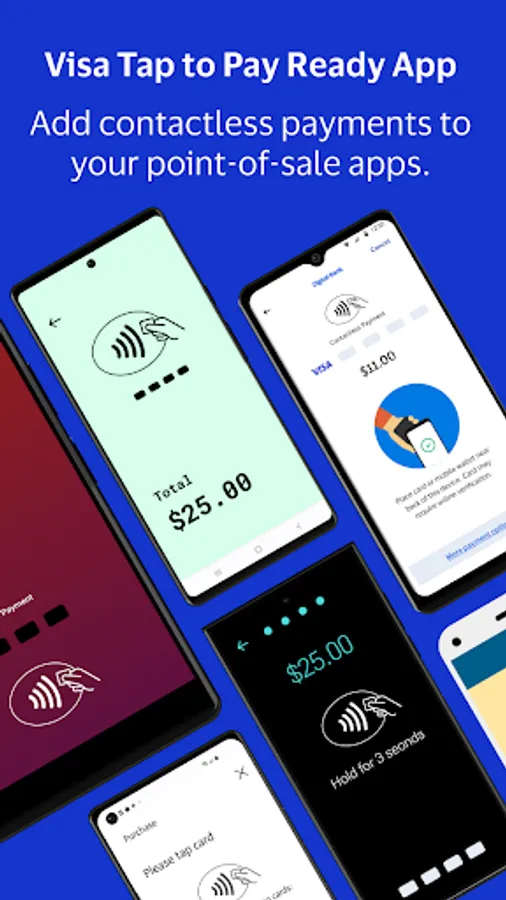
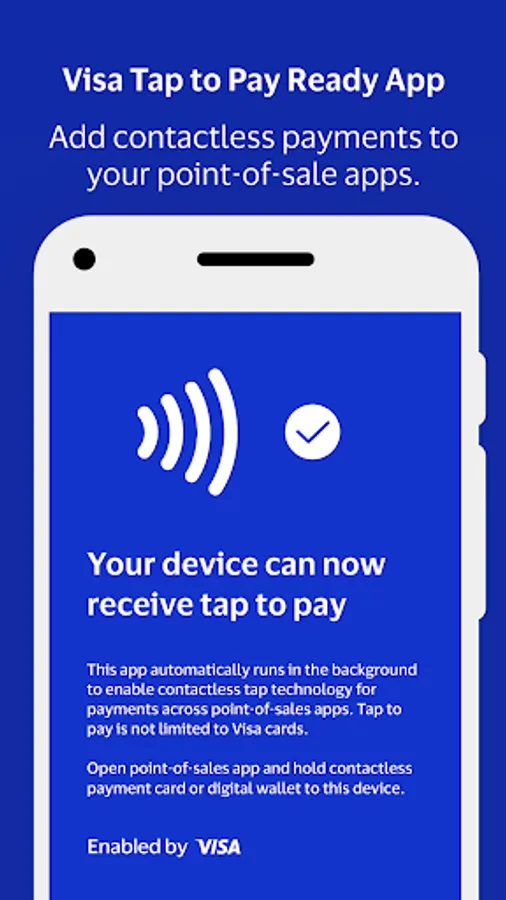
Visa's Tap to Pay Ready App is a companion app that should be downloaded only if you are prompted to do so by your primary point-of-sale app. It will work with your compatible payment app to allow you to accept contactless payments on your Android device.
Please note Tap to Pay Ready is not a standalone point-of-sale app so you cannot interact with it. Reach out to your pre-existing payment acceptance app to see if you are eligible to use Tap to Pay Ready to power contactless payments on your device.
For eligible users, once you’ve downloaded Tap to Pay Ready, you can:
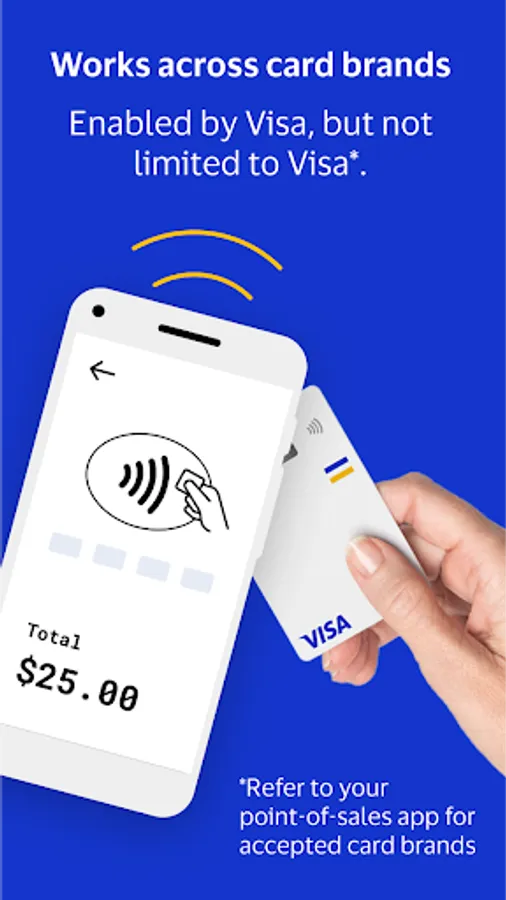
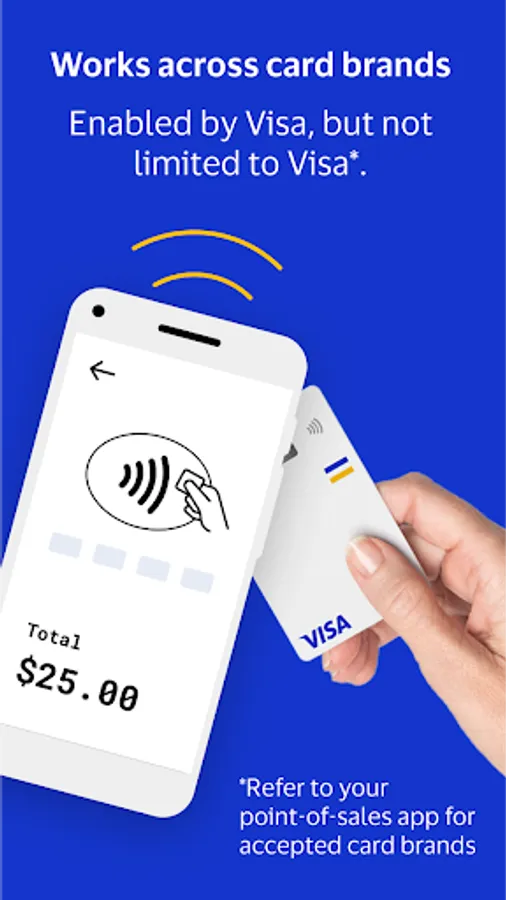
- Accept contactless payments from any card brand your point-of-sale app takes
- Offer customers a secure and convenient way to pay
- Take touch-free payments without additional hardware or technical setup
HOW IT WORKS
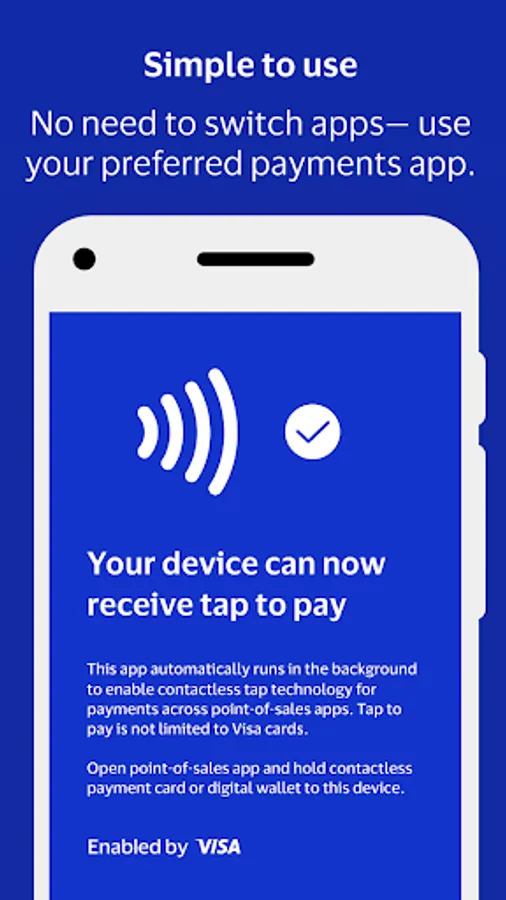
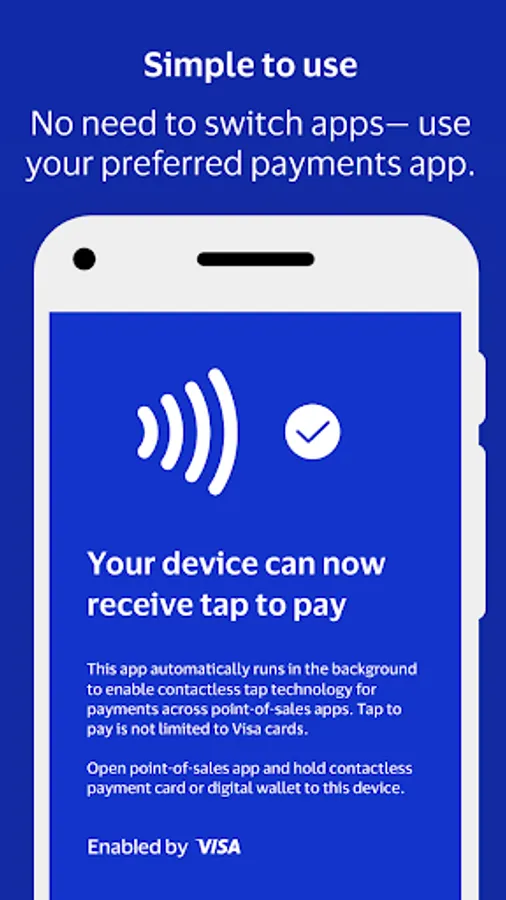
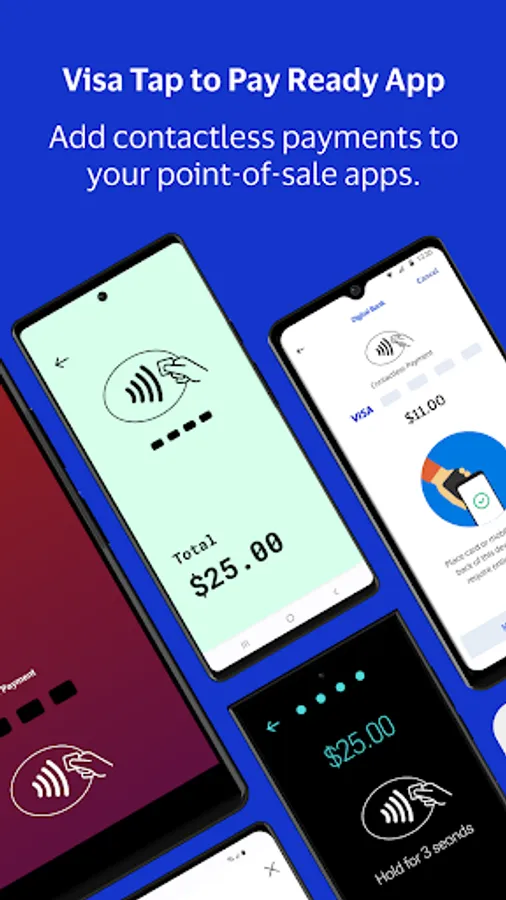
Visa’s Tap to Pay Ready works with your point-of-sale app so you can take contactless payments on your Android. You won’t have to open or switch to Tap to Pay Ready to take a payment.
Start the checkout process using your preferred point-of-sale app
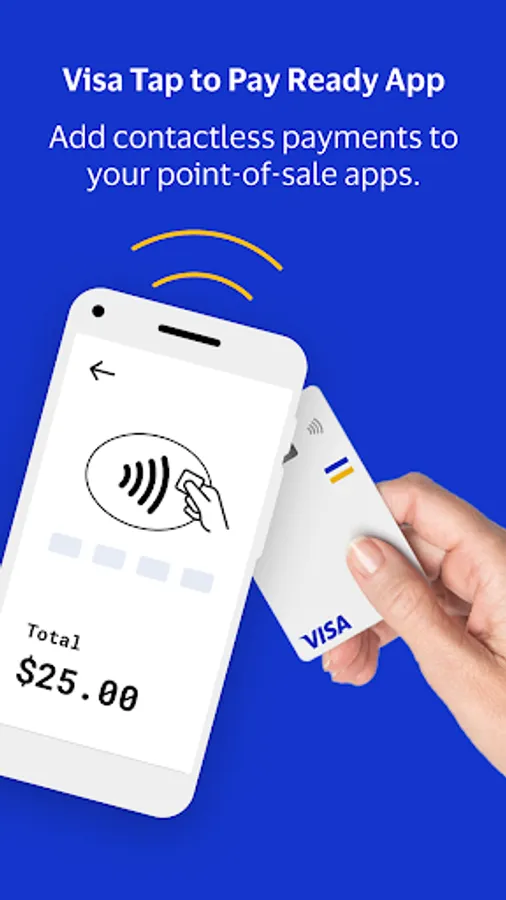
When your customer is ready to pay, ask them to tap an accepted contactless card or mobile wallet to your Android device
Tap to Pay Ready opens automatically to accept the contactless payment, then closes until the next contactless transaction
USING TAP TO PAY READY
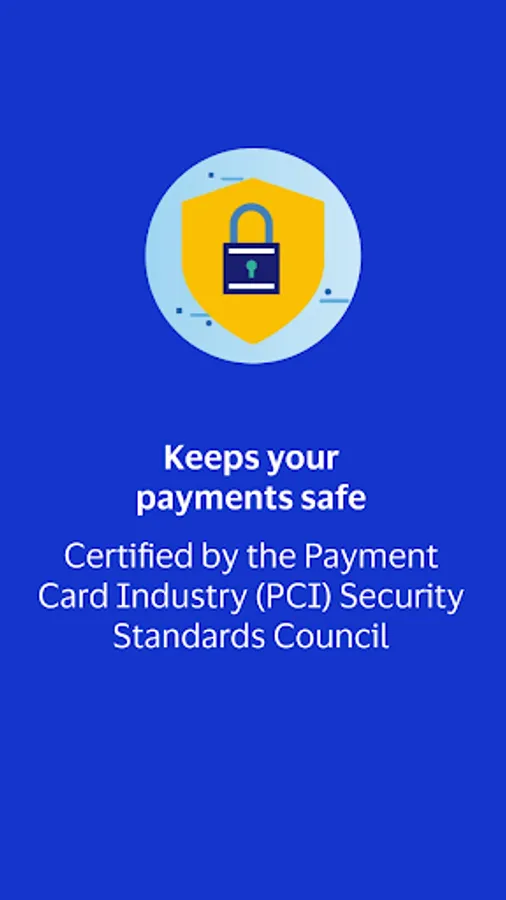
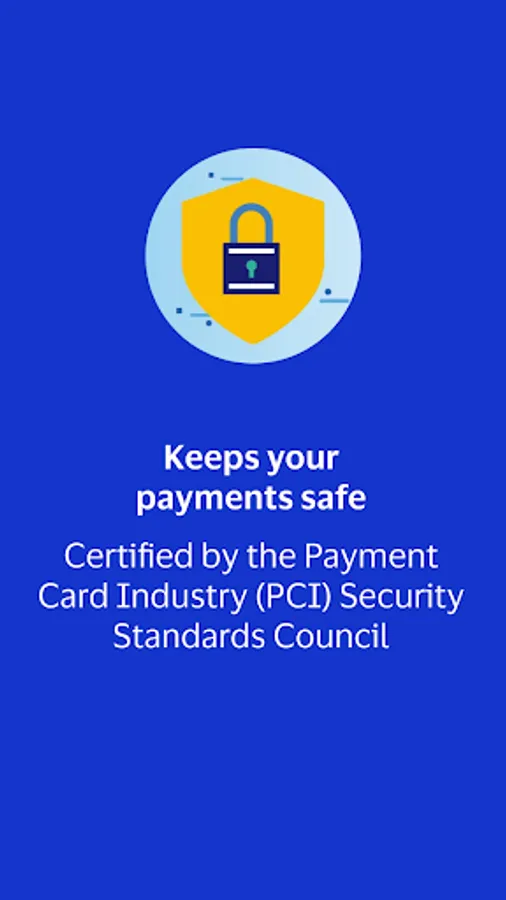
Tap to Pay Ready is developed and controlled by Visa, Inc. and is fully secure, as certified by these PCI standards. You should have received instructions for your point-of-sale app to download Tap to Pay Ready.
While using Tap to Pay Ready, keep these things in mind:
Your phone needs a stable internet connection to process payments
Customers paying with a contactless card should tap the Contactless Indicator on their card to the back of your Android device
Customers paying with a mobile wallet or smartwatch should hold their device to the back of your device to capture their payment properly
Keep auto-updates on to avoid interruptions while taking a payment
Please note Tap to Pay Ready is not a standalone point-of-sale app so you cannot interact with it. Reach out to your pre-existing payment acceptance app to see if you are eligible to use Tap to Pay Ready to power contactless payments on your device.
For eligible users, once you’ve downloaded Tap to Pay Ready, you can:
- Accept contactless payments from any card brand your point-of-sale app takes
- Offer customers a secure and convenient way to pay
- Take touch-free payments without additional hardware or technical setup
HOW IT WORKS
Visa’s Tap to Pay Ready works with your point-of-sale app so you can take contactless payments on your Android. You won’t have to open or switch to Tap to Pay Ready to take a payment.
Start the checkout process using your preferred point-of-sale app
When your customer is ready to pay, ask them to tap an accepted contactless card or mobile wallet to your Android device
Tap to Pay Ready opens automatically to accept the contactless payment, then closes until the next contactless transaction
USING TAP TO PAY READY
Tap to Pay Ready is developed and controlled by Visa, Inc. and is fully secure, as certified by these PCI standards. You should have received instructions for your point-of-sale app to download Tap to Pay Ready.
While using Tap to Pay Ready, keep these things in mind:
Your phone needs a stable internet connection to process payments
Customers paying with a contactless card should tap the Contactless Indicator on their card to the back of your Android device
Customers paying with a mobile wallet or smartwatch should hold their device to the back of your device to capture their payment properly
Keep auto-updates on to avoid interruptions while taking a payment
Tap to Pay Ready Screenshots
Tap to Rate:
Reviews for Tap to Pay Ready
Drax Drako
12/10/2025
I couldn't get last the loading screen, its either I dont know what im doing or its fake one of the two.
M khalil
12/9/2025
not working